

03
Gutenberg block editor content and what survives the embed
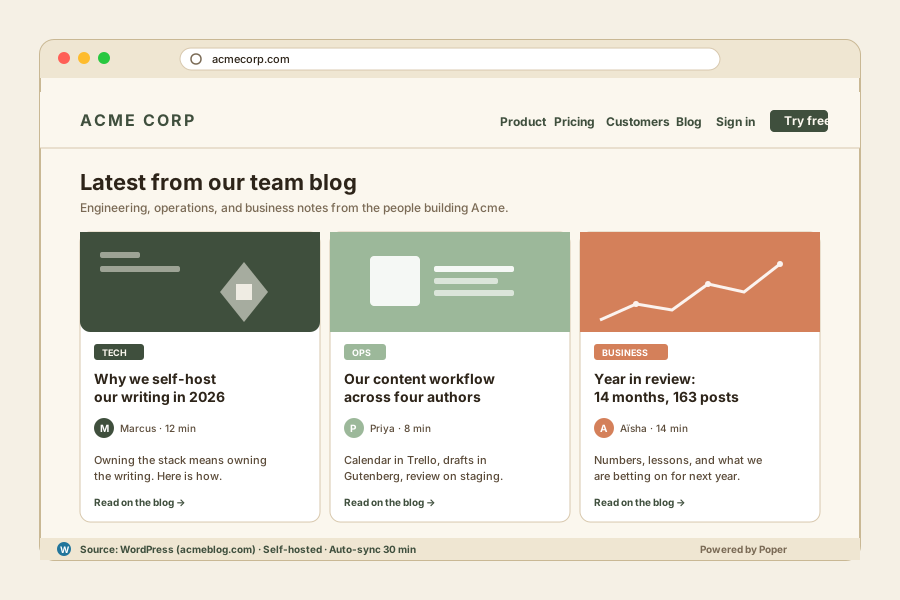
WordPress shipped the Gutenberg block editor as the default in WordPress 5.0 in December 2018, and by 2026 essentially all new WordPress content is authored in blocks rather than the classic visual editor. Blocks are stored in the database as serialized HTML with comment markers, which means when the REST API returns a post's content field, you receive the rendered HTML output of every block. Paragraph blocks become <p> tags, image blocks become <figure><img> with a caption, heading blocks become <h2> through <h6>, list blocks become semantic lists. Custom blocks registered by themes or plugins emit whatever HTML the block defines. For a widget tool, this is excellent news: the content is just HTML, ready to render inside your embed. The complications are predictable. First, Gutenberg sometimes injects WordPress-specific CSS class names (wp-block-image, wp-block-quote, wp-block-cover) that look unstyled outside a WordPress theme. Poper applies a sensible default stylesheet that interprets these classes so embedded content renders cleanly even when your site's CSS does not know what wp-block-image means. Second, custom blocks that depend on theme-specific JavaScript (an interactive product picker, a custom carousel) will render as static HTML inside the widget, since the supporting JS is not loaded outside the original WordPress site. This is acceptable for the dominant use case of mirroring blog posts and case studies. Third, featured images are returned via a separate /wp-json/wp/v2/media endpoint and Poper resolves them to the right size variant automatically, so you do not have to render full 4MB hero images on a page that only needs a 400px thumbnail.
04
Multisite, custom post types, and the patterns that matter most
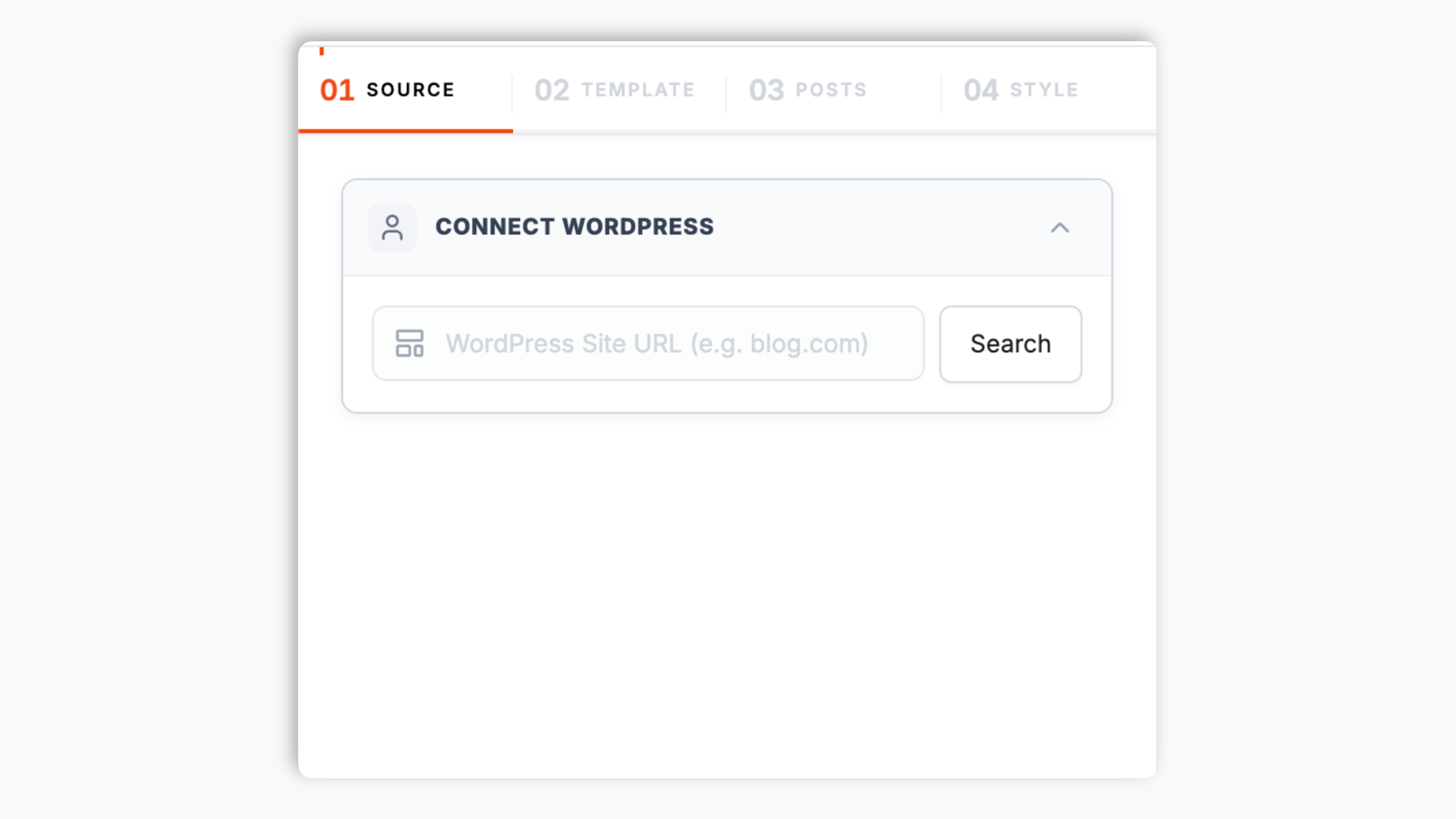
Two WordPress patterns produce most of the high-value widget configurations in 2026, and both are well-handled by REST. The first is WordPress Multisite, the built-in WordPress feature that lets one WordPress install host an arbitrary number of independent sub-sites under a shared user database, theme directory, and plugin set. Agencies use Multisite to host client blogs (14 client sites under one install). Universities use Multisite for departmental blogs (200 department sites under one install). Publishers use Multisite for sister titles (a magazine, a podcast site, an events site under one install). Each sub-site exposes its own /wp-json/ endpoint at the sub-site URL, so a Multisite-aware widget can query each endpoint in parallel and merge the results into one chronological feed. Poper supports this pattern as a single config: paste the network's main URL, Poper auto-discovers the sub-sites, and the resulting embed pulls from all of them by default with optional include or exclude filters per sub-site. The second high-value pattern is custom post types. Vanilla WordPress ships posts and pages, but most production WordPress sites register additional post types via theme or plugin code: Case Studies, Release Notes, Portfolio, Testimonials, Events, Recipes, Listings. Any custom post type registered with show_in_rest set to true (the modern default) is automatically exposed at /wp-json/wp/v2/<post-type-slug>. Poper enumerates these via /wp-json/wp/v2/types on connection and surfaces every available post type as a filter chip in the dashboard. The result: you can embed only your Case Studies on the sales page, only your Release Notes on the changelog page, and only your Portfolio on a project gallery, all from the same WordPress install with three different widget configurations.
05
Article schema, GDPR, and shipping a feed that helps SEO
An embedded WordPress feed is one of the better content blocks for SEO, but only if the embed handles a few details correctly. First, every story rendered inside the widget should emit Article JSON-LD with headline, author, datePublished, and the canonical URL pointing back to the original WordPress post. The canonical reference is critical because it tells Google that your page is republishing rather than competing with the WordPress source for the same query, which protects both pages from a duplicate-content penalty. Poper emits this Article schema for every post in the feed automatically, and the canonical points back to the WordPress permalink. Second, the widget should not block render-critical resources or inflate Core Web Vitals. Poper loads asynchronously below the fold, fetches the REST API through a global CDN edge cache so visitors do not hit your WordPress origin server directly (which also protects your origin from a traffic spike when an embed page goes viral), uses scoped CSS that does not bleed into your design system, and ships under 40KB gzipped. We measure LCP, CLS, and INP impact in continuous testing on every release with a target of zero regression. Third, GDPR. The widget makes outbound requests only to the WordPress site whose feed you embed, never to a third-party tracker. No cookies are set on visitor browsers by Poper. Featured images can be lazy-loaded with native loading attributes to avoid network waterfalls. If you serve the EU and need a cookie banner before the widget activates, Poper exposes a one-line opt-in API. Fourth, the widget renders semantic HTML (proper headings, alt text from WordPress, lazy-loaded images with width and height) so the content is fully indexable and accessible. Combined, these defaults mean a WordPress feed widget contributes positive signal to your SEO instead of bloating your page weight or fragmenting authority across two domains.