
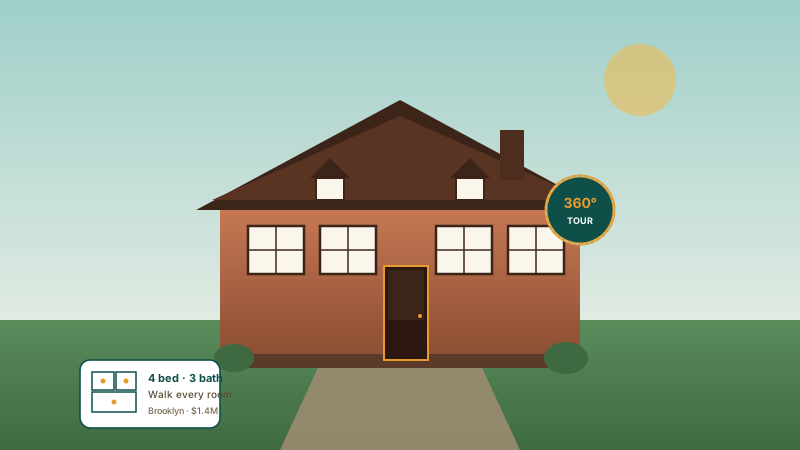
Real estate listings
Embed a 360° panorama walkthrough on each property page. Add a scene per room, drop hotspots on key features, and put a Book Viewing button right in the tour.
Upload panorama or regular scene images, link them into a multi-scene tour, add hotspots where the selected layout renders them, and pick from 12 cinematic layouts.
Built for builder website teams























Live demo, not a screenshot. Pan with your cursor, hover hotspots, switch scenes. What you see here is what ships to your site.
Before and after Poper
Here is the widget embedded on a real page layout, before and after. Style it to match your brand, then copy one snippet to go live.
 Before
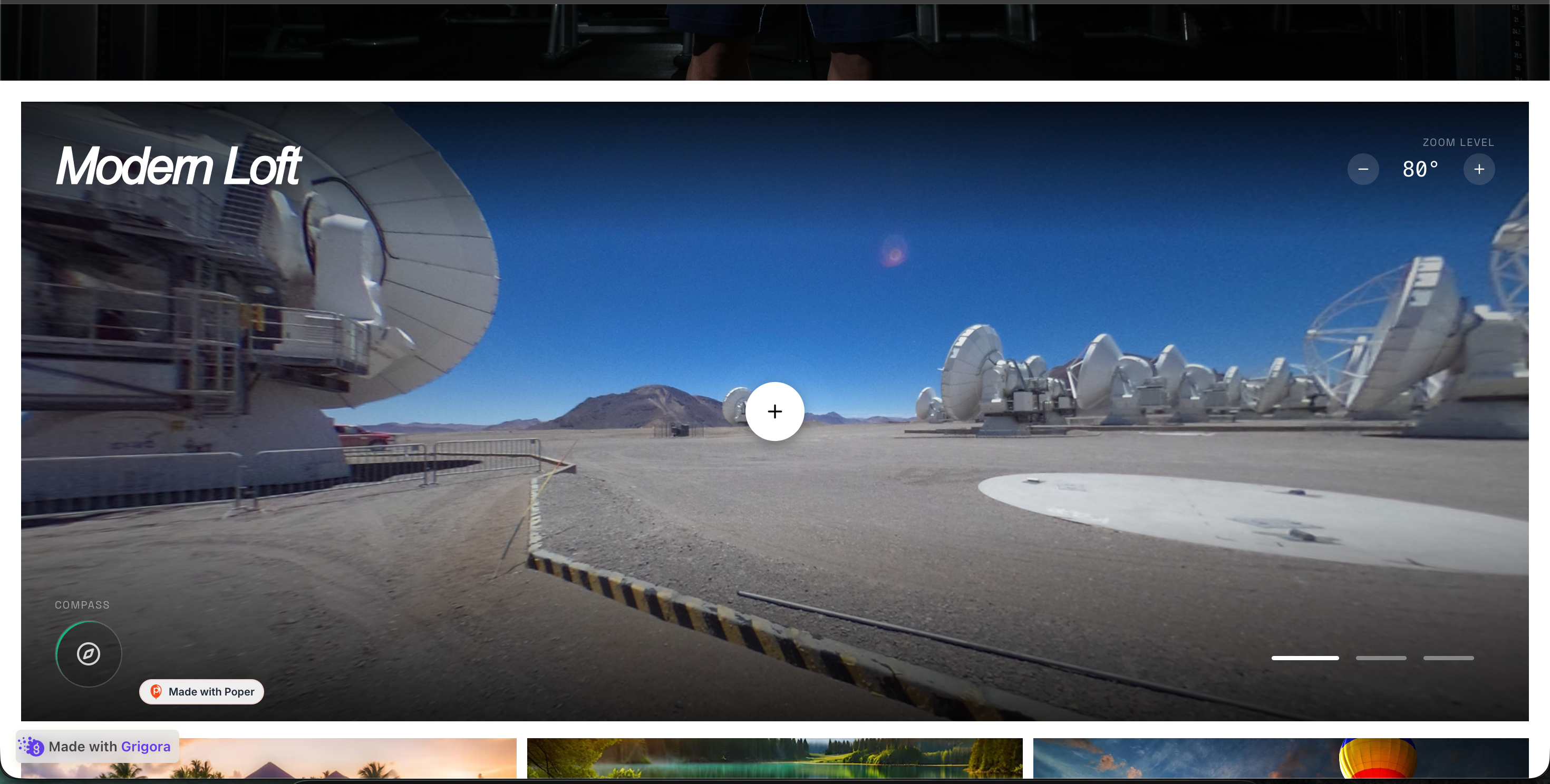 Poper widget live
Mockups for illustration. Style the widget to match your site and embed in 90 seconds.
How to use it
Three setup steps in the Poper builder.
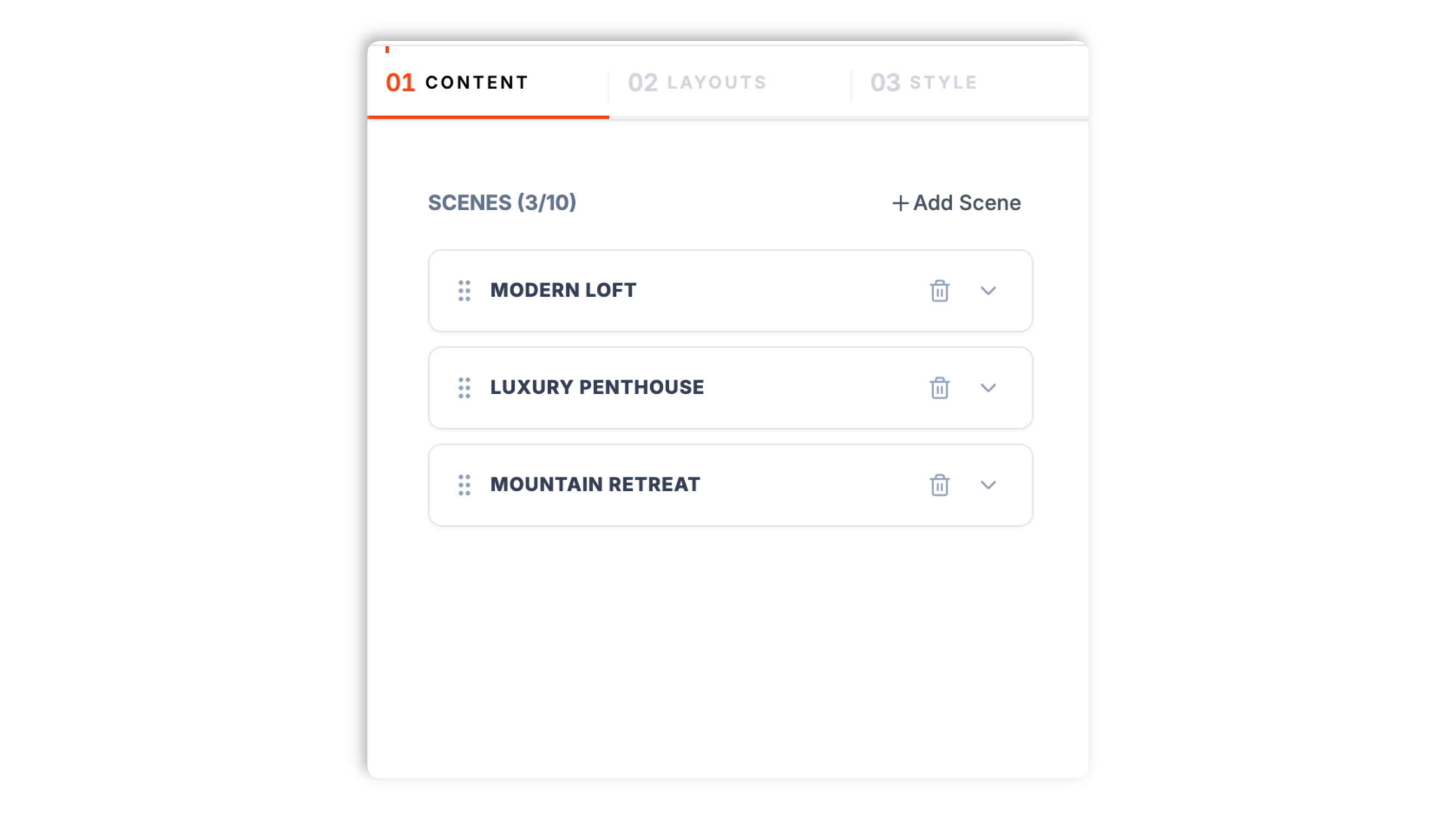
Upload your own panorama or scene images, one per scene, and give each scene a title, description, tag, and a call-to-action button. Drag to reorder. A tour can hold up to 10 scenes.
Place hotspot markers on a scene with a title, short description, and optional link, then pick one of 12 layouts. Available style controls vary by layout.
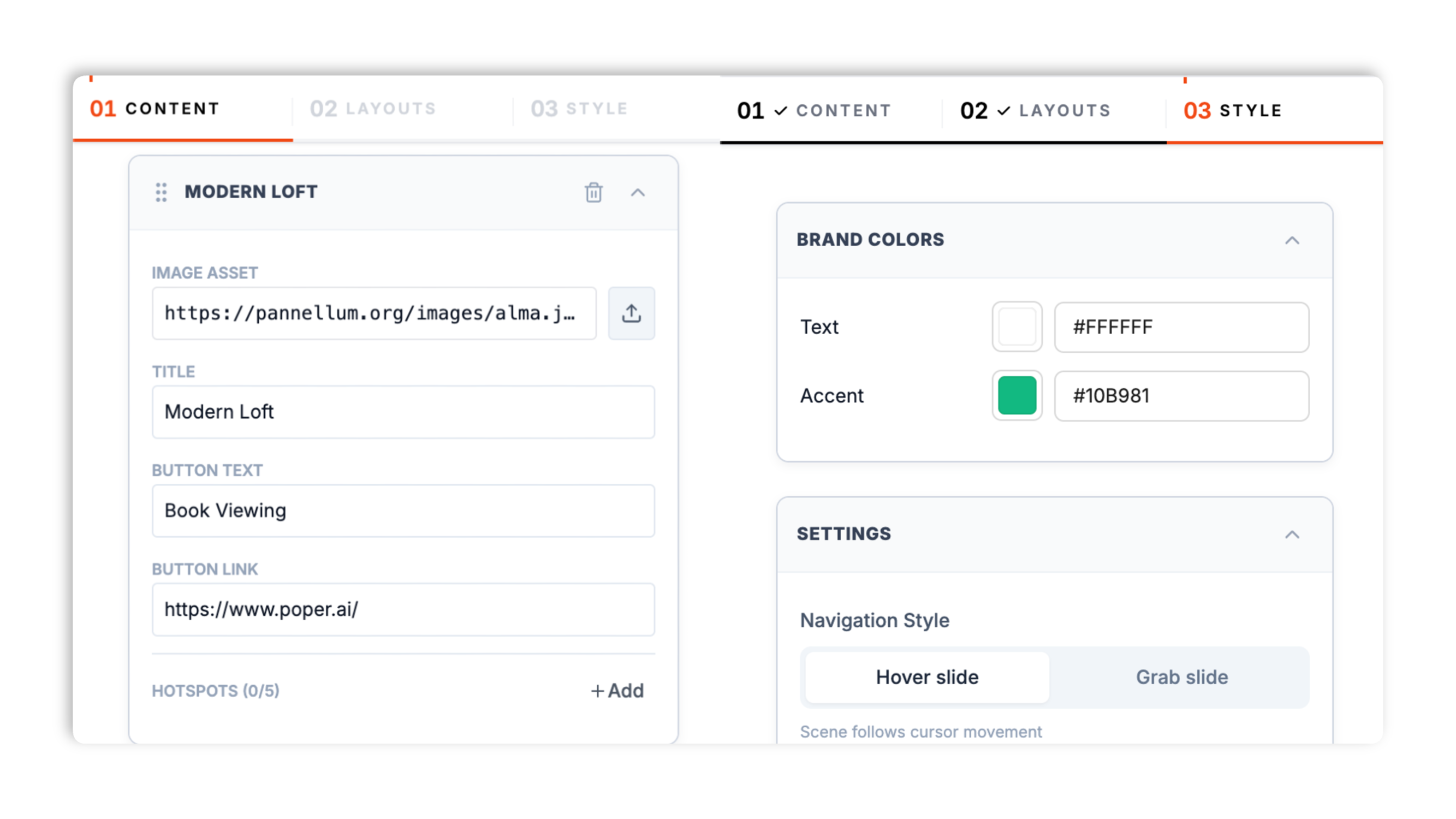
Paste the Poper embed snippet into your site. Works anywhere your Poper embed snippet is supported.

Works everywhere
Drop-in install on WordPress, Shopify, Wix, Squarespace, Webflow, Framer, Ghost, and any HTML-friendly stack. No build step, no developer needed.


Plus 250+ other platforms via the embed snippet. If your site can render a <script> tag, it can render the Virtual Tour Widget: Embed 360° Panorama Walkthroughs on Your Site.
Six things that matter when you are embedding a 360 tour, not 30 features no one uses.
The virtual tour widget ships its own WebGL equirectangular renderer, so an uploaded wide image can become a look-around scene rather than a flat image. The viewer treats images wider than roughly 1.5:1 as panoramas and renders standard photos with a pan treatment. Visitors pan with the cursor or by dragging, and the canvas resizes to its container so the tour fits any layout. No third-party viewer, no external embed dependency.
Build a tour from up to 10 scenes, each its own panorama with a title, description, tag, and call-to-action button. Reorder scenes by dragging. Visitors move through the tour scene by scene with the layout's own navigation.
Place up to 5 hotspots per scene. Each shows a title and description on hover and can open an optional link.
Visitors look around by moving the cursor or by grab-and-drag. Optional autoplay is available for 360-style navigation and is disabled in grab-drag mode.
Hyper Motion, 360 Drag, Cinematic, Glass Portal, 3D Tunnel, Split Story, Grid View, Minimal, Stream, Isometric, Spotlight, and Magazine. Use the layout-specific color, navigation, and display controls exposed by the selected layout.
The WebGL canvas observes its parent and re-renders on resize. Validate performance and visual fit on the final page.
Use cases
Four buyer types who get the most lift from embedding Virtual Tour Widget: Embed 360° Panorama Walkthroughs on Your Site on their site.
Embed a 360° panorama walkthrough on each property page. Add a scene per room, drop hotspots on key features, and put a Book Viewing button right in the tour.
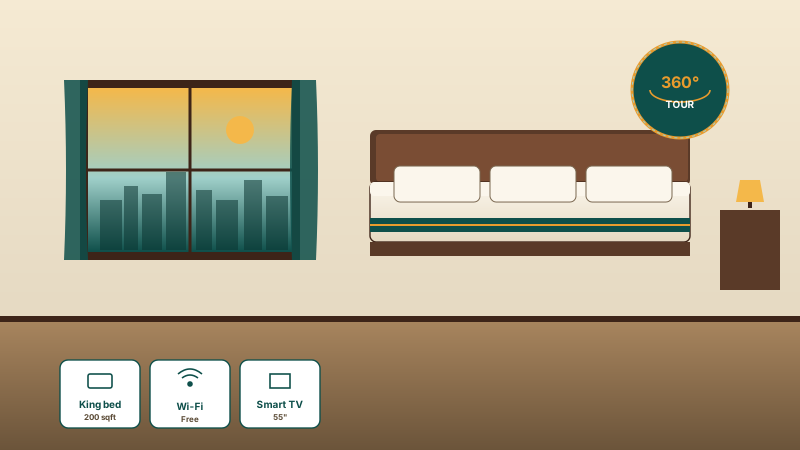
Show rooms, lobbies, and grounds as panoramas so guests explore the space before they book. Give each scene a clear call-to-action button.
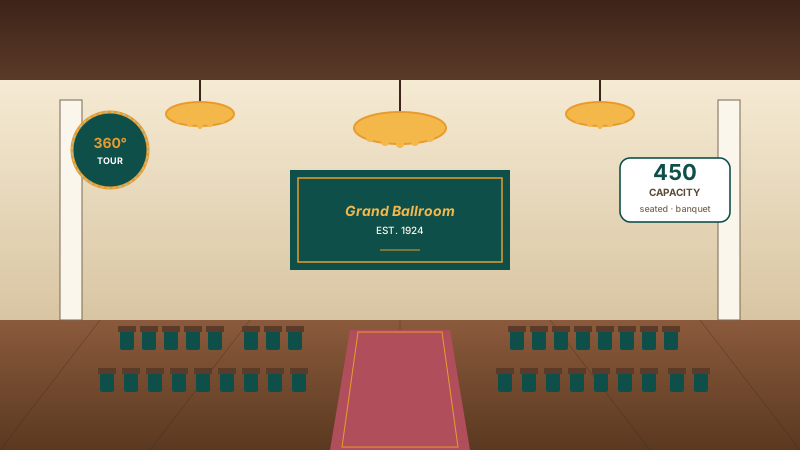
A multi-scene tour with hotspots on capacity, staging, and catering areas does the walkthrough for you.
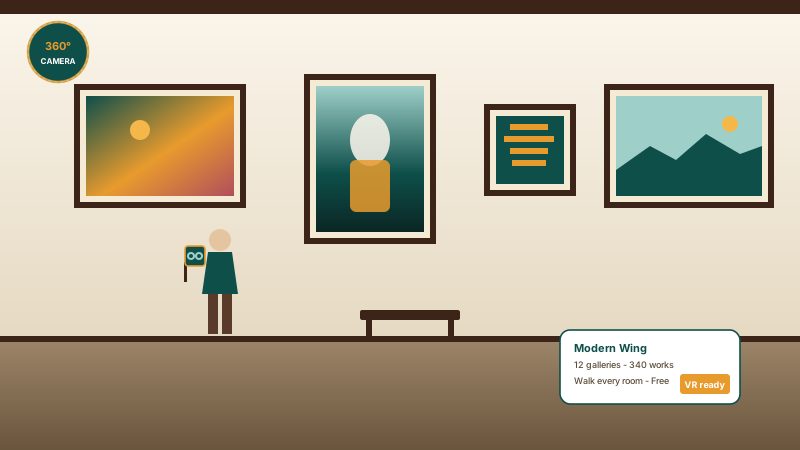
Bring exhibits to remote visitors. Upload panoramas of each gallery, link them into a tour, and add hotspots that describe individual works.
Most virtual tour tools either lock you into their hosting or ship one rigid viewer. Here is how the popular widget builders compare.
| Recommended Poper | Elfsight 360 Viewer | Common Ninja 360 | Panoee | |
|---|---|---|---|---|
| Poper workspace available | Limited views | Limited views | Limited tours | |
| Upload your own 360° panoramas | ||||
| Built-in WebGL panorama viewer | ||||
| Multi-scene tours with scene linking | Paid only | Paid only | ||
| Hotspot markers with title and link | Limited | |||
| Number of layout templates | 12 | Limited | Limited | Limited |
| Cursor-follow and grab-drag navigation | Drag only | Drag only | Drag only | |
| Brand-match styling (colors, font, controls) | Paid only | Paid only | Paid only | |
| Pricing for unlimited tours | Plan details vary | Vendor pricing varies | Vendor pricing varies | Vendor pricing varies |
| Bundled with popups, forms, more widgets |
Comparison reflects external competitor positioning. Verify current details on each provider's site.
Brokers, hoteliers, and venue teams who put their spaces online with Poper.
“We uploaded a panorama for every room and linked them into one tour per listing. Buyers explore the whole property before they ever call us.”

“The Glass Portal layout paired the panorama with our room details perfectly. Setup was a panorama upload and a few hotspots, no developer.”

“Hotspots let us label what matters in each space: capacity, staging, catering. Planners get the walkthrough without us scheduling a site visit.”

Pricing
All plans are billed yearly. Each card shows the per-month equivalent. Start free, then upgrade only when you need more campaigns, websites, or AI credits.
Yearly billing · save up to 40%Essential lead capture for solo creators and growing businesses.
billed $180/year
Full engagement suite with A/B testing, gamification & unlimited leads.
billed $348/year
Unlimited everything with white-label, API access & advanced analytics.
billed $948/year
Prices shown for the 50k monthly visitor tier on yearly billing. A Free Forever plan ($0) and a custom Enterprise plan are also available. No contracts, cancel anytime.
Virtual tours have moved from novelty to expectation. Buyers browsing property, guests choosing a hotel, and planners booking a venue all want to explore a space before they commit, and a 360° panorama tour lets them do exactly that without leaving your site. This guide walks through what actually matters when you add a virtual tour widget in 2026: how a WebGL panorama viewer works, capturing and preparing equirectangular panoramas, structuring a multi-scene tour with hotspots, and choosing a layout that fits your page.
A 360° panorama is a single image that captures the full sphere of a location. Stored flat, it looks stretched and warped, an equirectangular projection. A panorama viewer maps that flat image back onto a sphere and shows the visitor a window into it, so dragging or moving the cursor pans the view as if they were standing in the room. The Poper virtual tour widget does this with its own WebGL renderer rather than an external embed: it samples the equirectangular image in a fragment shader and projects it through the current view angle and field of view. The viewer also detects whether an uploaded image is actually a panorama (wider than roughly 1.5:1) or a standard photo, and renders a regular photo with a subtle planar pan instead of forcing it onto a sphere. Because the renderer is built in, there is no dependency on a third-party viewer or hosting service.
The widget accepts uploaded scene images and treats images wider than roughly 1.5:1 as panoramas. Standard photos render with a pan treatment. Hosted-image URLs are also accepted if your images already live on a CDN.
A single panorama is one room; a tour is the whole space. The Poper virtual tour widget lets you build a tour from up to 10 scenes, each its own panorama with a title, description, tag, and a call-to-action button. You reorder scenes by dragging, and visitors move through them with the navigation built into your chosen layout. Within a scene you can place up to 5 hotspots. A hotspot is a marker pinned to a point in the panorama; it shows a title and a short description when a visitor hovers it, and it can carry an optional outbound link. Use hotspots to call attention to what matters in a space, a renovated kitchen, the view from a balcony, the capacity of a ballroom, and the per-scene button to drive the next step, such as booking a viewing or requesting a quote.
The Poper virtual tour ships 12 layouts so the same scenes and panoramas fit very different page designs. Hyper Motion is a cinematic, HUD-style presentation with prominent hotspots. 360 Drag foregrounds the drag-to-explore interaction with guided navigation. Cinematic leans on bold transitions and storytelling. Glass Portal is a frosted-glass split view that pairs the panorama with scene detail. 3D Tunnel, Split Story, Grid View, Minimal, Stream, Isometric, Spotlight, and Magazine each frame the tour differently, from an editorial split layout to a clean, distraction-free frame to a magazine-style cover. Every layout uses the same scene and hotspot data, so choosing one is about visual fit with your brand and page rather than a feature trade-off.
A virtual tour widget is an embeddable script that displays interactive 360° panoramas on a website. The Poper virtual tour widget renders panoramas you upload with a built-in WebGL viewer, links them into a multi-scene tour, and supports hotspot markers and 12 layouts.
Last fact-checked: . We re-verify every quarter.
Tutorial
A quick walkthrough of setting up and embedding this widget.
Tutorial video coming soon
Can't find the answer you're looking for? Chat with our support team.
Contact SupportPoper renders uploaded wide images with its WebGL panorama viewer.
Free plan available forever