
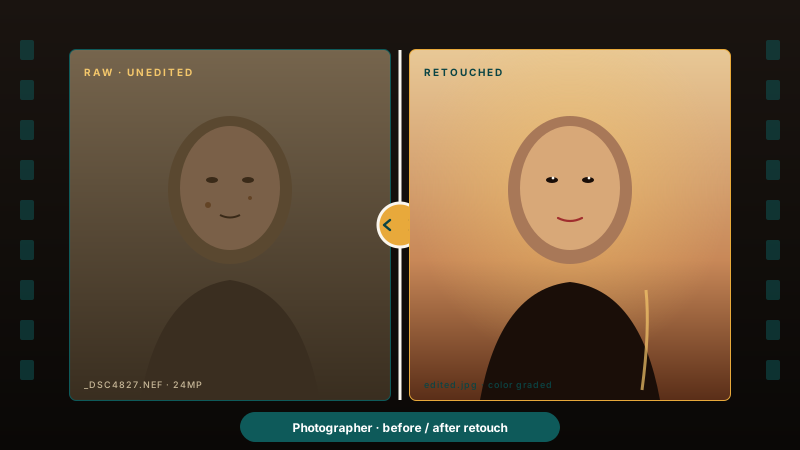
Photographer and retouching portfolios
Show your before/after retouching skill on portfolio pages with an interactive reveal instead of a static side-by-side image.
Drag-to-reveal image comparison sliders with mobile touch support, five layouts, and horizontal or vertical wipe options for supported layouts.
Built for builder website teams























Live demo, not a screenshot. Drag the handle, switch orientation, restyle the handle. What you see here is what ships to your site.
Before and after Poper
Here is the widget embedded on a real page layout, before and after. Style it to match your brand, then copy one snippet to go live.
 Before
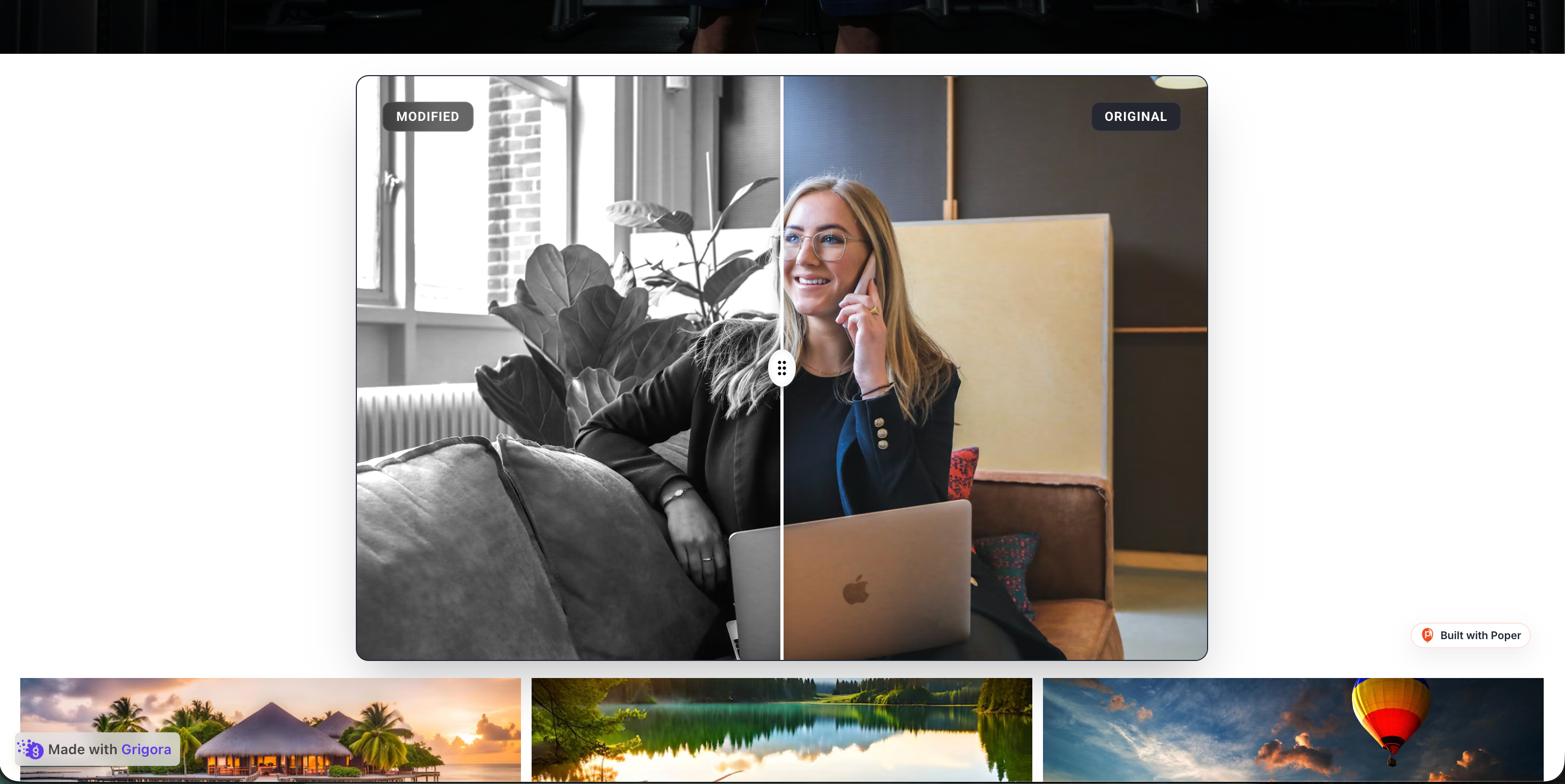 Poper widget live
Mockups for illustration. Style the widget to match your site and embed in 90 seconds.
How to use it
Three setup steps in the Poper builder.
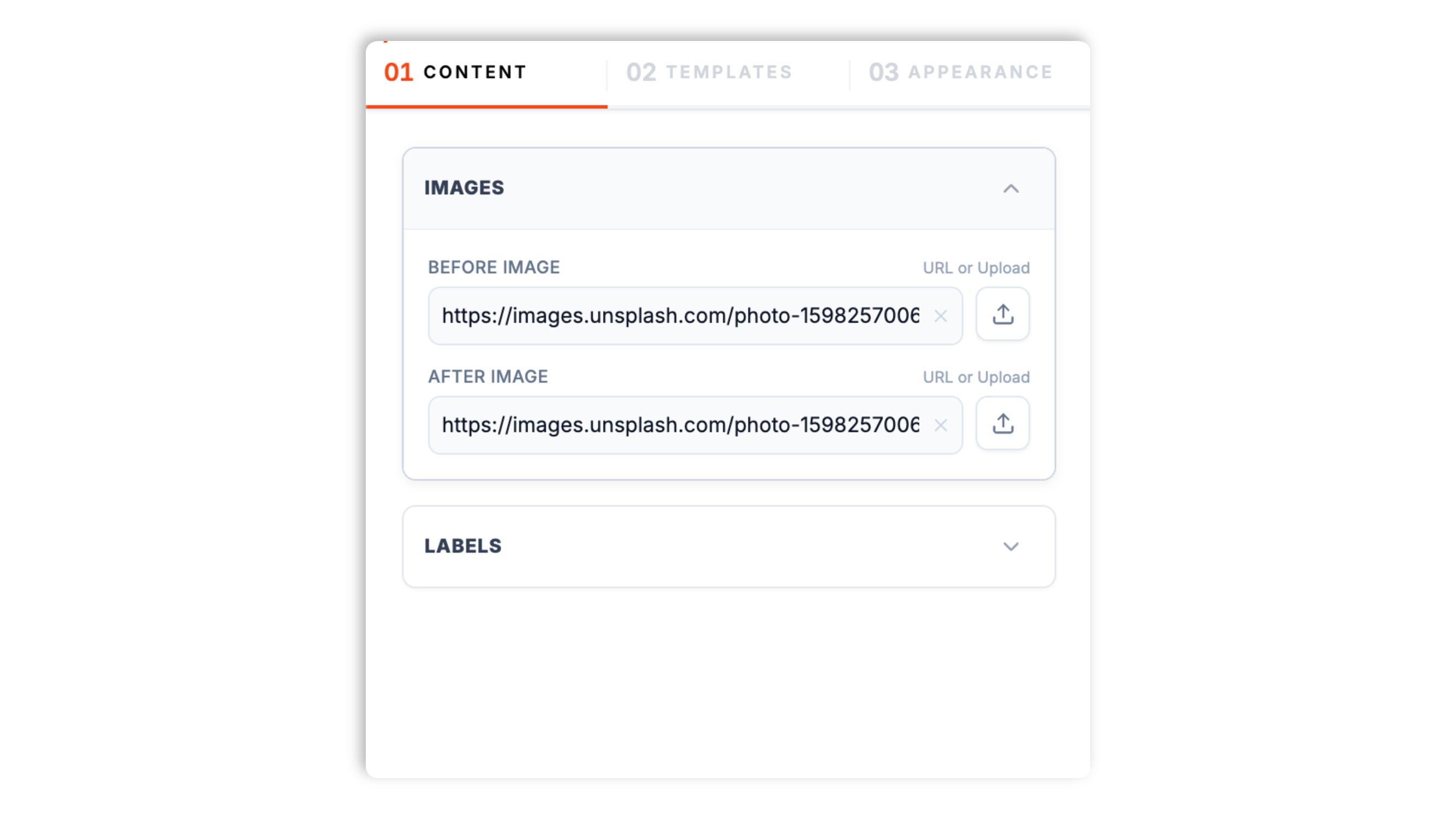
Upload your two images into the Poper builder. A live preview shows the drag-handle comparison as you work.
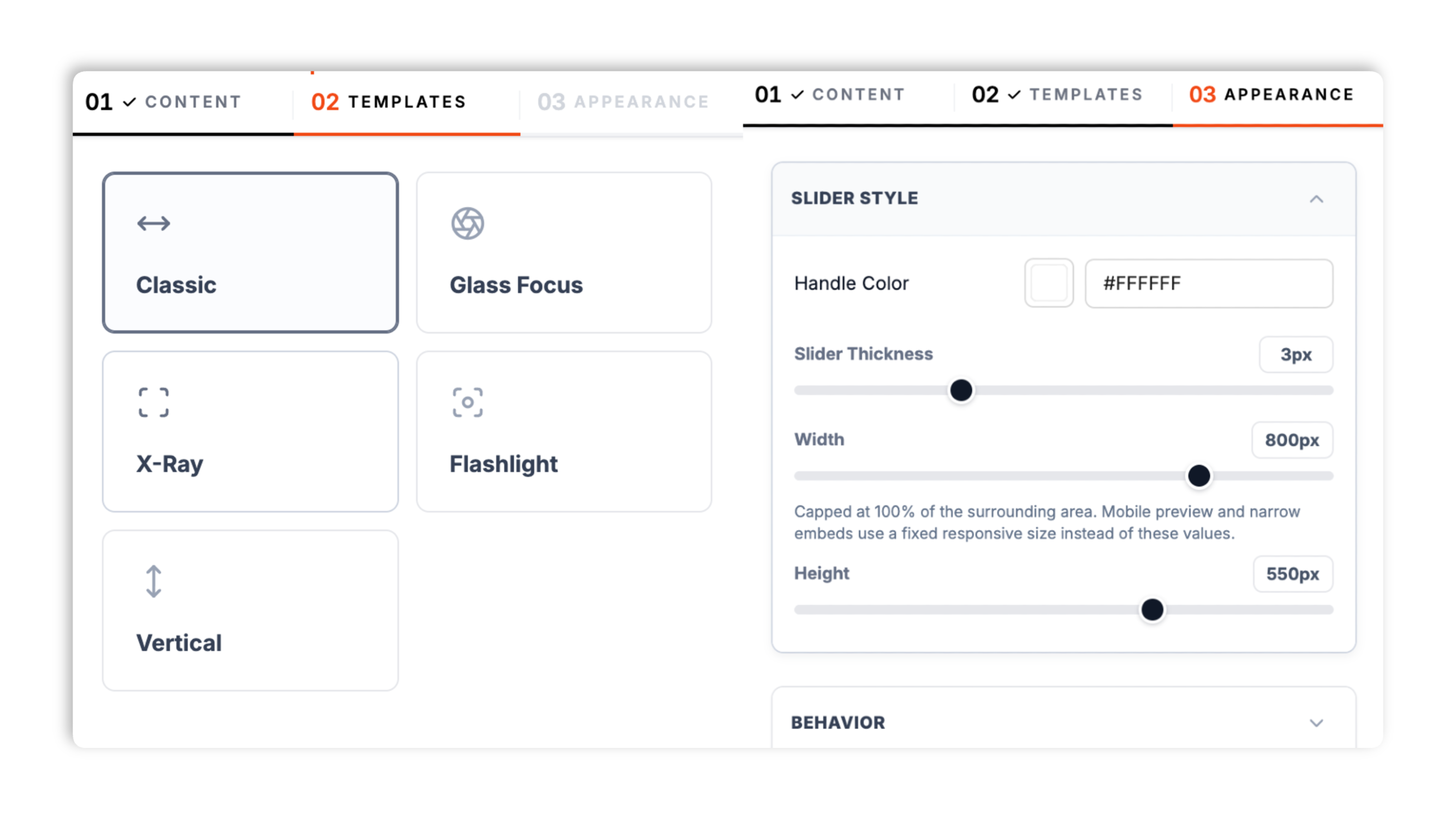
Choose from five layouts (Classic, Glass Focus, X-Ray, Flashlight, Vertical), set horizontal or vertical wipe on the standard layouts, tint the handle to your brand color, and set the slider thickness.
Paste the Poper embed snippet into your site. Works anywhere your Poper embed snippet is supported. Mouse drag and touch drag both work out of the box.

Works everywhere
Drop-in install on WordPress, Shopify, Wix, Squarespace, Webflow, Framer, Ghost, and any HTML-friendly stack. No build step, no developer needed.


Plus 250+ other platforms via the embed snippet. If your site can render a <script> tag, it can render the Before/After Slider Widget: Drag-to-Reveal Image Comparison for Your Site.
Six things that matter when you are paying for a before/after widget, not 30 features no one uses.
Many before/after sliders feel laggy on mobile because they re-render too much during touch movement. Poper uses CSS-based reveal techniques for the wipe, but you should still test the final slider with your real images and target devices.
Classic split, Glass Focus, X-Ray, Flashlight, and a dedicated Vertical layout. Horizontal wipe suits landscape rooms, dental smiles, and website screenshots; the Vertical layout suits full-body fitness photos and tall portrait shots. Switch layout or orientation in the dashboard through the normal publish flow.
The X-Ray and Flashlight layouts reveal the second image as the visitor moves their cursor.
Tint the drag handle where the selected layout supports it; slider-thickness controls vary by layout.
Single-finger drag wipes the slider on phones and tablets. Test drag behavior with your real images and devices before publishing.
Validate performance and layout behavior on your own page after embedding.
Use cases
Four buyer types who get the most lift from embedding Before/After Slider Widget: Drag-to-Reveal Image Comparison for Your Site on their site.
Show your before/after retouching skill on portfolio pages with an interactive reveal instead of a static side-by-side image.
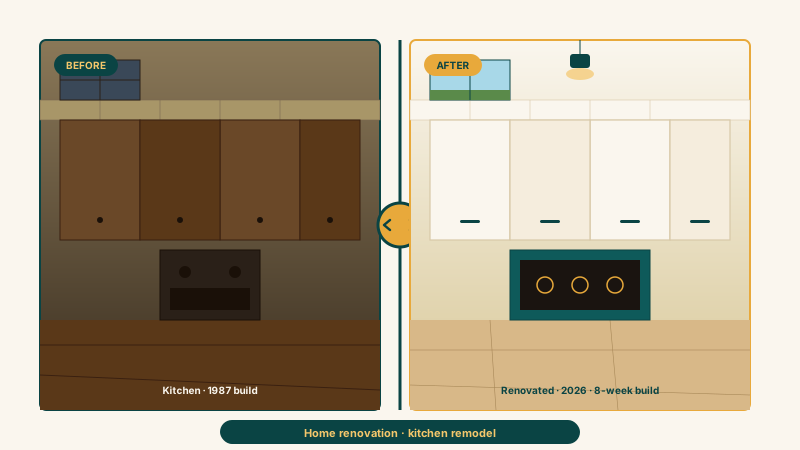
Drag-to-reveal before/after of kitchens, bathrooms, and full-room renovations. Use the slider on project pages so visitors can inspect the change themselves.
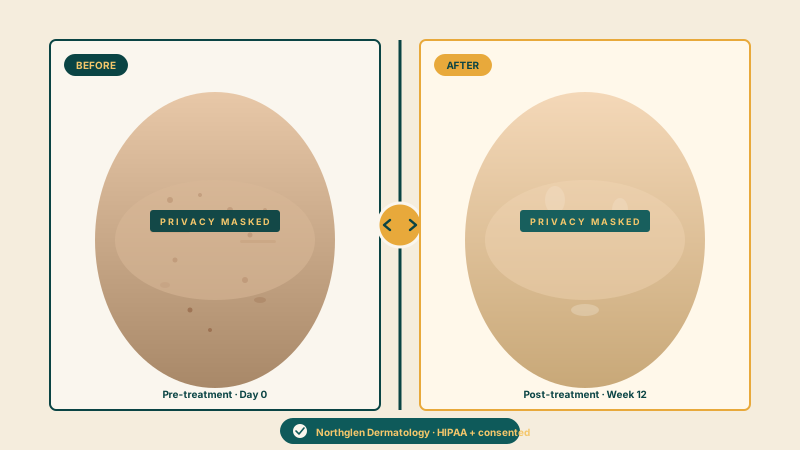
Treatment-result comparisons that let prospective patients drag to see the change for themselves. Always obtain informed consent that explicitly authorizes web display before publishing any patient image.
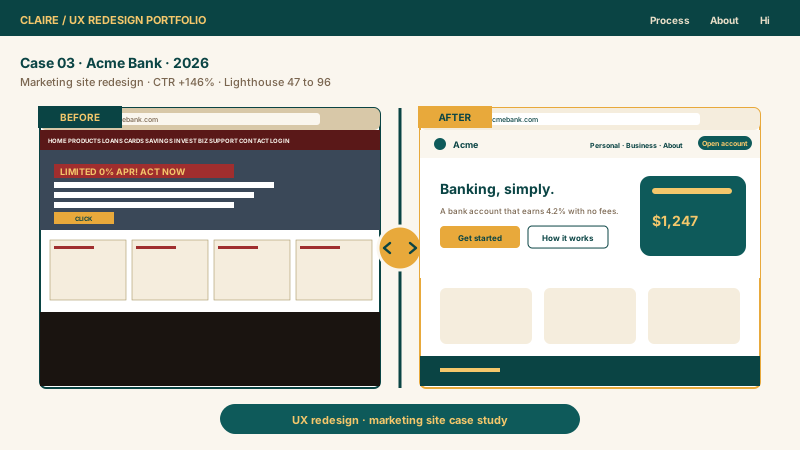
Show old website screenshots vs your new design with a draggable handle. Use the draggable comparison to show the redesign clearly inside a case study.
Most before/after sliders ship the basics and paywall the layouts and styling that make the slider feel native. Here is how the popular ones stack up.
| Recommended Poper | Elfsight Before-After | POWR Comparison Slider | |
|---|---|---|---|
| Poper workspace available | 500 views/mo | Trial only | |
| Horizontal wipe orientation | |||
| Vertical wipe orientation | Paid only | ||
| Ready-made layout presets | 5 layouts | Paid only | Few layouts |
| Mobile touch drag | |||
| Hover-reveal layouts | |||
| Validate performance on your own page after embedding | Paid only | ||
| Available widget controls | Paid only | Paid only | |
| Performance validation | Test on page | Test on page | Test on page |
| Pricing (entry paid plan) | Plan details vary | Vendor pricing varies | Vendor pricing varies |
| Works alongside other Poper tools |
Comparison reflects external competitor positioning. Verify current details on each provider's site.
Renovators, dermatologists, fitness coaches, and photographers who switched to Poper.
“Adding Poper before/after sliders to our renovation portfolio page helped visitors compare project images directly on the page.”

“We use the slider for our dermatology treatment galleries. The drag wipe stays smooth on phones, which is where most of our patients browse, and prospective patients can see the change for themselves.”

“We use the Vertical layout for full-body fitness transformations, where a left-to-right wipe would feel wrong. We validated the published page after embedding on our own devices.”

Pricing
All plans are billed yearly. Each card shows the per-month equivalent. Start free, then upgrade only when you need more campaigns, websites, or AI credits.
Yearly billing · save up to 40%Essential lead capture for solo creators and growing businesses.
billed $180/year
Full engagement suite with A/B testing, gamification & unlimited leads.
billed $348/year
Unlimited everything with white-label, API access & advanced analytics.
billed $948/year
Prices shown for the 50k monthly visitor tier on yearly billing. A Free Forever plan ($0) and a custom Enterprise plan are also available. No contracts, cancel anytime.
A before/after image slider lets visitors compare two states with a draggable reveal. This guide covers what actually matters when you choose and embed a before/after slider widget: picking the right layout and orientation, preparing matched images, testing mobile touch behavior, and using care when the transformation involves a human body, face, or dental result.
A static side-by-side photo shows a transformation, while a drag-to-reveal slider lets the visitor compare the two states directly. Use it when the difference between before and after matters more than either image alone. For service businesses selling transformations, place the slider where visitors are already evaluating proof of work, then test the page with your own analytics instead of assuming a specific engagement lift.
The Poper before/after slider ships five layouts, and the right choice depends on the kind of transformation you are showing. Classic split is the standard before/after comparison: a crisp vertical divider with a bold drag handle, and it is the right default for room renovations, photo retouches, and website redesigns. Glass Focus uses a frosted-glass control with a thin minimal line, which suits a clean, understated portfolio. X-Ray draws an emerald scan line and reveals the second image as the visitor hovers, which works well for dramatic reveals. Flashlight lets the visitor move a circular light to uncover the before image beneath, a playful interaction for event displays and product reveals; you can size the reveal circle. The Vertical layout swaps the divider to a handle that slides up and down, which is the right choice for full-body fitness transformations and tall portrait shots where a left-to-right wipe would feel wrong. Classic and Glass Focus also let you switch between horizontal and vertical orientation directly, so you are not locked into the layout's default. Pick the layout that matches both your imagery and the surrounding page rather than the most eye-catching one.
Before/after sliders need to be tested on mobile because real image size, page layout, and device performance all affect the feel of the drag interaction. Single-finger drag wipes the slider, and responsive sizing helps it fit the column it sits in. For the best mobile result, upload two images at the same aspect ratio so the comparison lines up pixel for pixel, keep the files reasonably sized, and test on the phones your visitors actually use.
When the transformation is a human body, face, or dental result, you have additional legal and ethical obligations beyond the standard portfolio embed. Informed consent: the patient must have signed a release that explicitly authorizes use of their before/after images on your public website (a generic photo release is not enough; the consent must reference web display). Identifiability: cosmetic surgery and dermatology images often include identifying features (eye color, hair, jewelry) even when the face is partially cropped; consider whether your consent form covers identifiability or only the treatment area. Watermarking: many jurisdictions allow you to watermark patient images with your practice logo as both copyright protection and a deterrent against patients re-uploading them in misleading contexts; if you want a watermark, add it to the image file before you upload it. HIPAA: in the US, before/after images of identifiable patients are protected health information, and you should confirm your own hosting and compliance posture covers them. GDPR: in the EU, before/after images of identifiable people require an explicit lawful basis for processing under Article 6 and may also fall under Article 9 (special category data) for medical and biometric information. The slider widget itself does not add these protections; it is your responsibility to ensure your consent flow, watermarking policy, and hosting choice meet your regulatory environment. Compared to static side-by-side images, sliders carry the same legal weight; the interactivity does not change the consent calculus.
A before/after slider widget is an embeddable script that displays two images stacked under a draggable handle. As the visitor drags the handle horizontally or vertically, one image is revealed and the other is hidden, creating an interactive transformation comparison. Poper's before/after slider ships five layouts and works with mouse and touch.
Last fact-checked: . We re-verify every quarter.
Tutorial
A quick walkthrough of setting up and embedding this widget.
Tutorial video coming soon
Can't find the answer you're looking for? Chat with our support team.
Contact SupportUse Poper to embed a drag-to-reveal slider that lets visitors uncover the change themselves.
Free plan available forever