
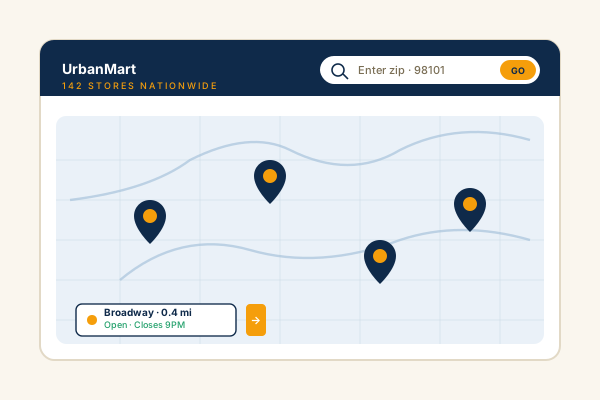
Multi-location retail chains
Plot every store on a single map with hours, phone, and photos. Visitors search by name or address and find the nearest branch in one click instead of opening a support ticket.
Plot every branch on an interactive map, add stores by hand or pull them in from Google Maps search, and show a live open or closed badge. Eight layouts, Measure impact with your own analytics. No code.
Built for no-code website teams























Live demo, not a screenshot. Add locations, pick a layout, brand it. What you see here is what ships to your site.
Before and after Poper
Here is the widget embedded on a real page layout, before and after. Style it to match your brand, then copy one snippet to go live.
 Before
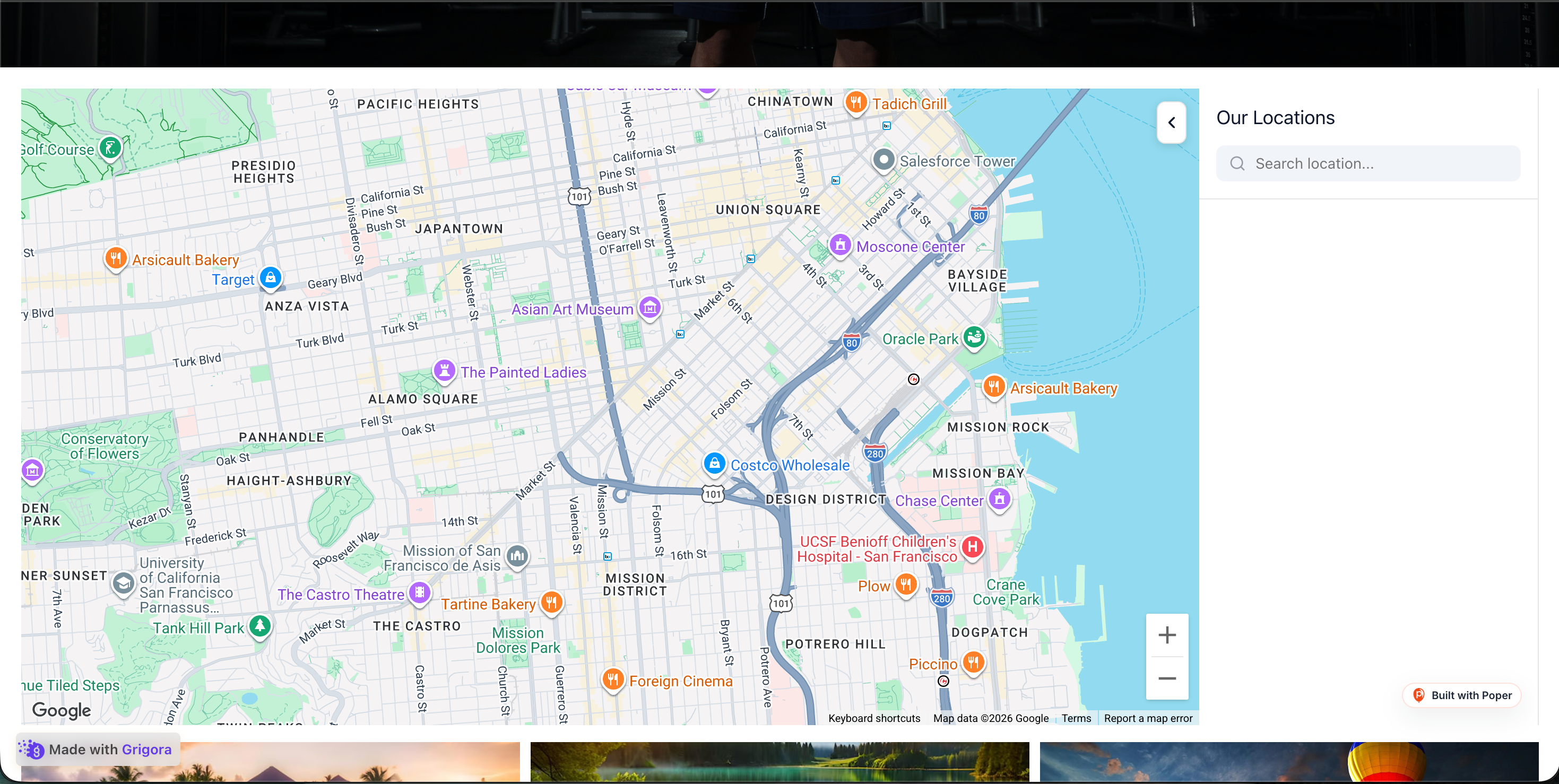 Poper widget live
Mockups for illustration. Style the widget to match your site and embed in 90 seconds.
How to use it
Three steps. Under two minutes. No developer needed.
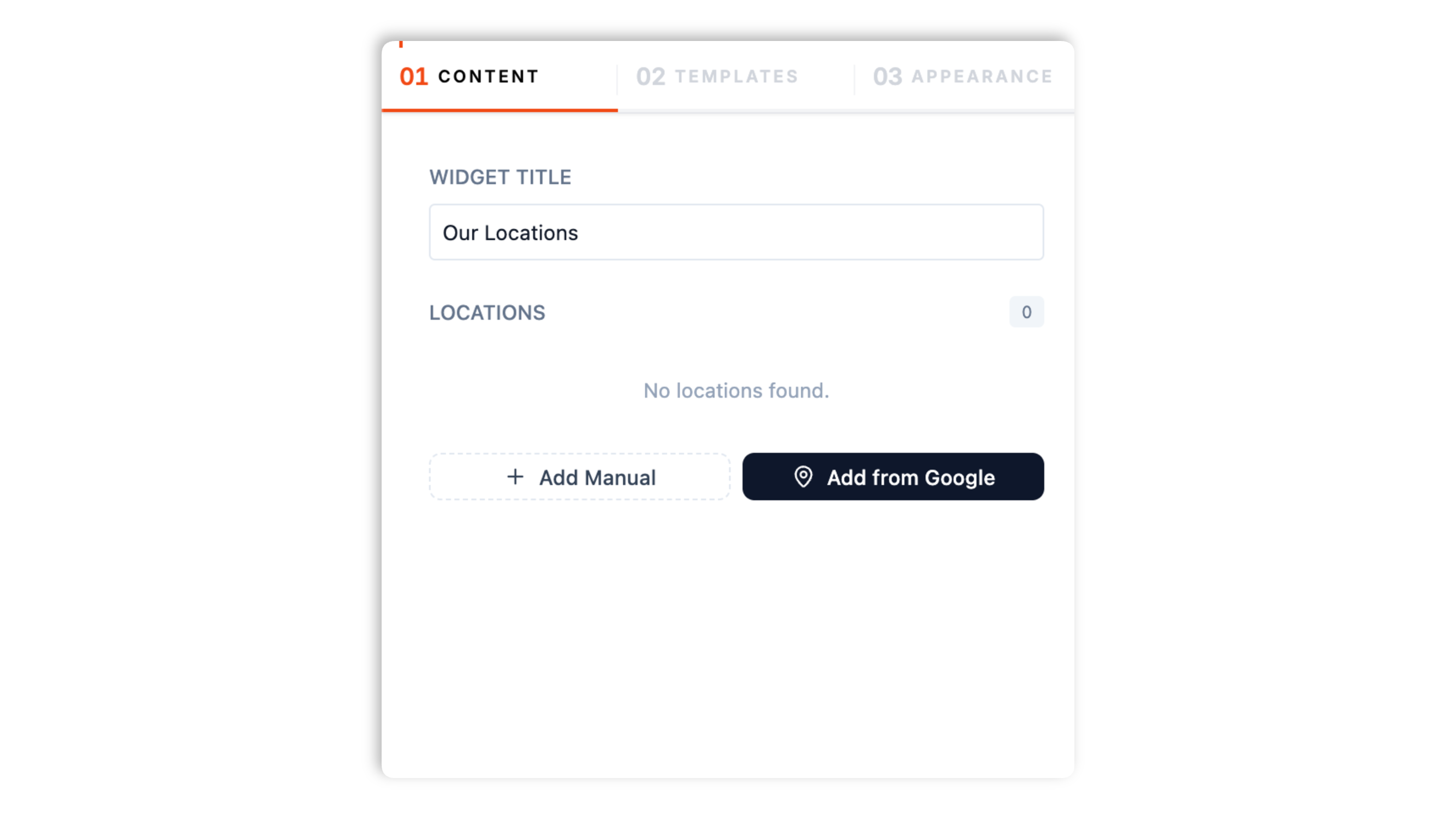
Add each branch by hand with name, address, phone, hours, photo, and status, or search Google Maps and add a real place in one click. Drag to reorder. Plan details depend on your Poper workspace.
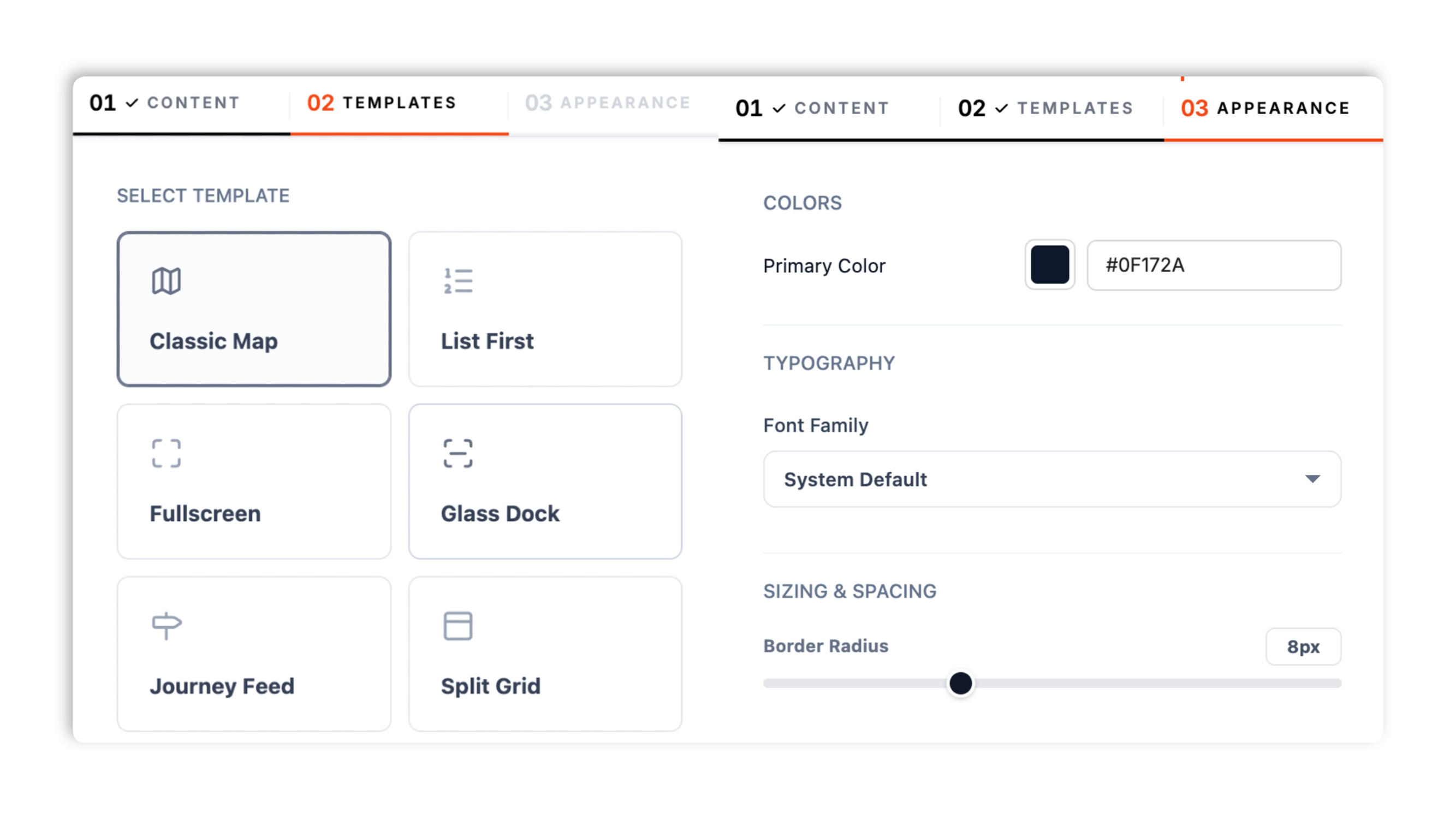
Choose Classic Map, List First, Fullscreen, Glass Dock, Journey Feed, Split Card, Minimal Footer, or Compact Sidebar. Set your primary color, border radius, and font family.
Paste the Poper embed snippet into your site. Works anywhere your Poper embed snippet is supported.

Works everywhere
Drop-in install on WordPress, Shopify, Wix, Squarespace, Webflow, Framer, Ghost, and any HTML-friendly stack. No build step, no developer needed.


Plus 250+ other platforms via the embed snippet. If your site can render a <script> tag, it can render the Store Locator Widget: Multi-location Finder with Map for Any Site.
Six things that matter when you are paying for a store locator widget, not 30 features no one uses.
The store locator pairs an interactive Google map with a searchable, scrollable list of every branch. Visitors type a store name or address to filter the list instantly, tap a result to fly the map to that pin, and see the address, phone, photo, hours, and status for each location. Eight layouts let you place that map-and-list pairing as a hero block, a compact sidebar, a footer strip, or a full-screen finder.
Search Google Maps right inside the builder and add a real business to your locator. Name, address, phone, photo, and weekly opening hours come in automatically. Updates follow the normal widget publish and refresh flow.
Google-sourced locations compute an open or closed badge from their real opening hours, updated as the day passes.
Selecting a location in the list smoothly pans the map to its pin so the active branch is always in view.
Set your primary color, border radius, and font family. The locator reads as part of your site, not a bolted-on third-party box.
The widget loads through the Poper embed snippet with scoped CSS so it does not fight your design system, and every layout collapses cleanly to a mobile viewport. Drop it in without rebuilding your page.
Use cases
Four buyer types who get the most lift from embedding Store Locator Widget: Multi-location Finder with Map for Any Site on their site.
Plot every store on a single map with hours, phone, and photos. Visitors search by name or address and find the nearest branch in one click instead of opening a support ticket.
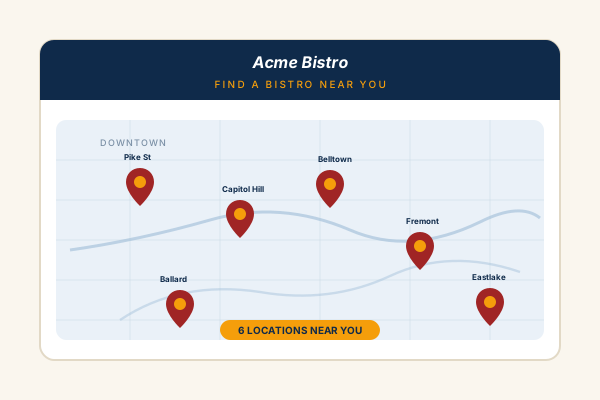
Show every location with address, photo, phone, and a live open or closed badge pulled from Google. Available widget settings so visitors find the spot near them.
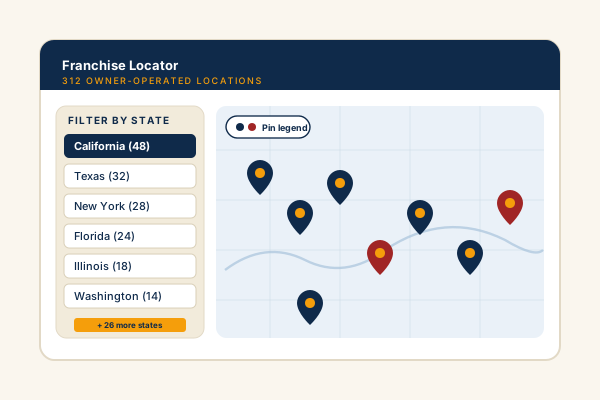
List owner-operated franchise locations across many cities in one shared locator. Measure impact with your own analytics, and each franchise keeps its own hours and contact details.
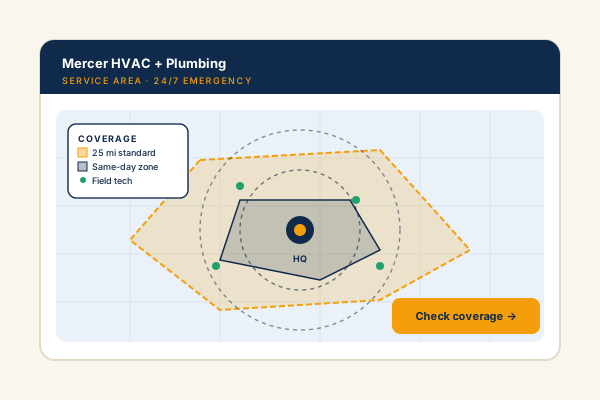
Clinics, dealerships, gyms, and field-service offices. Show every branch with hours and phone so visitors instantly see which location is closest and whether it is open.
Most locators paywall the basics or charge per map load. Here is how the popular widget builders stack up.
| Recommended Poper | Elfsight Store Locator | POWR Map | Common Ninja Map | |
|---|---|---|---|---|
| Poper workspace available | ||||
| Interactive Google map | ||||
| Add stores from Google Maps search | Paid only | |||
| Configured open/closed status from Google hours | Paid only | |||
| Search the store list | ||||
| Number of layout templates | 8 | Limited | Limited | Limited |
| Plan details depend on your Poper workspace | 100 location cap | Tiered | Tiered | |
| Pricing for unlimited locations | Plan details vary | Vendor pricing varies | Vendor pricing varies | Vendor pricing varies |
| Works alongside other Poper tools |
Comparison reflects external competitor positioning. Verify current details on each provider's site.
Multi-location brands who switched from broken locators to Poper.
“We rolled the locator out across all 142 retail locations in one afternoon. Most stores came straight in from a Google Maps search, so the addresses and hours were correct from day one.”

“The live open or closed badge on our Google-sourced branches is the feature customers mention most. They know before they leave the house whether the cafe near them is open.”

“We tried three locators before Poper. The Compact Sidebar layout fit our existing locations page perfectly and the search filters the list fast enough that nobody scrolls.”

Pricing
All plans are billed yearly. Each card shows the per-month equivalent. Start free, then upgrade only when you need more campaigns, websites, or AI credits.
Yearly billing · save up to 40%Essential lead capture for solo creators and growing businesses.
billed $180/year
Full engagement suite with A/B testing, gamification & unlimited leads.
billed $348/year
Unlimited everything with white-label, API access & advanced analytics.
billed $948/year
Prices shown for the 50k monthly visitor tier on yearly billing. A Free Forever plan ($0) and a custom Enterprise plan are also available. No contracts, cancel anytime.
A store locator is one of the highest-intent surfaces on a multi-location website. Visitors who use it have already decided they want to visit; they just need to know which branch is closest, what its hours are, and how to get in touch. A clear locator cuts ‘where can I buy this?’ support tickets and turns web traffic into in-store footfall. This guide covers what actually matters when you add a store locator widget in 2026: choosing a layout, deciding between manual entry and a Google Maps place search, keeping opening hours accurate, and making the locator fast and on-brand.
The Poper store locator gives you two ways to add branches. Manual entry is best when you want full control: you type the name, address, phone, photo, opening and closing times, operating days, status, and any extra notes for each store. The Add from Google flow is best for speed and accuracy: you search Google Maps for a real business and the widget pulls in its name, address, phone, photo, and weekly opening hours automatically. Updates follow the normal widget publish and refresh flow, while the status and schedule remain adjustable. Most brands mix both, seeding well-known branches from Google and entering newer or unlisted ones by hand. There is no upload-a-CSV or sync-a-spreadsheet step; you build the list directly in the builder and reorder it by dragging.
An open or closed badge is only useful if visitors can trust it. The Poper locator handles this differently depending on how a location was added. For a branch pulled in from Google Maps, the widget reads the real weekly opening-hours periods and computes the badge live, so it flips between open and closed as the day passes without you touching anything. For a manually entered branch, you set the status and the opening, closing, and operating-day fields yourself, which means you own keeping them current. The practical advice: lean on the Google source for branches with a verified Google Business Profile, and review manual entries whenever holiday hours or seasonal changes come up. A stale ‘Open now’ badge erodes trust faster than no badge at all.
Placement and layout shape how a locator performs. The Poper store locator ships eight templates so the same location data fits different page contexts. Classic Map and Split Card pair a prominent map with a side list and suit a dedicated locations page. Fullscreen turns the finder into an immersive, edge-to-edge experience for a hero section. Compact Sidebar and List First put the list front and center when screen space is tight or when most of your visitors browse the list before the map. Glass Dock and Journey Feed are styled, modern treatments for brand-led sites, and Minimal Footer tucks a slim finder into the bottom of any page. Every layout keeps the core pairing, an interactive map plus a searchable store list, and collapses cleanly on mobile, so the choice is about visual fit rather than feature trade-offs.
Once your locations are in, the experience that matters most is how quickly a visitor narrows down to the branch they want. The Poper locator gives every layout a search box that filters the store list in real time by name or address, so a visitor in a specific neighborhood types a few characters and immediately sees the matching stores. Selecting a result smoothly pans the map to that pin, keeping the active branch in view. Each location card surfaces the address, phone, photo, hours, and status, which is everything a visitor needs to decide whether to call ahead or head over. Keep your store names descriptive (include the neighborhood or city) so search stays effective as your list grows.
A store locator widget works best alongside a well-maintained Google Business Profile (GBP) for each physical branch. The two are complementary: GBP is how a branch shows up in Google Maps and the local results, while the locator on your own site helps visitors who are already on your domain find and choose a branch. Keep the name, address, and phone number consistent between your GBP listing and the locator so visitors are never confused by mismatched details. When you add a branch to the Poper locator through the Add from Google flow, it pulls from the same Google Maps data as the corresponding GBP listing, which makes that consistency easier to maintain. Treat the locator as the on-site companion to your Google presence rather than a replacement for it.
A store locator widget is an embeddable script that displays multiple business locations on an interactive map and a searchable list, so visitors can find the branch nearest them with its hours, phone, and address. The Poper store locator lets you add locations by hand or pull them in from a Google Maps place search.
Last fact-checked: . We re-verify every quarter.
Tutorial
A quick walkthrough of setting up and embedding this widget.
Tutorial video coming soon
Can't find the answer you're looking for? Chat with our support team.
Contact SupportPoper takes 90 seconds to embed and pairs a map with a searchable store list.
Free plan available forever