
Photographer portfolio
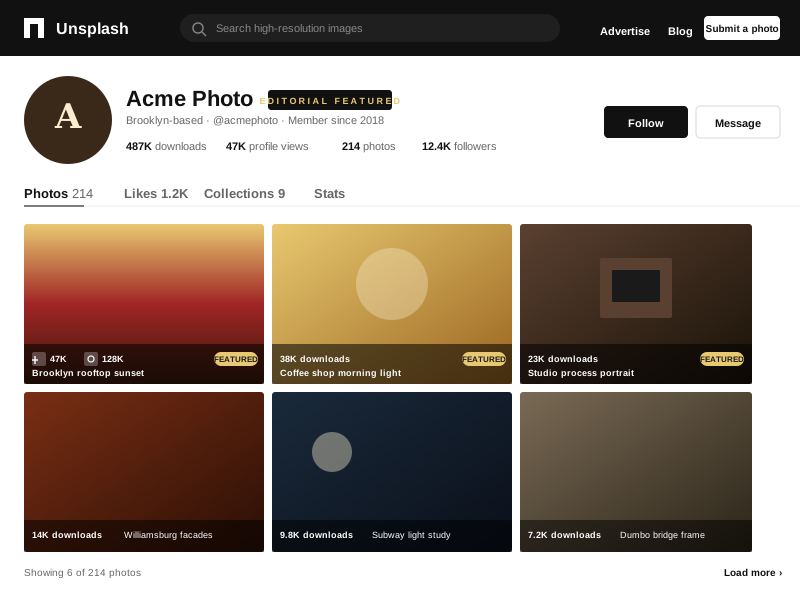
Photographers who distribute through Unsplash for the reach can mirror their photo feed onto a personal site, so visitors browse the work and follow the photographer on a domain the photographer actually controls.
Unsplash photo feed
Built for no-code website teams























Live demo, not a screenshot. Style it, brand it, embed it. What you see here is what ships to your site.
From Unsplash to your site
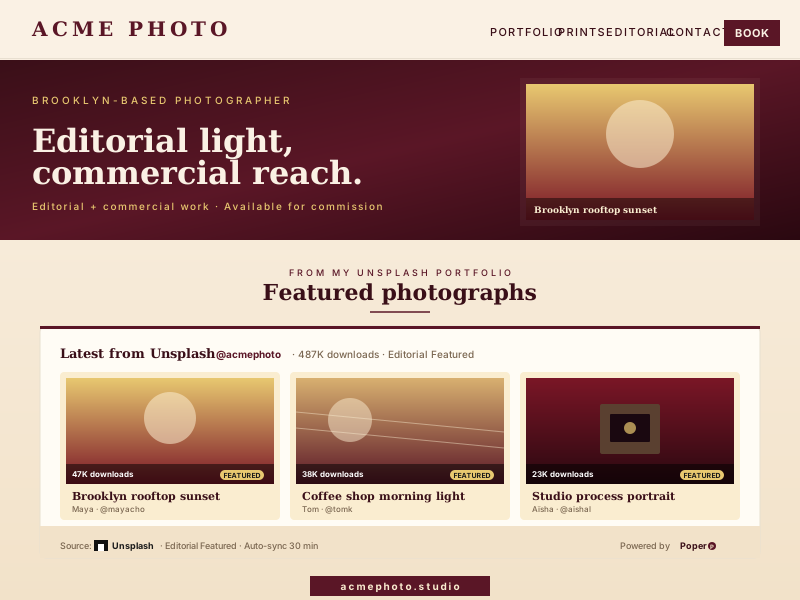
Poper pulls your public Unsplash feed and renders it inline on your website, fully branded to match your design. No API keys, no manual updates.
 Poper widget live
Mockups for illustration. Pull your real Unsplash feed and embed in 90 seconds.
How to use it
Three steps. Under two minutes. No developer needed.
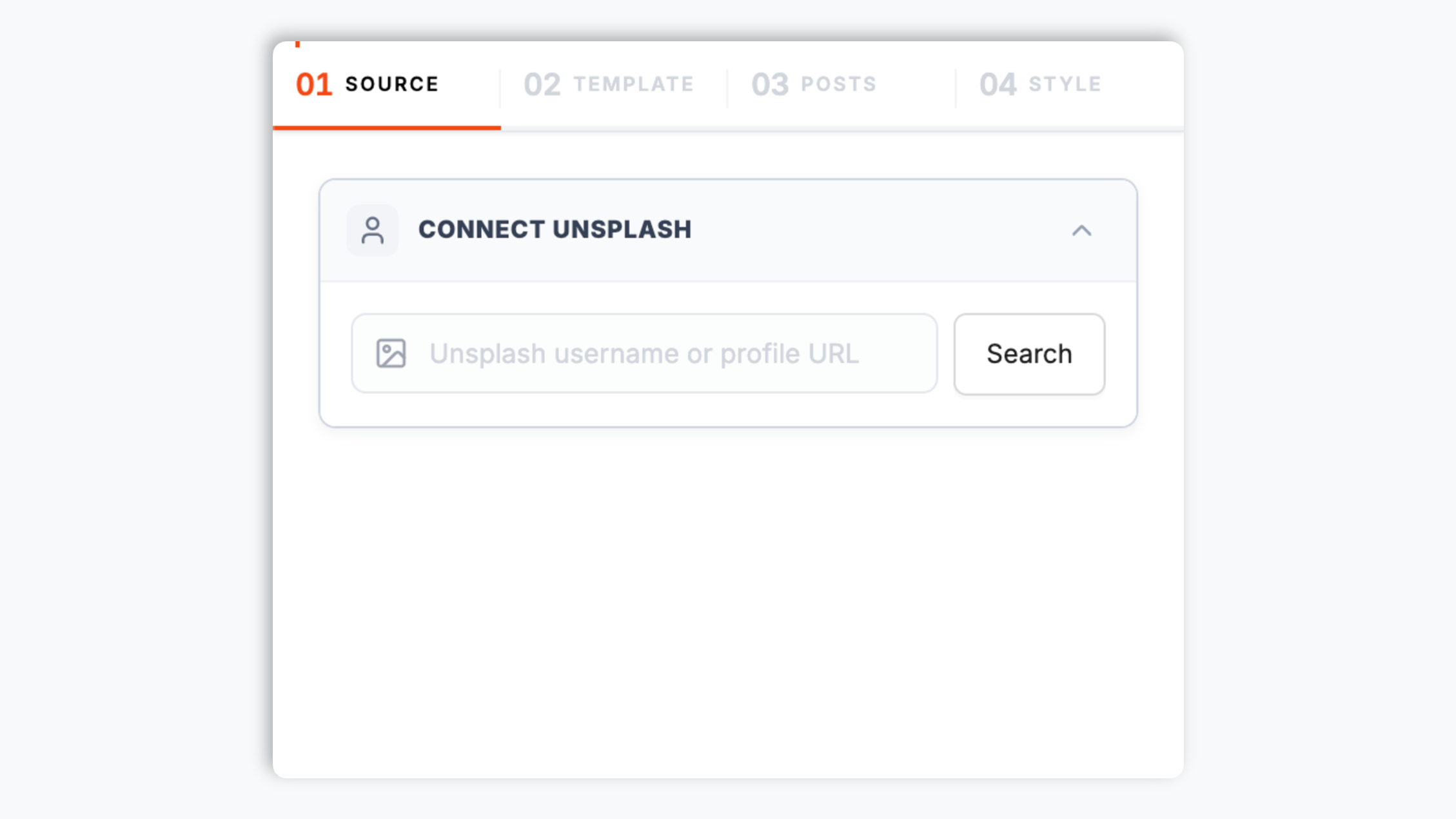
Paste an Unsplash photographer username or profile URL (unsplash.com/@acmephoto) into the widget builder. Poper pulls the photographer's photos and shows a live preview in seconds.
Choose the native Default layout, a Grid, Masonry, Highlight, or Bento. Tweak theme presets, colors, typography, spacing, and corner radius to match your site exactly.

Paste the Poper embed snippet into your site. Works on Webflow, Framer, Cargo, Squarespace, Format, and any photo-friendly stack.

Works everywhere
Drop-in install on WordPress, Shopify, Wix, Squarespace, Webflow, Framer, Ghost, and any HTML-friendly stack. No build step, no developer needed.


Plus 250+ other platforms via the embed snippet. If your site can render a <script> tag, it can render the Unsplash Feed Widget: Embed an Unsplash Photographer's Photos on Any Site.
Six things that matter when you are embedding Unsplash photography on your site, not 30 settings no one uses.
Poper uses a configured Unsplash access key and renders supported public photo data; validate visible credit and license handling for your page.
Five layouts cover most photography pages. The native-style Default layout matches a clean photo-feed look, Grid gives you a configurable tiled view, Masonry handles varied aspect ratios, Highlight spotlights a feature photo, and Bento builds an asymmetric editorial grid. Switch layouts in the builder through the normal publish flow the snippet.
For the Grid layout, set desktop and mobile column counts, row counts, gap, and photo aspect ratio. The feed adapts cleanly from a wide editorial grid on desktop to a tight one on phones.
Set clicks to open an in-page popup with the photo, caption, and a follow link, or to open the photo on Unsplash. Visitors can swipe between photos inside the popup without closing it.
The embed loads through the Poper snippet. Validate layout and performance on your own page after embedding.
Use the styling controls available for this feed layout.
Use cases
Four buyer types who get the most lift from embedding Unsplash Feed Widget: Embed an Unsplash Photographer's Photos on Any Site on their site.
Photographers who distribute through Unsplash for the reach can mirror their photo feed onto a personal site, so visitors browse the work and follow the photographer on a domain the photographer actually controls.
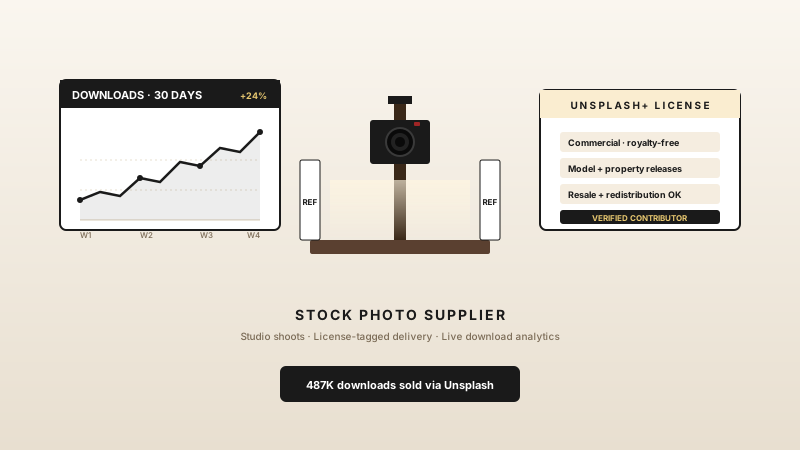
Studios that publish their shoots to Unsplash can embed that photo feed on their own brand site, giving every visitor a fresh look at recent work without the page feeling static between updates.
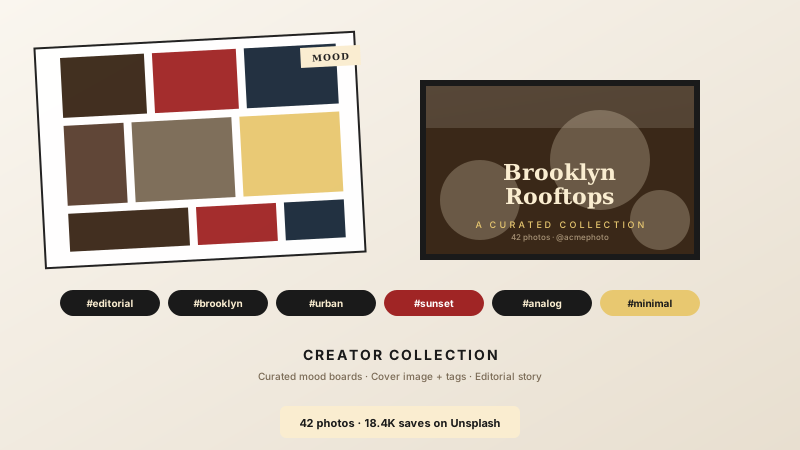
Poper uses a configured Unsplash access key and renders supported public photo data; validate visible credit and license handling for your page.
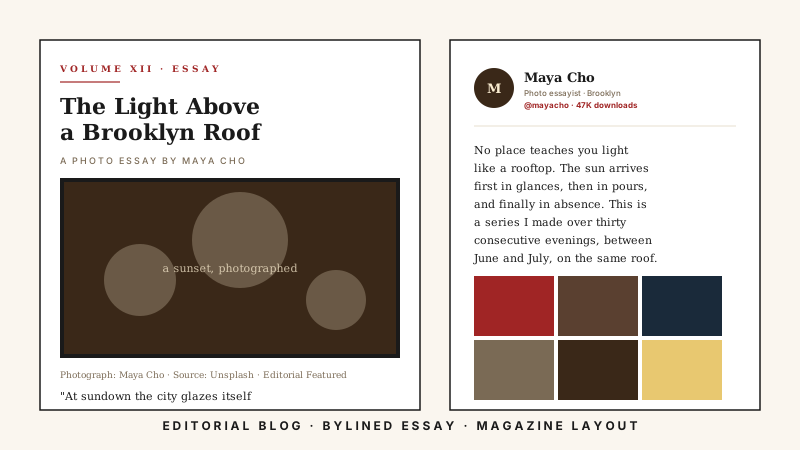
Poper uses a configured Unsplash access key and renders supported public photo data; validate visible credit and license handling for your page.
Unsplash shows photos beautifully on its own site, but it does not give you a branded feed for your domain. Here is how Poper stacks up against the widget-provider platforms that also offer an Unsplash embed.
| Recommended Poper | Elfsight | Common Ninja | Unsplash native embed | |
|---|---|---|---|---|
| Poper workspace available | Limited free | Limited free | ||
| Photographer profile feed | ||||
| Multiple layouts (Grid, Masonry, etc.) | 5 layouts | Multiple | Multiple | Single layout |
| Unsplash photo feed | ||||
| Photo popup on click | ||||
| Theme presets and brand colors | ||||
| Layout styling controls | Paid only | Paid only | ||
| Remove widget branding | All plans | Paid only | Paid only | N/A |
| Bundled with popups, forms, quizzes | ||||
| Starting paid price | Plan details vary | Vendor pricing varies | Vendor pricing varies | Free |
Comparison reflects external competitor positioning. Verify current details on each provider's site.
Photographers, travel editors, and design agencies who switched from native embeds and bare img tags to Poper.
“Poper has improved our website's user engagement! Since integrating Poper's personalized popups, we've seen a dramatic surge in conversions and user interactions. The platform's intuitive design makes creating and customizing popups a breeze, even for those with minimal tech skills. What truly sets Poper apart are its…”

“Fantastic app and support team, they are very quick to help and provide a solution or improvement to their product. Highly recommended!”

“Poper has been a total lifesaver for our agency! As a digital marketing agency, we’re always juggling a million things at once. Poper has been a real game-changer in terms of streamlining our workflow and keeping track of all our clients’ campaigns. The ability to track all our clients’ websites from one place is a…”

Pricing
All plans are billed yearly. Each card shows the per-month equivalent. Start free, then upgrade only when you need more campaigns, websites, or AI credits.
Yearly billing · save up to 40%Essential lead capture for solo creators and growing businesses.
billed $180/year
Full engagement suite with A/B testing, gamification & unlimited leads.
billed $348/year
Unlimited everything with white-label, API access & advanced analytics.
billed $948/year
Prices shown for the 50k monthly visitor tier on yearly billing. A Free Forever plan ($0) and a custom Enterprise plan are also available. No contracts, cancel anytime.
Poper uses a configured Unsplash access key and renders supported public photo data; validate visible credit and license handling for your page.
Poper uses a configured Unsplash access key and renders supported public photo data; validate visible credit and license handling for your page.
Poper uses a configured Unsplash access key and renders supported public photo data; validate visible credit and license handling for your page.
The Poper Unsplash widget gives you five layouts and each one suits a different page. The native-style Default layout reads clearly as a photo feed with the least configuration, which is a good starting point when you just want the photographer's work on the page. The Grid layout is the workhorse: you set desktop and mobile column counts, row counts, the gap between photos, and the photo aspect ratio, so you can run a wide editorial grid on desktop and a tight one on phones. The Masonry layout keeps every photo at its natural aspect ratio and packs them into staggered columns, which is the right choice when the photographer mixes portrait and landscape shots and you do not want anything cropped. The Highlight layout spotlights a single feature photo with the rest in support, useful when one image should lead the section. The Bento layout builds an asymmetric, editorial-feeling grid that gives a few photos more room than the others. All five share the same branding controls, so you can switch layouts in the builder through the normal publish flow the snippet on your site and without redoing your color and font work.
Poper uses a configured Unsplash access key and renders supported public photo data; validate visible credit and license handling for your page.
The embed loads through the Poper snippet. Validate layout and performance on your own page after embedding.
Poper uses a configured Unsplash access key and renders supported public photo data; validate visible credit and license handling for your page.
Tutorial
A quick walkthrough of setting up and embedding this widget.
Tutorial video coming soon
Can't find the answer you're looking for? Chat with our support team.
Contact SupportUnsplash photo feed
Free plan available forever