
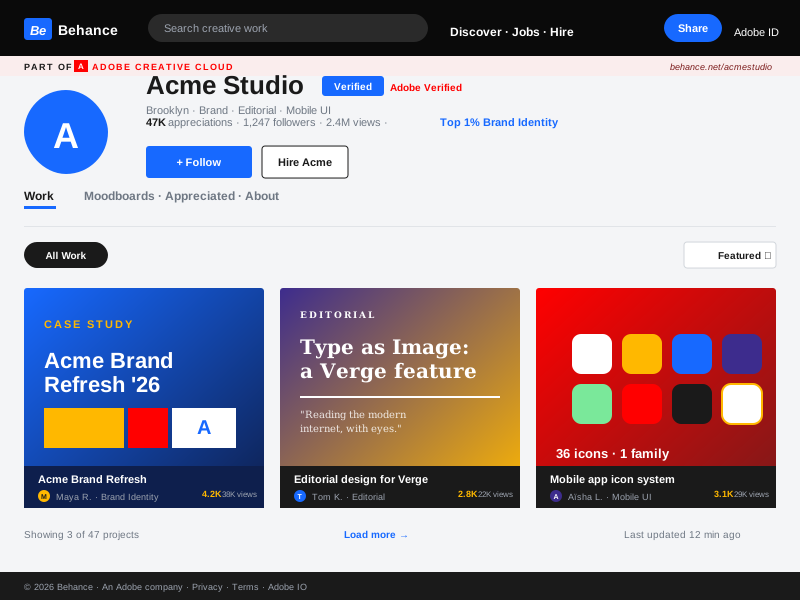
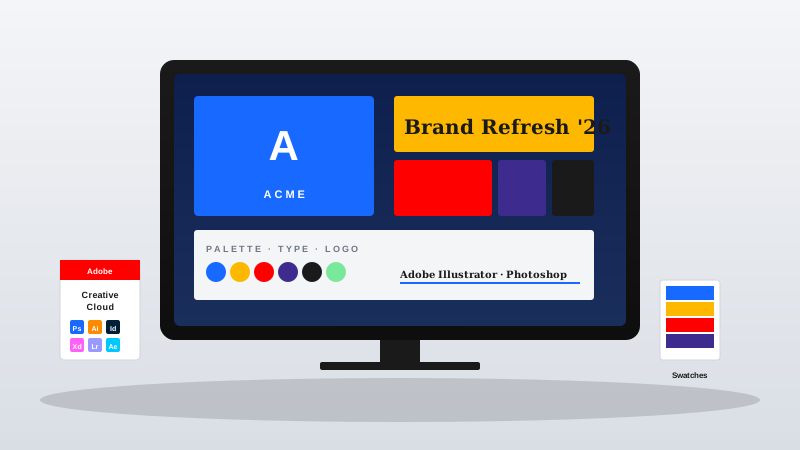
Graphic designer
Bring your Behance brand identity, packaging, and editorial work onto your personal portfolio site. Visitors browse your case studies on your domain, and the feed stays current as you publish new client work.
Embed your Adobe Behance portfolio in 90 seconds. Projects, covers, and appreciations on your own domain. No code.
Built for no-code website teams























Live demo, not a screenshot. Style it, brand it, embed it. What you see here is what ships to your portfolio site.
From Behance to your site
Poper reads your public Behance profile and renders your projects inline on your website. Same work, your branding, your domain.
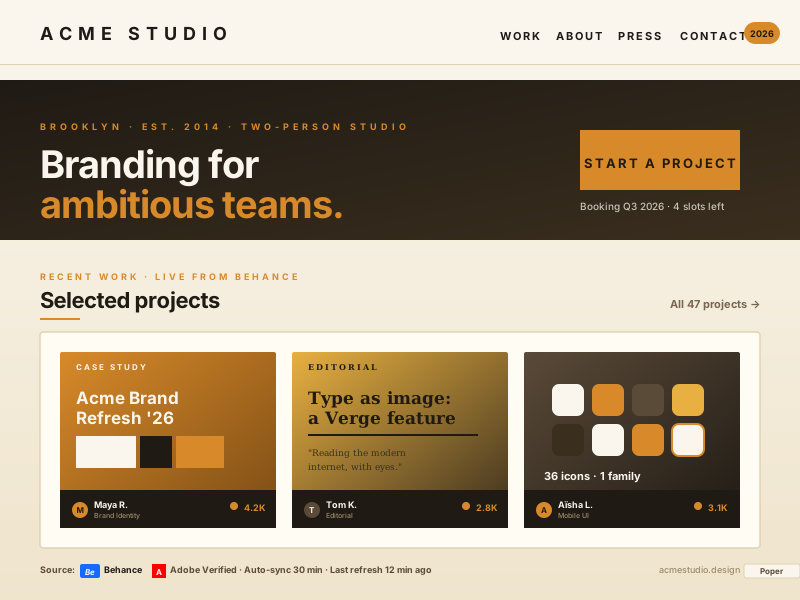 Poper widget live
Mockups for illustration. Pull your real Behance feed and embed in 90 seconds.
How to use it
Three steps. Under two minutes. No developer or Adobe ID review required.
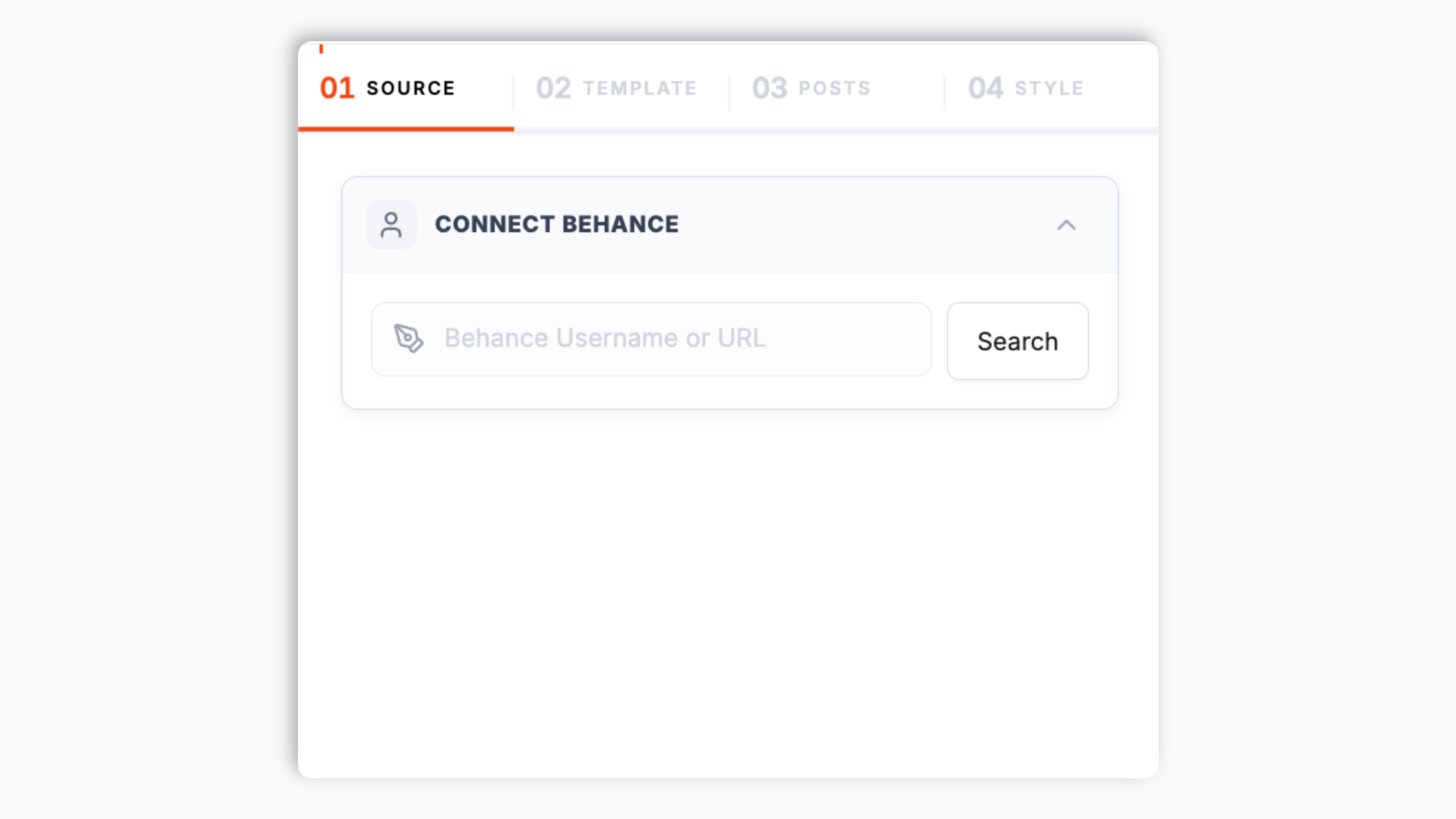
Drop in your Behance handle and Poper pulls in your public projects, covers, and appreciations with a live preview before you embed.
Choose the Default native layout, or switch to Grid, Masonry, Highlight, or Bento. Tweak colors, fonts, spacing, and post style to match your portfolio site.

Paste the Poper embed snippet into your site. Works on Webflow, Framer, Squarespace, WordPress, and 250+ creative platforms.

Works everywhere
Drop-in install on WordPress, Shopify, Wix, Squarespace, Webflow, Framer, Ghost, and any HTML-friendly stack. No build step, no developer needed.


Plus 250+ other platforms via the embed snippet. If your site can render a <script> tag, it can render the Behance Feed Widget: Embed Adobe Behance Projects on Any Website.
Six things that matter when a designer is paying for a portfolio gallery widget, not 30 features no one uses.
A portfolio gallery needs to look different depending on where it sits on your page, so one fixed layout is never enough. Poper ships five. The Default layout renders a native-style project gallery, which is the safest choice for a dedicated portfolio page. Grid keeps a strict alignment. Masonry lets cards flow naturally, which suits editorial spreads and tall illustration covers better than a rigid grid. Highlight spotlights a featured project up top. Bento gives you a modern asymmetric grid. You pick the layout in the editor, preview it live, and switch any time without touching the embed code on your site.
Use the styling controls available for this feed layout.
Choose what happens when a visitor clicks a project: open a popup with the project details on your own page, or send them to Behance. You control which popup elements appear.
Show or hide the feed header and pick which elements appear (profile picture, name, stats). Add a feed title above the gallery when you want one.
The embed loads through the Poper snippet. Validate layout and performance on your own page after embedding.
Use your own analytics to validate this feed on your site.
Use cases
Four buyer types who get the most lift from embedding Behance Feed Widget: Embed Adobe Behance Projects on Any Website on their site.
Bring your Behance brand identity, packaging, and editorial work onto your personal portfolio site. Visitors browse your case studies on your domain, and the feed stays current as you publish new client work.
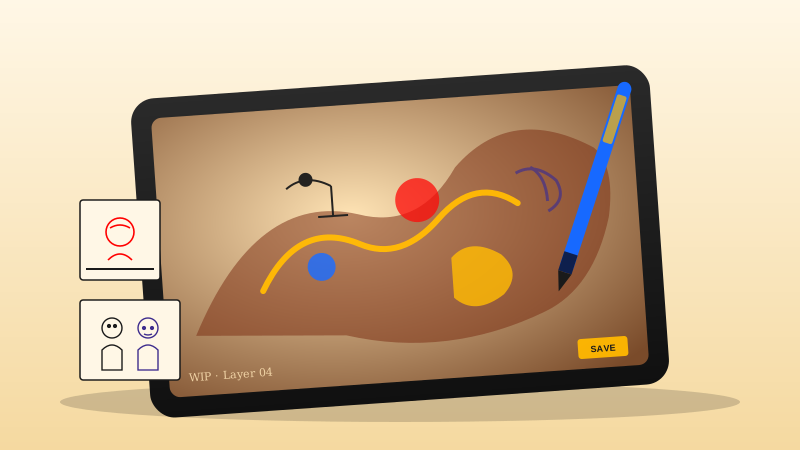
Turn your portfolio page into a living gallery of high-resolution illustration and 3D work. The Masonry layout fits organic compositions far better than a fixed grid, and the feed updates when you post.
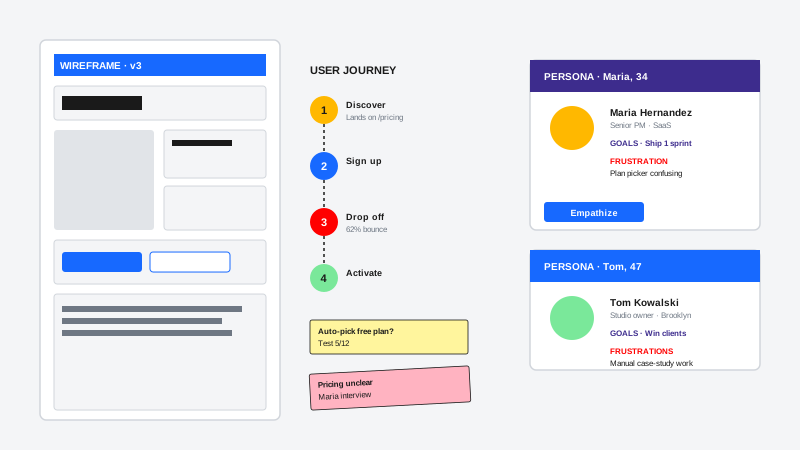
Show your product case studies on your own /work page in a layout you control. An embedded Behance feed keeps recruiters and clients looking at your work on your domain instead of bouncing to the platform.
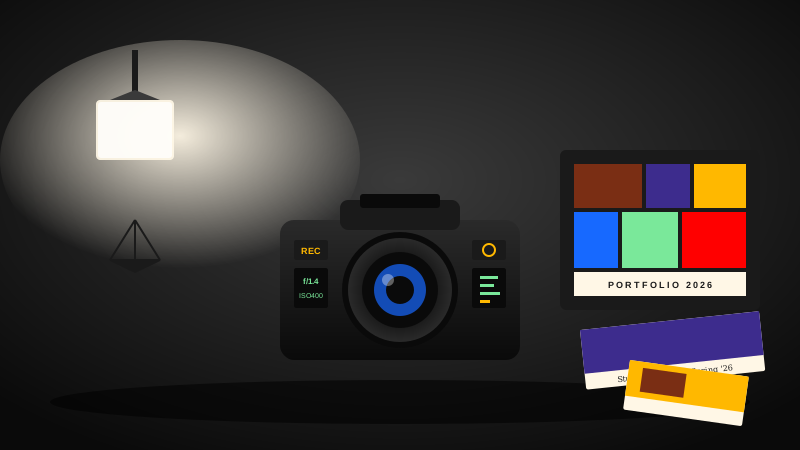
Put your Behance photography projects on your own site as a clean, brandable gallery. Show reportage, portrait, and product work in a feed that matches your site, with no re-uploading.
Several platforms offer embeddable feed widgets. Here is how Poper compares with the best-known alternatives on what actually matters for embedding a Behance portfolio.
| Recommended Poper | Elfsight | Common Ninja | |
|---|---|---|---|
| Poper workspace available | Limited | Limited | |
| Embed a Behance project gallery | |||
| Five layouts to choose from | A few | A few | |
| Native-style default layout | |||
| Brand-match colors and fonts | |||
| Theme presets | Limited | Limited | |
| Click-to-popup with project details | Limited | Limited | |
| Layout styling controls | Paid only | Paid only | |
| Lightweight embed setup | Varies | Varies | |
| Bundled with popups, forms, quizzes |
Comparison reflects external features as of 2026. Verify current details on each provider's site.
Creatives who switched from Behance native embeds and broken third-party widgets to Poper.
“Poper's Behance Feed lets us mirror our latest case studies on the studio site without rebuilding the gallery every time we publish on Behance. The layout feels native to our portfolio.”
“I already keep my best illustration projects on Behance. Poper gave me a clean way to show that work on my own site, with styling that matches my brand instead of a generic embed.”
“The Behance Feed widget helped me keep recruiters on my portfolio page. They can browse public Behance projects in context, then open the full case study only when they want more detail.”
Pricing
All plans are billed yearly. Each card shows the per-month equivalent. Start free, then upgrade only when you need more campaigns, websites, or AI credits.
Yearly billing · save up to 40%Essential lead capture for solo creators and growing businesses.
billed $180/year
Full engagement suite with A/B testing, gamification & unlimited leads.
billed $348/year
Unlimited everything with white-label, API access & advanced analytics.
billed $948/year
Prices shown for the 50k monthly visitor tier on yearly billing. A Free Forever plan ($0) and a custom Enterprise plan are also available. No contracts, cancel anytime.
Behance has been the default home for designer portfolios since Adobe acquired it in 2012, and most working creatives already keep their best case studies there rather than re-uploading them to a personal site. The trouble is that Behance lives on someone else's domain, wrapped in someone else's chrome, surrounded by other people's work. Your own site is where art directors, recruiters, and prospective clients actually decide to hire you. A Behance feed widget bridges the two: you keep publishing on Behance the way you already do, and your portfolio site mirrors what you have shared with available brand controls. This guide covers everything that matters when picking and configuring a Behance widget in 2026: Adobe ownership, the API deprecation, the Creative Cloud integration story, performance, and how to present the gallery so it belongs on your site.
Behance launched in 2006 and was acquired by Adobe in December 2012, which permanently changed the platform's trajectory. Today Behance is tightly integrated with Creative Cloud: a single Adobe ID logs you into Photoshop, Illustrator, Lightroom, and Behance with the same credentials, projects can sync directly from desktop apps via the Creative Cloud uploader, and every Behance profile feeds into Adobe's broader creative talent ecosystem (Adobe Portfolio, Adobe Stock, Adobe Talent). Behance hosts roughly 30 million creatives and is widely considered the second-largest design portfolio network on the web, behind Dribbble for visual snippets and well ahead of DeviantArt for case studies. For a working designer, illustrator, or studio, the question is rarely whether to be on Behance, only how to mirror that body of work onto a domain you actually control.
Behance shipped a public REST API (v2) in 2014 that gave widget developers clean authenticated access to projects, comments, and appreciations. Adobe deprecated that API in 2018, citing the company-wide migration to Adobe IO, the unified developer platform behind every Adobe product. Adobe IO supports a Behance integration but locks it behind enterprise Adobe ID authentication, partner-tier access reviews, and contractual restrictions that effectively rule it out for general-purpose widget tools. The practical result is that every modern Behance widget on the market reads from public Behance profile pages instead of an authenticated API. Done well, this is fine: public profile pages are designed to be viewed by anyone, and respectful cached fetches that honor robots rules are normal web practice. Done badly, this is fragile: Adobe occasionally tweaks the page markup, and aggressive scrapers get rate-limited or blocked. Poper sits in the first camp. We monitor the markup continuously, ship fixes within hours when Adobe makes a structural change, and cache results on a global CDN edge so content is fetched through Poper where supported when your page loads.
The simplest way to point visitors at your Behance work is a text link, and it is also the weakest. A link sends people off your site to a page surrounded by other designers, and most of them do not come back. A real portfolio gallery shows ten or twenty projects at once, in a layout that fits the page, styled so the cards feel native to your site rather than transplanted from Behance. That is what a feed widget does. Poper pulls your public Behance projects and presents them on your own domain in a layout you choose, so the work stays with your brand and your visitor stays on your page. You pick how the projects look: the Default native-style gallery for a dedicated portfolio page, Masonry for editorial spreads and tall illustration covers that do not crop well to a grid, Highlight when you want a single hero project up top, or Bento for a modern asymmetric grid. When a visitor clicks a project, you decide whether they open a popup with the project details on your own page or jump to Behance. The point of the widget is to keep your strongest work visible on a surface you control, not to hand visitors to a directory and hope they return.
The embed loads through the Poper snippet. Validate layout and performance on your own page after embedding.
Use the styling controls available for this feed layout.
A Behance feed widget is an embeddable script that displays an Adobe Behance profile's public projects on any third-party website, rendered in a chosen layout with custom branding so visitors can browse the work on the site owner's own domain.
Tutorial
A quick walkthrough of setting up and embedding this widget.
Tutorial video coming soon
Can't find the answer you're looking for? Chat with our support team.
Contact SupportPoper takes 90 seconds to embed, and you refresh the feed from your dashboard each time you publish a new Behance case study. Start from your Poper workspace.
Free plan available forever