The complete guide to embedding Tumblr on your website
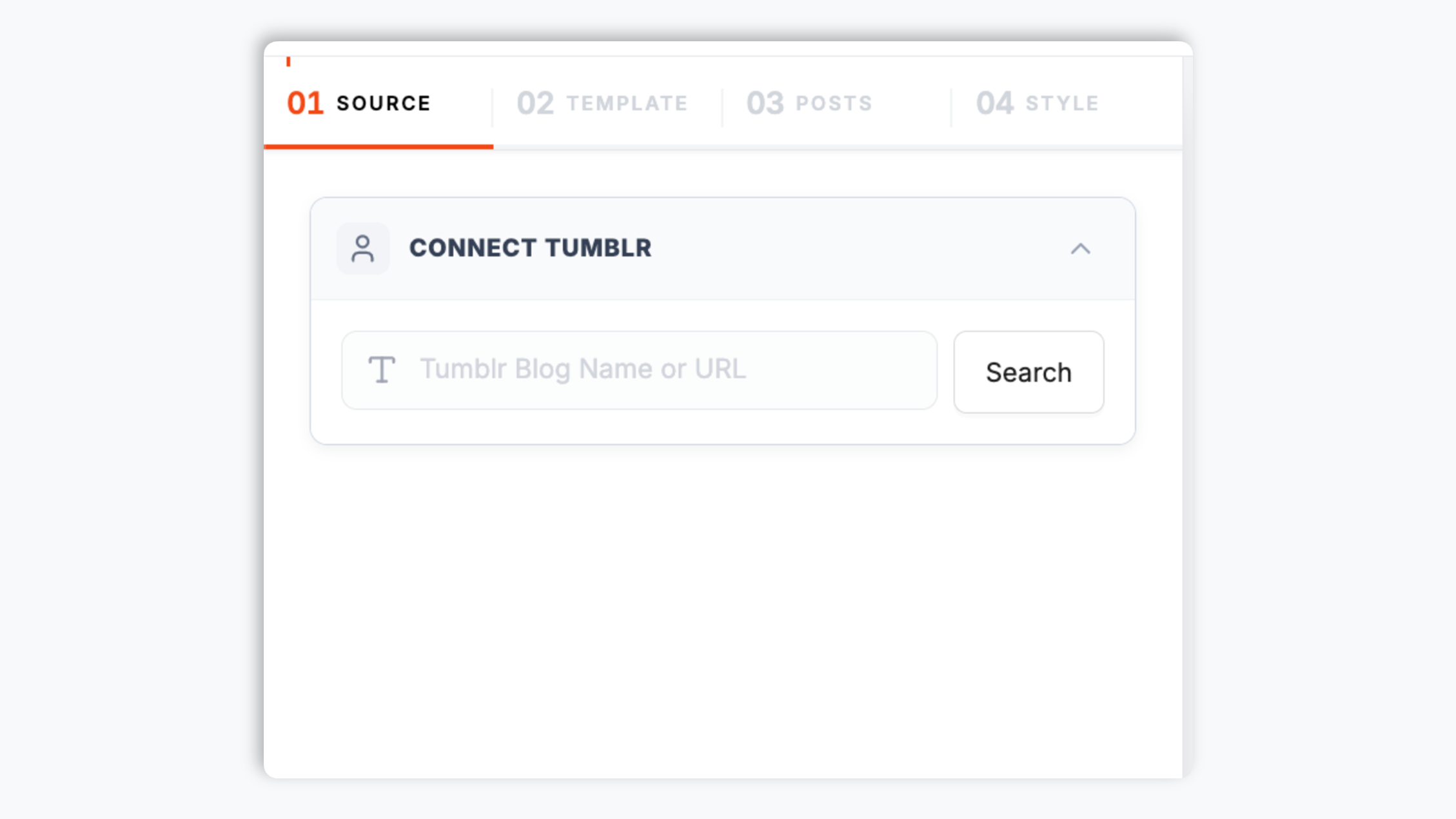
Tumblr never died. After the 2018 adult-content ban hollowed out the user base, Automattic acquired the platform in 2019, reversed the most damaging restrictions in 2022, and quietly rebuilt around the creative communities that always made the site special: fandoms, digital artists, indie zines, music bloggers, and subculture aesthetic scenes that never migrated to Instagram or TikTok. For anyone whose audience lives there, embedding a Tumblr feed on a website is one of the cheapest ways to bring that creative energy to your own domain. This guide walks through what actually matters when you choose and configure a Tumblr widget in 2026: the Tumblr API v2 and OAuth flow, the seven post types, the reblog chain culture, NSFW handling after the 2022 reversal, and why Tumblr remains uniquely suited to niche subculture brands.
03
The seven post types and why they matter
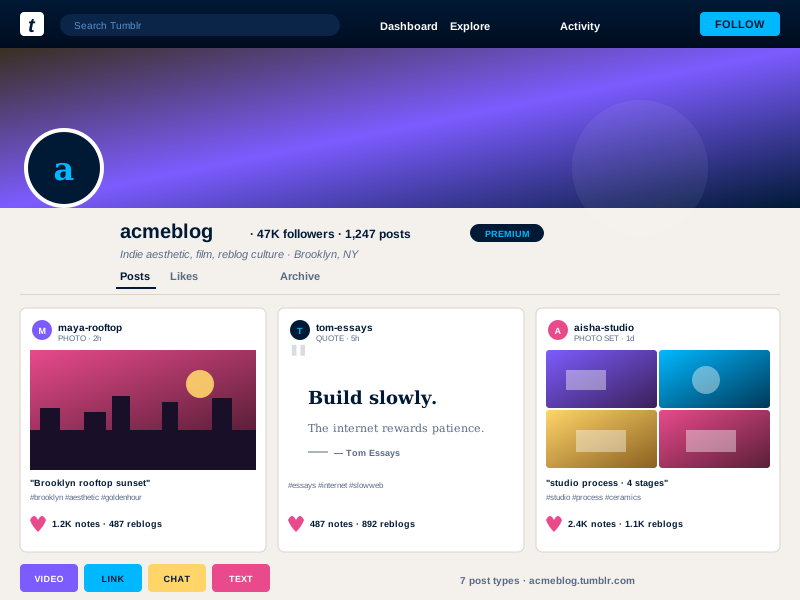
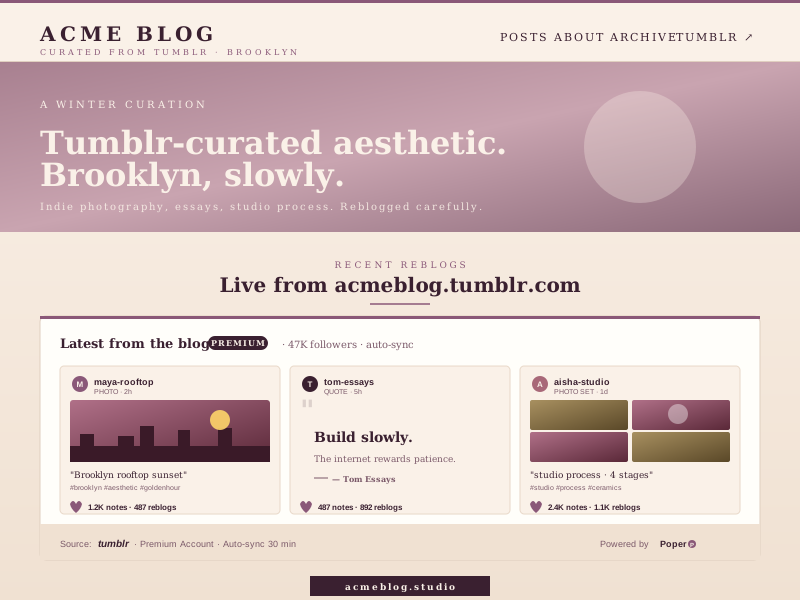
Tumblr is the only major platform that ships first-class support for seven distinct post types: text, photo, quote, link, chat, audio, and video. Each post type has its own data model, its own native template, and its own cultural conventions. Text posts are long-form essays and meta. Photo posts can be single images or photo sets that expand as galleries, with alt text rendered prominently. Quote posts use serif typography with attribution and feel like a magazine pull-quote. Link posts show an Open Graph preview with a title and description. Chat posts render as a styled transcript with speakers in bold. Audio posts get an inline HTML5 player with cover art and metadata. Video posts embed inline with native playback. A widget that renders only photos (which is what most third-party tools do) loses the entire creative range of the platform. Poper renders each post type with its native template and lets you filter by type so a photographer's portfolio shows only photo posts, a literary zine shows only quotes, and a music blog shows only audio posts, all from the same widget config.
04
Reblog chains, fandom culture, and the social fabric of Tumblr
Refresh cadence follows your Poper plan: Free every 15 days, Starter every 3 days, and Pro/Business every 1 day.