
Ecommerce checkout
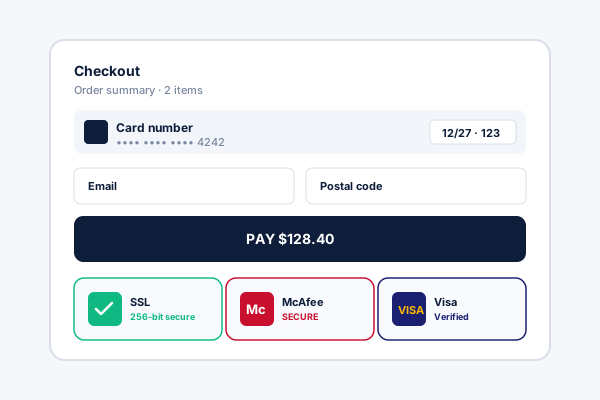
Place a money-back guarantee, secure-checkout, and easy-returns badge row below the buy button to reassure buyers at the moment of purchase.
Available widget controls include money-back guarantees, rating badges, as-seen-on logo strips, review cards, and seals. Pick a layout, edit the text, embed. No code.
Built for no-code website teams























Live demo, not a screenshot. Pick a layout, edit it, embed. What you see here is what ships to your site.
Before and after Poper
Here is the widget embedded on a real page layout, before and after. Style it to match your brand, then copy one snippet to go live.
 Before
 Poper widget live
Mockups for illustration. Style the widget to match your site and embed in 90 seconds.
How to use it
Three steps. Under two minutes. No developer needed.
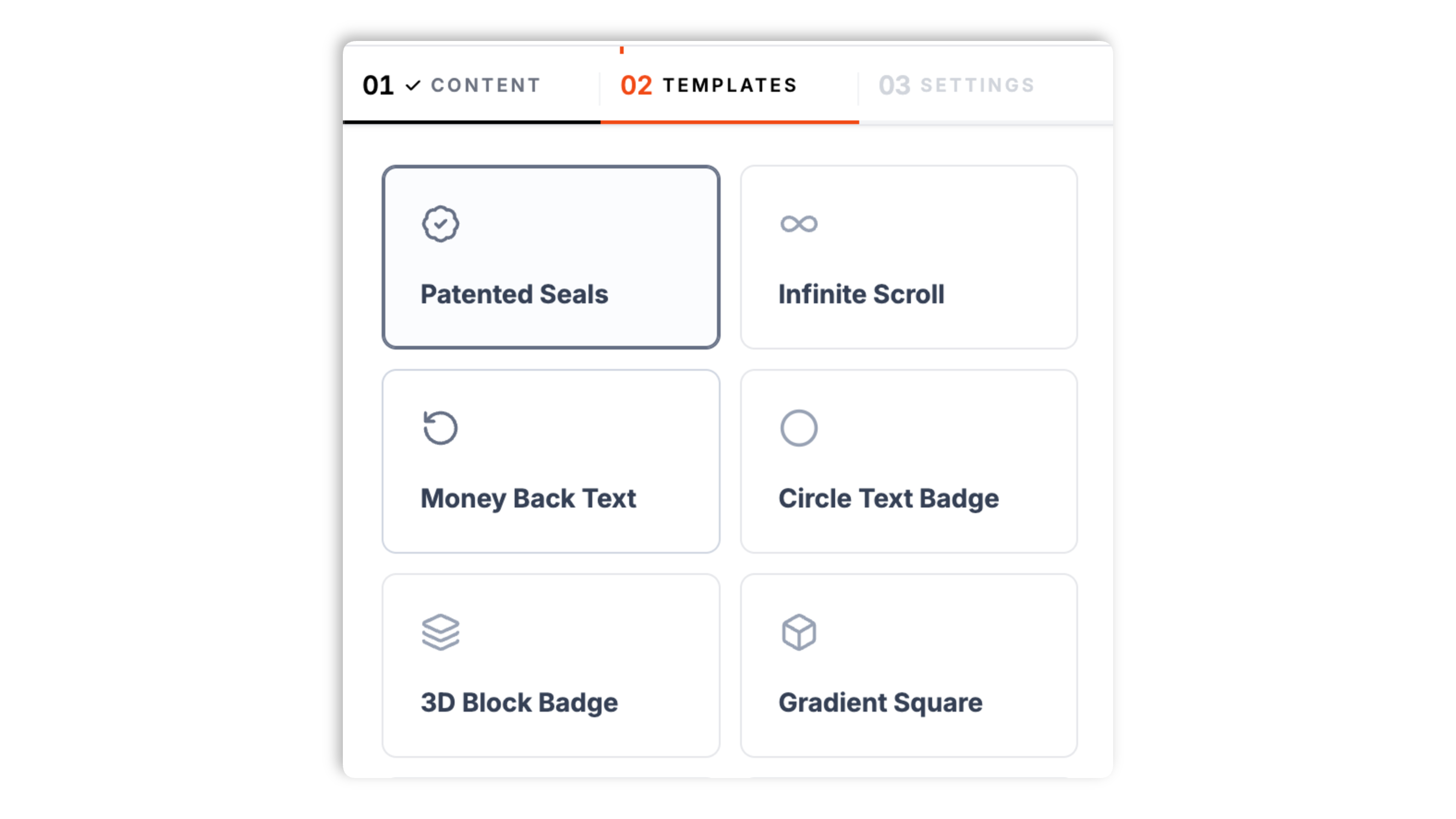
Choose from available widget templates in the Templates tab, from money-back guarantee boxes and circular seals to as-seen-on logo strips, review cards, rating hexagons, and stat counters.
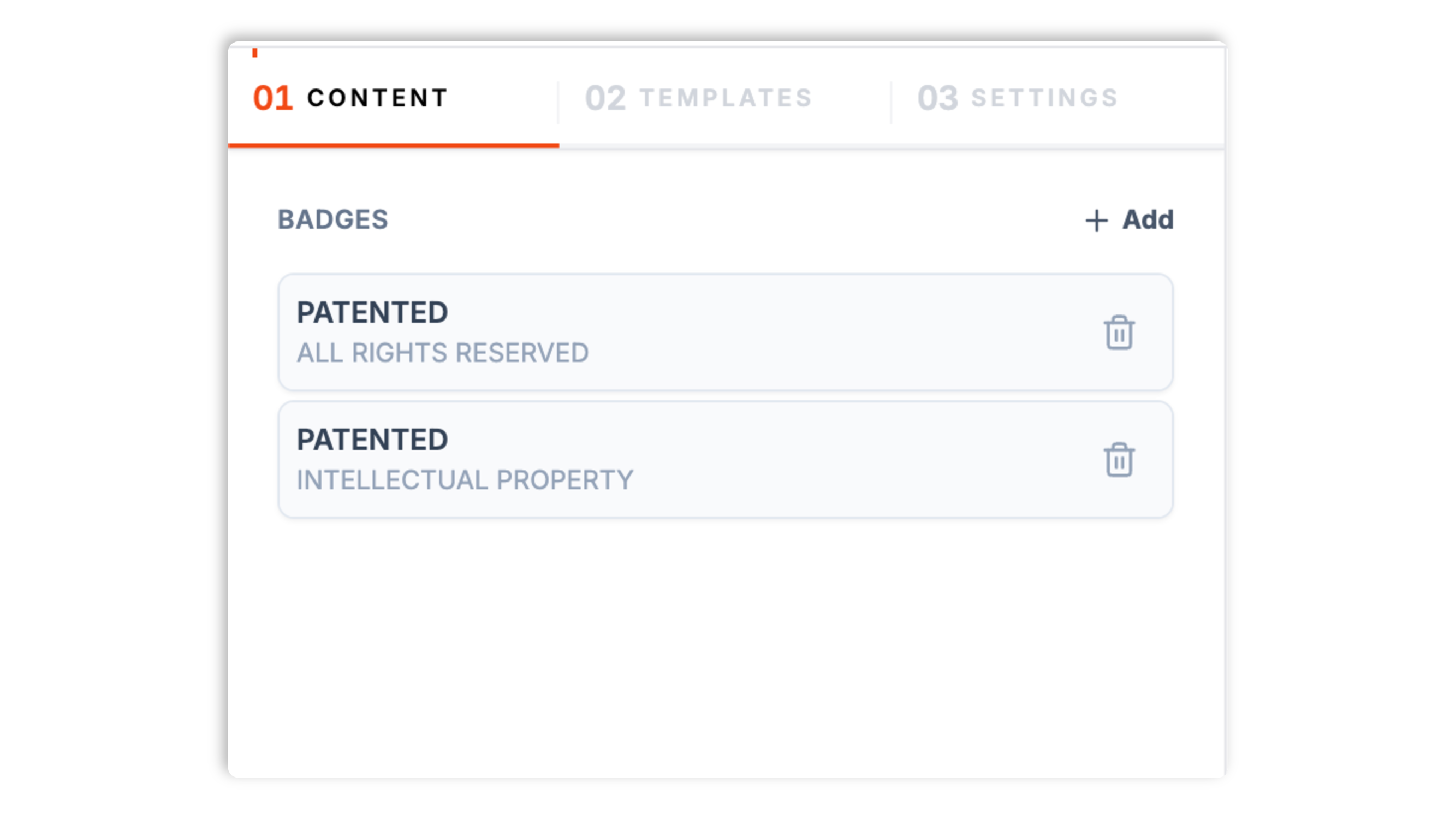
In the Content tab, edit each badge's label, caption, and tooltip. Choose an icon from the built-in icon set or upload your own PNG, JPEG, or SVG. Layouts that show ratings or logos have the right fields for that content.
Paste the Poper embed snippet into your site. Works anywhere your Poper embed snippet is supported.

Works everywhere
Drop-in install on WordPress, Shopify, Wix, Squarespace, Webflow, Framer, Ghost, and any HTML-friendly stack. No build step, no developer needed.


Plus 250+ other platforms via the embed snippet. If your site can render a <script> tag, it can render the Trust Badges Widget: Guarantee, Rating, and Credibility Badges for Any Site.
The features that matter when you are adding trust badges, not 30 nobody uses.
Most trust badge widgets give you one or two layouts and a pile of stock images. Poper ships 26 designed layouts instead: money-back guarantee boxes, shipping badges, verification seals, as-seen-on logo strips, review cards for G2, Capterra, Trustpilot and Google, app store badges, Product Hunt badges, rating hexagons, stat counters, avatar piles, and minimal badge styles. Each one arrives pre-filled so you can see it before you edit.
Use the widget controls you edit in the dashboard. Review layouts add a rating control, and logo layouts take uploaded images. Write the words that fit your business.
Pick a badge icon from the built-in icon library: shields, locks, cards, stars, trucks, and more.
Upload a PNG, JPEG, or SVG to use your own logo, seal, or award mark in place of a built-in icon.
Set the container box style, padding, and shadow, plus badge size, gap, opacity, grayscale, and colors. The as-seen-on marquee can pause on hover. No CSS required.
Change a badge's text, swap a logo, or pick a different layout in the dashboard and the update reaches every site running the embed. No code re-paste, no redeploy.
Use cases
Four buyer types who get the most lift from embedding Trust Badges Widget: Guarantee, Rating, and Credibility Badges for Any Site on their site.
Place a money-back guarantee, secure-checkout, and easy-returns badge row below the buy button to reassure buyers at the moment of purchase.
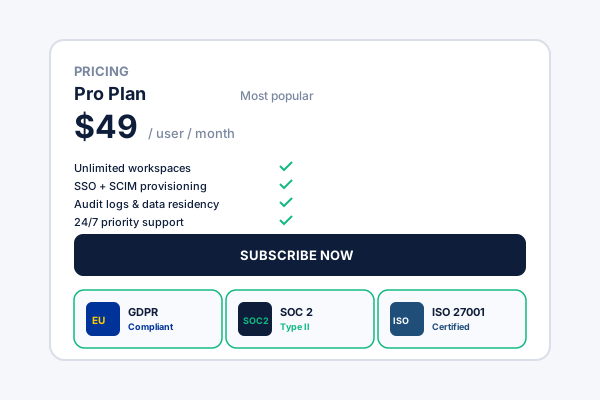
Show G2, Capterra, and Product Hunt launch badges near your pricing or signup so visitors see your credentials before they commit.
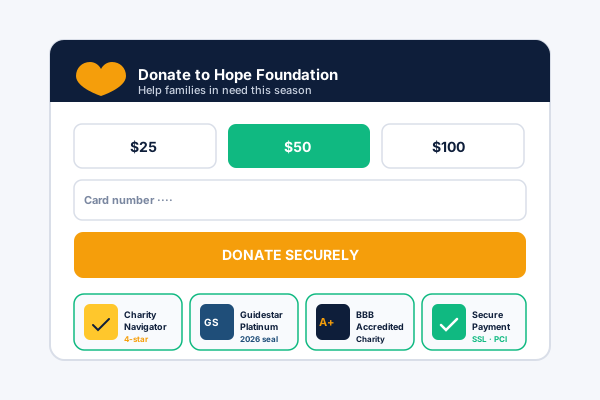
Use the as-seen-on marquee or trusted-logos layout to show the publications and brands you have worked with as a scrolling or static logo strip.
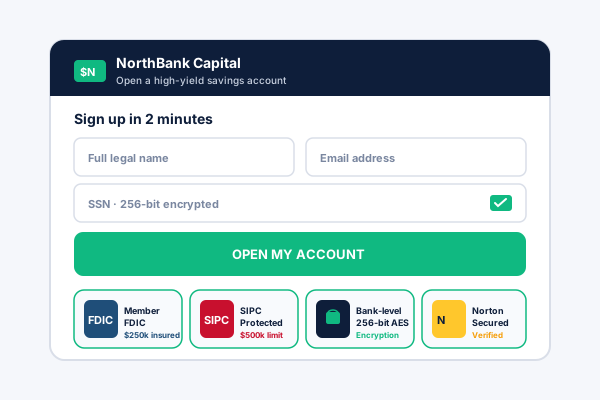
Add review cards, star ratings, or stat counters to a portfolio or service page to turn social proof into a clear, designed element.
Available widget controls. Here is how the popular widget options stack up.
| Recommended Poper | Elfsight Trust Badges | POWR Trust Badge | Common Ninja Badges | |
|---|---|---|---|---|
| Poper workspace available | Limited | Limited | Limited | |
| Number of ready-made layouts | Available widget controls | A few | A few | Limited |
| Guarantee and shipping badge layouts | Limited | Limited | Limited | |
| Review and rating badge layouts (G2, Capterra, Trustpilot) | Paid only | Limited | ||
| As-seen-on and trusted-logo strips | Paid only | Limited | ||
| Built-in icon set | Limited | |||
| Upload your own PNG, JPEG, or SVG badge | Paid only | |||
| Box style, size, color, and grayscale controls | Paid only | Limited | ||
| Edit in the dashboard and republish | ||||
| Pricing | Plan details vary | Vendor pricing varies | Vendor pricing varies | Vendor pricing varies |
| Bundled with popups, forms, quizzes, more widgets |
Comparison reflects external competitor positioning. Verify current details on each provider's site.
Conversion teams, SaaS marketers, and service brands who use Poper Trust Badges.
“We picked the money-back guarantee layout, edited the text, and had a clean trust row under our buy button in minutes. It looked designed, not pasted in.”

“The review and rating layouts let us show our G2 and Product Hunt credentials near our pricing without building anything custom.”

“Twenty-six layouts meant we found the as-seen-on logo strip we wanted straight away. Uploading our press logos took a couple of minutes.”

Pricing
All plans are billed yearly. Each card shows the per-month equivalent. Start free, then upgrade only when you need more campaigns, websites, or AI credits.
Yearly billing · save up to 40%Essential lead capture for solo creators and growing businesses.
billed $180/year
Full engagement suite with A/B testing, gamification & unlimited leads.
billed $348/year
Unlimited everything with white-label, API access & advanced analytics.
billed $948/year
Prices shown for the 50k monthly visitor tier on yearly billing. A Free Forever plan ($0) and a custom Enterprise plan are also available. No contracts, cancel anytime.
Trust badges are the small visual cues (a money-back guarantee, a secure-checkout mark, an as-seen-on logo strip, a star rating, a review card) that signal to a visitor that your business is credible and your offer is low-risk. The hard part is usually not deciding to add them, it is making them look designed rather than pasted-in. This guide walks through what matters when you choose and configure a trust badges widget in 2026: picking the right layout for the message, editing the badge content, adding your own logos, and styling the result so it fits your page.
Poper's trust badges widget ships with available widget controls and the right one depends on the message you want to send. Guarantee and shipping layouts (a money-back guarantee box, a returns badge, a safe-shipping block) are built for a checkout or product page where the goal is to lower perceived risk. Verification seals and circular badges work as a compact mark of authenticity. As-seen-on and trusted-logo strips show the publications and brands you are associated with, either as a static row or a scrolling marquee. Review and rating layouts cover the formats people recognize: G2 and Capterra style badges, a Trustpilot strip, a Google review card, app store badges, Product Hunt badges, rating hexagons, and star rows. Stat counters and avatar piles turn raw numbers, like total customers, into a visual. Because every layout comes pre-filled with example content, you can browse the available widget settings and see the design before you commit to one.
Once you pick a layout, the Content tab is where you make it yours. Badge-style layouts give each badge a label, a caption, and a tooltip, so a guarantee badge might read 'MONEY BACK' as the label, '60 DAY' as the caption, and a short reassurance as the tooltip. Some layouts include a description field for a longer block of text. Review and rating layouts add a rating slider so you can set the score shown. The fields you see are tailored to the layout: a logo strip asks for logos, a review card asks for a rating and a caption, a guarantee box asks for a headline and description. You are editing real content, not fighting a template, and the example content shows you what each field is for.
Many badge layouts use an icon, and Poper includes a built-in icon library covering the common trust symbols: shields, locks, payment cards, stars, trucks, packages, checkmarks, and more. Pick one from the grid and it appears on the badge. When an icon is not enough, you can upload your own image instead: a PNG, a JPEG, or an SVG. This is how you put your own brand seal, an award mark, or a publication logo into the widget. Logo-strip and as-seen-on layouts are built around uploaded images specifically, so you supply the actual logos you want to show. Uploaded images use the same size and styling controls as the built-in icons.
The Settings tab keeps the widget looking like part of your site. The container has a box style (none, a card, an outline, or full width), with padding and a shadow when a box is used. The badges themselves have a size, a gap between them, an opacity, and a grayscale toggle, which is useful for a logo strip you want to keep understated. You set the primary, background, title, text, and border colors. The as-seen-on marquee layout adds a pause-on-hover option. None of this needs CSS: every option is a dashboard control, so you can match the widget to your brand and move on.
Placement is most of the value. Guarantee, returns, and secure-checkout badges belong close to the action: directly below an add-to-cart or buy button, or near the payment fields, where they answer a buyer's last-second hesitation. Review and rating badges work near a pricing table or a signup form, where a visitor is weighing the decision. As-seen-on and trusted-logo strips usually sit higher on the page, in or just below the hero, as early credibility. Stat counters and avatar piles fit well in a section about your reach or community. The badge does the most work when it appears at the exact moment the visitor is deciding whether to trust you.
A trust badges widget is an embeddable script that displays credibility badges on a website. Poper's trust badges widget ships with available widget controls, from money-back guarantee boxes and verification seals to as-seen-on logo strips, review and rating cards, and stat counters, each with editable text and icons.
Last fact-checked: . We re-verify every quarter.
Tutorial
A quick walkthrough of setting up and embedding this widget.
Tutorial video coming soon
Can't find the answer you're looking for? Chat with our support team.
Contact SupportPoper takes about a minute to embed and your badges update from the dashboard.
Free plan available forever