
Small business site
Brochure sites, local businesses, and portfolios that run Google Analytics or a Meta Pixel. Add a banner that asks visitors before those scripts run, with a clear message and a deny button as visible as the accept button.
Drop-in cookie consent widget with two compliance modes, a four-category preference center, and script blocking until consent. Available widget controls free, no code.
Built for no-code website teams






















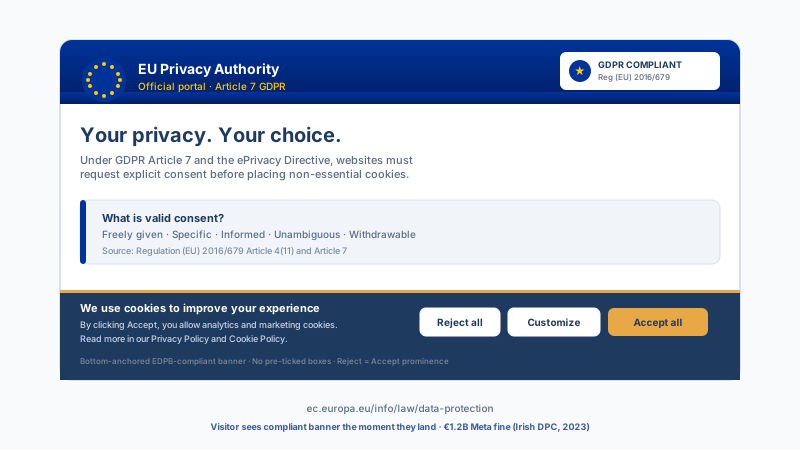
Live demo, not a screenshot. Style it, brand it, embed it. What you see here is what ships to your site.
Before and after Poper
Here is the widget embedded on a real page layout, before and after. Style it to match your brand, then copy one snippet to go live.
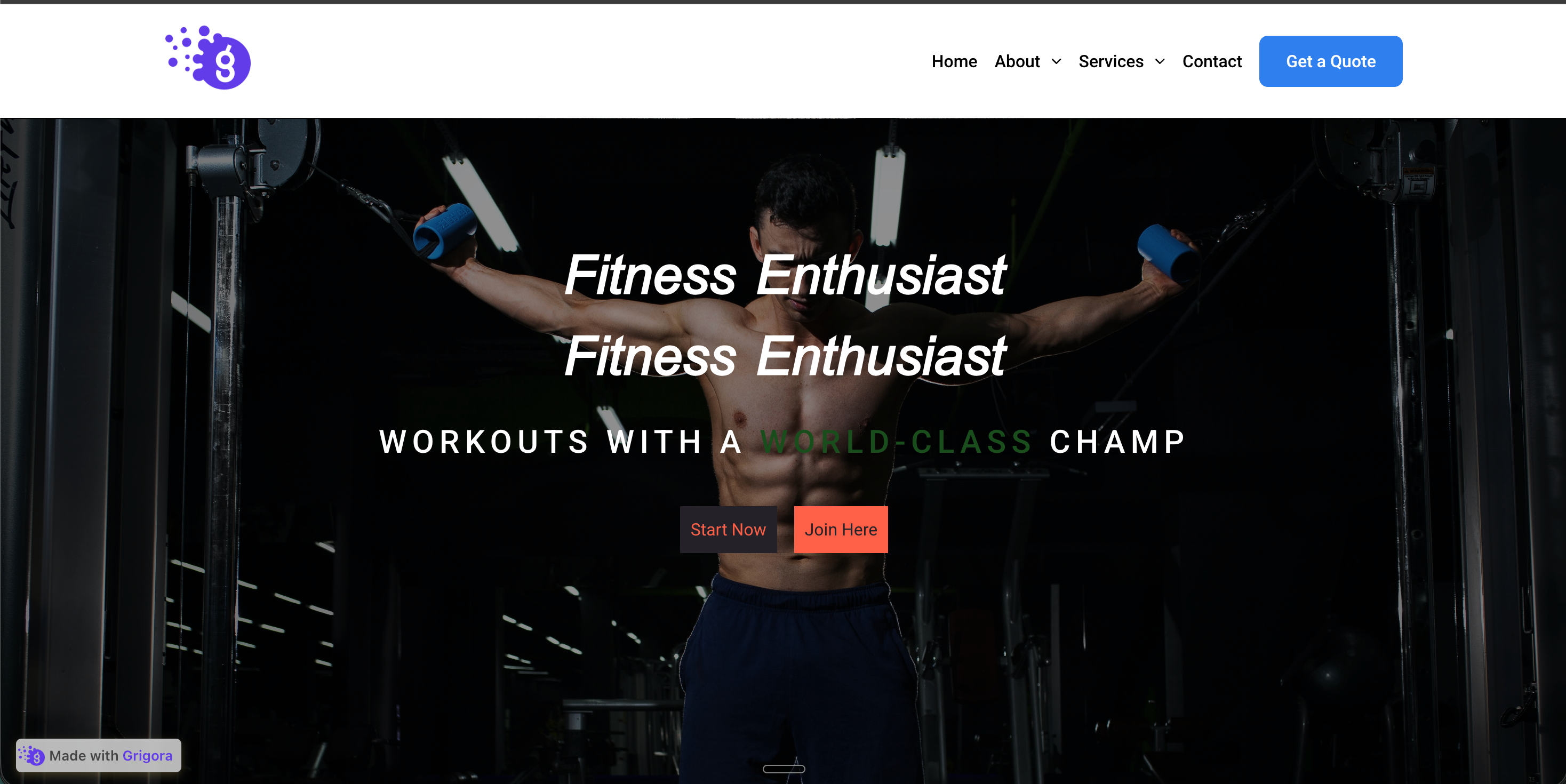 Before
 Poper widget live
Mockups for illustration. Style the widget to match your site and embed in 90 seconds.
How to use it
Three steps. Under two minutes. Available widget settings.
Choose Notify only (a single acknowledge button) or Ask for consent (Allow All, Deny, and an optional preference center). In Ask mode, add your tracking scripts and assign each to a category: Strictly Necessary, Functionality, Tracking & Analytics, or Targeting & Ads.
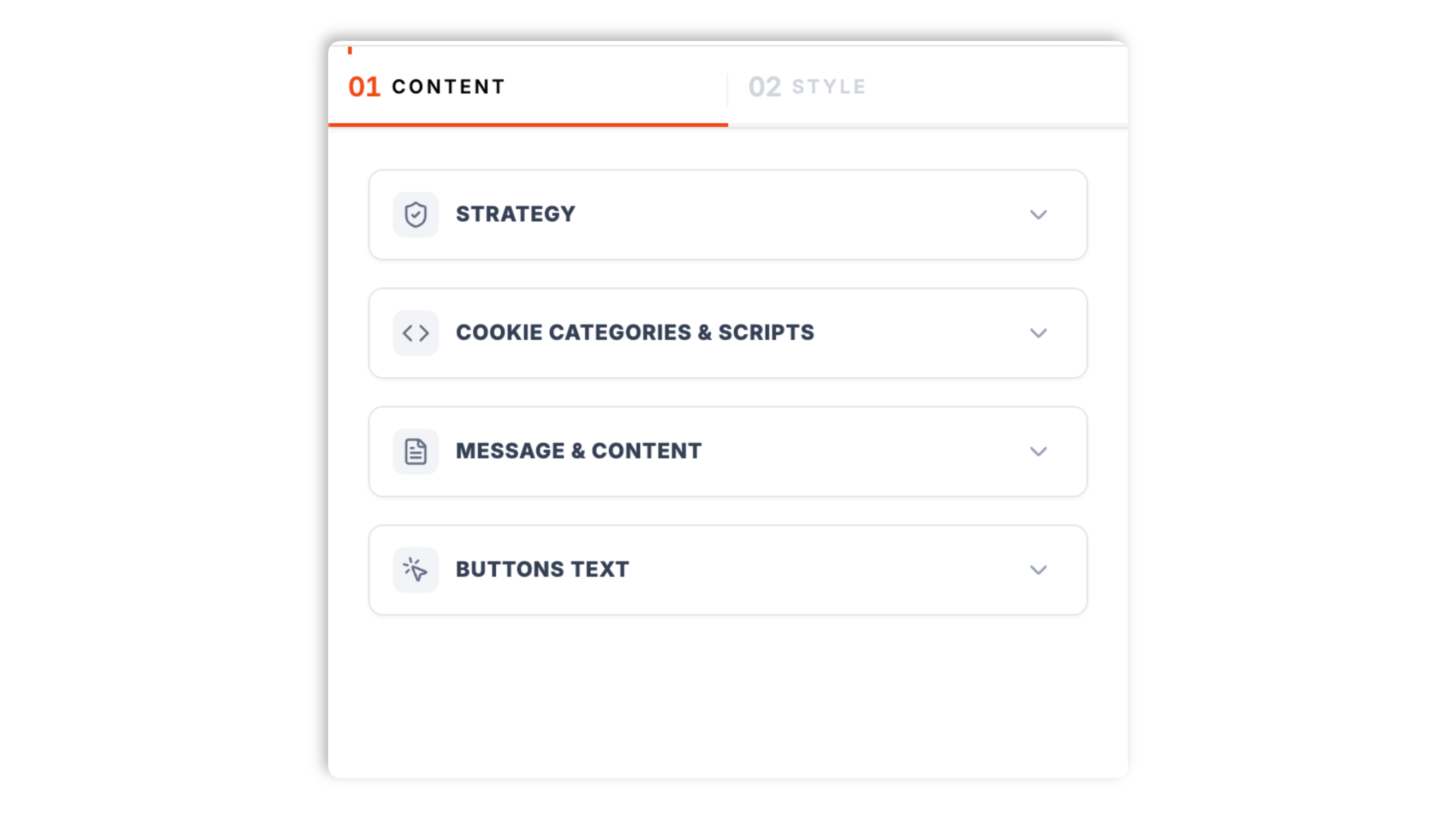
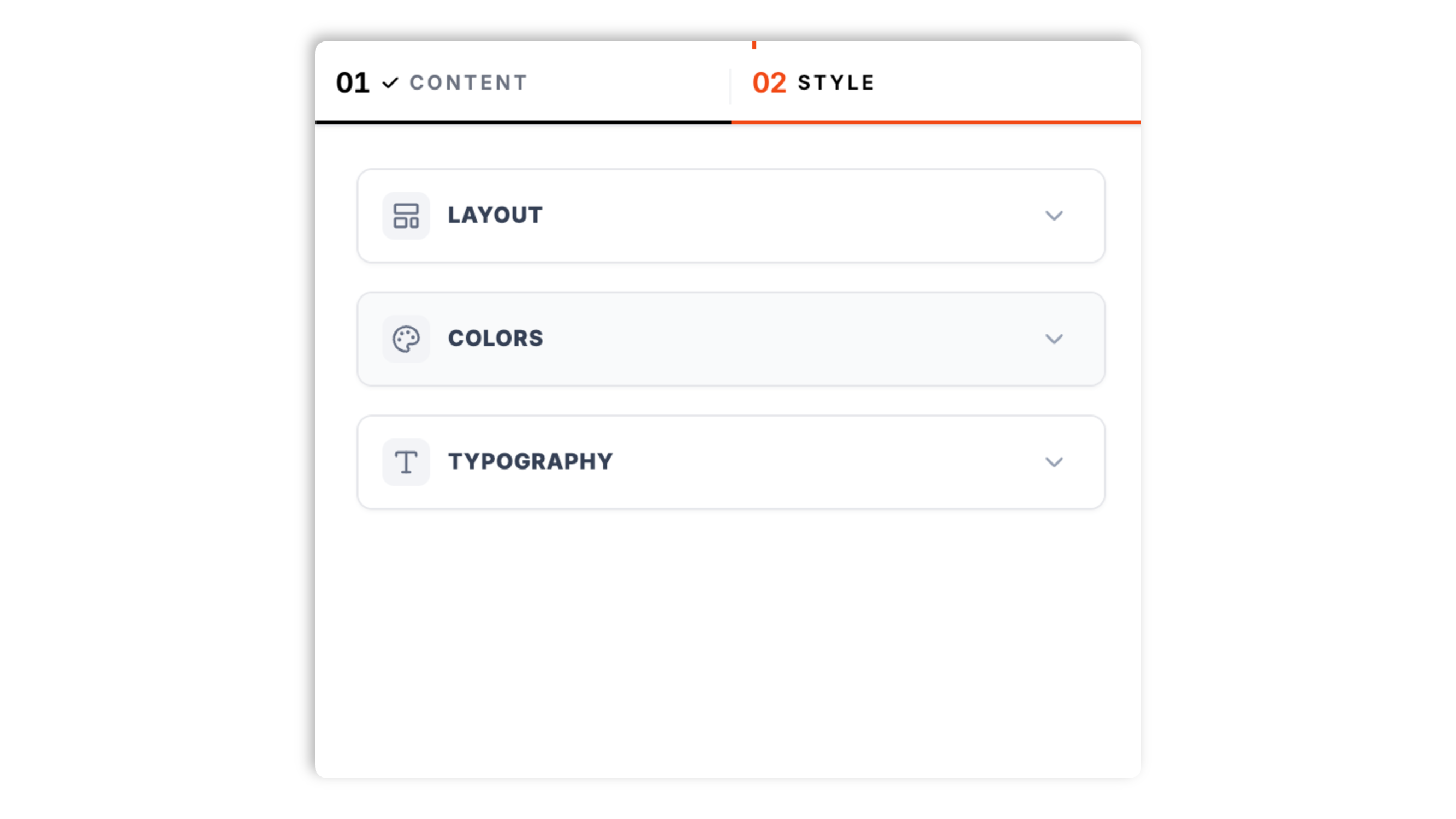
Choose a layout: bottom bar, top bar, floating left, floating right, or floating center. Match your background, text, link, and button colors, set the font size, padding, and content width.
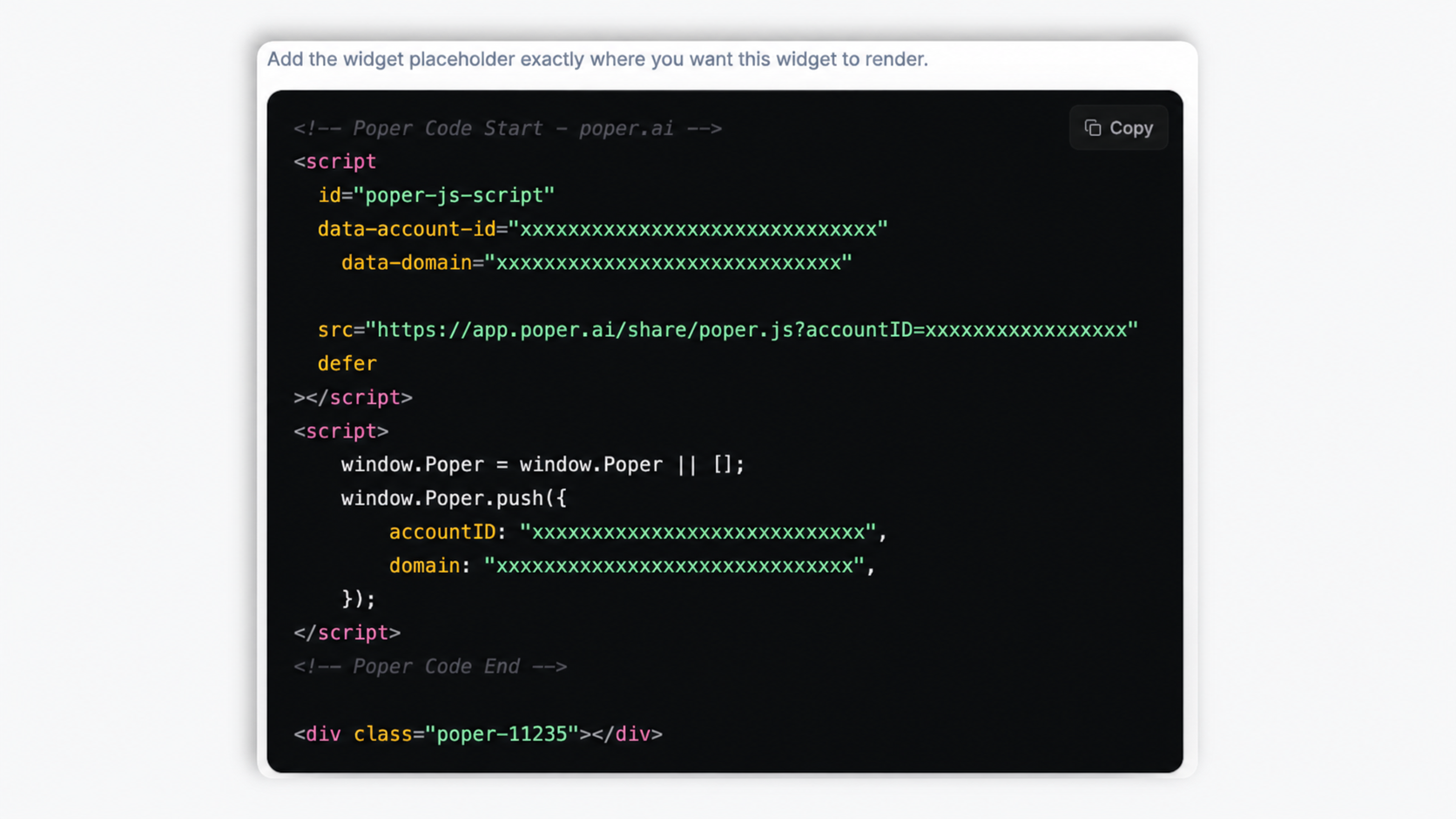
Paste the Poper embed snippet into your site. Works anywhere your Poper embed snippet is supported. The banner appears the next time a visitor lands.
Works everywhere
Drop-in install on WordPress, Shopify, Wix, Squarespace, Webflow, Framer, Ghost, and any HTML-friendly stack. No build step, no developer needed.


Plus 250+ other platforms via the embed snippet. If your site can render a <script> tag, it can render the Cookie Consent Widget: A Customizable Cookie Banner for Any Site.
Six things that matter in a cookie banner, not 30 features no one uses.
In Ask for consent mode, you add your tracking tags (analytics, advertising, functionality scripts) to the widget and assign each to a category. Until a visitor grants that category, those scripts do not run. Strictly Necessary scripts always run, and a script is injected only once per page so it never double-fires. This is the core job of a consent banner: nothing in a controlled category fires before the visitor says yes.
Notify only shows a single banner with one acknowledge button, for sites that simply want to inform visitors. Ask for consent shows Allow All and Deny buttons and, optionally, a preference center. Pick the mode that matches how strict you need the flow to be.
A modal where visitors toggle Strictly Necessary, Functionality, Tracking & Analytics, and Targeting & Ads on their own terms.
Turn on a floating cookie icon, placed in any corner, so visitors can reopen the banner and change their choice at any time.
Pick a bottom bar, top bar, or a floating banner anchored left, right, or center. Match your background, text, link, and button colors, set the font size, padding, and content width so the banner looks native to your site.
Once a visitor accepts or denies, their preference is stored in their browser for 365 days, so the banner does not reappear on every visit. If they clear it or it expires, the banner shows again so they can decide afresh.
Use cases
Four buyer types who get the most lift from embedding Cookie Consent Widget: A Customizable Cookie Banner for Any Site on their site.
Brochure sites, local businesses, and portfolios that run Google Analytics or a Meta Pixel. Add a banner that asks visitors before those scripts run, with a clear message and a deny button as visible as the accept button.
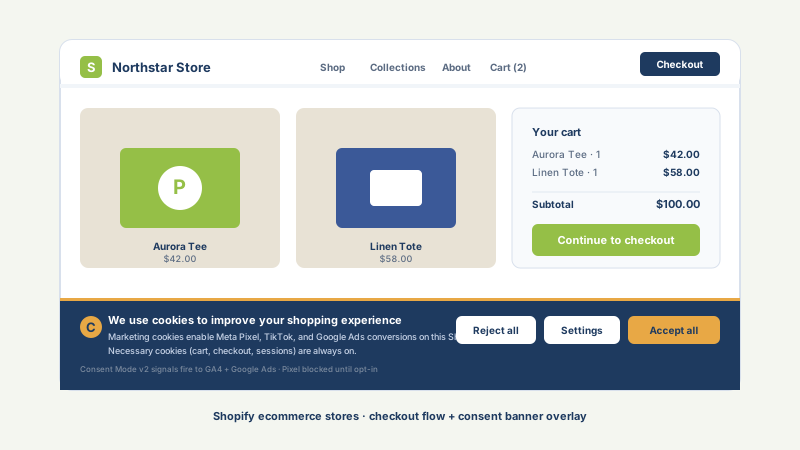
Shopify, WooCommerce, and other stores that fire a Meta Pixel, TikTok pixel, or Google Ads tag. Add those tags to the widget so they are held back until the shopper grants the Targeting & Ads category.
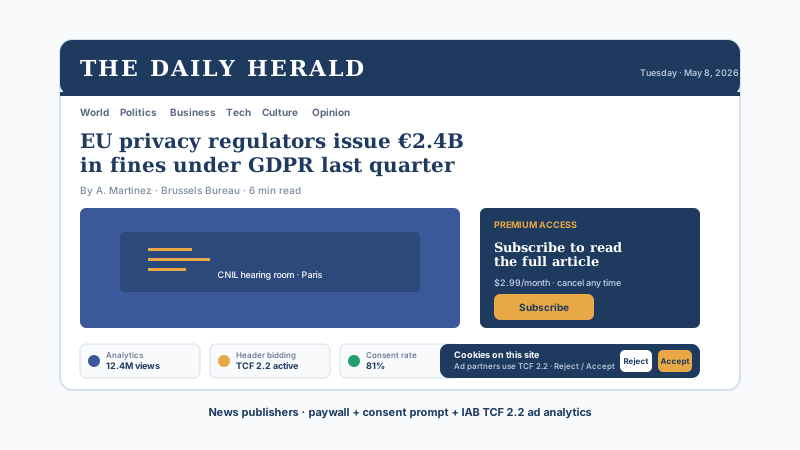
Blogs and publications that load analytics and embedded widgets. The four-category preference center lets readers keep functional scripts while declining tracking, all from a single modal.
Product and pricing pages that run analytics and ad-retargeting tags. Brand the banner to match your site, color each button, and add a revisit icon so visitors can change their consent later.
Dedicated consent platforms are powerful but heavy. Poper's cookie banner covers the everyday job, and comes bundled with the rest of your widgets.
| Recommended Poper | Cookiebot | Osano | CookieYes | |
|---|---|---|---|---|
| Poper workspace available | Up to 100 subpages | Up to 5,000 visits/mo | Limited | |
| Notify-only and ask-for-consent modes | ||||
| Blocks scripts until consent is granted | ||||
| Per-category preference center | ||||
| Revisit icon to change consent later | ||||
| Five banner layouts (bar + floating) | A few | A few | A few | |
| Full color and typography branding | Limited | Limited | ||
| Works alongside other Poper tools | ||||
| Pricing | Plan details vary | Vendor pricing varies | Vendor pricing varies | Vendor pricing varies |
Comparison reflects external competitor positioning. Verify current details on each provider's site. For programmatic ad-tech (IAB TCF) or formal consent-record auditing, evaluate a dedicated consent management platform.
Growth marketers, web leads, and store managers using Poper's cookie banner.
“We needed a cookie banner that actually held back Google Analytics until visitors opted in. Adding our tags to the widget and assigning categories took ten minutes, and nothing fires before Allow now.”

“The banner matched our brand straight away. We colored the Deny and Allow buttons the same so it stays balanced, and the floating revisit icon means visitors can change their choice without emailing us.”

“We run a Meta Pixel and a TikTok pixel on our store. The four-category preference center lets shoppers keep functional cookies while turning off ad tracking, all from one modal.”

Pricing
All plans are billed yearly. Each card shows the per-month equivalent. Start free, then upgrade only when you need more campaigns, websites, or AI credits.
Yearly billing · save up to 40%Essential lead capture for solo creators and growing businesses.
billed $180/year
Full engagement suite with A/B testing, gamification & unlimited leads.
billed $348/year
Unlimited everything with white-label, API access & advanced analytics.
billed $948/year
Prices shown for the 50k monthly visitor tier on yearly billing. A Free Forever plan ($0) and a custom Enterprise plan are also available. No contracts, cancel anytime.
A cookie consent banner is no longer a nice-to-have. The EU ePrivacy Directive (2002/58/EC, amended 2009) requires explicit prior consent before any non-essential cookie is placed on an EU visitor's device. The General Data Protection Regulation (GDPR, in force since May 2018) defines what valid consent looks like under Article 7. The California Consumer Privacy Act (CCPA, 2020) and its 2023 amendment the California Privacy Rights Act (CPRA) require an opt-out path for sale or sharing of personal information. Enforcement has sharpened: the Irish Data Protection Commission fined Meta 1.2 billion euros in 2023 for cookie-related data flows, and France's CNIL has issued seven-figure fines for dark-pattern cookie banners. This guide walks through what a cookie consent banner does, how to design one well, and where a lightweight cookie banner widget fits versus a full consent management platform.
The GDPR and the ePrivacy Directive operate together for cookies. The ePrivacy Directive Article 5(3) requires prior informed consent for any access to or storage of information on a user's terminal equipment, except for cookies that are strictly necessary for a service the user requested. The GDPR then defines the standard for that consent in Article 4(11) and Article 7: it must be freely given, specific, informed, unambiguous, granular, withdrawable and recorded. In practical terms that means no pre-ticked boxes (Planet49 ruling, CJEU C-673/17, October 2019), no implied consent from continued browsing, a Reject All button as prominent as the Accept All button (EDPB Cookie Banner Taskforce report, January 2023), per-purpose toggles for Analytics, Advertising and Social, an audit-trail log of every consent decision, and a one-click withdrawal mechanism on every page (Article 7(3)). A cookie consent widget that does not block scripts in the Analytics and Advertising categories until consent is granted is not compliant. A widget that places a Reject button in light grey and an Accept button in bright green is a dark pattern under the EDPB 2024 guidelines and exposes you to fines.
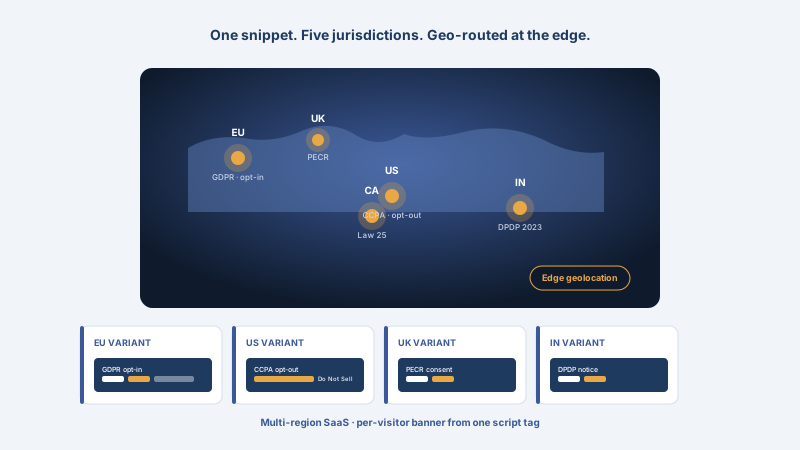
California operates an opt-out model, not an opt-in model. The CCPA (2020) and CPRA (2023) require a Do Not Sell or Share My Personal Information link on every page, recognition of the Global Privacy Control (GPC) browser signal as a valid opt-out, sensitive personal information limits, and a clear privacy policy disclosure. As of 2026, similar laws are live in Virginia (VCDPA), Colorado (CPA), Connecticut (CTDPA), Utah (UCPA), Texas (TDPSA), Oregon, Montana, Iowa, Tennessee, Florida, Delaware, New Hampshire, New Jersey, Minnesota, Maryland and Indiana. A cookie consent widget intended for US deployment must therefore detect GPC headers, expose a CCPA-style Do Not Sell or Share link, honour the Multi-State Privacy Agreement (MSPA) signal in the IAB Global Privacy Platform, and route Quebec visitors to a Law 25 disclosure (which is much closer to GDPR than to CCPA). One-size US banners no longer work; the US patchwork now requires the same kind of geo-routing the EU has needed since 2018.
The European Data Protection Board issued formal guidelines on deceptive design patterns in March 2022, expanded with the Cookie Banner Taskforce report in January 2023 and a 2024 update on consent flows. The patterns they explicitly call out as non-compliant include: pre-ticked checkboxes for non-essential categories, the absence of a Reject All button at the same level as Accept All, hidden Reject options that require two or more clicks, contrast tricks (a bright green Accept button next to a faint grey Reject button), repeated re-prompting after a visitor has declined, banners that block site interaction with no clear path to refuse, and language nudges (Approve vs Decline rather than Accept All vs Reject All). France's CNIL fined Google 150 million euros and Facebook 60 million euros in January 2022 specifically for these dark patterns. The practical takeaway when you configure any banner: keep the Deny button the same size and color weight as the Allow button, write the message in plain language, do not pre-tick non-essential categories, and give visitors a way to change their mind later. Poper's banner places the Deny button next to Allow at the same size and lets you color them yourself, so it is straightforward to keep the layout balanced.
A cookie consent widget is an embeddable script that displays a banner on your website asking visitors to acknowledge or to grant or deny consent for non-essential cookies and trackers. Poper's cookie consent widget can hold back scripts you assign to its Functionality, Tracking & Analytics, and Targeting & Ads categories until the visitor opts in, and offers a preference center and a revisit icon. It stores the visitor's choice in their browser for 365 days.
Last fact-checked: . We re-verify every quarter.
Tutorial
A quick walkthrough of setting up and embedding this widget.
Tutorial video coming soon
Can't find the answer you're looking for? Chat with our support team.
Contact SupportPoper takes 90 seconds to embed and can gate your tracking tags by category from day one.
Free plan available forever