
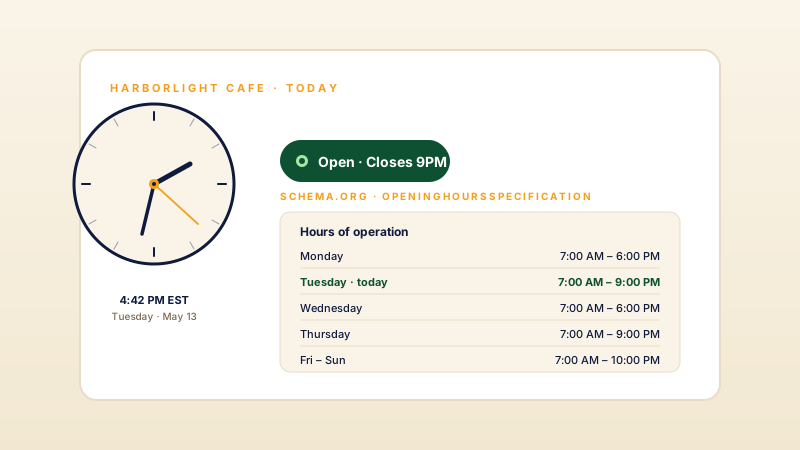
Homepage and hero sections
A live clock is a small, tasteful detail that makes a homepage or hero feel current and alive. Pick a template that matches your brand and the visitor sees their own local time the moment the page loads.
Embed a digital or analog clock with 20 templates, 12 or 24 hour display where supported, seconds/date controls where supported, and layout-specific styling controls.
Built for no-code website teams























Live demo, not a screenshot. Pick a template, switch to 24-hour, recolor it. What you see here is what ships to your site.
Before and after Poper
Here is the widget embedded on a real page layout, before and after. Style it to match your brand, then copy one snippet to go live.
 Before
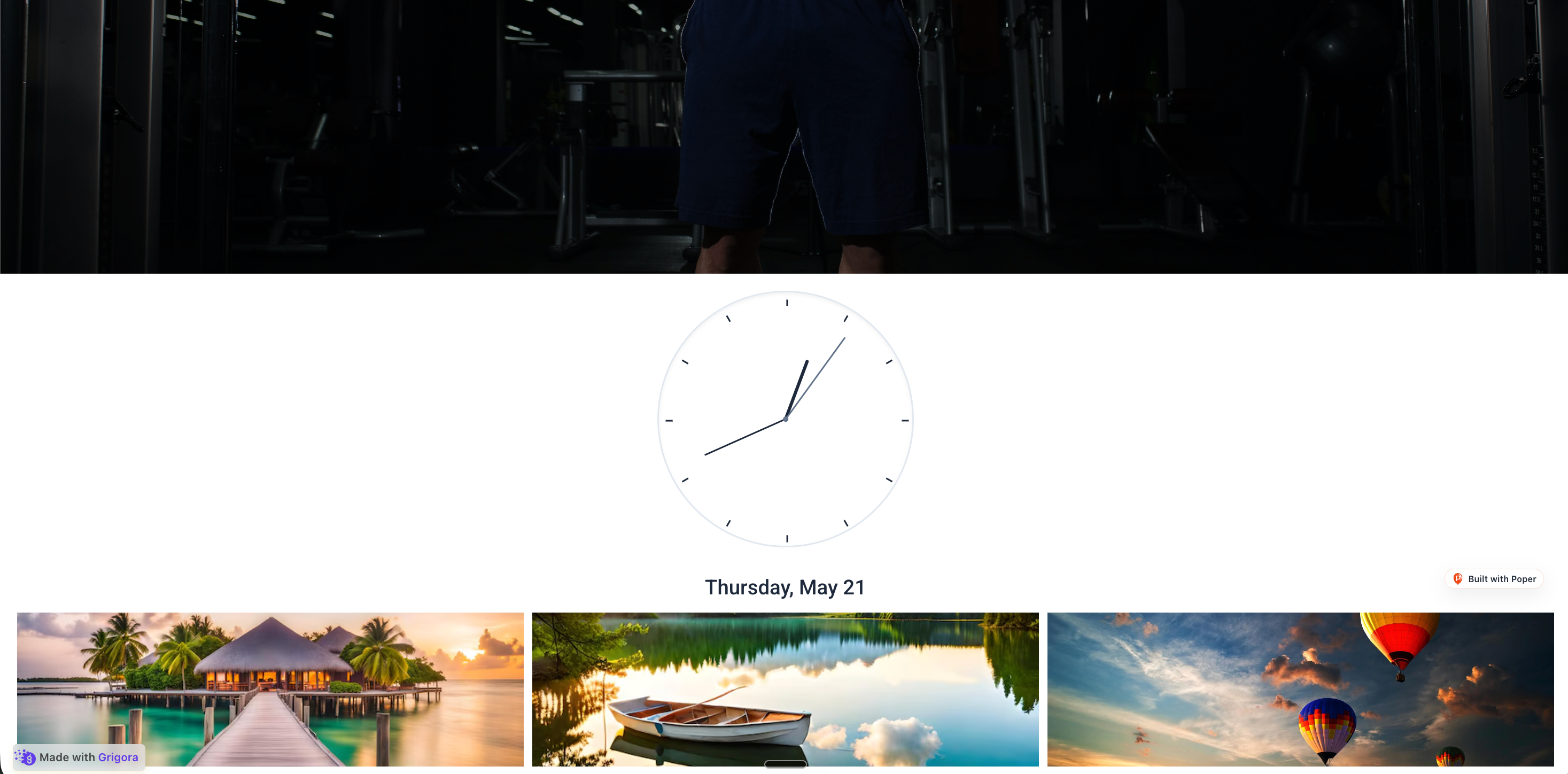 Poper widget live
Mockups for illustration. Style the widget to match your site and embed in 90 seconds.
How to use it
Choose a template, configure supported controls, and embed where your Poper snippet is supported.
Choose from 20 templates across digital and analog styles: Minimal Digital, Modern Analog, Flip Clock, Neon Night, Word Clock, Bauhaus, Glassmorphism, and more. The clock shows the visitor's own local time, the same time their device is set to.
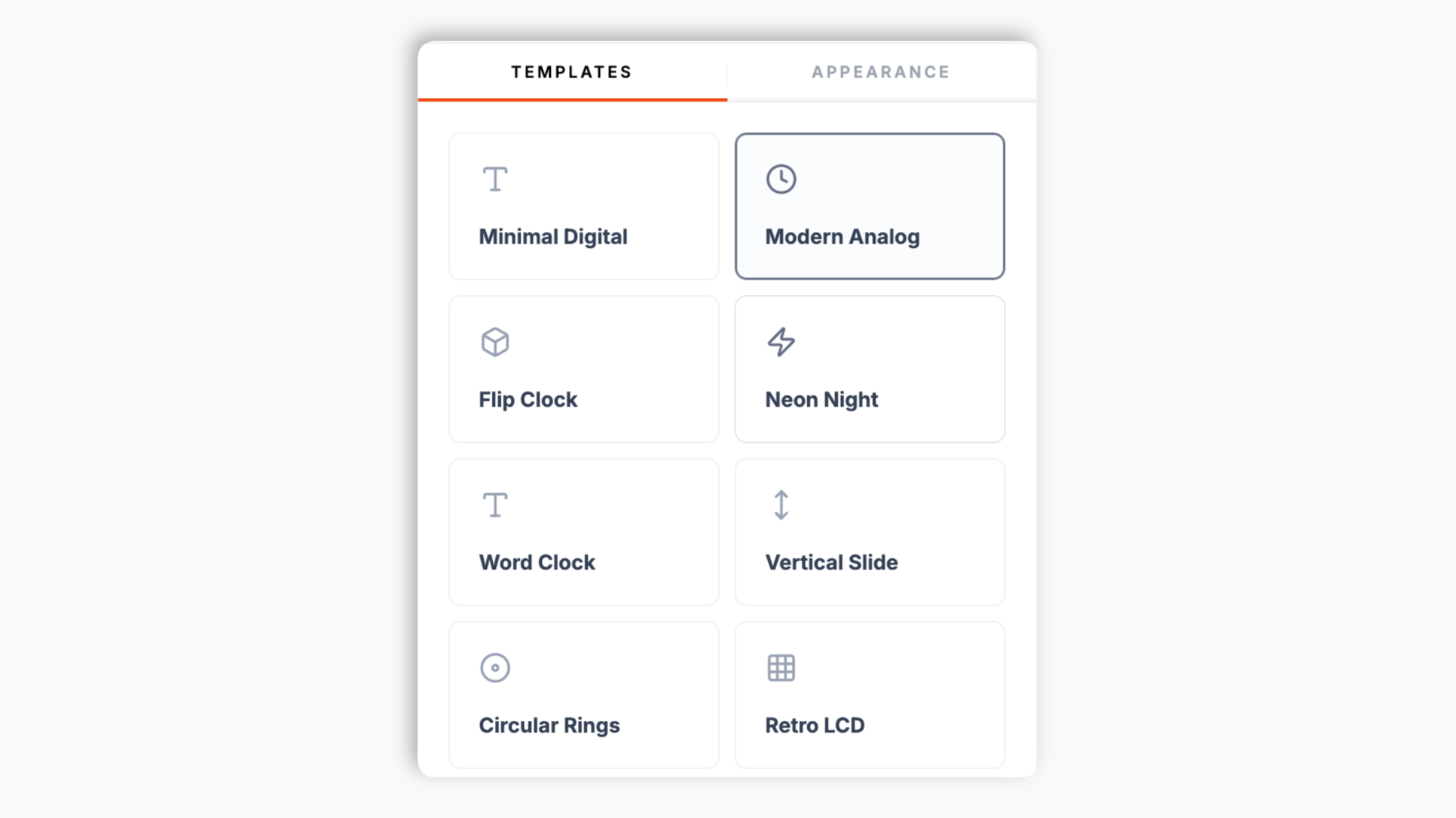
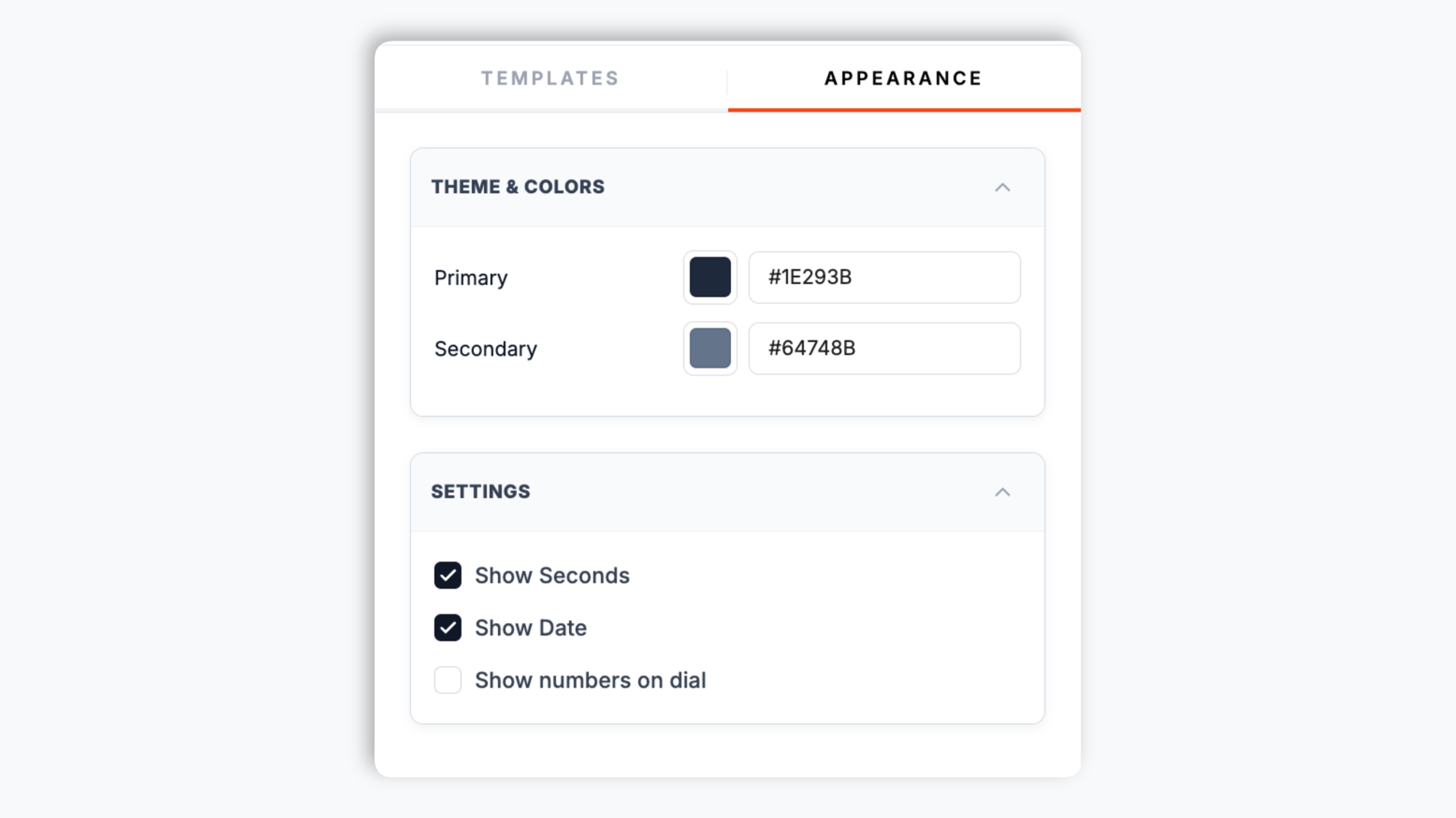
Use the controls exposed by the selected template: 12 or 24 hour display where supported, seconds/date controls where supported, and available primary, secondary, and background colors. Modern Analog can show or hide dial numbers.
Paste the Poper embed snippet into your site. Works anywhere your Poper embed snippet is supported.

Works everywhere
Drop-in install on WordPress, Shopify, Wix, Squarespace, Webflow, Framer, Ghost, and any HTML-friendly stack. No build step, no developer needed.


Plus 250+ other platforms via the embed snippet. If your site can render a <script> tag, it can render the Clock Widget for Website: Live Digital and Analog Time Display.
Six things that matter when you embed a live clock, not 30 features no one uses.
Most clock widgets force you to pick a side: digital seven-segment style, or a static analog SVG. Poper ships both families in the same builder. Digital templates include Minimal Digital, Flip Clock, Neon Night, Retro LCD, Terminal, Glitch, and Huge Serif. Analog templates include Modern Analog, Bauhaus, Circular Rings, and Glassmorphism. Switch any time through the normal publish flow.
From clean and corporate to neon, glitch, terminal, and word-clock styles, there are 20 templates to choose from. Word Clock spells the time in readable blocks, Binary shows it in a futuristic grid, Progress Bars renders each unit as a bar. Choose from multiple clock layouts and preview the selected one on your page.
Toggle 12-hour AM/PM or 24-hour format with one switch. Date display is configured separately where supported.
Show or hide the seconds and the date independently. Modern Analog can show or hide dial numbers.
Color controls vary by template. Neon templates add a glow-intensity slider and the Terminal template has its own dark-mode switch, so you can tune the selected clock for the page around it.
The clock ticks once per second from the visitor's own device clock. The embed loads through the Poper snippet; validate performance, styling, and privacy behavior on your own page after embedding.
Use cases
Four buyer types who get the most lift from embedding Clock Widget for Website: Live Digital and Analog Time Display on their site.
A live clock is a small, tasteful detail that makes a homepage or hero feel current and alive. Pick a template that matches your brand and the visitor sees their own local time the moment the page loads.
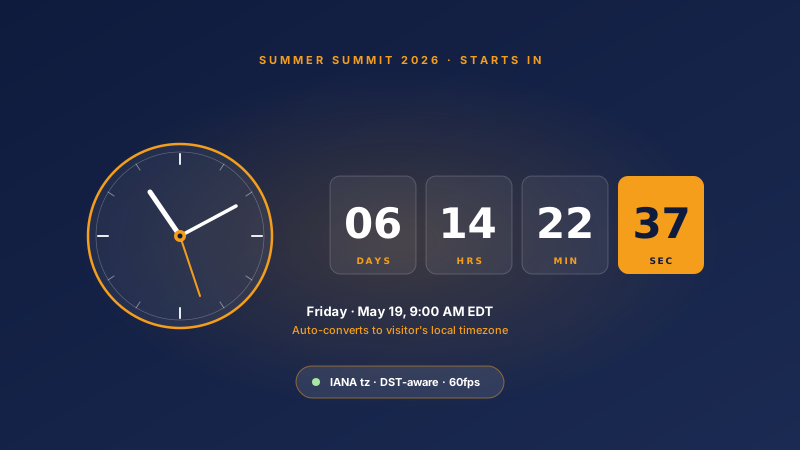
Internal tools, admin panels, and SaaS dashboards often want a clean clock in the header. Drop in a Minimal Digital or Terminal template and it shows the user's local time without any backend work.
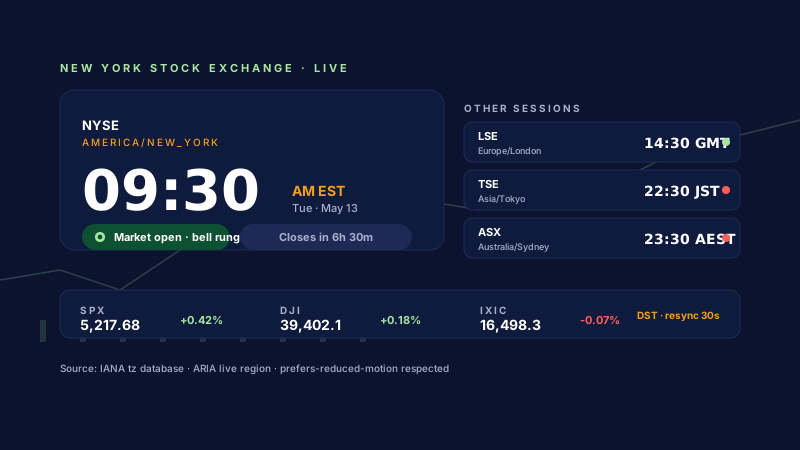
Designers, studios, and agencies use a styled clock as a piece of the visual identity. Neon Night, Glitch, Bauhaus, and Word Clock turn a plain time display into a design element.
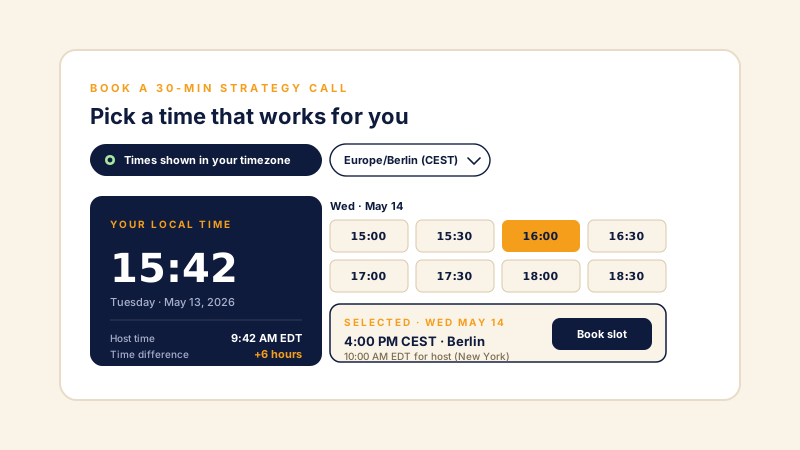
Add a live clock to a launch or event landing page so it feels real-time and in the moment. The visitor always sees their own local time, ticking second by second.
Most clock widgets give you a couple of generic styles and paywall the rest. Here is how the popular ones stack up.
| Recommended Poper | Elfsight Clock | Common Ninja Clock | free-clock.net | |
|---|---|---|---|---|
| Poper workspace available | ||||
| Total templates included | 20 | 3 | 6 | 1 |
| Digital and analog styles both | ||||
| Shows the visitor's local time | ||||
| 12 and 24 hour formats | Manual only | |||
| Seconds and date controls where supported | Limited | Limited | Limited | |
| Layout-specific color controls | Paid only | Paid only | ||
| Updates use the normal publish flow | ||||
| No-code of ads and trackers | ||||
| Starter price (billed yearly) | Plan details vary | Vendor pricing varies | Vendor pricing varies | No-code + ads |
| Bundled with popups, forms, quizzes, more widgets |
Comparison reflects external competitor positioning. Verify current details on each provider's site.
Local businesses, web apps, portfolios, and event pages that added a live clock with Poper.
“We dropped the Modern Analog clock into our cafe homepage hero. It is a small touch but the page feels alive now, and it was quick to set up and brand.”

“We use the Terminal template in our app dashboard header. It matched our dark UI after setup once we set the colors, and visitors see their own local time.”

“I tried four clock widgets for our studio site. Poper included a Word Clock style and layout-specific color controls, so the clock fits the design.”

Pricing
All plans are billed yearly. Each card shows the per-month equivalent. Start free, then upgrade only when you need more campaigns, websites, or AI credits.
Yearly billing · save up to 40%Essential lead capture for solo creators and growing businesses.
billed $180/year
Full engagement suite with A/B testing, gamification & unlimited leads.
billed $348/year
Unlimited everything with white-label, API access & advanced analytics.
billed $948/year
Prices shown for the 50k monthly visitor tier on yearly billing. A Free Forever plan ($0) and a custom Enterprise plan are also available. No contracts, cancel anytime.
A live clock is one of the oldest and most universally recognized UI elements on the web, and a well-styled one quietly signals that a site is current, maintained, and alive. The clock widget on this page shows each visitor their own local time, the same time their device is set to, in any of 20 templates spanning digital and analog styles. This guide walks through what actually matters when you choose and configure a clock widget for your website in 2026: picking a digital or analog style, the 12-versus-24-hour question, when to show seconds and the date, and how to make the clock fit your brand instead of fighting it.
The first decision is digital versus analog, and it is mostly an aesthetic one. Digital clocks read instantly and precisely, which makes them the right call for dashboards, admin tools, and any context where the exact time matters at a glance. Analog clocks read slower but carry more character; a circular dial in a hero section or a portfolio feels designed rather than purely functional. The Poper widget does not make you choose once and live with it: it ships 20 templates across both families, from Minimal Digital and Retro LCD to Modern Analog and Circular Rings, plus expressive options like Word Clock (which spells the time in text), Binary, and Progress Bars. Try a few against your actual page and pick the one that matches the surrounding design rather than the one that looks best in isolation.
Some audiences expect 12-hour time with AM/PM, while others expect 24-hour time as the default written form. Software that picks one form arbitrarily can look slightly off to a global audience. The practical guidance is to match the format to where your audience actually is: a US consumer site often wants 12-hour, an internal tool for a European engineering team often wants 24-hour, and a developer-facing product often prefers 24-hour regardless of region. The Poper clock widget has a format toggle where supported, with date display configured separately where supported.
Seconds and the date are useful controls when the selected template supports them, and the right answer depends on the placement. A ticking seconds digit reinforces that the clock is live and adds a sense of motion, which can fit a hero section or event page. In a quiet dashboard header, a seconds digit that changes every second can be a small, constant distraction. The date is worth showing when the clock is the main time reference on the page and worth hiding when something else on the page already states the date. Modern Analog can show or hide dial numbers.
A clock widget that ships in one fixed color scheme almost never matches the site it lands on, and a mismatched accent color is the kind of small detail that makes an embed look bolted on. Poper exposes layout-specific color controls, so the selected clock can be tuned to sit naturally inside your existing palette. Neon templates add a glow-intensity slider for how strong the lit effect is, and the Terminal template carries its own dark-mode switch. Spend a minute matching the clock to the section around it.
A clock updates once a second, so it is worth being deliberate about how it is built. The Poper clock widget loads through the Poper embed snippet and uses the visitor's device clock for local time. Stylesheet assets may load separately. Validate performance, style isolation, and privacy behavior on your own page after embedding.
A clock widget is an embeddable script that displays a live, ticking time-of-day clock on your website. Templates can be digital (seven-segment, flip-card, neon, terminal) or analog (circular dial with hour, minute, and second hands). The Poper clock widget shows each visitor their own local time, taken from their device clock, with no timezone setup.
Last fact-checked: . We re-verify every quarter.
Tutorial
A quick walkthrough of configuring and embedding this widget.
Tutorial video coming soon
Can't find the answer you're looking for? Chat with our support team.
Contact SupportConfigure a live clock with 20 templates and layout-specific styling controls.
Free plan available forever