
Triathletes and endurance athletes
Show your latest swims, bikes and runs on a race-prep blog or personal site. Readers can see your recent activity rhythm without leaving the page.
Embed one athlete's runs, rides, swims and recent activities in 90 seconds. OAuth-secured via Strava API v3. No-code.
Trusted by 11,000+ brands and athletes























Live demo, not a screenshot. Style it, brand it, embed it. What you see here is what ships to your site.
How to use it
Three steps. Under two minutes. No developer needed.
Sign in via Strava's official OAuth 2.0 flow. Connection takes 30 seconds and is fully revocable from your Strava settings any time.
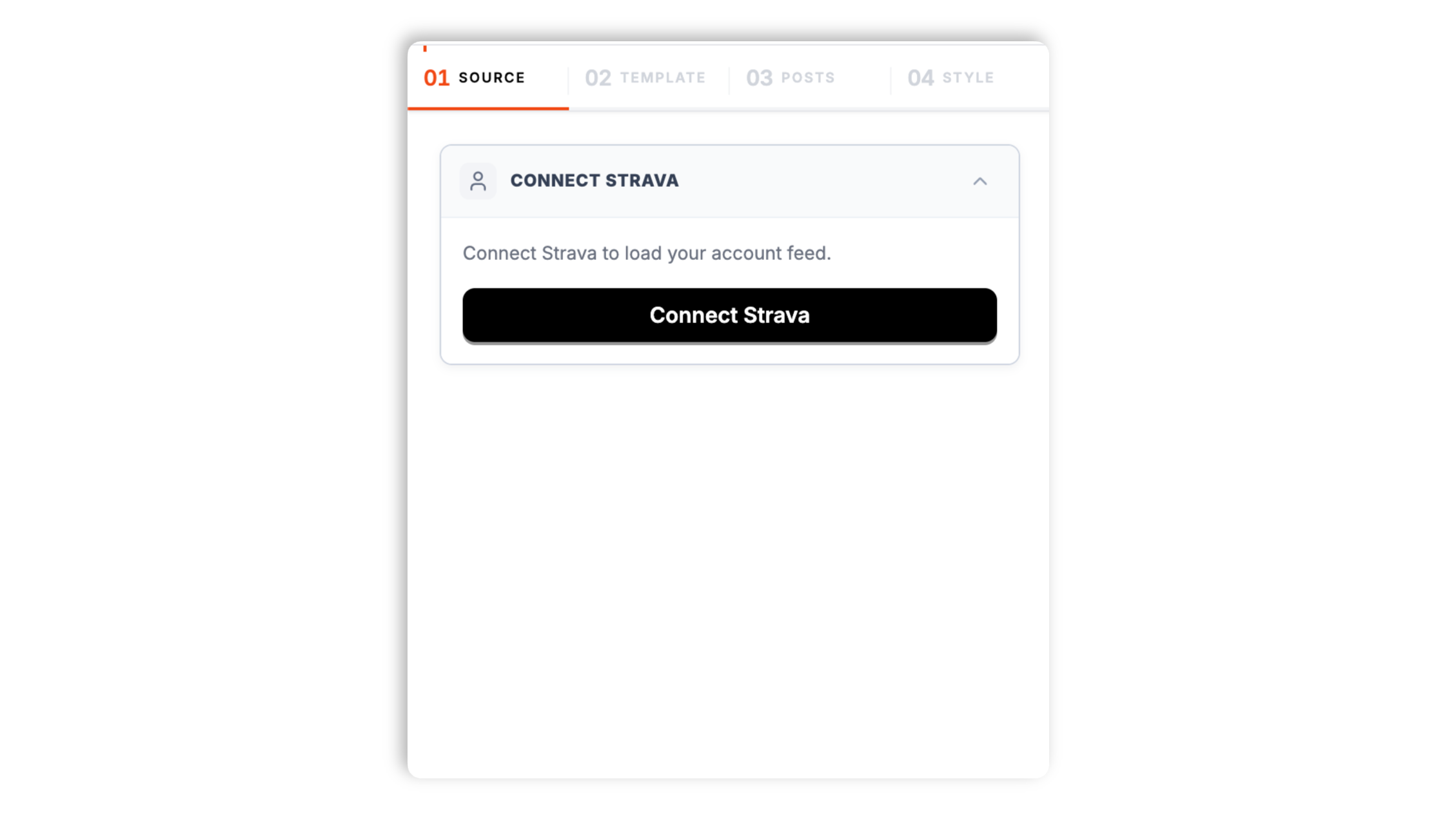
Choose Default, Grid, or List for your Strava feed, then tweak colors, fonts, spacing and card style to match your site.

Paste the one-line script tag into your site. Works on WordPress, Shopify, Wix, Squarespace, Webflow, Ghost, Framer and 250+ platforms.

Works everywhere
Drop-in install on WordPress, Shopify, Wix, Squarespace, Webflow, Framer, Ghost, and any HTML-friendly stack. No build step, no developer needed.


Plus 250+ other platforms via the embed snippet. If your site can render a <script> tag, it can render the Strava Feed Widget: Embed Runs, Rides, Swims and Activities on Any Site.
Six things that matter when you are paying for a Strava widget, not 30 features no athlete uses.
Show one athlete's Stravan activity history in a clean feed that belongs on your own site. Recent runs, rides, swims, hikes and other activities keep their core stats visible without sending visitors away first.
Activity cards can show distance, moving time, pace, elevation, sport type and publish date where Strava provides them. Visitors get the training context they need without a heavy embed or a manual screenshot workflow.
Each Strava Feed Widget is scoped to a single connected athlete. Create another widget when you need to show a different athlete on another page.
Supported feed layouts: Default, List, and Grid.
Poper renders recent activities for one connected Strava athlete with core activity metrics where available.
Use your latest workouts as proof for coaching pages, race recaps, gear reviews and athlete portfolios. The feed keeps fresh activity on your domain without a manual update every time you train.
Use cases
Four buyer types who get the most lift from embedding Strava Feed Widget: Embed Runs, Rides, Swims and Activities on Any Site on their site.
Show your latest swims, bikes and runs on a race-prep blog or personal site. Readers can see your recent activity rhythm without leaving the page.
Let prospective clients see that you train what you prescribe. A single-athlete feed gives your coaching page current proof without manual updates.
Back a gear review with the actual ride or run you tested it on. Activity stats add credibility to the story without adding another media embed.
Use an event or organizer athlete profile to keep recent training, preview, or recap activities visible on the event site.
A few widget platforms can pull a Strava feed onto a website, alongside Strava's own native single-activity embed. Here is how Poper stacks up against common widget providers on what matters for a single-athlete feed.
| Recommended Poper | Elfsight | Common Ninja | Strava Native Embed | |
|---|---|---|---|---|
| Plan details depend on your Poper workspace. | Limited free tier | Limited free tier | ||
| Multi-activity feed (not single embed) | Partial | Partial | ||
| Distance, pace and time stats | Partial | Partial | ||
| Elevation shown when available | ||||
| Single-athlete feed scope | Varies | Varies | ||
| Activity date and sport type | Partial | Partial | ||
| Manual refresh from dashboard | ||||
| Supported feed layouts: Default, List, and Grid. | ||||
| Bundled with popups, forms, quizzes |
Comparison reflects publicly listed pricing and features as of 2026. Verify current details on each provider's site.
Coaches, race directors, gear reviewers and triathletes who use Poper's Strava Feed Widget to keep training proof on their own sites.
“Poper has improved our website's user engagement! Since integrating Poper's personalized popups, we've seen a dramatic surge in conversions and user interactions. The platform's intuitive design makes creating and customizing popups a breeze, even for those with minimal tech skills. What truly sets Poper apart are its…”

“Fantastic app and support team, they are very quick to help and provide a solution or improvement to their product. Highly recommended!”

“Poper has been a total lifesaver for our agency! As a digital marketing agency, we’re always juggling a million things at once. Poper has been a real game-changer in terms of streamlining our workflow and keeping track of all our clients’ campaigns. The ability to track all our clients’ websites from one place is a…”

Pricing
All plans are billed yearly. Each card shows the per-month equivalent. Start free, then upgrade only when you need more campaigns, websites, or AI credits.
Yearly billing · save up to 40%Essential lead capture for solo creators and growing businesses.
billed $180/year
Full engagement suite with A/B testing, gamification & unlimited leads.
billed $348/year
Unlimited everything with white-label, API access & advanced analytics.
billed $948/year
Prices shown for the 50k monthly visitor tier on yearly billing. A Free Forever plan ($0) and a custom Enterprise plan are also available. No contracts, cancel anytime.
Strava is one of the largest social networks for endurance athletes on the open web, with millions of athletes logging runs, rides, swims, hikes and other activities. For coaches, race organizers, gear reviewers and athlete-influencers, a Strava feed is public proof of work. Embedding one athlete's feed on your own site is a simple way to turn training history into trust. The catch: Strava's API v3 requires OAuth, activity visibility rules matter, and most widget tools treat athletic data as a generic feed. This guide walks through what actually matters when you choose and configure a Strava widget in 2026: official API access, single-athlete scope, privacy, performance and activity-card clarity.
Strava was founded in 2009 by Mark Gainey and Michael Horvath, two Harvard rowers who wanted a way to recreate the camaraderie of a college team after graduation. From the start, the platform was built around social verification: every activity you upload is timestamped, tied to your account and visible to your chosen audience. The Strava API v3, which is the sanctioned way for third parties to read activity data, enforces that audience model through OAuth 2.0. When you connect Poper to Strava, you grant a scoped read token that respects your hidden activities and your follower-only settings. Widgets that scrape strava.com without OAuth are brittle and tend to get blocked. Poper uses the official OAuth flow, refreshes tokens automatically, and never stores your password. You can revoke access from Strava Settings > My Apps at any time and the widget stops syncing.
Strava activities exist in three visibility states: Everyone, Followers, and Only You. Most public embeds only handle the first one and silently drop the rest. Poper's OAuth scope lets you choose what the connected athlete grants to the widget. The default read scope pulls public activities, which is usually what coaches, athletes and race pages want. Granting read_all can allow private and follower-only activities when the connected athlete explicitly approves it. Either way, the widget follows Strava's access rules, so the feed never becomes a workaround for content the athlete did not authorize.
Athletic content needs context. A feed card should make it easy to scan what happened without overwhelming the page. Poper focuses on the details the widget actually supports: activity title, sport type, distance, moving time, pace, elevation when available, and the date the activity was published. That is enough for a visitor to understand the training signal, click through to Strava when they want the full source, and keep reading the rest of your page.
Poper renders recent activities for one connected Strava athlete with core activity metrics where available.
Garmin makes many of the watches that record the activities Strava displays, but Garmin Connect is a more closed ecosystem for third-party website embeds. Strava is built around public profiles, shared activity proof and an API that third-party tools can use with OAuth. Strava Premium unlocks deeper analysis features inside Strava itself, but the feed widget works for free Strava accounts. If your readers care about visible training proof rather than a private device dashboard, Strava is the better source for a website feed.
A Strava feed widget is an embeddable script that pulls runs, rides, swims and other Strava activities from one athlete's profile via the Strava API v3 and renders them on any website with core activity stats such as distance, moving time, pace, elevation and date.
Tutorial
A quick walkthrough of setting up and embedding this widget.
Tutorial video coming soon
Can't find the answer you're looking for? Chat with our support team.
Contact SupportPlan details depend on your Poper workspace.
Free plan available forever