
Travel blogger
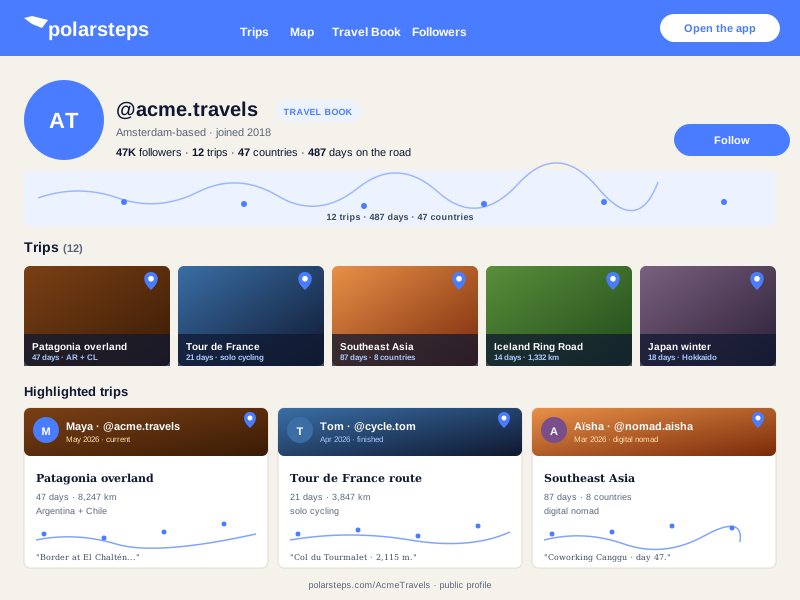
Replace manually updated photo galleries with a branded Polarsteps image feed. Readers see the latest public travel photos without leaving your blog.
Embed public Polarsteps image posts in 90 seconds. Photo-feed only, no code, mobile-ready.
Trusted by 11,000+ creators and travelers























Live demo, not a screenshot. Paste a public Polarsteps source, style the image feed, and embed it. What you see is what ships.
From Polarsteps to your site
Poper pulls your public Polarsteps feed and renders it inline on your website, fully branded to match your design. No API keys, no manual updates.
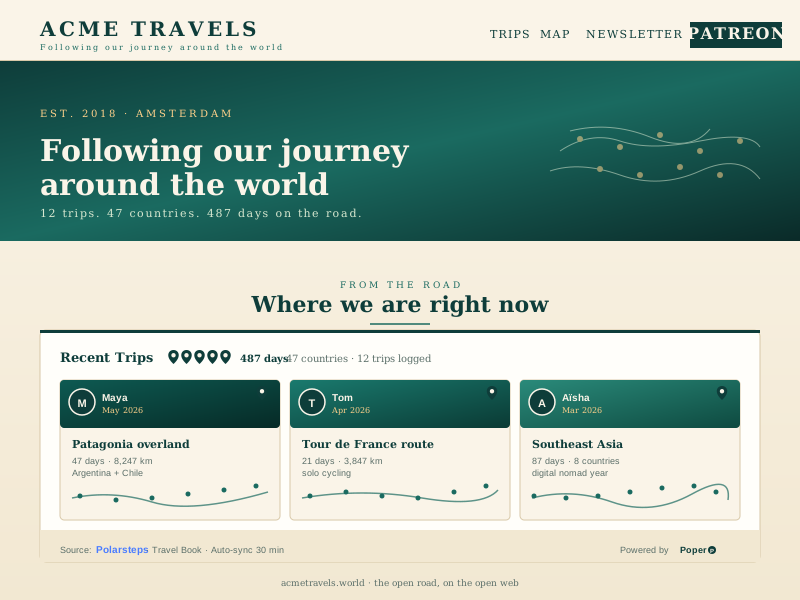 Poper widget live
Mockups for illustration. Pull your real Polarsteps feed and embed in 90 seconds.
How to use it
Three steps. Under two minutes. No developer needed.
Poper renders public Polarsteps profile trip content where available.
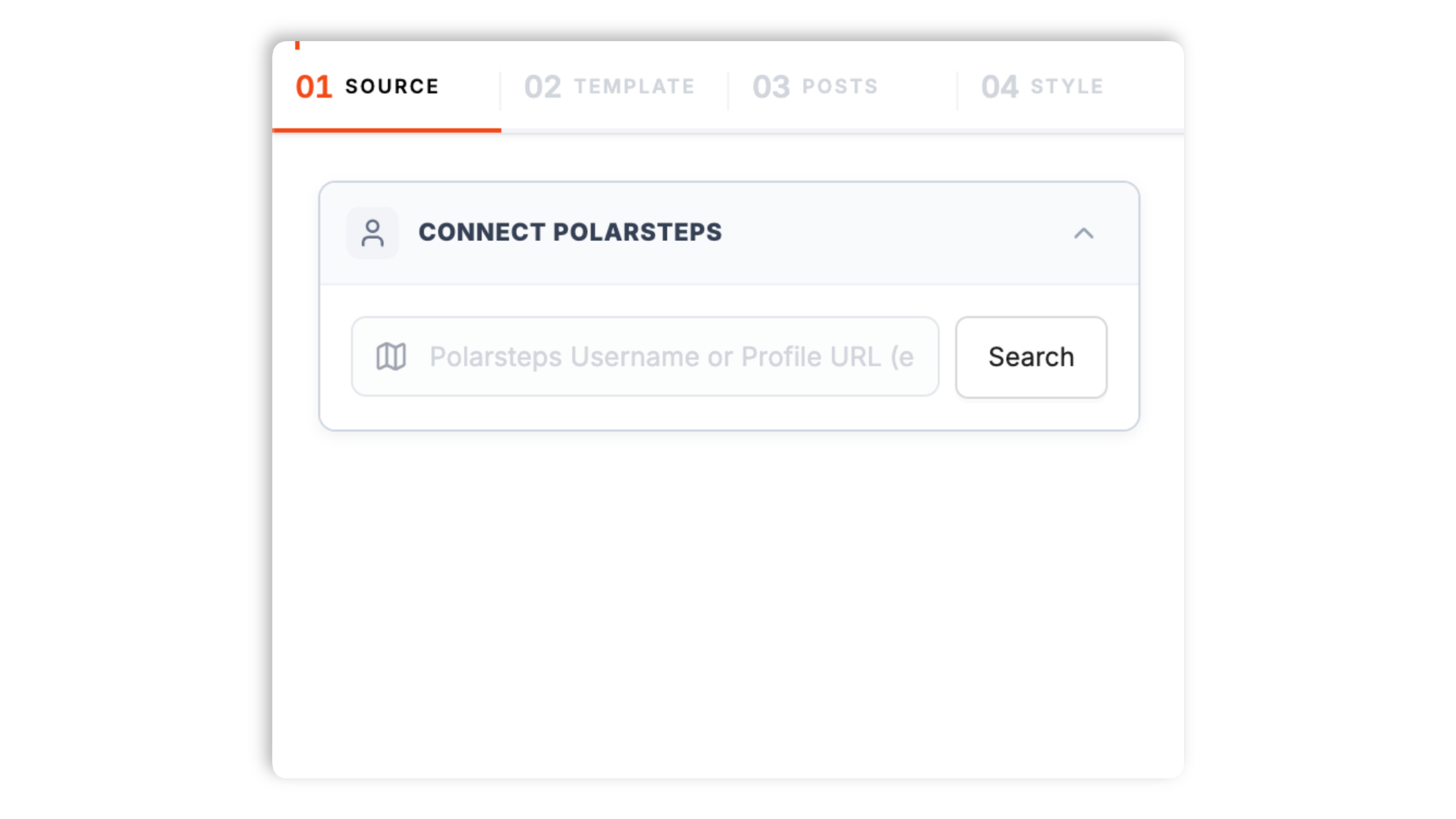
Choose an image-feed layout, then tune card spacing, image radius, typography, colors, and hover styling so the Polarsteps photos match your site.

Paste the one-line script tag into your site. Works on Webflow, Framer, Carrd, Squarespace, Wix, WordPress, Ghost, Shopify, and 250+ travel-friendly platforms.

Works everywhere
Drop-in install on WordPress, Shopify, Wix, Squarespace, Webflow, Framer, Ghost, and any HTML-friendly stack. No build step, no developer needed.


Plus 250+ other platforms via the embed snippet. If your site can render a <script> tag, it can render the Polarsteps Feed Widget: Embed Polarsteps Image Posts on Any Site.
Six things that matter when you embed public Polarsteps image posts on your site, not map and journal features the widget does not support.
Poper renders public Polarsteps profile trip content where available.
Pull public Polarsteps image posts into a card-based feed visitors can scan quickly. The widget keeps the experience focused on the images themselves, with optional captions and links where the public source provides them.
No password, OAuth flow, or private account access. If a Polarsteps item is not publicly available, the widget does not fetch or expose it.
The embed loads through the Poper snippet. Validate layout and performance on your own page after embedding.
The embed loads through the Poper snippet. Validate layout and performance on your own page after embedding.
Card radius, gaps, colors, typography, borders, and hover effects are editable from the visual builder. The widget feels native to a travel blog or portfolio, not a Polarsteps page pasted into a frame.
Use cases
Four buyer types who get the most lift from embedding Polarsteps Feed Widget: Embed Polarsteps Image Posts on Any Site on their site.
Replace manually updated photo galleries with a branded Polarsteps image feed. Readers see the latest public travel photos without leaving your blog.
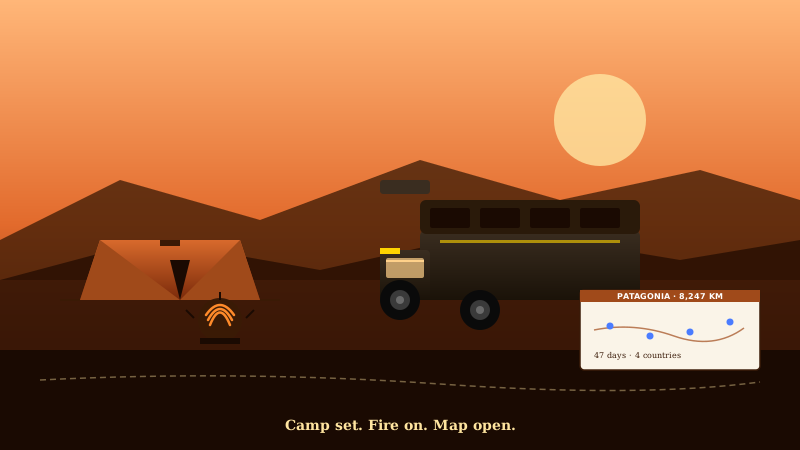
Refresh cadence follows your Poper plan: Free every 15 days, Starter every 3 days, and Pro/Business every 1 day.

Share public ride photos on your bike blog or sponsor page. Stage recaps stay visual and current without claiming route or telemetry support.
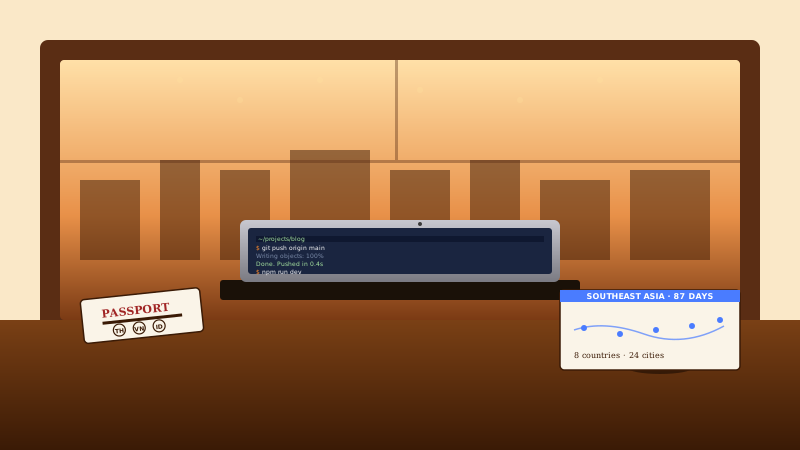
Keep a personal landing page fresh with public Polarsteps image posts from each city. Useful for newsletters, portfolios, and audience updates.
General-purpose widget platforms cover mainstream social networks but rarely build a dedicated Polarsteps embed. Here is how the popular widget providers stack up against Poper.
| Recommended Poper | Elfsight | Common Ninja | Custom iframe | |
|---|---|---|---|---|
| Plan details depend on your Poper workspace. | Limited | Limited | DIY | |
| Dedicated Polarsteps support | DIY | |||
| Embeds on your own domain | ||||
| Public Polarsteps image posts | Manual | |||
| Brand-match colors and typography | Paid only | Paid only | DIY | |
| Mobile-ready out of the box | DIY | |||
| Bundled with popups, forms, quizzes |
Comparison reflects publicly listed features as of 2026. Verify current details on each provider's site.
Bloggers, gap-year travelers, photographers, and nomad creators who put Polarsteps image posts on their own site.
“Poper has improved our website's user engagement! Since integrating Poper's personalized popups, we've seen a dramatic surge in conversions and user interactions. The platform's intuitive design makes creating and customizing popups a breeze, even for those with minimal tech skills. What truly sets Poper apart are its…”

“Fantastic app and support team, they are very quick to help and provide a solution or improvement to their product. Highly recommended!”

“Poper has been a total lifesaver for our agency! As a digital marketing agency, we’re always juggling a million things at once. Poper has been a real game-changer in terms of streamlining our workflow and keeping track of all our clients’ campaigns. The ability to track all our clients’ websites from one place is a…”

Pricing
All plans are billed yearly. Each card shows the per-month equivalent. Start free, then upgrade only when you need more campaigns, websites, or AI credits.
Yearly billing · save up to 40%Essential lead capture for solo creators and growing businesses.
billed $180/year
Full engagement suite with A/B testing, gamification & unlimited leads.
billed $348/year
Unlimited everything with white-label, API access & advanced analytics.
billed $948/year
Prices shown for the 50k monthly visitor tier on yearly billing. A Free Forever plan ($0) and a custom Enterprise plan are also available. No contracts, cancel anytime.
Supported feed layouts: Default, List, Masonry, and Grid.
Polarsteps gives travelers a familiar place to publish updates while they are moving through a trip. For many creators, the problem is not publishing on Polarsteps; it is keeping their own domain current without manually copying every new image into a blog, portfolio, or family update page. A Polarsteps image-post embed solves that narrow job. It brings the public photos into the page where readers already are, while leaving the deeper Polarsteps trip experience on Polarsteps. That scope matters because the Poper widget is not a replacement for the full Polarsteps app experience. It is a branded image feed for public Polarsteps posts.
Poper renders public Polarsteps profile trip content where available.
Travel pages often need a simple visual feed more than they need a complete trip reconstruction. A blog post may already explain the story, a portfolio may only need recent location photos, and a family update page may benefit from fresh images without forcing everyone to open Polarsteps. Keeping the widget focused on image posts makes the behavior predictable: photos render as cards, the page stays fast, and the copy does not promise map interactions the widget cannot deliver. For route tracking, trip overlays, and journal-first storytelling, use Polarsteps itself or a purpose-built route widget. For a branded photo section, use the Polarsteps Feed widget.
Travel creators often use both Instagram and Polarsteps, but the embeds solve different problems. Instagram is a social discovery surface with comments, likes, Reels, and account-level identity. A Polarsteps image feed is simpler: it brings public travel photos from Polarsteps onto a page you control. Instagram requires a Business or Creator account after Meta deprecated the Basic Display API on December 4, 2024, while a Polarsteps image feed can work from public Polarsteps content. The strongest pages often use Instagram for social proof and Polarsteps for trip-specific image updates, with both styled from the same Poper dashboard.
The embed loads through the Poper snippet. Validate layout and performance on your own page after embedding.
Poper renders public Polarsteps profile trip content where available.
Tutorial
A quick walkthrough of setting up and embedding this widget.
Tutorial video coming soon
Can't find the answer you're looking for? Chat with our support team.
Contact SupportPlan details depend on your Poper workspace.
Free plan available forever