
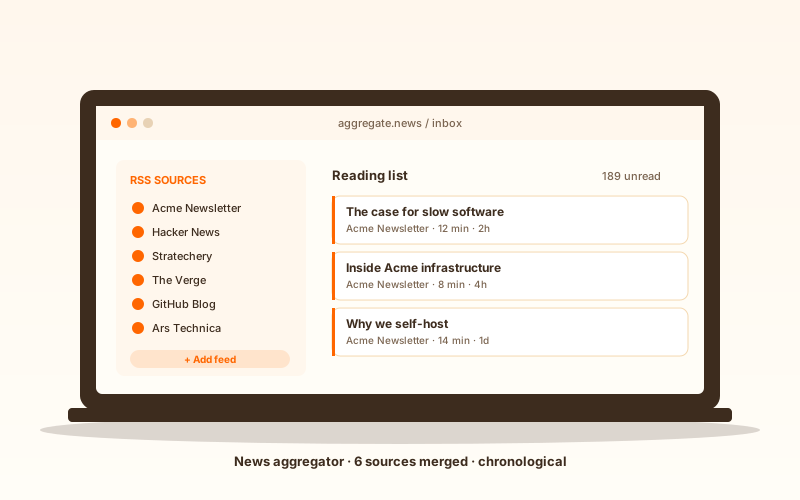
Blog homepage feed
Point the widget at your own blog RSS feed and render your latest posts as a fresh content block on the homepage. Visitors see what you published most recently without an editor updating the page by hand.
Paste any RSS feed URL and get a live, branded feed block on your site. Blogs, podcasts, news, changelogs, GitHub releases. No code.
Built for no-code website teams























Live demo, not a screenshot. Paste any RSS feed URL, pick a layout, embed. What you see here is what ships to your site.
From RSS to your site
Poper pulls your public RSS feed and renders it inline on your website, fully branded to match your design. No API keys, no manual updates.
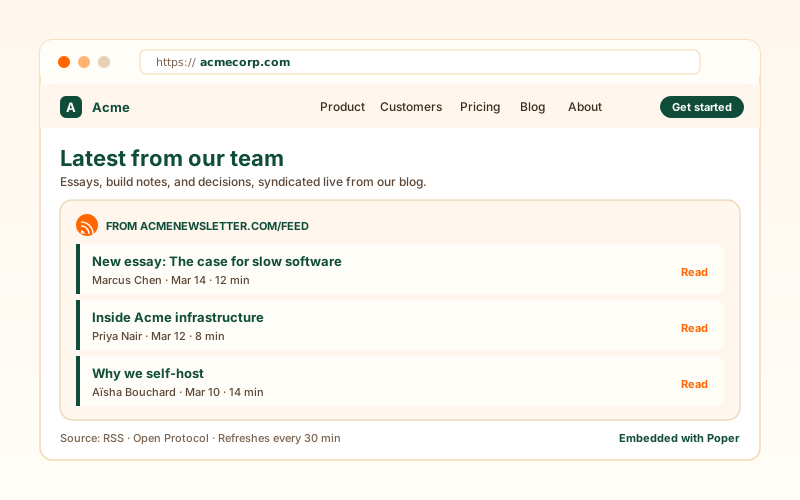 Poper widget live
Mockups for illustration. Pull your real RSS feed and embed in 90 seconds.
How to use it
Three steps. Under two minutes. No developer needed.
Drop in a blog feed, podcast feed, news outlet feed, GitHub release feed, or any RSS URL. Poper fetches the feed and parses the items for you.
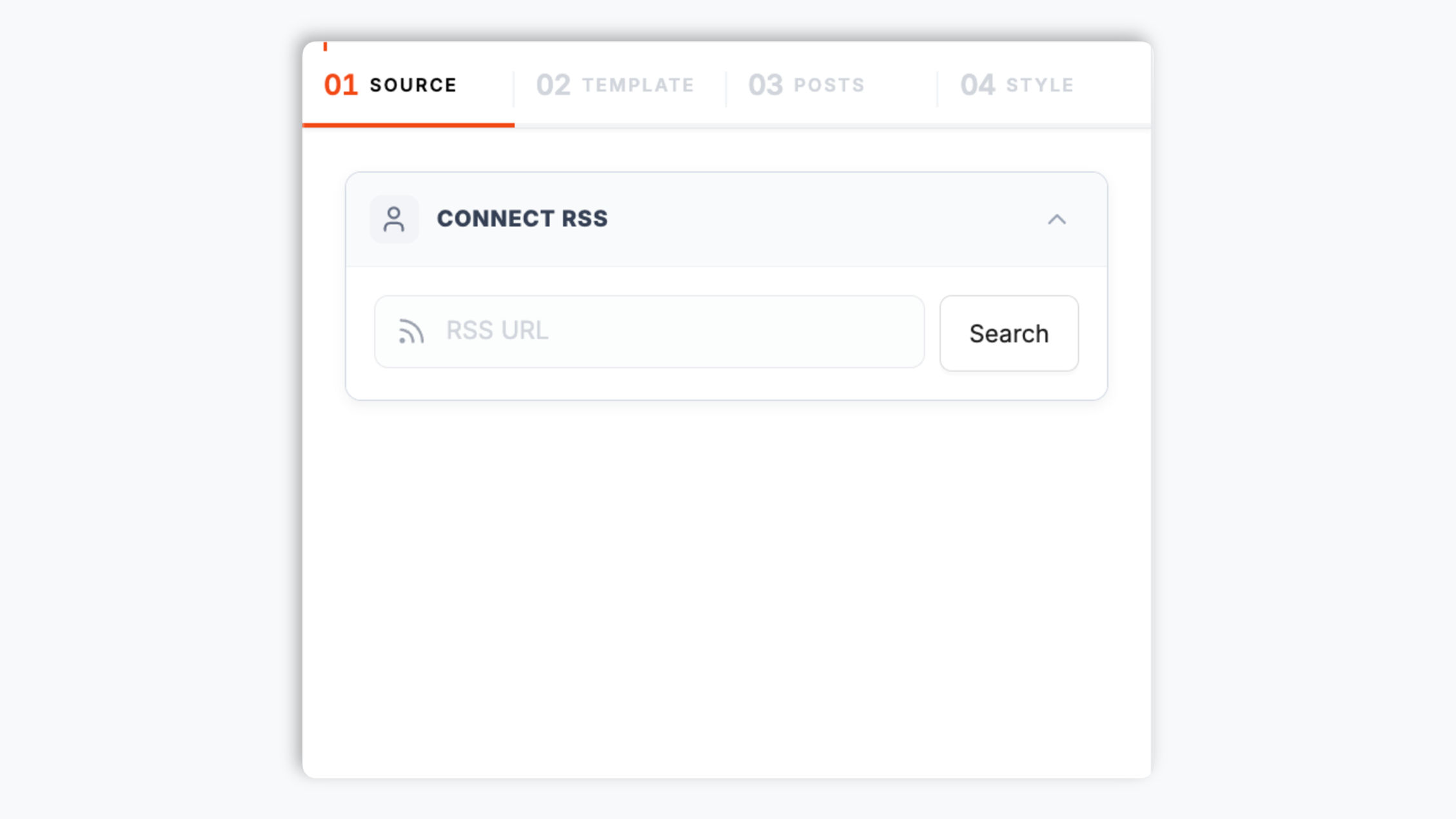
Choose from five layouts: Grid, Masonry, Bento, Slider, or Polaroid. Tune typography, accent color, item count, and colors to match your site.

Paste the Poper embed snippet into your site. Works on WordPress, Shopify, Wix, Squarespace, Webflow, Ghost, Framer, and 250+ platforms.

Works everywhere
Drop-in install on WordPress, Shopify, Wix, Squarespace, Webflow, Framer, Ghost, and any HTML-friendly stack. No build step, no developer needed.


Plus 250+ other platforms via the embed snippet. If your site can render a <script> tag, it can render the RSS Feed Widget: Embed Any RSS Feed on Your Website.
Six things that matter when you are paying for an RSS widget, not 30 features no one uses.
Most third-party feed widgets are locked to one platform: Medium, Substack, or YouTube. Poper RSS Feed is platform-agnostic and reads any RSS feed URL. Blog, podcast, news outlet, GitHub release feed, npm package feed, custom backend, anything that publishes RSS. The contract is the open standard, not a private API, so sources can come and go and your embed keeps working because RSS itself has been a stable spec since 1999.
Render items as a Grid, Masonry, Bento, Slider, or Polaroid block. Tune accent color, typography, item count, header visibility, and post colors so the feed matches your site instead of looking like a bolt-on.
The widget sorts feed items newest-first automatically, so visitors always land on the most recent post from the source without you configuring anything.
The embed loads through the Poper snippet. Validate layout and performance on your own page after embedding.
Beyond the colour and typography controls, the widget accepts your own CSS so a designer can match an exact brand system. Header, item cards, and spacing are all addressable.
The embed loads through the Poper snippet. Validate layout and performance on your own page after embedding.
Use cases
Four buyer types who get the most lift from embedding RSS Feed Widget: Embed Any RSS Feed on Your Website on their site.
Point the widget at your own blog RSS feed and render your latest posts as a fresh content block on the homepage. Visitors see what you published most recently without an editor updating the page by hand.
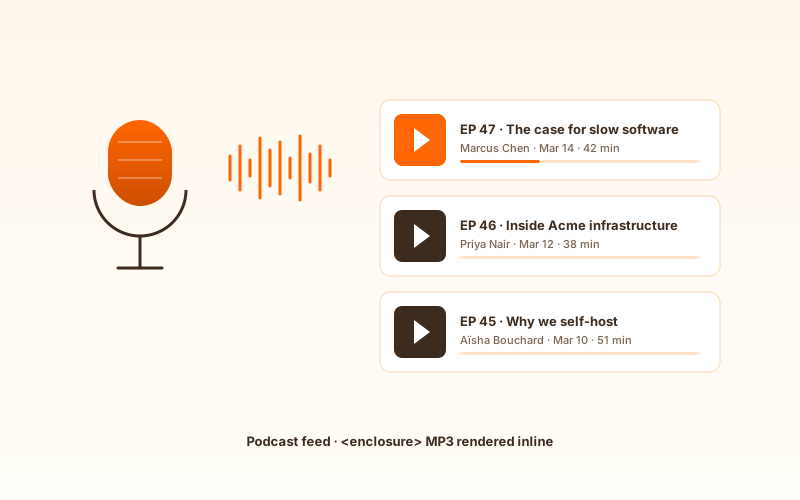
Point the widget at your podcast RSS feed and render recent episodes as cards that link straight to the episode page. The episode list stays current as you publish, keeping listeners on your site.
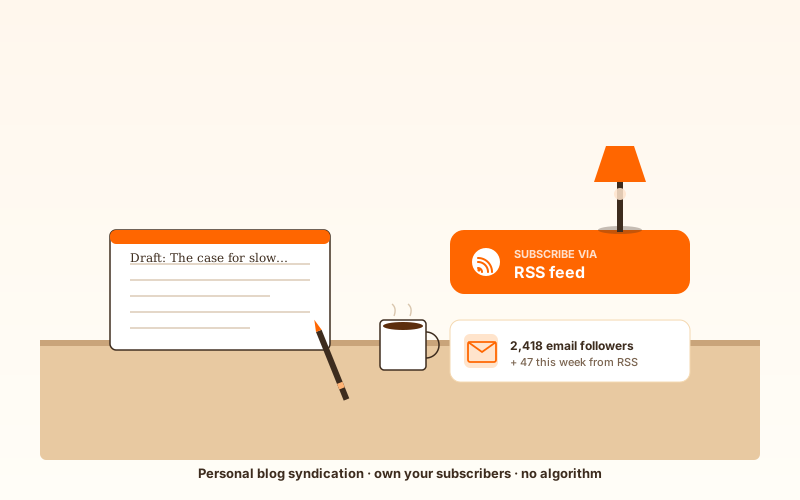
Mirror your blog onto a portfolio or about page so every new post reaches readers wherever they find you. One RSS source, rendered on as many surfaces as you embed it, with no copy-paste workflow.
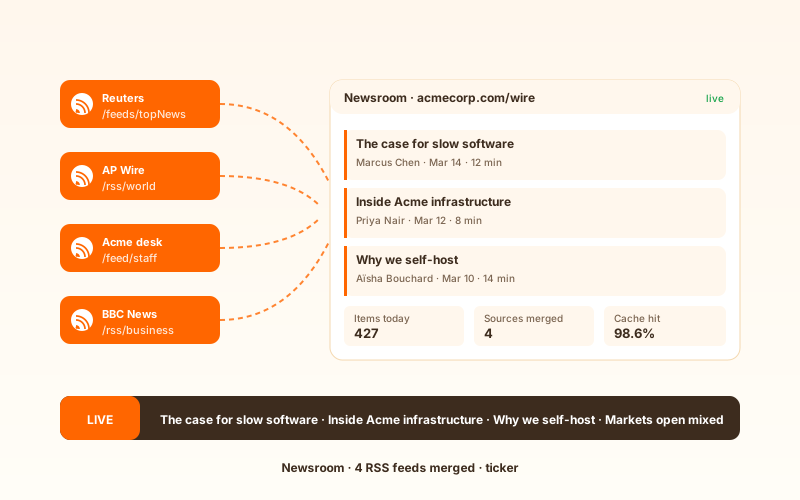
Point the widget at your own staff RSS feed and render a rolling block of the latest stories on the homepage. Built for editorial teams that want the front page to always lead with the newest reporting.
Several widget platforms offer an RSS embed. Here is how Poper stacks up against the most common alternatives on what actually matters for site owners.
| Recommended Poper | Elfsight | Common Ninja | RSS.app | |
|---|---|---|---|---|
| Poper workspace available | Limited free | Limited free | Limited free | |
| Embed any RSS feed URL | ||||
| Number of layout options | 6 | A few | A few | A few |
| Newest-first item ordering | ||||
| Available design controls | Paid only | Paid only | Paid only | |
| Lightweight embed setup | Varies | Varies | Varies | |
| Remove widget branding | Paid plans | Paid only | Paid only | Paid only |
| Bundled with popups, forms, quizzes |
Comparison reflects external competitor positioning. Verify current details on each provider's site.
Engineering, marketing, and product teams that use the RSS widget to keep their sites fresh from any open feed.
“Poper has improved our website's user engagement! Since integrating Poper's personalized popups, we've seen a dramatic surge in conversions and user interactions. The platform's intuitive design makes creating and customizing popups a breeze, even for those with minimal tech skills. What truly sets Poper apart are its…”

“Fantastic app and support team, they are very quick to help and provide a solution or improvement to their product. Highly recommended!”

“Poper has been a total lifesaver for our agency! As a digital marketing agency, we’re always juggling a million things at once. Poper has been a real game-changer in terms of streamlining our workflow and keeping track of all our clients’ campaigns. The ability to track all our clients’ websites from one place is a…”

Pricing
All plans are billed yearly. Each card shows the per-month equivalent. Start free, then upgrade only when you need more campaigns, websites, or AI credits.
Yearly billing · save up to 40%Essential lead capture for solo creators and growing businesses.
billed $180/year
Full engagement suite with A/B testing, gamification & unlimited leads.
billed $348/year
Unlimited everything with white-label, API access & advanced analytics.
billed $948/year
Prices shown for the 50k monthly visitor tier on yearly billing. A Free Forever plan ($0) and a custom Enterprise plan are also available. No contracts, cancel anytime.
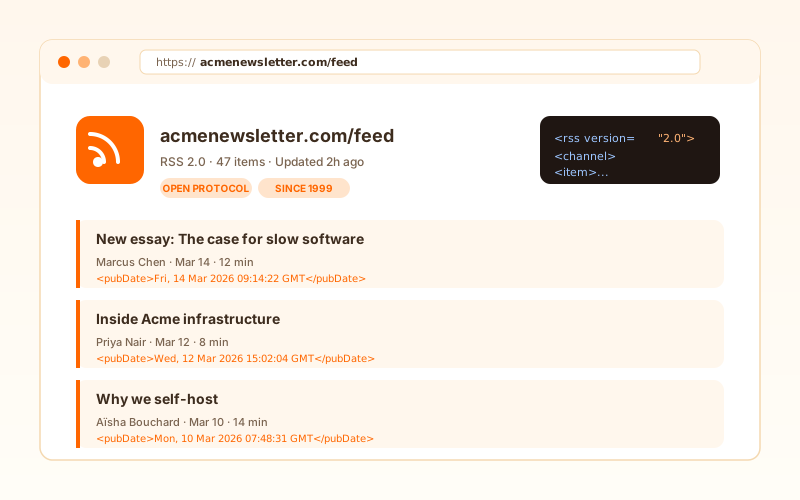
RSS is the quiet workhorse of the open web. Born in 1999 out of work by Dave Winer at UserLand and the parallel RSS-DEV efforts at Netscape, the format has outlived three major search engines, two browser wars, the rise and fall of Google Reader, and the entire algorithmic-feed era of social media. In 2026, RSS is still the default syndication mechanism for podcasts, the backbone of newsletter aggregators, the integration layer between every major CMS and every notification service, and the only reliable way for one website to mirror content from another without scraping. An RSS feed widget on your own site lets you tap into that ecosystem with a single line of script. Paste any feed URL, pick a layout, and your page gains a live content block that stays fresh on its own. This guide covers what an RSS widget actually unlocks in 2026: the history of the format, why it survived after Google Reader shut down, the post-algorithm resurgence in podcasting and developer tooling, and what to look for when choosing a feed widget for your site.
Really Simple Syndication started life in 1999 as a Netscape feature for the doomed My Netscape portal. Dave Winer at UserLand picked up the spec the same year, simplified it, and shipped RSS 0.91 as a vendor-neutral way for your website to publish a machine-readable feed of its own content. The next decade settled the format around the widely deployed RSS 2.0 line, maintained by Winer and later donated to Harvard. By 2008 RSS was readable by every major news reader and integrated into every major CMS. The format itself is almost trivially simple, which is why it has survived. An RSS feed is just an XML document listing recent items, each with a title, a link, a publication date, and optional metadata like author, category tags, full or excerpted content, and enclosure attachments for binary payloads like podcast audio. Any web server can produce one with no special infrastructure, any client can parse one with a hundred lines of code, and the contract has not meaningfully changed in twenty years. That stability is the whole point. When a publisher ships a redesign, switches CMS, or rebrands the site, the RSS endpoint typically keeps working because it sits behind a stable URL and emits the same simple XML. A widget that reads the feed today still reads it five years from now. No API key rotation, no OAuth refresh storms, no breaking changes from a vendor pivot.
Refresh cadence follows your Poper plan: Free every 15 days, Starter every 3 days, and Pro/Business every 1 day.
An RSS feed is an XML document that lists recent items, each with a title, a link, a publication date, and optional metadata like author, category tags, full or excerpted content, and enclosure attachments for binary payloads like podcast audio. RSS 2.0 is the most widely deployed version, defined informally and frozen by Harvard's Berkman Center in 2003 with a deliberate stance that the format would not change further. That freeze is a feature, not a limitation. WordPress emits RSS at `/feed/`, Substack emits RSS, Ghost emits RSS, and most major news outlets and blog platforms expose an RSS endpoint at a stable URL. Because the contract has not meaningfully changed in twenty years, a widget that reads a feed today still reads it years from now: no API key rotation, no OAuth refresh storms, no breaking changes from a vendor pivot. Poper RSS Feed fetches the feed, parses the items, normalizes the publication dates, and renders the same clean widget output. From the site owner's perspective the work is one paste of a URL, and the open standard underneath is what keeps the embed alive long after the source redesigns its site.
Refresh cadence follows your Poper plan: Free every 15 days, Starter every 3 days, and Pro/Business every 1 day.
Four patterns cover most production deployments. First, blog mirror. A team publishes once on a primary blog (WordPress, Ghost, Substack, Medium, Hashnode) and embeds the RSS feed on a marketing site, partner portal, or help center. One source, many surfaces, zero copy-paste workflow. The marketing site stays fresh automatically and the source remains the single point of truth for the canonical URL, which protects SEO. Second, a fresh-content block on a homepage. Point the widget at your own blog feed and render it as a grid or bento block so visitors always see what you shipped most recently, in chronological order, without an editor manually updating the page. Third, podcast show-notes page. Point the widget at your podcast RSS feed and render recent episodes as cards that link straight to the episode page. The widget keeps the episode list current as you publish. Fourth, product changelog or release-notes block. Most modern issue trackers and CI systems can publish a release feed (GitHub releases, npm publishes, Linear changelog, Productboard updates). Embed it on a product page or pricing page and your marketing surface stays in lockstep with what engineering shipped, with no manual cross-posting. In all four patterns the operational benefit is the same: the widget runs on a stable open standard, stays fresh on its own, has no API key to rotate, and survives every redesign of the source. Set it up once and it does its job for years.
An RSS feed widget is an embeddable script that renders items from an RSS feed on a third-party website. Unlike platform-specific feed widgets for Medium, Substack, or YouTube, an RSS feed widget is platform-agnostic and reads any open RSS feed URL: blog, podcast, news outlet, GitHub releases, npm packages, or custom backend.
Tutorial
A quick walkthrough of setting up and embedding this widget.
Tutorial video coming soon
Can't find the answer you're looking for? Chat with our support team.
Contact SupportPoper takes 90 seconds to embed and works with any RSS feed source. Start from your Poper workspace.
Free plan available forever