
SaaS pricing pages
Feature your best five-star quotes next to the plan selector to reassure trial buyers.
Celebrate five-star moments on pricing, checkout, and onboarding pages. You add each review yourself, so the quote, rating, and copy are always exactly what you want.
Built for no-code website teams























Live demo. Tune stars, review text, and motion without touching code.
How to use it
Three steps. Under two minutes. No code required.
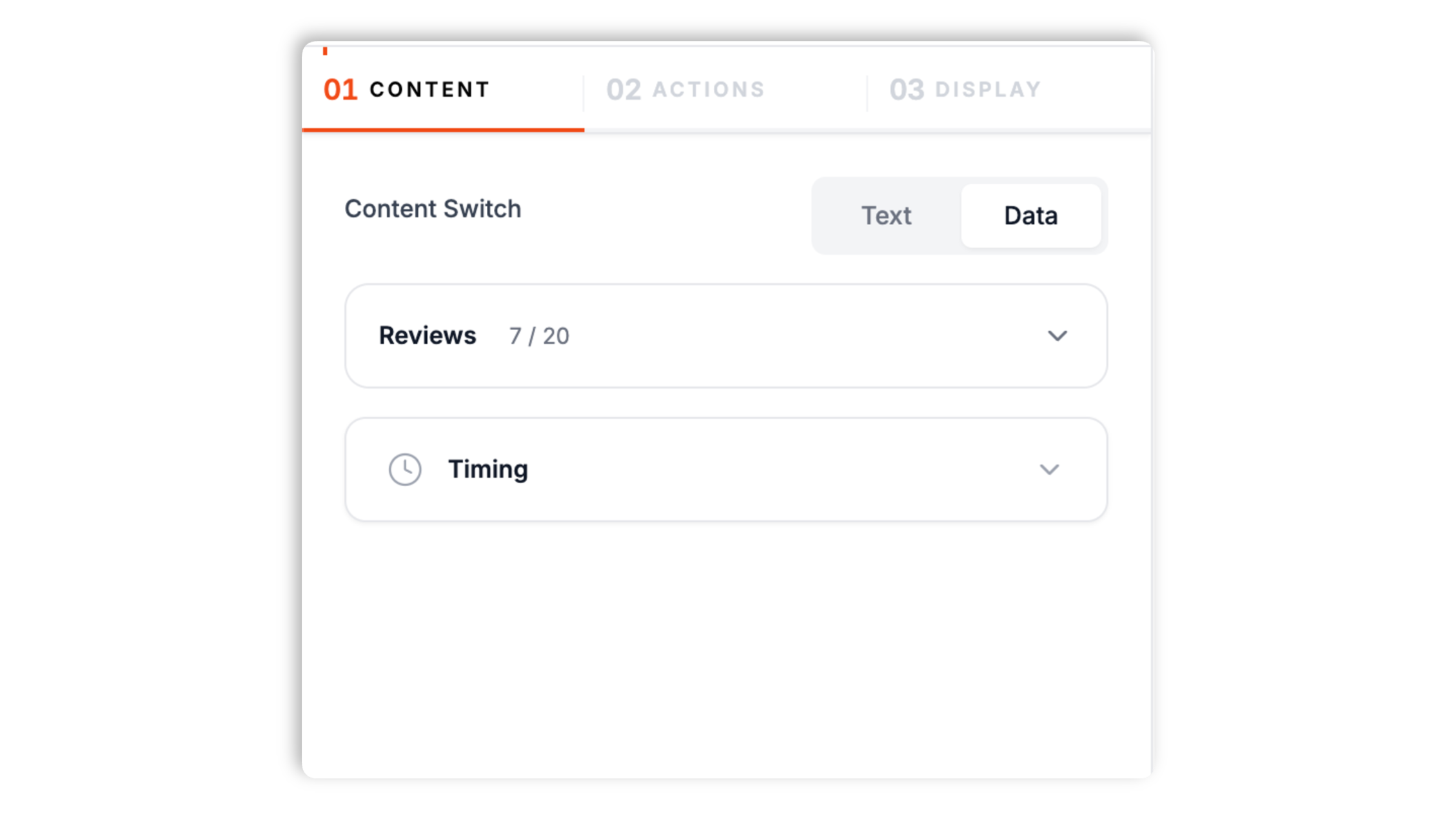
Add up to 20 reviews yourself in the builder. For each review you set a star rating, the review text, and an optional count, then write the headline and rating templates that decide how the toast reads.
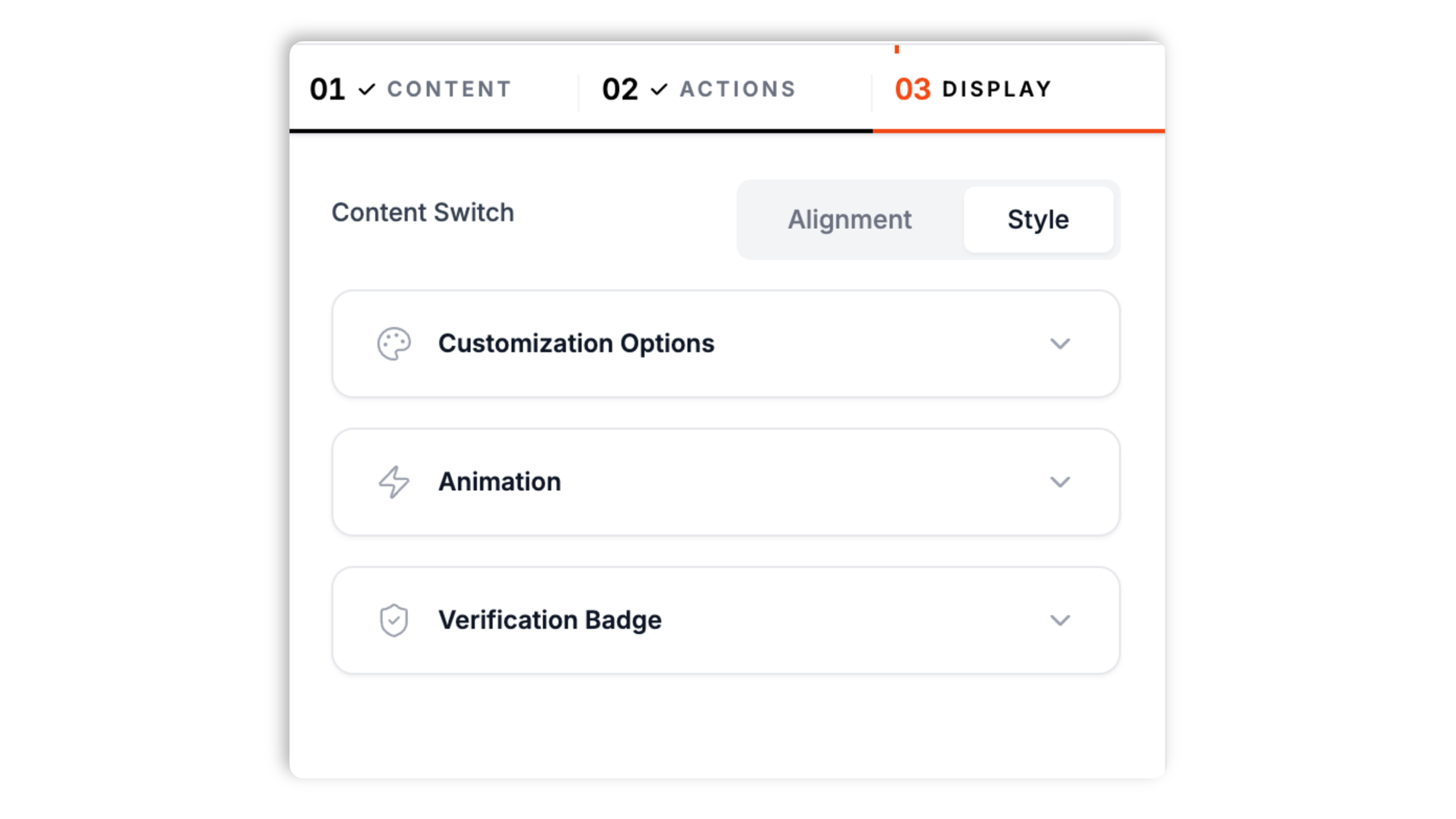
Pick background, text, and accent colors, a shadow preset, and a font so the toast matches your testimonial section rather than a stock widget skin.
Drop the snippet near CTAs on pricing, trials, and upgrade pages. The toast cycles through the reviews you added without another deploy.

Works everywhere
Drop-in install on WordPress, Shopify, Wix, Squarespace, Webflow, Framer, Ghost, and any HTML-friendly stack. No build step, no developer needed.


Plus 250+ other platforms via the embed snippet. If your site can render a <script> tag, it can render the Review Notification Widget for Website. No-code - Poper.
Hand-picked star reviews, design control, and a calm cadence.
Each toast pairs a clear star-rating box with a short quote and a review-count pill, so visitors read the social signal in under two seconds. You write every line, so the wording is always yours.
Put the toast in any of the four desktop corners, and choose top, bottom, or center on mobile. A compact mobile layout keeps it readable on small screens.
Set the star rating for each review you add. The toast renders filled and outline stars to match it.
Token-based templates let you decide how the rating, review text, and count appear in the toast.
Designed to render as an embedded widget with its own styles. Hover pauses the toast so visitors can read it.
The widget cycles through up to 20 reviews you added. Tune the display duration and the delay between toasts, and optionally randomize the order.
Use cases
Four buyer types who get the most lift from embedding Review Notification Widget for Website. No-code - Poper on their site.
Feature your best five-star quotes next to the plan selector to reassure trial buyers.
Add a few standout product reviews and let the toast rotate them beside the add-to-cart button.
Highlight curated client quotes on service pages without rebuilding an HTML testimonial block.
Show a hand-picked review during onboarding or near an upgrade prompt to reassure new users.
Design control, performance, and a real free plan, compared with the popular widget providers.
| Recommended Poper | Elfsight | Common Ninja | Visor Notify | |
|---|---|---|---|---|
| Poper workspace available | Limited | Limited | Limited | |
| Add reviews yourself | ||||
| Star-rating box per review | Partial | |||
| Editable headline and rating templates | Limited | Limited | Limited | |
| Rotation and timing controls | ||||
| Desktop and mobile placement presets | Partial | Partial | ||
| Available styling controls | Paid | Paid | Limited | |
| Bundled with popups + forms | ||||
| Paid plan details | Plan details vary | Vendor pricing varies | Vendor pricing varies | Vendor pricing varies |
Comparison reflects external competitor positioning. Verify current details on each provider's site.
Marketers who stopped screenshotting reviews for every launch.
“We hand-pick our strongest quotes for the review toast. Having the rating and copy next to the annual plan toggle made the page feel more convincing.”

“The star box looks crisp and the toast matched our testimonial section once we set the colors. Design stopped asking us to screenshot reviews.”

“Because we type in each review ourselves, we feature only the ones we want and keep the wording tight. Setup took a few minutes.”

Pricing
All plans are billed yearly. Each card shows the per-month equivalent. Start free, then upgrade only when you need more campaigns, websites, or AI credits.
Yearly billing · save up to 40%Essential lead capture for solo creators and growing businesses.
billed $180/year
Full engagement suite with A/B testing, gamification & unlimited leads.
billed $348/year
Unlimited everything with white-label, API access & advanced analytics.
billed $948/year
Prices shown for the 50k monthly visitor tier on yearly billing. A Free Forever plan ($0) and a custom Enterprise plan are also available. No contracts, cancel anytime.
A review notification is a small corner toast that shows a star rating and a short quote. The Poper review widget is a content widget you fill in yourself, so you choose exactly which reviews to feature and how they read. This guide covers what the widget shows, how rotation and timing work, how to style it, and where to place it.
You add reviews one at a time in the builder. Each review has a star rating, the review text, and an optional count. You then write the headline and rating templates using tokens, which decide how the rating, quote, and count are arranged in the toast.
Visitors rarely scroll back to a testimonial grid mid-funnel. A lightweight toast puts the same proof next to the decision: pricing tables, upgrade prompts, and checkout, where uncertainty is highest.
The widget cycles through up to 20 reviews you added, one toast at a time. Set the display duration and the delay between toasts, optionally randomize the order, and the toast pauses while a visitor hovers the card.
Set background, text, and accent colors, choose a shadow preset and a font, and resize the card with a zoom control. Place it in a desktop corner or a mobile position, pick an enter animation, and optionally add a call-to-action button.
Pricing, upgrade, checkout, and onboarding screens outperform homepage banners because the visitor already has a decision in front of them and the proof is contextual.
A review notification widget shows a star rating and a short review quote in a small corner toast that you fill in yourself.
Last fact-checked: . We re-verify every quarter.
Tutorial
A quick walkthrough of setting up and embedding this widget.
Tutorial video coming soon
Can't find the answer you're looking for? Chat with our support team.
Contact SupportAdd your best reviews, style the toast, and embed in minutes.
Free plan available forever