
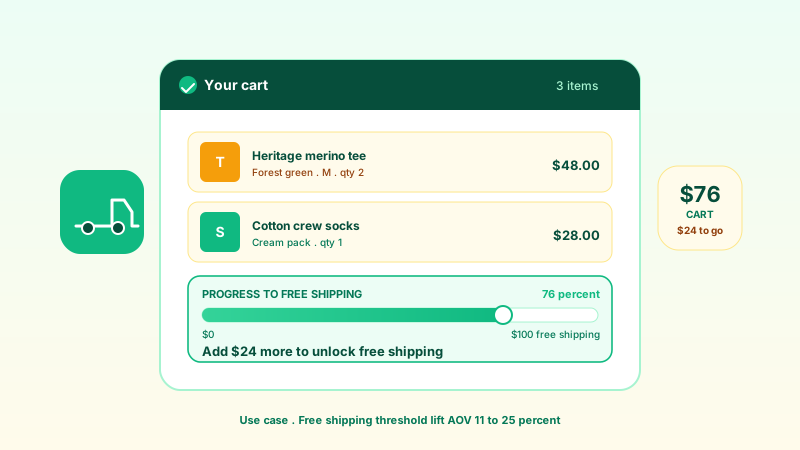
Flash sale countdown
Show a time-limited sale with the 'Ends Soon' badge, a live countdown, and a progress bar set to the configured claimed percentage. A clear deadline plus visible scarcity nudges undecided visitors.
A compact offer card with a countdown timer and a progress bar showing a configured claimed-percentage line for your promotion. Style it, brand it, and embed it in 90 seconds. No code.
Built for no-code website teams























Live demo, not a screenshot. Style it, brand it, embed it.
Before and after Poper
Here is the widget embedded on a real page layout, before and after. Style it to match your brand, then copy one snippet to go live.
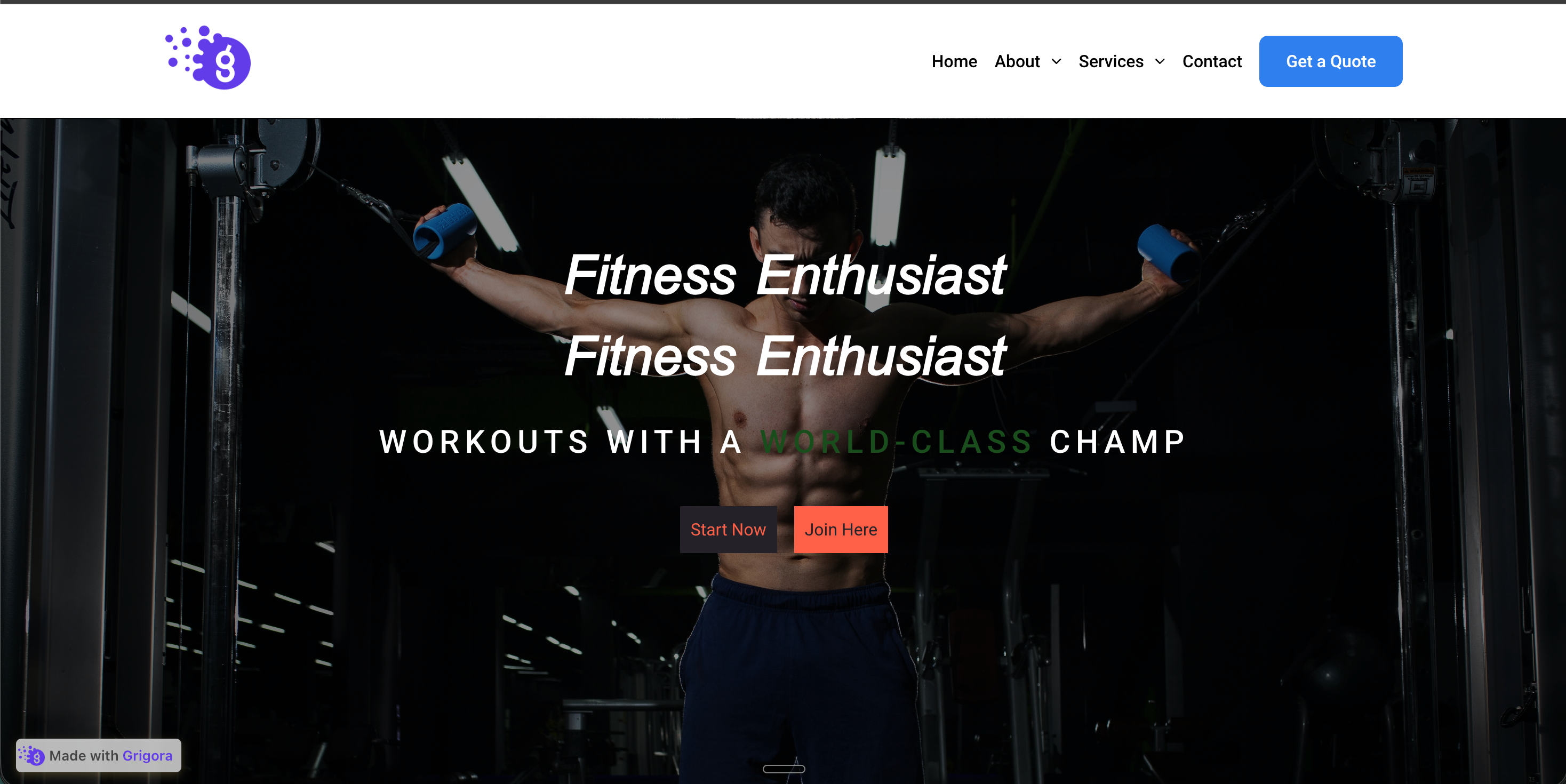 Before
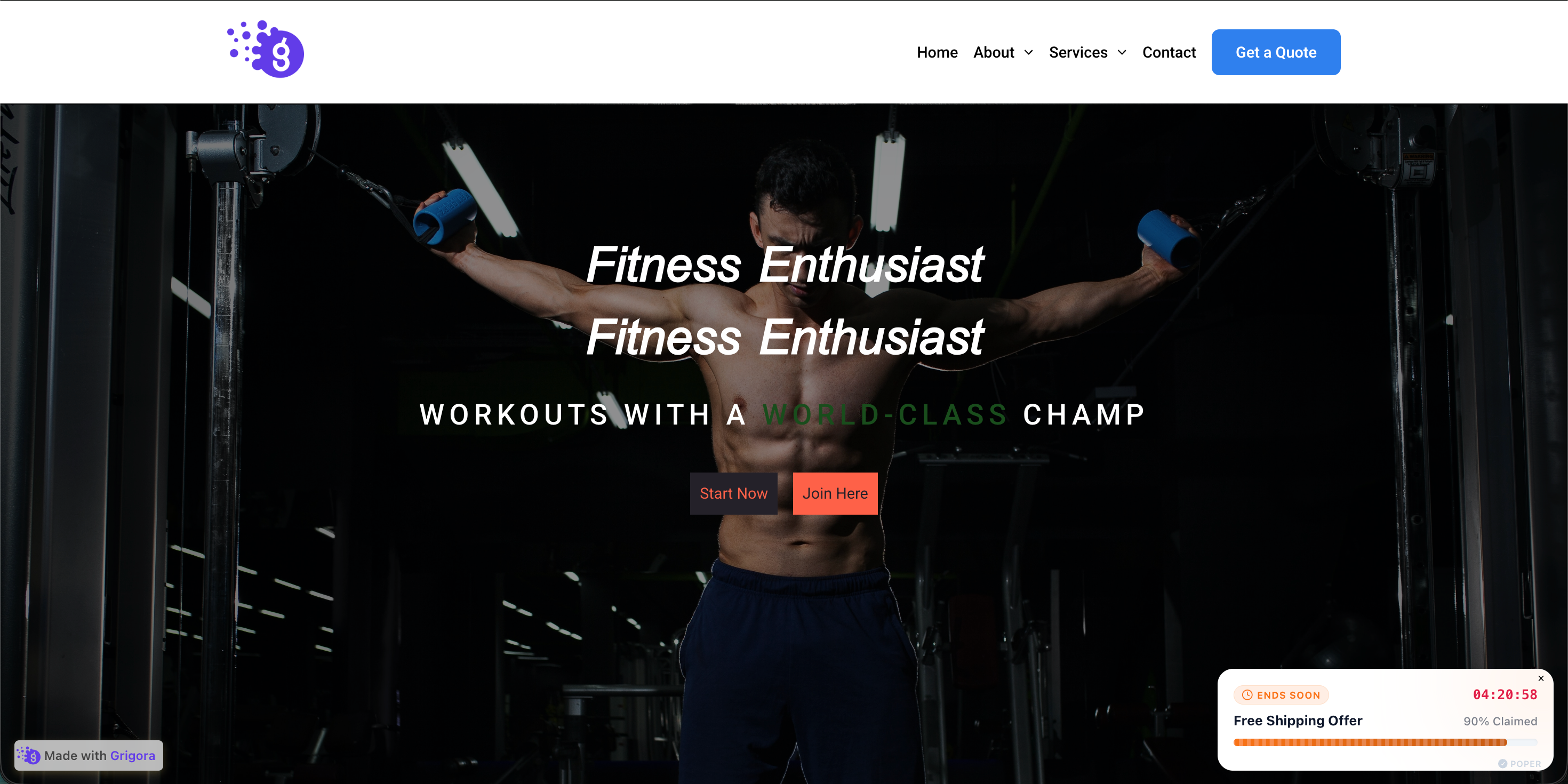 Poper widget live
Mockups for illustration. Style the widget to match your site and embed in 90 seconds.
How to use it
Three steps. Under two minutes. No code required.
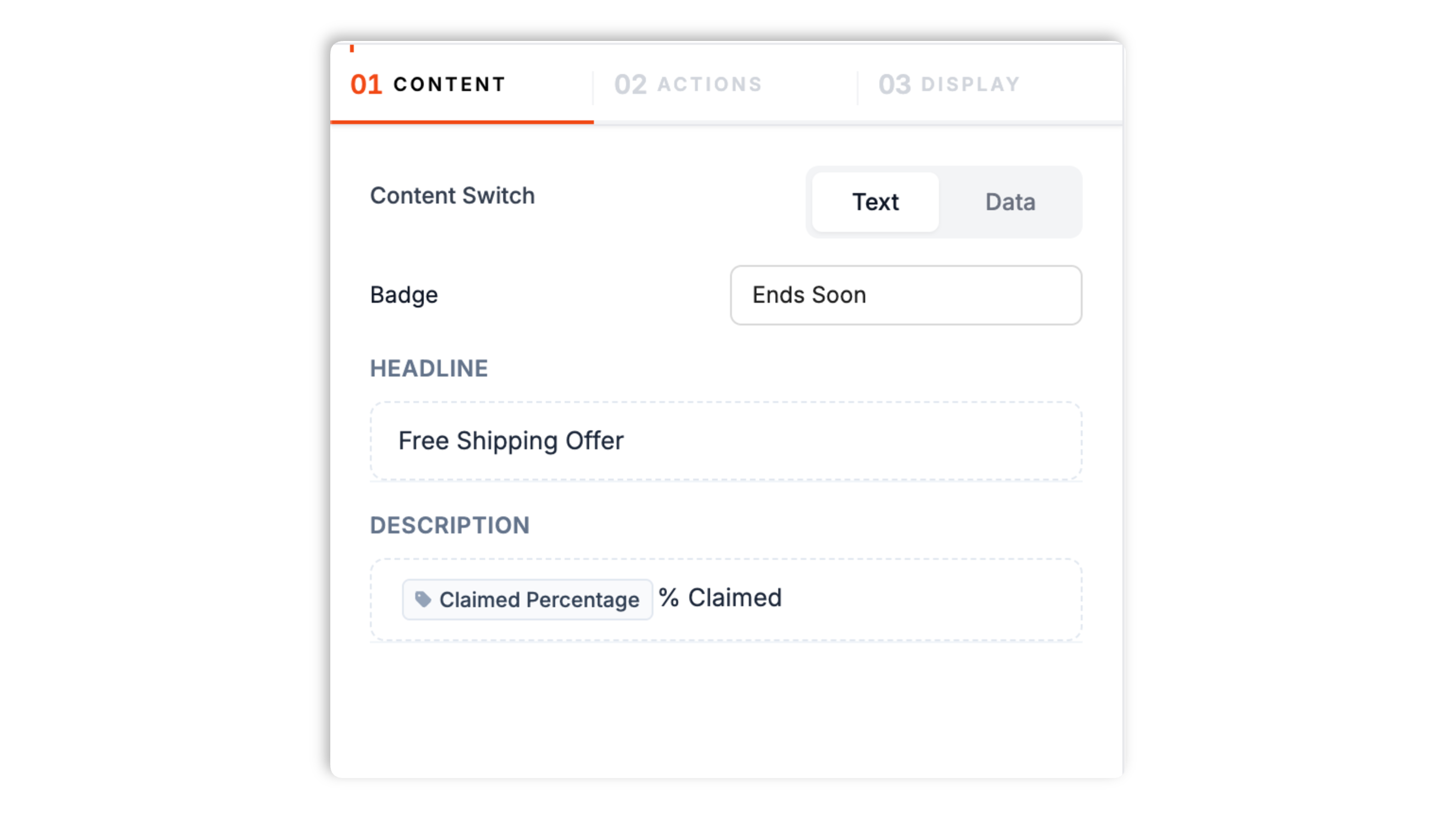
Set the badge label (default 'Ends Soon'), the headline, and the description. Type a countdown time and a starting claimed percentage. The headline and description support {{claimed}} and {{timeLeft}} tokens that fill in automatically.
Pick the on-screen position, choose an entrance animation, and match your brand: card background, text color, button colors, fonts, shadow style, and zoom. A separate set of position and animation values applies on mobile.
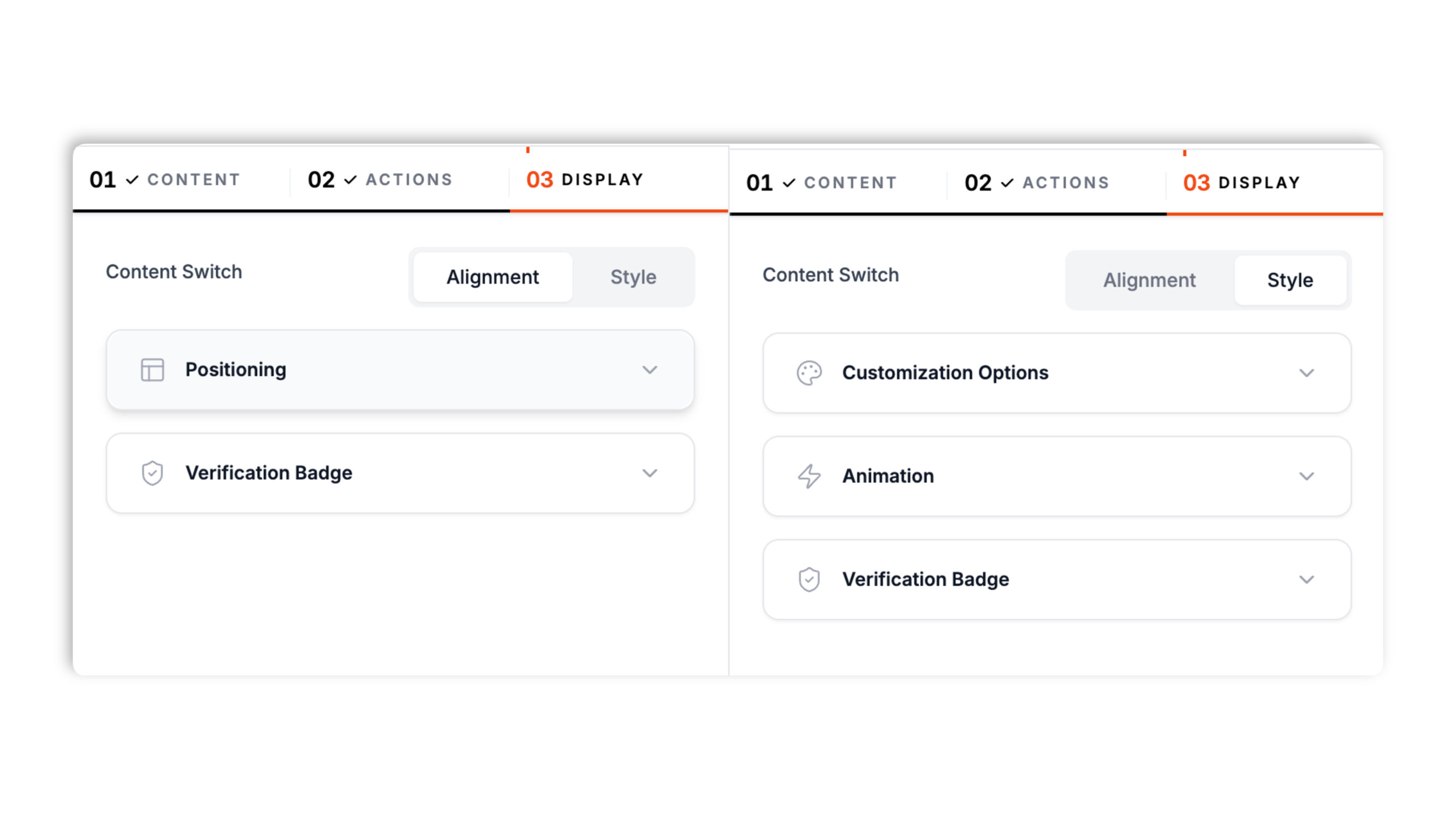
Paste the Poper embed snippet into your site. Works anywhere your Poper embed snippet is supported.

Works everywhere
Drop-in install on WordPress, Shopify, Wix, Squarespace, Webflow, Framer, Ghost, and any HTML-friendly stack. No build step, no developer needed.


Plus 250+ other platforms via the embed snippet. If your site can render a <script> tag, it can render the Offer Progress Widget for Website. No-code - Poper.
What the offer progress widget actually does, with no invented features.
The offer progress widget pairs a live countdown with a progress bar that shows a configured claimed-percentage line for your promotion. The 'Ends Soon' badge, the timer, and the bar all work together to give a clear deadline-and-scarcity cue at the moment a visitor is deciding.
Set your own badge label, headline, and description. Drop the {{claimed}} token in for a live 'percent claimed' line and the {{timeLeft}} token in for the countdown, and the widget fills them in automatically.
Turn on a CTA button with its own label and link, or leave it off to show the claimed-percent line instead.
Card background, text color, button colors, fonts, and shadow style. Designed to fit your site.
Place the card in a supported desktop corner, and pick an entrance animation. Desktop and mobile each get their own position and animation values, plus an optional compact mobile layout.
Async-injected with scoped CSS that does not bleed into your design system. Validate layout and LCP on your own page after embedding. Validate performance on your own page after embedding.
Use cases
Four buyer types who get the most lift from embedding Offer Progress Widget for Website. No-code - Poper on their site.
Show a time-limited sale with the 'Ends Soon' badge, a live countdown, and a progress bar set to the configured claimed percentage. A clear deadline plus visible scarcity nudges undecided visitors.
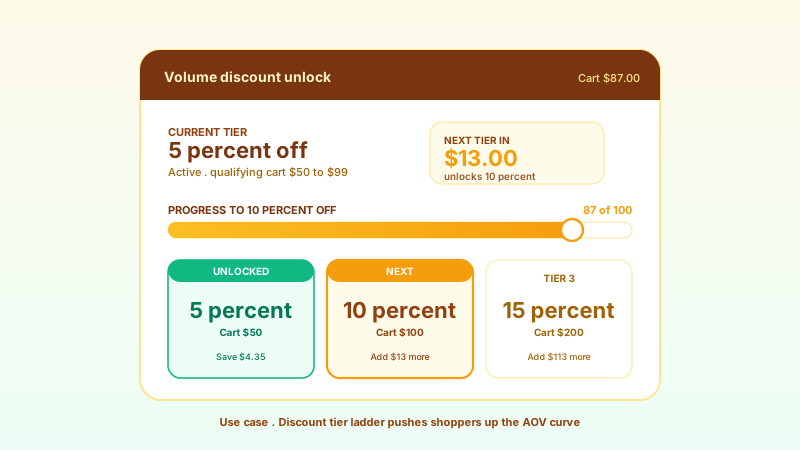
Promoting a fixed batch of discount codes. Set the headline to the offer, the description to a claimed-percent line, and watch the bar fill as you raise the value over the campaign.
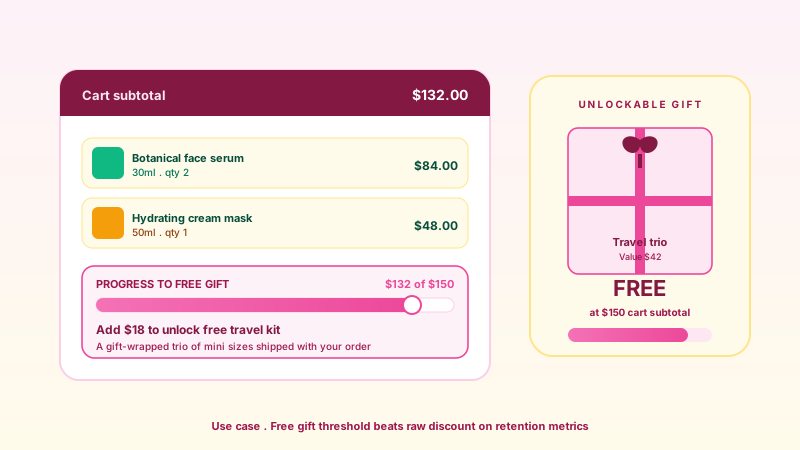
Promote a workshop or webinar with a countdown to the start and a progress bar set to configured claimed percentage. The card sits in a corner so it stays visible while visitors read the page.
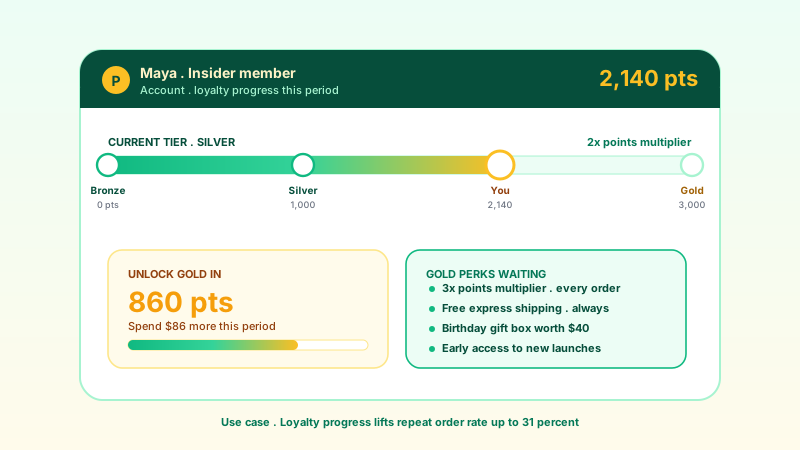
Pair a product launch with a launch-week countdown and a claimed-progress bar. Add the optional CTA button so the card links straight to the offer page.
Elfsight, Common Ninja, and POWR are widget platforms that include offer and countdown widgets. Here is how Poper compares.
| Recommended Poper | Elfsight | Common Ninja | POWR | |
|---|---|---|---|---|
| Poper workspace available | Limited | Limited | Limited | |
| Countdown timer in the offer card | ||||
| Claimed-progress bar | Limited | Limited | Limited | |
| Editable copy with live tokens | ||||
| Supported corner positioning | ||||
| Separate desktop and mobile settings | Partial | Partial | Partial | |
| Optional verified badge | ||||
| Branding behavior follows workspace permissions | Paid only | Paid only | Paid only | |
| Pricing | Plan details vary | Vendor pricing varies | Vendor pricing varies | Vendor pricing varies |
| Bundled with popups, forms, more widgets |
Comparison reflects external competitor positioning. Verify current details on each provider's site.
Marketers and store owners who promote time-limited offers with Poper.
“We use the offer progress card for our flash sales. The countdown plus the claimed bar gives visitors a clear reason to act now, and setup took a couple of minutes.”

“Performance stayed within budget after we embedded. Some other widgets dropped us 10+ points. Performance hygiene matters at our scale.”

“Being able to set a separate position for mobile was the detail that sold us. The card sits in a bottom corner on desktop and a compact bottom strip on phones.”

Pricing
All plans are billed yearly. Each card shows the per-month equivalent. Start free, then upgrade only when you need more campaigns, websites, or AI credits.
Yearly billing · save up to 40%Essential lead capture for solo creators and growing businesses.
billed $180/year
Full engagement suite with A/B testing, gamification & unlimited leads.
billed $348/year
Unlimited everything with white-label, API access & advanced analytics.
billed $948/year
Prices shown for the 50k monthly visitor tier on yearly billing. A Free Forever plan ($0) and a custom Enterprise plan are also available. No contracts, cancel anytime.
An offer progress widget pairs a deadline with a sense of momentum. A countdown timer tells visitors the offer is ending; a progress bar showing how much has been claimed tells them other people are already acting. Both cues lean on well-documented behavior: urgency from a visible deadline, and social proof from visible take-up. This guide covers what the Poper offer progress widget actually does, how to write copy that uses its live tokens, where to position the card, and how to keep it honest so the urgency cue still works the next time a visitor sees it.
Two cues do the work in this widget. The first is the deadline. Robert Cialdini's work on scarcity showed that people value an opportunity more when it is visibly running out, and a live countdown makes that running-out tangible in a way that a static 'limited time' line does not. The second is take-up. When a visitor sees that a promotion is already partly claimed, they read it as a signal that other people, much like them, judged the offer worth acting on. The Poper offer progress widget surfaces both in one compact card: the 'Ends Soon' badge and timer for the deadline, and the progress bar for the take-up. Neither cue is a trick when the underlying offer is real, and that honesty is what keeps the cue effective over time.
The headline and description fields accept two tokens. The {{claimed}} token prints the current claimed percentage, so a description of '{{claimed}}% claimed so far' renders as a live line that updates with the bar. The {{timeLeft}} token prints the countdown. A good pattern is a short, specific headline ('Launch week: 20% off everything') with a token-driven description that adds the scarcity detail. Keep the badge label honest: 'Ends Soon' is the default, but if your offer runs for two weeks, a label like 'Limited time' is more accurate. Copy that overpromises urgency gets ignored once a visitor notices the timer reset, so match the words to the real campaign.
The offer progress widget is a fixed-position card, so the question is which corner. A bottom corner keeps it out of the way of your main content while still visible during scroll, which suits a card meant to stay present as a gentle nudge. A top position is more assertive and works for a headline promotion you want noticed immediately. The center position is the most assertive of all and is best reserved for a short, high-priority campaign. Poper lets you set the desktop position and the mobile position separately, so you can keep the card in a bottom corner on desktop and switch to a compact bottom layout on a small screen where space is tight.
The offer progress widget should be validated on your own page after embedding so it does not block the rest of your page from rendering. Its styles are widget-specific, which means the card's styles cannot leak into your site's design system and your site's styles cannot break the card. Because the card is positioned over the page rather than inserted into the document flow, it does not push your content around and is designed to avoid visible layout shift. Run PageSpeed Insights before and after embedding to validate the result on your own page.
An urgency widget only works if visitors trust it. A countdown that resets every time the page loads, or a claimed bar that is always pinned near 100 percent, trains visitors to ignore the card, and that scepticism carries over to the rest of your marketing. The honest approach is simple: run the countdown against a real campaign end, and set the claimed percentage manually. Raise the claimed value over the life of the campaign rather than starting it artificially high. Honest urgency is not weaker urgency; it is the version that still works the second and third time a visitor sees your offers.
An offer progress widget is an embeddable card that promotes a time-limited offer. The Poper offer progress widget shows an 'Ends Soon' badge, a countdown timer, a headline and description, and a progress bar reflecting how much of the offer has been claimed. It is configured manually and has no cart or store integration.
Last fact-checked: . We re-verify every quarter.
Tutorial
A quick walkthrough of setting up and embedding this widget.
Tutorial video coming soon
Can't find the answer you're looking for? Chat with our support team.
Contact SupportPoper takes 90 seconds to embed and your offer progress card runs on the values you set, with a live countdown.
Free plan available forever