
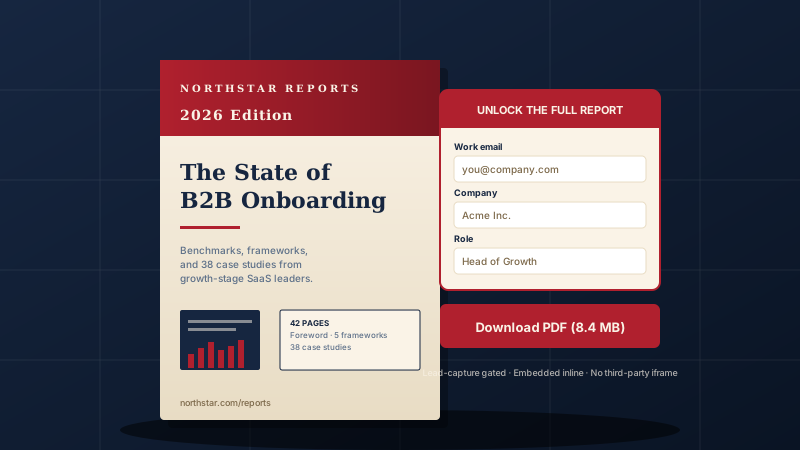
Whitepaper distribution
Publish your category report or buyer's guide as an embedded PDF on your resource hub. Visitors read it inline instead of downloading and leaving.
Upload your PDFs and display them with a Viewer, Grid, or List layout. The viewer is PDF.js powered with page navigation, zoom, fullscreen, and thumbnails. No code.
Built for no-code website teams























Live demo, not a screenshot. Switch layouts and style the widget. What you see here is what ships to your site.
Before and after Poper
Here is the widget embedded on a real page layout, before and after. Style it to match your brand, then copy one snippet to go live.
 Before
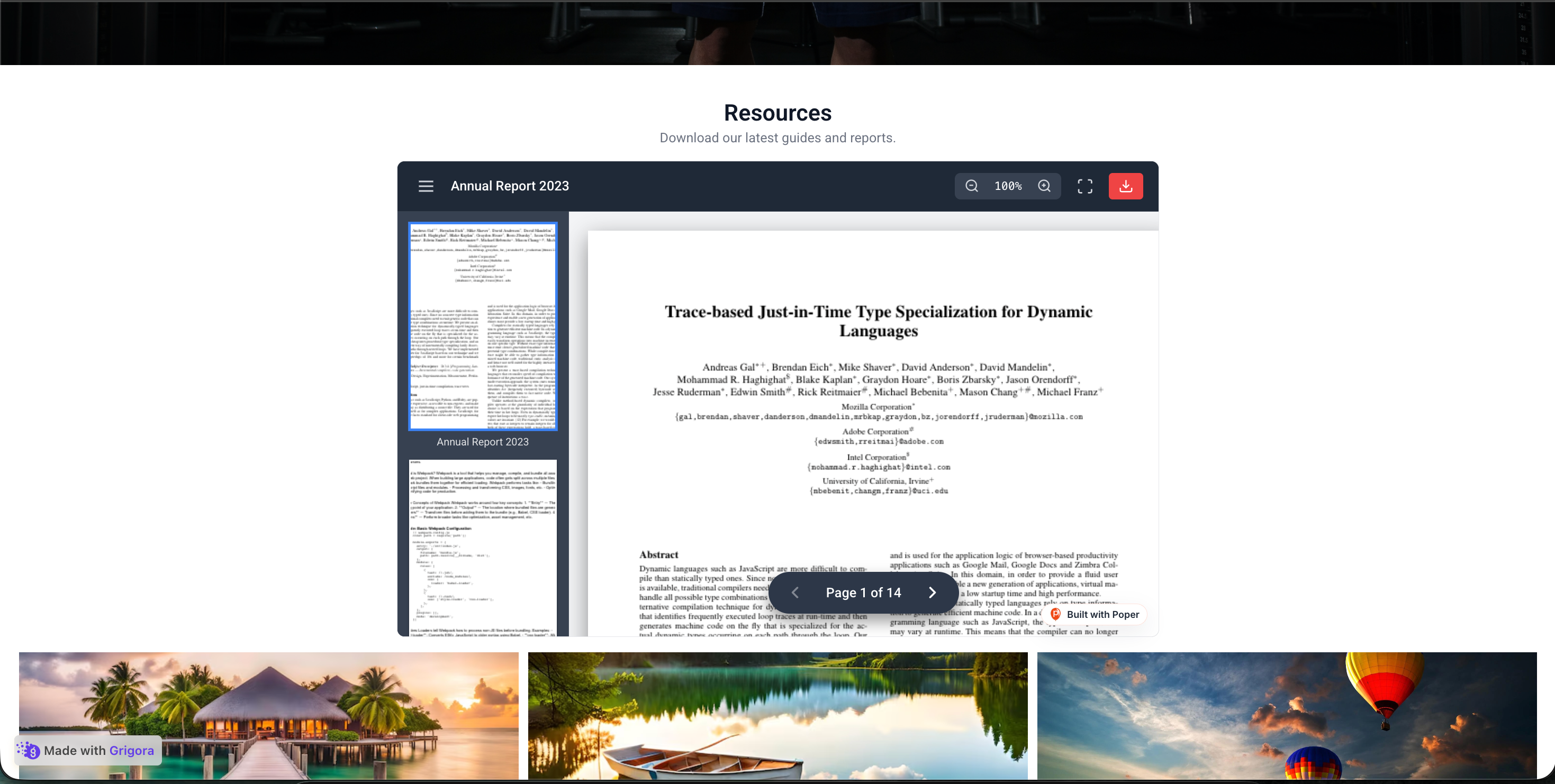 Poper widget live
Mockups for illustration. Style the widget to match your site and embed in 90 seconds.
How to use it
Three steps. Under two minutes. No developer needed.
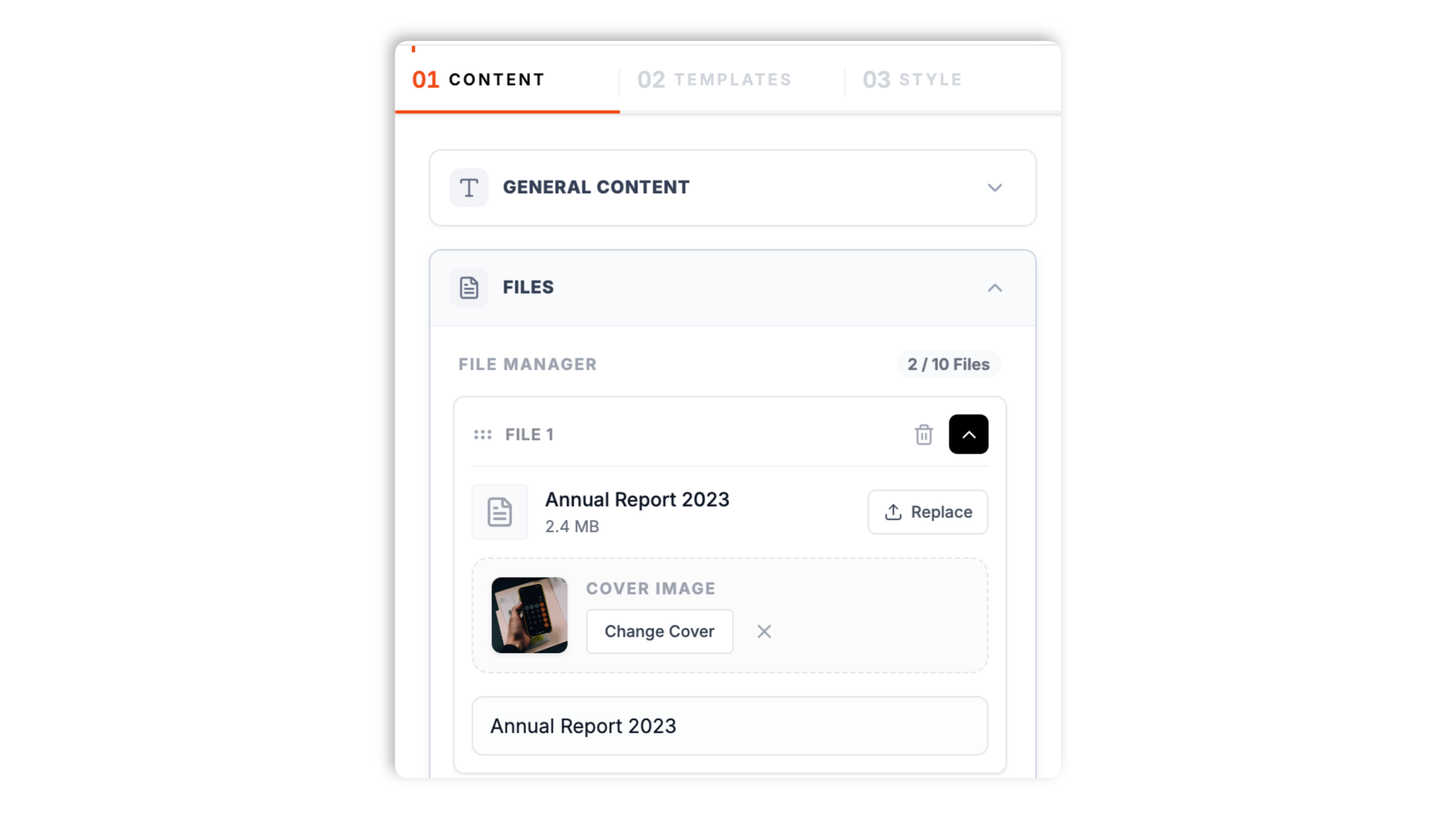
Upload one or more PDF files in the Content tab. For each file you can set a name, a description, a date, and a preview image, and add a widget title and subtitle above the list.
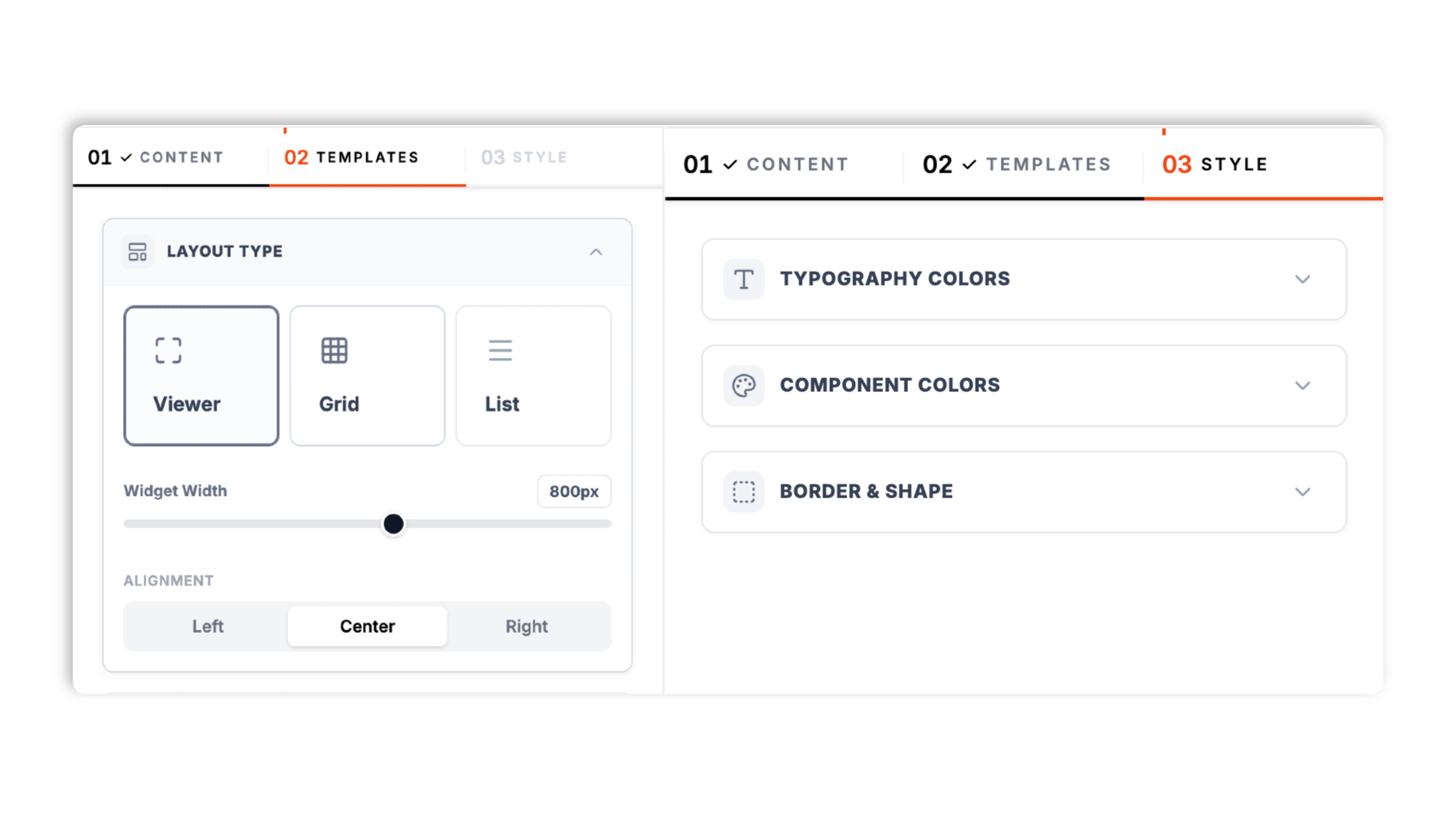
Choose one of three layouts in the Templates tab: Viewer, Grid, or List. Set the widget width and alignment, then style colors, border, radius, and the download button.
Paste the Poper embed snippet into your site. Works anywhere your Poper embed snippet is supported.

Works everywhere
Drop-in install on WordPress, Shopify, Wix, Squarespace, Webflow, Framer, Ghost, and any HTML-friendly stack. No build step, no developer needed.


Plus 250+ other platforms via the embed snippet. If your site can render a <script> tag, it can render the PDF Widget for Website: Embed a PDF Viewer with Viewer, Grid & List Layouts.
The features that matter when you are embedding PDFs, not 30 nobody uses.
The Viewer layout renders your PDF inline with Mozilla's open-source PDF.js engine, the same renderer that ships in Firefox. Pages render to a canvas with page navigation, zoom in and out, fullscreen, and a thumbnail strip. Validate performance on your own page after embedding.
Viewer embeds a single PDF for inline reading. Grid shows multiple files as cards in a column count you choose. List shows files in a stacked row. Switch layout in the dashboard through the normal publish flow.
The Viewer layout supports zoom in and out, trackpad pinch zoom, and an expand-to-fullscreen control.
Show, hide, or relabel the download button, and choose whether it opens in a new tab.
Set the widget width and alignment, title and text colors, card and background colors, the button color, border width, border color, corner radius, and an optional shadow. No CSS required.
Add a file, change a description, or switch the layout in the dashboard and the update reaches every site running the embed. No code re-paste, no redeploy.
Use cases
Four buyer types who get the most lift from embedding PDF Widget for Website: Embed a PDF Viewer with Viewer, Grid & List Layouts on their site.
Publish your category report or buyer's guide as an embedded PDF on your resource hub. Visitors read it inline instead of downloading and leaving.
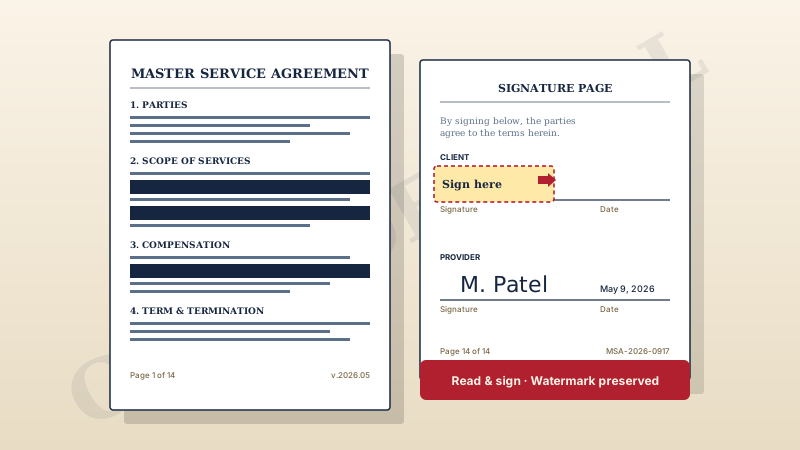
Embed contracts, terms of service, and policy documents so visitors can read them in place. Hide the download button for view-only documents.
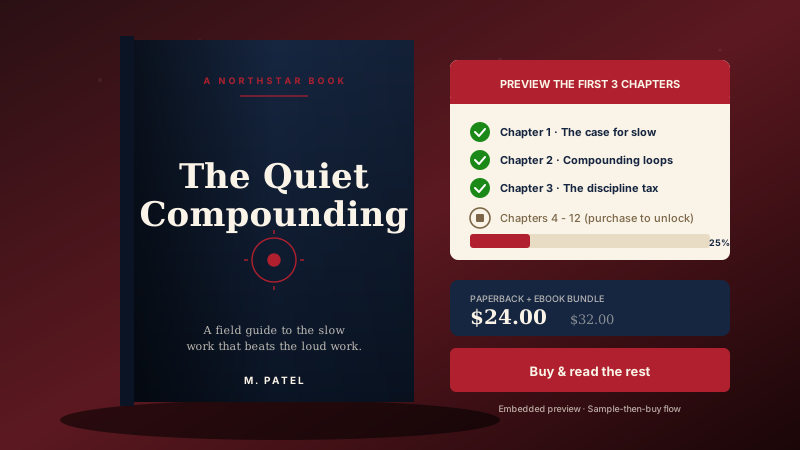
Show sample chapters embedded inline so readers can taste the writing before they buy, then route them to the buy button.
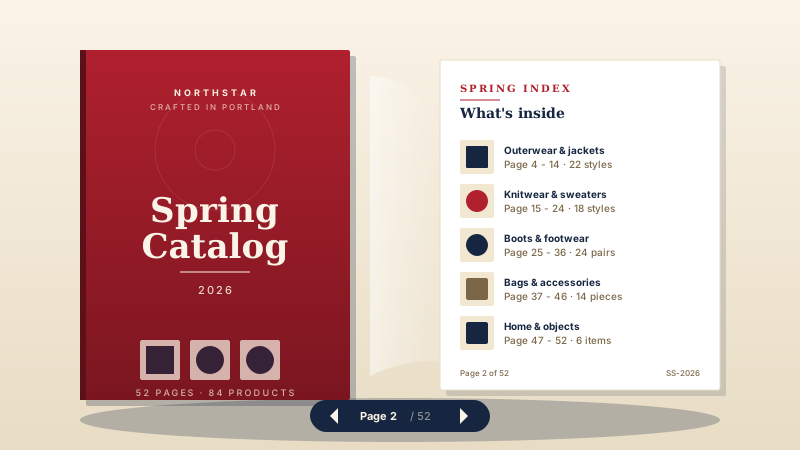
Display a seasonal catalog, lookbook, or product brochure as an embedded PDF that shoppers can page through and zoom into.
Most PDF widgets paywall the layout or stamp their branding on the viewer. Here is how the popular widget options stack up.
| Recommended Poper | Elfsight PDF Embed | POWR PDF Embed | Common Ninja PDF | |
|---|---|---|---|---|
| Poper workspace available | Limited | Limited | Limited | |
| No third-party branding on the viewer | Paid only | Paid only | Paid only | |
| PDF.js powered inline viewer | Limited | Limited | Limited | |
| Viewer, Grid, and List layouts | Viewer only | Viewer only | Limited | |
| Page navigation and zoom | Limited | |||
| Fullscreen and thumbnail strip | Limited | Limited | ||
| Show, hide, or relabel the download button | Paid only | Limited | ||
| Color, border, and radius styling | Paid only | Limited | ||
| Edit in the dashboard and republish | ||||
| Pricing | Plan details vary | Vendor pricing varies | Vendor pricing varies | Vendor pricing varies |
| Bundled with popups, forms, quizzes, more widgets |
Comparison reflects external competitor positioning. Verify current details on each provider's site.
Content marketers, operations leads, and resource teams who embed PDFs with Poper.
“We embedded our category report with Poper's Viewer layout and visitors read it on the page instead of downloading and leaving. Setup took a few minutes.”

“The Grid layout turned our scattered download links into a tidy resource center. Toggling the size and date fields let us keep the cards clean.”

“Hiding the download button on the Viewer layout was exactly what our legal team needed. The terms are readable on the page but Review privacy behavior for your selected setup.”

Pricing
All plans are billed yearly. Each card shows the per-month equivalent. Start free, then upgrade only when you need more campaigns, websites, or AI credits.
Yearly billing · save up to 40%Essential lead capture for solo creators and growing businesses.
billed $180/year
Full engagement suite with A/B testing, gamification & unlimited leads.
billed $348/year
Unlimited everything with white-label, API access & advanced analytics.
billed $948/year
Prices shown for the 50k monthly visitor tier on yearly billing. A Free Forever plan ($0) and a custom Enterprise plan are also available. No contracts, cancel anytime.
Embedding a PDF on a website sounds simple until you actually try it. A raw <iframe> handing off to the browser's native viewer behaves inconsistently across browsers and devices, and a plain download link sends the visitor away from your page entirely. This guide walks through what an effective PDF widget actually needs in 2026: a reliable inline viewer, a sensible set of layouts for showing one document or many, and styling controls that let the embed match your site.
PDF.js is the JavaScript-based PDF rendering engine Mozilla built for Firefox. It is the same viewer that ships natively in Firefox today, and it is the engine behind most production-grade web PDF embeds. PDF.js renders each page to a canvas, which means it does not depend on a browser's native PDF plug-in and behaves consistently across browsers. Poper's PDF widget uses PDF.js for its Viewer layout, so when a visitor opens an embedded document they get the same inline reading experience whether they are on Chrome, Safari, Edge, or Firefox. PDF.js is BSD-2-Clause licensed and used in production by a large number of sites, which means it is battle-tested across PDF versions and the common edge cases you encounter with documents in the wild.
The widget ships three layouts and the right one depends on whether you are showing a single document or a set of them. The Viewer layout embeds one PDF inline for reading, with page navigation, zoom, fullscreen, and a thumbnail strip. Use it on a page built around a single report, contract, or brochure. The Grid layout shows several files as cards in a column count you choose, each with a preview image, name, description, size, and date. Use it for a resource hub or download center where visitors pick from a list. The List layout shows the same file information in a stacked row instead of a card grid, which suits a denser document index. Grid and List both let you toggle the preview image, description, size, and date, so you can show as much or as little metadata as the page needs.
Before you embed a PDF, it is worth asking whether PDF is the right format for the content. PDFs were designed for print: a fixed page size and a fixed layout. That is the right choice for documents where the layout is the point, such as signed contracts, regulatory filings, tax forms, designed brochures, and catalogs. For long-form content like blog posts and documentation, native HTML usually beats an embedded PDF because it reflows to any screen and is easier to read on mobile. The PDF widget is the right tool when you genuinely have a fixed-layout document to show: a report, a contract, an ebook sample, or a brochure. Pick the format based on what the visitor needs to do with the content.
A PDF widget is an embeddable script that displays PDF documents you upload on a website. Poper's PDF widget offers three layouts: a PDF.js powered inline Viewer with page navigation, zoom, fullscreen, and thumbnails, plus Grid and List layouts for showing multiple files as cards or rows.
Last fact-checked: . We re-verify every quarter.
Tutorial
A quick walkthrough of setting up and embedding this widget.
Tutorial video coming soon
Can't find the answer you're looking for? Chat with our support team.
Contact SupportPoper takes about a minute to embed and your documents update from the dashboard.
Free plan available forever