
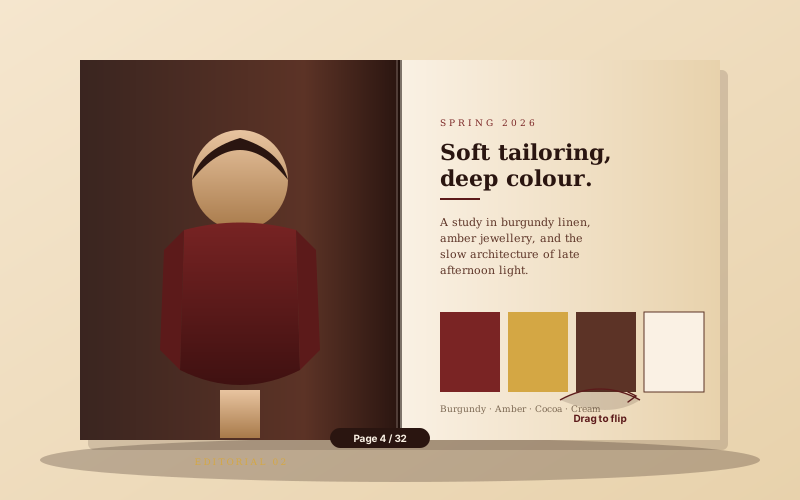
Fashion lookbooks
DTC and fashion brands replace a static catalog PDF with a flipbook lookbook. The page-turn motion makes each editorial spread feel like a printed lookbook on the brand site.
Turn a PDF into an interactive flipbook with a realistic page-turn animation. Ten flip styles, layout-specific colors and textures, page-flip sound. Use the Poper builder.
Built for builder website teams























Live demo, not a screenshot. Drop a PDF, switch styles, brand the toolbar. What you see here is what ships to your site.
Before and after Poper
Here is the widget embedded on a real page layout, before and after. Style it to match your brand, then copy one snippet to go live.
 Before
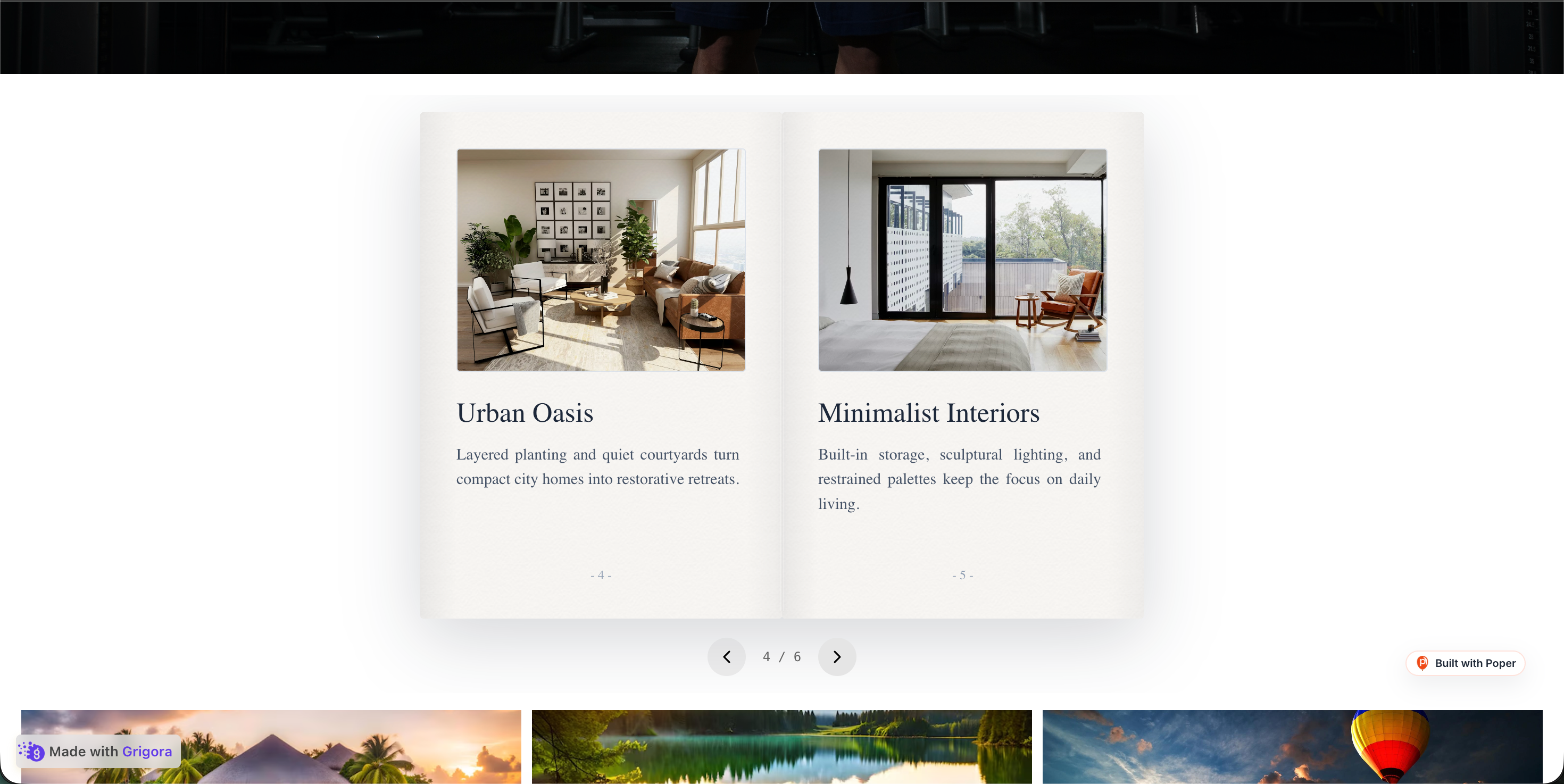 Poper widget live
Mockups for illustration. Style the widget to match your site and embed in 90 seconds.
How to use it
Three setup steps in the Poper builder.
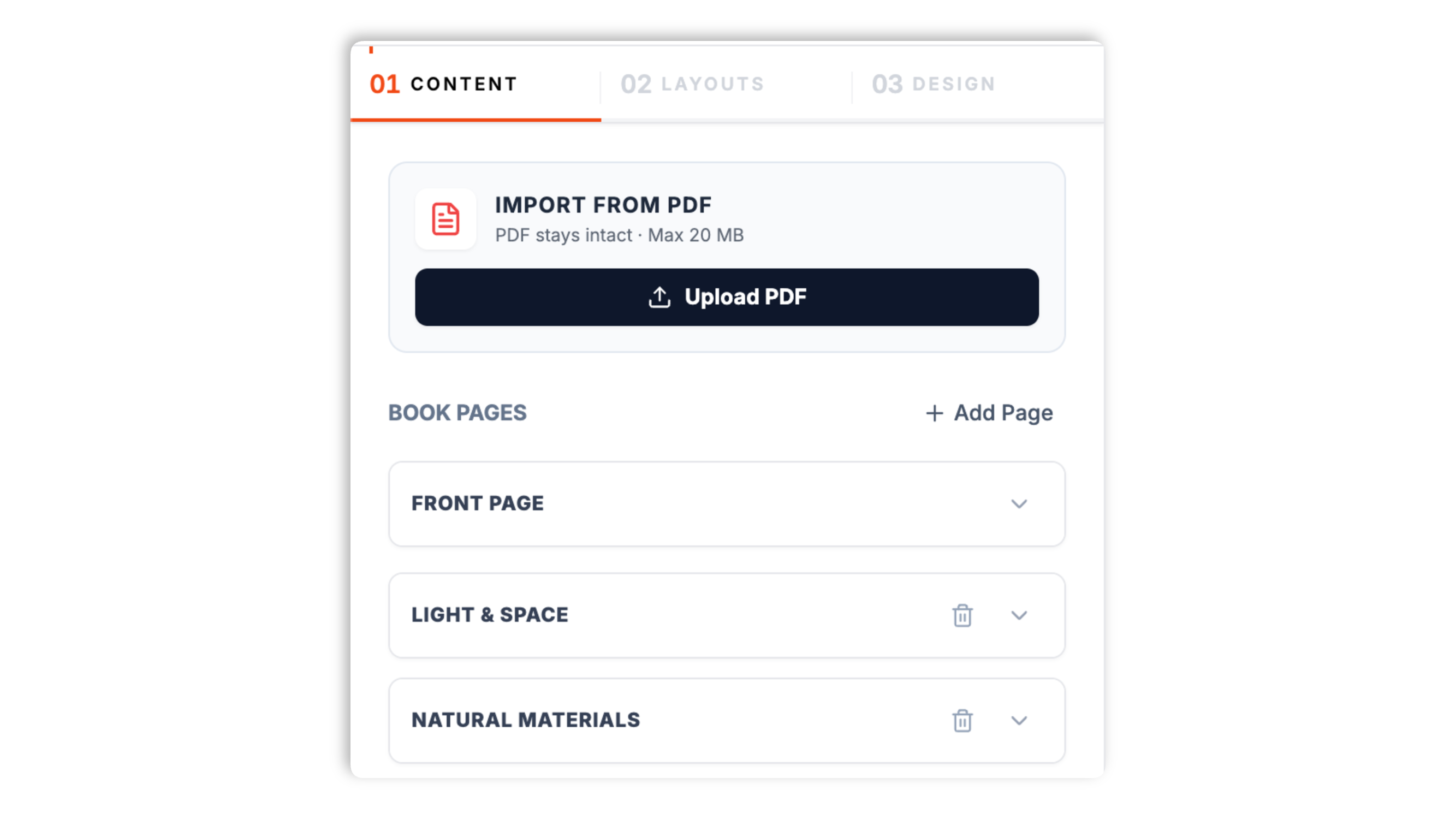
Upload a PDF in the Poper builder and each PDF page becomes a flipbook page. Manual page text, front-cover, and final-page configuration apply to manually created pages, not imported PDF pages.
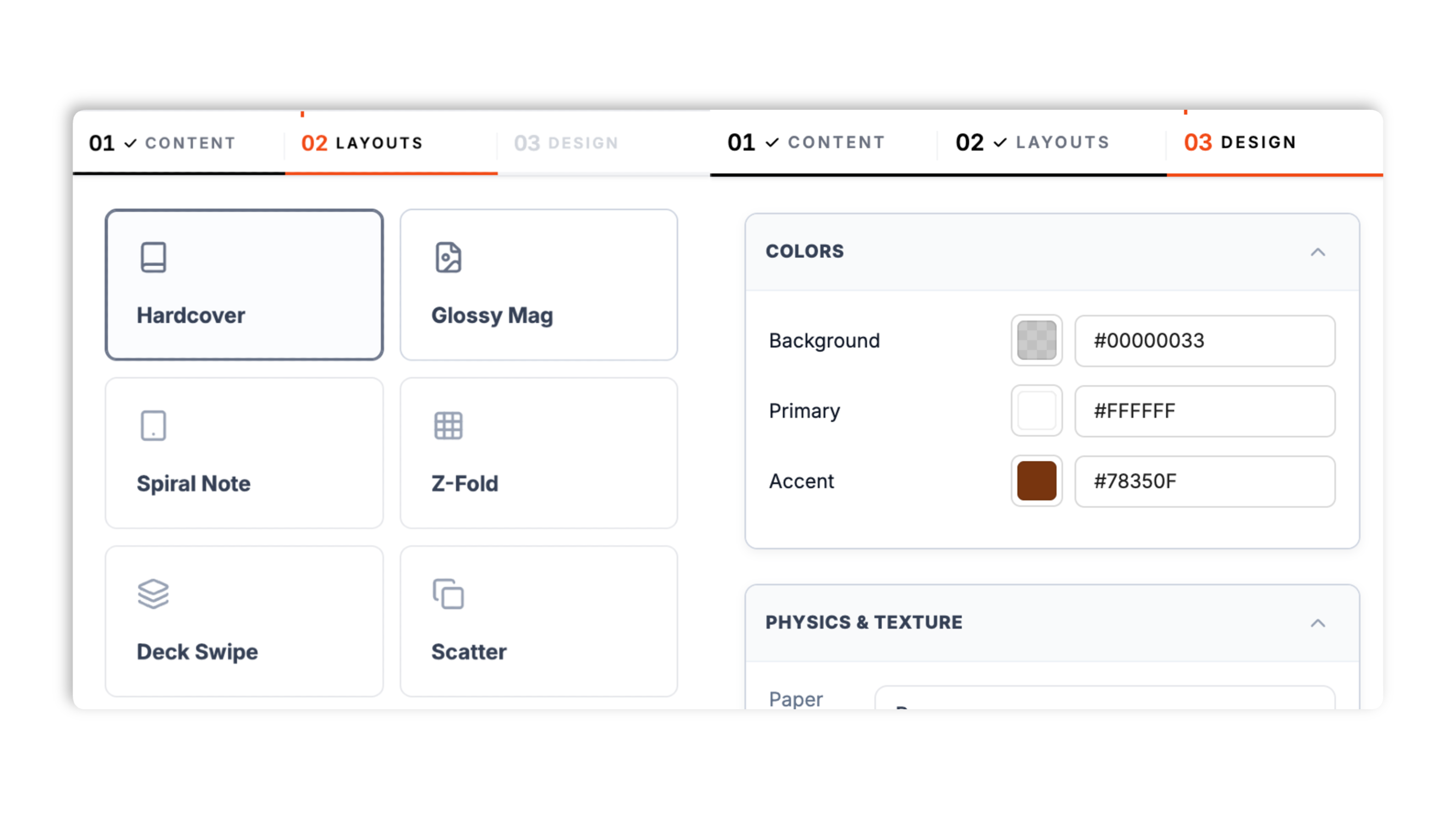
Choose from ten flip styles: Hardcover, Glossy Mag, Spiral Note, Z-Fold, Deck Swipe, Scatter, Cube, Scroll, Cyber Slate, and Japanese. Use the background, primary, accent, and texture controls exposed by the selected layout. Live preview updates as you tweak.
Paste the Poper embed snippet into your site. Works anywhere your Poper embed snippet is supported.

Works everywhere
Drop-in install on WordPress, Shopify, Wix, Squarespace, Webflow, Framer, Ghost, and any HTML-friendly stack. No build step, no developer needed.


Plus 250+ other platforms via the embed snippet. If your site can render a <script> tag, it can render the Flipbook Widget for Website: Page-Flip PDF & Magazine Viewer.
Six things that matter when you are publishing a magazine, catalog, or lookbook, not 30 features no one uses.
Most flipbook widgets give you a single page-curl and call it done. Poper ships ten flip styles, each with its own motion: a classic Hardcover curl, a Glossy Mag look, a Spiral Note binding, a Z-Fold brochure, a swipe-through Deck Swipe, a playful Scatter, a 3D Cube rotation, an unrolling Scroll, a neon Cyber Slate, and a calm Japanese style. You pick the one that matches the publication, and switch styles through the normal publish flow.
Upload a PDF and every page becomes a flipbook page automatically, with wide spreads split into a left and a right page. Imported PDF pages render from the PDF. Manual pages can use title, subtitle, and body fields where the selected layout renders them.
The Design tab controls the background color, the primary color, and an accent color, plus a paper or noise texture where the selected layout exposes it. You also set available motion and shadow options, so the flipbook reads the way your brand should feel.
A soft, synthesized page-turn sound plays as the visitor flips, adding to the tactile feel of a real publication.
Visitors move through the flipbook with the on-page controls, which you can show or hide where the selected layout supports that control.
The flipbook adapts to the space it is embedded in; test the selected style at your target desktop and mobile widths.
Use cases
Four buyer types who get the most lift from embedding Flipbook Widget for Website: Page-Flip PDF & Magazine Viewer on their site.
DTC and fashion brands replace a static catalog PDF with a flipbook lookbook. The page-turn motion makes each editorial spread feel like a printed lookbook on the brand site.
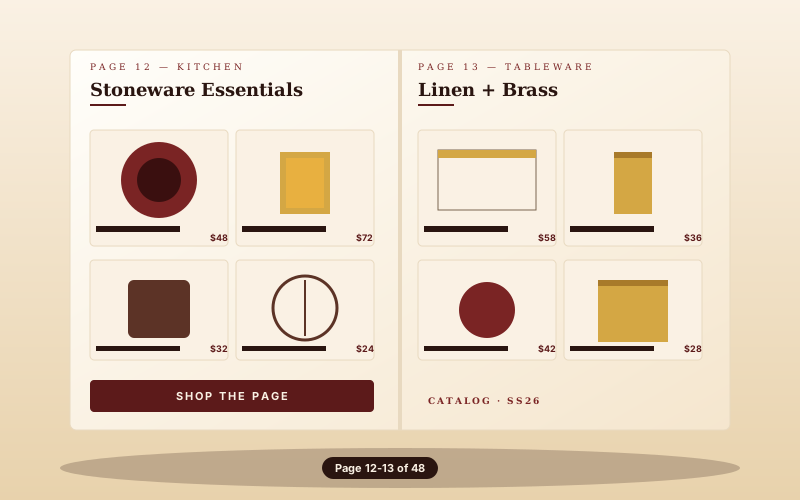
Stoneware, tableware, kitchen, home. The flipbook keeps the editorial feel of a print catalog and lets visitors page through the range the way they would a real one.
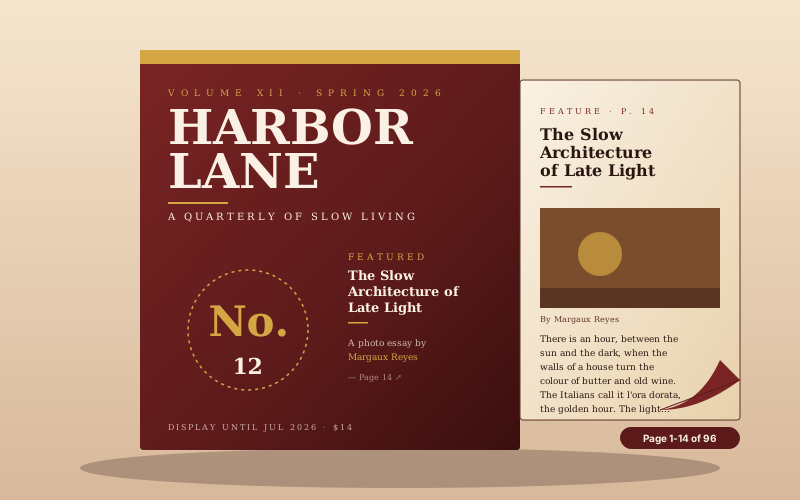
A polished home for indie magazines and luxury catalogs. The page-flip motion signals a premium publication the way a flat PDF cannot, and the cover-to-feature flow reads like a real magazine.
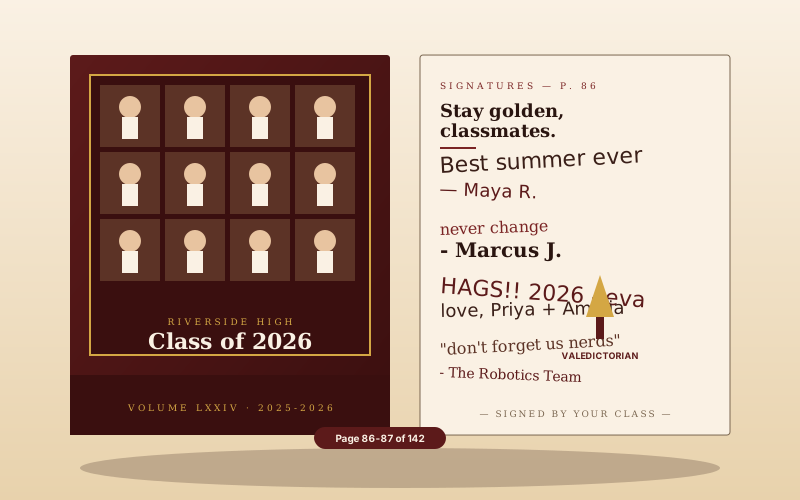
Publish your yearbook online as a flipbook. Photo-grid pages, class spreads, and valedictorian features, all preserved in a magazine-style reader.
Issuu, FlippingBook, and Heyzine all charge for the page-flip experience. Here is how the popular options stack up.
| Recommended Poper | Issuu | FlippingBook | Heyzine | |
|---|---|---|---|---|
| Poper workspace available | Builder with branding | 14-day trial | Builder with watermark | |
| No third-party branding on the viewer | All plans | Paid only | Paid only | |
| Multiple page-flip styles to choose from | 10 styles | Limited | Limited | Limited |
| Build from a PDF | ||||
| Brand colors and page texture control | Paid only | Paid only | Paid only | |
| Page-flip sound | ||||
| Embed on your own domain | Paid only | Paid only | Paid only | |
| Bundled with popups, forms, quizzes, more widgets | ||||
| Plan details depend on your Poper workspace | Plan details vary | Vendor pricing varies | Vendor pricing varies | Plan details vary |
Comparison reflects external competitor positioning. Verify current details on each provider's site.
Editors, DTC brand directors, and restaurateurs publishing flipbooks on their own sites.
“We moved our quarterly magazine from a flat PDF embed to the Poper flipbook. The page-turn makes it feel like a real issue, and the Hardcover style matched our brand straight away.”

“Our autumn lookbook went from a download link to an on-page flipbook. We uploaded the lookbook PDF and it imported page for page, and the Glossy Mag style suited the editorial photography.”

“We published our restaurant's seasonal menu as a flipbook from the PDF our designer already made. Guests page through it on the site instead of opening a separate file.”

Pricing
All plans are billed yearly. Each card shows the per-month equivalent. Start free, then upgrade only when you need more campaigns, websites, or AI credits.
Yearly billing · save up to 40%Essential lead capture for solo creators and growing businesses.
billed $180/year
Full engagement suite with A/B testing, gamification & unlimited leads.
billed $348/year
Unlimited everything with white-label, API access & advanced analytics.
billed $948/year
Prices shown for the 50k monthly visitor tier on yearly billing. A Free Forever plan ($0) and a custom Enterprise plan are also available. No contracts, cancel anytime.
A flipbook is a simple idea with a strong effect: take a publication, render each page so it can be turned, and let visitors page through it the way they would a printed magazine. Flipbooks have become a common delivery format for magazines, catalogs, lookbooks, and yearbooks because the page-turn motion makes a digital publication feel like a physical one. This guide walks through what an effective flipbook widget actually needs: a flip style that matches the publication, how the widget builds a flipbook from your PDF, brandable styling, and an honest answer to when a flipbook is the right format and when a plain PDF is better.
A flat embedded PDF and a flipbook can hold the exact same content, but they feel different to read. A PDF embed is a scroll surface: the visitor scrolls or clicks through pages with no sense of a beginning, a spine, or an end. A flipbook reframes the same pages as a publication you turn. The page-flip animation gives each page a small transition. Manual flipbooks can use front-cover and final-page configuration; imported PDFs render from their source pages. It signals to the visitor that this is a designed publication worth reading at a slower pace, rather than a document to skim. The trade-off is honest: a flipbook is a richer experience than a single PDF embed, so it is the right call for content that was designed to be read, like a magazine or a lookbook, and the wrong call for pure-utility content like a terms-of-service document or a datasheet, where a plain PDF is faster and simpler.
Not every publication should flip the same way, which is why the flip style is a real design decision rather than a cosmetic one. A classic Hardcover curl suits a portfolio, a catalog, or an editorial spread where a book-like feel is the goal. A Glossy Mag style leans into a high-contrast, fashion-and-lifestyle look. A Spiral Note binding fits guides, worksheets, and casual brands. A Z-Fold reads like a printed brochure for marketing one-pagers and event handouts. A Deck Swipe presents pages as a stack of cards you swipe through, which works well for short pitch decks. A Cube rotates between pages in three dimensions for bold product showcases. A Scroll unrolls like an ancient document for storytelling and themed launches. A Cyber Slate gives a neon, dark, technical feel for developer tools and gaming. A Japanese style uses soft paper tones and balanced typography inspired by traditional bookbinding. The right approach is to pick the flip style that matches the content and the brand, then keep the content fixed while you try a few styles in the live preview before settling.
The flipbook is built from a PDF you upload, so the workflow starts with the file your publication already lives in. When you upload the PDF, the widget renders each page to a high-resolution image so it turns smoothly, and a wide two-page spread is automatically split into a separate left and right page so the flipbook reads correctly. This is the natural path because magazines, catalogs, lookbooks, and annual reports are almost always laid out in a design tool and exported as a PDF, so you bring in the finished artifact rather than rebuilding it. Each page can carry an optional title, subtitle, and body text, and the front cover and final page are configured separately, so the flipbook opens and closes deliberately rather than starting cold on page one.
An embedded flipbook should look like part of your site, not a generic third-party viewer dropped onto the page. The flipbook widget exposes styling controls for exactly this reason. You set a background color for the area around the pages, a primary color, and an accent color, and you choose a page texture, either a subtle paper grain or a noise texture, depending on whether you want the pages to feel printed or digital. You also control the flip speed, so the page-turn can be quick and snappy or slow and deliberate, and whether page shadows show, which affects how much depth the flipbook has. Available widget controls, so you can start from a style that is already close to your brand and then adjust. The goal is a flipbook that reads as a designed section of your site, with the same color language as everything around it.
A flipbook is a strong format for a specific kind of content and a poor fit for the rest, so it is worth being deliberate. Use a flipbook when the content was designed to be read as a publication: a magazine or editorial issue, a product catalog or lookbook, a brochure, a school yearbook, or a pitch deck or short presentation. In all of these the page-turn framing adds to the experience and the publication has a natural cover-to-end flow. Do not use a flipbook for content that visitors need to scan, search, or act on quickly. Blog posts, knowledge-base articles, and product copy belong in normal HTML, where the text is selectable, searchable, and responsive. A single-page certificate or a one-page form belongs in a flat PDF or a real form. The simplest test is to ask what the visitor will do with the content. If they will read it cover to cover, a flipbook fits. If they will hunt for one specific piece of information, a different format will serve them better.
A flipbook widget is an embeddable script that turns a PDF into an interactive page-flip publication on a website. Visitors page through it the way they would a printed magazine, and it is a common delivery format for digital magazines, catalogs, lookbooks, and yearbooks.
Last fact-checked: . We re-verify every quarter.
Tutorial
A quick walkthrough of setting up and embedding this widget.
Tutorial video coming soon
Can't find the answer you're looking for? Chat with our support team.
Contact SupportMeasure impact with your own analytics to embed a page-flip flipbook on your own site.
Free plan available forever