
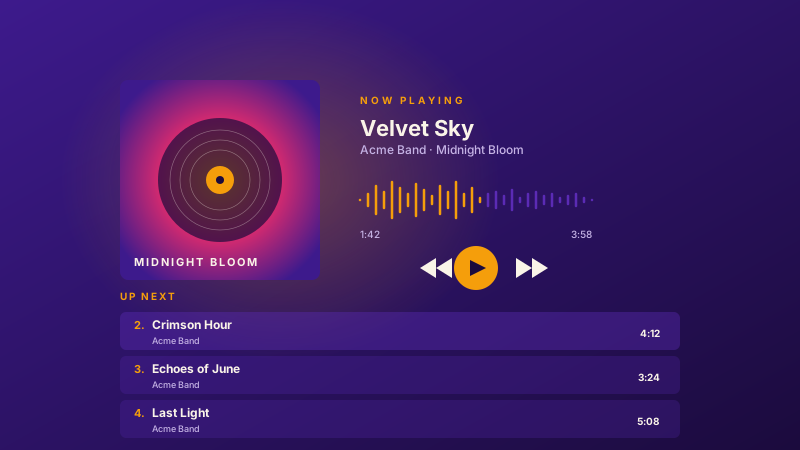
Musician singles + albums
Embed singles or full albums on portfolio and EPK sites with album art and a track playlist.
Upload MP3 tracks, build a playlist, and embed a clean responsive player. 11 player layouts, shuffle and loop, and full color styling. No code.
Built for no-code website teams























Live demo, not a screenshot. Style it, brand it, embed it.
Before and after Poper
Here is the widget embedded on a real page layout, before and after. Style it to match your brand, then copy one snippet to go live.
 Before
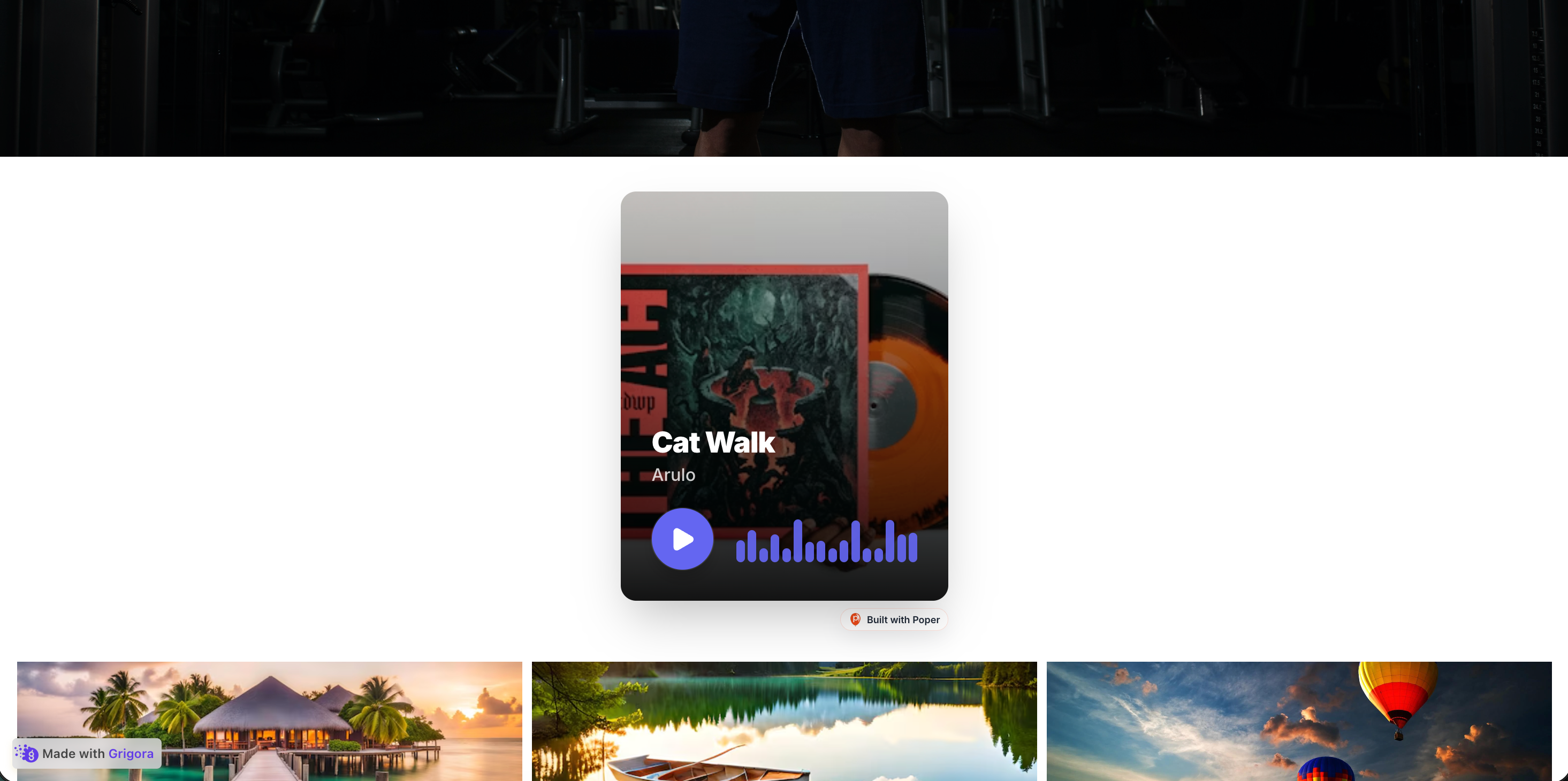 Poper widget live
Mockups for illustration. Style the widget to match your site and embed in 90 seconds.
How to use it
Three steps. Under two minutes. No code required.
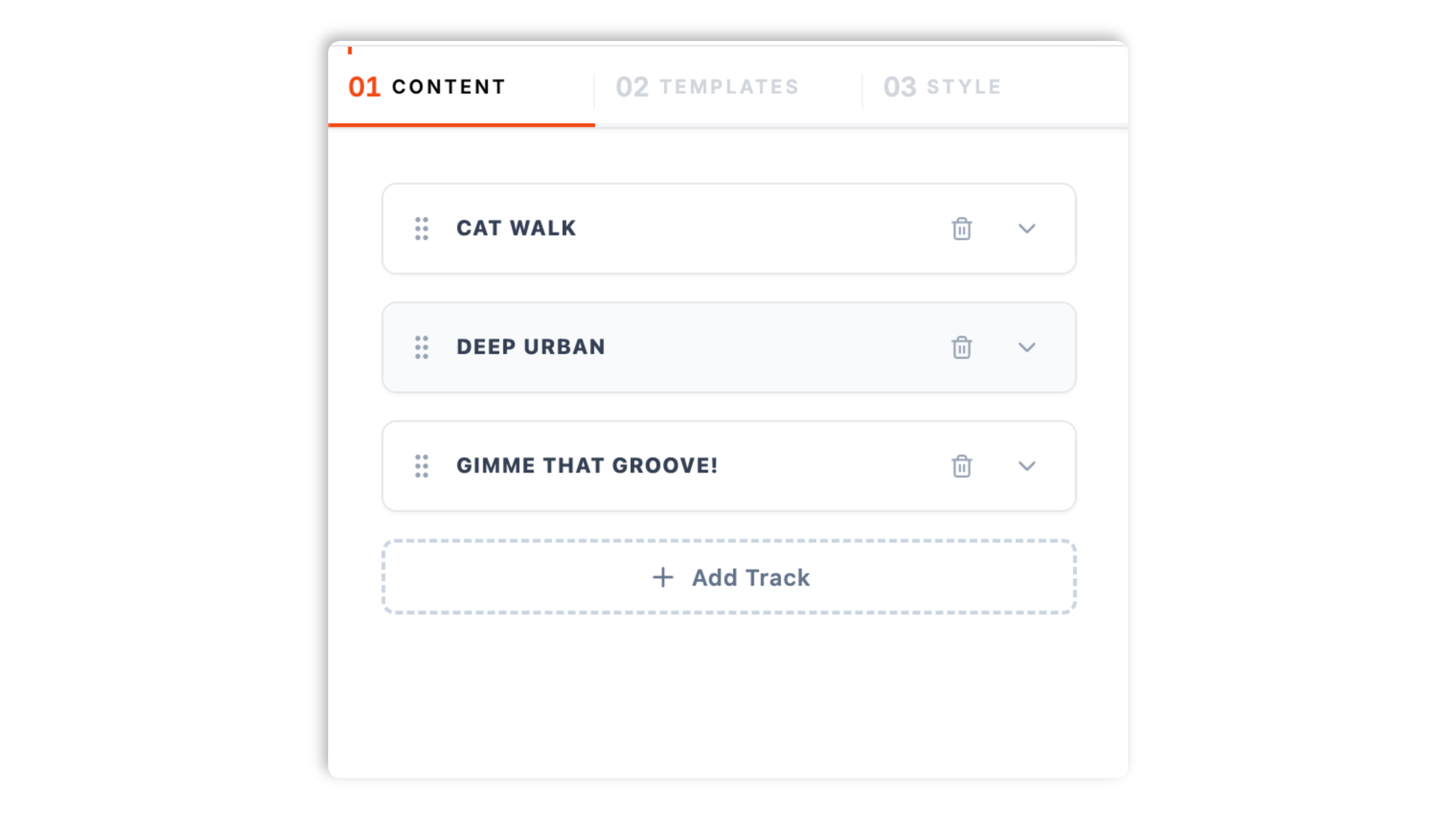
Add tracks in the Content tab. For each track, upload an MP3 audio file, set a title and artist, and upload a cover image. Drag tracks to reorder the playlist.
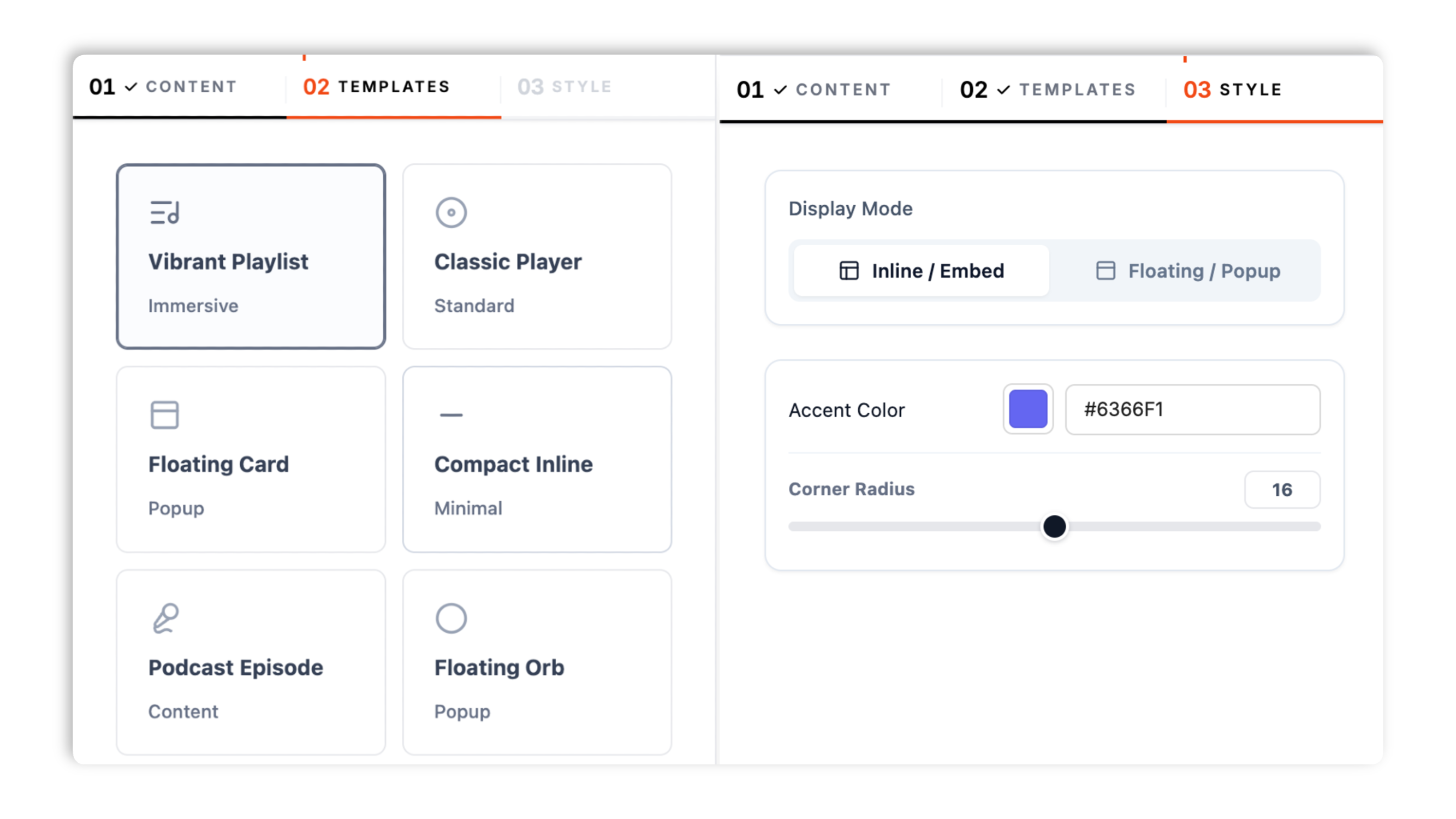
Choose from 11 player layouts in the Templates tab, including Classic Player, Vibrant Playlist, Playlist View, Podcast Episode, Compact Inline, Sticky Footer, Audio Card, Floating Card, Floating Orb, Ambient Bar, and Waveform Only.
Paste the Poper embed snippet into your site. Works anywhere your Poper embed snippet is supported.

Works everywhere
Drop-in install on WordPress, Shopify, Wix, Squarespace, Webflow, Framer, Ghost, and any HTML-friendly stack. No build step, no developer needed.


Plus 250+ other platforms via the embed snippet. If your site can render a <script> tag, it can render the Audio Player Widget for Website. No-code - Poper.
The controls that matter when you are embedding audio.
Most generic widgets bolt audio on as an afterthought. Poper's audio player widget is built around a real playlist: upload MP3 tracks, set a title, artist, and cover for each, reorder them by dragging, and pick from 11 player layouts tuned for different placements.
Classic Player, Vibrant Playlist, Playlist View, Podcast Episode, Compact Inline, Sticky Footer, Audio Card, Floating Card, Floating Orb, Ambient Bar, and Waveform Only. Switch layout in the dashboard through the normal publish flow.
Available widget controls the whole playlist.
Accent color, corner radius, inline or floating display, and a dark mode toggle. Designed to fit your site.
Async-injected with scoped CSS that does not bleed into your design system. The player renders inline or as a floating element without blocking the rest of the page.
Add a track, swap a cover image, or reorder the playlist in the dashboard and the change reaches every site running the embed. No code re-paste, no redeploy.
Use cases
Four buyer types who get the most lift from embedding Audio Player Widget for Website. No-code - Poper on their site.
Embed singles or full albums on portfolio and EPK sites with album art and a track playlist.
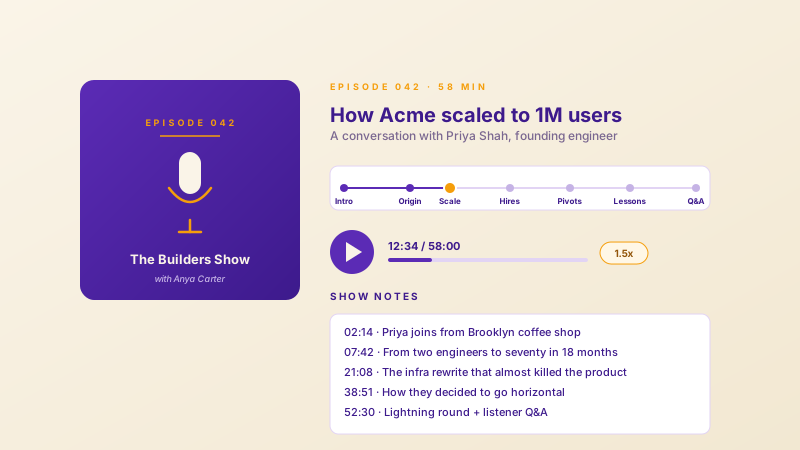
Use the Podcast Episode layout to feature an episode with its cover art and a clean set of playback controls.
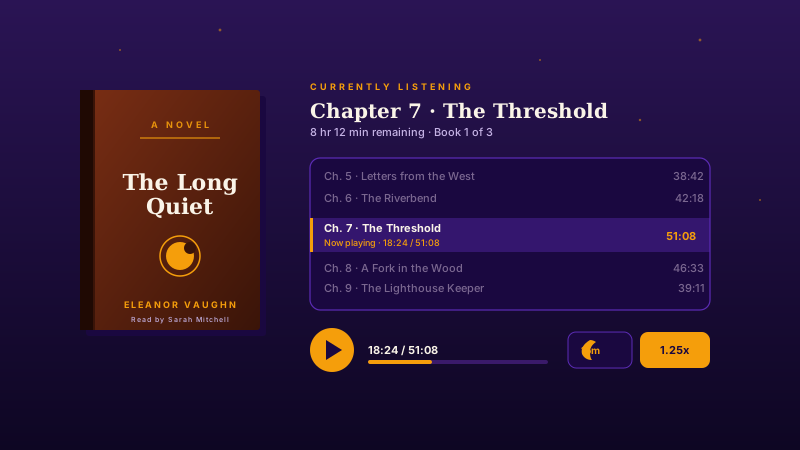
Upload sample or full chapters as tracks and let listeners move through them with the playlist controls.
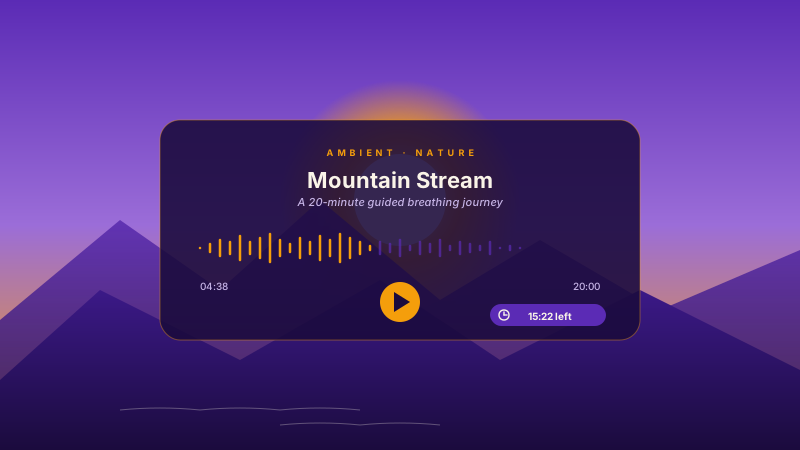
Guided meditation, breathing journeys, or ambient nature loops in a calm, minimal player layout.
Most widgets paywall the layouts and styling that matter. Here is how the popular ones stack up.
| Recommended Poper | Elfsight Audio Player | POWR Audio Player | SoundCloud Embed | |
|---|---|---|---|---|
| Poper workspace available | Limited | Limited | ||
| Upload your own MP3 files | Account upload | |||
| Multi-track playlist | Paid only | |||
| Number of player layouts | 11 layouts | 3 layouts | 4 layouts | 1 layout |
| Use the source fields supported by the widget controls | Limited | Limited | ||
| Per-track cover image | Paid only | |||
| Inline or floating display | Paid only | |||
| Dark mode and accent color | Paid only | Limited | ||
| Available widget controls | Paid only | Paid only | ||
| Pricing | Plan details vary | Vendor pricing varies | Vendor pricing varies | Free |
| Works alongside other Poper tools |
Comparison reflects external competitor positioning. Verify current details on each provider's site.
Musicians, podcasters, and content teams who use Poper Audio Player on their sites.
“We embedded our album on the band site with the playlist layout. Uploading the MP3s and reordering the tracks took a few minutes.”

“The sticky footer layout was exactly what we wanted for site-wide playback. The dark mode toggle made it match our theme straight away.”

“Eleven layouts meant we did not have to compromise. Compact inline fit our blog posts perfectly without any custom work.”

Pricing
All plans are billed yearly. Each card shows the per-month equivalent. Start free, then upgrade only when you need more campaigns, websites, or AI credits.
Yearly billing · save up to 40%Essential lead capture for solo creators and growing businesses.
billed $180/year
Full engagement suite with A/B testing, gamification & unlimited leads.
billed $348/year
Unlimited everything with white-label, API access & advanced analytics.
billed $948/year
Prices shown for the 50k monthly visitor tier on yearly billing. A Free Forever plan ($0) and a custom Enterprise plan are also available. No contracts, cancel anytime.
Audio embeds are deceptively fiddly. The browser's native HTML5 audio element works but looks dated and inconsistent across browsers, and most third-party players are either ugly or paywall the layout you actually want. This guide walks through what matters when you choose and configure an audio player widget in 2026: how a playlist of uploaded MP3 tracks works, picking the right player layout for the placement, and the styling controls that make the player feel native to your site.
Poper's audio player widget is built around a playlist of tracks you upload yourself. In the Content tab you add tracks one at a time. Each track holds an MP3 audio file, a title, an artist name, and a cover image. You can add as many tracks as you need and drag them into the order you want them to play. Because every track is something you uploaded, the player works the same whether your visitor is online with a fast connection or a slow one: there is no third-party service to depend on and no account to connect. When you need to change the playlist, you edit it in the dashboard and the update reaches every site running the embed.
The widget ships 11 player layouts, and the right one depends on where the player sits. Classic Player is a standard cover-art player with controls, good as a default. Vibrant Playlist and Playlist View are built for albums and multi-track collections where the tracklist should be visible. Podcast Episode focuses on a single episode with its cover. Compact Inline is a slim horizontal player that fits cleanly inside a blog post. Sticky Footer pins a full-width bar to the bottom of the page for site-wide playback. Audio Card is a promotional card layout. Use your analytics to evaluate performance. Ambient Bar is a minimal layout for background or ambient audio, and Waveform Only is a clean visualizer style. You can switch layout in the dashboard at any time without touching the embed code.
The Style tab keeps the controls focused. You set an accent color that drives the play button and progress highlight, a corner radius for the player's shape, and choose whether the player displays inline in the page flow or as a floating element. For floating layouts you also pick the screen corner it docks to. A dark mode toggle flips the player between a light and a dark surface so it sits well on either a bright or a dark page. The goal is a player that reads as part of your design rather than an embedded box, without needing to write any CSS.
The player gives listeners the standard transport controls: play, pause, and a scrubber to seek within a track. With a multi-track playlist, next and previous move between tracks. Shuffle plays the playlist in a random order, and loop repeats the whole playlist when it reaches the end. Use the source fields supported by the widget are mutually exclusive, the way most music apps treat them, so turning one on turns the other off. Available widget controls, so the listener gets a consistent experience whichever layout you choose.
Placement depends on intent. For a musician or band, an album player belongs high on the homepage or on a dedicated music page, using a playlist layout so the full tracklist is visible. For a podcast, the Podcast Episode layout works on the episode page itself. For a blog post that references a recorded interview or a narrated version of the article, the Compact Inline layout sits cleanly within the body copy. For site-wide background listening, the Sticky Footer layout keeps the player available Available widget settings. Match the layout to the placement and the player will feel intentional rather than bolted on.
An audio player widget is an embeddable player that displays a playlist of MP3 audio tracks you upload, with playback controls and a choice of player layouts. Each track has its own title, artist, and cover image, and the player can render inline in the page or as a floating element.
Last fact-checked: . We re-verify every quarter.
Tutorial
A quick walkthrough of setting up and embedding this widget.
Tutorial video coming soon
Can't find the answer you're looking for? Chat with our support team.
Contact SupportUse the Poper embed snippet in a supported page and your player runs straight from the dashboard.
Free plan available forever