
Radio host
Weekly and monthly radio residencies live and die by their archive. Embed your show series on a dedicated landing page so listeners catch up on every episode in one place. Mixcloud is the de facto archive of record for indie radio.
Embed your DJ mixes, radio shows, and podcasts in 90 seconds. Show cloudcast metadata and send listeners to Mixcloud to play the audio. No code.
Built for no-code website teams























Live demo, not a screenshot. Style it, brand it, embed it. What you see here is what ships to your site.
From Mixcloud to your site
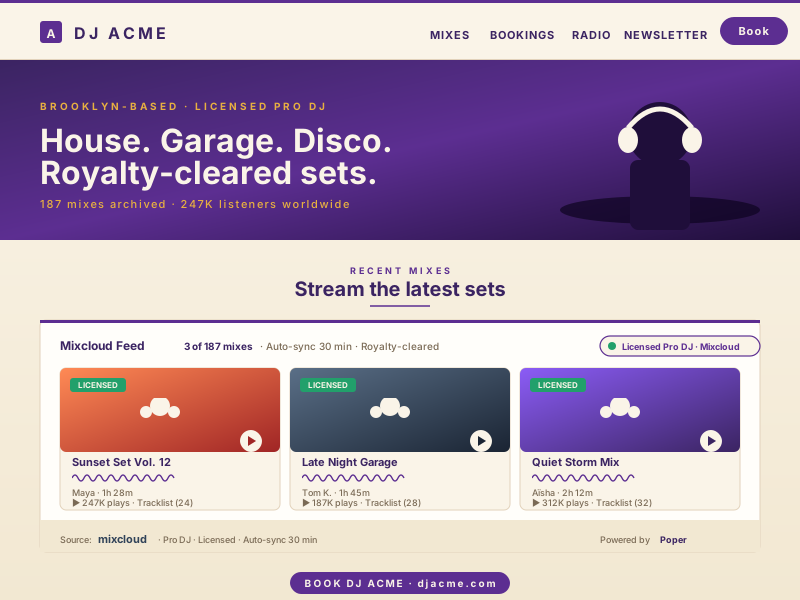
Poper pulls your public Mixcloud feed and renders it inline on your website, fully branded to match your design. No API keys, no manual updates.
 Poper widget live
Mockups for illustration. Pull your real Mixcloud feed and embed in 90 seconds.
How to use it
Three steps. Under two minutes. No developer needed.
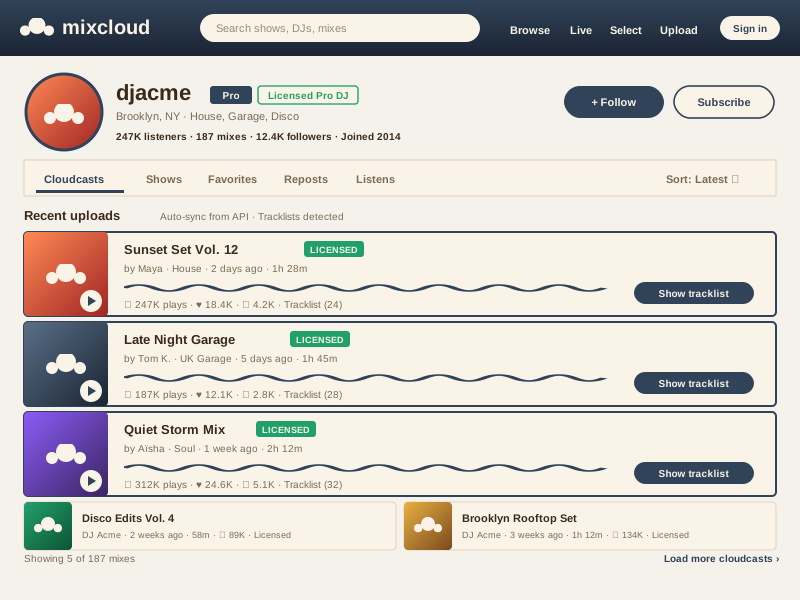
Poper renders a Mixcloud profile cloudcast feed with available links and thumbnails from the source.
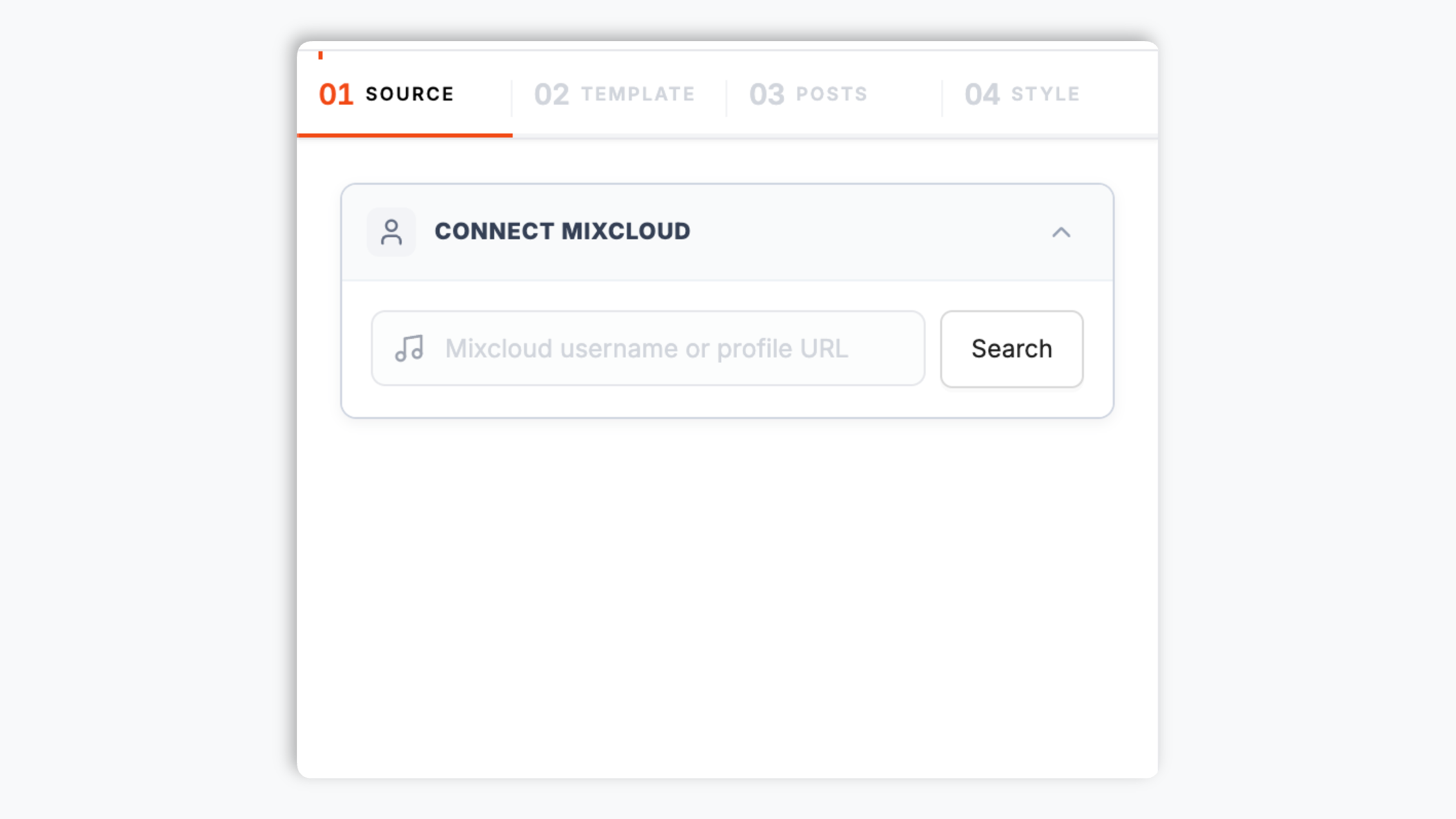
Choose a list or grid layout, then tweak colors, fonts, header, and post styling so the feed matches your site.

Paste the Poper embed snippet into your site. Works on WordPress, Shopify, Wix, Squarespace, Webflow, Ghost, Framer, and 250+ platforms.

Works everywhere
Drop-in install on WordPress, Shopify, Wix, Squarespace, Webflow, Framer, Ghost, and any HTML-friendly stack. No build step, no developer needed.


Plus 250+ other platforms via the embed snippet. If your site can render a <script> tag, it can render the Mixcloud Feed Widget: Embed DJ Mixes, Radio Shows and Podcasts on Any Site.
Six things that matter when you are paying for a Mixcloud widget, not 30 features no DJ or radio host uses.
Poper renders a Mixcloud profile cloudcast feed with available links and thumbnails from the source.
Paste a Mixcloud profile URL to pull recent public uploads from that profile. The same widget config stays focused on a rolling profile feed.
Poper renders a Mixcloud profile cloudcast feed with available links and thumbnails from the source.
Audio playback happens on Mixcloud after a visitor opens a cloudcast. The widget does not include audio playback inside the feed.
The feed renders cloudcast cover art, metadata, and a link-style action on first paint. Visitors go to Mixcloud to play audio, so a radio archive with several shows stays light.
Use the styling controls available for this feed layout.
Use cases
Four buyer types who get the most lift from embedding Mixcloud Feed Widget: Embed DJ Mixes, Radio Shows and Podcasts on Any Site on their site.
Weekly and monthly radio residencies live and die by their archive. Embed your show series on a dedicated landing page so listeners catch up on every episode in one place. Mixcloud is the de facto archive of record for indie radio.

Poper renders a Mixcloud profile cloudcast feed with available links and thumbnails from the source.
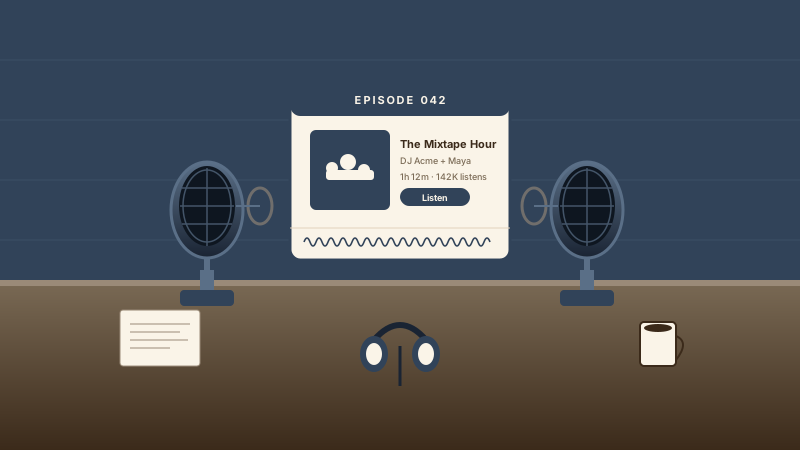
Music-format podcasts (interview shows with mix segments, mixtape episodes, label showcases) are constantly throttled on Spotify and Apple Podcasts because of the music inside them. Mixcloud hosts them legally. Embed your podcast feed on your show site.
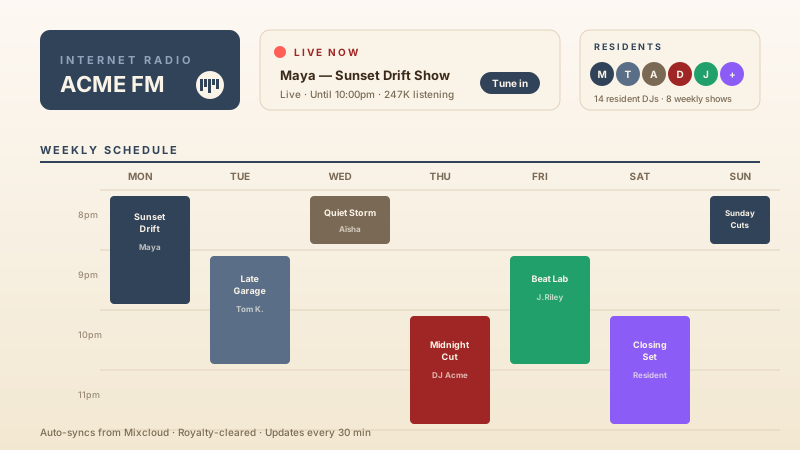
Pirate, community, and internet radio stations use Mixcloud as their archive. Build a station site that auto-updates with every resident's broadcast, every show series, and every special guest mix without breaking licensing.
Mixcloud has its own native embed, but the Poper widget is scoped to a profile cloudcast feed with links and thumbnails.
| Recommended Poper | Elfsight | Common Ninja | Mixcloud native embed | |
|---|---|---|---|---|
| Poper workspace available | ||||
| Links to Mixcloud for audio playback | ||||
| Single-item source mode | ||||
| Profile feed of recent uploads | ||||
| List and grid layouts | ||||
| Mixcloud profile cloudcast feed | Manual | |||
| Layout styling controls | Paid only | Paid only | ||
| Links and thumbnails only | ||||
| Branding behavior follows workspace permissions on paid plans | Paid only | Paid only | N/A | |
| Bundled with popups, forms, quizzes |
Comparison reflects external competitor positioning. Verify current details on each provider's site.
Working DJs, station managers, and mix series hosts who switched from broken Mixcloud widgets to Poper.
“Poper has improved our website's user engagement! Since integrating Poper's personalized popups, we've seen a dramatic surge in conversions and user interactions. The platform's intuitive design makes creating and customizing popups a breeze, even for those with minimal tech skills. What truly sets Poper apart are its…”

“Fantastic app and support team, they are very quick to help and provide a solution or improvement to their product. Highly recommended!”

“Poper has been a total lifesaver for our agency! As a digital marketing agency, we’re always juggling a million things at once. Poper has been a real game-changer in terms of streamlining our workflow and keeping track of all our clients’ campaigns. The ability to track all our clients’ websites from one place is a…”

Pricing
All plans are billed yearly. Each card shows the per-month equivalent. Start free, then upgrade only when you need more campaigns, websites, or AI credits.
Yearly billing · save up to 40%Essential lead capture for solo creators and growing businesses.
billed $180/year
Full engagement suite with A/B testing, gamification & unlimited leads.
billed $348/year
Unlimited everything with white-label, API access & advanced analytics.
billed $948/year
Prices shown for the 50k monthly visitor tier on yearly billing. A Free Forever plan ($0) and a custom Enterprise plan are also available. No contracts, cancel anytime.
A Mixcloud feed widget puts a profile cloudcast feed on your own domain without maintaining a manual archive. This page is scoped to a profile feed with links and thumbnails.
Mixcloud was founded in London in 2008 by Nico Perez, Mat Clayton, and Nikhil Shah, and it solved a problem that every other audio platform either ignored or fumbled: how do you let a DJ upload a two-hour mix that contains a hundred commercial tracks and have that mix be legal in perpetuity, with the original artists paid and the DJ free of takedown anxiety. The answer Mixcloud built is the platform-level royalty model. Rather than ask each DJ to clear sync rights for every track in every mix (impossible and absurd), Mixcloud signed direct licensing deals with the major labels (Universal, Sony, Warner) and with every major performing rights organization in the world: MCPS-PRS in the UK, BMI and ASCAP in the US, SOCAN in Canada, SACEM in France, GEMA in Germany, JASRAC in Japan, and dozens more. Every play on Mixcloud generates a per-spin royalty that flows from Mixcloud to the PRO to the original songwriter and rightsholder. The DJ does nothing. The trade-off, and this is important, is that Mixcloud enforces the no-skip rule (you cannot scrub forward to a specific track or replay a section on demand) because that would break the broadcast-style royalty model the deals are built on. Listeners can pause and play, but not seek, and that single concession is what unlocks every other capability the platform is famous for. SoundCloud cannot do this. YouTube cannot do this. Spotify and Apple Music cannot do this for user-uploaded mixes at all. The result is that working DJs, radio show hosts, and mixtape podcasters have built their entire archives on Mixcloud since 2008, and most of that catalog is irreplaceable elsewhere on the open web. Embedding the Mixcloud feed on your own site gives visitors a branded catalog first, then routes listening to Mixcloud where the platform handles playback and royalty accounting.
The Poper Mixcloud widget is scoped to a profile cloudcast feed. Paste a profile URL for a rolling feed of recent public uploads from that profile, newest first. This is the right choice for an individual DJ's portfolio site, a producer's mix archive, a radio residency archive, or any place where the latest upload should always be the first thing visitors see.
Poper renders a Mixcloud profile cloudcast feed with available links and thumbnails from the source.
The embed loads through the Poper snippet. Validate layout and performance on your own page after embedding.
A Mixcloud feed widget is an embeddable script that renders a profile cloudcast feed with links and thumbnails on a website.
Tutorial
A quick walkthrough of setting up and embedding this widget.
Tutorial video coming soon
Can't find the answer you're looking for? Chat with our support team.
Contact SupportPoper takes 90 seconds to embed and survives every Mixcloud API update. Start from your Poper workspace.
Free plan available forever