
Indie band
Put your latest album, single, or EP on your band site as a feed visitors browse on your own domain. The feed stays current as you release new music, so your page never goes stale and fans always see your newest work.
Embed your Bandcamp music and releases in 90 seconds. Drop your artist URL, pick a layout, and Poper renders the feed on your own domain. No code.
Built for no-code website teams























Live demo, not a screenshot. Style it, brand it, embed it. What you see here is what ships to your site.
From Bandcamp to your site
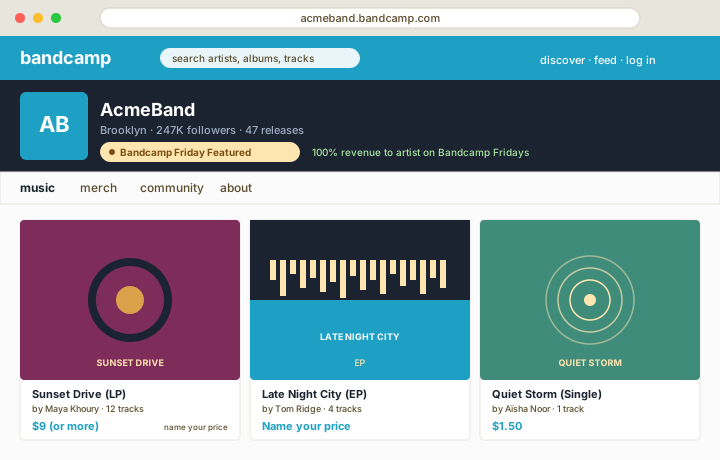
Poper reads your public Bandcamp page and renders your releases inline on your website. Same music, your branding, your domain.
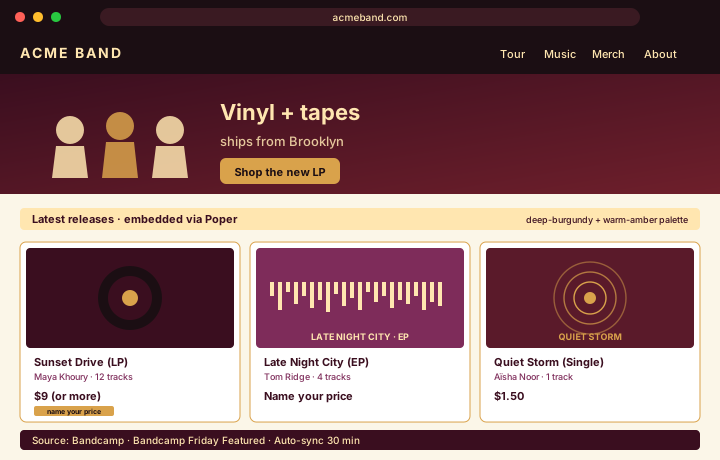 Poper widget live
Mockups for illustration. Pull your real Bandcamp feed and embed in 90 seconds.
How to use it
Three steps. Under two minutes. No developer needed.
Drop your Bandcamp artist or label URL (for example acmeband.bandcamp.com) into the Poper builder. Poper fetches your music and releases so you can showcase them on your site.
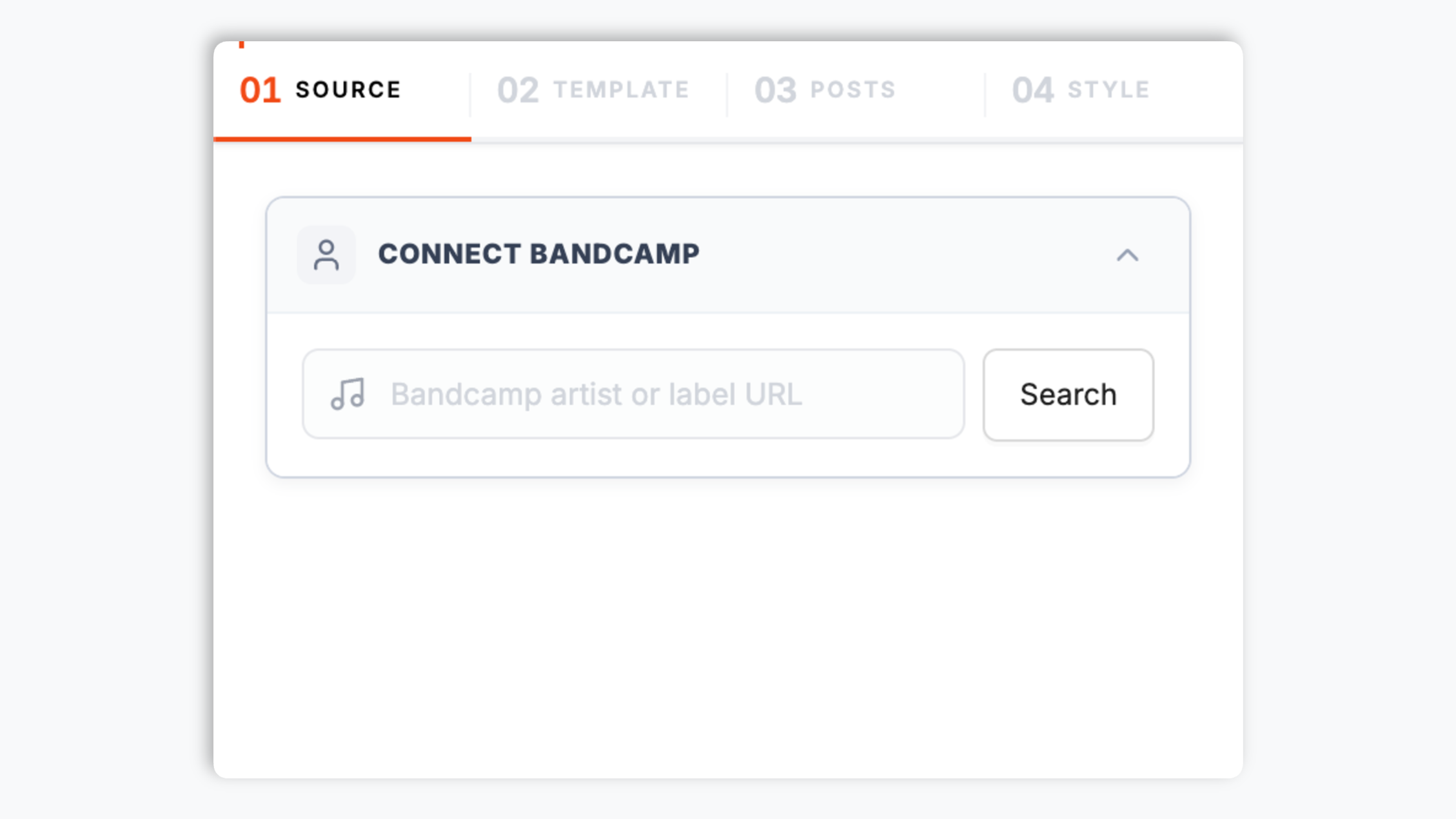
Choose from 9 layouts: Grid, Slider, Masonry, Highlight, Bento, Polaroid, Filmstrip, Shape, or Neon. Tweak colors, fonts, spacing, and post style to match your site.

Paste the Poper embed snippet into your site. Drops into WordPress, Webflow, Framer, Squarespace, Wix, Ghost, and any HTML-friendly stack used by working musicians and labels.

Works everywhere
Drop-in install on WordPress, Shopify, Wix, Squarespace, Webflow, Framer, Ghost, and any HTML-friendly stack. No build step, no developer needed.


Plus 250+ other platforms via the embed snippet. If your site can render a <script> tag, it can render the Bandcamp Feed Widget: Embed Your Music and Releases on Any Website.
Six things that matter when you embed a Bandcamp feed, not 30 features no working artist or label uses.
Poper renders up to the supported public Bandcamp tracks or releases returned by the source, using the available non-default visual layouts.
Use the styling controls available for this feed layout.
Choose what happens when a visitor clicks a release: open a popup with its details on your own page, or send them to Bandcamp. You control which popup elements appear.
Pick which release-card elements appear and add your own feed title above the releases when you want one.
The embed loads through the Poper snippet. Validate layout and performance on your own page after embedding.
Refresh cadence follows your Poper plan: Free every 15 days, Starter every 3 days, and Pro/Business every 1 day.
Use cases
Four buyer types who get the most lift from embedding Bandcamp Feed Widget: Embed Your Music and Releases on Any Website on their site.
Put your latest album, single, or EP on your band site as a feed visitors browse on your own domain. The feed stays current as you release new music, so your page never goes stale and fans always see your newest work.
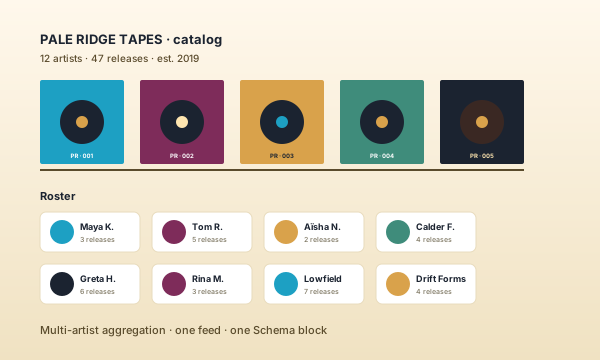
Build a label site that shows your latest releases in one place. Embed your label's Bandcamp feed so the catalog stays visible on your domain, and refresh it whenever a roster artist puts out something new.
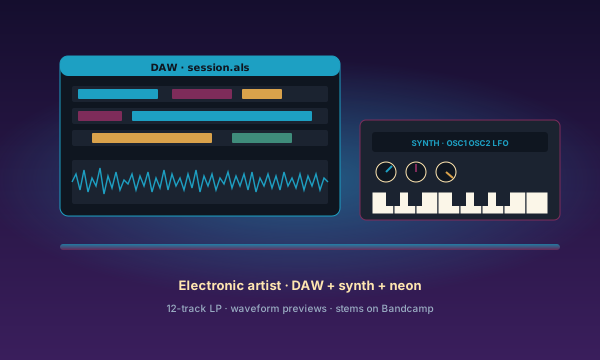
Bandcamp is the home for noise, drone, footwork, vaporwave, hyperpop, and every electronic genre too niche for streaming curation. Embed your release feed on your own domain and keep your scene's aesthetic on a page you control.
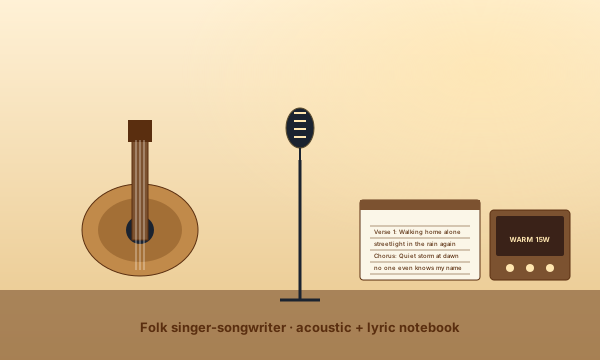
Acoustic singer-songwriters working solo or with a small band can keep a steady stream of releases on Bandcamp. Embed that release feed on your own site so visitors discover your music on your domain instead of bouncing to the platform.
Several platforms offer embeddable feed widgets. Here is how Poper compares with the best-known alternatives on what actually matters for embedding a Bandcamp feed.
| Recommended Poper | Elfsight | Common Ninja | |
|---|---|---|---|
| Poper workspace available | Limited | Limited | |
| Embed a Bandcamp release feed | |||
| Nine layouts to choose from | A few | A few | |
| Brand-match colors and fonts | |||
| Theme presets | Limited | Limited | |
| Click-to-popup with release details | Limited | Limited | |
| Layout styling controls | Paid only | Paid only | |
| Bandcamp public release feed | Varies | Varies | |
| Bundled with popups, forms, quizzes |
Comparison reflects external features as of 2026. Verify current details on each provider's site.
Indie musicians, experimental labels, and DIY scenes who put their Bandcamp releases on their own domain with Poper.
“I run a three-person experimental tape label and Bandcamp is where our whole catalog lives. The Poper widget lets us build a real releases page on our own site instead of sending fans off to bandcamp.com. It took about two minutes to set up and it always shows our latest releases.”

“I tried a few music widgets and most of them looked nothing like my site. Poper let me restyle the whole feed, colors, fonts, the lot, so it actually matches my band page. The Masonry layout fits our cover art far better than a rigid grid.”

“The thing I like most is that I never touch the embed code again. I pick a layout, brand it, and when I put out a new release I just refresh the feed from the dashboard. It stays current on my site without me thinking about it.”

Pricing
All plans are billed yearly. Each card shows the per-month equivalent. Start free, then upgrade only when you need more campaigns, websites, or AI credits.
Yearly billing · save up to 40%Essential lead capture for solo creators and growing businesses.
billed $180/year
Full engagement suite with A/B testing, gamification & unlimited leads.
billed $348/year
Unlimited everything with white-label, API access & advanced analytics.
billed $948/year
Prices shown for the 50k monthly visitor tier on yearly billing. A Free Forever plan ($0) and a custom Enterprise plan are also available. No contracts, cancel anytime.
A bandcamp feed widget is how you put the music you publish on Bandcamp onto a permanent home on your own domain. Bandcamp is the indie music economy's strange, stubborn outlier: while the major streaming services treat artists as content suppliers feeding a recommendation engine, Bandcamp built a platform around independent artists releasing music on their own terms. For a huge slice of indie music, Bandcamp is where the catalog lives. The problem is that the catalog lives on bandcamp.com, not on your own site, and every visitor you send to the platform is a visitor who leaves your domain. An embedded feed keeps your releases on your own site, in your own branding, so visitors discover your music with you. This guide walks through what actually matters when you choose and configure a Bandcamp feed widget in 2026: connecting your page, picking the right layout, branding the feed, and keeping the embed fast.
Poper renders up to the supported public Bandcamp tracks or releases returned by the source, using the available non-default visual layouts.
Use your own analytics to validate this feed on your site.
Poper renders up to the supported public Bandcamp tracks or releases returned by the source, using the available non-default visual layouts.
Use the styling controls available for this feed layout.
Poper renders up to the supported public Bandcamp tracks or releases returned by the source, using the available non-default visual layouts.
A Bandcamp feed widget is an embeddable script that displays an artist or label's releases from Bandcamp on a third-party website, rendered in a chosen layout with custom branding so visitors can browse the music on the site owner's own domain.
Tutorial
A quick walkthrough of setting up and embedding this widget.
Tutorial video coming soon
Can't find the answer you're looking for? Chat with our support team.
Contact SupportPoper takes 90 seconds to embed and puts your releases on your own domain, in a layout you choose. Start from your Poper workspace.
Free plan available forever