
Indie bands
Use your own analytics to validate this feed on your site.
Embed your albums, playlists, top tracks and artist page in 90 seconds. Powered by the Spotify Web API. No code.
Built for no-code website teams























Live demo, not a screenshot. Paste a Spotify URL, pick a layout, and preview the embed exactly as it ships to your site.
From Spotify to your site
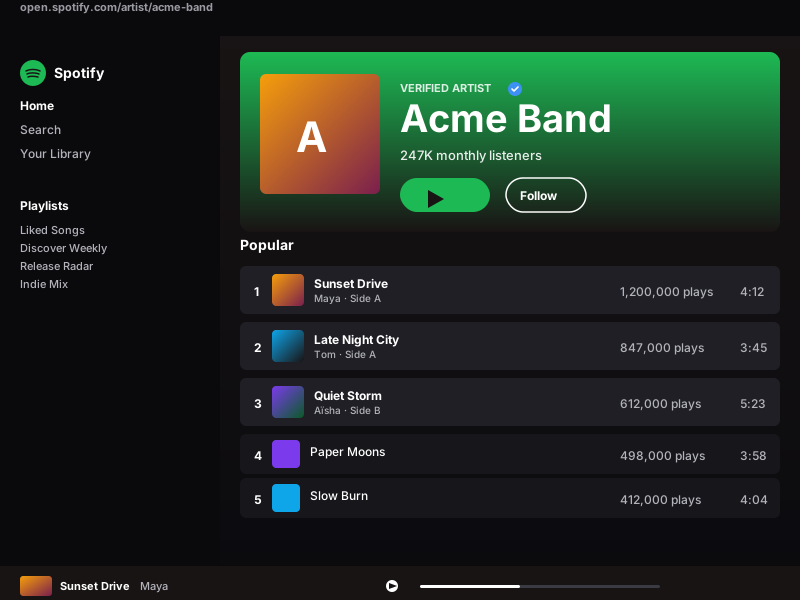
Poper pulls your public Spotify feed and renders it inline on your website, fully branded to match your design. No API keys, no manual updates.
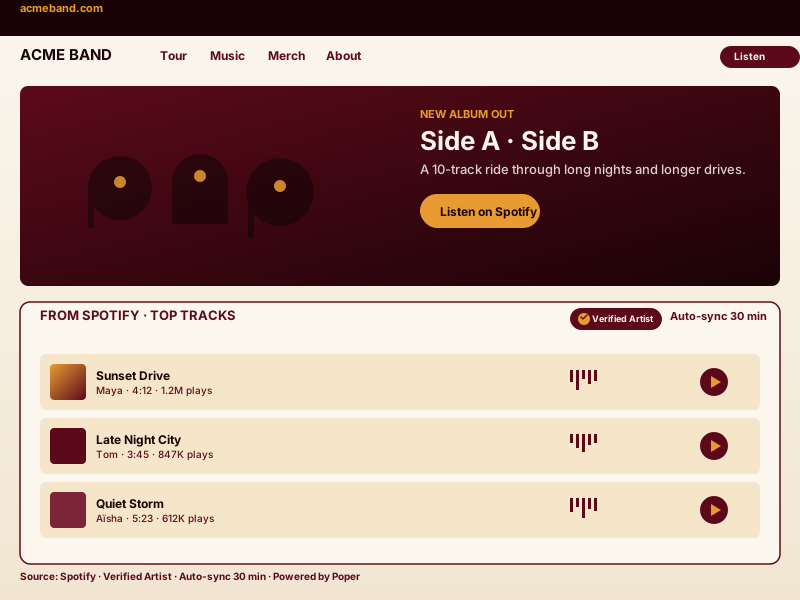 Poper widget live
Mockups for illustration. Pull your real Spotify feed and embed in 90 seconds.
How to use it
Three steps. Under two minutes. No developer needed.
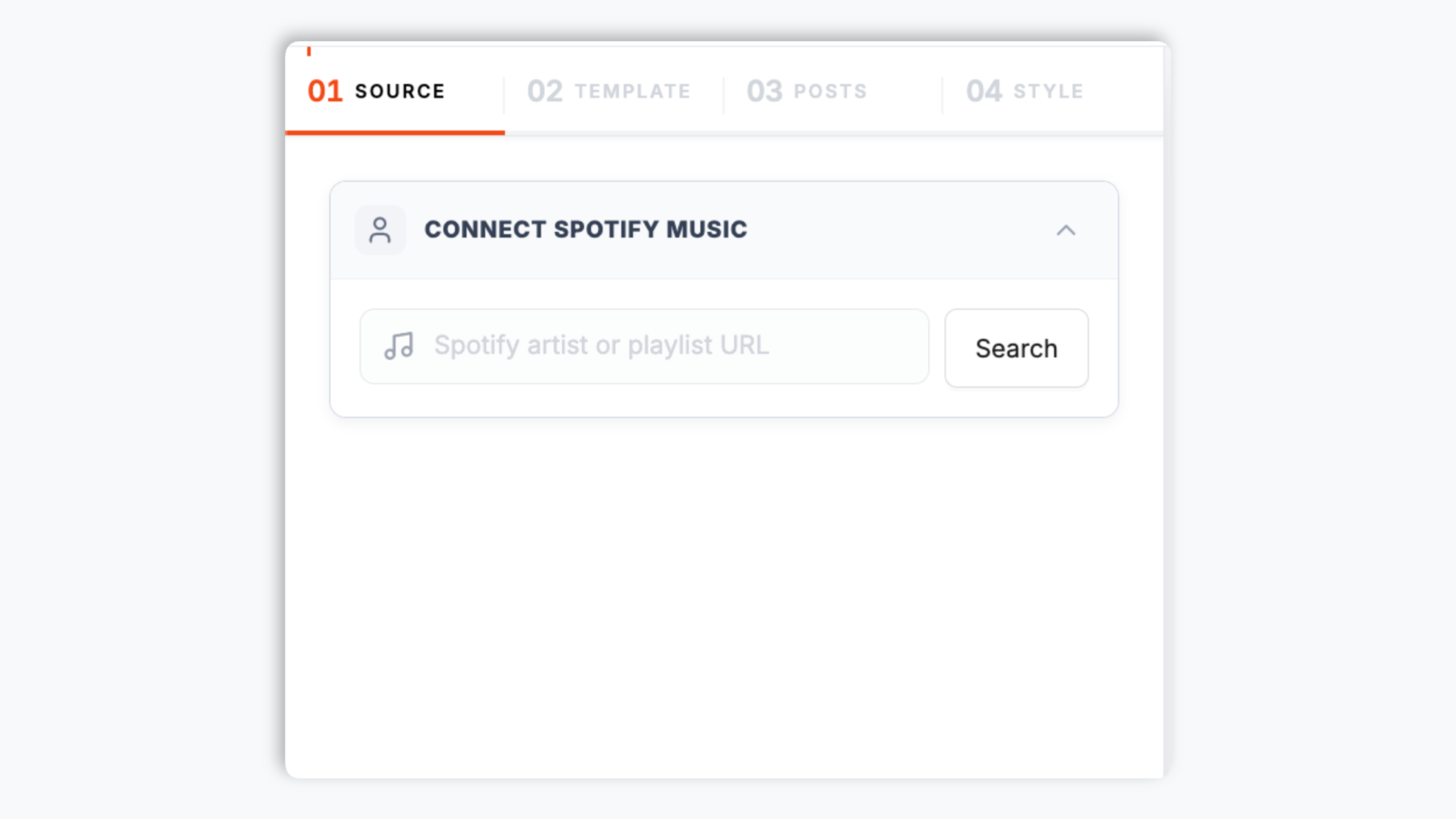
Paste your Spotify artist, album or playlist link into the Poper builder (e.g. spotify.com/artist/123abc). Poper pulls top tracks, album art and the public profile details via the official Spotify Web API.
Choose from 6 layouts: the native default Spotify layout plus Grid, Slider, List, Masonry and Bento. Each shows album-art tiles with a play-button overlay, plus available brand controls.

Paste the one-line script tag into any page. Works on Webflow, Framer, Carrd, Bandsintown, Linkfire, and 250+ other platforms musicians actually use.

Works everywhere
Drop-in install on WordPress, Shopify, Wix, Squarespace, Webflow, Framer, Ghost, and any HTML-friendly stack. No build step, no developer needed.


Plus 250+ other platforms via the embed snippet. If your site can render a <script> tag, it can render the Spotify Music Widget: Embed Albums, Playlists, Top Tracks and Artists on Any Site.
Six things that matter when you are paying for a Spotify widget, not 30 features no one uses.
Most Spotify widgets are basic iframe wrappers around the official Spotify Embed and stop there. Poper reads public catalog data through the official Spotify Web API, so you get the real track list, album artwork, follower count and public artist details, plus the ability to brand the experience past Spotify's default green frame. Rate limits are handled at Poper's edge, so your visitors never call Spotify directly and the embed stays fast even during a traffic spike.
Most embeds support one entity type. Poper renders any public Spotify object: an album, a public playlist, an artist's top tracks, or an artist profile. Point the widget at a Spotify link and it pulls the right content.
Point each widget at one public Spotify album, playlist, artist profile, or artist top-tracks source. The embed stays focused on that source and keeps ownership clear.
Use the styling controls available for this feed layout.
The embed loads through the Poper snippet. Validate layout and performance on your own page after embedding.
The native default Spotify layout plus Grid, Slider, List, Masonry and Bento. Album-art tiles with play-button overlays, sized for a homepage hero, a sidebar, or an inline block in a blog post.
Clicking a track opens the Spotify track view so fans can play the full song in their Spotify app or on the web. The widget keeps the visitor on your page until they choose to listen, then hands off cleanly to Spotify.
Use cases
Four buyer types who get the most lift from embedding Spotify Music Widget: Embed Albums, Playlists, Top Tracks and Artists on Any Site on their site.
Use your own analytics to validate this feed on your site.
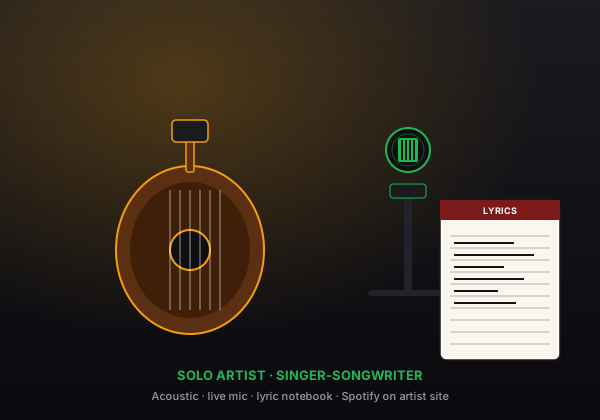
Acoustic-room writer or full studio singer-songwriter, an artist top-tracks feed puts your music and album art front and center the moment a fan lands on your site.
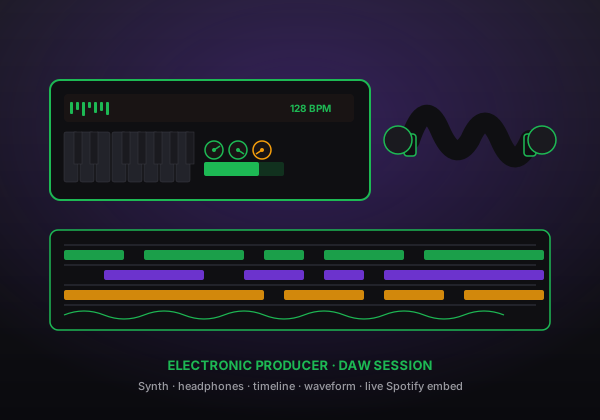
DAW-living producers and DJs lean on the top-tracks list and the slider layout to keep their latest releases front and center on a portfolio or release page.
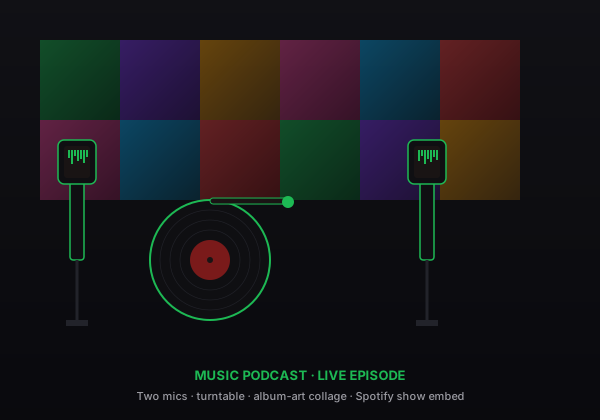
Music podcasters embed the featured artist's top tracks inline with each episode. Listeners sample the music while they read instead of bouncing to Spotify and never returning.
Several platforms sell social and music feed embed widgets. Here is how Poper stacks up against the widget providers, plus Spotify's own free embed.
| Recommended Poper | Elfsight | Common Ninja | Spotify native embed | |
|---|---|---|---|---|
| Poper workspace available | Limited free | Limited free | ||
| Dedicated Spotify music widget | Generic player | N/A | ||
| Album and playlist embed | ||||
| Artist top-tracks feed | Limited | Limited | Static only | |
| Auto-sync from the Spotify Web API | Limited | |||
| Custom theming past the green frame | Paid only | Paid only | Dark/light only | |
| Six layouts to choose from | Limited | Limited | ||
| Layout styling controls | Paid only | Paid only | ||
| Pricing for unlimited embeds | Plan details vary | Vendor pricing varies | Vendor pricing varies | Free |
| Bundled with popups, forms, quizzes |
Comparison reflects external competitor positioning. Poper pricing shown is the Starter plan billed yearly. The Spotify native embed is the platform's own free iframe with no theming and no live top-track feed. Verify current details on each provider's site.
Musicians, labels, and music writers who switched from the static Spotify Embed to Poper.
“I'm an indie musician and I just wanted my new album visible on my own site without writing a custom block. I pasted my Spotify album link, picked a theme, and in minutes my release was front and center on my homepage, branded to match the rest of the site instead of a green Spotify box.”

“Use your own analytics to validate this feed on your site.”

“We needed a campaign page for a priority release that felt more polished than a static Spotify iframe. Poper let us feature the artist's Spotify tracks with our own brand styling, so the page feels like part of the release rollout.”

Pricing
All plans are billed yearly. Each card shows the per-month equivalent. Start free, then upgrade only when you need more campaigns, websites, or AI credits.
Yearly billing · save up to 40%Essential lead capture for solo creators and growing businesses.
billed $180/year
Full engagement suite with A/B testing, gamification & unlimited leads.
billed $348/year
Unlimited everything with white-label, API access & advanced analytics.
billed $948/year
Prices shown for the 50k monthly visitor tier on yearly billing. A Free Forever plan ($0) and a custom Enterprise plan are also available. No contracts, cancel anytime.
Spotify is the largest music streaming platform in the world with over 600 million monthly active users, and embedding your Spotify content on your own website is one of the highest-leverage moves an artist, label, or music publisher can make in 2026. The catch: Spotify's official embed is a free iframe with almost no customization, the Spotify Web API has rate limits most widget tools never bother to handle, and a bare iframe locks you into Spotify's green frame instead of your brand. This guide walks through what actually matters when you choose and configure a Spotify music widget: how the widget reads public Spotify catalog data, the album-versus-playlist-versus-artist entity types, the six layouts and branding controls, scheduled sync, and what the official Spotify embed costs in page weight.
The free Spotify Embed (the green iframe you see on Wikipedia, Bandcamp, and most artist sites) is a quick win for a single album or playlist drop, but it is fundamentally static. It cannot render a configurable artist top-track feed, cannot match your brand colors, and locks you into Spotify's green chrome. Every Spotify widget that is just a wrapper around the official Embed inherits these limits. Poper instead reads public catalog data directly from the Spotify Web API: any album, public playlist, or artist works from a Spotify URI without a login. That unlocks the artist's top-track feed, the follower count, album artwork, six layouts and full theming control beyond Spotify's locked-down green frame. The trade-off is rate limits, which Poper handles centrally at its edge so your visitors never hit the Spotify API directly and the embed stays fast under load.
Spotify exposes a few public entity types and each fits a different job on your site. An album embed renders a fixed tracklist tied to a single release, with cover art and the full song list, which is the right choice for a release-day landing page or a discography section. A playlist embed renders a curated set of tracks (public or collaborative) and stays in sync as the playlist owner adds or removes songs, which suits a mood playlist, a label sampler, or a 'songs I'm into' block. An artist top-tracks embed pulls the artist's currently most-popular tracks straight from the Spotify Web API, so the feed reflects what is resonating right now without you re-ranking anything by hand. The Poper widget reads whichever type you point it at: paste one album, playlist or artist link and it resolves the right content. Because the widget reads public catalog data, no login is required for any of these entity types.
Use the styling controls available for this feed layout.
Refresh cadence follows your Poper plan: Free every 15 days, Starter every 3 days, and Pro/Business every 1 day.
A Spotify music widget is an embeddable script that displays Spotify albums, playlists, top tracks, or an artist page on your website by reading public catalog data from the Spotify Web API. Modern widgets like Poper render the content in a choice of layouts, brand it past Spotify's green frame, and refresh on a schedule so the feed stays current.
Tutorial
A quick walkthrough of setting up and embedding this widget.
Tutorial video coming soon
Can't find the answer you're looking for? Chat with our support team.
Contact SupportPoper takes 90 seconds to embed and gives you the live artist top-track feed, six layouts, and full theming. Start from your Poper workspace.
Free plan available forever