
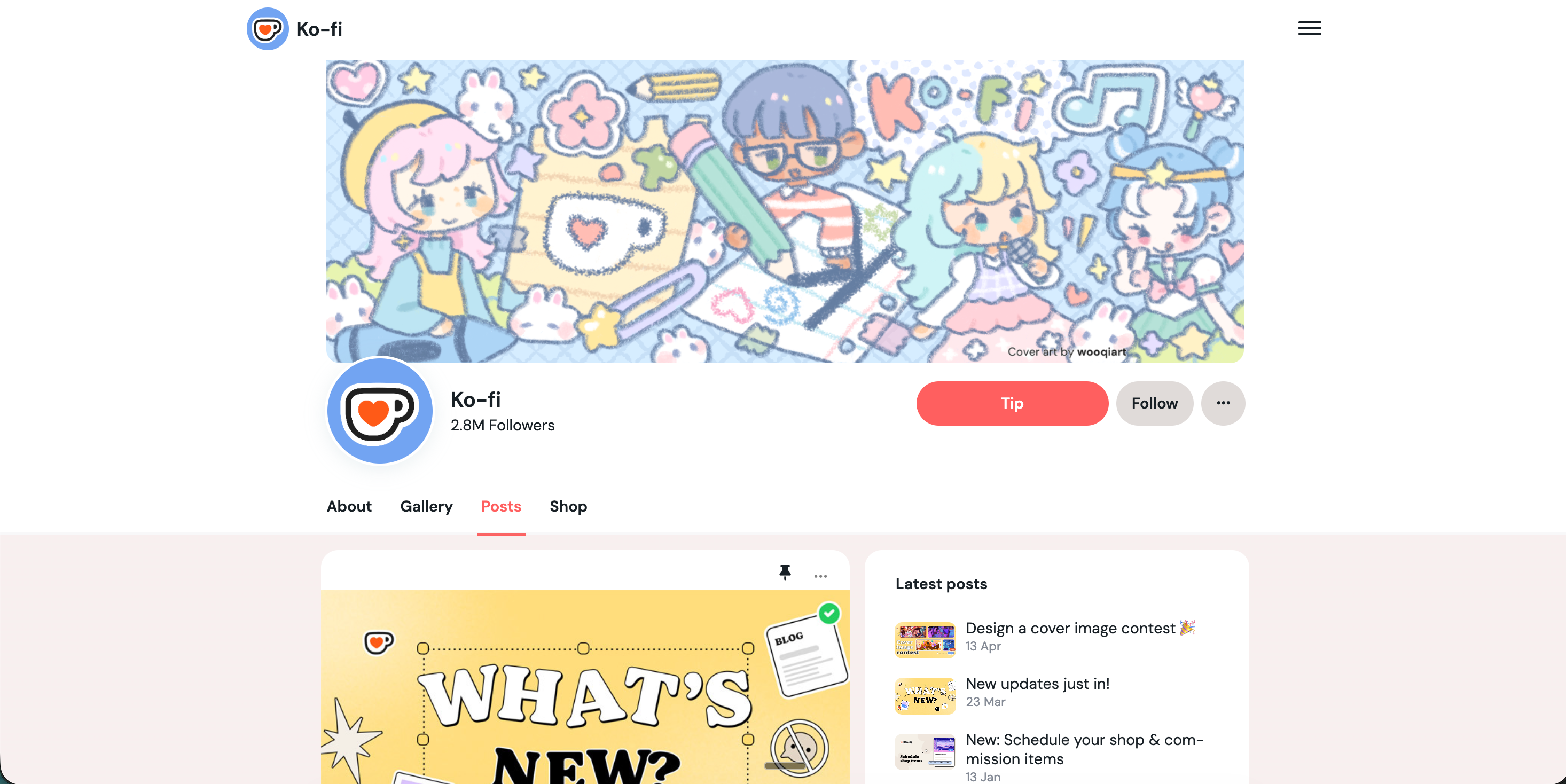

Illustrators
Digital illustrators, character designers, and concept artists who post public Ko-fi updates. Embed the feed on your portfolio so visitors see recent sketches, process notes, and creator updates without leaving your site.
Embed your public Ko-fi feed in 90 seconds. Add one Ko-fi profile, choose Default, Grid, or List, match your site, and publish with no code.
Built for no-code website teams























Live demo, not a screenshot. Style it, brand it, embed it. What you see here is what ships to your site.
From Ko-fi to your site
Poper pulls your public Ko-fi feed and renders it inline on your website, fully branded to match your design. No API keys, no manual updates.
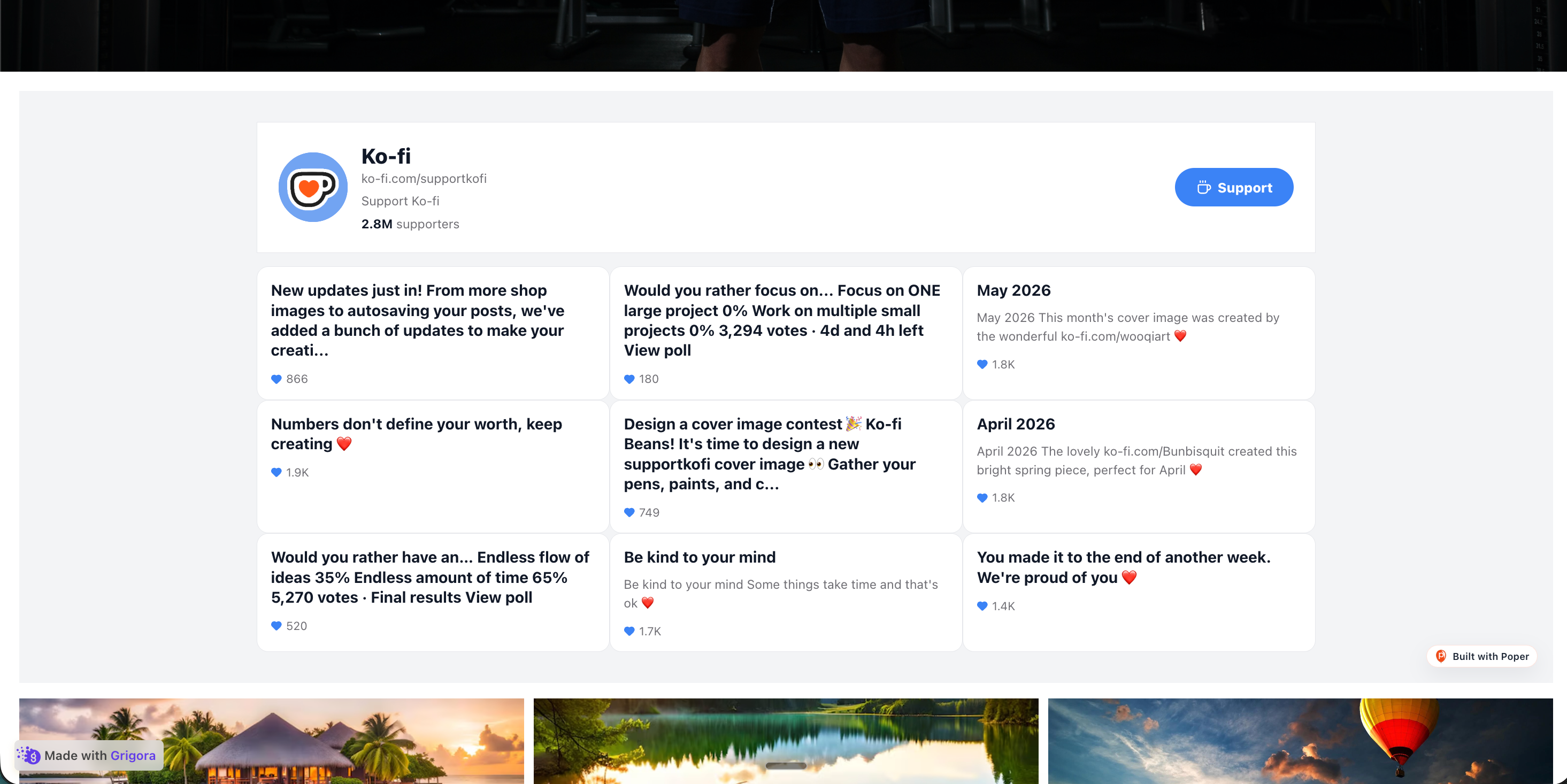 Poper widget live
Mockups for illustration. Pull your real Ko-fi feed and embed in 90 seconds.
How to use it
Three steps. Under two minutes. No developer needed.
Paste one Ko-fi profile URL or handle into the builder. The widget uses that public profile as the feed source, so there is no password or webhook setup.
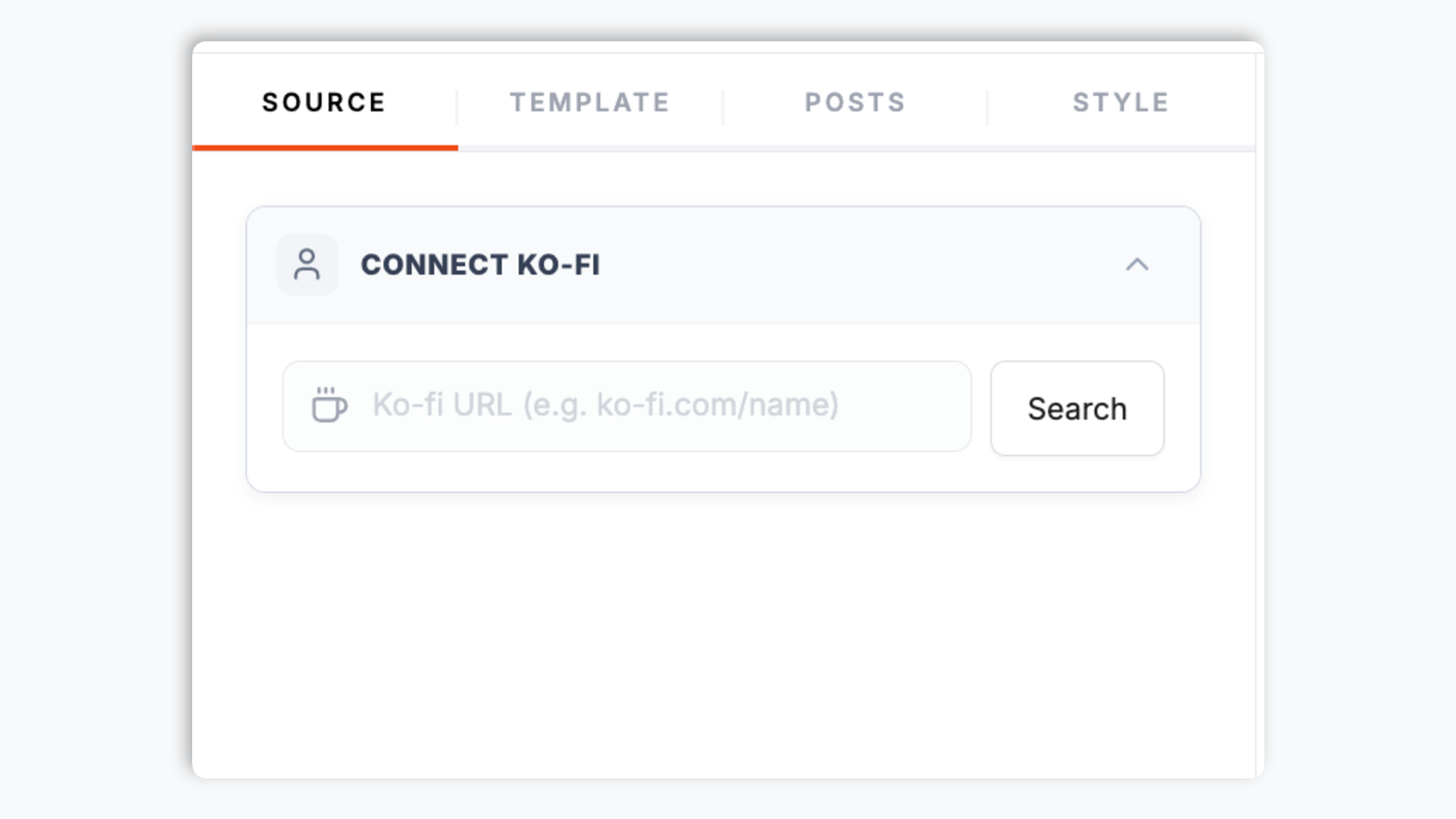
Choose Default, Grid, or List. Tweak colors, fonts, spacing, and card styles so the Ko-fi feed matches your site.

Paste the Poper embed snippet into your site. Works on WordPress, Shopify, Wix, Squarespace, Webflow, Ghost, Framer, and 250+ platforms.

Works everywhere
Drop-in install on WordPress, Shopify, Wix, Squarespace, Webflow, Framer, Ghost, and any HTML-friendly stack. No build step, no developer needed.


Plus 250+ other platforms via the embed snippet. If your site can render a <script> tag, it can render the Ko-fi Feed Widget: Embed Your Ko-fi Updates on Any Site.
Six things that matter when you are paying for a Ko-fi widget, not 30 features no one uses.
Show public updates from a Ko-fi profile inside your own page instead of sending visitors away to check what is new. The widget is built for feed content, not private supporter data or checkout events.
Choose the native-style Default layout, a visual Grid, or a compact List. Every layout renders the same Ko-fi feed, so you can match the page context without changing the source profile.
Each widget points to a single Ko-fi profile. If you run several Ko-fi pages, create a separate widget for each profile so each embed has a clear source and styling setup.
Use theme presets, colors, typography, spacing, border radius, and available card controls to make the feed feel native to your site.
The embed loads through the Poper snippet. Validate layout and performance on your own page after embedding.
Tune the feed for desktop and mobile placements. Use Grid for wider sections, List for narrow blocks, and Default when you want a compact Ko-fi-style presentation.
Use cases
Four buyer types who get the most lift from embedding Ko-fi Feed Widget: Embed Your Ko-fi Updates on Any Site on their site.
Digital illustrators, character designers, and concept artists who post public Ko-fi updates. Embed the feed on your portfolio so visitors see recent sketches, process notes, and creator updates without leaving your site.
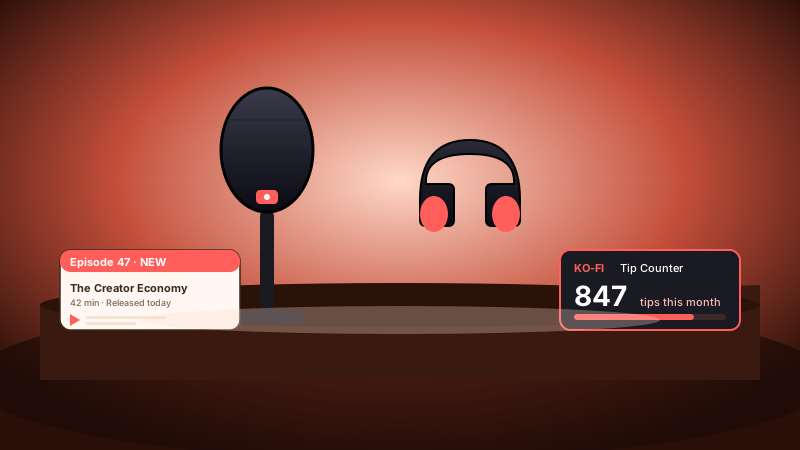
Podcast hosts and audio creators who post episode notes and creator updates on Ko-fi. Add the feed to your show site so listeners can catch up from the same page they discovered the podcast.
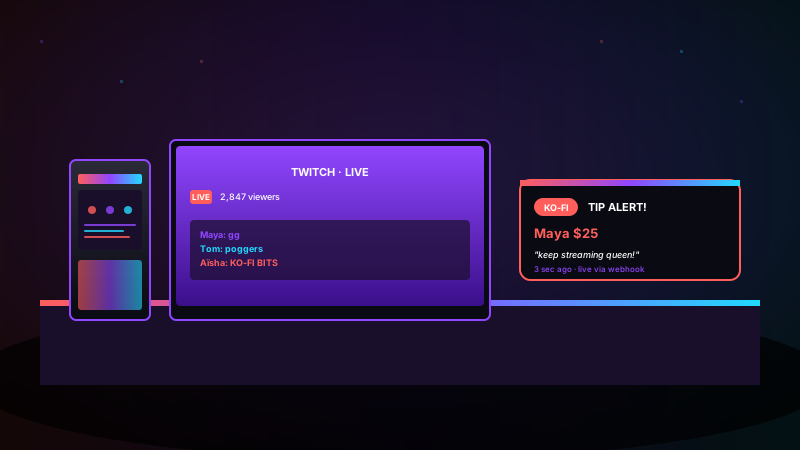
Twitch streamers, YouTubers, and live-coding hosts who use Ko-fi for public updates. Embed the feed on a channel site or link-in-bio page so audiences can scan recent posts in your own branding.
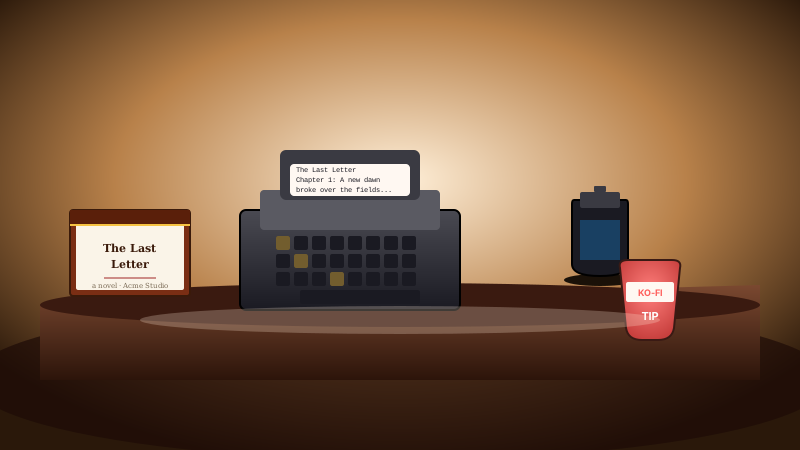
Newsletter writers, fiction authors, poetry chapbook makers, and indie zinesters who share Ko-fi updates. Drop the feed near your articles so readers can see recent posts and continue exploring your work.
Ko-fi embeds are usually evaluated against general-purpose widget platforms and Ko-fi's own embed options. Here is how Poper compares for a simple Ko-fi feed.
| Recommended Poper | Elfsight | Common Ninja | Ko-fi embed code | |
|---|---|---|---|---|
| Embed a public Ko-fi feed | Limited | Limited | Limited | |
| One Ko-fi profile per widget | ||||
| Layout options | 3 layouts | Several | Several | Limited |
| Default layout | Limited | Limited | ||
| Grid and list layouts | Limited | Limited | ||
| Theme presets and color controls | Limited | |||
| Available design controls | Paid only | Paid only | ||
| Lightweight embed setup | iframe heavy | iframe heavy | iframe heavy | |
| Bundled with popups, forms, quizzes |
Comparison reflects external competitor positioning. Verify current details on each provider's site.
Illustrators, podcasters, and zinesters using Poper's Ko-fi Feed widget on their own sites.
“Poper's Ko-fi Feed widget gave my portfolio a current updates section without rebuilding the page. I connected one Ko-fi profile, picked the Grid layout, and matched the cards to my illustration site.”
“We needed a clean way to show our Ko-fi posts on the podcast site, not a generic popup testimonial block. The List layout fits under each episode page and keeps listeners in our own design.”
“The one-profile-per-widget setup made the source clear. I use one Ko-fi widget for my main zine page and a separate widget for the art archive, both styled differently in Poper.”
Pricing
All plans are billed yearly. Each card shows the per-month equivalent. Start free, then upgrade only when you need more campaigns, websites, or AI credits.
Yearly billing · save up to 40%Essential lead capture for solo creators and growing businesses.
billed $180/year
Full engagement suite with A/B testing, gamification & unlimited leads.
billed $348/year
Unlimited everything with white-label, API access & advanced analytics.
billed $948/year
Prices shown for the 50k monthly visitor tier on yearly billing. A Free Forever plan ($0) and a custom Enterprise plan are also available. No contracts, cancel anytime.
Ko-fi is a creator platform where artists, writers, podcasters, streamers, and open-source maintainers publish updates and direct visitors back to their Ko-fi page. A Ko-fi Feed widget brings those public updates into your own website so visitors can scan recent posts without leaving your page. This guide covers the parts that matter for Poper's Ko-fi Feed widget: choosing one Ko-fi profile, picking one of the three supported layouts, matching the widget to your site, and keeping the embed focused on public feed content.
The Poper Ko-fi Feed widget is designed to display public feed content from a single Ko-fi profile. You add a Ko-fi handle or profile URL, style the feed, and publish one embed snippet. The widget is not a private fan-data or transaction-event widget. That keeps the landing-page promise simple: a public Ko-fi feed on your website, with layout and brand controls managed in Poper.
The widget supports three layouts. Default keeps the feed close to a compact Ko-fi-style presentation and is a safe starting point for most creator pages. Grid works best in wider content sections where visual scanning matters. List is better for a narrow sidebar, footer, resource page, or article-end block. You can switch between Default, Grid, and List from the Poper editor without changing the Ko-fi source profile or replacing the embed snippet.
Each Ko-fi Feed widget points to one Ko-fi profile. This is deliberate: every embed has one source, one layout choice, and one styling setup. If you manage multiple Ko-fi pages for different projects, create a separate Poper widget for each page and place those embeds wherever they belong. That avoids confusing a visitor with mixed feeds and makes it easier to test which profile and layout works best on each page.
A Ko-fi feed should not feel like a pasted third-party box. Poper gives you theme presets and direct controls for colors, typography, spacing, card treatment, border radius, and responsive layout choices. Default can be kept close to the source style, Grid can be adapted for portfolio or homepage sections, and List can be made compact for editorial pages. The live preview lets you check the result before publishing.
The embed loads through the Poper snippet. Validate layout and performance on your own page after embedding.
A Ko-fi feed widget is an embeddable script that displays public Ko-fi feed content from one Ko-fi profile on your website. With Poper, you add one profile per widget, choose Default, Grid, or List, brand the feed, and publish with no code.
Tutorial
A quick walkthrough of setting up and embedding this widget.
Tutorial video coming soon
Can't find the answer you're looking for? Chat with our support team.
Contact SupportPoper takes 90 seconds to embed one Ko-fi profile as a brand-matched feed. Start from your Poper workspace.
Free plan available forever