

The complete guide to embedding Gumroad on your website
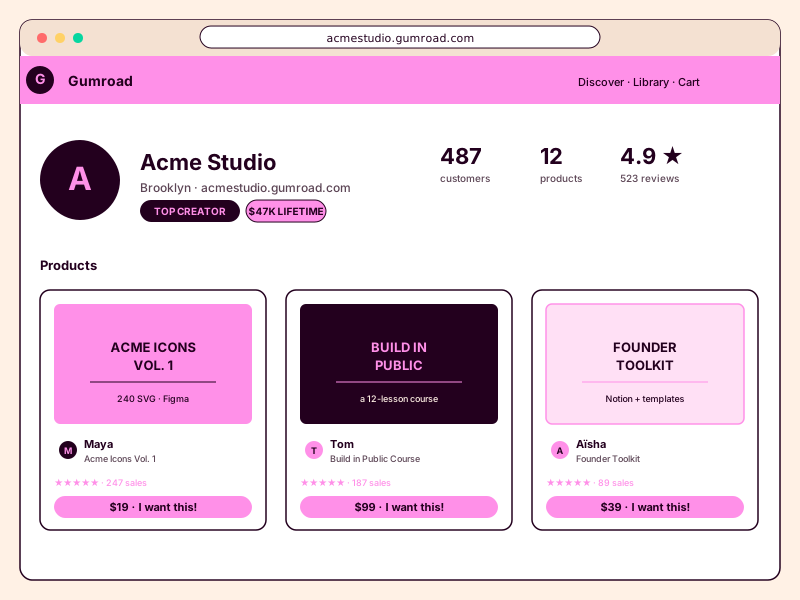
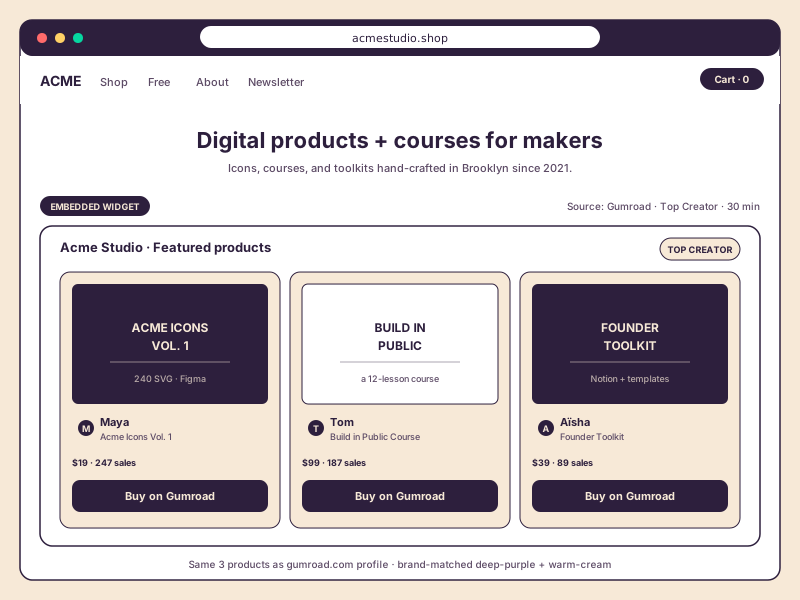
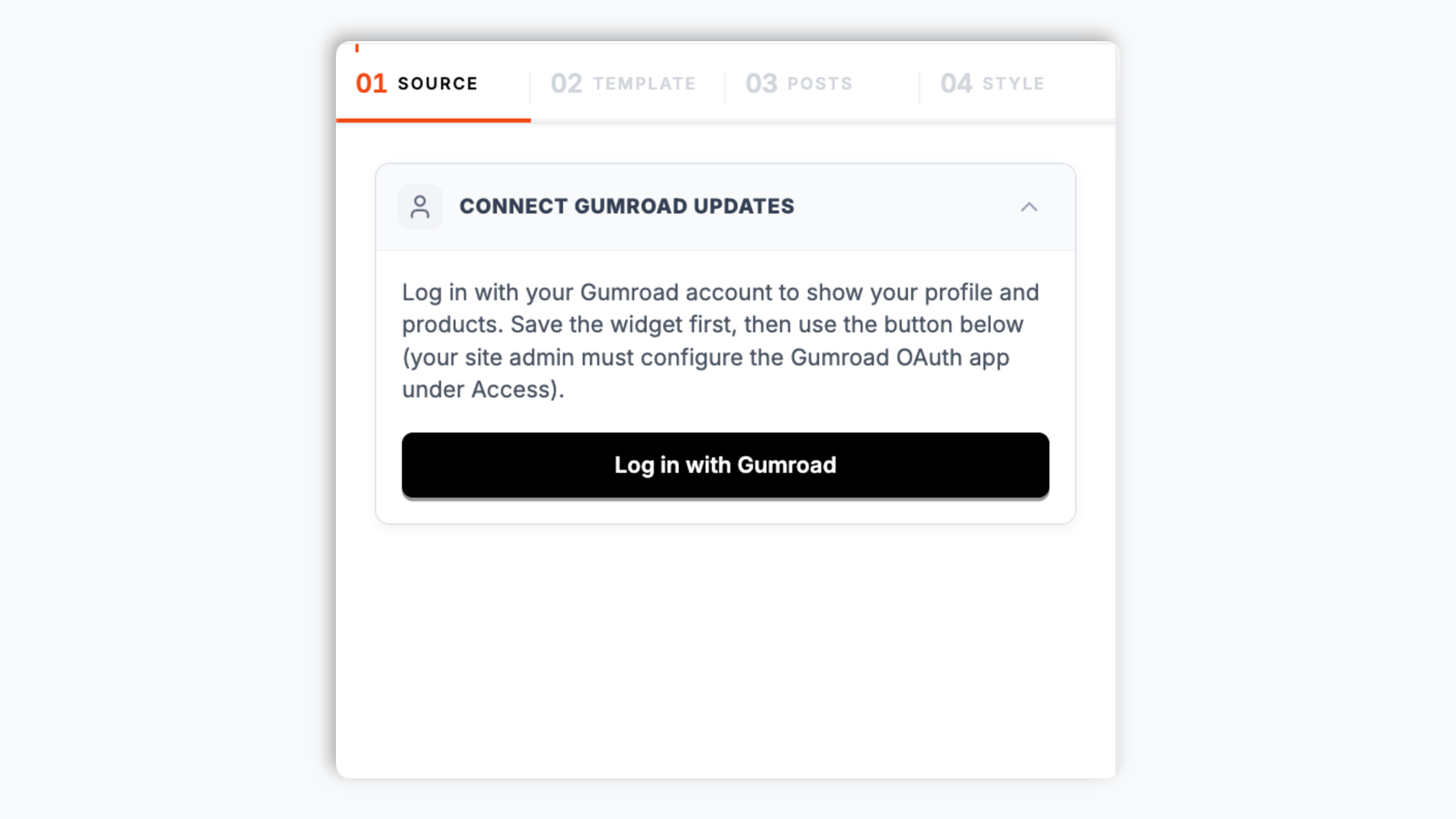
Gumroad turns 15 in 2026, has more than 250,000 active creators selling digital products, and remains the indie-favorite checkout for one-person shops on the open web. Founder Sahil Lavingia launched Gumroad in 2011 as a 16-line web app for selling a single file with a single link, and the company now powers the digital storefronts of writers, designers, software developers, music producers, and educators across every niche of the creator economy. The catch with embedding Gumroad on your own website is that the official Gumroad iframe is minimal and pink-and-white-styled, the third-party widgets each have quirks and limitations, and Gumroad's API has specific OAuth scopes you need to understand before you can build a reliable integration that surfaces products, follower posts, and discount codes together. This guide walks through what actually matters when you choose and configure a Gumroad widget in 2026: the API and OAuth surface, multi-product display, discount-code-pre-applied checkout, performance and Core Web Vitals, GDPR and privacy considerations for storefront embeds, and the digital-product economics that determine which platform you should embed at all. By the end you will know exactly what to look for in a Gumroad widget, why pre-applied discount codes drive a 30 to 50 percent lift in checkout conversion, and how to use a single embed layer to feature Gumroad alongside Substack, Ko-fi, Patreon, and Buy Me a Coffee on a unified creator site.