

04
DevRel marketing channels and the company organization page
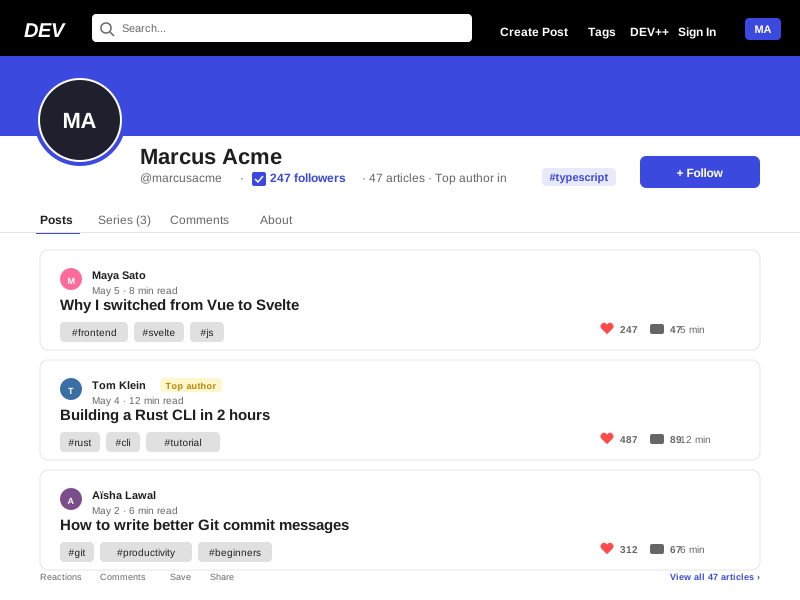
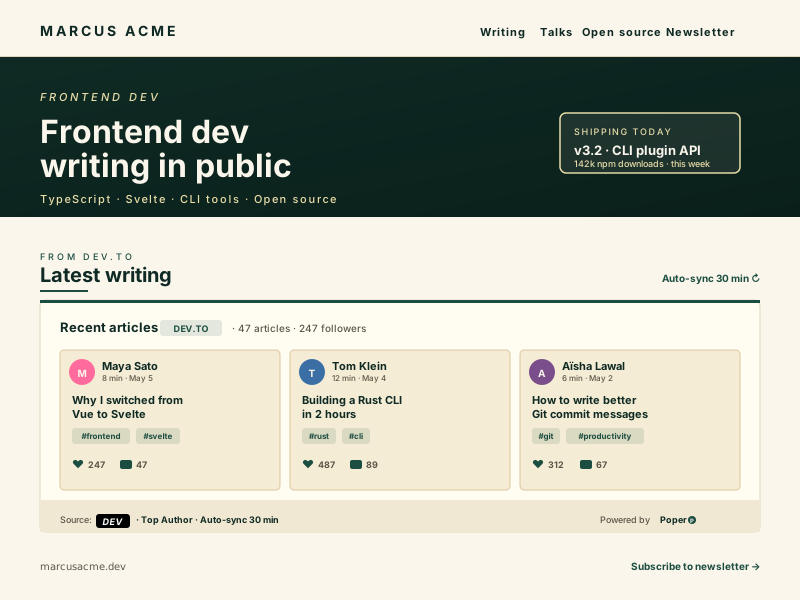
Dev.to organizations are first-class entities. A company creates an organization page at dev.to/your-company and any number of contributors can publish under the organization byline. This is the canonical Dev.to format for DevRel marketing, and well-known engineering teams have used it for years to anchor a developer-facing content program without standing up a separate blog. The organization page on Dev.to itself is fine, but most companies want the writing to also show up on their main marketing site, the careers page, and the documentation site, not just on dev.to. A Dev.to feed widget pointed at the organization slug pulls every article from every contributor, sorts chronologically, and renders all of them with bylines intact. New articles by any team member appear on every embedded surface within an hour of publishing on a Free plan, or every 5 minutes on Pro. There is no manual cross-posting workflow, no editorial backlog, no risk of a contributor's article missing the marketing site because someone forgot to forward it. A common deployment pattern: the careers page embeds the full organization feed, the homepage embeds the most recent three articles, and individual product landing pages embed tag-filtered slices (the database product page embeds organization articles tagged #postgres and #database, the AI product page embeds articles tagged #ai and #llm, and so on). All four embeds reflect the same source of truth, and a single article authored once by the DevRel lead surfaces in every relevant product context automatically. This is the highest-leverage pattern Dev.to enables for a company building an engineering brand on the open web.
05
Article Schema, canonical URLs, and protecting your SEO on both sides
The single most common SEO mistake when embedding any blog widget is duplicating content without a canonical reference. Search engines see the same article body on dev.to and on yoursite.com, treat one as the original, and either suppress the other from rankings entirely or split ranking signal between the two URLs. The fix is to include a rel=canonical link tag pointing the embedded article back to the original dev.to URL, telling Google explicitly that yoursite.com is republishing and dev.to is the source. Poper handles this automatically. Every embedded article emits Article JSON-LD structured data with headline, author, datePublished, dateModified, image, and a canonical URL field set to the original dev.to article. Visitors browsing your site see the article rendered inside your design, but search engines see a clear signal that dev.to remains the canonical source. Your DEV ranking is preserved, and your site receives the SEO benefit of a fresh, content-rich page block without competing against your DEV article for the same query. This is exactly the same pattern Dev.to itself recommends for cross-posted content, where authors are encouraged to set the canonical_url field on cross-posts so the original SEO weight stays where it should. The widget makes this automatic from the embed direction. Combined with the asynchronous loading and global CDN edge caching that keeps the widget under 40KB gzipped and lazy-loaded below the fold, the performance and SEO posture of a Dev.to feed widget is among the cleanest of any embeddable blog widget on the market in 2026.