
SaaS hero screenshots
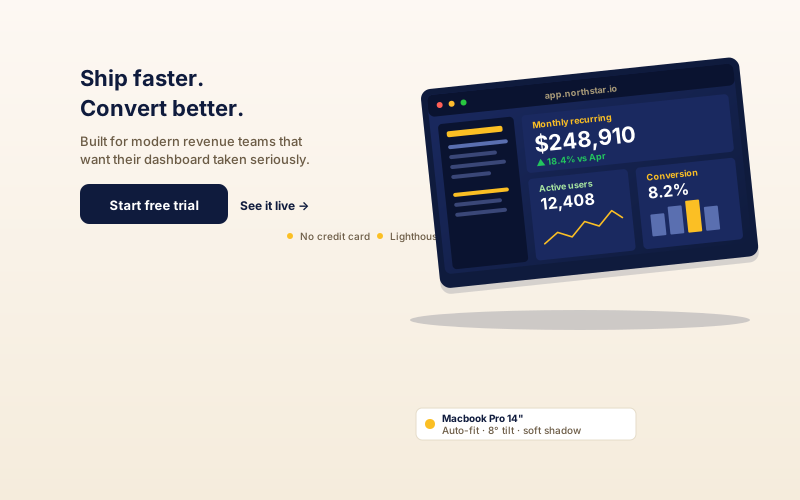
Wrap your dashboard screenshot in a laptop frame on the hero of your landing page. A subtle tilt and the studio backdrop give the screenshot a clearer product context.
Wrap a screenshot, image URL, or embeddable website URL inside mobile, tablet, laptop, and browser frames. 6 scene layouts, adjustable tilt, and scroll animation.
Built for no-code website teams























Live demo, not a screenshot. Pick a frame, pick a scene, brand it, embed it.
Before and after Poper
Here is the widget embedded on a real page layout, before and after. Style it to match your brand, then copy one snippet to go live.
 Before
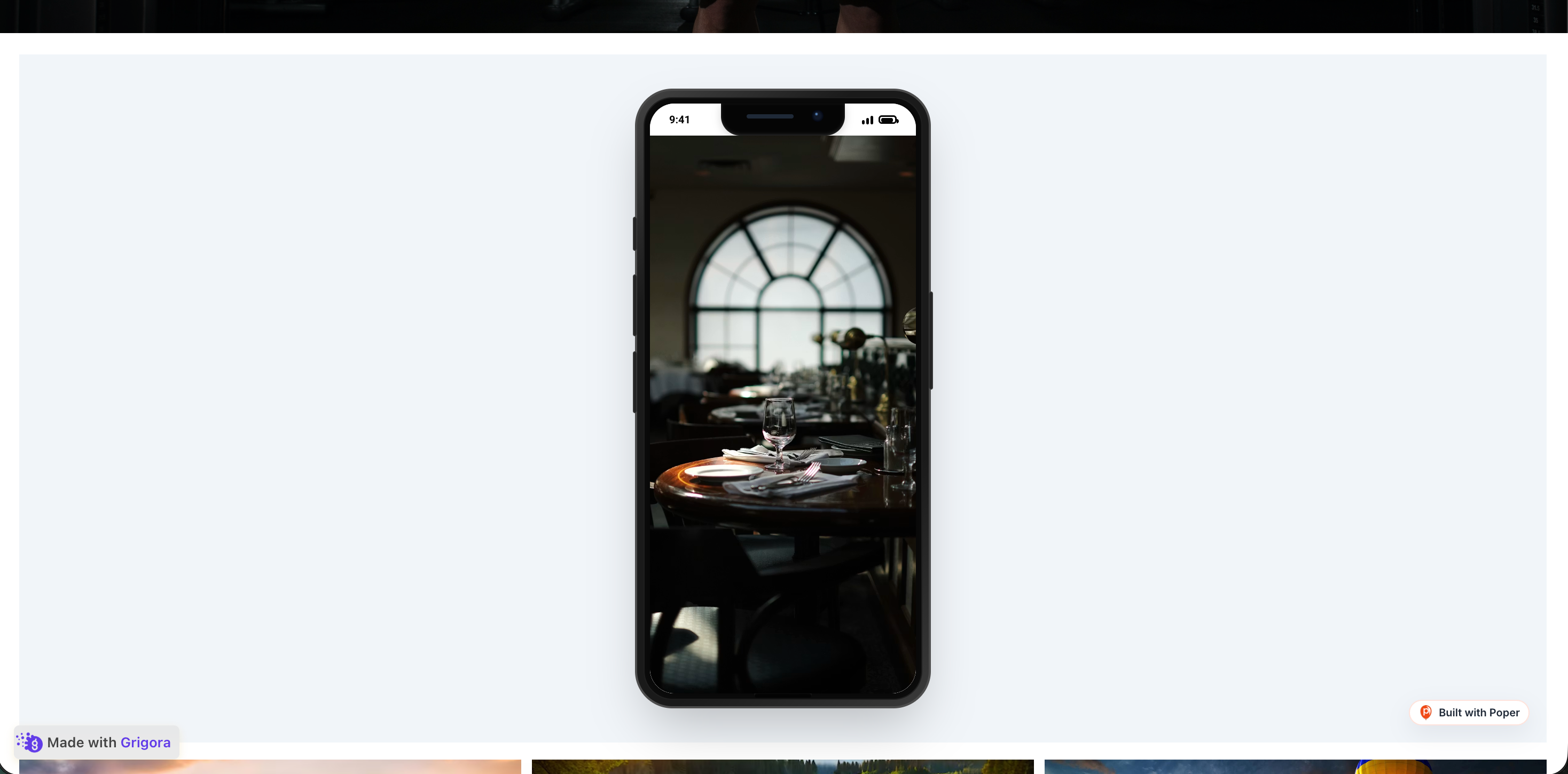 Poper widget live
Mockups for illustration. Style the widget to match your site and embed in 90 seconds.
How to use it
Three steps. with the guided setup flow. No code required.
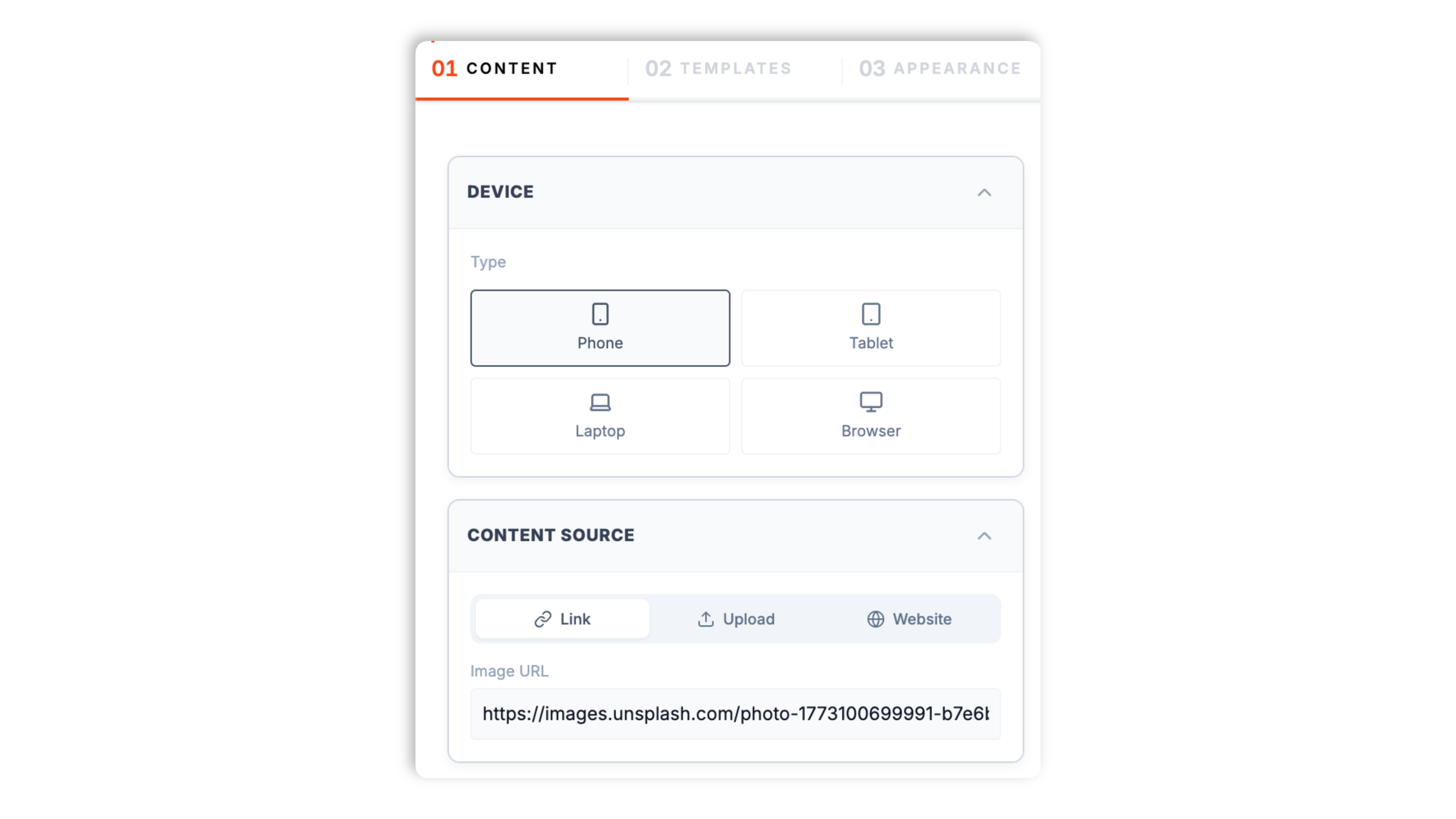
Choose what to show: upload a screenshot, paste an image URL, or point the frame at a live website URL to render it inside the frame. Then pick a device frame: mobile, tablet, laptop, or browser.
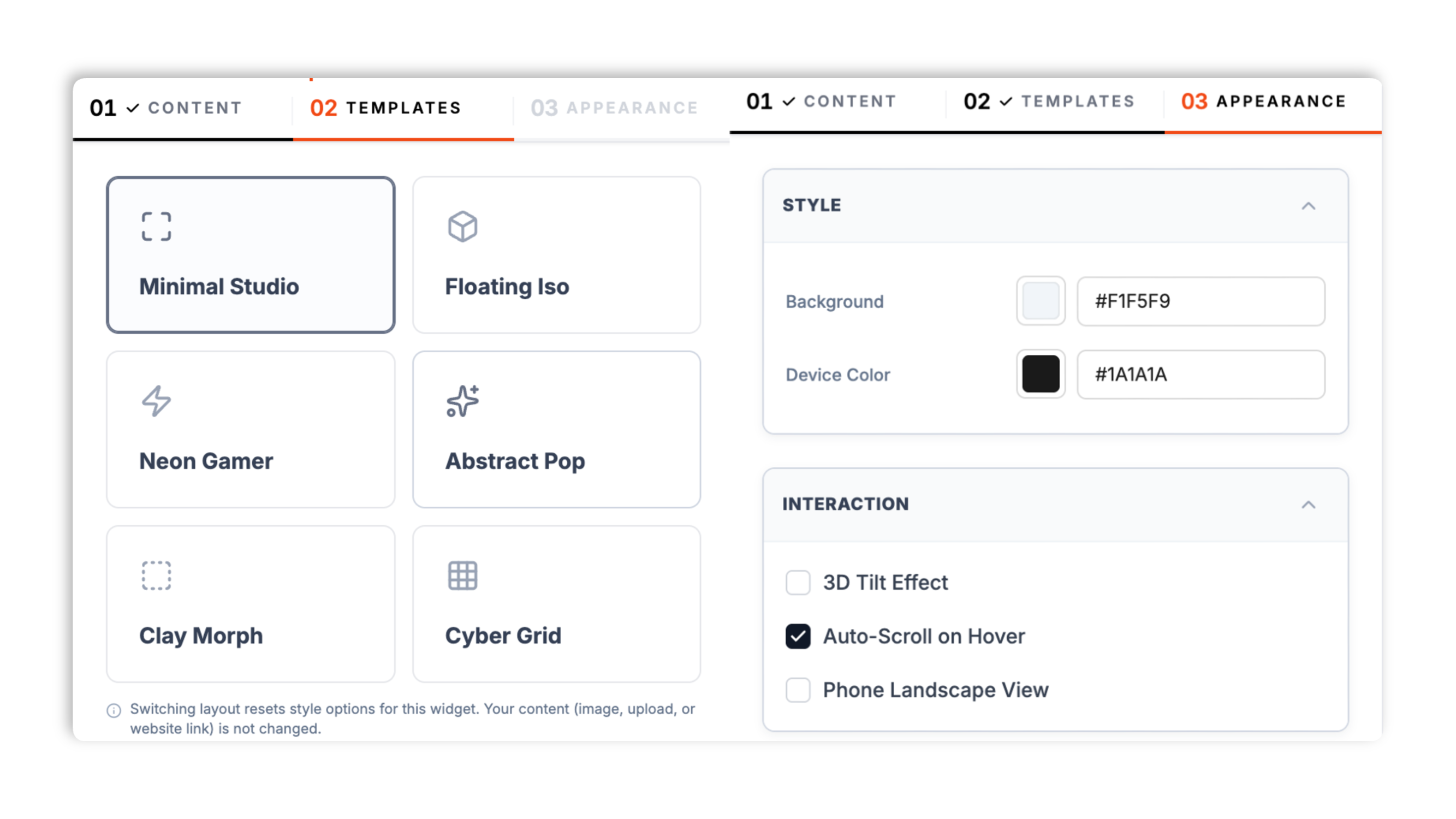
Choose a scene: Minimal Studio, Floating Iso, Neon Gamer, Abstract Pop, Clay Morph, or Cyber Grid. Set the background color, the device frame color, the tilt, and whether the content scrolls.
Paste the Poper embed snippet into your site. Works anywhere your Poper embed snippet is supported.

Works everywhere
Drop-in install on WordPress, Shopify, Wix, Squarespace, Webflow, Framer, Ghost, and any HTML-friendly stack. No build step, no developer needed.


Plus 250+ other platforms via the embed snippet. If your site can render a <script> tag, it can render the Device Mockup Widget for Website. No-code - Poper.
Six things that matter in a device mockup widget.
The device mockup widget shows your content inside a realistic device frame. Feed it a screenshot upload, an image URL, or a live website URL. The website option loads the configured URL inside the frame when that page allows embedding, so visitors can see the selected source rather than a static picture. Mobile, tablet, laptop, and browser frames are all available.
Minimal Studio, Floating Iso, Neon Gamer, Abstract Pop, Clay Morph, and Cyber Grid. Switch scenes in the dashboard through the normal publish flow. Each scene ships its own backdrop.
Mobile, tablet, laptop, and browser frames. Mobile and tablet also support a landscape orientation.
Override the background color and the device frame color to match your brand.
Turn on interactive tilt and the device frame responds to the visitor's cursor for a subtle parallax effect. Turn it off for a flat, static presentation. Your call, per layout.
Enable scroll animation and a tall screenshot or website gently scrolls inside the frame, so a long page reveals itself without the visitor doing anything.
Use cases
Four buyer types who get the most lift from embedding Device Mockup Widget for Website. No-code - Poper on their site.
Wrap your dashboard screenshot in a laptop frame on the hero of your landing page. A subtle tilt and the studio backdrop give the screenshot a clearer product context.
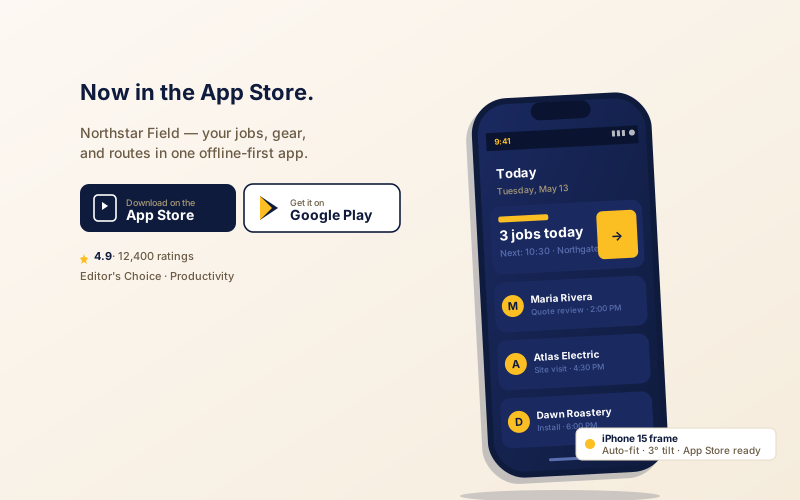
Drop your app screen into a phone frame next to your app-store CTA. A clean choice for app launch pages and product showcase sections.
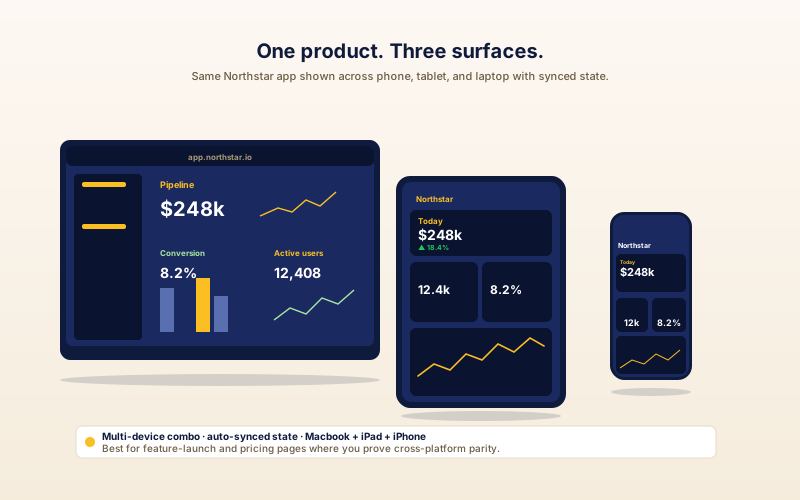
Point the frame at a website URL when that page allows embedding, or use a screenshot when it does not. Turn on scroll animation to reveal a long page.
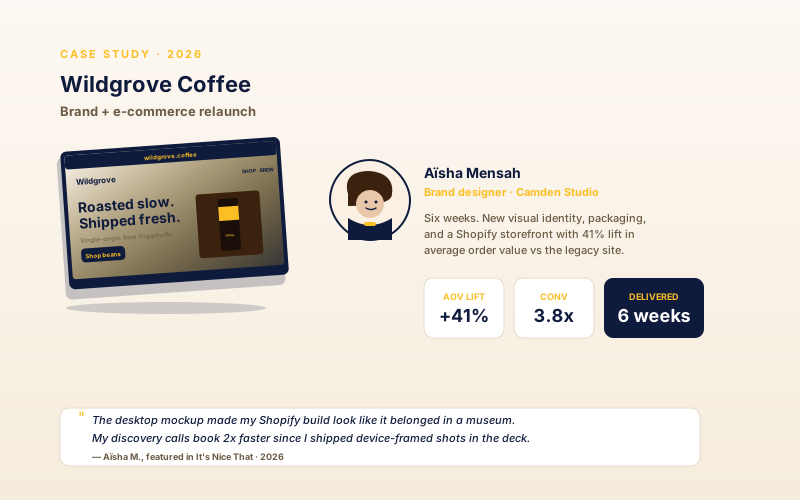
Brand designers and agencies use device frames to elevate case-study shots. Pair a laptop mockup of the project site with the designer's headshot and the project results.
Most mockup tools generate a static image you download. Poper embeds a live, brandable frame on your site. Here is how they stack up.
| Recommended Poper | Mockuuups Studio | Shotsnapp | Cleanmock | |
|---|---|---|---|---|
| Poper workspace available | Limited | Limited | ||
| Embeds a live widget (not a download) | ||||
| Renders a live website inside the frame | ||||
| Scene layouts included | 6 | Many presets | A few | A few |
| Device frames (mobile / tablet / laptop / browser) | ||||
| Interactive cursor tilt | ||||
| Scroll animation on framed content | ||||
| Background and frame color control | ||||
| Update through publish flow | ||||
| Pricing | Plan details vary | Vendor pricing varies | Vendor pricing varies | Vendor pricing varies |
| Works alongside other Poper tools |
Comparison reflects external competitor positioning. Verify current details on each provider's site.
Marketers, designers, and product teams using Poper Device Mockup.
“We wrapped our dashboard screenshot in the laptop frame on our hero. It made the product look shipped and real, and setup followed the guided flow.”

“Pointing the frame at an embeddable product URL helped us show the configured page in context. We use screenshots when a source page blocks embedding.”

“We use the phone frame on our app launch page and the Neon Gamer scene matches our brand perfectly. The interactive tilt gives it just enough motion.”

Pricing
All plans are billed yearly. Each card shows the per-month equivalent. Start free, then upgrade only when you need more campaigns, websites, or AI credits.
Yearly billing · save up to 40%Essential lead capture for solo creators and growing businesses.
billed $180/year
Full engagement suite with A/B testing, gamification & unlimited leads.
billed $348/year
Unlimited everything with white-label, API access & advanced analytics.
billed $948/year
Prices shown for the 50k monthly visitor tier on yearly billing. A Free Forever plan ($0) and a custom Enterprise plan are also available. No contracts, cancel anytime.
Device mockups place a mobile, tablet, laptop, or browser frame around your product screenshot or embeddable page. A raw screenshot reads as a flat image; the same screenshot inside a device frame reads as a real, shippable product. This guide walks through what actually matters when you choose and configure a device mockup widget in 2026: when to use a screenshot versus a live website, picking the right device frame, choosing a scene and tilt, and where on the page a framed mockup fits best.
A device frame does a simple but powerful job: it sets context. A bare screenshot floating on a page is ambiguous, it could be a concept, a slide, or a real product. Wrap that same screenshot in a recognisable mobile, laptop, or browser frame and the visitor instantly reads it as a real interface running in the right context. The frame also gives the screenshot a clean visual boundary, so it stops competing with the rest of the page layout. Poper's device mockup widget gives you four frame types (mobile, tablet, laptop, browser) and six scene layouts (Minimal Studio, Floating Iso, Neon Gamer, Abstract Pop, Clay Morph, Cyber Grid) that each provide a finished backdrop, so the mockup looks intentional rather than pasted on. The practical rule: match the frame to the product. A mobile app belongs in a mobile frame, a web app belongs in a laptop or browser frame, and a tablet-first product belongs in a tablet frame.
The widget accepts two kinds of content. An image (a screenshot you upload, or any image URL) is the right choice for an app screen, a marketing visual, or a moment you have art-directed. A website URL is useful when you want the frame to show a configured page instead of a static picture, but only pages that allow iframe embedding will render. It also loads that page, so use it where the framed source is fast and public. A screenshot is lighter, fully under your control, and never breaks if the source page changes. Many landing pages use a screenshot for the hero (art-directed, fast) and a live frame deeper on the page (proof that the real product looks like the screenshot).
Three settings shape how the mockup feels. Tilt: with interactive tilt on, the frame reacts to the visitor's cursor with a subtle parallax; with it off, the frame sits flat and static. Interactive tilt adds life to a hero but can be distracting in a dense feature section, so choose per placement. Scene: each of the six layouts ships its own backdrop, from the neutral Minimal Studio to the high-contrast Neon Gamer and Cyber Grid; pick the scene whose mood matches your brand and the surrounding section. Scroll animation: with it on, a tall screenshot or website gently scrolls inside the frame so a long page reveals itself; with it off, the framed content holds still. Use scroll animation when the value of your product is in a long page (a dashboard, a feed); skip it when a single screen tells the whole story.
The device mockup widget loads through the Poper embed snippet and should be validated for performance and styling on your own page. If you use the live-website content type, remember that the framed page is itself a page load: keep that source site fast, and prefer a screenshot when the source would be slow or heavy. Run PageSpeed Insights before and after embedding so you can see the real impact on your own page rather than relying on a generic claim.
Placement matters. A common position is the landing-page hero: a framed dashboard or app screen next to your headline and primary CTA helps visitors understand the product interface in context. Feature sections are the next best spot, one framed mockup per feature, so the visitor sees the capability as they read about it. App launch pages benefit from a phone frame beside the app-store buttons. Designer and agency portfolios use a laptop frame to present case-study work. The weakest placement is a footer or an isolated spot with no surrounding context, because the mockup then has nothing to reinforce. Put the frame where the visitor is already thinking about the product.
A device mockup widget is an embeddable component that wraps a product screenshot or a live website inside a realistic device frame (mobile, tablet, laptop, or browser). Poper's version ships six scene layouts and lets you set the background color, frame color, tilt, and scroll animation.
Last fact-checked: . We re-verify every quarter.
Tutorial
A quick walkthrough of setting up and embedding this widget.
Tutorial video coming soon
Can't find the answer you're looking for? Chat with our support team.
Contact SupportPoper uses the guided setup flow to embed and wraps a screenshot or live site in a realistic device frame.
Free plan available forever