
Zomato Reviews Widget for Restaurants. Poper
Zomato Reviews Widget

Zomato Reviews on any restaurant site.

Embed your Zomato star rating, review carousel, and customer review text with a guided setup flow. Built for Indian restaurants, cafes, cloud kitchens, and bars across Zomato's core markets.

No credit card required
14-day free trial
Cancel anytime

Built for supported embed workflows

Timetics
Academie Digitale
Goldcast
nbcf
Seedstock
Wow
Linkxar
Gale Toyota
Skills
Rugby Sport
Lamp
Leaktronics
Steel
Theatre in Chicago
Globerto
Meetup
FYM
Zeben
Kraftix
IETraditionala
Meethires
Leadscrape
Happily
Timetics
Academie Digitale
Goldcast
nbcf
Seedstock
Wow
Linkxar
Gale Toyota
Skills
Rugby Sport
Lamp
Leaktronics
Steel
Theatre in Chicago
Globerto
Meetup
FYM
Zeben
Kraftix
IETraditionala
Meethires
Leadscrape
Happily
Available on Poper plans

Try the live widget

Live demo, not a screenshot. Style it, brand it, embed it. What you see here is what ships to your restaurant site.

From Zomato to your site

Your Zomato reviews. Now on your own domain.

Poper crawls the official Zomato review feed for your business and renders it inline on your website. Same reviews, your branding, your domain.

zomato.com
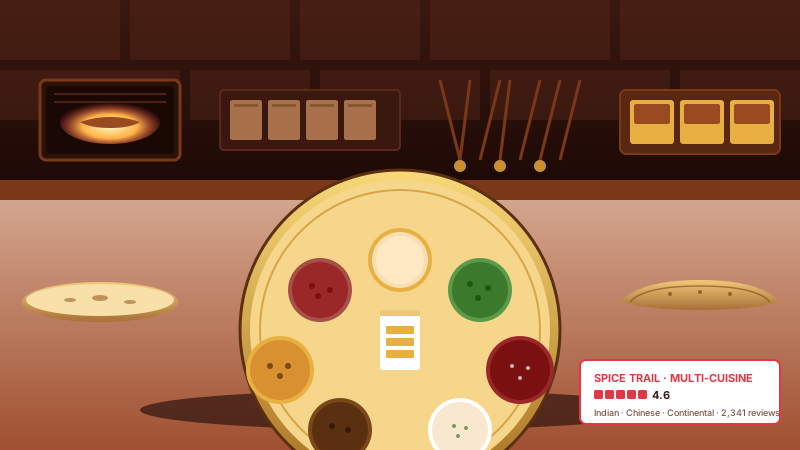
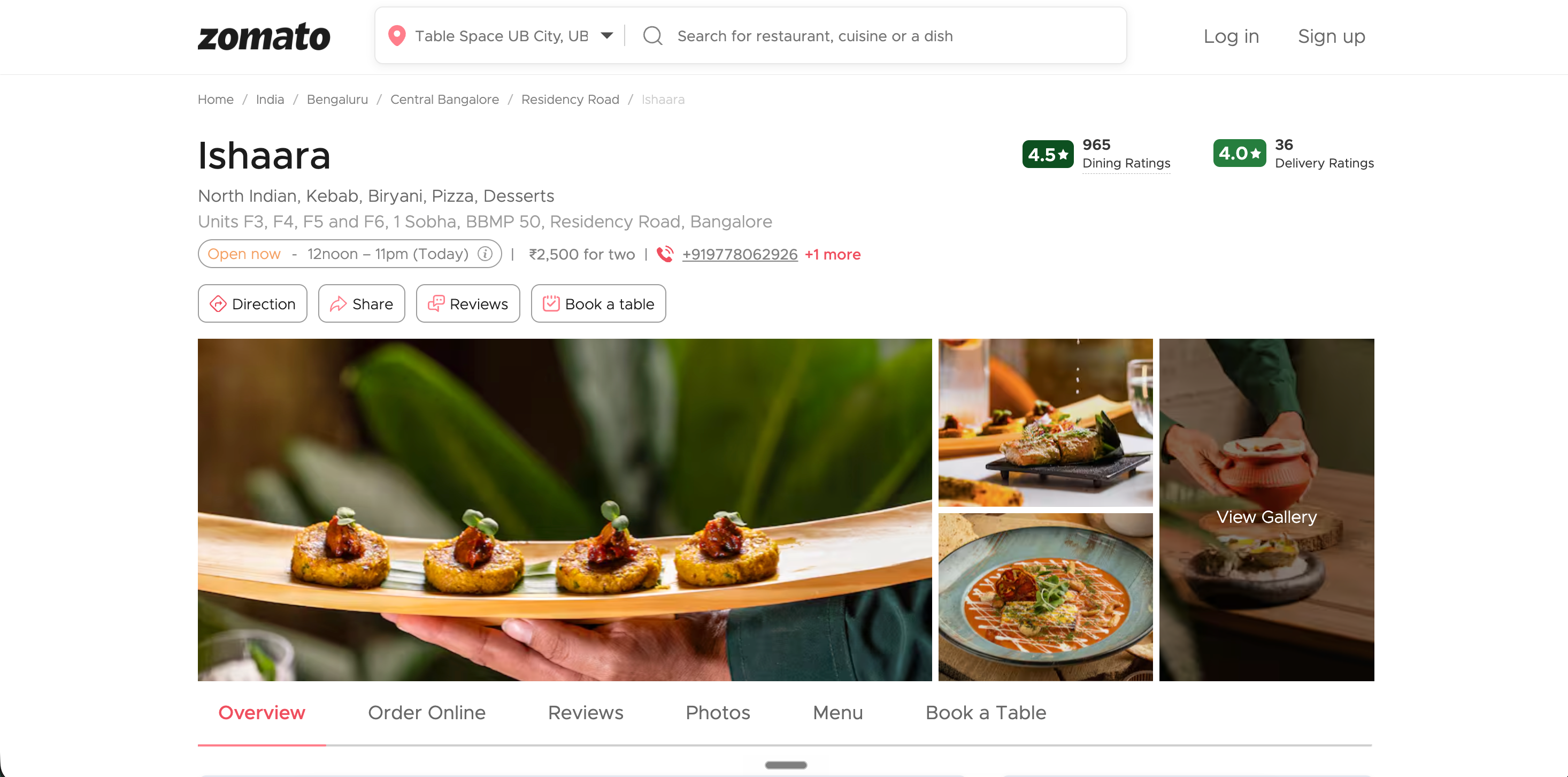
Zomato.com restaurant page for Spice Trail in Bandra West Mumbai showing dining and delivery ratings, public reviews, and Order Online plus Reserve Table CTAsSource: ZomatoOpen
Zomato.com restaurant page for Spice Trail in Bandra West Mumbai showing dining and delivery ratings, public reviews, and Order Online plus Reserve Table CTAs
spicetrail.in
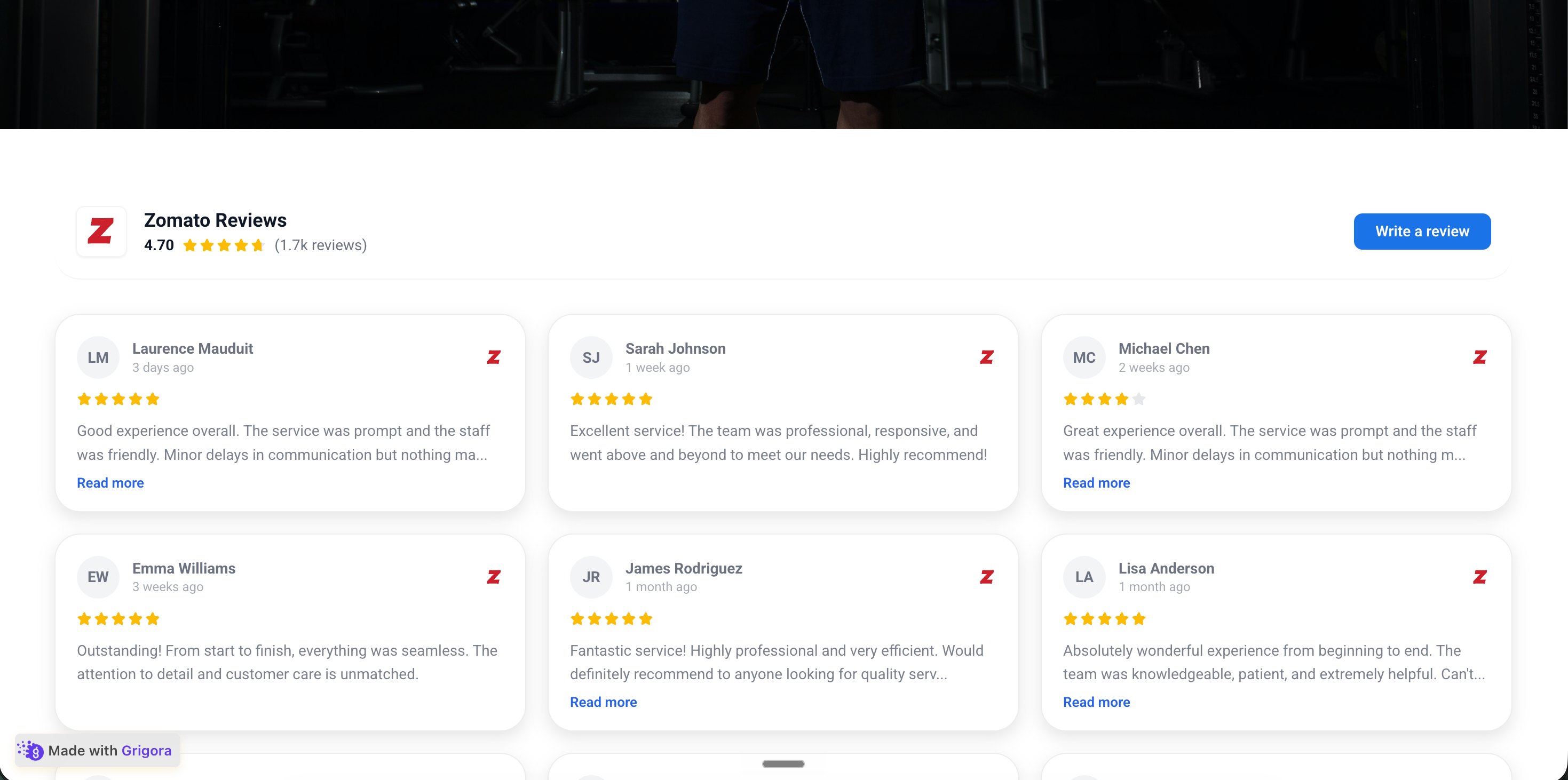
Spice Trail's own branded restaurant website at spicetrail.in with the Poper Zomato reviews widget embedded inline showing the same 3 Source reviews where available and Foodie's Favourite badge in saffronPoper widget live
Spice Trail's own branded restaurant website at spicetrail.in with the Poper Zomato reviews widget embedded inline showing the same 3 Source reviews where available and Foodie's Favourite badge in saffron

Mockups for illustration. Pull your real Zomato Reviews Widget: Embed Restaurant Reviews & Ratings on Any Site from Zomato and embed in 90 seconds.

How to use it

How to add Zomato reviews to your restaurant website

Three steps from source URL to embed-ready preview.

  1. 01

    Copy your Zomato restaurant URL

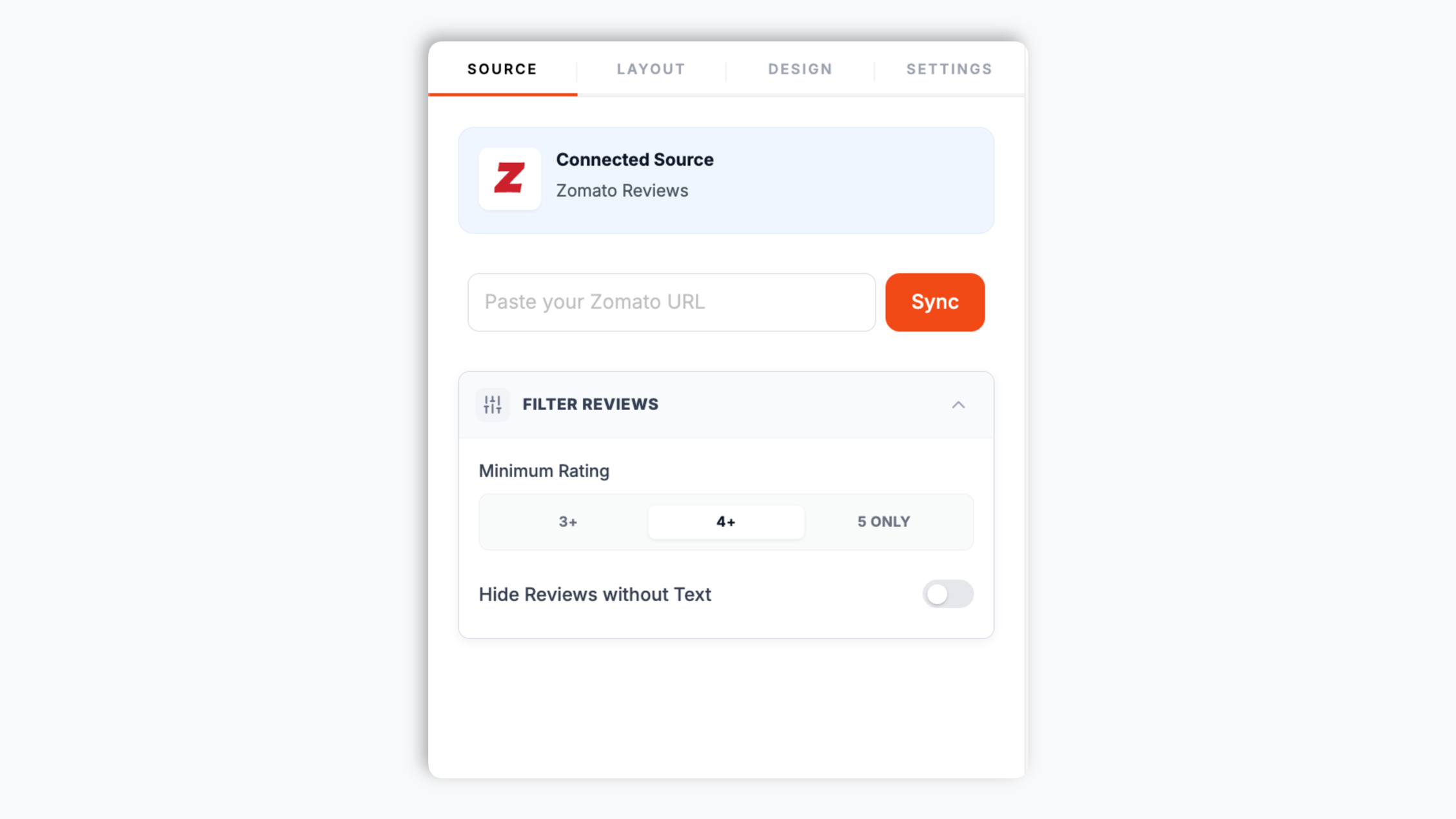
    Open your restaurant's Zomato page, copy the URL from the address bar, and paste it into the Poper widget builder. That is the only thing the widget needs. Poper fetches the reviews and rating shown on that Zomato page.

    Poper widget builder source tab with a Zomato restaurant URL pasted into the input field showing diner reviews ready to load
  2. 02

    Pick a layout and brand it

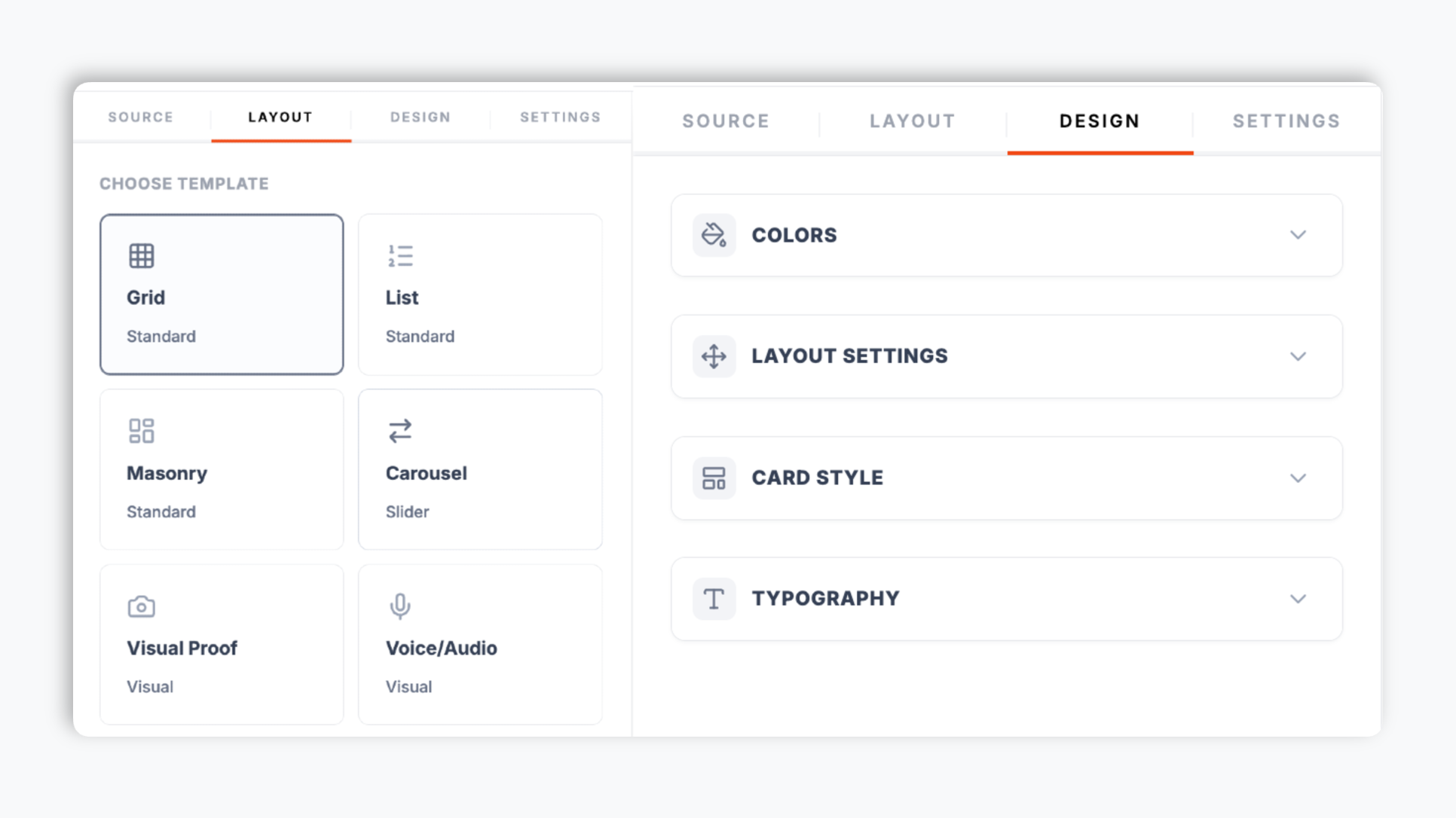
    In the editor template tab, choose a layout such as carousel, grid, masonry, list, or badge. Match your brand colors, fonts, card style, and star color. Live preview updates as you tweak.

    Poper editor template tab showing the layout options for the Zomato reviews widget with carousel, grid, and masonry thumbnails plus a brand color picker
  3. 03

    Copy the snippet and embed

    Paste the Poper embed snippet into your site. Works on Squarespace, Wix, WordPress, Webflow, and supported HTML setup.

    One-line embed script tag for the Zomato reviews widget shown in a code editor with a red Copy button and Squarespace, Wix, WordPress, and Webflow platform badges

Works everywhere

Works with every website platform you already use

Drop-in install on WordPress, Shopify, Wix, Squarespace, Webflow, Framer, Ghost, and any HTML-friendly stack. No build step, no developer needed.

WordPress
Shopify
Wix
Squarespace
Webflow
Framer
Ghost
HTML

Plus 250+ other platforms via the embed snippet. If your site can render a <script> tag, it can render the Zomato Reviews Widget: Embed Restaurant Reviews & Ratings on Any Site.

What you get with Poper Zomato Reviews

Six things that matter when you are paying for a Zomato widget, not 30 features no restaurant uses.

Optional restaurant LocalBusiness review data

When embed mode supports it, turn on optional LocalBusiness review schema for LocalBusiness review data. Validate it with your own search tooling; search engines decide if anything is shown.

21 layouts with responsive preview

Carousel, grid, masonry, list, badge, and more. Pick the layout that fits the page, then use the responsive preview to validate the restaurant pages where you plan to embed it.

Show the reviews that matter

Filter by minimum rating and hide reviews with no text, so visitors see your strongest diner proof.

Brand-match styling

Background, card, text, star, and border colors, corner radius, shadow depth, hover effects, and four fonts. Looks native to your site.

Lightweight embed setup

The embed loads through the Poper snippet. Validate performance and styling on your own page after embedding.

Review text included

Zomato reviews can include useful customer context across India, UAE, Lebanon, Turkey, Indonesia, and the Philippines. Describe the widget as showing review text and ratings from the connected source unless a real preview confirms media for that URL.

Use cases

Where Zomato Reviews Widget: Embed Restaurant Reviews & Ratings on Any Site actually moves the needle

Four buyer types who get the most lift from embedding Zomato Reviews Widget: Embed Restaurant Reviews & Ratings on Any Site on their site.

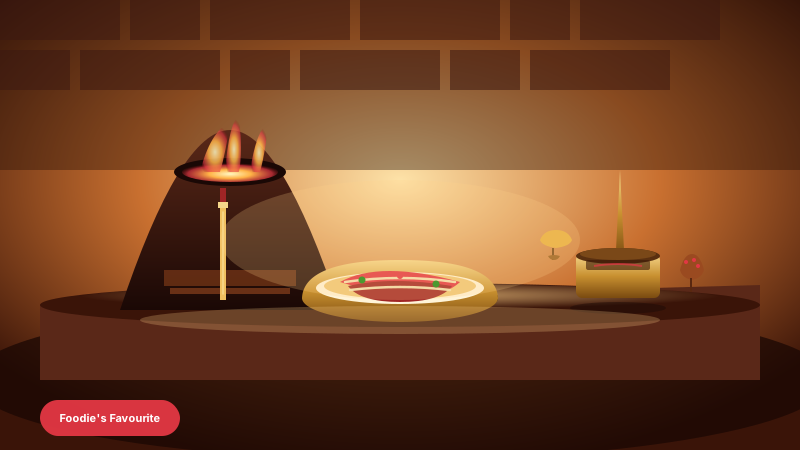
Warm-lit fine-dining Indian restaurant interior with charcoal-fired tandoor oven, brass thali plate of butter chicken being plated, brass utensils, and saffron-cardamom warm tones where Zomato reviews drive reservations

Fine-dining Indian restaurants

Whether you run a tandoor-fired North Indian house in Bandra or a heritage thali room in Lajpat Nagar, your Zomato rating is what local diners read first. Embed it on your site so the search-to-booking journey stays on your domain.
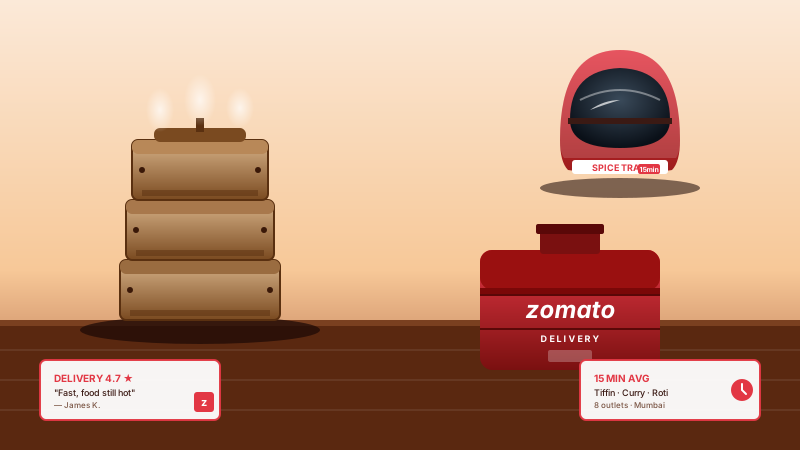
Delivery-focused restaurant scene with stacked stainless tiffin boxes, a delivery-rider helmet, and a Zomato red branded delivery bag where delivery reviews help visitors evaluate online orders

Cloud kitchens and delivery brands

Cloud kitchens have no storefront, so the website plus aggregator listings carry all the trust. Embedding Zomato reviews next to your menu is non-negotiable for helping visitors evaluate Swiggy and Zomato traffic that lands on your domain.

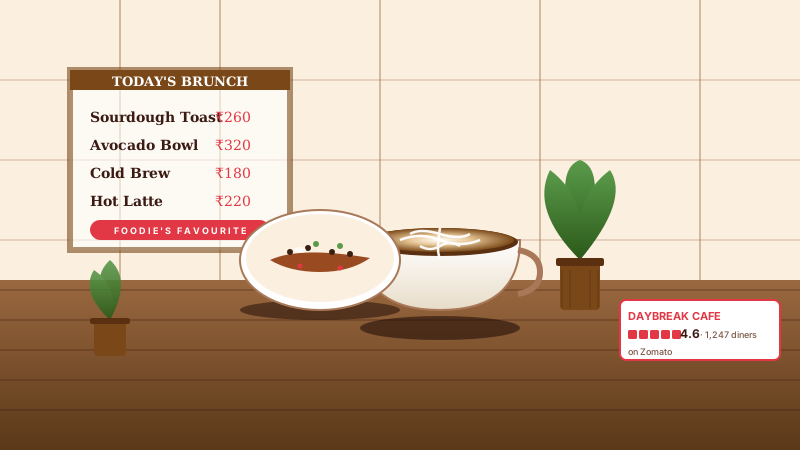
Hipster cafe interior with latte art in a cup, a brunch plate of avocado toast, potted plants and rustic wooden walls where Zomato reviews drive walk-in weekend brunch traffic

Cafes and bakeries

Specialty cafes and artisan bakeries can place Zomato review text and ratings near menu or location content so visitors can evaluate the experience before visiting.

Multi-cuisine restaurant view of an open kitchen behind a large brass thali platter holding multiple curries plus an assortment of breads where Zomato reviews help visitors evaluate browsers

Multi-cuisine restaurants and chains

Multi-cuisine houses and bar-and-pub kitchens depend on diners trusting the breadth of menu. An embedded Zomato widget that surfaces real diner reviews on the menu page helps visitors evaluate the Friday-night research crowd from Hauz Khas to Indiranagar.

Poper vs other review widget platforms

Here is how Poper compares with other widget tools that embed reviews on your website.

 Recommended
Poper
Elfsight
Common Ninja
Poper workspace available
Limited
Limited
Embed Zomato reviews from a URL
Number of layouts
21 layouts
Limited
Limited
Shows diner review text and ratings when present
Limited
Limited
Optional LocalBusiness review schema
Limited
Filter by minimum rating and hide empty reviews
Limited
Limited
Brand colors, fonts, and card styling
Carousel autoplay, arrows, and dots
Starting paid price
Plan details vary
Vendor pricing varies
Bundled with popups, forms, more widgets

Comparison reflects external competitor positioning. Verify current details on each provider's site.

Real restaurants. Real outcomes.

Indian restaurants, cafes, cloud kitchens, and bars who switched from broken badges to Poper.

Use your own analytics and search tooling to validate this widget on your site.
Ananya Krishnan
Ananya Krishnan
Owner · Spice Route Bengaluru
33% more calls
We placed Zomato review context on our restaurant site and validated the optional LocalBusiness review schema with search tooling where supported. Setup was just pasting our Zomato URL and using the supported embed workflow.
Rahul Mehta
Rahul Mehta
Owner · Tandoor House Delhi
Real review text and ratings embedded
We run several cloud-kitchen brands and each one has its own Zomato page. The Poper widget made it easy to embed each brand's reviews on its own landing page. The image-grid layout pulls real review text and ratings, which our customers respond to.
Priya Sharma
Priya Sharma
Marketing Lead · Curry Collective Cloud Kitchens

Pricing

Simple, yearly pricing. Save up to 40%.

All plans are billed yearly. Each card shows the per-month equivalent. Start free, then upgrade only when you need more campaigns, websites, or AI credits.

Yearly billing · save up to 40%

Starter

Essential lead capture for solo creators and growing businesses.

$15/mo

billed $180/year

  • 5 active campaigns (5 widget instances)
  • 1 website, 1,000 leads/mo
  • 100+ templates, 10+ display formats
  • Smart triggers & basic analytics
  • No Poper branding
  • 500 AI credits
Start with Starter
Most popular

Pro

Full engagement suite with A/B testing, gamification & unlimited leads.

$29/mo

billed $348/year

  • Everything in Starter
  • Unlimited campaigns & leads
  • 10 websites, 5 team seats
  • A/B testing & gamification
  • Multi-step forms & quiz builder
  • Custom domain (CNAME), 2,000 AI credits
Start with Pro

Business

Unlimited everything with white-label, API access & advanced analytics.

$79/mo

billed $948/year

  • Everything in Pro
  • Unlimited websites & team seats
  • White-label (add-on) & API access
  • Logic jumps, live quizzes & polls
  • Payment forms (Stripe/PayPal)
  • Advanced analytics, 5,000 AI credits
Start with Business

Prices shown for the 50k monthly visitor tier on yearly billing. A Free Forever plan ($0) and a custom Enterprise plan are also available. No contracts, cancel anytime.

Guide · 2 min read

The complete guide to embedding Zomato reviews on your restaurant website

Use your own analytics and search tooling to validate this widget on your site.

01

How the Poper Zomato reviews widget works

The Poper widget is built to be simple. You open your restaurant's Zomato page, copy the URL, and paste it into the Poper builder. That is the entire connection step. There is no sign-in, no account linking, no city name, and no setup. Poper fetches the reviews and the rating shown on that public Zomato page and renders them on your site. From there you choose a layout, brand it to your restaurant, and copy a one-line embed snippet. The widget normalizes each review into a consistent card, removes duplicates, and falls back to demo content while you are still configuring it so the editor preview never looks empty. Because the only input is a URL, the setup is identical whether you run one cafe or a chain. Everything else, layout, colors, filters, and element visibility, is controlled from the editor.

02

Adding optional LocalBusiness review schema for Indian restaurant queries

Use your own analytics and search tooling to validate this widget on your site.

03

Review text: the Zomato moat that decides Indian dining searches

Zomato reviews can give restaurant visitors useful context about food, service, and delivery experiences. The Poper widget should be described as displaying review text and ratings from the connected Zomato source where available, without promising review media unless a real preview confirms it for that URL.

04

Choosing a layout for your restaurant website

Poper ships 21 review layouts, and the right choice depends on where the widget sits. A carousel suits a homepage hero or a menu page, rotating through diner reviews so the section stays compact. A image-grid layout is the highest-impact choice when your Zomato reviews include review text and ratings, pairing each review with its images. A grid or quote-wall layout floods an About page with diner proof. A compact rating-inline or badge layout belongs next to a Reserve Table or Order Online button. Use the responsive preview to validate the selected layout across target screen sizes, which matters because most restaurant discovery in India happens on mobile. You can switch between layouts in the dashboard through the normal publish flow, so it costs nothing to test which layout helps visitors evaluate best on each page.

05

Filtering, element visibility, and keeping the widget clean

The embed loads through the Poper snippet. Validate performance and styling on your own page after embedding.

Quick reference

What is Zomato Reviews Widget: Embed Restaurant Reviews & Ratings on Any Site?

A Zomato reviews widget is an embeddable script that displays Zomato reviews, star ratings, and diner review text and ratings directly on your restaurant website. With Poper you paste your Zomato restaurant URL, pick a layout, and embed a one-line snippet.

Key facts

  • Zomato was founded in 2008 in Gurgaon by Deepinder Goyal and Pankaj Chaddah
  • Zomato has a major presence across India plus the UAE, Lebanon, Turkey, Indonesia, and the Philippines
  • The Poper widget only needs a public Zomato restaurant URL, with no sign-in or account connection
  • Poper offers 21 review layouts including carousel, grid, masonry, and badge
  • When the Zomato reviews include review text and ratings, the image-grid layout surfaces them alongside the text
  • When embed mode supports it, turn on optional LocalBusiness review schema for LocalBusiness review data. Validate it with your own search tooling; search engines decide if anything is shown.
  • Built-in filters hide reviews below a minimum rating and reviews with no written text

Last fact-checked: . We re-verify every quarter.

Tutorial

See the Zomato Reviews Widget in action

A quick walkthrough of setting up and embedding this widget.

Tutorial video coming soon

Frequently asked questions

Can't find the answer you're looking for? Chat with our support team.

Contact Support

Stop hiding your Zomato reviews behind a static badge

Use Poper to display Zomato reviews and enable optional LocalBusiness review schema where supported.

Free plan available forever