
 Recommended
Yelp Reviews Widget
Your Yelp reviews, now on your own domain.
Embed your Yelp star rating and reviews with a guided setup flow. Built for restaurants, salons, contractors, and any local business that lives on referrals.
No credit card required
14-day free trial
Cancel anytime
Built for supported embed workflows























Available on Poper plans
Customer wall
Trusted by 11,000+ brands shipping Yelp Reviews Widget: Embed Local Reviews & Star Ratings on Any Site today
From DTC stores and SaaS companies to local clinics and global agencies.
















Plus 10,000+ more across 130 countries.
Try the live widget
Live demo, not a screenshot. Style it, brand it, embed it. What you see here is what ships to your site.
Walkthrough
Watch the Yelp widget walkthrough
A short walkthrough: connect, customize, embed. End-to-end from blank account to live widget.
Want a deeper dive? Read the full setup guide below or jump straight into the live builder.
From Yelp to your site
Your Yelp reviews. Now on your own domain.
Poper crawls the official Yelp review feed for your business and renders it inline on your website. Same reviews, your branding, your domain.
●yelp.com
●trattoria-della-strada.com
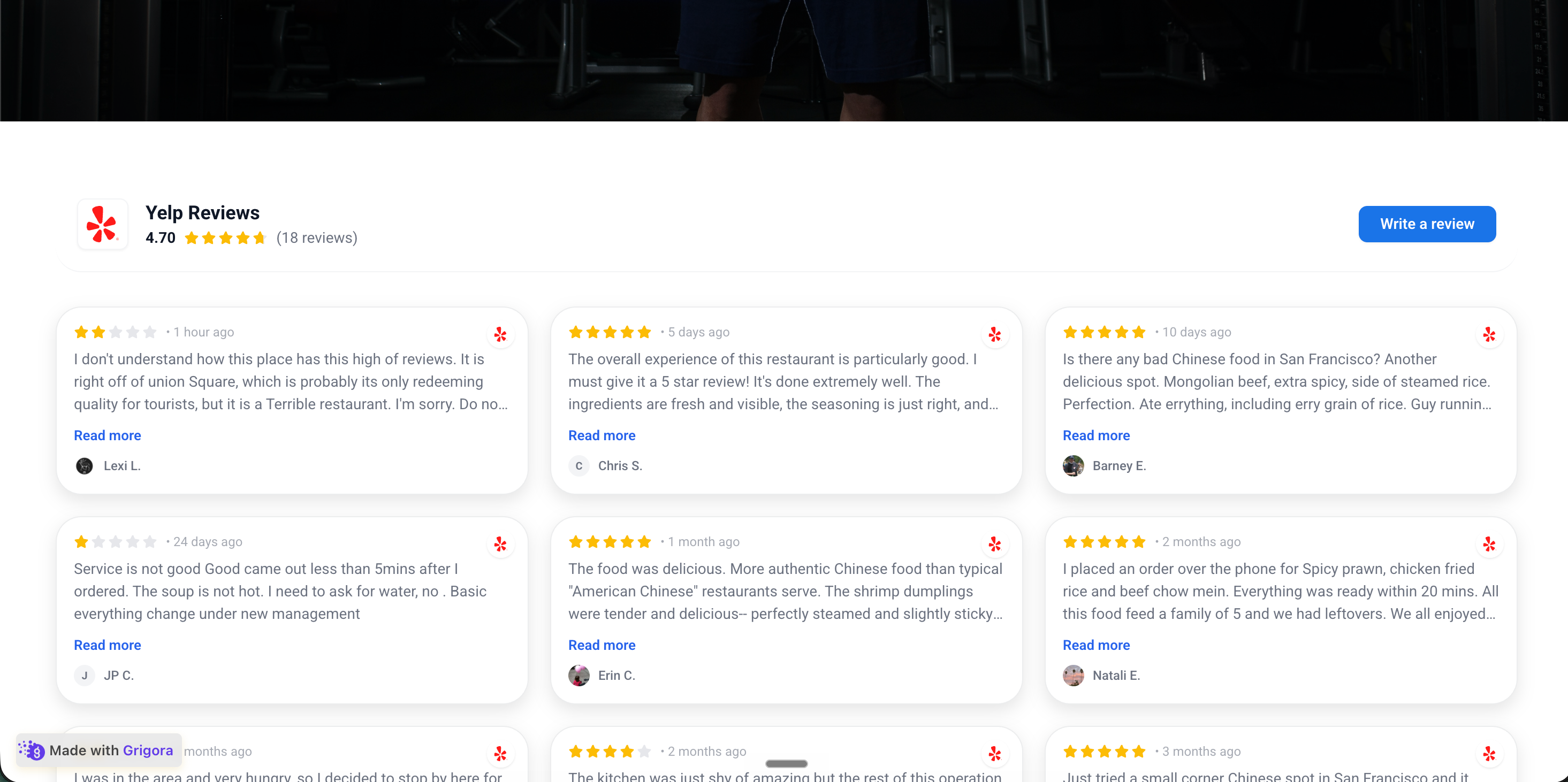 Poper widget live
Mockups for illustration. Pull your real Yelp Reviews Widget: Embed Local Reviews & Star Ratings on Any Site from Yelp and embed in 90 seconds.
Real customers
Real local businesses shipping the Yelp widget today
From restaurants to salons to home services. Click any thumbnail to see how the widget reads in context.
Templates
Pick a template, brand it, ship it
21 templates are available for Yelp Reviews Widget: Embed Local Reviews & Star Ratings on Any Site. The preview below highlights popular layouts, and each is customizable with the available layout controls. Switch templates through the normal publish flow.
Recommended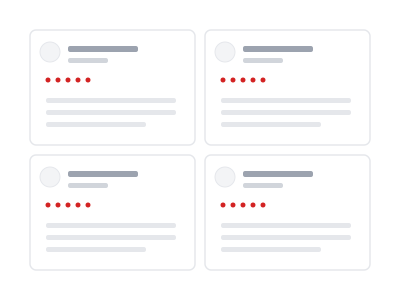
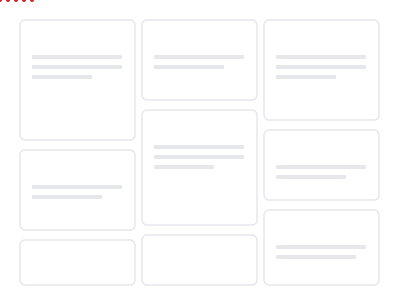
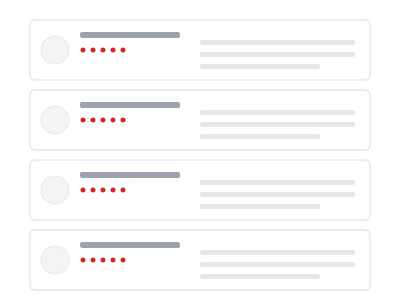


All templates are free on every plan. Switch templates any time without losing your customizations.
How to use it
How to add Yelp reviews to your website
Three steps from source URL to embed-ready preview.
- 01Step 1
Copy your Yelp URL
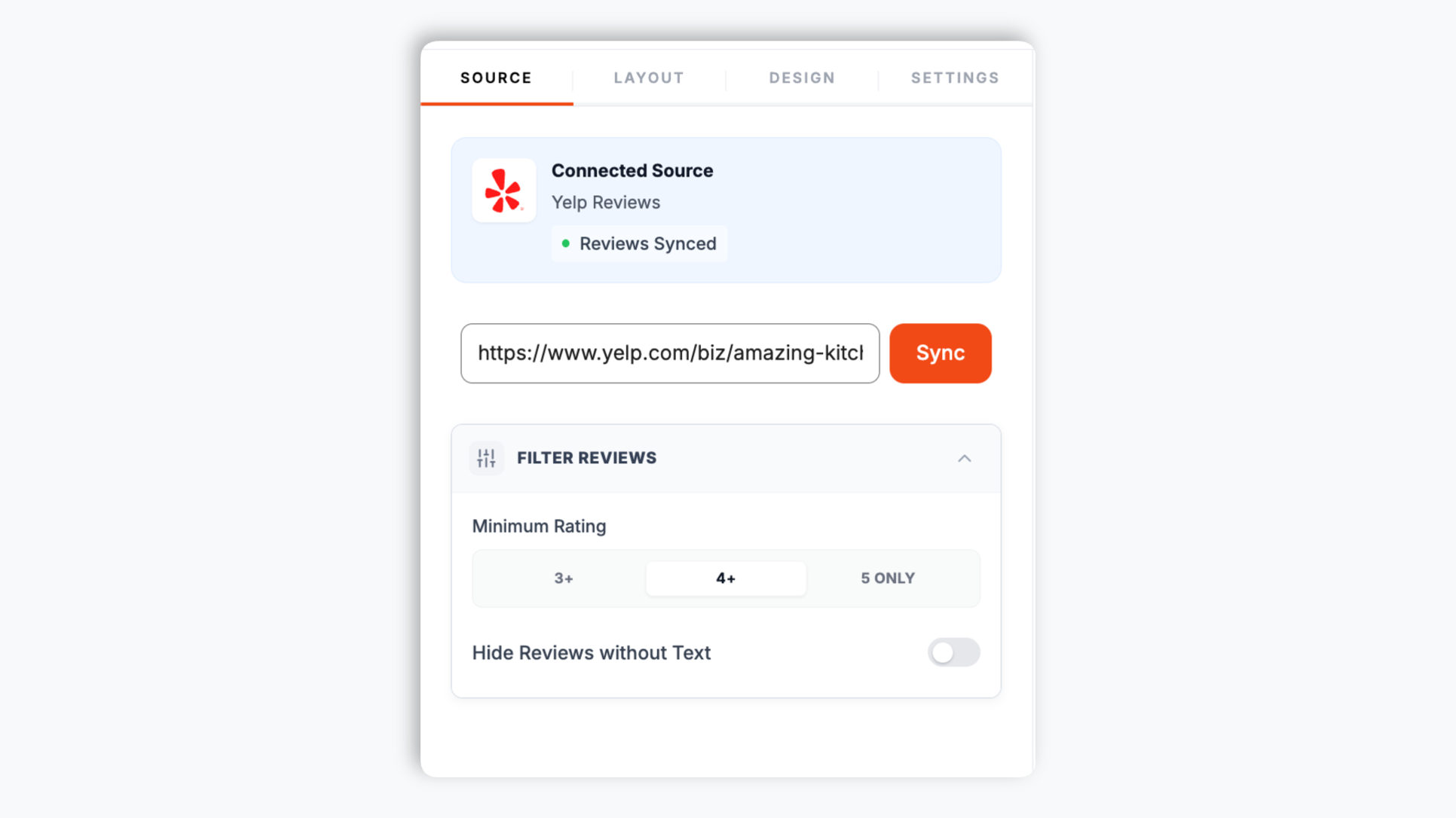
Open your business listing on Yelp, copy the page URL, and paste it into the Poper builder. That is the only input the widget needs.
- 02Step 2
Pick a layout and brand it
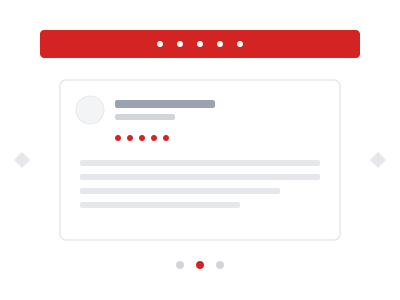
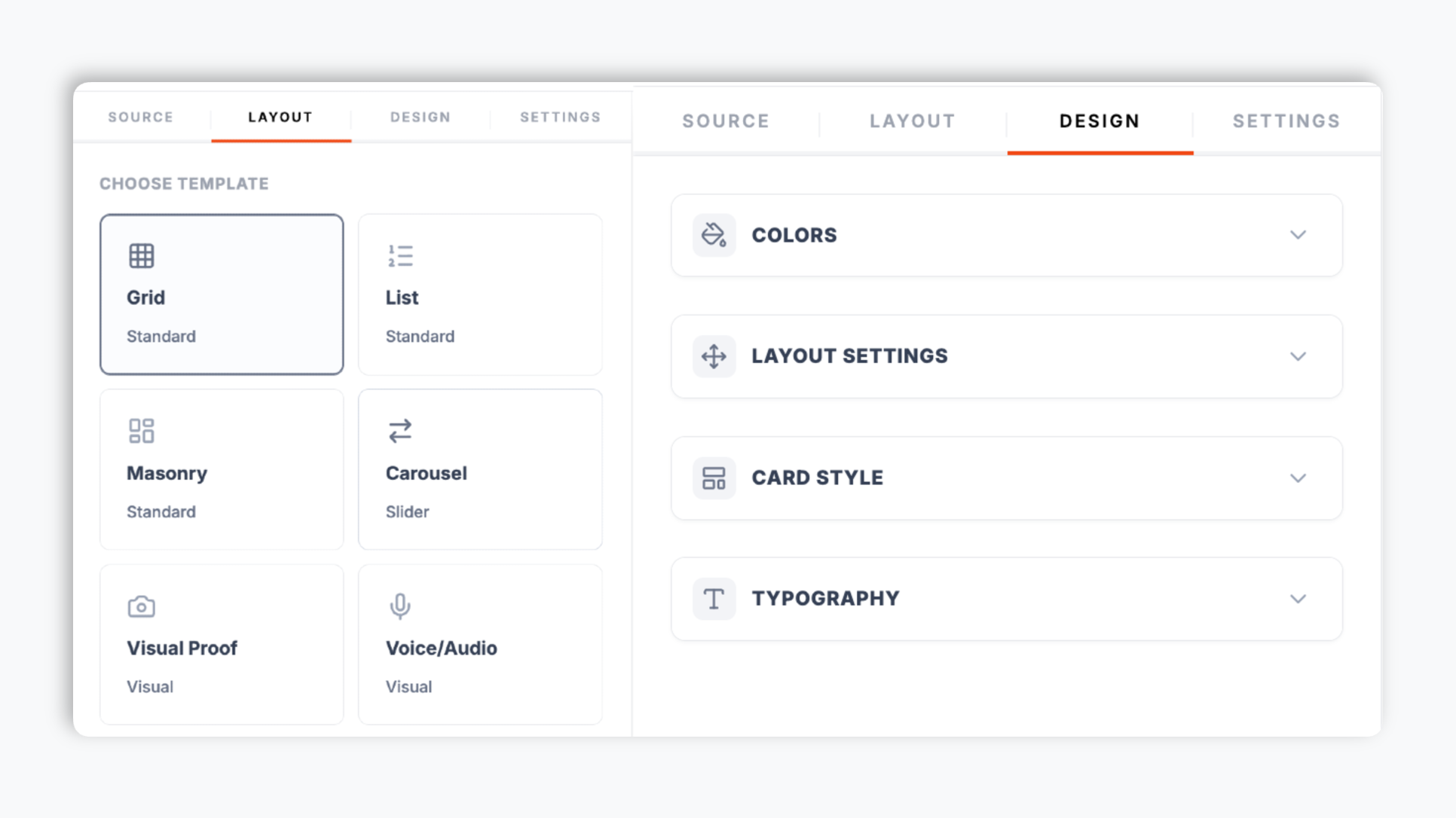
Choose from 21 layouts including Carousel, Grid, Masonry, List, Quote Wall, and Trust Meter. Use available template-dependent brand controls and element visibility settings. Live preview updates as you tweak.
- 03Step 3
Copy the snippet and embed
Paste the Poper embed snippet into your site. Works anywhere your Poper embed snippet is supported.

Works everywhere
Works with every website platform you already use
Drop-in install on WordPress, Shopify, Wix, Squarespace, Webflow, Framer, Ghost, and any HTML-friendly stack. No build step, no developer needed.


HTML
Plus 250+ other platforms via the embed snippet. If your site can render a <script> tag, it can render the Yelp Reviews Widget: Embed Local Reviews & Star Ratings on Any Site.
What you get with Poper Yelp Reviews
Six things that matter when you are choosing a Yelp widget, not 30 features no one uses.
21 review layouts, all included
Carousel, Grid, Masonry, List, Image-forward grid, Quote Wall, Timeline, Trust Meter, Badge, Ticker, and more. Choose the layout that fits the page and publish through your normal workflow. Layouts include responsive styles from mobile to desktop, so the same Yelp reviews can read as a homepage carousel or a full reviews-page grid.
Customer review text included
The widget surfaces Yelp review text and rating data available for the listing, then lets you choose a layout that fits the page.
optional LocalBusiness review schema
When embed mode supports it, turn on optional LocalBusiness review schema for LocalBusiness review data. Validate it with your own search tooling; search engines decide if anything is shown.
Rating filter
Set a minimum rating and hide reviews with no written text.
Brand-match styling
Available controls vary by template and can include background, card, text, star, border, and button colors, four font choices, radius, and shadow. Toggle the reviewer name, avatar, date, rating, and platform logo so the widget reads as part of your site.
Lightweight embed setup
The embed loads through the Poper snippet. Validate performance and styling on your own page after embedding.
Use cases
Where Yelp Reviews Widget: Embed Local Reviews & Star Ratings on Any Site actually moves the needle
Four buyer types who get the most lift from embedding Yelp Reviews Widget: Embed Local Reviews & Star Ratings on Any Site on their site.

Restaurants and food service
Embed your Yelp rating and review text on your menu page so hungry browsers can evaluate recent feedback without leaving your site.

Salons, spas, and personal care
Yelp dominates discovery for personal-care services. Embed your rating and review text close to your booking CTA for visitors who are actively comparing.
Contractors and home services
When someone needs a plumber, electrician, or remodeler, they pick the highest-rated nearby business. Show your Yelp rating where leads land on your site.

Cafes, bars, and casual hospitality
Visitors who already checked Yelp often want to see the same review signal on your site. Put it near your menu, location details, or reservation CTA.
Poper vs other Yelp review widgets
Compared against the widget providers that offer the same job: embedding your Yelp reviews on your site.
| Recommended Poper | Elfsight | Common Ninja | EmbedSocial | |
|---|---|---|---|---|
| Poper workspace available | ||||
| Number of review layouts | 21 | Limited | Limited | Limited |
| Review text and rating data | ||||
| optional LocalBusiness review schema (JSON-LD) | Paid add-on | Paid only | Paid only | |
| Minimum-rating filter | Paid only | |||
| Available color, font, radius, and shadow controls | Limited | Limited | ||
| Paste-URL setup, no account connection | ||||
| Starter plan (billed yearly) | Plan details vary | Vendor pricing varies | Vendor pricing varies | Vendor pricing varies |
| Bundled with popups, forms, more widgets |
Comparison reflects external competitor positioning. Verify current details on each provider's site.
Implementation-focused setup notes.
Restaurants, salons, contractors, and local services who put their Yelp reviews on their own site with Poper.
Reviews on menu page
“We added Poper's Yelp widget to our menu page so visitors could read local review context without opening a new tab.”

Elena Rossi
Owner · Trattoria Della Strada
Reviews near booking CTA
“We picked a review layout that fit our homepage and put our Yelp reviews near the booking CTA.”

Tom Reyes
Owner · Reyes Cuts
Guided setup
“Setup was straightforward: paste the Yelp URL, pick a layout, and use the snippet where supported. The widget uses available brand controls so it does not look like a borrowed iframe.”

Priya Shah
Marketing Lead · Greenleaf Spa
Pricing
Simple, yearly pricing. Save up to 40%.
All plans are billed yearly. Each card shows the per-month equivalent. Start free, then upgrade only when you need more campaigns, websites, or AI credits.
Yearly billing · save up to 40%Starter
Essential lead capture for solo creators and growing businesses.
$15/mo
billed $180/year
- 5 active campaigns (5 widget instances)
- 1 website, 1,000 leads/mo
- 100+ templates, 10+ display formats
- Smart triggers & basic analytics
- No Poper branding
- 500 AI credits
Pro
Full engagement suite with A/B testing, gamification & unlimited leads.
$29/mo
billed $348/year
- Everything in Starter
- Unlimited campaigns & leads
- 10 websites, 5 team seats
- A/B testing & gamification
- Multi-step forms & quiz builder
- Custom domain (CNAME), 2,000 AI credits
Business
Unlimited everything with white-label, API access & advanced analytics.
$79/mo
billed $948/year
- Everything in Pro
- Unlimited websites & team seats
- White-label (add-on) & API access
- Logic jumps, live quizzes & polls
- Payment forms (Stripe/PayPal)
- Advanced analytics, 5,000 AI credits
Prices shown for the 50k monthly visitor tier on yearly billing. A Free Forever plan ($0) and a custom Enterprise plan are also available. No contracts, cancel anytime.
Guide · 2 min read
The complete guide to embedding Yelp reviews on your website
Yelp is a leading review platform for US local businesses, especially restaurants, salons, contractors, and personal-care services. Embedding your Yelp reviews on your own site gives visitors third-party feedback close to your menu, booking form, or quote request CTA. This guide walks through what actually matters when you embed a Yelp reviews widget: choosing a layout for the page, optional LocalBusiness review schema, display filtering, and validating the widget on your own page.
01
Why use a dedicated Yelp widget
Yelp's official embed widget is a static iframe with red Yelp branding you cannot recolor, a single fixed layout, and no control over which reviews appear. It works, but it looks bolted on. A dedicated widget changes that. With Poper you choose from 21 layouts, set your own colors and fonts, and decide which elements appear on each review card. The reviews are the same Yelp reviews; the difference is that they now read as a designed part of your page instead of a borrowed iframe.
02
Choosing a layout for the page you are building
Layout choice should follow the page. Carousel works on the homepage above the fold, where vertical space is tight and you want to rotate variety. Grid and Masonry suit a dedicated reviews page where visitors want to scan many reviews. List works for service businesses where reviewers write longer reviews. Quote Wall and Trust Meter are compact options for placing near a CTA. Poper lets you switch between all 21 layouts in the builder through the normal publish flow.
03
Review text and rating data
Yelp reviews are useful because they carry local context: what people ordered, which service they booked, how the visit felt, and whether they would return. The Poper Yelp widget is contained to the review text and rating data available for the listing. If your source data includes media in the future, use image-forward layouts only after validating the preview for that listing.
04
Adding optional LocalBusiness review schema to your page
When embed mode supports it, turn on optional LocalBusiness review schema for LocalBusiness review data. Validate it with your own search tooling; search engines decide if anything is shown.
05
Filtering reviews and keeping the widget fast
Poper includes a display filter on the embedded widget: set a minimum rating so only reviews at or above the rating you choose are shown, and hide reviews with no written text. Keep filtering light and honest, since a representative set of reviews builds more trust than an obviously curated feed. Validate performance and styling on your own page after embedding.
Quick reference
What is Yelp Reviews Widget: Embed Local Reviews & Star Ratings on Any Site?
A Yelp reviews widget is an embeddable script that displays your Yelp reviews and star rating directly on your website. With Poper you paste your Yelp listing URL and the widget fetches the available reviews for that business.
Key facts
- Yelp is a leading review platform for US restaurants, salons, contractors, and personal-care services
- Poper takes a Yelp listing URL as the only input; there is no account connection, city input, or OAuth step
- The widget surfaces review text and rating data available for the listing
- The widget offers 21 layouts, available color and font controls, and a minimum-rating display filter
- When embed mode supports it, turn on optional LocalBusiness review schema for LocalBusiness review data. Validate it with your own search tooling; search engines decide if anything is shown.
- Whether a search engine shows star ratings in results is the search engine's decision; the widget only provides valid markup
Last fact-checked: . We re-verify every quarter.
Tutorial
See the Yelp Reviews Widget in action
A quick walkthrough of setting up and embedding this widget.
Tutorial video coming soon
Frequently asked questions
Can't find the answer you're looking for? Chat with our support team.
Contact SupportPut your Yelp reviews on your own domain
Use Poper to display reviews with 21 layouts and optional LocalBusiness review schema where supported.
Free plan available forever