
Ecommerce product pages
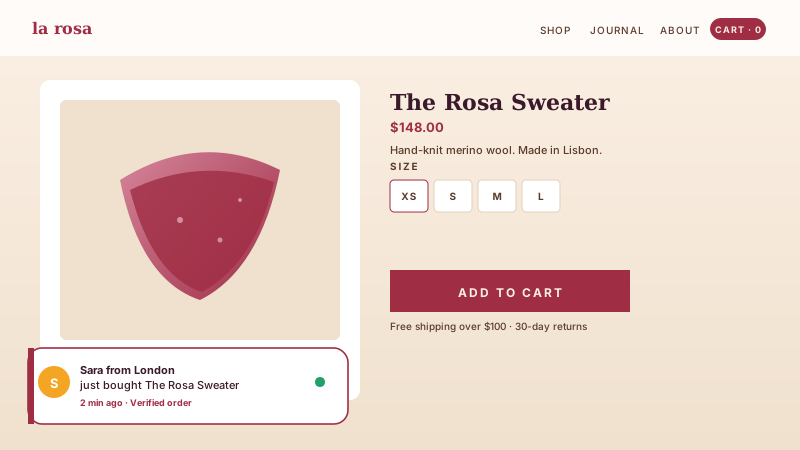
Add recent-sale notifications to a corner toast on product and checkout pages to keep browse momentum high while shoppers decide.
Show recent purchases, reviews, live visitor counts, and signup activity in a tasteful corner toast. Ten templates, full design control, embedded with one snippet.
Trusted by 11,000+ brands























Live demo, not a screenshot. Style it, brand it, embed it. What you see here is what ships to your site.
Before and after Poper
Here is the widget embedded on a real page layout, before and after. Style it to match your brand, then copy one snippet to go live.
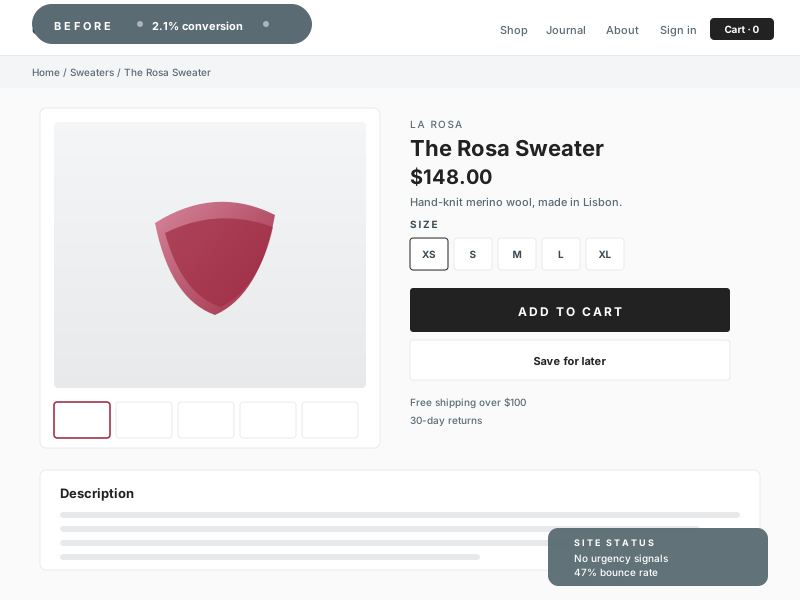 Before
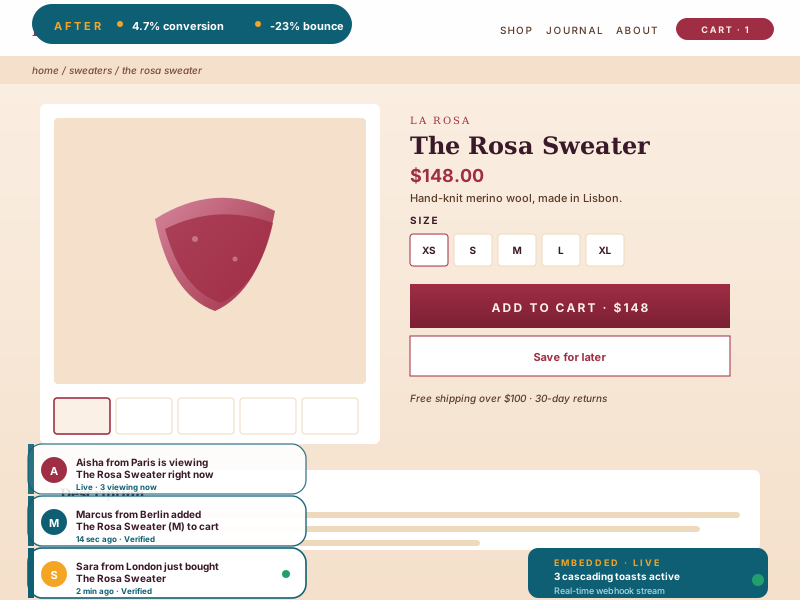 Poper widget live
Mockups for illustration. Style the widget to match your site and embed in 90 seconds.
How to use it
Three steps. Under three minutes. No developer needed.
Choose from ten templates: recent sale, review, live visitor, low stock, trending product, added to cart, signup activity, geo activity, offer progress, and trust badge. For most templates you add the notifications yourself, so you control exactly what shows.
Match your brand colors, fonts, shadow, and animation, and choose a placement: any of the four desktop corners and a top, bottom, or center position on mobile. The live preview updates as you tweak.
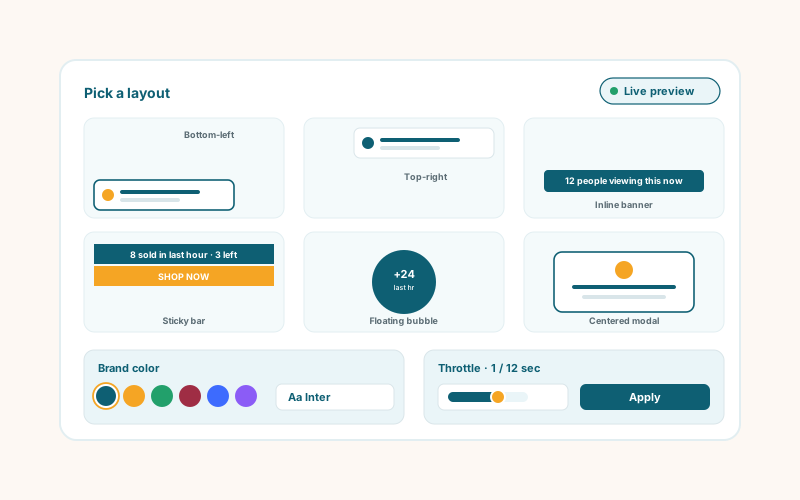
Paste the one-line script tag into your site. Works on Shopify, WooCommerce, BigCommerce, Wix, Webflow, WordPress, and any HTML stack.
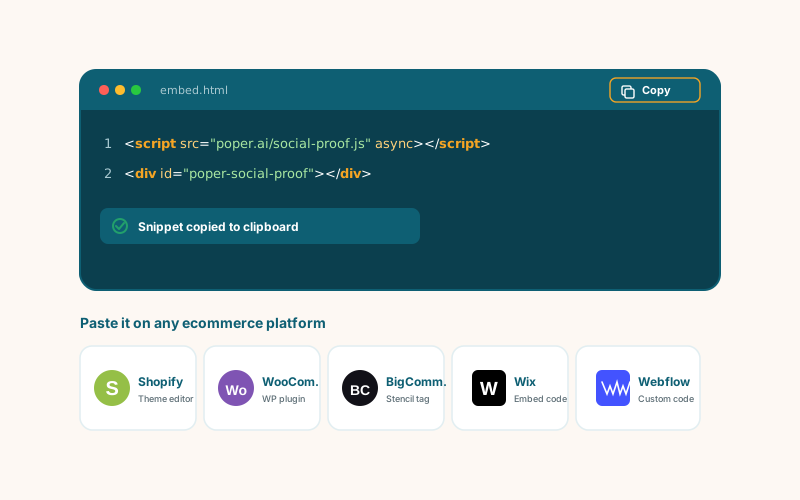
Works everywhere
Drop-in install on WordPress, Shopify, Wix, Squarespace, Webflow, Framer, Ghost, and any HTML-friendly stack. No build step, no developer needed.


Plus 250+ other platforms via the embed snippet. If your site can render a <script> tag, it can render the Social Proof Widget: Purchase Popups, Reviews, Visitor Activity.
Six things that matter when you are running a social proof widget, not thirty features no one uses.
Recent sale, review, live visitor, low stock, trending product, added to cart, signup activity, geo activity, offer progress, and trust badge. Pick the template that fits the page and the widget renders it as a tasteful corner toast.
The live visitor template counts the real page visits to your site, and signup activity counts form submissions on pages where the widget is loaded. Added-to-cart tracking is live on Shopify.
Toggle the first or last name down to an initial when you want a notification to read with less personal detail.
The toast cycles through your notifications. Set display duration, delay between toasts, and optionally randomize the order.
Async-injected with scoped CSS so the toast loads without blocking your page and cannot bleed into your design or shift your layout.
Set background, text, and accent colors, choose a shadow preset and a font, resize the card, pick a placement and animation, and add an optional call-to-action button.
Use cases
Four buyer types who get the most lift from embedding Social Proof Widget: Purchase Popups, Reviews, Visitor Activity on their site.
Add recent-sale notifications to a corner toast on product and checkout pages to keep browse momentum high while shoppers decide.
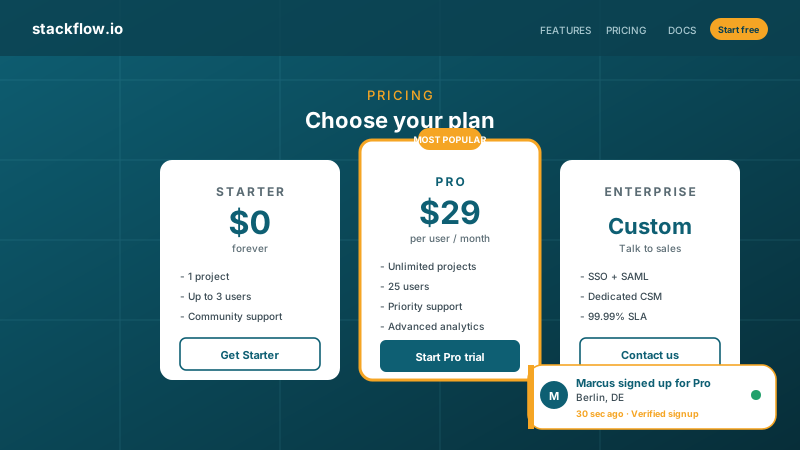
Use the signup activity or live visitor template on your pricing page to remove the empty-room feeling that stalls trial starts.
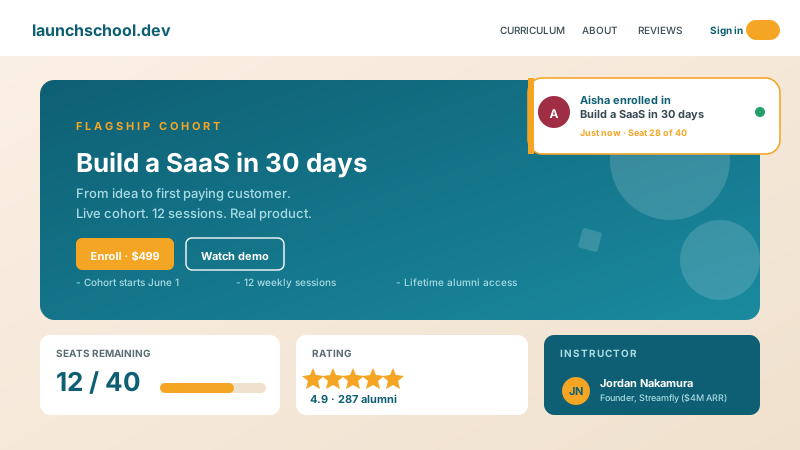
Add review or recent-enrollment notifications to a course sales page, and pair them with an offer-progress bar to reinforce that others are signing up.
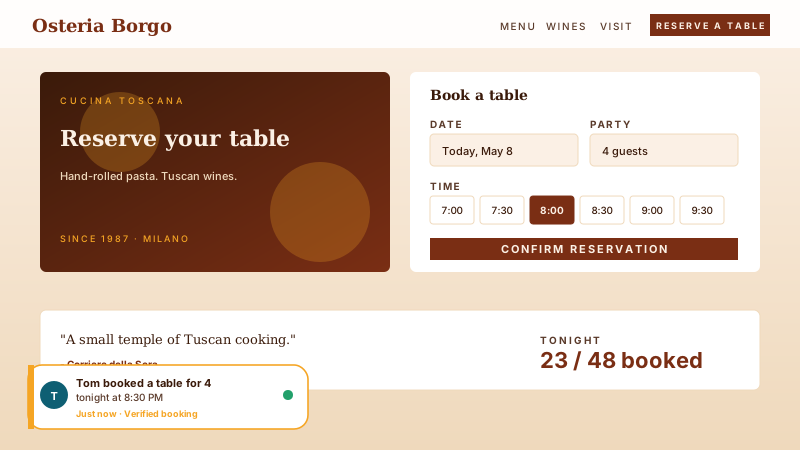
Add recent-booking or review notifications to a reservation or service page so visitors see steady activity while they choose.
All four show activity popups. Here is how design control, template range, and pricing compare.
| Recommended Poper | Fomo | Proof Pulse | TrustPulse | |
|---|---|---|---|---|
| Free plan available | Limited | Limited | Limited | |
| Recent-sale and review notifications | ||||
| Live visitor count from real page visits | Add-on | |||
| Low stock and trending product templates | Add-on | |||
| Rotation and timing controls | Limited | Limited | ||
| Desktop and mobile placement presets | Partial | Partial | Partial | |
| Custom CSS / total design control | Paid | Paid | Limited | |
| Entry paid plan | $15/mo yearly | $25/mo+ | $29/mo | $39/yr+ |
| Bundled with popups, forms, quizzes, more widgets |
Comparison reflects publicly listed pricing and features as of 2026. Verify current details on each provider's site.
DTC brands, SaaS teams, and event marketers using the social proof widget.
“We use the recent-sale template on our product pages. Adding each notification ourselves means the copy always matches our brand, and styling the toast to our theme took a few minutes.”

“The live visitor template on our webinar registration page made it feel busier right away. We pointed it at a short time window so the count reflects current interest.”

“Having recent sale, review, and live visitor in one widget is the part we like. We pick the right template per page and the design controls keep them all consistent.”

Pricing
All plans are billed yearly. Each card shows the per-month equivalent. Start free, then upgrade only when you need more campaigns, websites, or AI credits.
Yearly billing · save up to 40%Essential lead capture for solo creators and growing businesses.
billed $180/year
Full engagement suite with A/B testing, gamification & unlimited leads.
billed $348/year
Unlimited everything with white-label, API access & advanced analytics.
billed $948/year
Prices shown for the 50k monthly visitor tier on yearly billing. A Free Forever plan ($0) and a custom Enterprise plan are also available. No contracts, cancel anytime.
Social proof is one of the oldest and best-documented levers in marketing. When visitors see that other people took an action, such as buying a product or leaving a review, they feel more confident taking it themselves. The Poper social proof widget turns that idea into a tasteful corner toast. It ships ten templates, and most of them are filled in by you, so you stay in full control of what every visitor sees. This guide covers the templates, how the live counts work, and how to set the widget up.
The widget includes recent sale, review, live visitor, low stock, trending product, added to cart, signup activity, geo activity, offer progress, and trust badge. Recent sale and review are filled in by you: you add each notification with the names, products, ratings, and copy you want. Live visitor counts the real page visits your site received, signup activity counts form submissions on pages where the widget is loaded, and added-to-cart tracking is live on Shopify.
For the notification-style templates, nothing is generated for you. You add each toast yourself, which means the wording, product names, and ratings are always exactly what you choose. The widget then rotates through everything you added, one toast at a time, using the timing you set.
Set the display duration for each toast and the delay between toasts, and optionally randomize the order. Place the toast in any of the four desktop corners and a top, bottom, or center position on mobile. Hovering the card pauses the rotation, and the remember-visitor setting can suppress the widget for a window after a visitor has already seen it.
Fomo, Proof Pulse, and TrustPulse are the established names in activity popups. The main differences with Poper are the free plan, the range of templates in one widget, the level of design control on lower tiers, and bundling: Poper includes popups, forms, quizzes, and many other widgets in the same subscription. For a small site, the Poper free plan is a natural starting point.
A social proof widget is an embeddable script that shows notifications of activity, such as recent purchases, reviews, live visitor counts, or signup activity, in a small corner toast.
Last fact-checked: . We re-verify every quarter.
Tutorial
A quick walkthrough of setting up and embedding this widget.
Tutorial video coming soon
Can't find the answer you're looking for? Chat with our support team.
Contact SupportPoper takes a couple of minutes to embed, with ten templates and full design control.
Free plan available forever