
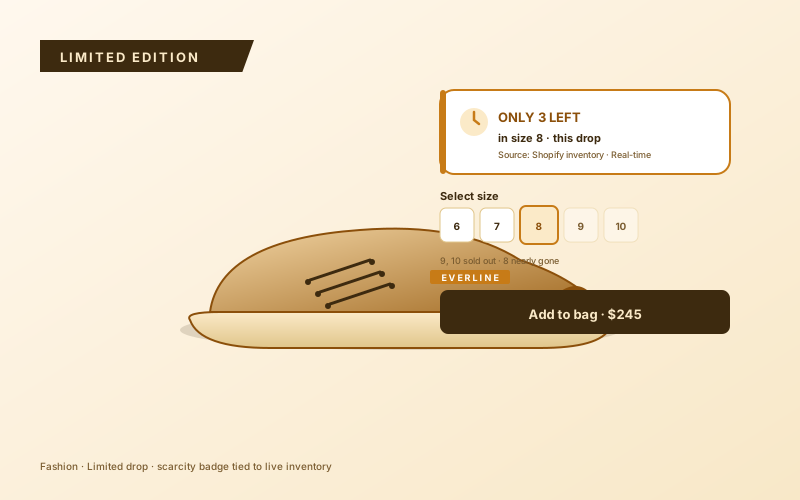
Fashion limited editions
Drop-day capsule collections and size-specific scarcity. Show the remaining count on the product page so 'High demand, only a few left' lands at decision time.
Configurable low-stock warnings ('Only 3 left in stock') for product and cart pages. Set the stock count in the builder, style the card, and embed it with no code.
Built for no-code website teams























Live demo, not a screenshot. Style it, brand it, embed it.
Before and after Poper
Here is the widget embedded on a real page layout, before and after. Style it to match your brand, then copy one snippet to go live.
 Before
 Poper widget live
Mockups for illustration. Style the widget to match your site and embed in 90 seconds.
How to use it
Three steps. Under two minutes. No code required.
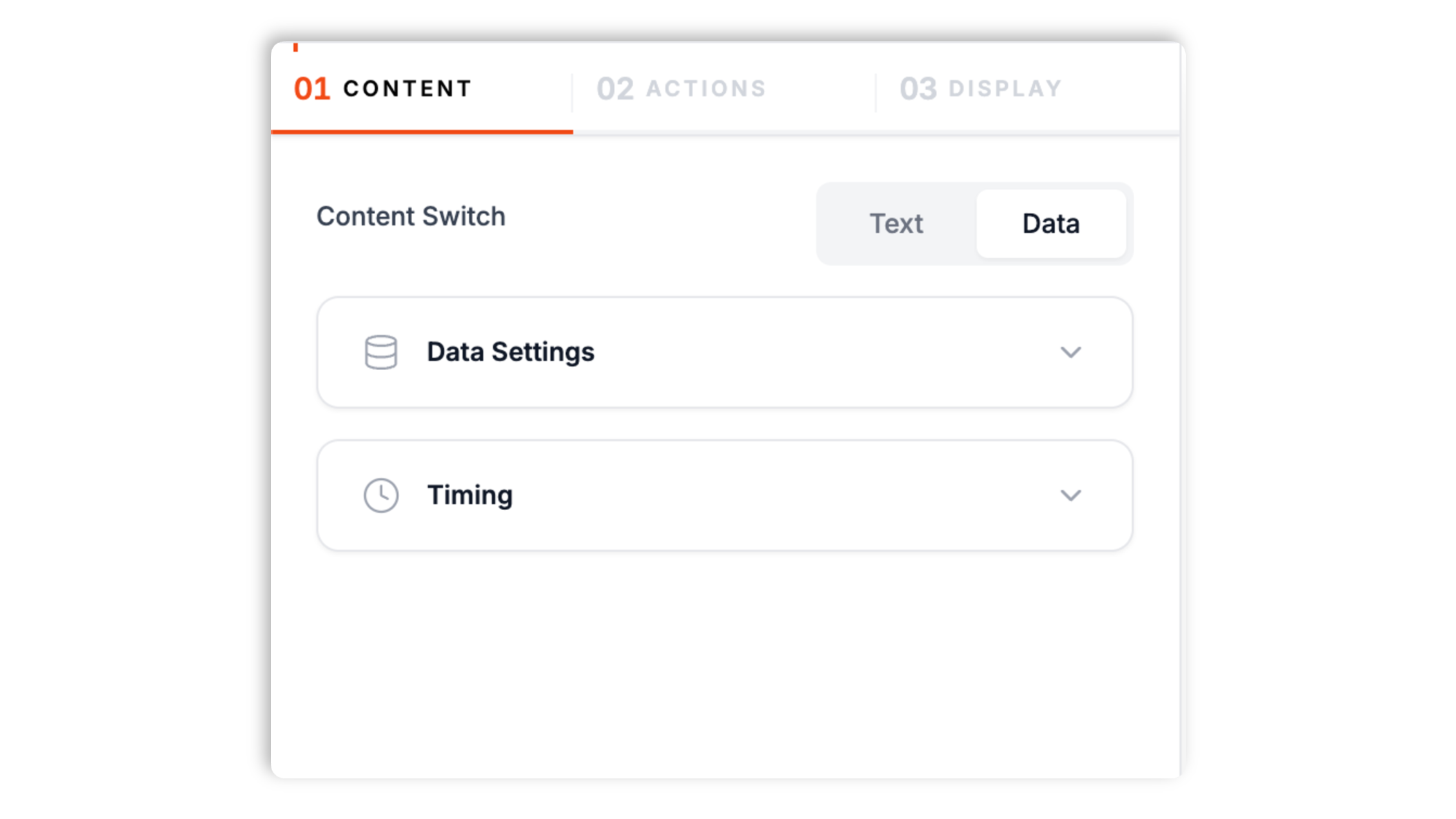
Open the Poper builder, type the stock count you want to show, and write the headline and description. The widget uses that configured count anywhere you embed it.
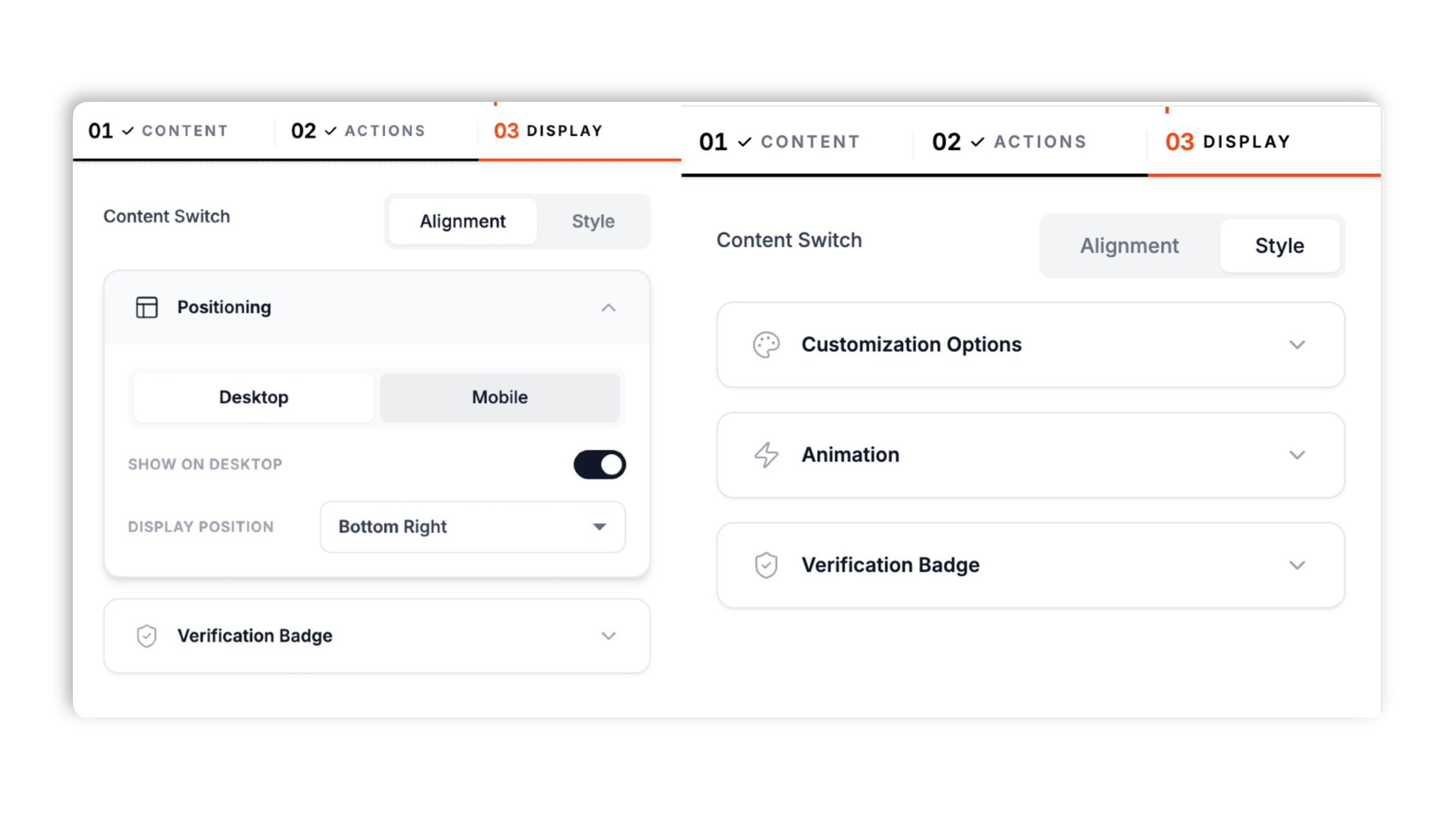
Match the card to your brand: background, text, accent, button colors, fonts, shadow preset, and an optional call-to-action button. Set the on-screen position separately for desktop and mobile.
Paste the one-line Poper script into your site. Works anywhere your Poper embed snippet is supported.

Works everywhere
Drop-in install on WordPress, Shopify, Wix, Squarespace, Webflow, Framer, Ghost, and any HTML-friendly stack. No build step, no developer needed.


Plus 250+ other platforms via the embed snippet. If your site can render a <script> tag, it can render the Low Stock Widget for Website. No-code - Poper.
What the low stock widget actually does, with no invented features.
A focused low stock card with a flame icon, headline, sold-progress bar, and stock badge. Every default, from the urgency copy to the progress animation, is tuned for product and cart pages rather than bolted on to a generic notification widget.
Type the stock count in the builder and reuse it in your headline or description with the remaining-stock token. The card shows the number you configure.
The card shows once and keeps its sold-progress bar climbing in place as the displayed stock ticks down. No rotation, no re-embed.
Background, text, accent, and button colors, font, and shadow preset. Matches your site.
Async-injected with scoped CSS that does not leak into your design system. It loads without blocking your page render.
Choose the corner, entrance animation, and zoom level separately for desktop and mobile. A close button dismisses the card for the session.
Use cases
Four buyer types who get the most lift from embedding Low Stock Widget for Website. No-code - Poper on their site.
Drop-day capsule collections and size-specific scarcity. Show the remaining count on the product page so 'High demand, only a few left' lands at decision time.
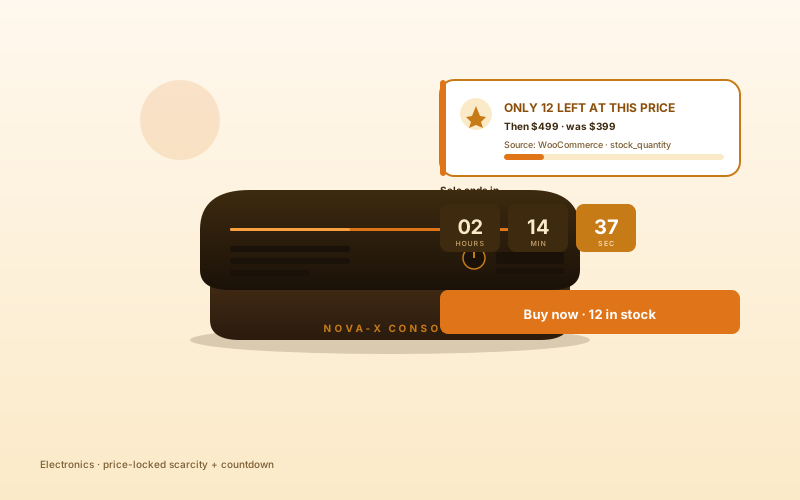
Gaming consoles, wearables, and peripherals. Surface a remaining-units card on high-consideration SKUs so first-time visitors feel the scarcity.
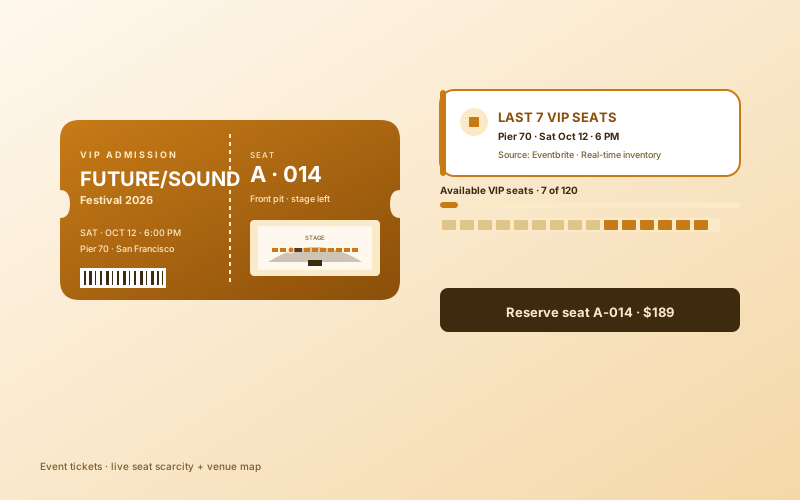
Place the card near the add-to-cart button and show the stock count you configured, so shoppers see the scarcity message at the decision point.
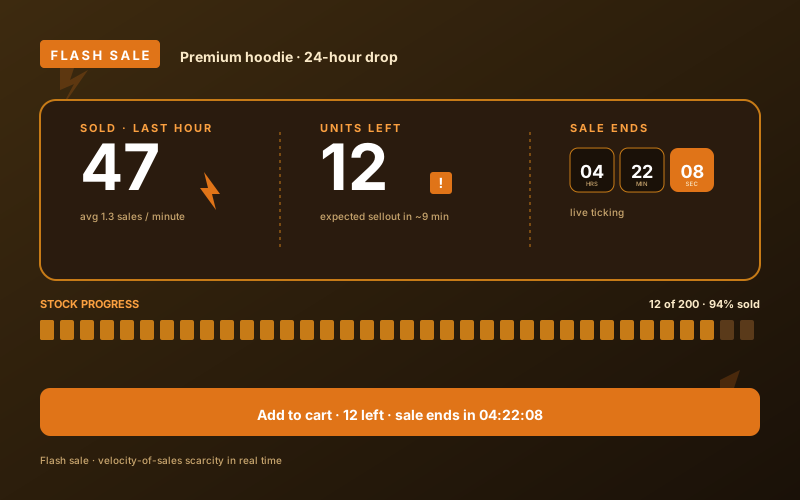
During an hour-bound drop, the climbing sold-progress bar plus the remaining-units badge make the scarcity visible while the offer is live.
How Poper compares to the platforms that also sell a low stock widget.
| Recommended Poper | WiserNotify | Fomo | Vitals | |
|---|---|---|---|---|
| Poper workspace available | Limited | Limited | ||
| Manual stock count | ||||
| Animated sold-progress bar | Partial | Partial | ||
| Brand color and font controls | ||||
| Per-device placement | Partial | |||
| Call-to-action button | ||||
| Plan details | Plan details vary | Vendor pricing varies | Vendor pricing varies | Vendor pricing varies |
| Bundled with popups, forms, more widgets |
Comparison reflects external competitor positioning. Verify current details on each provider's site.
Stores using the Poper low stock widget on their product pages.
“We set the low stock card on our drop-day product pages and the sold-progress bar gave the launch real momentum. Setup was a stock number and a color picker.”

“We can update the count in the builder before a flash sale and keep the message honest. The remaining-stock token makes the copy easy to reuse.”

“The card styled into our theme cleanly and embedded with one snippet. It sits on the product page without slowing anything down.”

Pricing
All plans are billed yearly. Each card shows the per-month equivalent. Start free, then upgrade only when you need more campaigns, websites, or AI credits.
Yearly billing · save up to 40%Essential lead capture for solo creators and growing businesses.
billed $180/year
Full engagement suite with A/B testing, gamification & unlimited leads.
billed $348/year
Unlimited everything with white-label, API access & advanced analytics.
billed $948/year
Prices shown for the 50k monthly visitor tier on yearly billing. A Free Forever plan ($0) and a custom Enterprise plan are also available. No contracts, cancel anytime.
Low stock messaging ('High demand, only a few left') lifts conversion when it reflects real scarcity, and erodes trust when it is faked. This guide covers what Poper's low stock widget actually does: a configurable stock count, a climbing sold-progress bar, and brand styling. It also covers where to place a scarcity card so it lands at decision time.
Scarcity is one of the oldest conversion levers, but it only works when it is honest. Poper's low stock widget shows a flame icon, a headline, a sold-progress bar, and a remaining-stock badge. You set the count in the builder and can update it when your stock message changes. The card shows once and keeps its progress bar climbing in place, so visitors see momentum without the card rotating or re-appearing.
The card shows the stock count you type into the builder. The headline and description can include a remaining-stock token, so the number drops into your copy automatically. The widget does not connect to live store inventory feeds or custom inventory endpoints.
The widget is styled in the Poper builder: background, text, accent, and button colors, font, shadow preset, and an optional call-to-action button. Placement is set per device, so you can put the card in one corner on desktop and another on mobile, each with its own entrance animation and zoom level. A close button lets the visitor dismiss the card for the rest of the session.
The widget is async-injected and uses scoped CSS so its styles do not bleed into your design system. It is built to stay light and load without blocking your page render, so it can sit on a product or cart page without getting in the way of the rest of the layout.
A scarcity card works best at the friction point in the funnel: a product page near the add-to-cart button, or a cart page near checkout. Homepage placement is weaker because the visitor has not committed to a specific product yet. Keep the copy honest and update the configured count when the message needs to change.
A low stock widget shows a scarcity card on product and cart pages with a remaining-stock count and a sold-progress bar. Poper's version uses the stock count configured in the builder.
Last fact-checked: . We re-verify every quarter.
Tutorial
A quick walkthrough of setting up and embedding this widget.
Tutorial video coming soon
Can't find the answer you're looking for? Chat with our support team.
Contact SupportPoper takes about 90 seconds to embed, then the low stock card runs on the count you set in the builder.
Free plan available forever