
Fashion trending picks
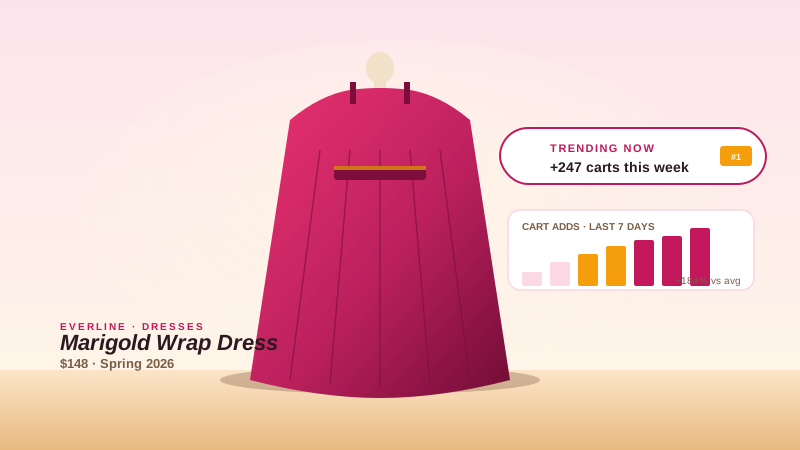
Mark the wrap dress or seasonal silhouette you want to push with a '#1 Best Seller' card so hesitant browsers see the signal at decision time.
A clean trending card with a best-seller headline and a trending-period line. Write the copy, style it to your brand, and embed it on product or category pages. No code.
Built for no-code website teams























Live demo, not a screenshot. Style it, brand it, embed it.
Before and after Poper
Here is the widget embedded on a real page layout, before and after. Style it to match your brand, then copy one snippet to go live.
 Before
 Poper widget live
Mockups for illustration. Style the widget to match your site and embed in 90 seconds.
How to use it
Three steps. Under two minutes. No code required.
Open the Poper builder and write the headline and description. Set the trending period (this week, this month) and it drops into your copy through a period token.
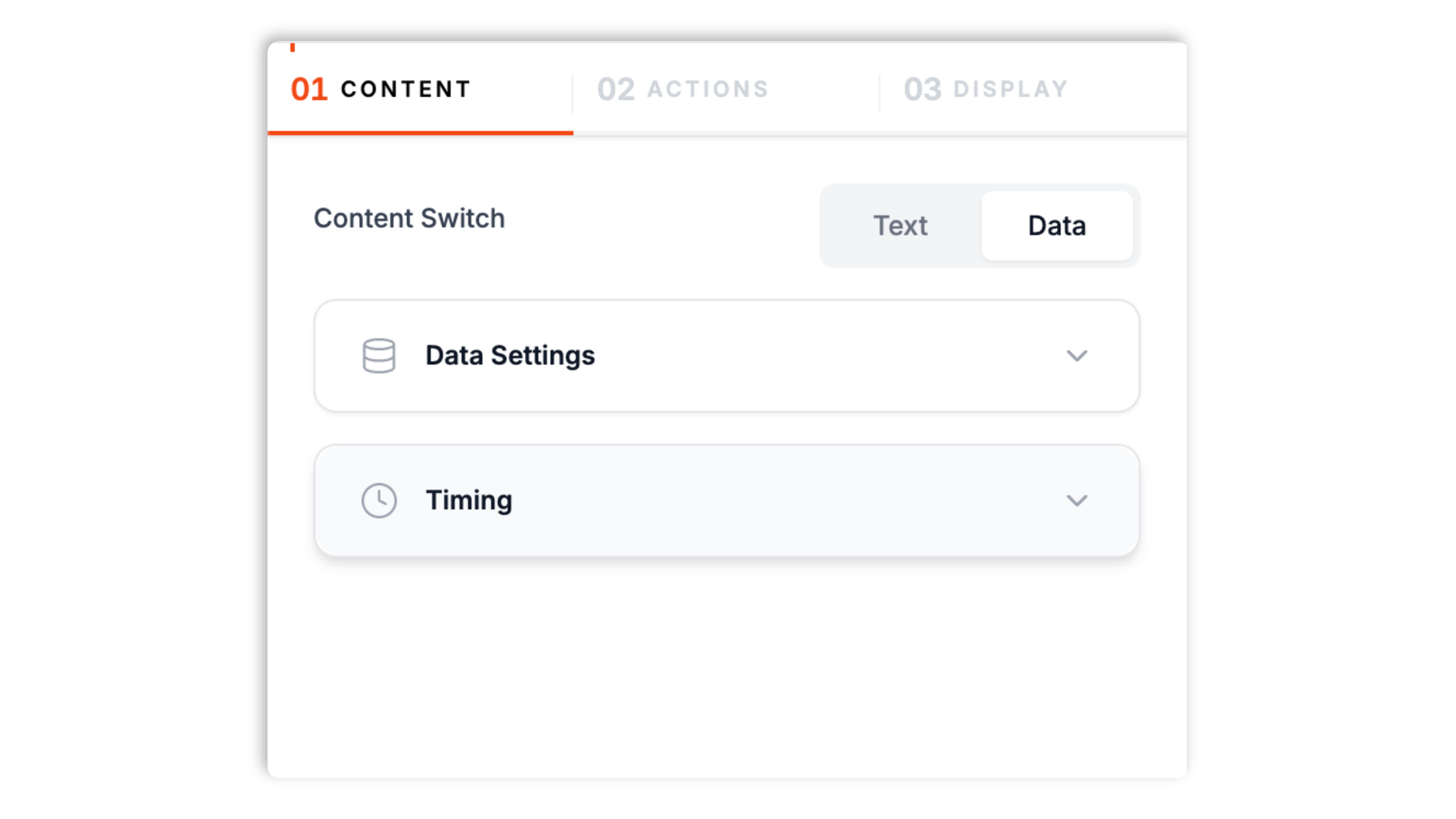
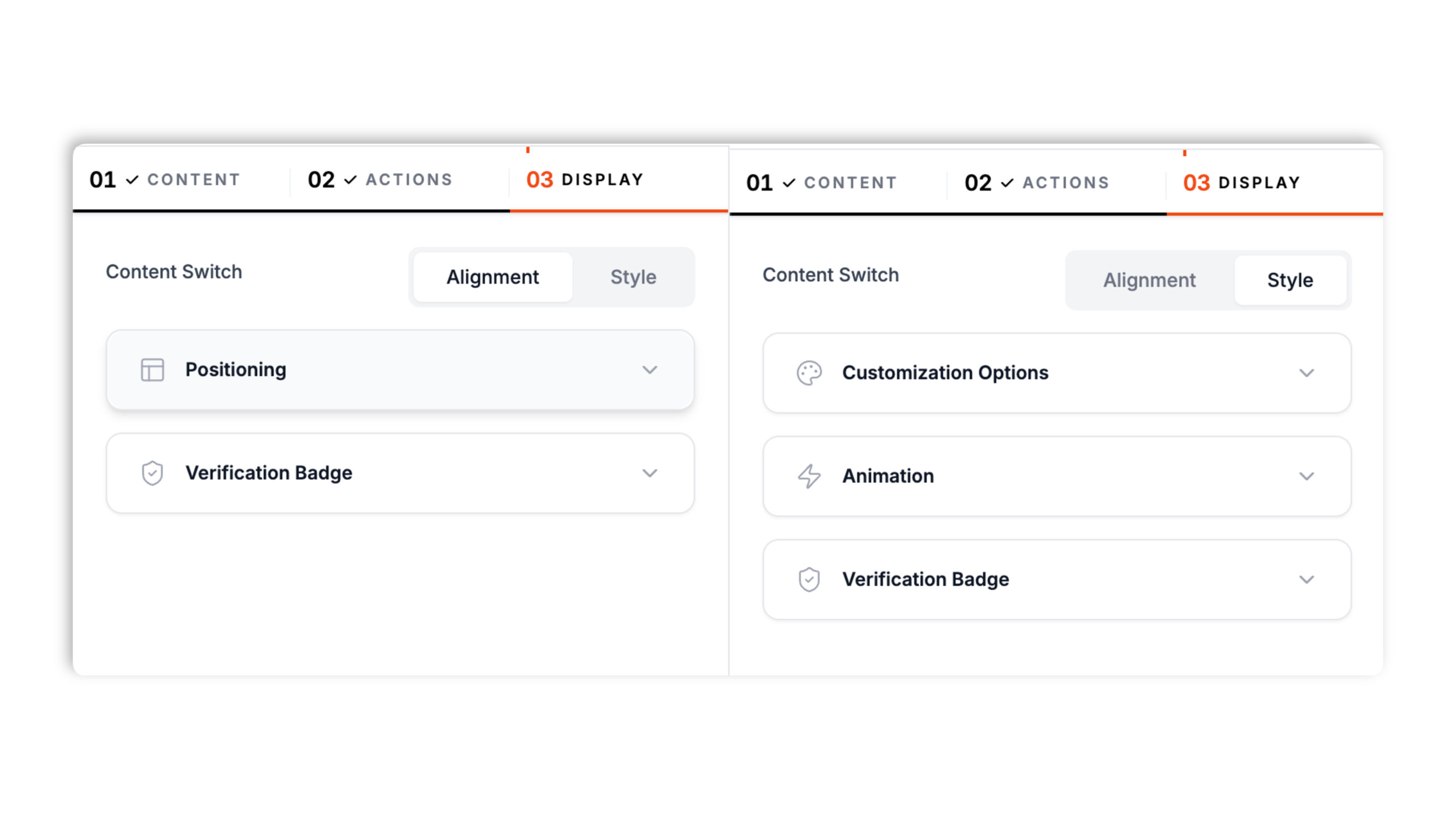
Match the card to your brand: background, text, accent, and button colors, font, and shadow preset. Set the on-screen position and entrance animation separately for desktop and mobile.
Paste the one-line Poper script into your site. Works on Shopify, WordPress, Wix, Webflow, and supported HTML setup.

Works everywhere
Drop-in install on WordPress, Shopify, Wix, Squarespace, Webflow, Framer, Ghost, and any HTML-friendly stack. No build step, no developer needed.


Plus 250+ other platforms via the embed snippet. If your site can render a <script> tag, it can render the Trending Product Widget for Website. No-code - Poper.
What the trending product widget actually does, with no invented features.
A trending-up icon, a best-seller headline, a trending-period line, and a chart icon. It is purpose-built to mark a product as trending on a storefront, with no setup beyond writing the copy.
Write the headline and description, and set the trending period. A period token drops the period into your copy, so 'Trending hot this week' updates when you change it.
Background, text, accent, and button colors, font, and shadow preset. Matches your site.
Set the corner, animation, and zoom level separately for desktop and mobile.
Async-injected with scoped CSS that does not leak into your theme. It loads without blocking your page render.
Turn on a button, set its label and colors, and point it at any URL, so the card can drive a click as well as set a trending signal.
Use cases
Four buyer types who get the most lift from embedding Trending Product Widget for Website. No-code - Poper on their site.
Mark the wrap dress or seasonal silhouette you want to push with a '#1 Best Seller' card so hesitant browsers see the signal at decision time.
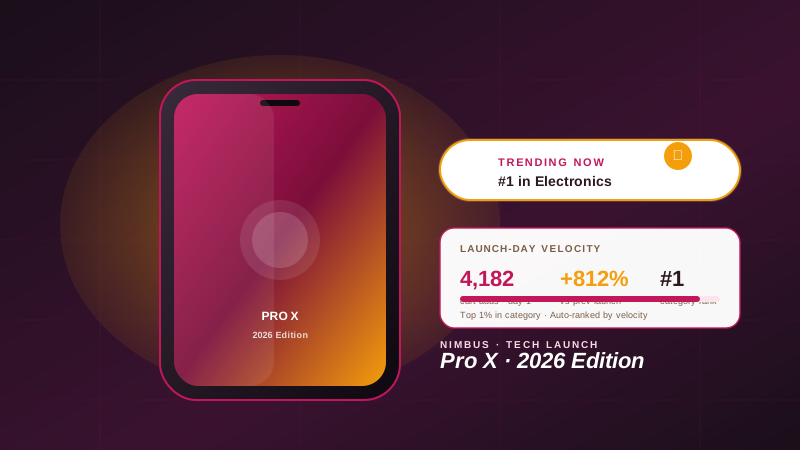
On launch week, place a trending card on the product page so every visitor sees the product framed as a best seller.
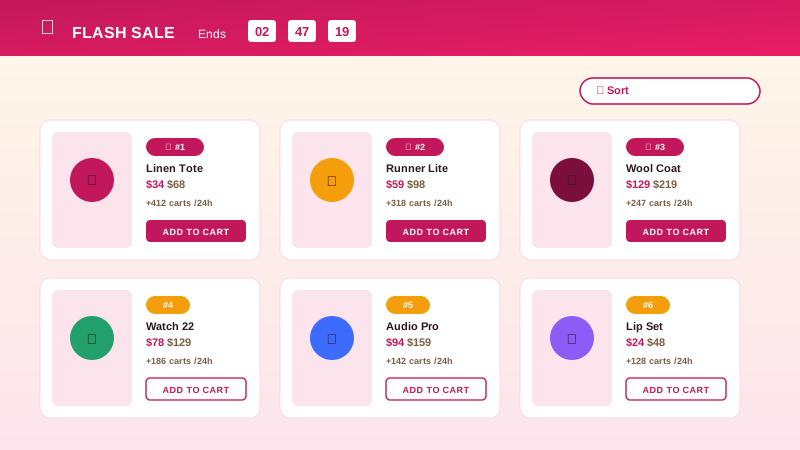
Put a trending card next to the product you want to feature on a category or collection page so it stands out from the grid.
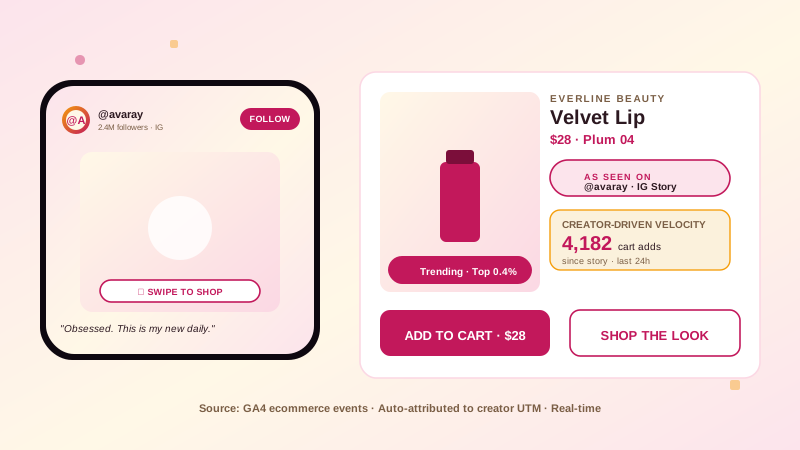
When you drive a campaign to a specific product, the trending card backs the landing page with a clear best-seller framing and an optional button.
How Poper compares to the platforms that also sell a trending product widget.
| Recommended Poper | WiserNotify | Elfsight | Vitals | |
|---|---|---|---|---|
| Poper workspace available | Limited | Limited | ||
| Editable headline and copy | ||||
| Trending-period token | Partial | Partial | ||
| Brand color and font controls | ||||
| Per-device placement | Partial | Partial | ||
| Optional call-to-action button | ||||
| Plan details | Plan details vary | Vendor pricing varies | Vendor pricing varies | Vendor pricing varies |
| Bundled with popups, forms, more widgets | Partial |
Comparison reflects external competitor positioning. Verify current details on each provider's site.
Stores using the Poper trending product card on their storefronts.
“The trending card was the fastest way to flag our hero product as a best seller. We wrote two lines of copy and styled it to the theme.”

“We swap the trending-period text every month and the card copy follows along through the period token. No re-editing.”

“It styled into our storefront cleanly and embedded with one snippet. The card sits on the category page without slowing it down.”

Pricing
All plans are billed yearly. Each card shows the per-month equivalent. Start free, then upgrade only when you need more campaigns, websites, or AI credits.
Yearly billing · save up to 40%Essential lead capture for solo creators and growing businesses.
billed $180/year
Full engagement suite with A/B testing, gamification & unlimited leads.
billed $348/year
Unlimited everything with white-label, API access & advanced analytics.
billed $948/year
Prices shown for the 50k monthly visitor tier on yearly billing. A Free Forever plan ($0) and a custom Enterprise plan are also available. No contracts, cancel anytime.
A trending product widget marks a product as a best seller so hesitant browsers see a clear signal. This guide covers what Poper's trending product widget actually does: a configured card with an editable headline, a trending-period line, brand styling, and an optional button. It is a content card you write, not an analytics integration.
Poper's trending product widget is a single card with a trending-up icon, a headline like '#1 Best Seller', a description such as 'Trending hot this week', and a chart icon or optional button. You write the copy in the builder. The card does not connect to GA4, Mixpanel, or any analytics tool, and it does not rank products by sales data. It shows exactly what you configure.
Two fields drive the card: a headline and a description. Both are editable rich text. A trending-period setting (this week, this month, and so on) feeds a period token, so a description like 'Trending hot this week' updates automatically when you change the period. This keeps the wording consistent without you editing the description by hand.
The card is styled in the Poper builder: background, text, accent, and button colors, font, and a shadow preset. Placement is per device, so the card can sit in one corner on desktop and another on mobile, each with its own entrance animation and zoom level. You can also turn on a call-to-action button with its own label, colors, and link.
The widget is async-injected and uses scoped CSS so its styles do not bleed into your theme. It is built to stay light and load without blocking your page render, so it can sit on a busy product or category page without getting in the way.
A trending card works best on a product page near the buy decision, or on a category page next to the product you want to feature. Because the card shows what you write, keep the framing honest: use it to highlight a genuine best seller or a product you are actively promoting.
A trending product widget is a card that marks a product as trending or best-selling on a storefront. Poper's version is a configured card with an editable headline and trending-period line, not an analytics integration.
Last fact-checked: . We re-verify every quarter.
Tutorial
A quick walkthrough of setting up and embedding this widget.
Tutorial video coming soon
Can't find the answer you're looking for? Chat with our support team.
Contact SupportPoper takes about 90 seconds to embed, then the trending card shows the copy you configured.
Free plan available forever