
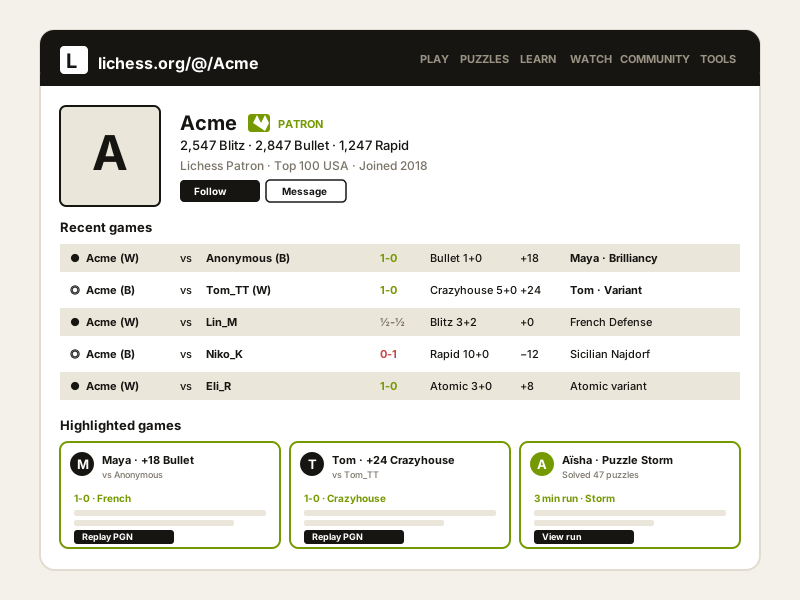
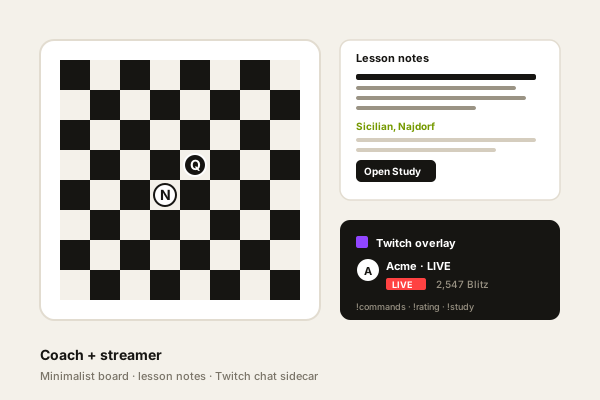
Chess coach profile page
Show one coach's Lichess profile feed beside lesson packages, booking links and testimonials. Visitors see recent games plus W/L/D counts without leaving your site.
Embed one Lichess profile in 90 seconds. Show recent games and W/L/D counts from the free, open-source chess platform. No code.
Built for no-code website teams























Live demo, not a screenshot. Paste one Lichess handle, style it, brand it, embed it. What you see here is what ships to your site.
From Lichess to your site
Poper pulls your public Lichess feed and renders it inline on your website, fully branded to match your design. No API keys, no manual updates.
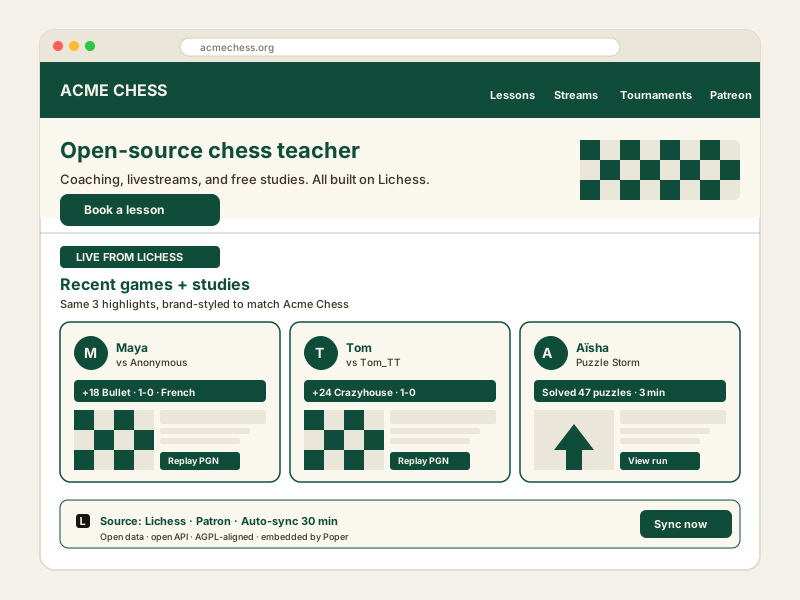 Poper widget live
Mockups for illustration. Pull your real Lichess feed and embed in 90 seconds.
How to use it
Three steps. Under two minutes. No developer needed.
Drop in one public Lichess handle. The widget reads that profile and builds a single-profile feed. No OAuth, no token, no key to manage.
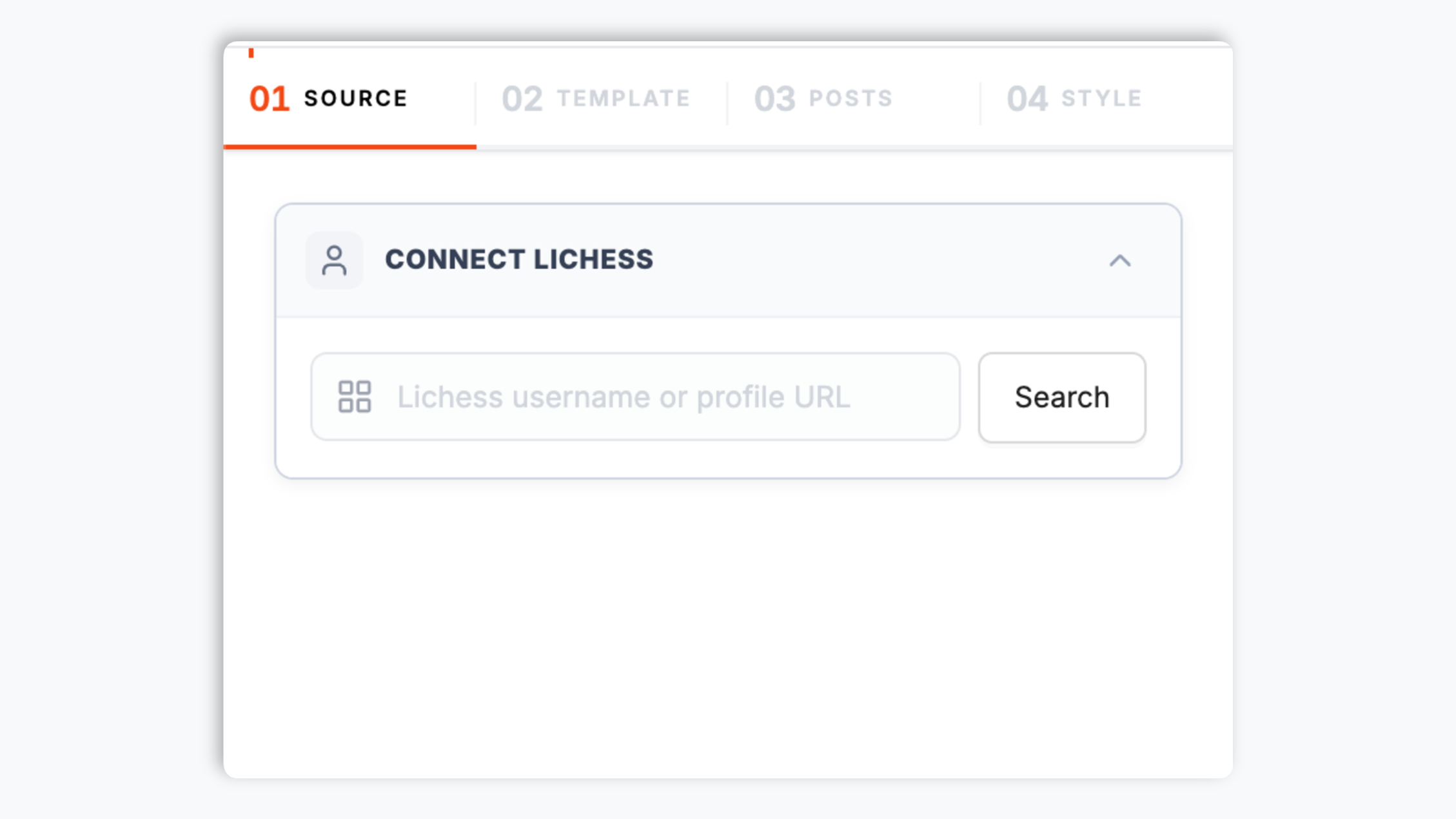
Choose Default, List or Grid. Style colors, fonts, spacing, header elements and feed details to match your site.

Paste the Poper embed snippet into your site. Works on WordPress, Shopify, Wix, Squarespace, Webflow, Ghost, Framer and 250+ platforms.

Works everywhere
Drop-in install on WordPress, Shopify, Wix, Squarespace, Webflow, Framer, Ghost, and any HTML-friendly stack. No build step, no developer needed.


Plus 250+ other platforms via the embed snippet. If your site can render a <script> tag, it can render the Lichess Feed Widget: Embed a Lichess Profile Feed on Any Site.
The essentials for embedding a single Lichess profile feed on your site.
Lichess is a non-profit, donation-supported, AGPL-licensed open-source project, not a commercial chess company. Poper turns one public profile into a clean feed block that feels native to your site.
Show wins, losses and draws from the selected Lichess profile. The widget focuses on record summary and recent games.
Each widget connects to one public Lichess handle. Add another widget when you want to show another player or account.
Use the actual Lichess widget layouts: Default, List and Grid. Keep the header, feed rows and counts as compact or visual as your page needs.
The embed loads through the Poper snippet. Validate layout and performance on your own page after embedding.
Poper renders one public Lichess profile with recent games and available W/L/D context using Default, List, and Grid layouts.
Use cases
Four buyer types who get the most lift from embedding Lichess Feed Widget: Embed a Lichess Profile Feed on Any Site on their site.
Show one coach's Lichess profile feed beside lesson packages, booking links and testimonials. Visitors see recent games plus W/L/D counts without leaving your site.
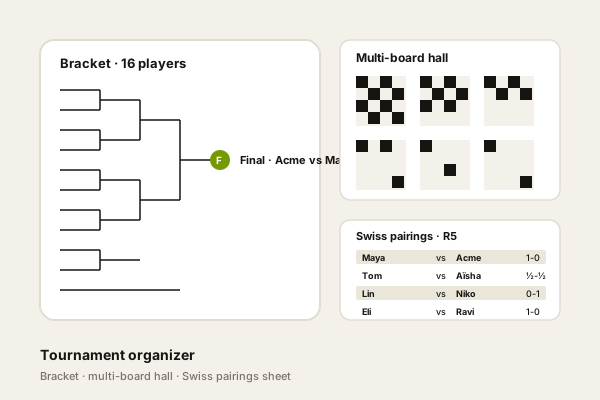
Embed the public account your club uses for announcements and casual games. Keep the widget focused on that one profile and match it to your club site.
Add a public Lichess profile to a personal site, resume or creator page. W/L/D counts and recent games give visitors quick context.
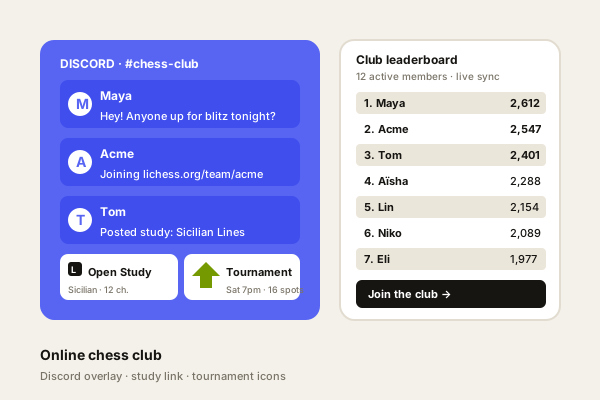
Place one official Lichess profile beside schedules, Discord links and announcements while keeping the feed simple and branded.
Lichess publishes an open API, so the question is which widget platform turns it into a styled, on-brand embed. Here is how the alternatives stack up.
| Recommended Poper | Elfsight | Common Ninja | Generic iframe | |
|---|---|---|---|---|
| Poper workspace available | Limited | Limited | ||
| Pulls from the open Lichess API | Manual | |||
| Win, loss and draw counts | ||||
| Recent game feed | Manual | |||
| Single profile per widget | ||||
| Default, List and Grid layouts | Generic | Generic | ||
| Brand-match styling (colors, fonts, CSS) | ||||
| Sync frequency (lowest plan) | Refresh cadence follows your Poper plan: Free every 15 days, Starter every 3 days, and Pro/Business every 1 day. | Varies | Varies | Page reload |
| Bundled with popups, forms, quizzes | Separate apps | Separate apps | ||
| Pricing for Lichess profile embeds | Plan details vary | Vendor pricing varies | Vendor pricing varies | Free |
Comparison reflects external competitor positioning. Verify current details on each provider's site. Elfsight and Common Ninja are general widget platforms and do not ship a dedicated Lichess feed widget at the time of writing.
No mystery, no manual JSON-LD writing. This is the markup that earns your listing rich-result stars.
{
  "@context": "https://schema.org",
  "@type": "LocalBusiness",
  "name": "Your Business Name",
  "image": "https://yourbusiness.com/logo.png",
  "url": "https://yourbusiness.com",
  "aggregateRating": {
    "@type": "AggregateRating",
    "ratingValue": "4.8",
    "reviewCount": "1847"
  },
  "review": [
    {
      "@type": "Review",
      "author": { "@type": "Person", "name": "Jane Smith" },
      "datePublished": "2026-04-12",
      "reviewRating": {
        "@type": "Rating",
        "ratingValue": "5"
      },
      "reviewBody": "Outstanding service from start to finish."
    }
  ]
}
Validated against Google's official Rich Results Test on day one.
Run the test yourselfCoaches, clubs and chess creators using Poper to show one public Lichess profile in their own brand.
“Poper's Lichess Feed gave my coaching page a clean way to show recent activity and win/loss/draw counts without sending parents to my full Lichess profile first.”
“Refresh cadence follows your Poper plan: Free every 15 days, Starter every 3 days, and Pro/Business every 1 day.”
“The feed fits neatly beside our match schedule. We use it to show the latest Lichess profile activity and W/L/D counts in our own branding.”
Pricing
All plans are billed yearly. Each card shows the per-month equivalent. Start free, then upgrade only when you need more campaigns, websites, or AI credits.
Yearly billing · save up to 40%Essential lead capture for solo creators and growing businesses.
billed $180/year
Full engagement suite with A/B testing, gamification & unlimited leads.
billed $348/year
Unlimited everything with white-label, API access & advanced analytics.
billed $948/year
Prices shown for the 50k monthly visitor tier on yearly billing. A Free Forever plan ($0) and a custom Enterprise plan are also available. No contracts, cancel anytime.
Refresh cadence follows your Poper plan: Free every 15 days, Starter every 3 days, and Pro/Business every 1 day.
Poper renders one public Lichess profile with recent games and available W/L/D context using Default, List, and Grid layouts.
The widget accepts one public Lichess handle for each embed. It does not merge several players into a combined board and it does not provide a team ranking mode. That keeps the setup predictable: paste the account you want to feature, style the block, and embed it. If you want to show several profiles on the same page, place several widgets side by side or in separate sections.
Use the styling controls available for this feed layout.
The embed loads through the Poper snippet. Validate layout and performance on your own page after embedding.
Both Chess.com and Lichess have legitimate reasons to be on a chess content creator's site. Chess.com is the largest commercial chess platform, while Lichess is the open-source, ad-free, donation-funded alternative. If the public profile you want to show is on Lichess, use the Lichess Feed widget. If your main activity is on Chess.com, use the Chess.com Feed widget. Poper supports both widgets natively, so a coach or club can keep each platform's profile content separate and clear.
Refresh cadence follows your Poper plan: Free every 15 days, Starter every 3 days, and Pro/Business every 1 day.
Tutorial
A quick walkthrough of setting up and embedding this widget.
Tutorial video coming soon
Can't find the answer you're looking for? Chat with our support team.
Contact SupportPlan-based refresh cadence
Free plan available forever