
Chess streamer
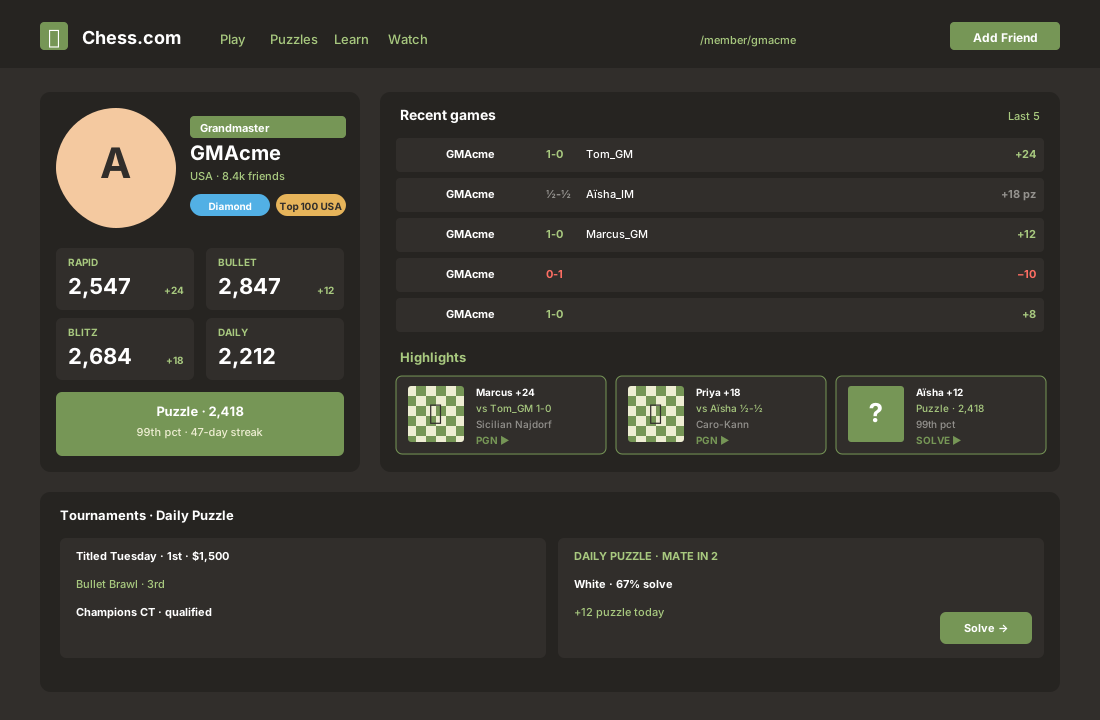
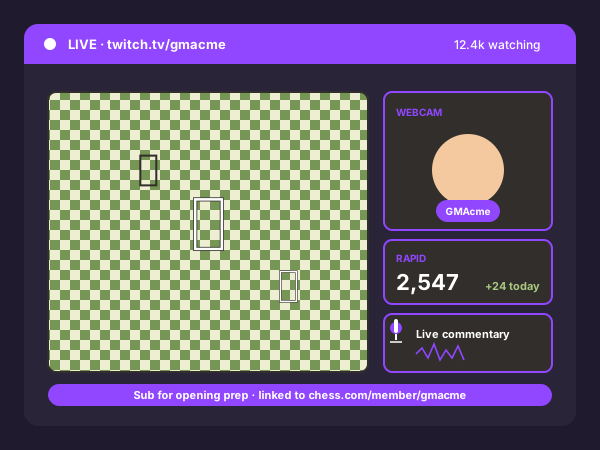
Twitch and YouTube chess streamers embed their Chess.com feed on the personal site or sponsorship page so visitors see recent games alongside the stream.
Embed your Chess.com profile feed in 90 seconds. Paste your username, pick a layout, brand it to match your site. No login required for public profiles. No code.
Built for no-code website teams























Live demo, not a screenshot. Enter a Chess.com username, pick a layout, style it, embed. What you see here is what ships to your site.
From Chess.com to your site
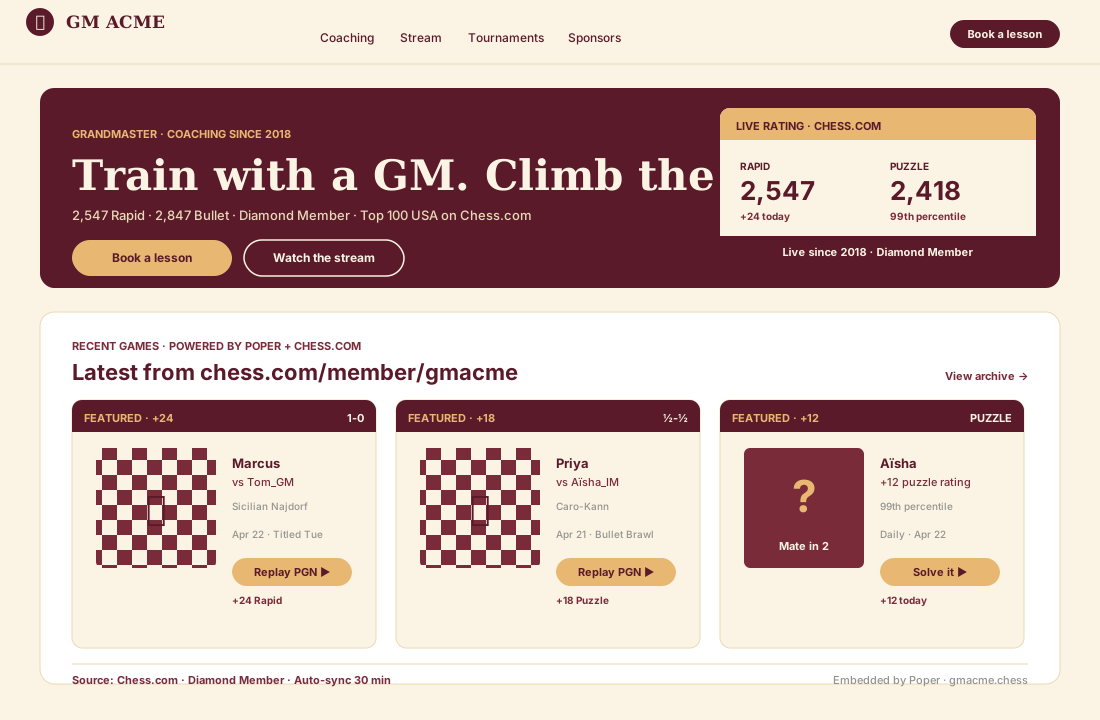
Poper pulls your public Chess.com feed and renders it inline on your website, fully branded to match your design. No API keys, no manual updates.
 Poper widget live
Mockups for illustration. Pull your real Chess.com feed and embed in 90 seconds.
How to use it
Three steps. Under two minutes. No developer needed.
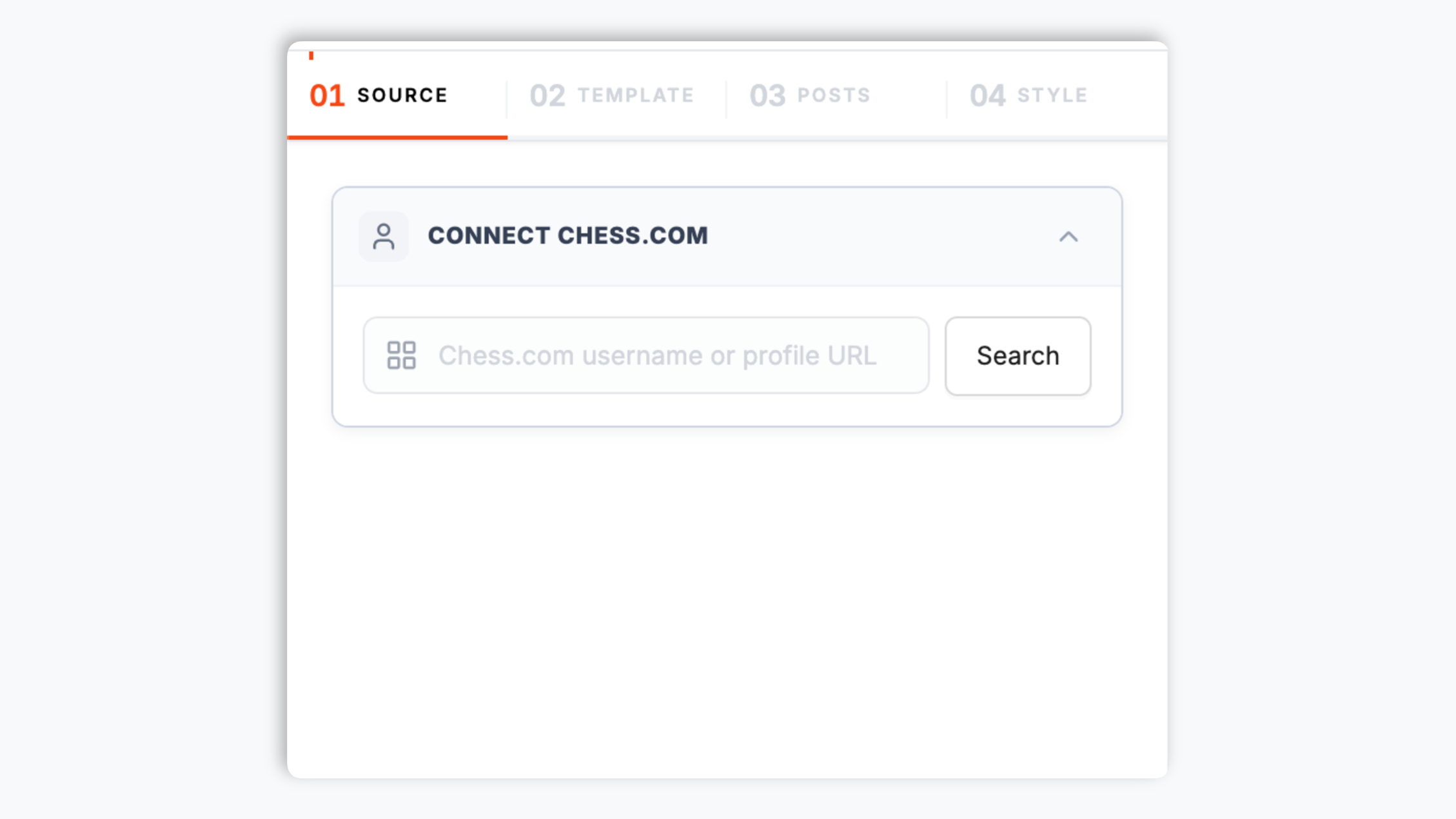
Type your Chess.com username or paste your profile URL into the builder. The widget renders recent games plus available profile and stats details for one public player.
Choose the Default layout or Grid, Slider, or List. Tune the colors, fonts, border radius, and spacing so the feed matches your site.

Paste the Poper embed snippet into your site. Works on WordPress, Shopify, Wix, Squarespace, Webflow, Ghost, Framer, and 250+ platforms.

Works everywhere
Drop-in install on WordPress, Shopify, Wix, Squarespace, Webflow, Framer, Ghost, and any HTML-friendly stack. No build step, no developer needed.


Plus 250+ other platforms via the embed snippet. If your site can render a <script> tag, it can render the Chess.com Feed Widget: Embed Your Chess.com Profile and Games on Any Site.
Six things that matter when you embed your Chess.com feed on your site, not 30 features no one uses.
A public Chess.com profile is visible to anyone, so the widget only needs the username or profile URL to render recent games plus available profile and stats details.
Render your Chess.com profile feed with the native-style Default layout or pick Grid, Slider, or List. Every layout shows the same feed, so you can match the look to a hero block, a sidebar, or a footer without changing your source.
Use the styling controls available for this feed layout.
Choose what a click does: open a game item in a built-in popup, or send visitors straight to the profile on Chess.com.
The embed loads through the Poper snippet. Validate layout and performance on your own page after embedding.
Set separate column and row counts for desktop and mobile so the feed stays readable from a wide hero block down to a narrow phone screen. Auto column mode handles the in-between sizes for you.
Use cases
Four buyer types who get the most lift from embedding Chess.com Feed Widget: Embed Your Chess.com Profile and Games on Any Site on their site.
Twitch and YouTube chess streamers embed their Chess.com feed on the personal site or sponsorship page so visitors see recent games alongside the stream.
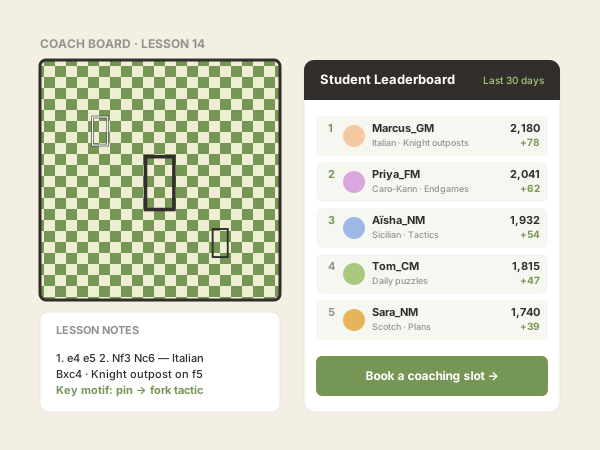
Use your own analytics to validate this feed on your site.
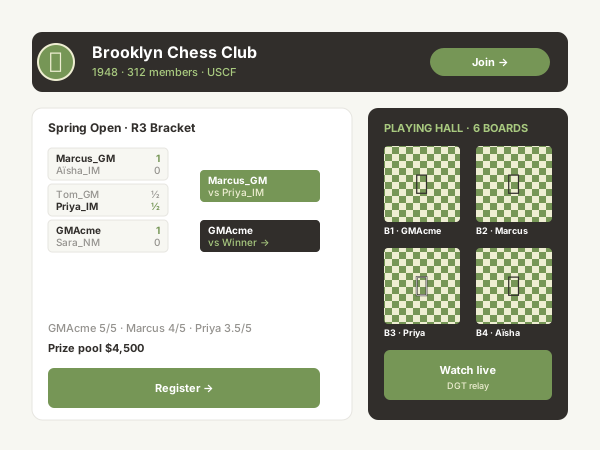
Poper renders recent Chess.com games plus available profile and stats details for one public player.
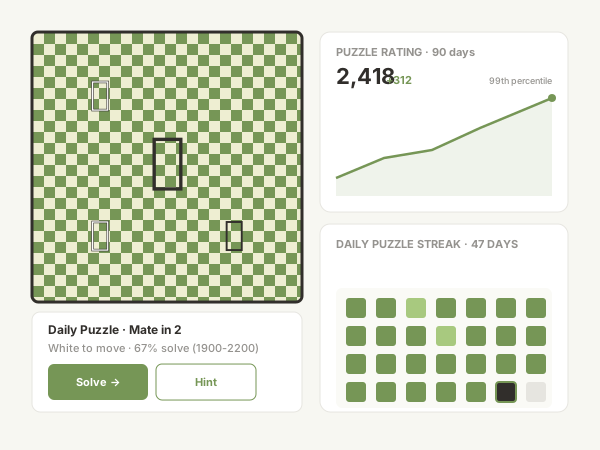
Chess content creators embed their Chess.com feed on a personal site or blog so readers see recent games in one place and have a reason to follow the profile.
Several platforms offer embeddable feed widgets. Here is how Poper compares with the widget providers most teams evaluate.
| Recommended Poper | Elfsight | Common Ninja | Tagembed | |
|---|---|---|---|---|
| Poper workspace available | ||||
| Embed a public Chess.com feed | Limited | Limited | Limited | |
| Layout options for the feed | 4 layouts | Several | Several | Several |
| Native-style default layout | ||||
| Click to open a post popup | Limited | Limited | ||
| Theme presets and per-section colors | Limited | Limited | ||
| Available design controls | Paid only | Paid only | Paid only | |
| Separate desktop and mobile columns | Limited | Limited | Limited | |
| Remove provider branding | All paid plans | Paid only | Paid only | Paid only |
| Starter plan price (billed yearly) | Plan details vary | Varies by views | Varies | Varies |
| Bundled with popups, forms, quizzes |
Comparison reflects external competitor positioning. Verify current details on each provider's site.
Coaches, streamers, and club organizers who put their Chess.com feed where their audience already lives.
“Poper has improved our website's user engagement! Since integrating Poper's personalized popups, we've seen a dramatic surge in conversions and user interactions. The platform's intuitive design makes creating and customizing popups a breeze, even for those with minimal tech skills. What truly sets Poper apart are its…”

“Fantastic app and support team, they are very quick to help and provide a solution or improvement to their product. Highly recommended!”

“Poper has been a total lifesaver for our agency! As a digital marketing agency, we’re always juggling a million things at once. Poper has been a real game-changer in terms of streamlining our workflow and keeping track of all our clients’ campaigns. The ability to track all our clients’ websites from one place is a…”

Pricing
All plans are billed yearly. Each card shows the per-month equivalent. Start free, then upgrade only when you need more campaigns, websites, or AI credits.
Yearly billing · save up to 40%Essential lead capture for solo creators and growing businesses.
billed $180/year
Full engagement suite with A/B testing, gamification & unlimited leads.
billed $348/year
Unlimited everything with white-label, API access & advanced analytics.
billed $948/year
Prices shown for the 50k monthly visitor tier on yearly billing. A Free Forever plan ($0) and a custom Enterprise plan are also available. No contracts, cancel anytime.
Chess.com is one of the largest online chess platforms. For chess coaches, titled players, streamers, and clubs, a public Chess.com profile is where recent games and stats live. A Chess.com feed widget brings supported profile content onto your own website, where you control the design and the visitor stays on your page.
The Poper Chess.com feed widget asks for one thing: your Chess.com username, or the full profile URL. A public Chess.com profile is visible to anyone, so the widget does not need an account connection, an OAuth login, or an API key. The widget renders recent games plus available profile and stats details for one public player.
The widget ships four layouts and every one renders the same Chess.com feed, so the choice is purely about how it should look on the page. The Default layout is a native-style design. Grid arranges items in even columns. Slider turns the feed into a horizontal carousel with optional arrows and autoplay. List stacks items vertically, which suits a sidebar or a narrow column. For a hero block on a coaching or club site, Grid or Slider tends to work best. For a footer or sidebar, List is usually cleaner. You can switch layouts at any time in the editor without re-entering your username, so it is easy to try a couple before you embed.
Use the styling controls available for this feed layout.
When a visitor clicks an item in your embedded Chess.com feed, you decide what happens. The default is a built-in popup that opens the item in place, so the visitor stays on your page. The alternative is to send the click to the profile on Chess.com, which opens in a new tab. For a coaching or club page where you want to keep visitors engaged with your content, the in-page popup is usually the better choice. For a page where the goal is to drive visitors to your Chess.com profile, sending the click to the platform makes sense. Either way, the behavior is a single setting in the editor.
The embed loads through the Poper snippet. Validate layout and performance on your own page after embedding.
A Chess.com feed widget is an embeddable script that displays the games and activity from a Chess.com profile on your website. With Poper, you enter your Chess.com username, pick a layout, brand it, and copy a one-line snippet. No login or API key is required for public profiles.
Tutorial
A quick walkthrough of setting up and embedding this widget.
Tutorial video coming soon
Can't find the answer you're looking for? Chat with our support team.
Contact SupportPoper takes 90 seconds to embed your Chess.com feed. Start from your Poper workspace.
Free plan available forever