






















02
Why store reviews on your own product pages convert
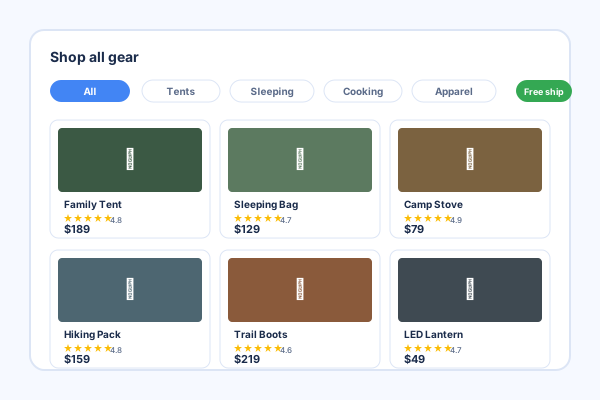
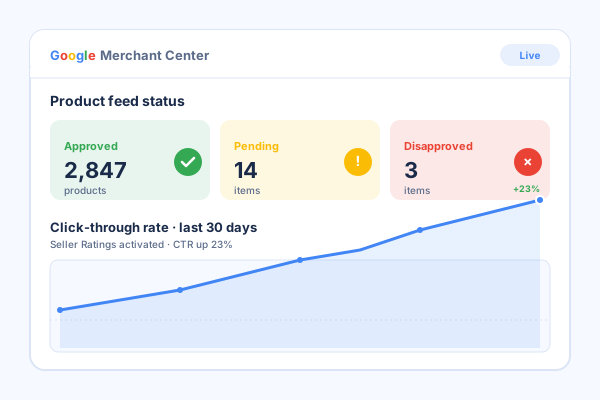
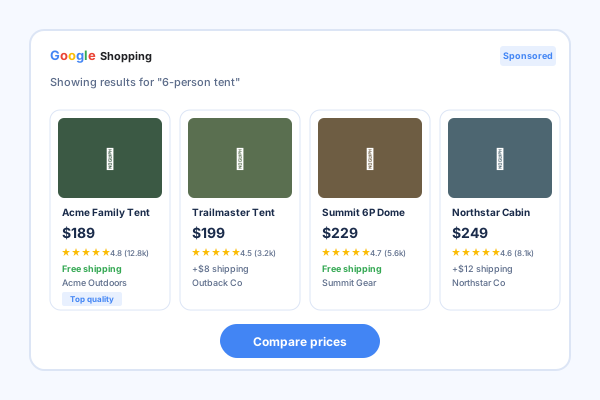
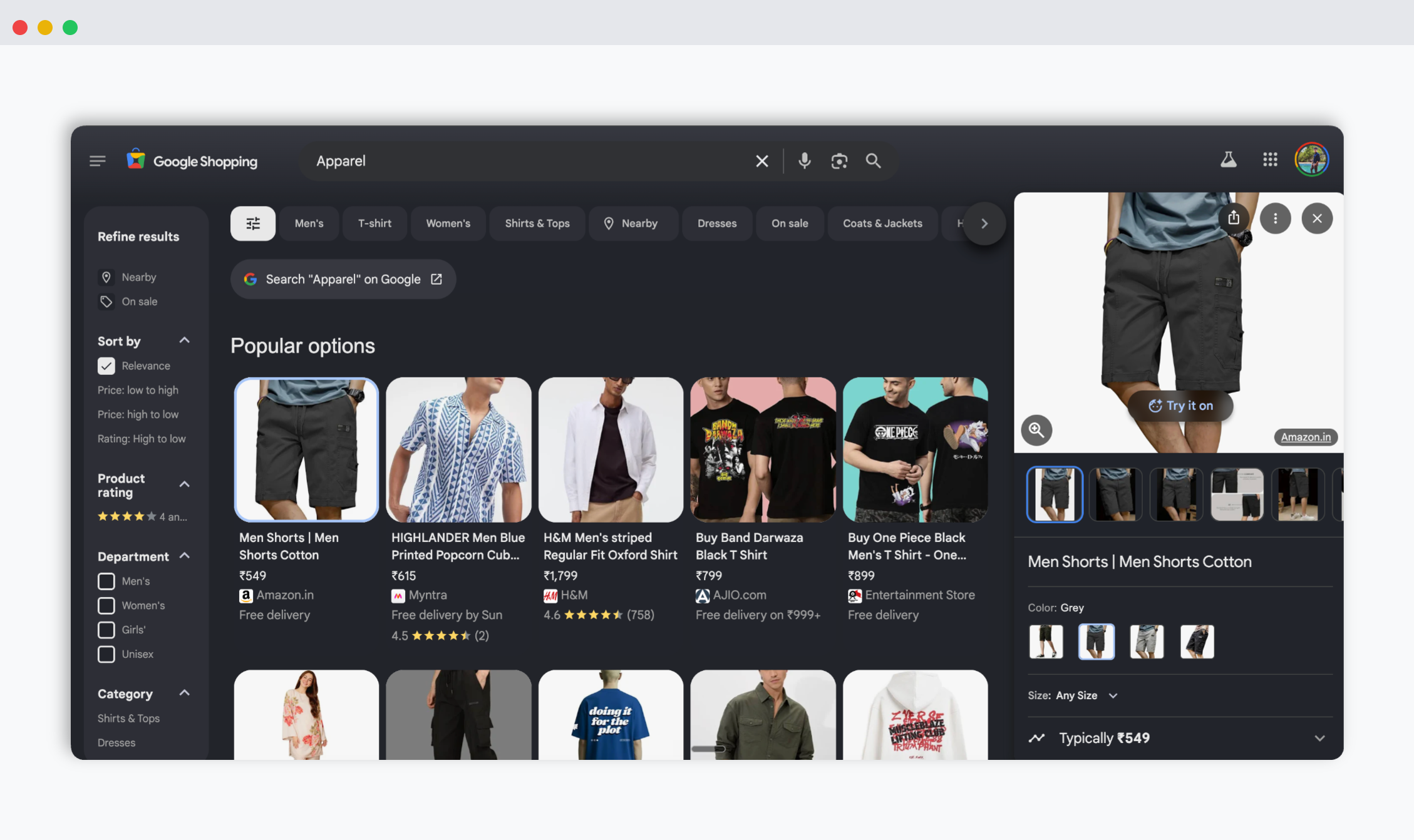
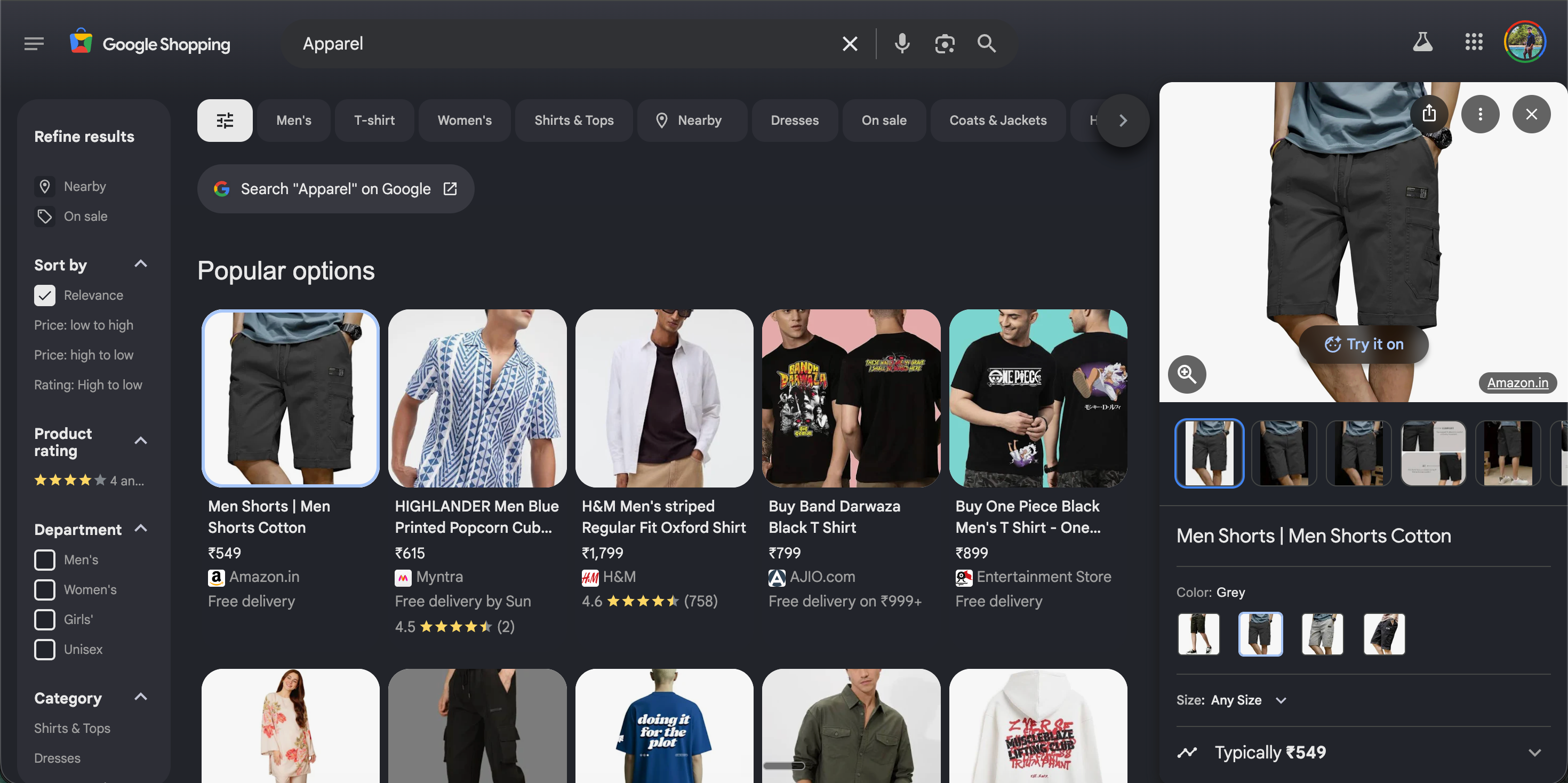
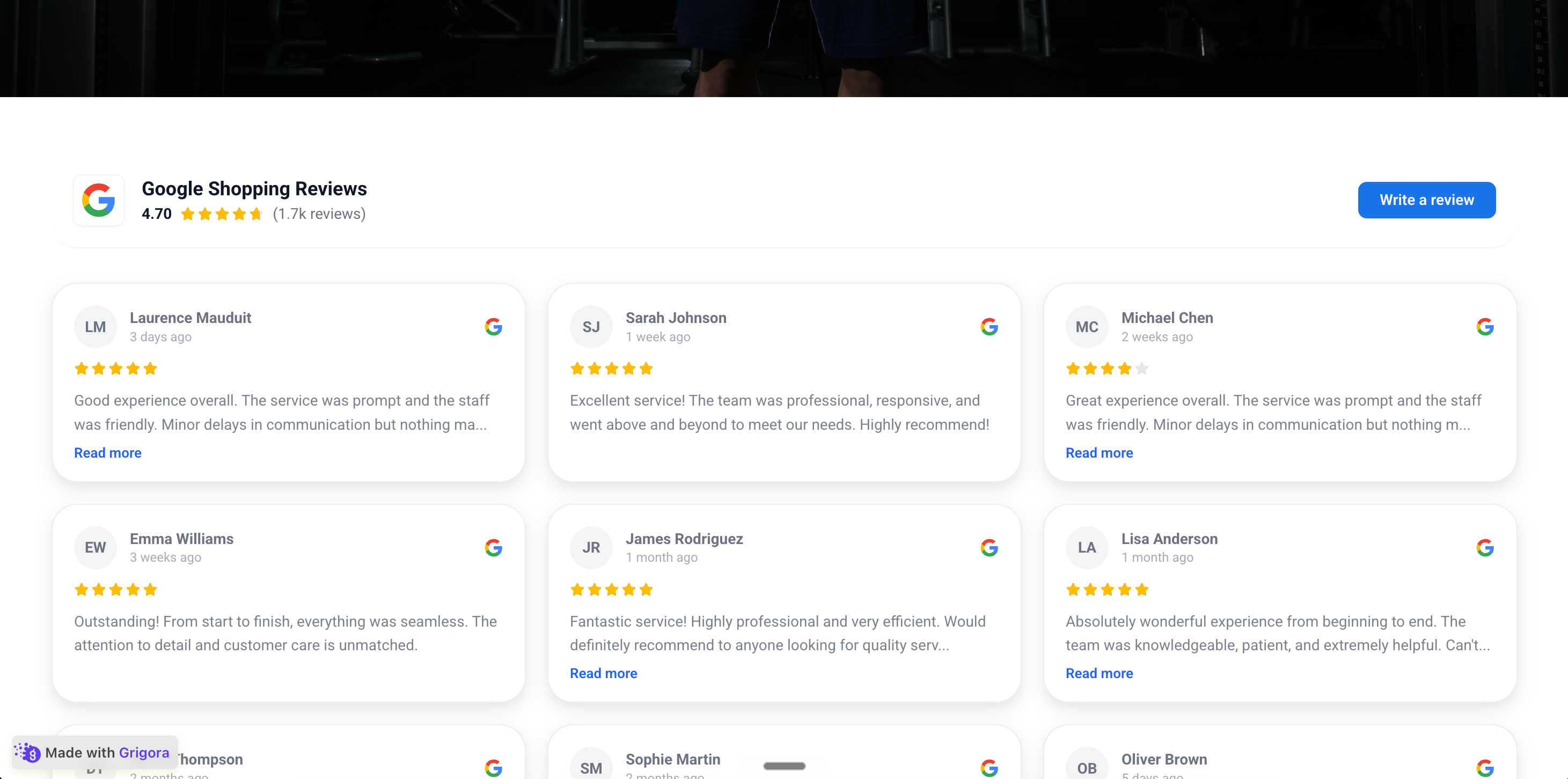
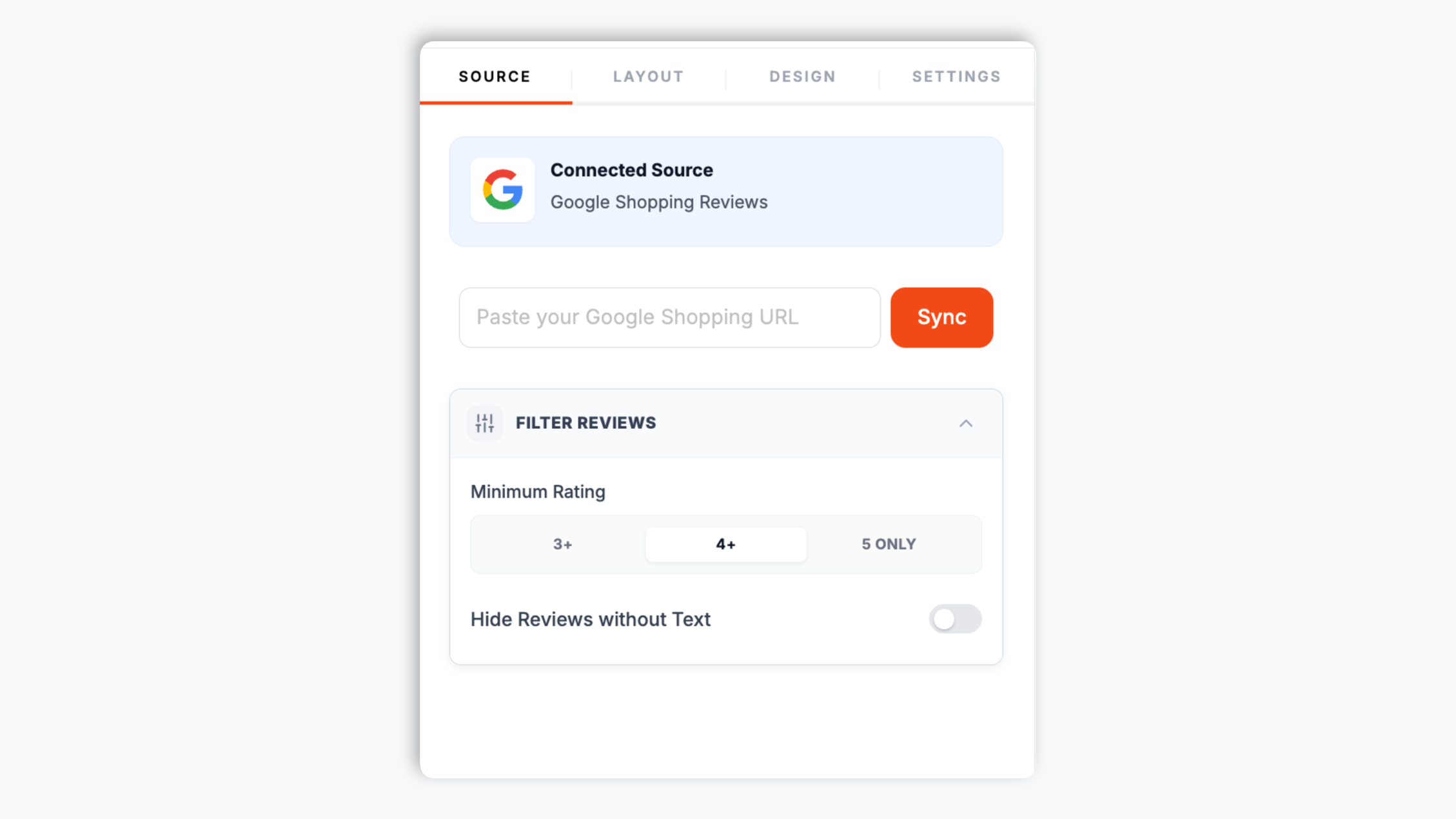
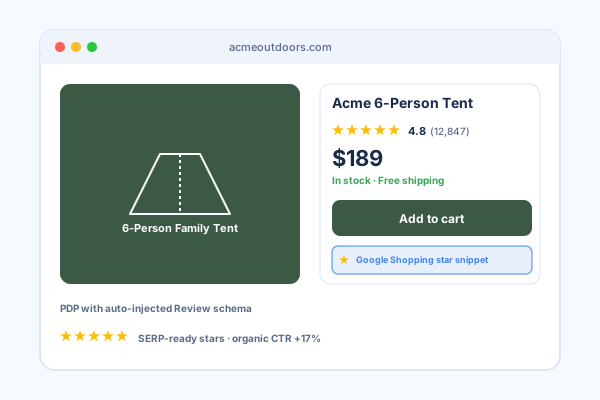
Shoppers arriving from Google Shopping are in comparison mode. They have seen several product cards and they are deciding which store to trust. When they click through to your product page, the worst thing it can show is a price and an Add to Cart button with no social proof. Embedding your Google Shopping store reviews on the page closes that gap: the same reviews the shopper would have seen on Google are now on your site, next to the product, where the purchase decision happens. Reviews placed above or beside the buy button consistently lift add-to-cart and checkout rates compared with pages that have no visible social proof, because they answer the shopper's trust question at the exact moment it matters. The Poper widget makes this a one-time embed: paste the seller page URL, pick a layout, drop the snippet on your product template, and every product page carries your store rating.
03
Choosing a layout for product pages, reviews pages, and landing pages
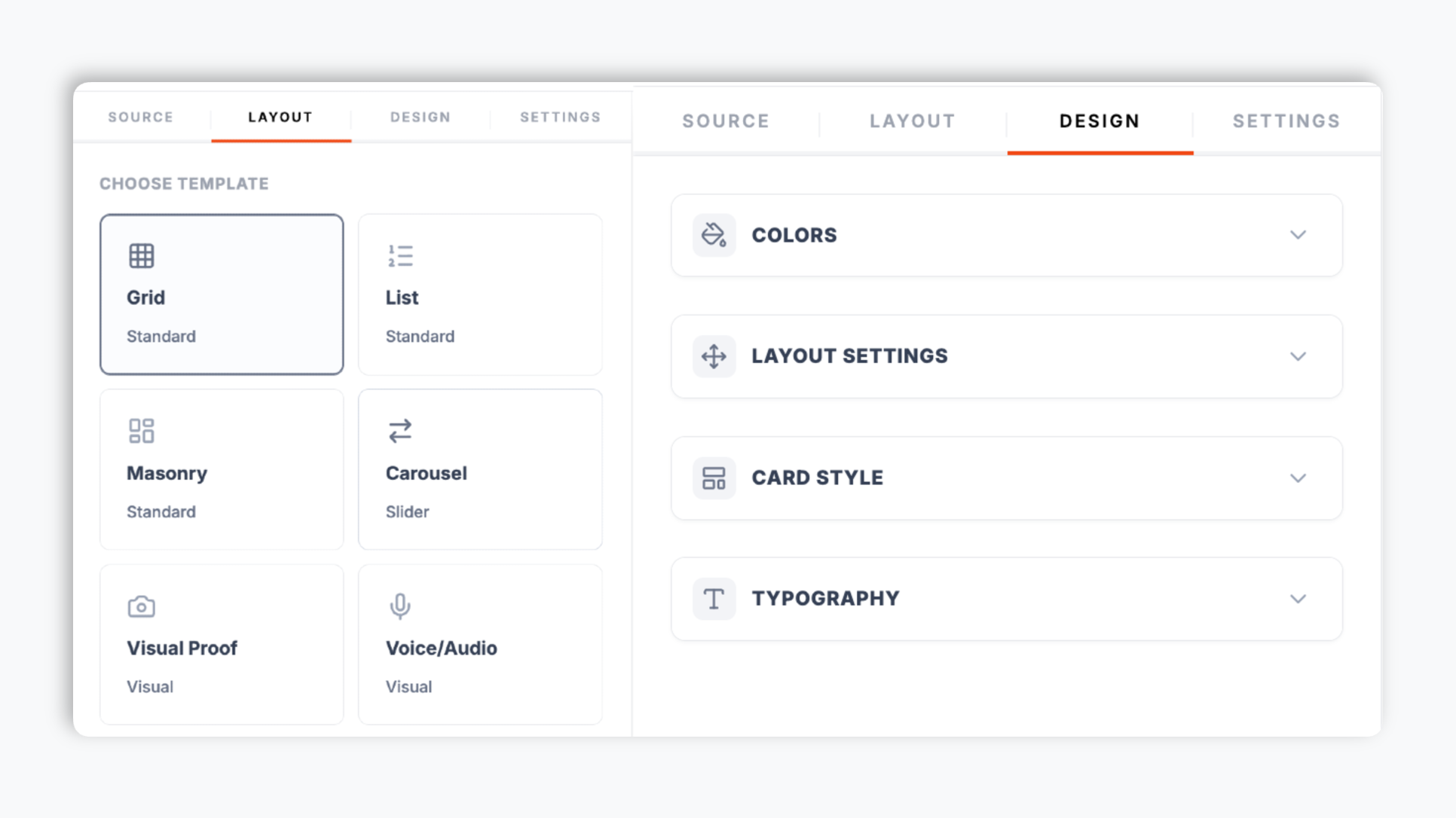
Different pages want different layouts, and Poper ships 21 of them. On a product page, a compact Carousel or Rating Inline display sits cleanly near the buy button without dominating the page. On a dedicated store reviews page, a Grid or Quote Wall layout shows the reviews in full so a researching shopper can read through them. On a campaign or category landing page, a Badge Modern or Rating Inline layout reinforces the offer near the headline. Every layout is fully styleable: brand colors, fonts, card corners, shadow depth, and star color, plus custom CSS for total control. Per layout you can show or hide the reviewer name, avatar, review date, star rating, and the Google Shopping source label. Because you can run more than one instance of the widget on a site, a store can use a compact display on product pages and a full Grid on its reviews page, all sourced from the same Google Shopping seller page.
05
Lighthouse, Core Web Vitals, and keeping product pages fast
Page experience is a confirmed ranking signal for organic search, and the metrics that matter (LCP, CLS, INP) depend on the JavaScript and CSS that loads on your product page. Review widgets are a common culprit: a heavy legacy widget can load hundreds of kilobytes of JavaScript synchronously, fetch reviews on every page load, and inject styles that override your theme, all of which drags down your scores. The Poper widget is built to avoid this. It ships under 40 KB gzipped, loads asynchronously below the fold, fetches reviews from a global CDN edge cache rather than re-fetching on every visit, and uses scoped CSS that will not bleed into your Shopify or WooCommerce theme. The result is that adding the widget does not meaningfully move your Lighthouse Mobile score, and Core Web Vitals stay green. For a store that depends on Google Shopping traffic, keeping product pages fast is part of keeping them competitive, so a lightweight review widget is the right default.