
DTC and Shopify product pages
Embed Amazon reviews for the product on your DTC product page so visitors engage with real buyer sentiment before they leave. A review block near the buy box keeps shoppers reading instead of bouncing to compare.
Pull Amazon product reviews onto your Shopify, WooCommerce, or DTC site with a guided setup flow. Copy the product URL, pick a layout, embed. Use the supported embed snippet.
Built for supported embed workflows























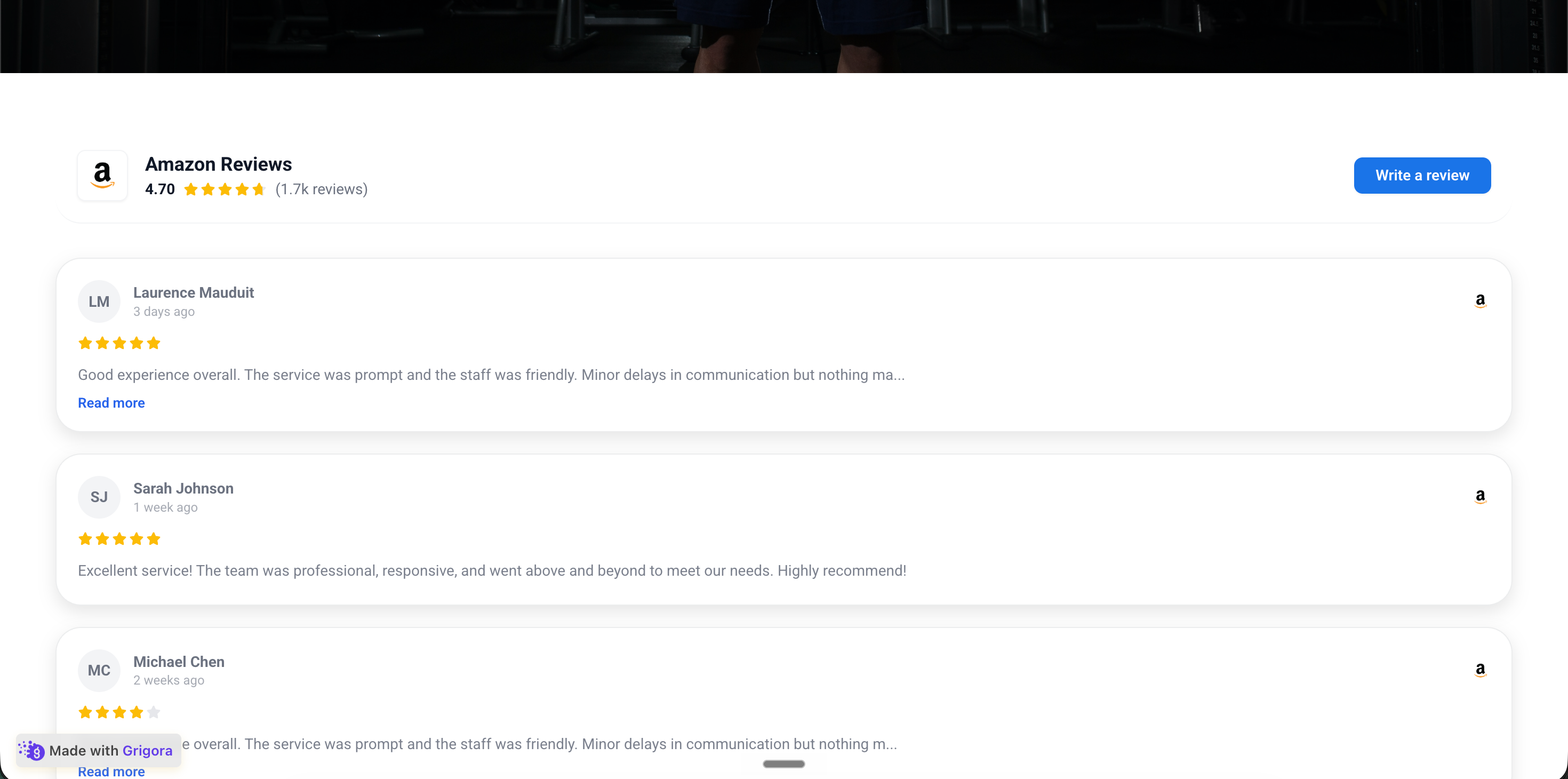
Live demo, not a screenshot. Style it, brand it, embed it. What you see here is what ships to your DTC store.
From Amazon to your site
Poper crawls the official Amazon review feed for your business and renders it inline on your website. Same reviews, your branding, your domain.
 Poper widget live
Mockups for illustration. Pull your real Amazon Reviews Widget: Embed Product Reviews on Any Website from Amazon and embed in 90 seconds.
How to use it
Three steps from source URL to embed-ready preview.
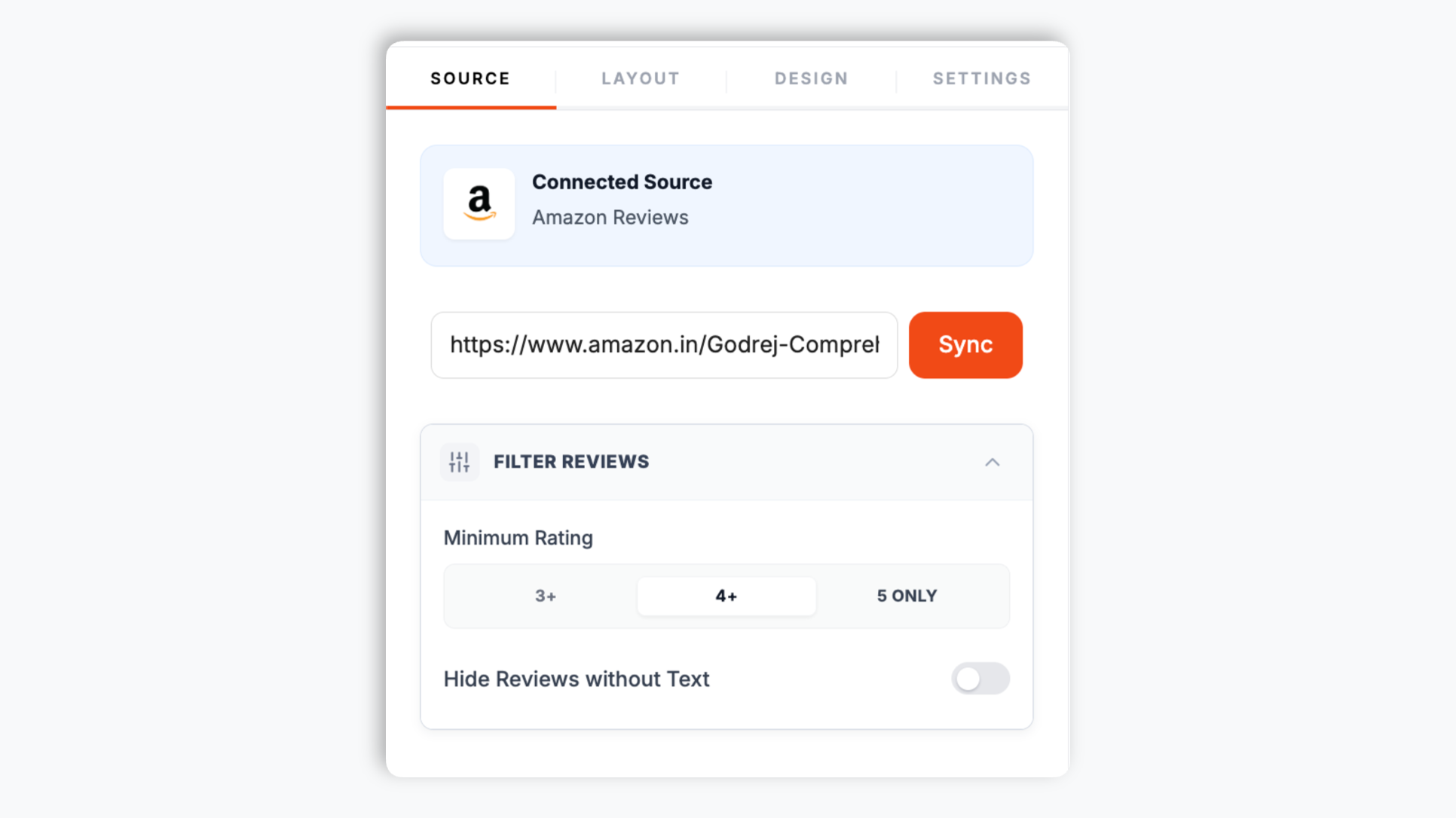
Open the product page on Amazon and copy the URL from your browser. Paste it into the Poper builder. That is the only thing the widget needs to start pulling that product's reviews.
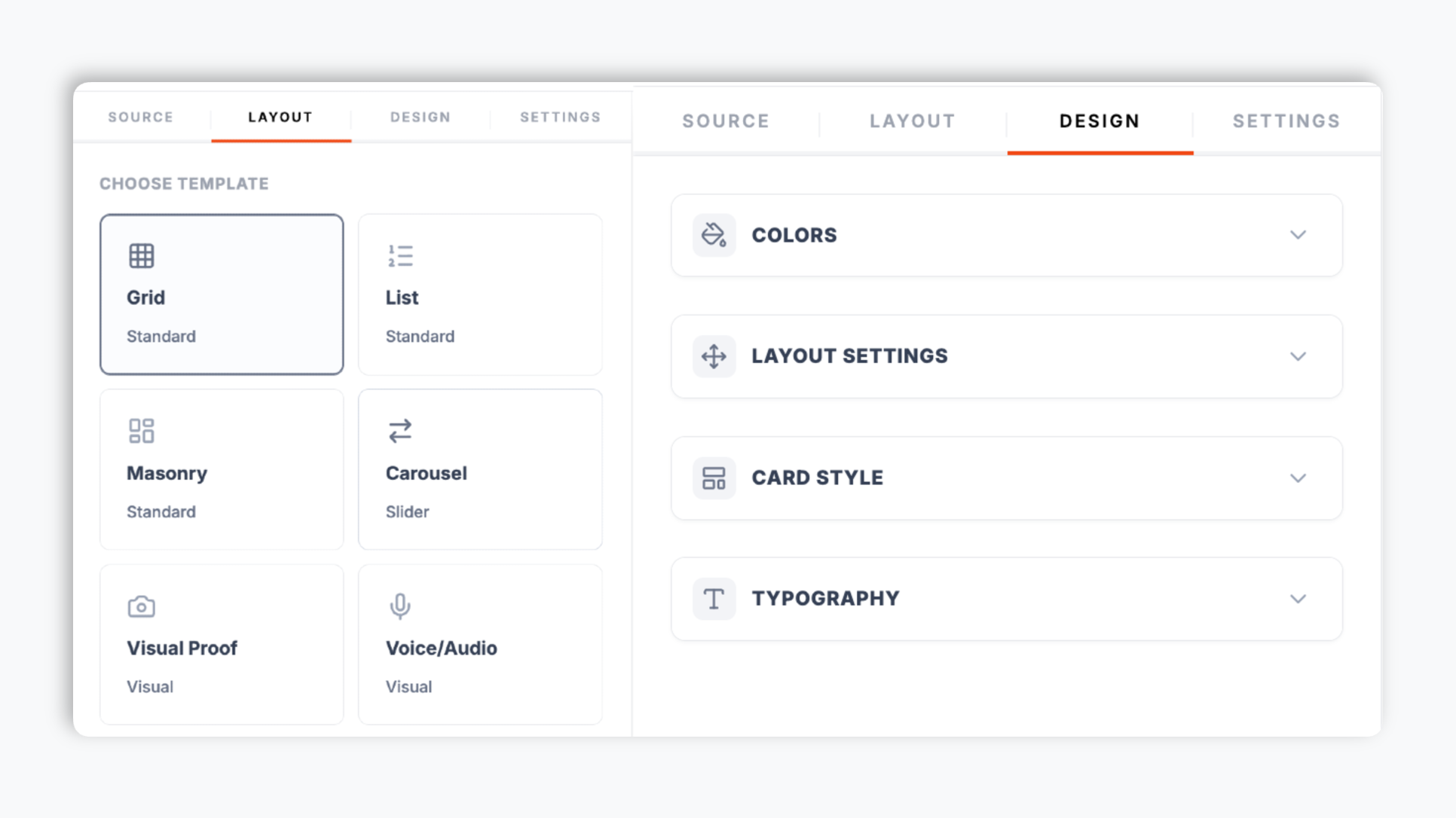
Pick a layout from the Poper editor template chooser, then use the template-dependent brand controls available for that layout. The live preview updates as you adjust.
Paste the one-line script tag into your DTC store. Works on Shopify, WooCommerce, BigCommerce, Wix, Squarespace, Webflow, Framer, and supported HTML setup.

Works everywhere
Drop-in install on WordPress, Shopify, Wix, Squarespace, Webflow, Framer, Ghost, and any HTML-friendly stack. No build step, no developer needed.


Plus 250+ other platforms via the embed snippet. If your site can render a <script> tag, it can render the Amazon Reviews Widget: Embed Product Reviews on Any Website.
The things that matter when you are paying for an Amazon review widget on a real DTC site, not 30 features no one uses.
When embed mode supports it, turn on optional LocalBusiness review schema for LocalBusiness review data. Validate it with your own search tooling; search engines decide if anything is shown.
Carousel above the buy box, Grid on a reviews subpage, Masonry for long-scroll storytelling, List for high-consideration items. Quote Wall, Grid, Ticker, Card Square, and more, available from the editor for the page you are configuring.
Background, card, text, star, and border colors, corner radius, shadow depth, and four font families. Native to your DTC store, not bolted on.
Validate page performance after embedding on the pages where you use the widget.
Set a minimum star rating, hide empty reviews, and choose which elements appear on each card: reviewer name, avatar, date, rating, and the Amazon logo. Your widget shows the product proof you want on each page.
Use cases
Four buyer types who get the most lift from embedding Amazon Reviews Widget: Embed Product Reviews on Any Website on their site.
Embed Amazon reviews for the product on your DTC product page so visitors engage with real buyer sentiment before they leave. A review block near the buy box keeps shoppers reading instead of bouncing to compare.
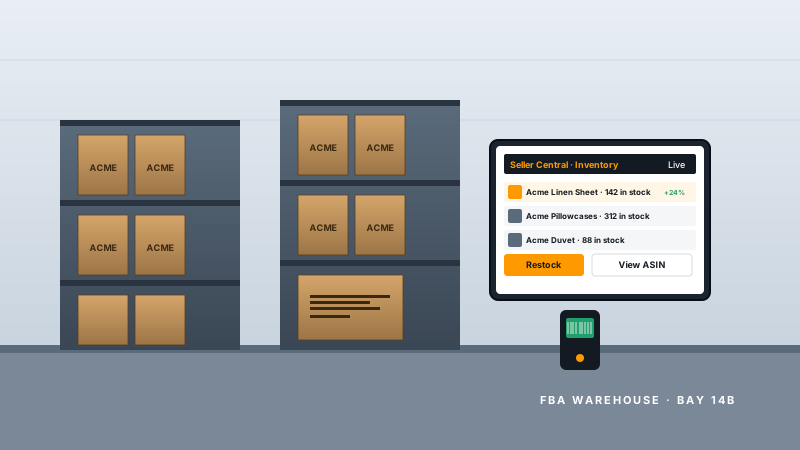
You are launching an owned store and your product pages have no reviews yet. Paste the Amazon product URL and Poper renders that listing's reviews on your page so the new store has trust signals from day one.
Affiliate and review-style sites can embed the Amazon reviews for any public product they feature. Real buyer feedback on the listing keeps visitors engaged on the page and reading the recommendation.
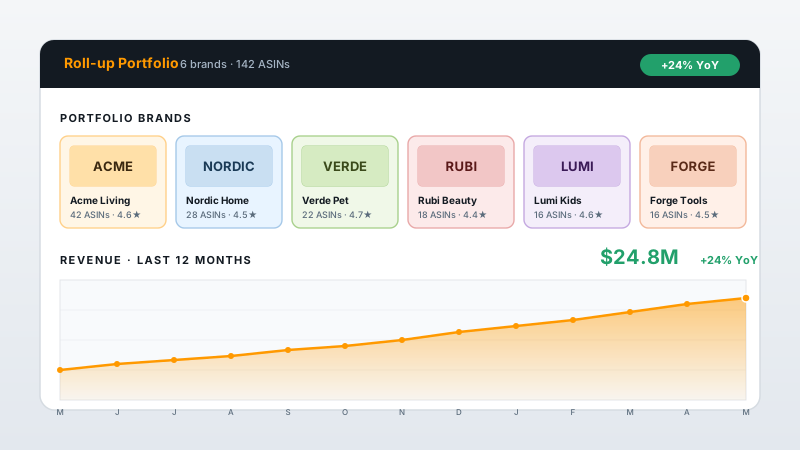
On a category or comparison page, embed the Amazon reviews for each product you list. Side-by-side review blocks give visitors something concrete to engage with as they pick between options.
Amazon is the source of the reviews, not a competitor. These are the widget providers that compete with Poper. Here is how they stack up.
| Recommended Poper | Elfsight | Common Ninja | POWR | |
|---|---|---|---|---|
| Poper workspace available | ||||
| Works where your Poper embed is supported | ||||
| Carousel layout | ||||
| Grid + Masonry layouts | Limited | Limited | ||
| Layout count | 21 layouts | A few | A few | A few |
| Optional LocalBusiness review schema toggle | ||||
| Filter by minimum rating | Limited | Limited | Limited | |
| Element visibility controls per layout | Limited | Limited | Limited | |
| Yearly price (entry tier) | Plan details vary | Vendor pricing varies | Vendor pricing varies | Vendor pricing varies |
| Bundled with popups, forms, quizzes, more widgets | ||||
| more campaigns from the Pro plan |
Comparison reflects external competitor positioning. Competitor pricing varies by plan and widget count. Verify current details on each provider's site.
Shopify stores and multi-channel sellers who put Amazon product proof on their owned pages.
“Use your own analytics and search tooling to validate this widget on your site.”

“We launched an owned site and our product pages had no reviews. Pasting the Amazon product URLs gave each relevant page a review block to place near product content.”

“We checked performance before and after embedding across our pages. Setup was a paste-the-URL job, no custom API integration. Our team had it live the same afternoon.”

Pricing
All plans are billed yearly. Each card shows the per-month equivalent. Start free, then upgrade only when you need more campaigns, websites, or AI credits.
Yearly billing · save up to 40%Essential lead capture for solo creators and growing businesses.
billed $180/year
Full engagement suite with A/B testing, gamification & unlimited leads.
billed $348/year
Unlimited everything with white-label, API access & advanced analytics.
billed $948/year
Prices shown for the 50k monthly visitor tier on yearly billing. A Free Forever plan ($0) and a custom Enterprise plan are also available. No contracts, cancel anytime.
Amazon hosts one of the largest pools of product reviews on the open web, with hundreds of millions of reviews across the catalog. For DTC brands and ecommerce stores, those reviews are a valuable trust asset that most product pages never use. Embedding Amazon reviews on your Shopify, WooCommerce, or BigCommerce product page gives shoppers something concrete to engage with at the moment they are deciding. This guide walks through what actually works in 2026: how the Poper widget works from a single product URL, the optional LocalBusiness review schema toggle where supported, which layout fits each ecommerce page type, and how to keep your product pages fast.
The widget is built around one input: an Amazon product URL. You open the product page on Amazon, copy the URL from your browser, and paste it into the Poper builder. Poper fetches the reviews shown on that listing and renders them in the layout you choose. There is no account login, no connection, no OAuth, and no API setup. The setup uses a guided URL-to-embed workflow: you are pointing the widget at a public product page, not configuring an integration. Use it for public Amazon listings you want to feature. Once the reviews are pulled, you control how they look. You can set a minimum star rating, hide empty reviews, and toggle which elements appear on each card: reviewer name, avatar, review date, the star rating, and the Amazon logo. The widget then ships as a single embed script tag you paste once.
Use your own analytics and search tooling to validate this widget on your site.
Carousel works on the homepage above the fold and on category pages where you want to rotate proof in a single slot. Grid is best on individual product detail pages and on dedicated reviews subpages where visitors actively want to scan many reviews to spot patterns about durability, fit, or shipping. Masonry suits long-scroll storytelling pages for hero products. List is the right choice for high-consideration purchases such as mattresses, exercise equipment, and baby gear where reviewers tend to write longer detailed reviews. Quote Wall pulls short, punchy quotes into a dense block. Grid suits products where review text and ratings carry the proof. Ticker gives an ambient scrolling strip. Card Square and Card Vertical are compact options for sidebars and narrow columns. The most-effective practice on Shopify product pages is to place a Carousel above the buy box for fast proof, then a Grid below for buyers who want to scan deeper. All 21 layouts are switchable from the editor at any time.
The Poper widget gives you template-dependent design controls for the selected layout. Available controls can include colors, corner radius, shadow, font choice, filters, and element visibility settings. For the Carousel layout, autoplay, arrows, and dots can be configured where supported. Preview the selected layout on the product page before publishing.
The embed loads through the Poper snippet. Validate performance and styling on your own page after embedding.
An Amazon reviews widget is an embeddable script that displays Amazon product reviews on your DTC website (Shopify, WooCommerce, BigCommerce). You paste an Amazon product URL and Poper fetches the public reviews shown on that listing, then renders them in the layout you choose.
Last fact-checked: . We re-verify every quarter.
Tutorial
A quick walkthrough of setting up and embedding this widget.
Tutorial video coming soon
Can't find the answer you're looking for? Chat with our support team.
Contact SupportUse Poper to display Amazon reviews and enable optional LocalBusiness review schema where supported.
Free plan available forever