
Paid course communities
Use your own analytics to validate this feed on your site.
Embed your Circle.so community feed in 90 seconds. Paste your community URL, pick a layout, brand it to match your site. No code.
Built for no-code website teams























Track feed engagement
How to use it
Three steps. Under two minutes. No developer needed.
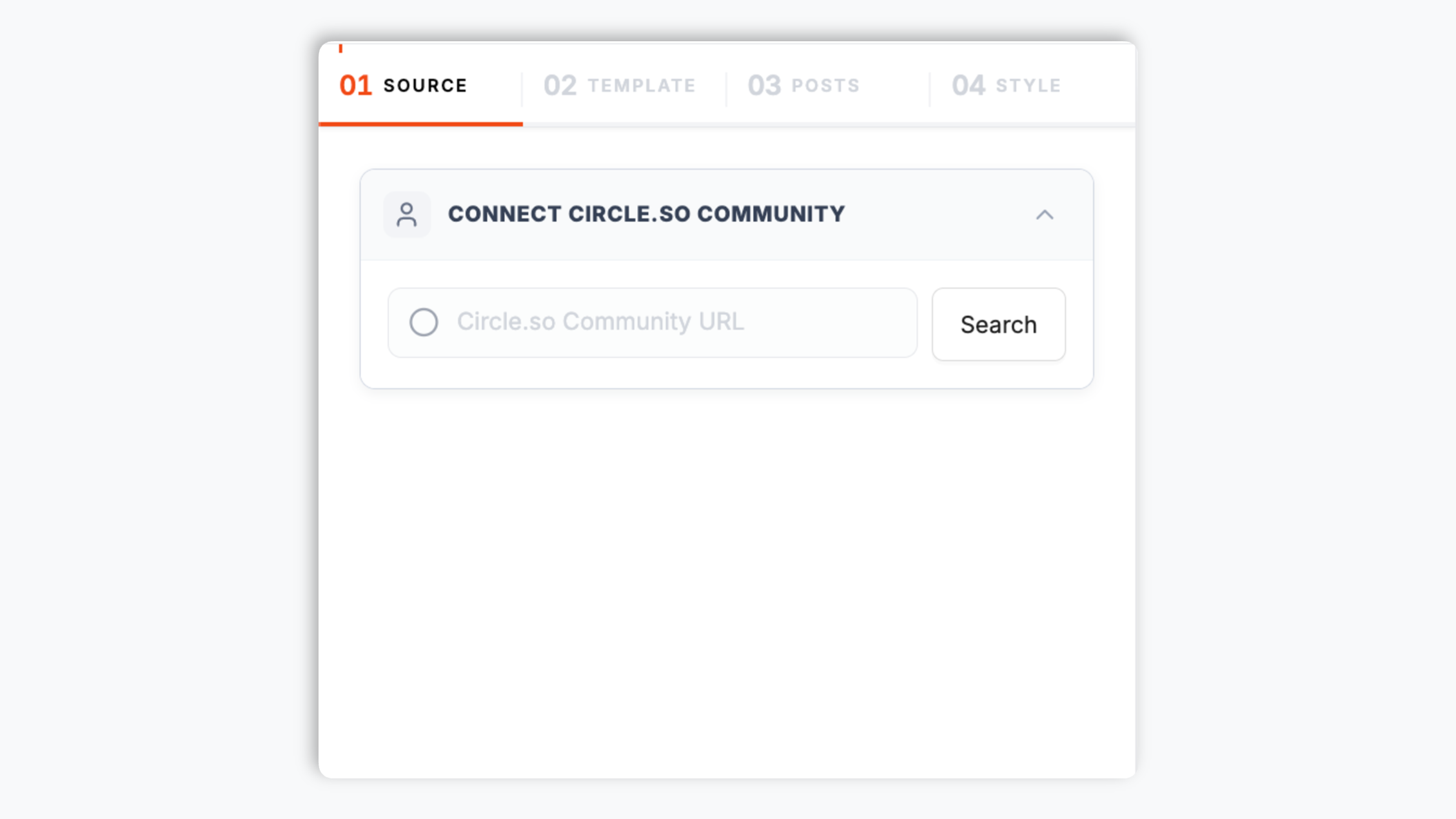
Paste your Circle.so community URL into the builder. The widget pulls your community's public posts straight away. No plugin to install, no Zapier chain.
Choose the Default layout or Grid, Masonry, Highlight, Bento, Polaroid, Filmstrip, Shape, or Neon. Tweak colors, fonts, border radius, and spacing to match your site.

Use your own analytics to validate this feed on your site.

Works everywhere
Drop-in install on WordPress, Shopify, Wix, Squarespace, Webflow, Framer, Ghost, and any HTML-friendly stack. No build step, no developer needed.


Plus 250+ other platforms via the embed snippet. If your site can render a <script> tag, it can render the Circle.so Feed Widget: Embed Your Community Feed on Any Website.
Six things that matter when you embed a community feed on a marketing site, not 30 features no one uses.
The widget reads the configured configured Circle content where available from your Circle.so community, so it only needs the community URL. There is no plugin to install on your site, no Zapier chain, and no account connection step. Paste the URL and Poper fetches the feed, then you pick a layout and embed. The whole setup takes under two minutes.
Use your own analytics to validate this feed on your site.
Use the styling controls available for this feed layout.
Choose what a click does: open a post in a built-in popup with the caption and counts, or send visitors straight to your Circle.so community.
The embed loads through the Poper snippet. Validate layout and performance on your own page after embedding.
Set separate column and row counts for desktop and mobile so the feed stays readable from a wide hero block down to a narrow phone screen. Auto column mode handles the in-between sizes for you.
Use cases
Four buyer types who get the most lift from embedding Circle.so Feed Widget: Embed Your Community Feed on Any Website on their site.
Use your own analytics to validate this feed on your site.
Coaches and mastermind operators embed their Circle community feed on the application page so prospects see active discussion and member posts, which makes the page feel alive.
SaaS teams that run their customer community on Circle embed the community feed on the public docs or product site so prospects see active customer engagement.
Newsletter writers, podcasters, and YouTubers running a membership on Circle embed the community feed on their public site so free subscribers see what the membership is like.
Several platforms offer embeddable community feed widgets. Here is how Poper compares with the widget providers most teams evaluate.
| Recommended Poper | Elfsight | Common Ninja | Tagembed | |
|---|---|---|---|---|
| Poper workspace available | ||||
| Embed a Circle.so community feed | Limited | Limited | Limited | |
| Layout options for the feed | 9 layouts | Several | Several | Several |
| Native-style default layout | ||||
| Click to open a post popup | Limited | Limited | ||
| Theme presets and per-section colors | Limited | Limited | ||
| Available design controls | Paid only | Paid only | Paid only | |
| Separate desktop and mobile columns | Limited | Limited | Limited | |
| Remove provider branding | All paid plans | Paid only | Paid only | Paid only |
| Starter plan price (billed yearly) | Plan details vary | Varies by views | Varies | Varies |
| Bundled with popups, forms, quizzes |
Comparison reflects external competitor positioning. Verify current details on each provider's site.
Course operators, masterminds, and SaaS communities who put their community feed on their own site.
“Use your own analytics to validate this feed on your site.”

“Use your own analytics to validate this feed on your site.”

“We run our customer community on Circle. Our docs site now embeds the community feed, and prospects evaluating us see active customers helping each other. It is the single highest-trust signal on our pricing page.”

Pricing
All plans are billed yearly. Each card shows the per-month equivalent. Start free, then upgrade only when you need more campaigns, websites, or AI credits.
Yearly billing · save up to 40%Essential lead capture for solo creators and growing businesses.
billed $180/year
Full engagement suite with A/B testing, gamification & unlimited leads.
billed $348/year
Unlimited everything with white-label, API access & advanced analytics.
billed $948/year
Prices shown for the 50k monthly visitor tier on yearly billing. A Free Forever plan ($0) and a custom Enterprise plan are also available. No contracts, cancel anytime.
Circle is a modern community platform, founded in 2020 by Sid Yadav and Andy Guttormsen, and it powers community for a large share of cohort courses, mastermind groups, paid newsletters, and SaaS customer programs. The community activity that makes those programs worth joining lives on Circle, where only members and people who already visit the community see it. A Circle.so feed widget brings that activity onto your own website, where prospects can see it before they sign up. This guide walks through what actually matters when you choose and configure a circle.so feed widget in 2026: how the widget connects to your community, the layouts available, how to brand it, and how to keep it fast.
The Poper Circle.so feed widget asks for one thing: your Circle.so community URL. The widget reads the configured configured Circle content where available from your community, so there is no plugin to install on your site, no Zapier chain, and no account connection step. You paste the URL in the builder and the widget fetches the community feed. This keeps setup to under two minutes: enter the URL, pick a layout, copy a one-line snippet. The same flow works whether you are embedding your own community or a public community you have permission to feature.
Use your own analytics to validate this feed on your site.
Use your own analytics to validate this feed on your site.
Use the styling controls available for this feed layout.
The embed loads through the Poper snippet. Validate layout and performance on your own page after embedding.
A circle.so feed widget is an embeddable script that displays the public posts from a Circle.so community on your website. With Poper, you enter your Circle.so community URL, pick a layout, brand it, and copy a one-line snippet. No plugin or account connection is required.
Tutorial
A quick walkthrough of setting up and embedding this widget.
Tutorial video coming soon
Can't find the answer you're looking for? Chat with our support team.
Contact SupportPoper takes 90 seconds to embed your Circle.so community feed. Start from your Poper workspace.
Free plan available forever