
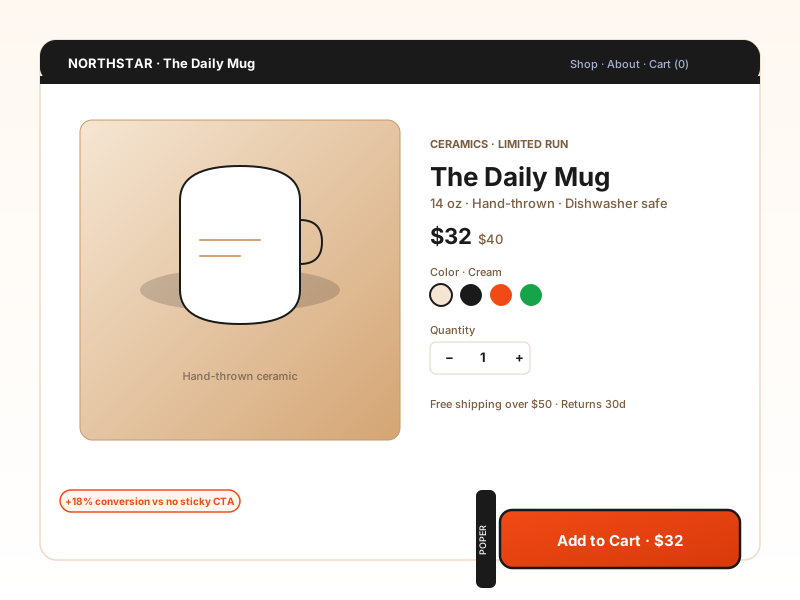
DTC conversion buttons
An embedded 'Add to cart' or 'Buy now' button on a product page, or a floating CTA pinned to the corner so the primary action stays in view as visitors scroll.
One snippet, one configurable button. Ten actions: open a link, download a file, email, WhatsApp, Telegram, scroll to a section, copy to clipboard, and more. 18 styles, embedded or floating, no code.
Built for no-code website teams






















Live demo, not a screenshot. Pick an action, style it, position it, embed it. What you see here is what ships to your site.
Before and after Poper
Here is the widget embedded on a real page layout, before and after. Style it to match your brand, then copy one snippet to go live.
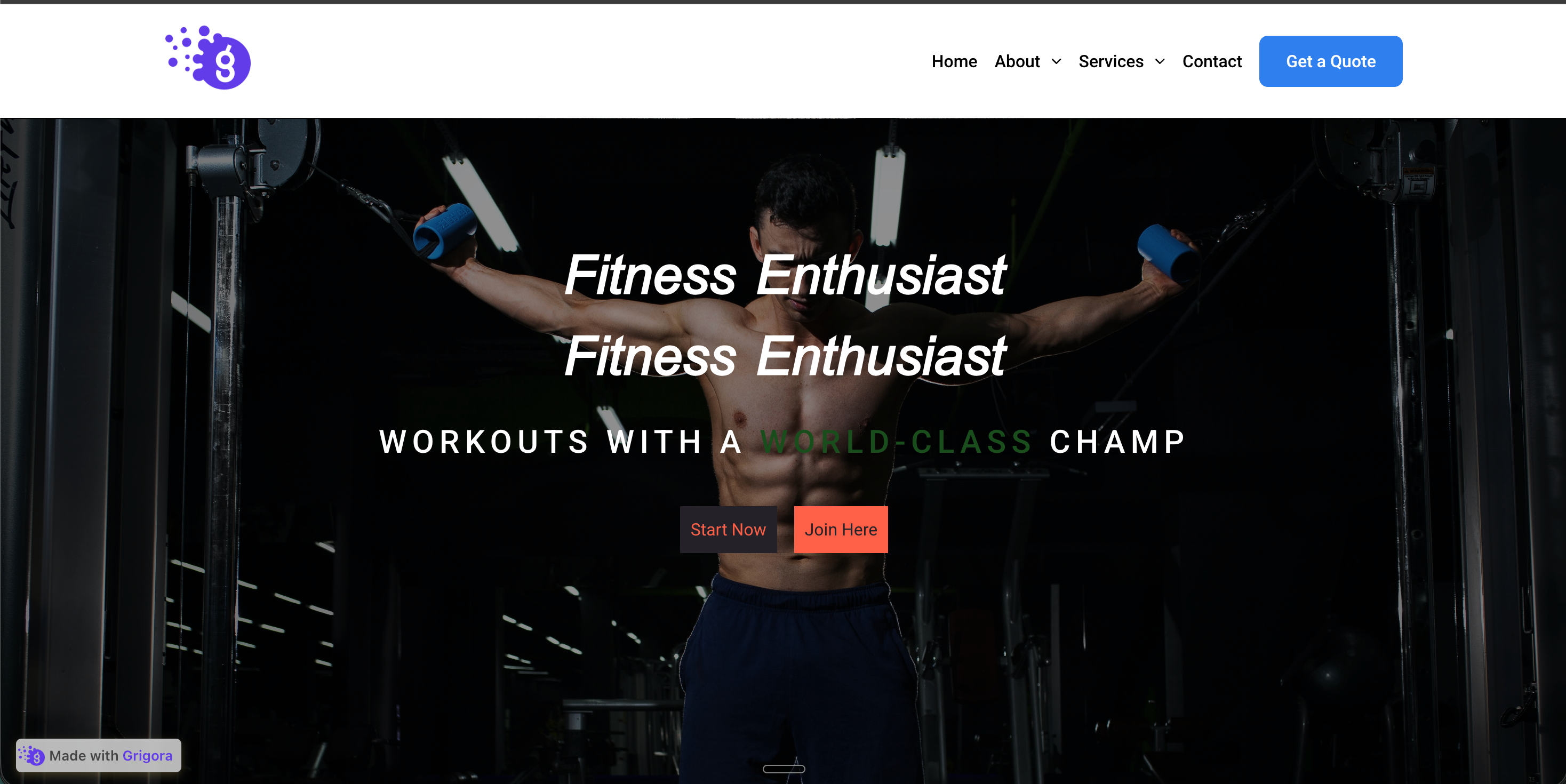 Before
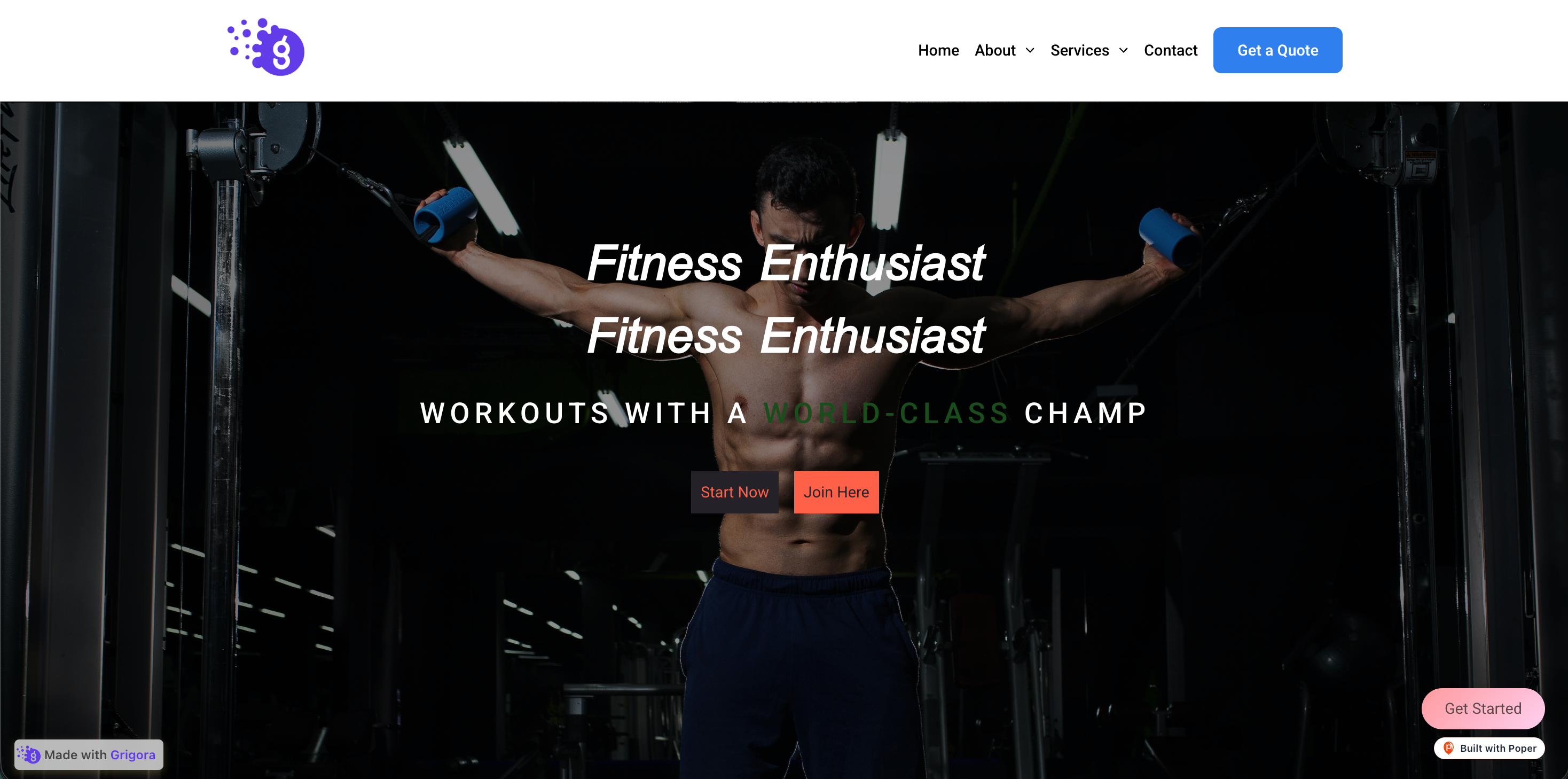 Poper widget live
Mockups for illustration. Style the widget to match your site and embed in 90 seconds.
How to use it
Three steps. Under two minutes. No developer needed.
Type the button label, then pick one of ten actions: Open Link, Download File, Email, Skype, WhatsApp, Telegram, Scroll To, Copy to Clipboard, Run Script, or Follow on Social. Enter the matching action value (a URL, file, phone number, section, or text).
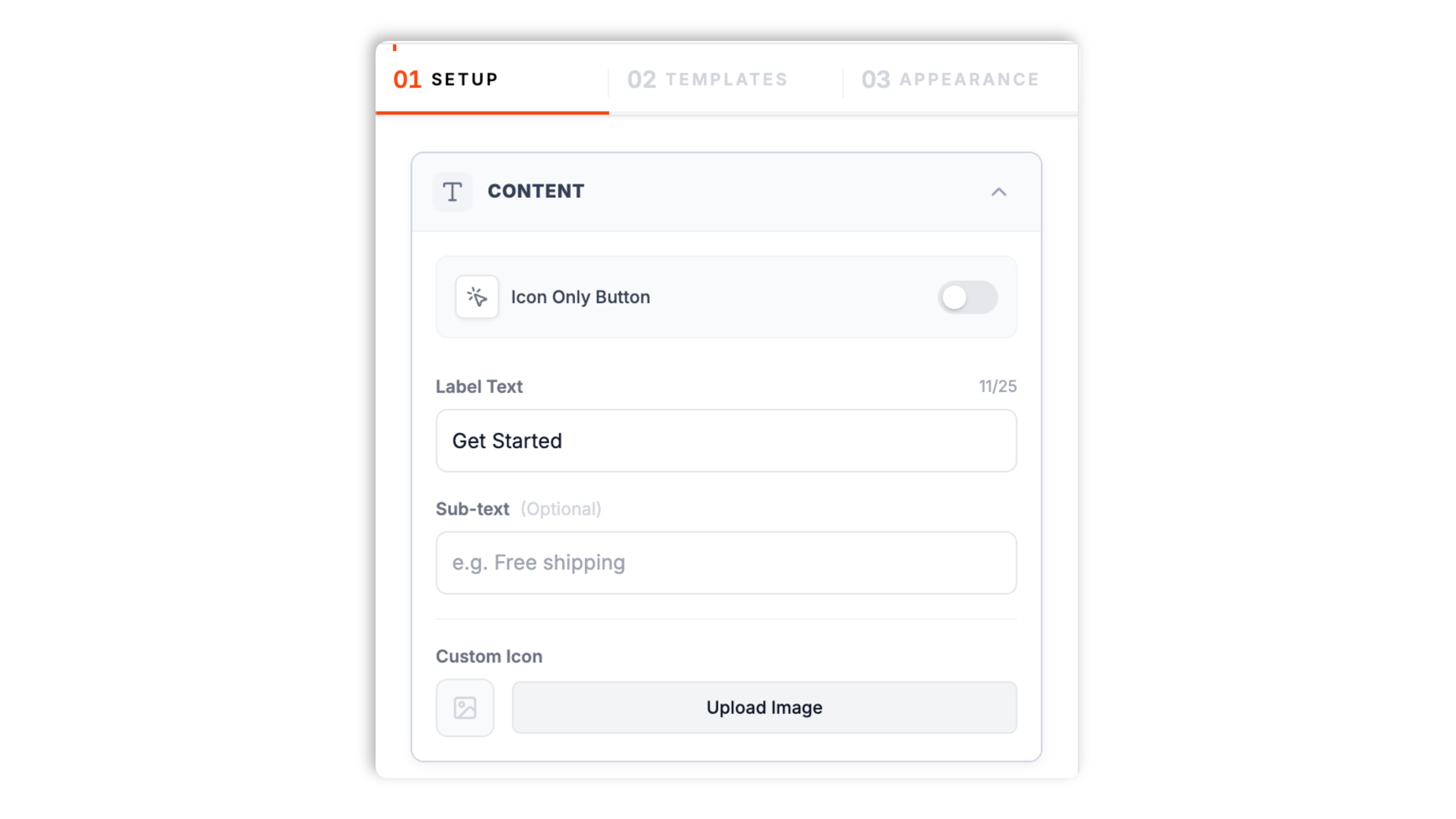
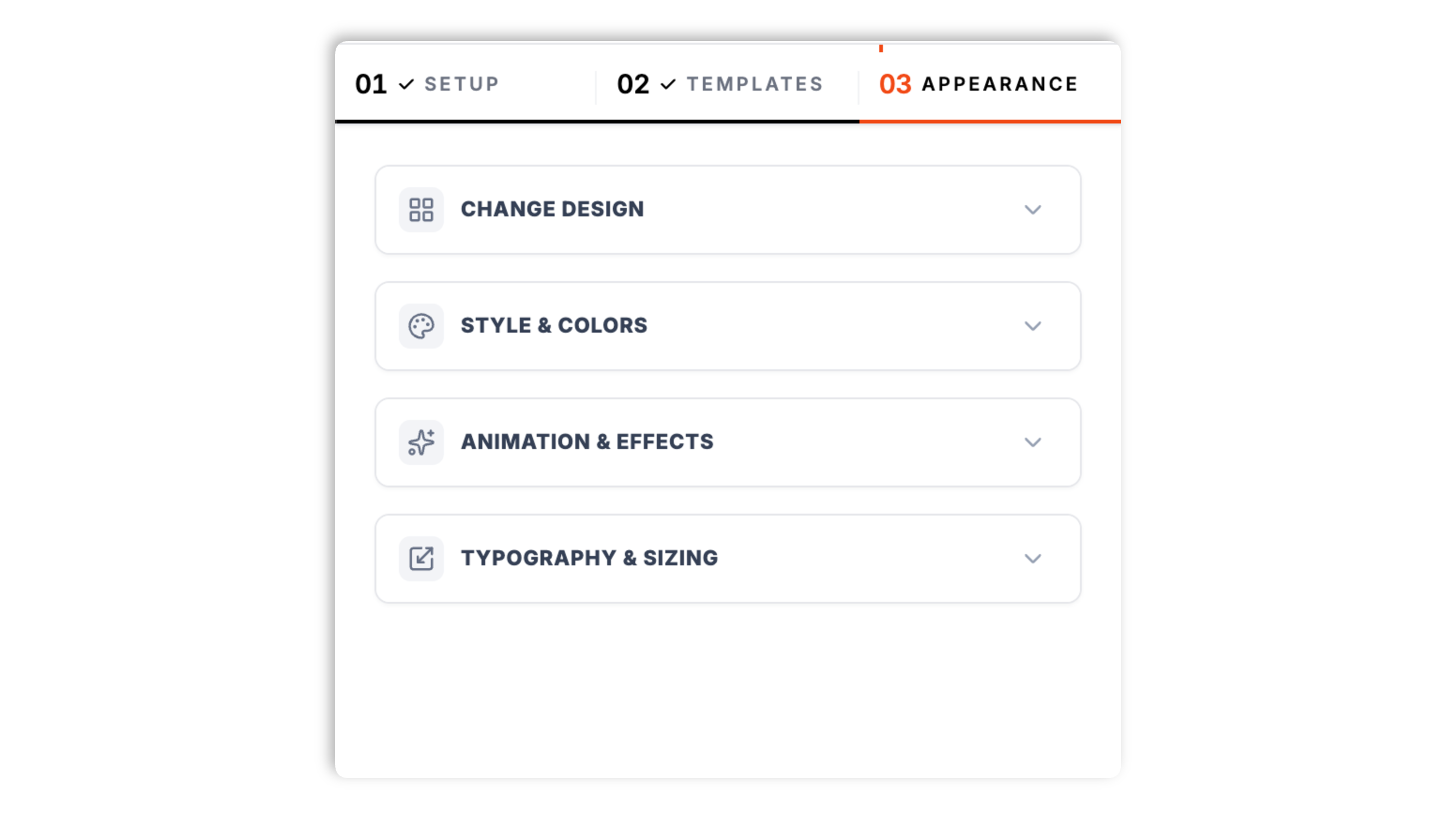
Choose Embedded or Floating layout (Floating supports corner and center-edge positions). Pick one of 18 design presets, then fine-tune color, corner radius, border, shadow, typography, and animation in the Appearance tab.
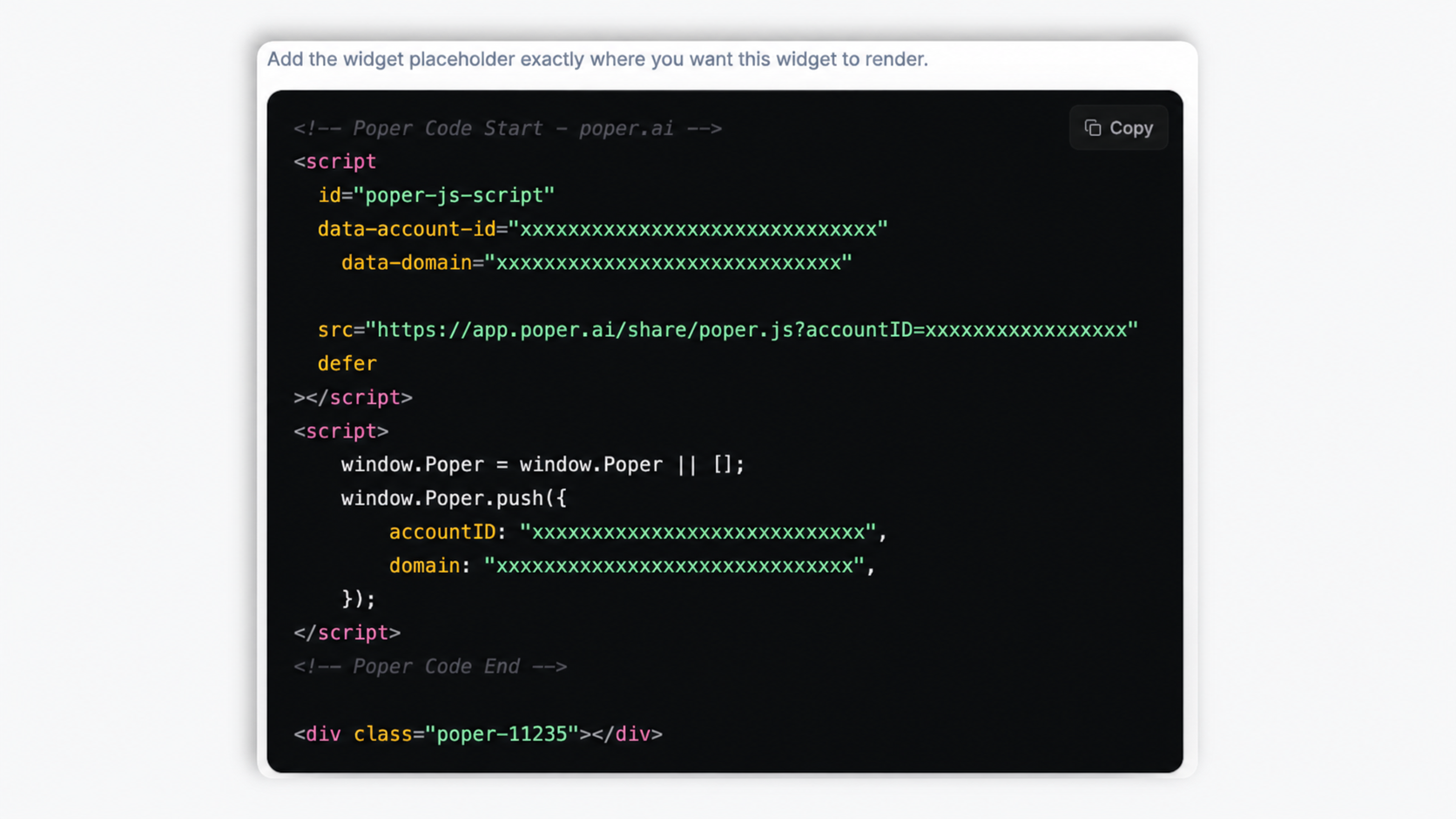
Paste the Poper embed snippet into your site. Works anywhere your Poper embed snippet is supported with a single orange Copy.
Works everywhere
Drop-in install on WordPress, Shopify, Wix, Squarespace, Webflow, Framer, Ghost, and any HTML-friendly stack. No build step, no developer needed.


Plus 250+ other platforms via the embed snippet. If your site can render a <script> tag, it can render the Button Widget for Website: Floating CTA, WhatsApp, Download Buttons.
What actually matters when you embed a CTA button on a real, conversion-sensitive website.
Open Link, Download File, Email, Skype, WhatsApp, Telegram, Scroll To, Copy to Clipboard, Run Script, or Follow on Social. Common button actions are available in the builder. Poper ships all ten actions so you can pick the CTA that fits the page, free.
Render the button inline inside your page content, or float it over the viewport. Floating buttons can pin to any of six supported positions: top-left, top-center, top-right, bottom-left, bottom-center, or bottom-right.
Classic, Pill, Soft, Outline, Brutalist, three gradients, Neon, Glass, Cyber, and more. Pick one, then fine-tune.
Fade In, Zoom In, Slide Up, Bounce, Pulse, Shake, or Wobble, triggered on load, on hover, or constant.
Set button color, text color, corner radius, border width and color, shadow style, font size, and an optional icon with a second line of subtext. Hover styling is available in the preview.
Async-injected, scoped CSS, lightweight bundle. Validate layout on your own page, designed to limit LCP impact. Validate performance on your own page after embedding. Validate with PageSpeed Insights before and after.
Use cases
Four buyer types who get the most lift from embedding Button Widget for Website: Floating CTA, WhatsApp, Download Buttons on their site.
An embedded 'Add to cart' or 'Buy now' button on a product page, or a floating CTA pinned to the corner so the primary action stays in view as visitors scroll.
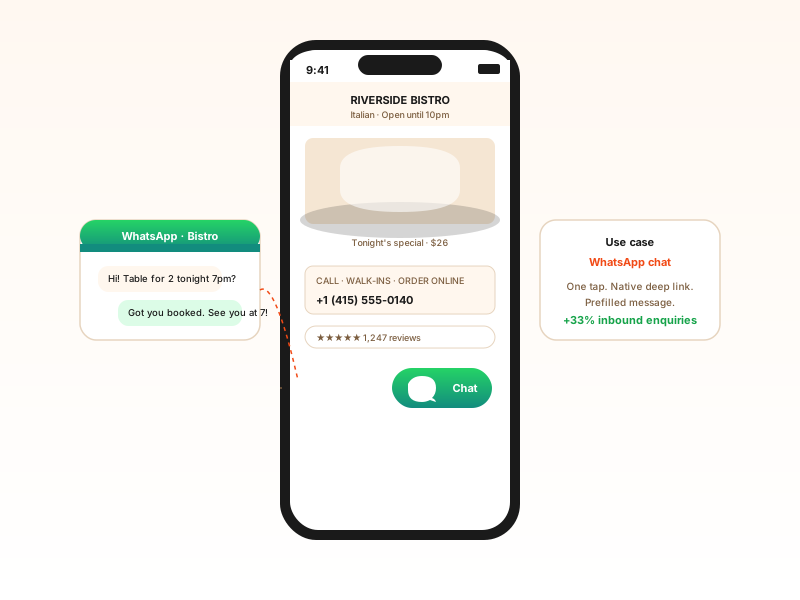
A floating green WhatsApp button anchored to a bottom corner that opens the WhatsApp chat deep link in one tap. Useful for service businesses fielding inbound enquiries.
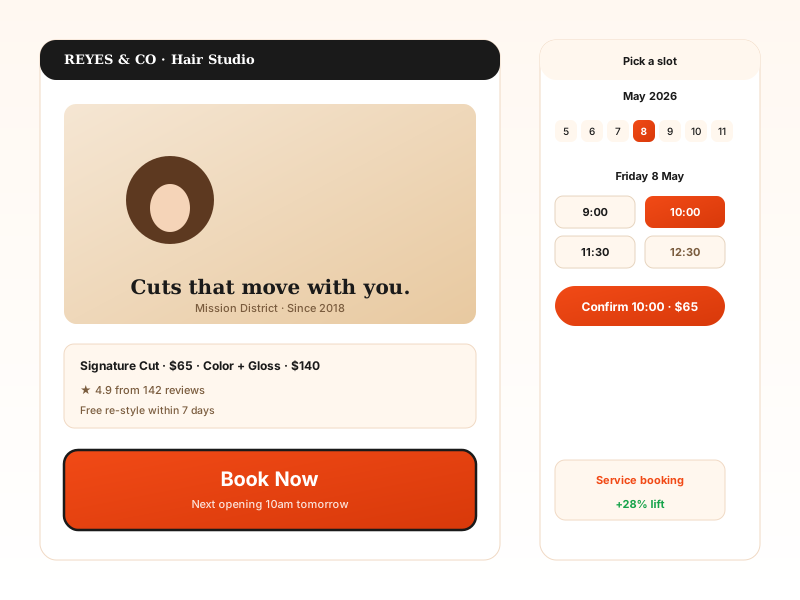
A 'Book Now' button using the Open Link action to send visitors to your appointment page. Float it on the corner so it follows the scroll on long service pages.
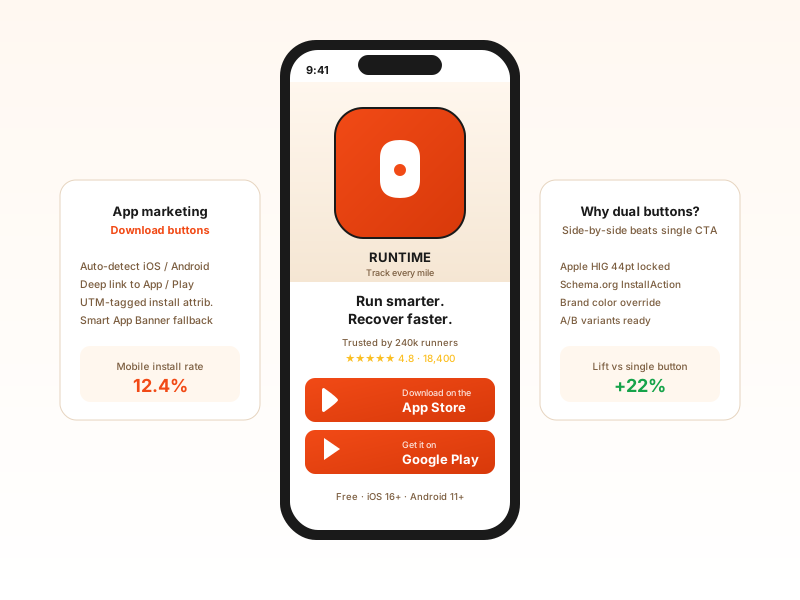
A Download File button that serves your app, brochure, or lead magnet on click. Pair it with a Follow on Social button to keep visitors connected.
Elfsight and POWR are widget platforms that include a button widget. Here is how Poper compares against them.
| Recommended Poper | Elfsight | POWR | |
|---|---|---|---|
| Poper workspace available | Limited | Limited | |
| Open link action | |||
| Download file action | |||
| WhatsApp deep link action | Paid only | Paid only | |
| Telegram deep link action | |||
| Email (mailto) action | |||
| Scroll to section action | |||
| Copy to clipboard action | |||
| Follow on social action | Paid only | ||
| Embedded and floating placement | |||
| Built-in style presets | 18 presets | Limited | Limited |
| Pricing for unlimited buttons | Plan details vary | Vendor pricing varies | Vendor pricing varies |
| Works alongside other Poper tools |
Comparison reflects external competitor positioning. Verify current details on each provider's site.
Marketers and founders who switched from generic button plugins to Poper.
“We moved our 'Book a demo' CTA from a buried inline link to a floating button pinned to the bottom-right corner. It now stays in view the whole way down our long product page. Setup took about two minutes.”

“We use the WhatsApp action on our mobile site for inbound sales. Tapping the floating button opens the chat with one tap, which is exactly what our customers expect. No code, no plugin bloat.”

“We checked performance after embedding buttons across our site, and the widget stayed within our page budget. That was exactly what we needed.”

Pricing
All plans are billed yearly. Each card shows the per-month equivalent. Start free, then upgrade only when you need more campaigns, websites, or AI credits.
Yearly billing · save up to 40%Essential lead capture for solo creators and growing businesses.
billed $180/year
Full engagement suite with A/B testing, gamification & unlimited leads.
billed $348/year
Unlimited everything with white-label, API access & advanced analytics.
billed $948/year
Prices shown for the 50k monthly visitor tier on yearly billing. A Free Forever plan ($0) and a custom Enterprise plan are also available. No contracts, cancel anytime.
A CTA button is the single highest-leverage element on a landing page. Microsoft Clarity, Hotjar, and ContentSquare have all separately published heatmap research showing that 60-80 percent of all engagement on a typical landing page concentrates on a single primary button. Get that button right and your conversion rate moves 15-30 percent. Get it wrong and the rest of the page does nothing. This guide is the playbook we use at Poper to ship high-converting button widgets: the conversion psychology of button copy, when to use a floating button versus an inline button, picking the right action for the right page, and the styling and animation choices that make a button feel native to your site.
The Poper button widget ships ten actions, and the right one depends on the page. Open Link is the workhorse for sending visitors to a pricing page, signup form, or booking calendar. Download File links to the configured file URL. Email opens a prefilled mailto for support and sales pages. WhatsApp and Telegram open the chat deep link, which works well on service and local-business pages where buyers expect a fast reply. Skype uses the configured phone link. Scroll To jumps the visitor to a section further down the same page, useful for long landing pages with a hero CTA that points at a form below. Copy to Clipboard copies a coupon code, address, or referral link in one tap. Run Script triggers your own page script. Follow on Social sends visitors to your profile. Match the action to the visitor's likely intent: a homepage hero usually wants Open Link, a contact page wants Email or WhatsApp, and a long sales page wants Scroll To.
The Poper button widget includes eight animations: Fade In, Zoom In, Slide Up, Bounce, Pulse, Shake, Wobble, and none. Each can fire on load, on hover, or constantly. Motion is a tool, not a default. A subtle Fade In or Slide Up on load draws the eye to the primary CTA without being distracting, and it is a safe choice for almost any page. An on-hover animation gives feedback that the button is interactive, which helps on dense pages. A constant Pulse or Bounce is attention-grabbing and works for a single high-priority CTA, such as a limited-time offer, but using it on every button trains visitors to ignore it. The honest rule: animate at most one button per view, prefer on-load or on-hover over constant motion, and pick none when the button already sits in an obvious spot. Visitors who have reduced-motion preferences set at the OS level should not be bombarded with constant movement.
A button widget for a website is an embeddable script that adds a configurable CTA button to a page. The Poper button widget supports ten actions: open a link, download a file, send an email, start a Skype call, open a WhatsApp or Telegram chat, scroll to a section, copy text to the clipboard, run a page script, or follow on social. The button can be placed inline (embedded) or floated over the viewport in any of six supported positions.
Last fact-checked: . We re-verify every quarter.
Tutorial
A quick walkthrough of setting up and embedding this widget.
Tutorial video coming soon
Can't find the answer you're looking for? Chat with our support team.
Contact SupportPoper renders your button embedded or floating, ships a lightweight bundle, and takes 90 seconds to set up.
Free plan available forever