
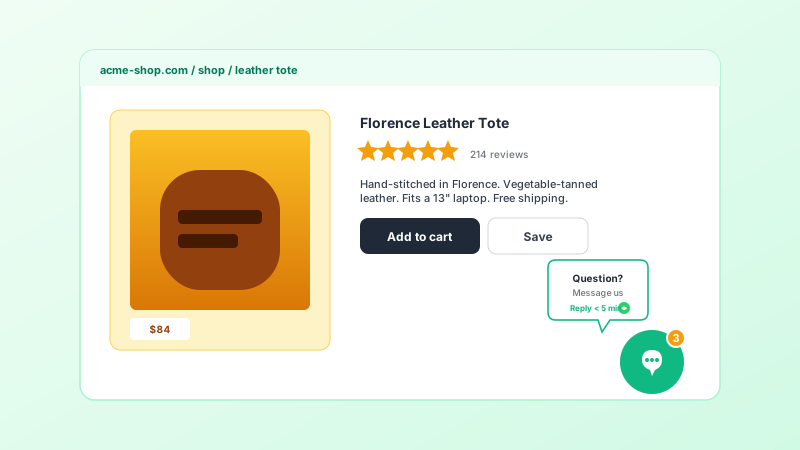
Ecommerce support
Put a WhatsApp button for pre-purchase questions and a Messenger button for post-purchase support side by side on product pages so shoppers can choose the channel that fits the conversation.
One floating button. WhatsApp, Messenger, Telegram, Instagram, email, phone, and more. Each button links straight to that contact channel. No code, no live-agent fees.
Built for no-code website teams























Live demo, not a screenshot. Add contact buttons, style the launcher, and see where each button links. What you see here is what ships to your site.
Before and after Poper
Add your WhatsApp, Messenger, Telegram, email, and phone buttons in the Poper builder, then embed a single floating launcher on your site. Visitors tap the channel they prefer and go straight to that conversation.
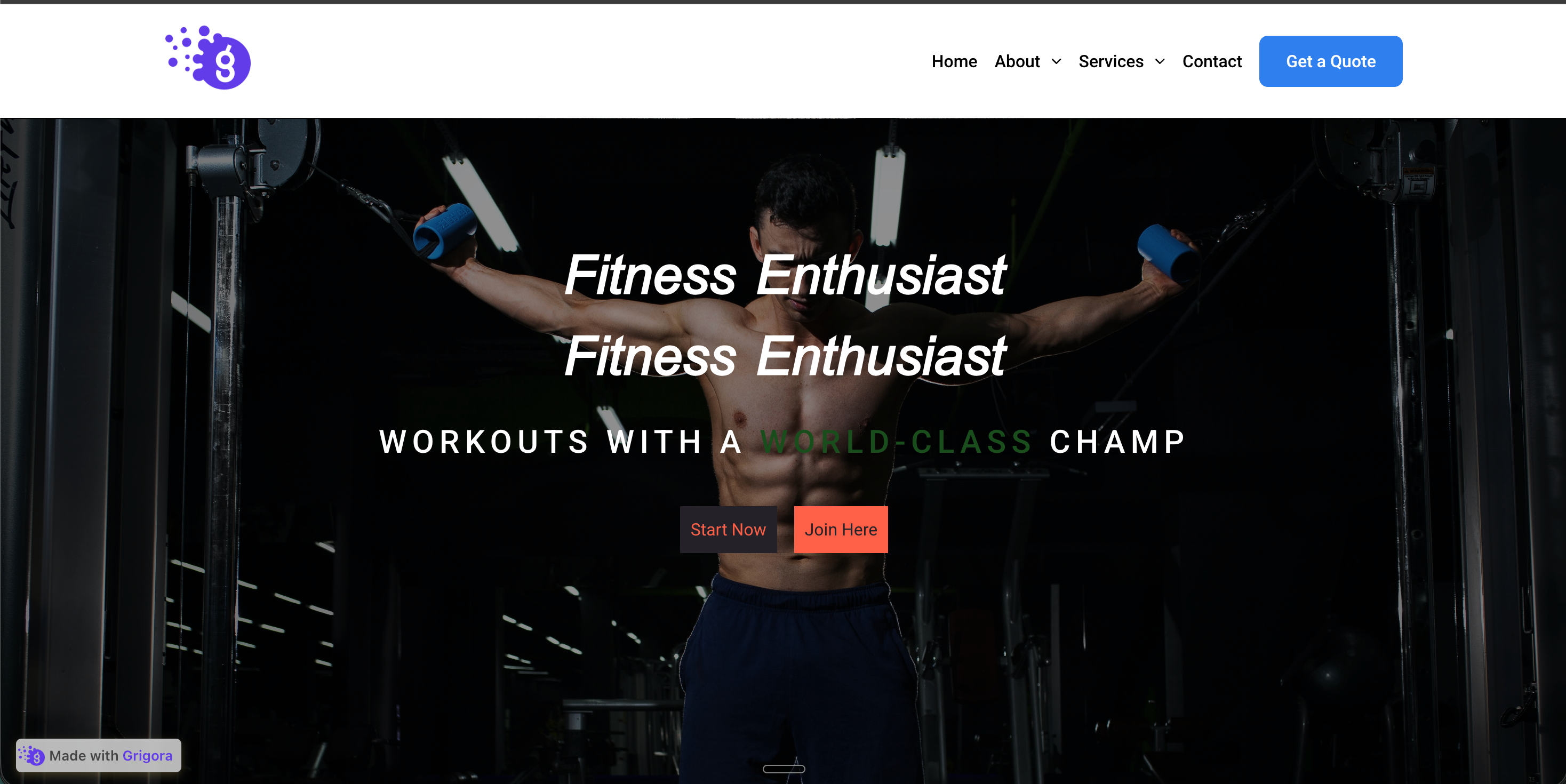 Before
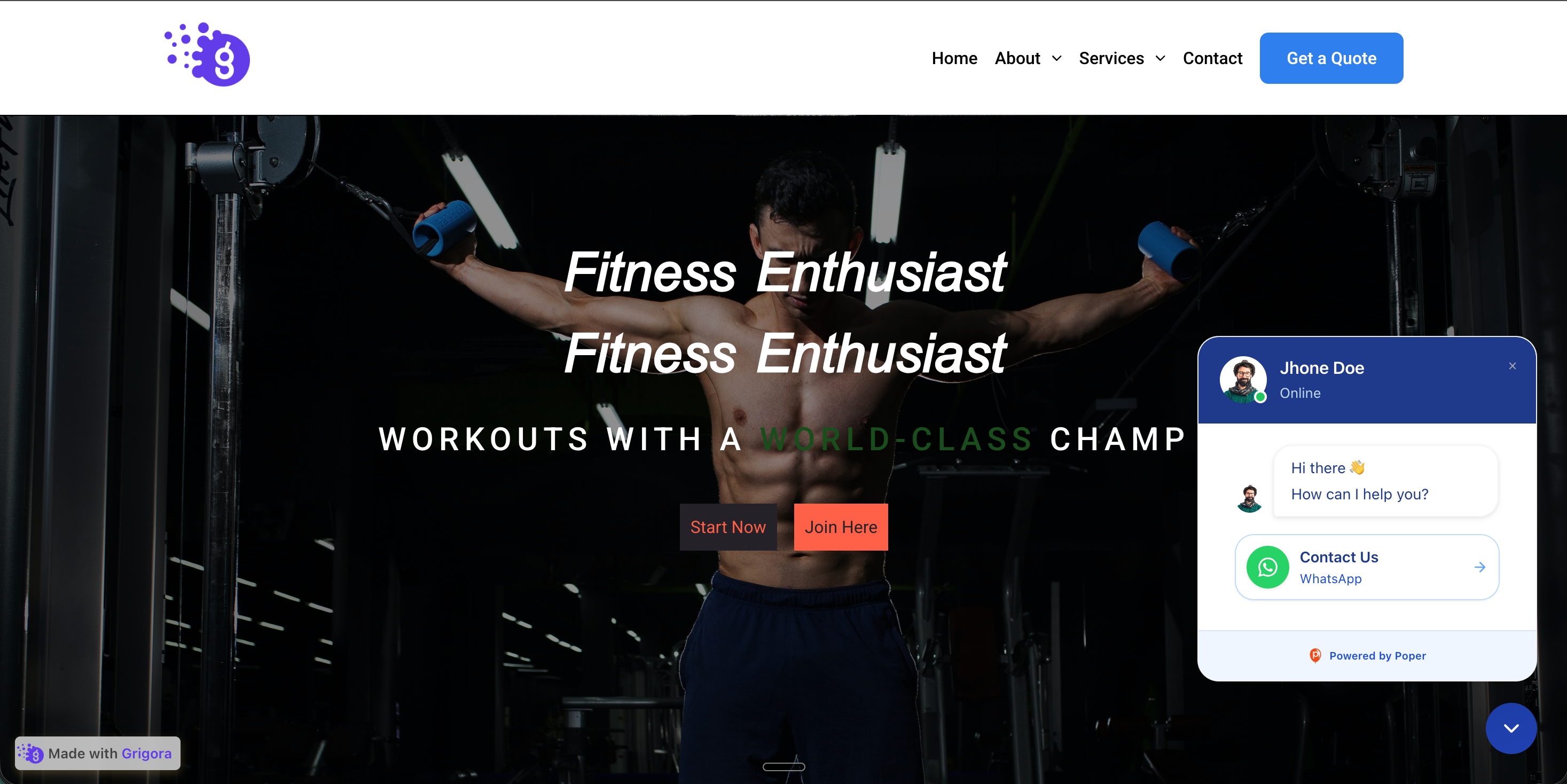 Poper widget live
Mockups for illustration. Style the widget to match your site and embed in 90 seconds.
How to use it
Configure the channels, style the launcher, and embed where your Poper snippet is supported.
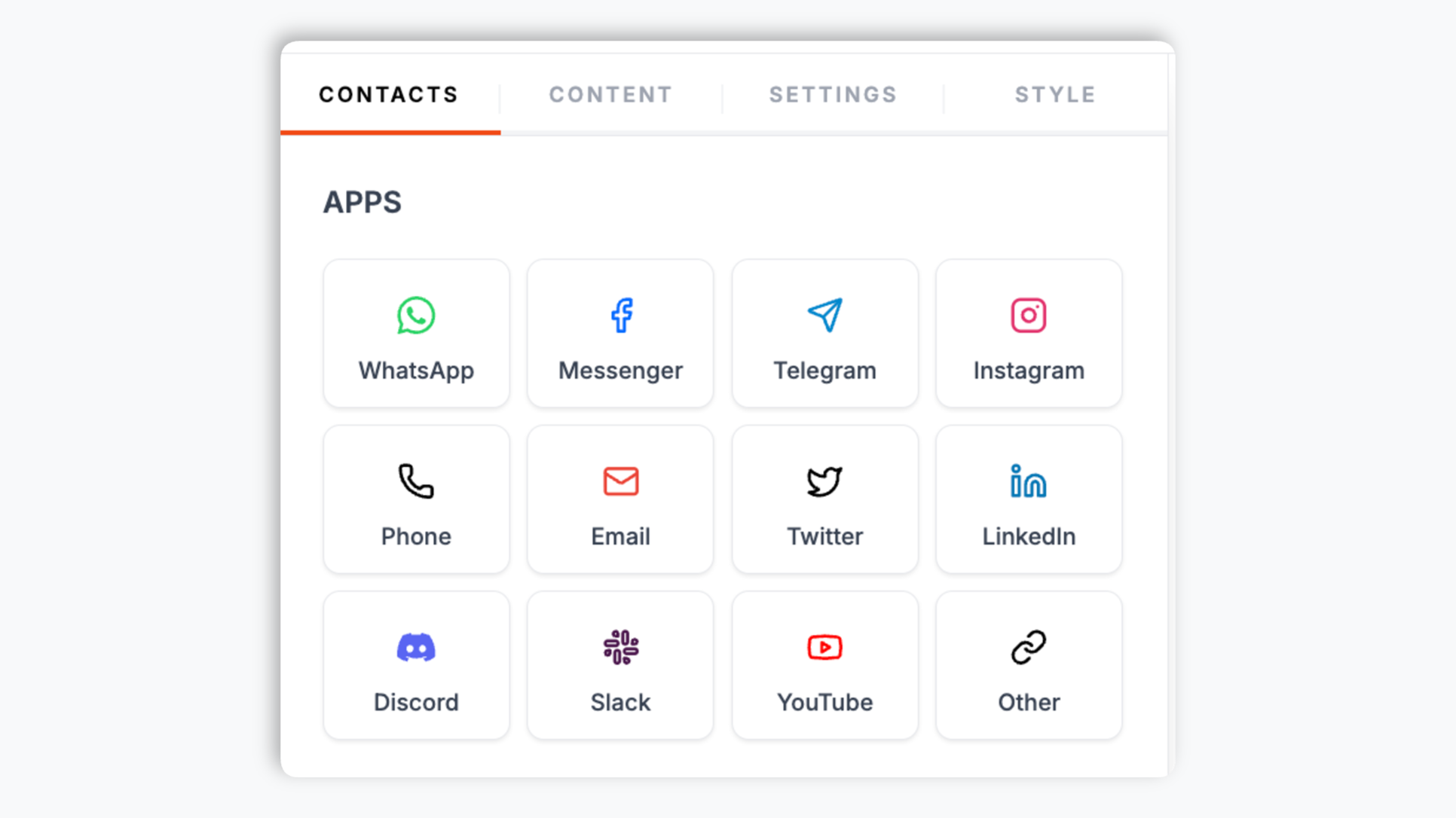
Add a button for WhatsApp, Messenger, Telegram, Instagram, email, phone, Twitter, LinkedIn, Discord, Slack, YouTube, or any custom URL. Give each button a label and its destination (phone number, username, email, or link).
Pick a position style (floating bubble or embedded), configure the available placement controls, choose a chat theme preset, and write the welcome message, agent name, and reply-time caption. Live preview updates as you tweak.
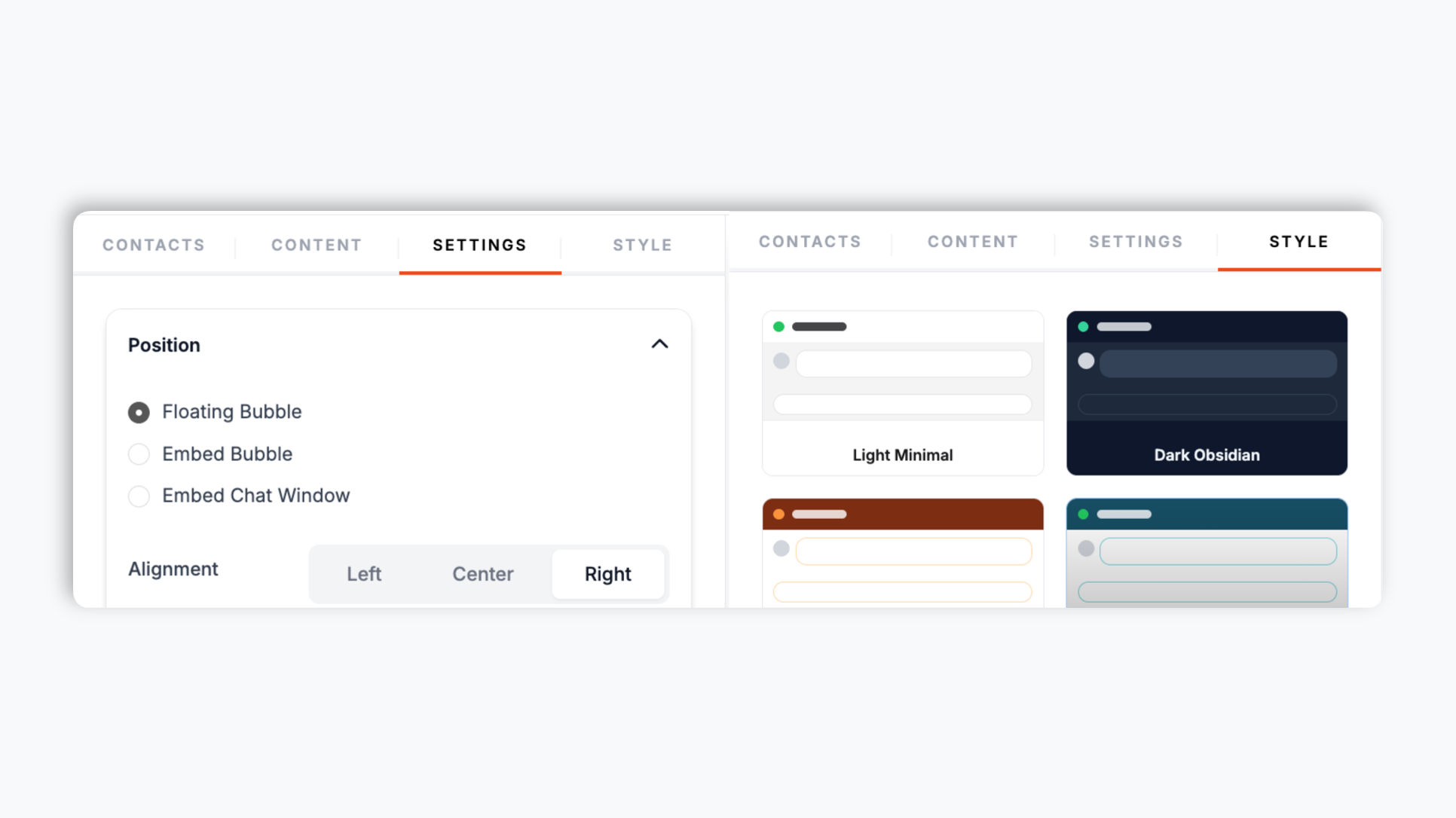
Paste the Poper embed snippet into your site. Works anywhere your Poper embed snippet is supported. Visitors tap the launcher and pick the contact button they want.

Works everywhere
Drop-in install on WordPress, Shopify, Wix, Squarespace, Webflow, Framer, Ghost, and any HTML-friendly stack. No build step, no developer needed.


Plus 250+ other platforms via the embed snippet. If your site can render a <script> tag, it can render the All-in-One Chat Widget: WhatsApp, Messenger, Telegram in One Button.
Six things that matter when you are picking a multi-channel chat launcher, not 30 features no one uses.
WhatsApp, Facebook Messenger, Telegram, Instagram, email, phone, Twitter, LinkedIn, Discord, Slack, YouTube, and a custom URL button. Need something else? Add a custom URL button that points anywhere. Visitors tap the channel they already use, so there is less friction switching from your site to a real conversation.
Every button has its own destination. WhatsApp opens wa.me, Messenger opens m.me, Telegram opens t.me, email triggers mailto:, phone triggers tel:, and custom URL opens the exact link you paste. No buggy iframe overlays, no broken redirects.
Add as many channels as you need in a single widget, each with its own label and destination.
Pick a chat theme preset, set a welcome message, add a notification badge, and enable a bubble animation.
Floating and embedded launcher modes adapt to the selected widget settings on mobile and desktop.
Embed where your Poper snippet is supported, then validate performance and behavior on your own page.
Use cases
Four buyer types who get the most lift from embedding All-in-One Chat Widget: WhatsApp, Messenger, Telegram in One Button on their site.
Put a WhatsApp button for pre-purchase questions and a Messenger button for post-purchase support side by side on product pages so shoppers can choose the channel that fits the conversation.
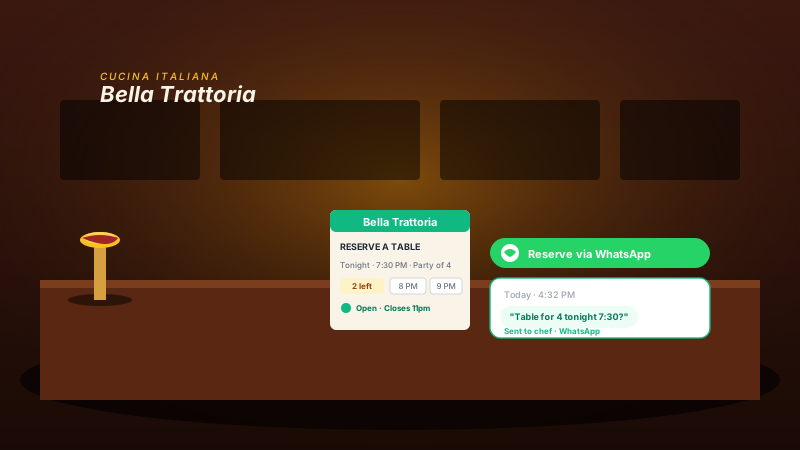
Add a 'Reserve via chat' or phone button near your hours so visitors who prefer messaging can start the booking conversation from the page.
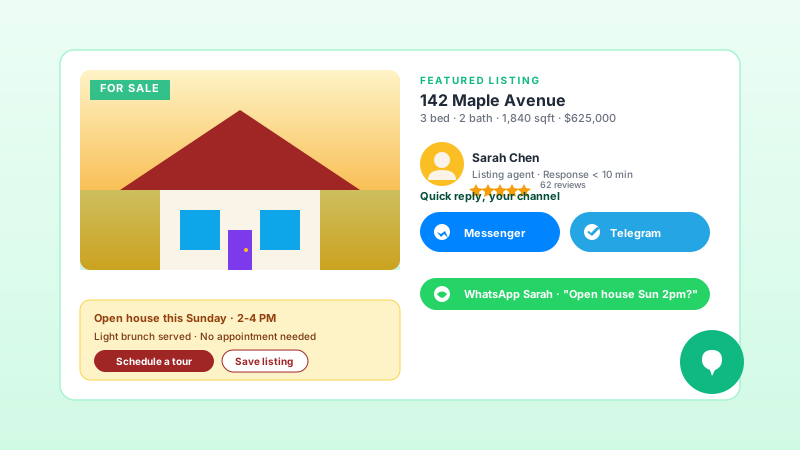
When someone is looking at a $625K listing, they want to message the agent right now, in whichever app they already have open. Messenger, Telegram, and WhatsApp side by side.
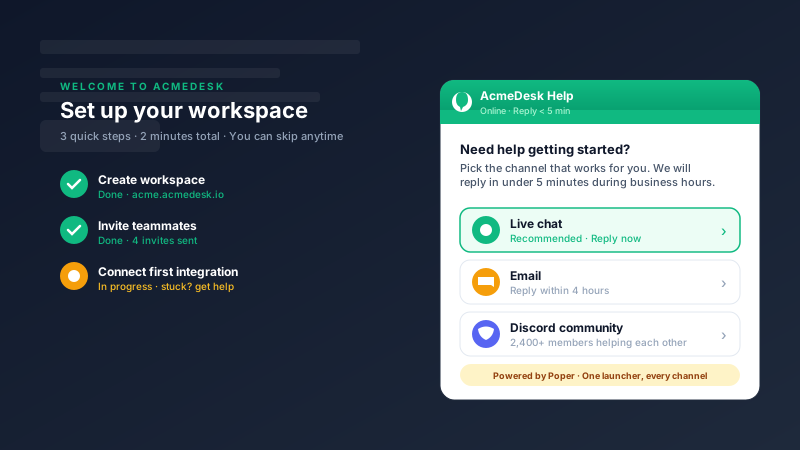
New users get stuck on integration setup. A chat widget surfacing 'Email / Discord / contact link' channels at the right moment gives users a quick path to help.
Most multi-channel widgets either bundle a $25/mo helpdesk you do not need, or paywall the channels that matter. Here is how the popular ones stack up.
| Recommended Poper | Elfsight Chat | POWR Chat | Crisp | |
|---|---|---|---|---|
| Poper workspace available | Limited | Limited | ||
| WhatsApp + Messenger + Telegram buttons | ||||
| Email and phone buttons | Email only | |||
| 10+ supported channel types | 8 channels | 6 channels | 5 channels | |
| Custom URL button (any channel) | Paid only | |||
| Online status caption | Paid only | |||
| Chat theme presets | Paid only | Paid only | Paid only | |
| Floating bubble or embedded placement | ||||
| Bundles full helpdesk (live agents, inbox, tickets) | ||||
| Pricing starting from | Vendor pricing varies | Vendor pricing varies | Vendor pricing varies | Vendor pricing varies |
Comparison reflects external competitor positioning. Verify current details on each provider's site.
SMBs, ecommerce, service businesses, and international brands using one chat widget across every channel.
“We added the Poper all-in-one chat widget with WhatsApp, Messenger, and email buttons. Visitors can choose the configured contact channel that fits their question.”

“We have WhatsApp, Telegram, and Instagram buttons in one floating launcher. Setup was a few minutes in the builder, each button just links to that channel, and there is nothing to maintain.”

“We were paying for a full helpdesk and only using it as a contact form. We switched to Poper's chat widget, kept a WhatsApp button and an email button, and dropped the helpdesk. Same outcome, no monthly fee.”

Pricing
All plans are billed yearly. Each card shows the per-month equivalent. Start free, then upgrade only when you need more campaigns, websites, or AI credits.
Yearly billing · save up to 40%Essential lead capture for solo creators and growing businesses.
billed $180/year
Full engagement suite with A/B testing, gamification & unlimited leads.
billed $348/year
Unlimited everything with white-label, API access & advanced analytics.
billed $948/year
Prices shown for the 50k monthly visitor tier on yearly billing. A Free Forever plan ($0) and a custom Enterprise plan are also available. No contracts, cancel anytime.
An all-in-one chat widget gives visitors a single launcher for the contact channels you configure: WhatsApp, Messenger, Telegram, Instagram, email, phone, and more. Each button opens its own configured link, so the conversation can continue in the channel the visitor chooses. This guide walks through what actually matters when you choose and configure an all-in-one chat widget: how each contact button opens, mobile vs desktop behavior, and where this category fits versus full customer-support helpdesks.
Customer communication is fragmented across messaging apps, email, phone, and community channels. A site that only offers an email contact form may not match how every visitor wants to start a conversation. The all-in-one chat widget gives you one launcher for the channels you configure, so visitors can choose from the contact options you make available.
An all-in-one chat widget is not a customer support helpdesk. It does not have a shared inbox, ticketing, agent workload routing, canned responses, AI auto-replies, or a knowledge-base. It is a launcher: one tap and the conversation continues in the customer's native messaging app. Pick a chat widget when: (1) you have low to moderate inbound volume (under ~50 conversations a day); (2) you do not have a dedicated support team; (3) you want to reach customers on the channel they already use; (4) you want the conversation history to live in their app, not your tool; (5) you do not want to pay $25-150/agent/mo. Pick a full helpdesk like Crisp ($25/mo) or Intercom ($150+/mo) when: (1) you have 100+ inbound conversations a day; (2) you have a staffed support team that needs an inbox view; (3) you need ticketing, SLAs, escalation rules; (4) you need AI auto-reply or a knowledge base bot. Most SMB sites are firmly in the chat-widget category. The helpdesk category is for B2B SaaS at scale and ecommerce above $10M ARR.
Mobile and desktop behavior depends on the selected position style and settings. Floating and embedded modes can present the launcher differently, and each channel button still opens the configured link for that channel. Test the final launcher on phone and desktop viewports so the placement, labels, and tap targets work well for your page.
An all-in-one chat widget is a floating launcher that combines multiple contact buttons (WhatsApp, Messenger, Telegram, Instagram, email, phone, and more) into one button on a website. Each button links straight to that channel, so visitors tap the one they already use. It replaces the need for a full helpdesk on most small business sites.
Last fact-checked: . We re-verify every quarter.
Tutorial
A quick walkthrough of setting up and embedding this widget.
Tutorial video coming soon
Can't find the answer you're looking for? Chat with our support team.
Contact SupportAdd the contact channels you support and let visitors choose the configured link they want to open.
Free plan available forever