
News and media brands
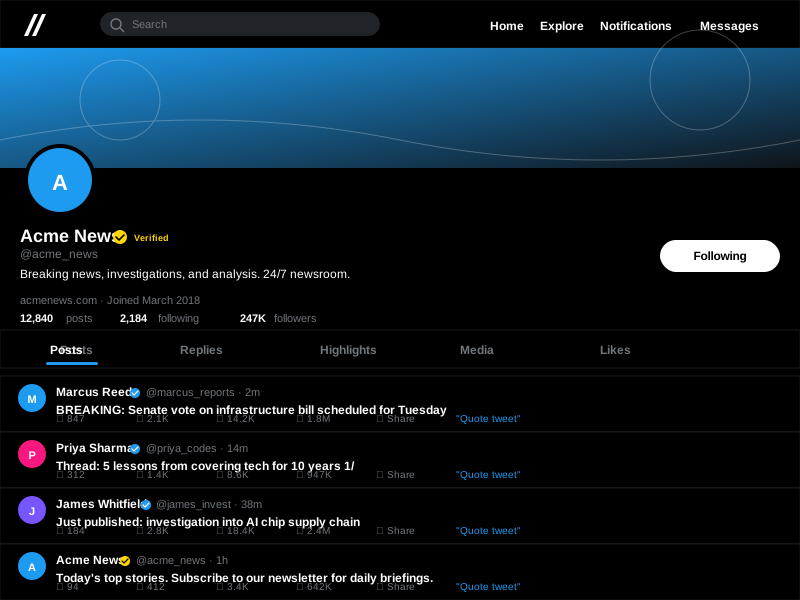
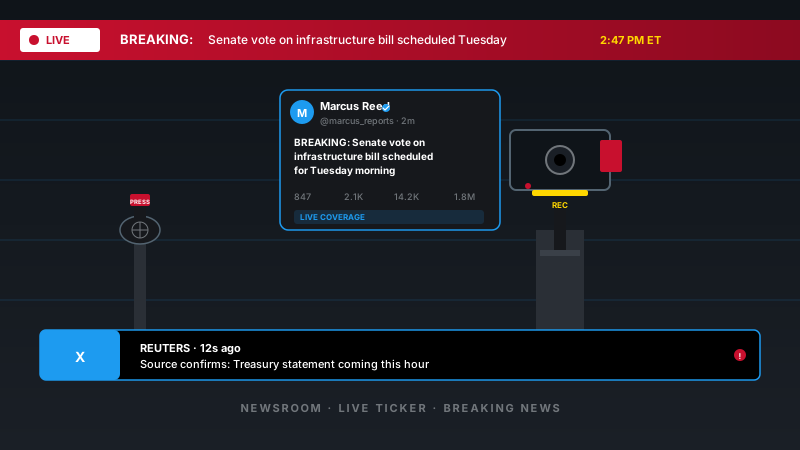
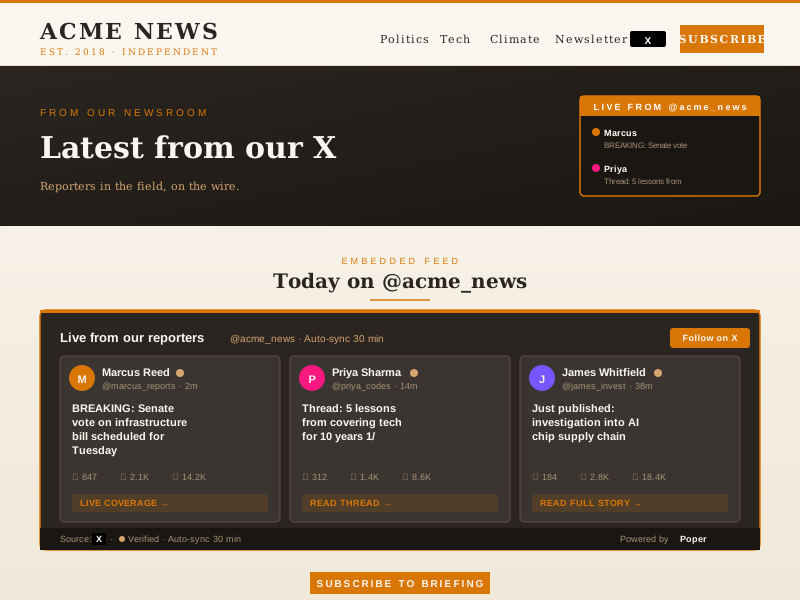
Embed a reporter's or the newsroom's X feed on an article or section page. Live commentary that surfaces on your site without a CMS edit.
Embed an X account's posts on your site in 90 seconds. Pick a layout, brand it, and ship it with one line of code. No code required.
Built for no-code website teams























Live demo, not a screenshot. Style it, brand it, embed it. What you see here is what ships to your site.
From X to your site
Poper pulls your public X feed and renders it inline on your website, fully branded to match your design. No API keys, no manual updates.
 Poper widget live
Mockups for illustration. Pull your real X feed and embed in 90 seconds.
How to use it
Three steps. Under two minutes. No developer needed.
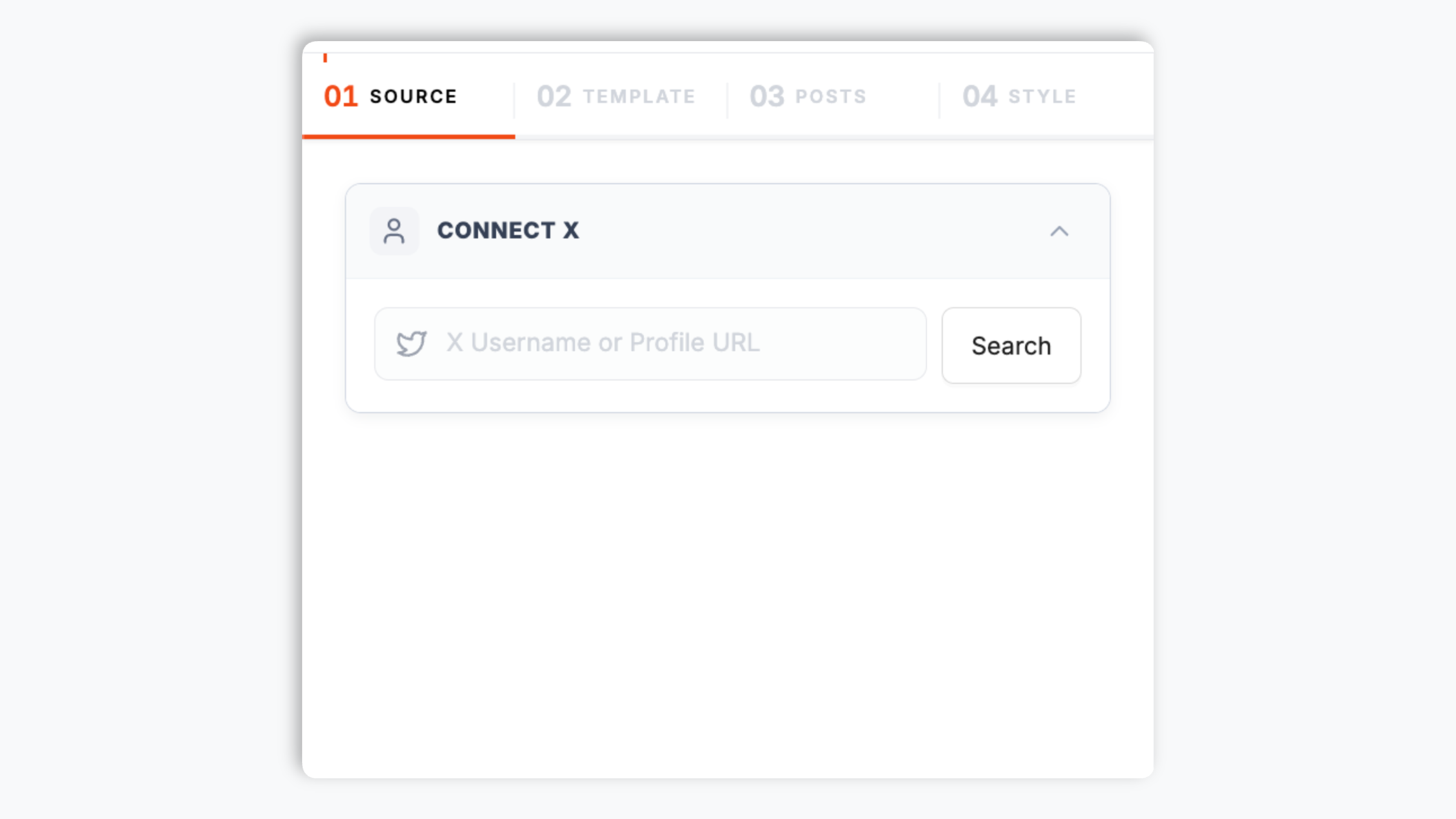
Paste an X profile handle or URL into the widget builder. Poper pulls the account's posts and shows a live preview in seconds.
Choose the native Default layout, a List, Masonry, or Polaroid. Tweak theme presets, colors, fonts, corner radius, and the header to match your site.

Paste the Poper embed snippet into your site. Works on Webflow, Framer, Carrd, Substack, Ghost and 250+ news and creator platforms.

Works everywhere
Drop-in install on WordPress, Shopify, Wix, Squarespace, Webflow, Framer, Ghost, and any HTML-friendly stack. No build step, no developer needed.


Plus 250+ other platforms via the embed snippet. If your site can render a <script> tag, it can render the X Feed Widget: Embed an X (Twitter) Account's Posts on Any Site.
Six things that matter when you are picking an X widget, not 30 settings no one uses.
The Default layout renders an X account's posts in a clean, native-style UI with a profile header showing the avatar, handle, verified badge, and follower stats. On top of the native default you get a List, a Masonry, and a Polaroid layout, so you can match whatever section of your page the feed lives in. Clicking a post opens an in-page popup with the post detail, or you can set clicks to open the post on X. Pick a theme preset, set your brand colors, fonts, and corner radius, and the embed stops looking like a generic Twitter card and starts looking like part of your design system.
Connect an X account and the widget pulls the account's recent posts into one feed, sorted newest-first and rendered in whichever layout you choose. Point the widget at a different X account any time through the normal publish flow the snippet on your site.
The profile header shows the account's verified badge when X reports it, so the feed matches what visitors see on x.com itself.
Use the styling controls available for this feed layout.
The embed loads through the Poper snippet. Validate layout and performance on your own page after embedding.
Set the click action per widget: open an in-page popup with the post detail so visitors stay on your page, or send clicks straight to the post on X. Swipe between posts inside the popup so visitors can browse the feed without closing it.
Use cases
Four buyer types who get the most lift from embedding X Feed Widget: Embed an X (Twitter) Account's Posts on Any Site on their site.
Embed a reporter's or the newsroom's X feed on an article or section page. Live commentary that surfaces on your site without a CMS edit.

Founder, engineer and exec posts on the homepage and About page. Visitors see the company's actual point of view before they read a single feature bullet.
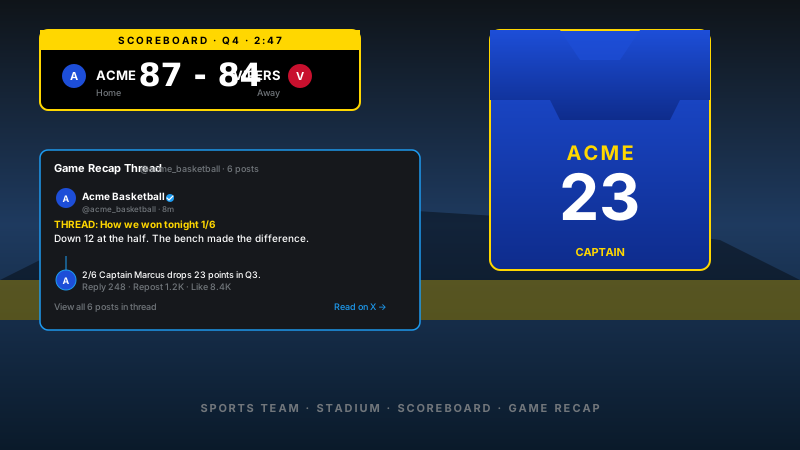
Game-day pages with the official team account's X feed embedded inline, so scoreboard updates and post-game posts surface without a separate CMS edit.
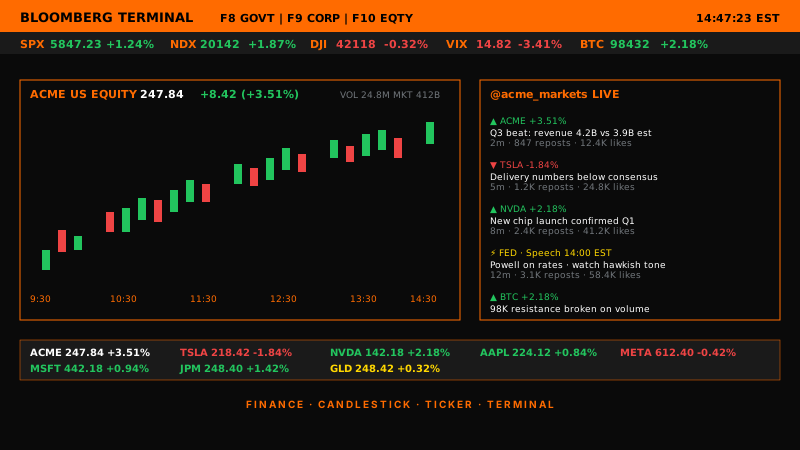
Analyst takes, ticker mentions and live market reactions next to the chart. Bloomberg-terminal vibes, embedded on the brand-finance landing page.
X gives you a basic single-post embed, but not a branded feed for your site. Here is how Poper stacks up against the widget-provider platforms that also offer an X embed.
| Recommended Poper | Elfsight | Common Ninja | X native embed | |
|---|---|---|---|---|
| Poper workspace available | Limited free | Limited free | ||
| Whole-account post feed | Single post | |||
| Multiple layouts (List, Masonry, etc.) | 4 layouts | Multiple | Multiple | Single layout |
| Verified badge rendering | ||||
| Post popup on click | ||||
| Theme presets and brand colors | ||||
| Layout styling controls | Paid only | Paid only | ||
| Remove widget branding | All plans | Paid only | Paid only | N/A |
| Bundled with popups, forms, quizzes | ||||
| Starting paid price | Plan details vary | Vendor pricing varies | Vendor pricing varies | Free |
Comparison reflects external competitor positioning. Verify current details on each provider's site.
Newsrooms, founders, policy writers, and event organizers who put their X feed on a domain they control.
“Our newsroom embeds a reporter's X feed on each section page. Setup was a single handle paste, and the feed matches our site theme instead of looking like a stock Twitter card. Section pages feel current without anyone touching the CMS.”

“I write on X and my readers wanted it on my site. The X feed widget took 90 seconds to embed, and the in-page popup keeps readers browsing my posts on my own page instead of bouncing to x.com.”

“Our conference landing page used to be a static sponsor wall. We embedded the event account's X feed and the page turned into a live attendee wall. clicks to the registration page jumped compared to last year's static design.”

Pricing
All plans are billed yearly. Each card shows the per-month equivalent. Start free, then upgrade only when you need more campaigns, websites, or AI credits.
Yearly billing · save up to 40%Essential lead capture for solo creators and growing businesses.
billed $180/year
Full engagement suite with A/B testing, gamification & unlimited leads.
billed $348/year
Unlimited everything with white-label, API access & advanced analytics.
billed $948/year
Prices shown for the 50k monthly visitor tier on yearly billing. A Free Forever plan ($0) and a custom Enterprise plan are also available. No contracts, cancel anytime.
The embed loads through the Poper snippet. Validate layout and performance on your own page after embedding.
X is fast-moving and public, which makes it a good place to post and a poor place to keep your audience. The moment a visitor leaves your site to read your posts on x.com, X decides what they see next. Your own website is the one surface you fully control, and an X feed widget is the simplest way to keep that surface feeling current. For a news or media brand, an embedded X feed shows live commentary on an article or section page without a CMS edit. For a founder-led company, it puts the team's actual point of view on the homepage and about page. For an event, it turns a static sponsor wall into a page that shows recent posts from the event account. The widget does not replace X, it mirrors an X presence onto a domain you own so the session and the next click stay with you.
The Poper X widget gives you four layouts and each one fits a different spot on a page. The native-style Default layout renders a profile header with the avatar, handle, verified badge, and follower stats, then lays the posts out in a clean format that reads clearly as an X feed. Use it when you want the embed to look native with the least configuration. The List layout is a tidy vertical stack of posts, which works well in a sidebar, a section page, or anywhere vertical space matters. For the List layout you can also choose which post elements appear, such as the caption and the like and comment counts. The Masonry layout packs posts of varying length into staggered columns, which suits a feed where some posts are short and others are long. The Polaroid layout gives the feed a casual, scrapbook feel that fits a personal or creator site. All four layouts share the same branding controls, so you can switch between them in the builder through the normal publish flow the snippet on your site and without losing your color and font work.
Use the styling controls available for this feed layout.
Use your own analytics to validate this feed on your site.
The embed loads through the Poper snippet. Validate layout and performance on your own page after embedding.
An X feed widget is an embeddable script that pulls an X (formerly Twitter) account's posts onto a website and renders them in a native-style, List, Masonry, or Polaroid layout with a profile header, a configurable post popup, and brand-match styling.
Tutorial
A quick walkthrough of setting up and embedding this widget.
Tutorial video coming soon
Can't find the answer you're looking for? Chat with our support team.
Contact SupportPoper takes 90 seconds to embed your X feed and brand it to match your site. Start from your Poper workspace.
Free plan available forever