
























The complete guide to embedding Vimeo on your website
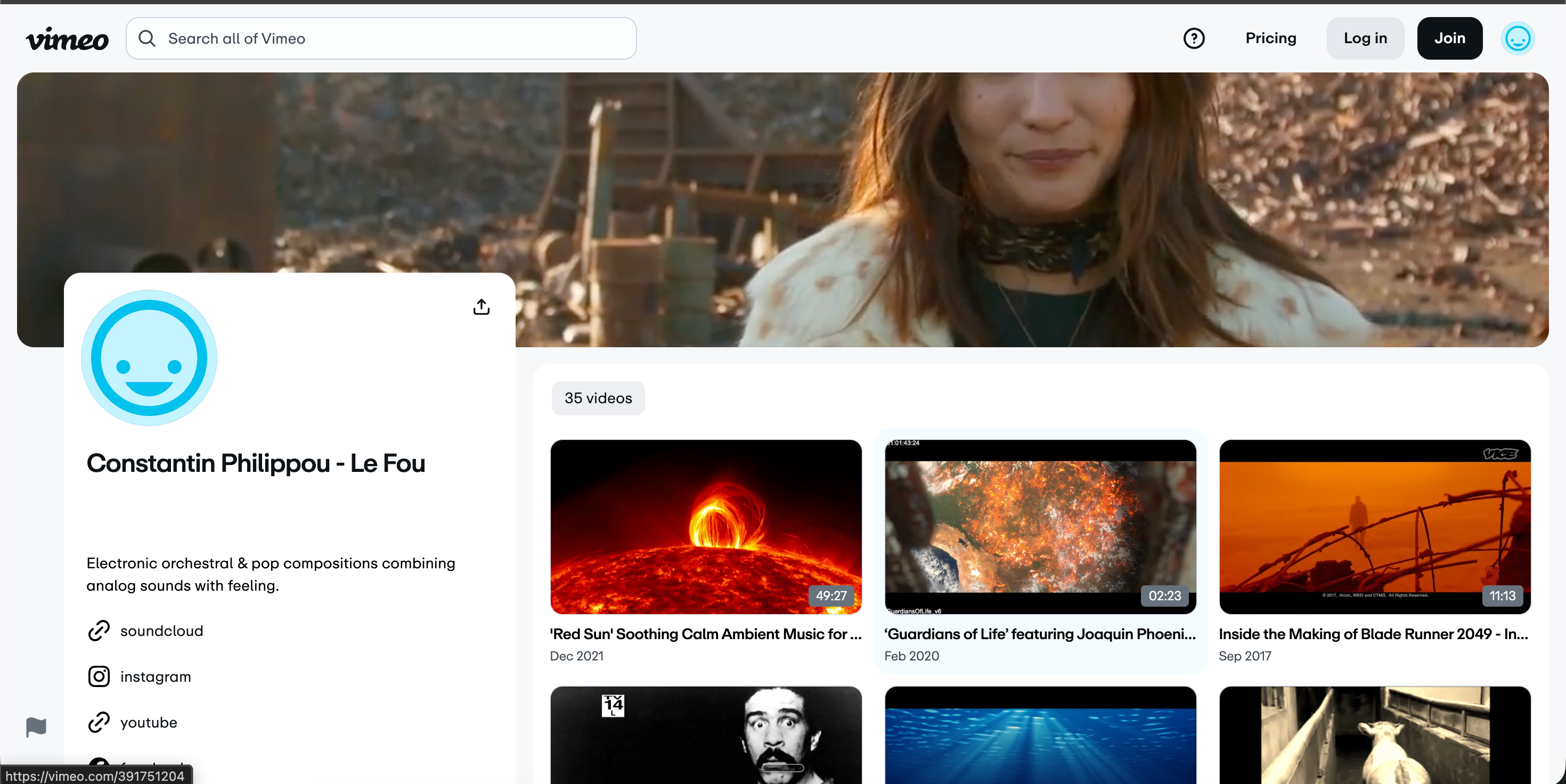
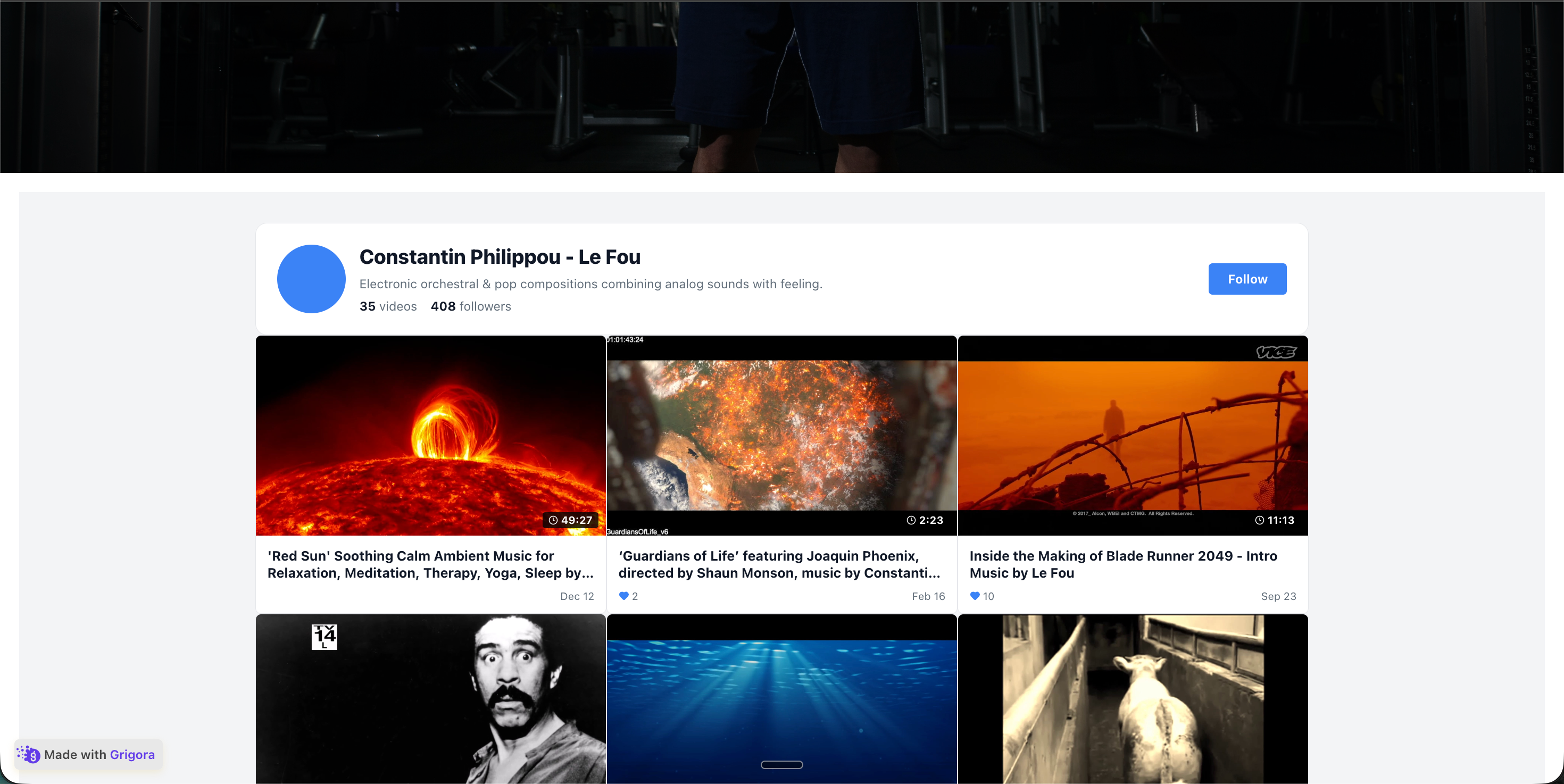
A vimeo feed widget is how you turn a Vimeo portfolio into website portfolio. Vimeo is the premium home for filmmakers, agencies, and serious video creators on the open web. With 260 million users and an ad-free playback model since founding in 2004, Vimeo positions itself as the professional alternative to YouTube. But if visitors leave your site to watch on vimeo.com you lose the session, the cookie, the upsell, and the next-page click. The right embed keeps the play happening on your domain while still using Vimeo's premium CDN, official iframe, and creator culture. This guide walks through what actually matters when you choose and configure a Vimeo widget in 2026: the Vimeo API v3.4 OAuth model, the difference between Showcases, Albums, and Channels, password-protected video handling, custom player branding, and why VideoObject schema markup is the single biggest SEO leverage point most Vimeo embeds miss entirely.
03
Password-protected videos, domain locking, and the Vimeo privacy model
Vimeo's privacy controls are a major reason creators pay for Plus, Pro, and Business plans rather than uploading to YouTube unlisted. Vimeo offers four distinct privacy levels (public, hide from Vimeo, private link only, and password-protected) plus an embed-level domain lock that whitelists specific origins where the video iframe is allowed to render. Most Vimeo widgets either ignore these controls entirely or break in confusing ways when a creator enables them. Poper renders all four privacy levels natively. Password-protected videos display the official Vimeo password prompt inline in the embed so visitors can authenticate without leaving your site. Domain-locked videos embed cleanly because Poper sends the correct Origin and Referer headers when loading the Vimeo iframe, and we automatically request the domain whitelist update through your connected app token when you add a new website. Hide from Vimeo (a privacy mode where the video does not appear on the creator's vimeo.com profile but is still publicly embeddable on connected sites) works without configuration. Private link videos require an OAuth connection to embed, and Poper handles the unfurling automatically. There is one edge case worth flagging: Vimeo's review pages, which are temporary client-review surfaces with their own URL and chrome, cannot be embedded directly. They are designed for one-off client review only. If you want to embed work that is currently sitting on a review page, upload it as a hide-from-Vimeo video first and then point the widget at the resulting video URL. The same pattern applies to Vimeo Stock previews, which are not embeddable through the public API. Worth knowing for paid courses and gated content workflows: Vimeo's privacy model is significantly stronger than YouTube unlisted, because YouTube unlisted URLs leak through browser history sync and shared bookmarks while Vimeo password-protected videos require the password every time. This is why Vimeo OTT (Vimeo's subscription video on demand product, used by independent filmmakers to sell direct-to-fan access to their work) is built on top of the same privacy primitives.