
 Default
Default
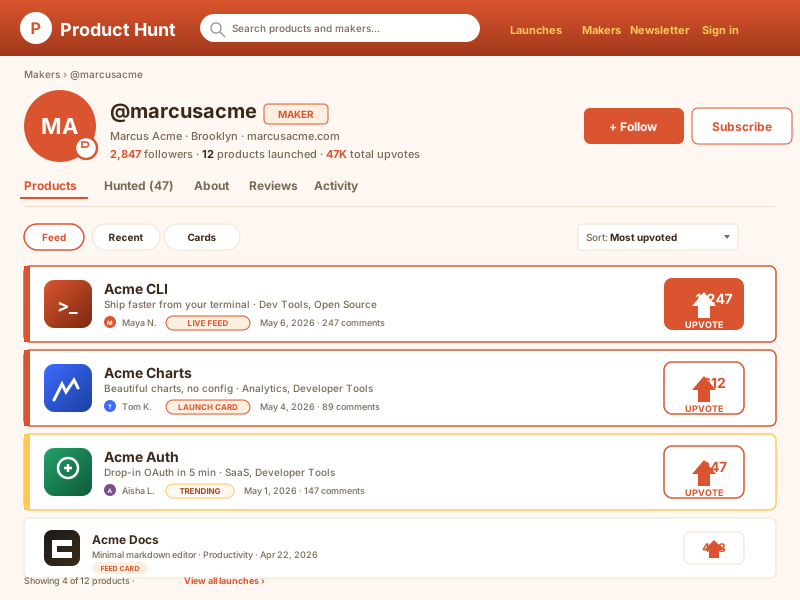
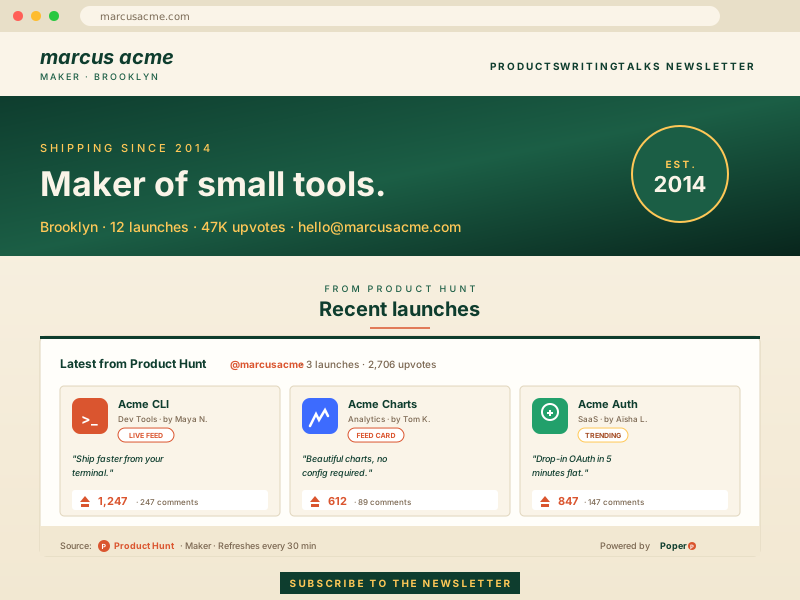
A clean native feed layout for homepage sections and editorial landing pages.
Use this templateEmbed Product Hunt launches on your site in 60 seconds. Show product names, taglines, upvotes, comments, maker attribution, and source links in a branded feed.
Built for no-code website teams























Connect one Product Hunt source, preview the feed, and publish a lightweight embed without code.
From Product Hunt to your site
Poper pulls your public Product Hunt feed and renders it inline on your website, fully branded to match your design. No API keys, no manual updates.
Poper widget liveMockups for illustration. Pull your real Product Hunt feed and embed in 90 seconds.
Templates
Layout styling controls
DefaultA clean native feed layout for homepage sections and editorial landing pages.
Use this template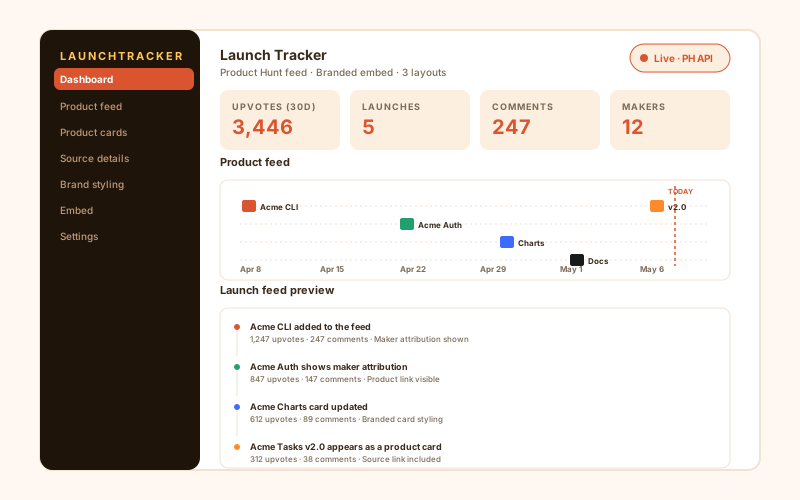
A visual card grid for product galleries, directories, and launch archive pages.
Use this template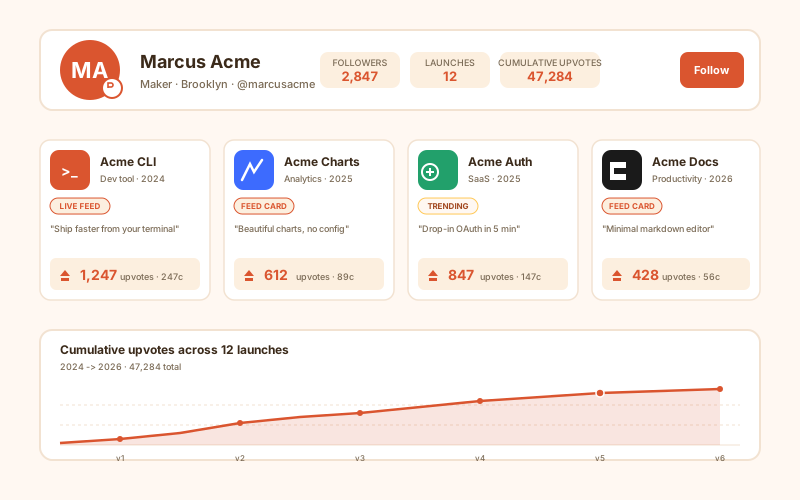
A compact vertical layout for sidebars, resource pages, and internal dashboards.
Use this templateAll templates are free on every plan. Switch templates any time without losing your customizations.
How to use it
Connect one Product Hunt source, choose a layout, and publish the widget on any page.
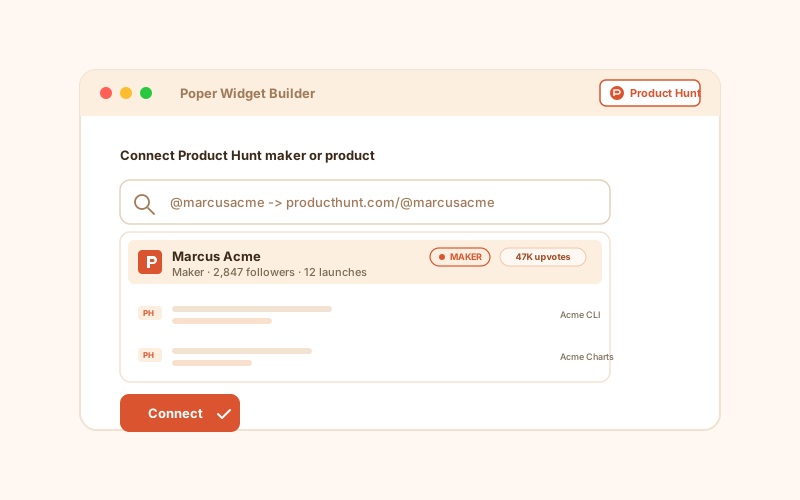
Add the Product Hunt feed source you want to display. Each widget uses one source, so create another widget if you need a separate Product Hunt surface elsewhere.
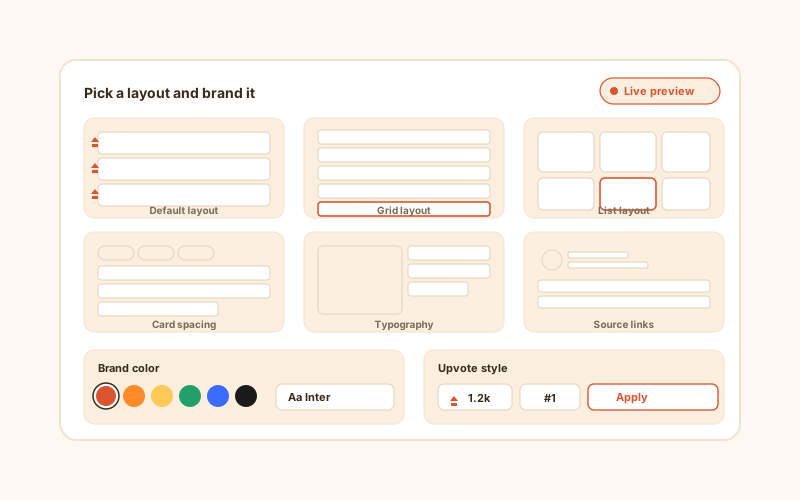
Choose Default, Grid, or List. Then match the widget to your brand with colors, typography, spacing, radius, and card styling.
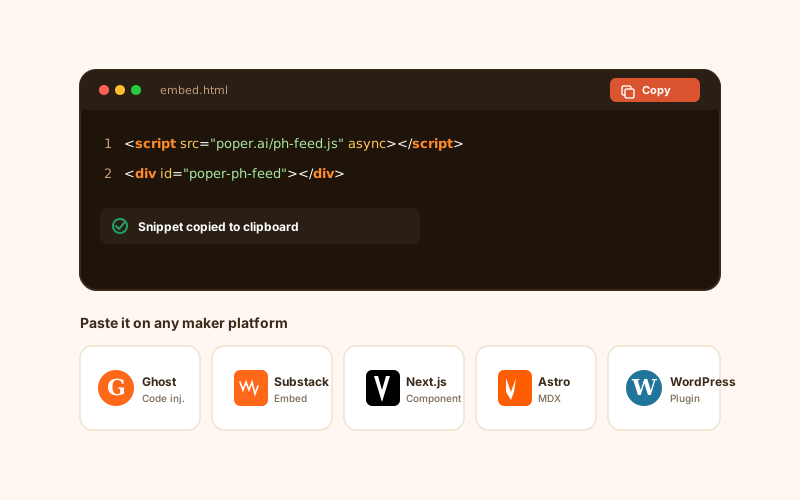
Copy the snippet into Webflow, WordPress, Shopify, Framer, React, Next.js, or a static site. Future styling changes happen in Poper.
Works everywhere
Drop-in install on WordPress, Shopify, Wix, Squarespace, Webflow, Framer, Ghost, and any HTML-friendly stack. No build step, no developer needed.


Plus 250+ other platforms via the embed snippet. If your site can render a <script> tag, it can render the Product Hunt Feed Widget: Embed Product Hunt Launches.
A focused Product Hunt launch feed with clean layouts, brand control, and simple embedding.
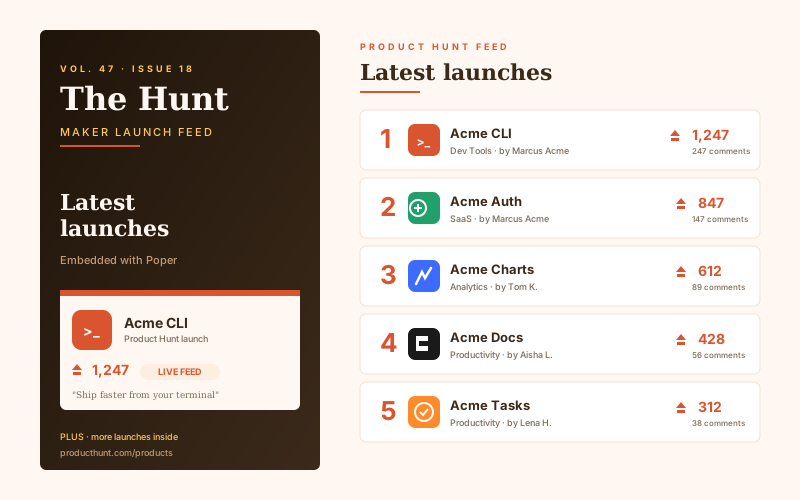
Show Product Hunt products with their name, tagline, thumbnail, upvote count, comment count, and source link so visitors can scan launches without leaving your page.
Use Default for a native feed look, Grid for visual launch galleries, or List for compact editorial sections and resource hubs.
Keep each Product Hunt feed tied to a single source. For separate Product Hunt sections, create separate widgets and place them wherever they belong.
Feature the launch details people care about: product name, tagline, maker attribution, upvotes, comments, and a direct Product Hunt link.
The embed loads through the Poper snippet. Validate layout and performance on your own page after embedding.
Use the styling controls available for this feed layout.
Use cases
Product, editorial, and research pages that want a clean Product Hunt launch feed on their own domain.
Add a Product Hunt feed section to a launch page so visitors can see the products you are tracking or featuring in context.
Embed a Product Hunt feed beside your own tools, playbooks, or resource lists so readers can browse new products in the same workflow.
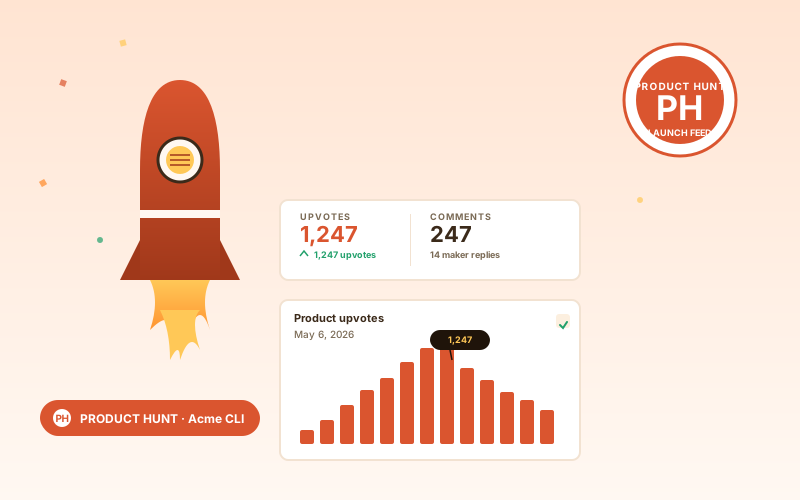
Keep a branded Product Hunt feed on your publication site so readers can explore launches without sending them to a separate page first.
Create a focused launch-monitoring page where your team can review Product Hunt products using the same layout and styling every time.
A Product Hunt-specific feed widget gives you cleaner styling and better control than pasting a raw RSS block or iframe.
| Recommended Poper | RSS block | Generic embed | Manual list | |
|---|---|---|---|---|
| Dedicated Product Hunt feed widget | Limited | |||
| One Product Hunt source per widget | Varies | Manual | ||
| Product names, taglines, upvotes, and comments | Limited | Limited | Manual | |
| Default, Grid, and List layouts | Limited | |||
| Layout styling controls | Paid only | Manual | ||
| Lightweight embed setup | Depends | Depends | ||
| Multiple placements using separate widgets | Manual | Manual | Manual | |
| Bundled with popups, forms, banners, and other widgets |
Editors, founders, and product teams who use Poper to place Product Hunt feeds on their own sites.
“We use Poper's Product Hunt feed on our startup resources page. The Grid layout makes new products easy to scan, and we can match the cards to our brand without rebuilding the section.”

“The Product Hunt feed widget gave our team a cleaner internal launch board. One source per widget keeps the page simple, and creating another widget for a separate page takes minutes.”

“We needed a lightweight way to show Product Hunt launches inside our newsletter companion page. Poper handled the styling and embed without forcing us into a generic RSS look.”

Pricing
All plans include the Product Hunt feed widget with the three supported layouts.
Yearly billing · save up to 40%Essential lead capture for solo creators and growing businesses.
billed $180/year
Full engagement suite with A/B testing, gamification & unlimited leads.
billed $348/year
Unlimited everything with white-label, API access & advanced analytics.
billed $948/year
Prices shown for the 50k monthly visitor tier on yearly billing. A Free Forever plan ($0) and a custom Enterprise plan are also available. No contracts, cancel anytime.
Poper's Product Hunt Feed Widget lets you place a focused Product Hunt launch feed on your own site. It is built for pages that need a clean, branded feed of products with accurate product metadata and simple layout control.
Product Hunt is where makers publish new products and where teams discover tools before they become mainstream. A good embedded feed should make those launches easy to scan: product name, tagline, thumbnail, upvotes, comments, maker attribution, and a link back to Product Hunt. The goal is not to replace Product Hunt. The goal is to bring launch discovery into the page where your readers, customers, or team are already working.
The Product Hunt feed widget is designed around one connected Product Hunt source per widget. That keeps the setup easy to reason about and avoids ambiguous ordering across unrelated sources. If you want Product Hunt sections in several places, create separate widgets and style each one for its page.
Use the styling controls available for this feed layout.
Teams usually place this widget on startup launch pages, product discovery blogs, AI tool roundups, investor research dashboards, and internal scouting pages. The feed gives those pages a current Product Hunt surface without asking an editor to rebuild a product list by hand. Because the embed lives inside your own site, you can surround it with your own analysis, calls to action, sign-up forms, or comparison content.
Poper also has a Product Hunt Launch Proof review widget for social proof around a specific launch. The feed widget is different. It is for showing a feed of Product Hunt launches on a page. Use Launch Proof when the page is about one product and its Product Hunt credibility. Use Product Hunt Feed when the page needs a browsable product feed.
A Product Hunt Feed Widget is an embeddable website widget that displays Product Hunt launch items from one connected source in a branded Default, Grid, or List layout.
Tutorial
A quick walkthrough of setting up and embedding this widget.
Tutorial video coming soon
Can't find the answer you're looking for? Chat with our support team.
Contact SupportUse Poper to create a focused Product Hunt feed in Default, Grid, or List layout, then publish it with one embed snippet.
Free plan available forever