
Interior designers
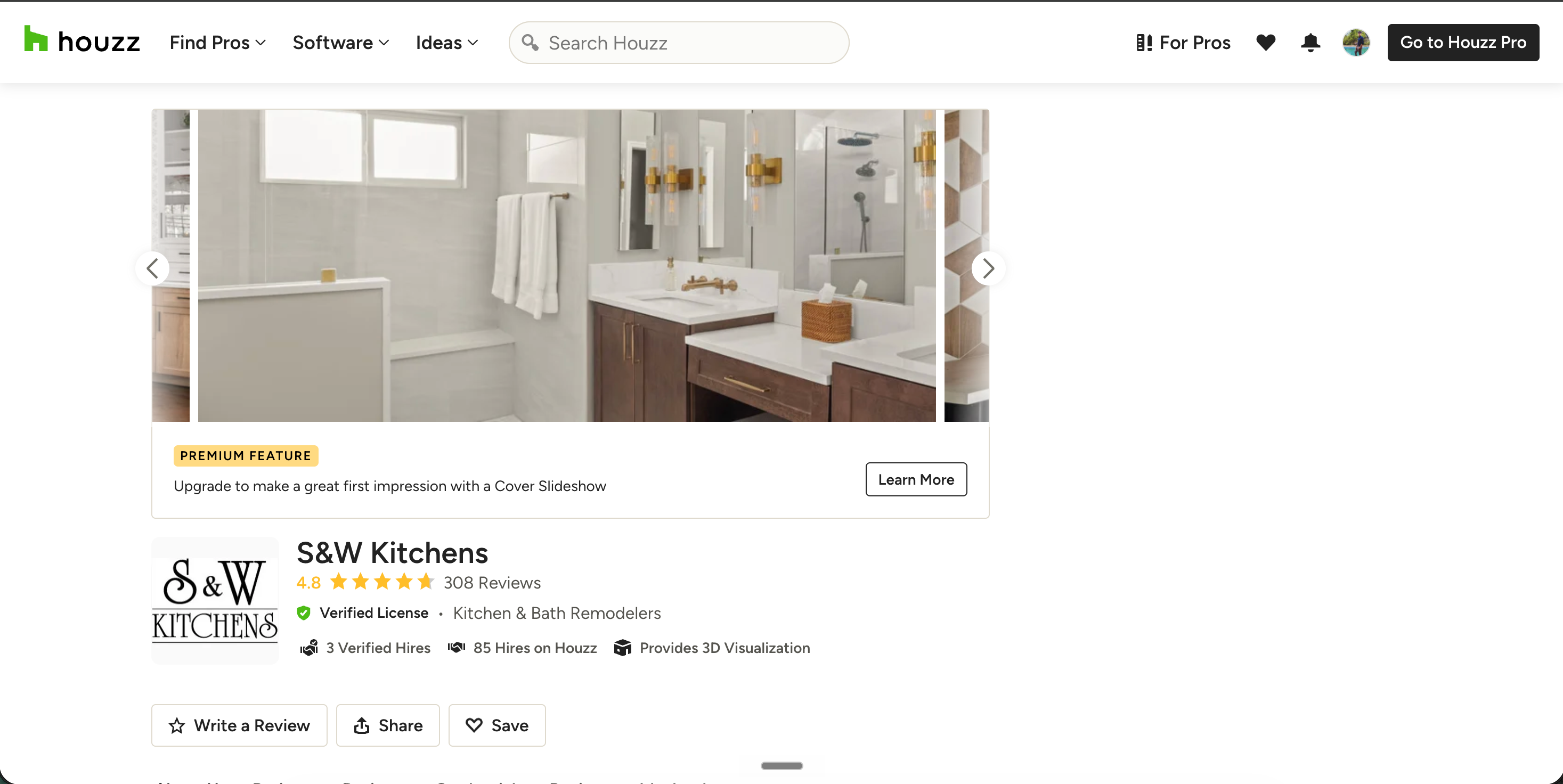
Embed your Houzz rating and reviews on your studio site so portfolio browsers see source review proof next to your work. A carousel above the fold turns visitors into discovery calls.
Embed your Houzz reviews and star rating on your studio site with the guided setup flow. Built for interior designers, architects, contractors, and remodelers who win clients on social proof.
Built for no-code website teams























Live demo, not a screenshot. Style it, brand it, embed it. What you see here is what ships to your studio site.
From Houzz to your site
Poper crawls the official Houzz review feed for your business and renders it inline on your website. Same reviews, your branding, your domain.
 Poper widget live
Mockups for illustration. Pull your real Houzz Reviews Widget: Embed Houzz Star Ratings and Reviews on Any Website from Houzz and embed in 90 seconds.
How to use it
Three steps. with the guided setup flow. No developer needed.
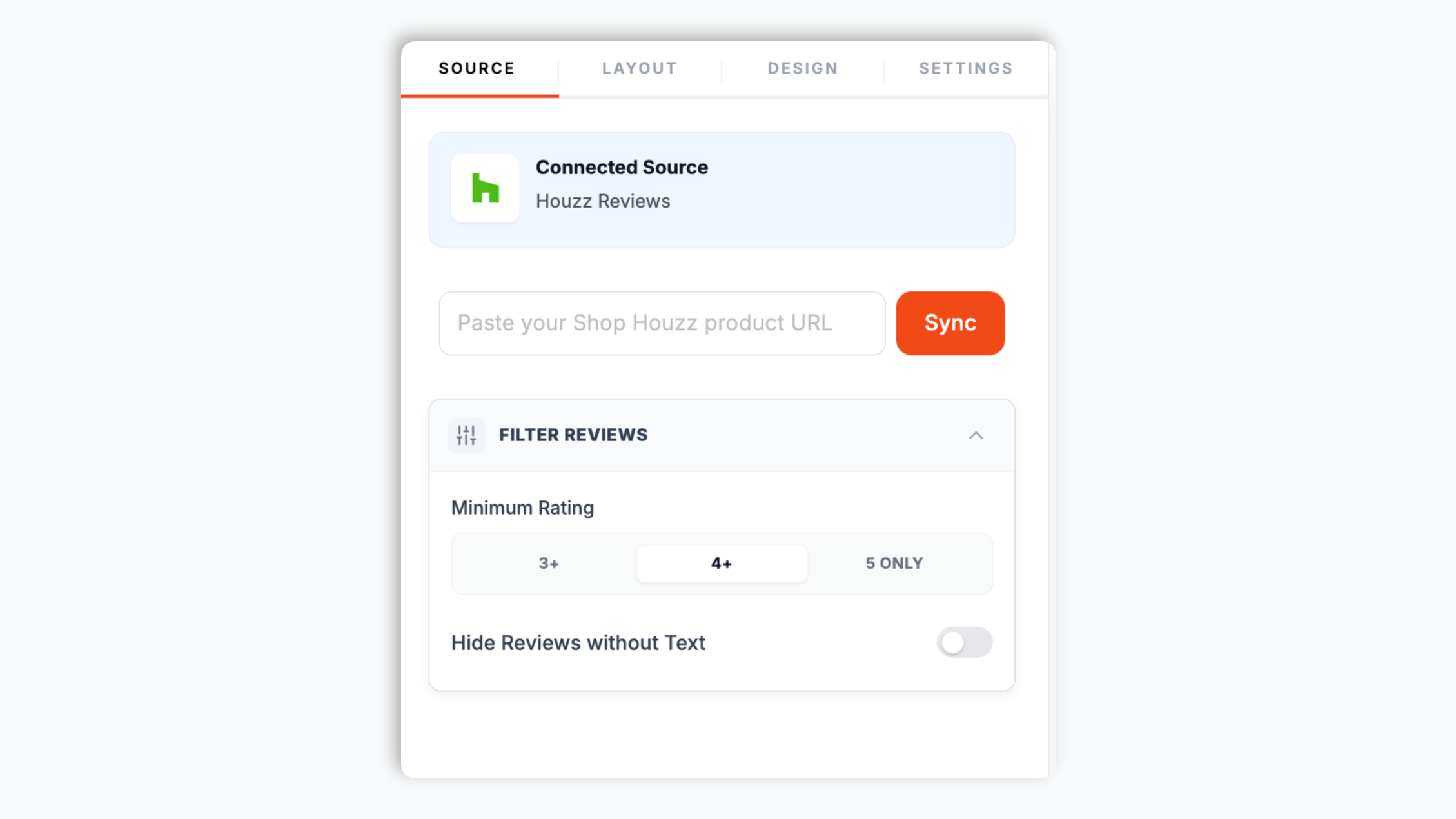
Open the Houzz page you want reviews from and copy the page URL. Paste it into the Poper builder and Poper pulls in the public reviews and star rating.
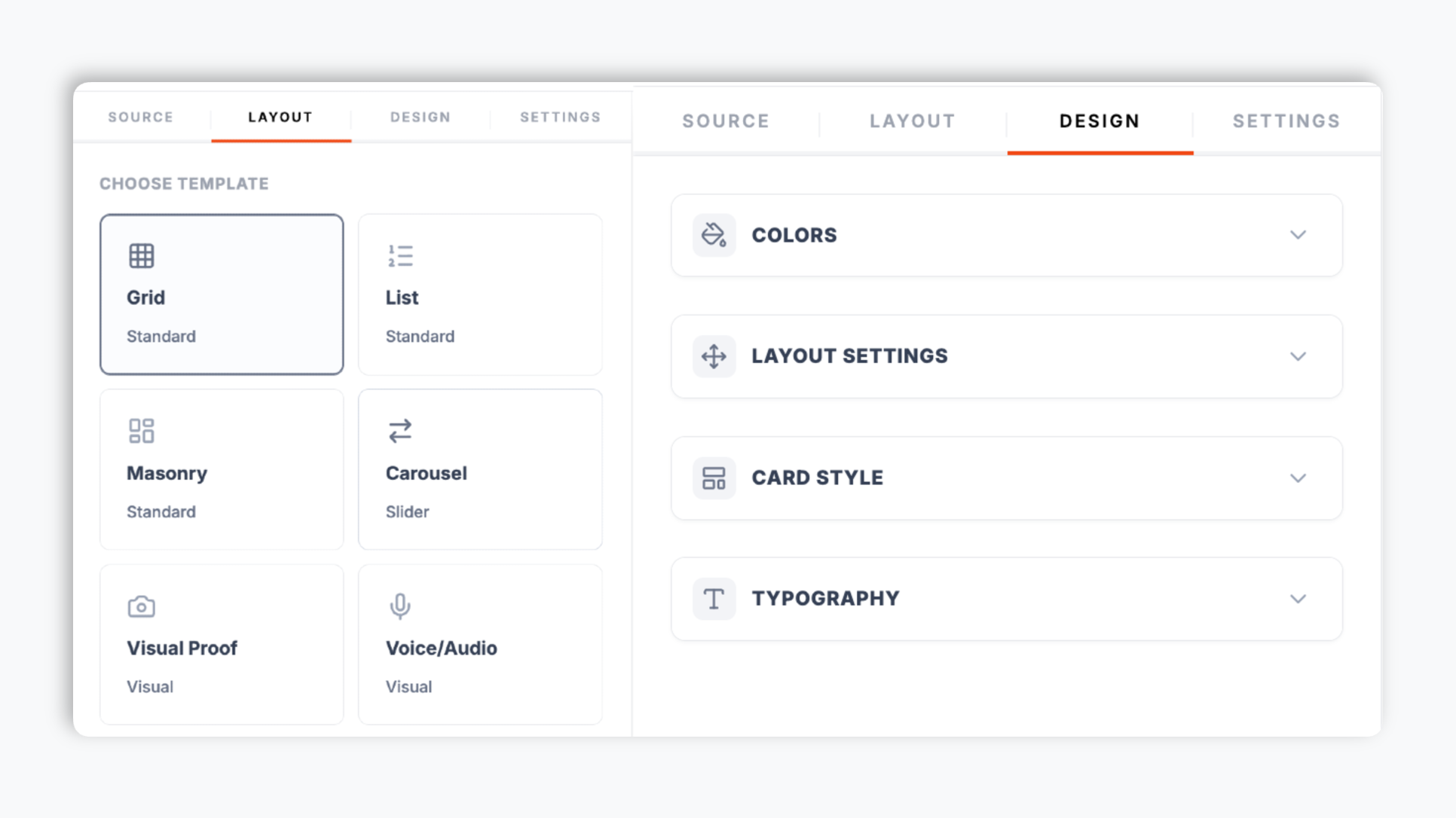
Choose a layout in the Poper editor: carousel, grid, list, masonry, media-capable grid, and more. Match your studio brand colors, fonts, card style, corner radius, and shadow depth. The live preview updates as you tweak.
Paste the one-line script tag into your studio site. Works on Squarespace, Wix Studio, WordPress, Webflow, Showit, Framer, Ghost, and supported HTML setup.

Works everywhere
Drop-in install on WordPress, Shopify, Wix, Squarespace, Webflow, Framer, Ghost, and any HTML-friendly stack. No build step, no developer needed.


Plus 250+ other platforms via the embed snippet. If your site can render a <script> tag, it can render the Houzz Reviews Widget: Embed Houzz Star Ratings and Reviews on Any Website.
Six things that matter when you are paying for a Houzz reviews widget for your studio site, not 30 features no one uses.
Where supported, turn on optional LocalBusiness review schema and validate it with your own search tooling. Search engines decide if and how anything appears.
Carousel, grid, list, masonry, media-capable grid, and more. Pick the one that fits your studio page and switch any time in the editor through the normal publish flow.
Background, card, text, and star colors, font, corner radius, and shadow depth. Layout-specific controls for available controls.
Set a minimum star rating and hide reviews without text so only your strongest feedback shows.
The embed loads through the Poper snippet. Validate performance and styling on your own page after embedding.
Toggle reviewer name, avatar, review date, star rating, and the Houzz logo on each card. Keep cards minimal for a homepage trust strip, or fuller for a dedicated reviews page.
Use cases
Four buyer types who get the most lift from embedding Houzz Reviews Widget: Embed Houzz Star Ratings and Reviews on Any Website on their site.
Embed your Houzz rating and reviews on your studio site so portfolio browsers see source review proof next to your work. A carousel above the fold turns visitors into discovery calls.
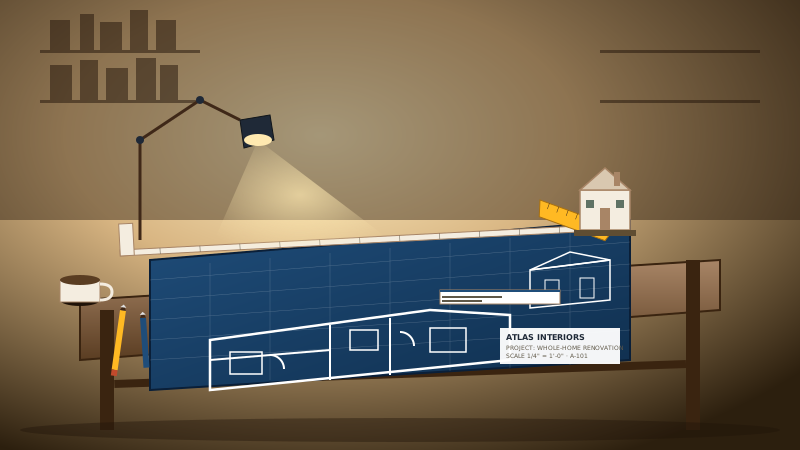
Show your Houzz star rating and client reviews on your firm site. Architects win clients on documented build quality, and Houzz reviews are the proof homeowners trust most.
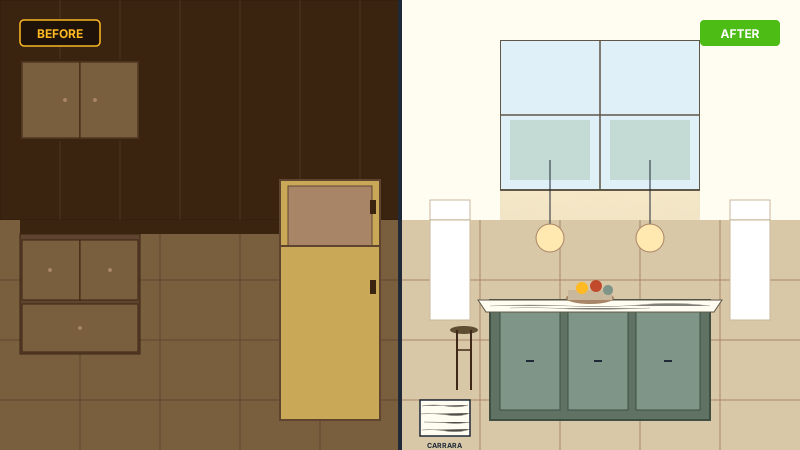
Kitchen, bath, and whole-home remodels are bought on trust. Embed your Houzz rating and client reviews where leads land on your site so they see the verdict before they call.
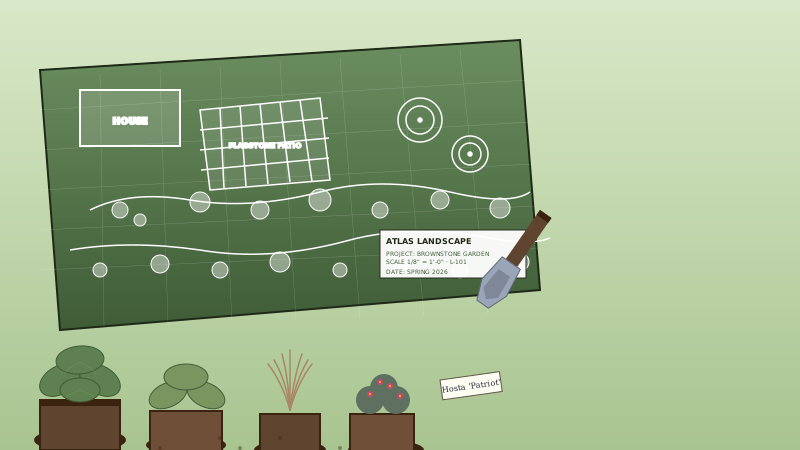
Outdoor projects are won on reputation. Embed your Houzz reviews and rating on your landscape studio site so leads see proven client outcomes alongside your work.
How Poper stacks up against other embeddable review widgets like Elfsight and Common Ninja on what actually matters for design pros.
| Recommended Poper | Elfsight | Common Ninja | |
|---|---|---|---|
| Poper workspace available | Limited | Limited | |
| Embeds on your own studio site | |||
| Multiple layouts (carousel, grid, list, masonry, media-capable grid) | Limited | Limited | |
| Optional review schema toggle | |||
| Layout-specific controls / detailed design control | |||
| Minimum-rating filter | Limited | ||
| Hide reviews without text | Limited | ||
| Brand styling (colors, fonts, radius, shadow) | |||
| Element visibility toggles | Limited | Limited | |
| Connect by pasting the page URL | |||
| Pricing for paid plans | Plan details vary | Vendor pricing varies | Vendor pricing varies |
| Bundled with popups, forms, quizzes |
Comparison reflects external competitor positioning. Competitor pricing varies by plan and widget count. Verify current details on each provider's site.
Interior designers, architects, contractors, and landscape pros who switched from a static Houzz badge to Poper.
“Use your own analytics and search tooling to validate this widget on your site.”

“Use your own analytics and search tooling to validate this widget on your site.”

“The styling controls let us match the widget to our firm site exactly: our greens, our type, our card radius. It reads as part of the page, not a bolted-on embed.”

Pricing
All plans are billed yearly. Each card shows the per-month equivalent. Start free, then upgrade only when you need more campaigns, websites, or AI credits.
Yearly billing · save up to 40%Essential lead capture for solo creators and growing businesses.
billed $180/year
Full engagement suite with A/B testing, gamification & unlimited leads.
billed $348/year
Unlimited everything with white-label, API access & advanced analytics.
billed $948/year
Prices shown for the 50k monthly visitor tier on yearly billing. A Free Forever plan ($0) and a custom Enterprise plan are also available. No contracts, cancel anytime.
Use your own analytics and search tooling to validate this widget on your site.
Use your own analytics and search tooling to validate this widget on your site.
Use your own analytics and search tooling to validate this widget on your site.
Use your own analytics and search tooling to validate this widget on your site.
The Poper Houzz widget ships with several layouts you can switch between in the editor through the normal publish flow: carousel, grid, list, masonry, and media-capable grid. Each fits a different placement. A carousel above the fold on the home page gives visitors source review proof before they scroll into the portfolio. A grid or masonry on a dedicated reviews page lets a serious comparison-shopper read through many reviews at once. A list works well for long-form reading where each review gets room to breathe. Once you pick a layout, the styling controls let you match it to your studio brand: background, card, text, and star colors, a font from the built-in set, corner radius, and shadow depth. You can also toggle which elements appear on each card, reviewer name, avatar, review date, star rating, and the Houzz logo, so a homepage trust strip can be minimal while a reviews page can show everything. Layout-specific controls is available when you need precise control. The reason this matters in the design industry is that a review widget that visibly reads as a third-party embed undercuts the trust it is meant to build. A widget styled to look native to the page reinforces it.
The embed loads through the Poper snippet. Validate performance and styling on your own page after embedding.
A Houzz reviews widget is an embeddable script that displays your Houzz reviews and star rating on your studio or firm website. The Poper widget pulls reviews from the public Houzz URL you paste in and renders them in a layout you can brand to match your site.
Last fact-checked: . We re-verify every quarter.
Tutorial
A quick walkthrough of setting up and embedding this widget.
Tutorial video coming soon
Can't find the answer you're looking for? Chat with our support team.
Contact SupportUse the guided setup flow and optional LocalBusiness review schema where supported.
Free plan available forever