
Developer tools and APIs
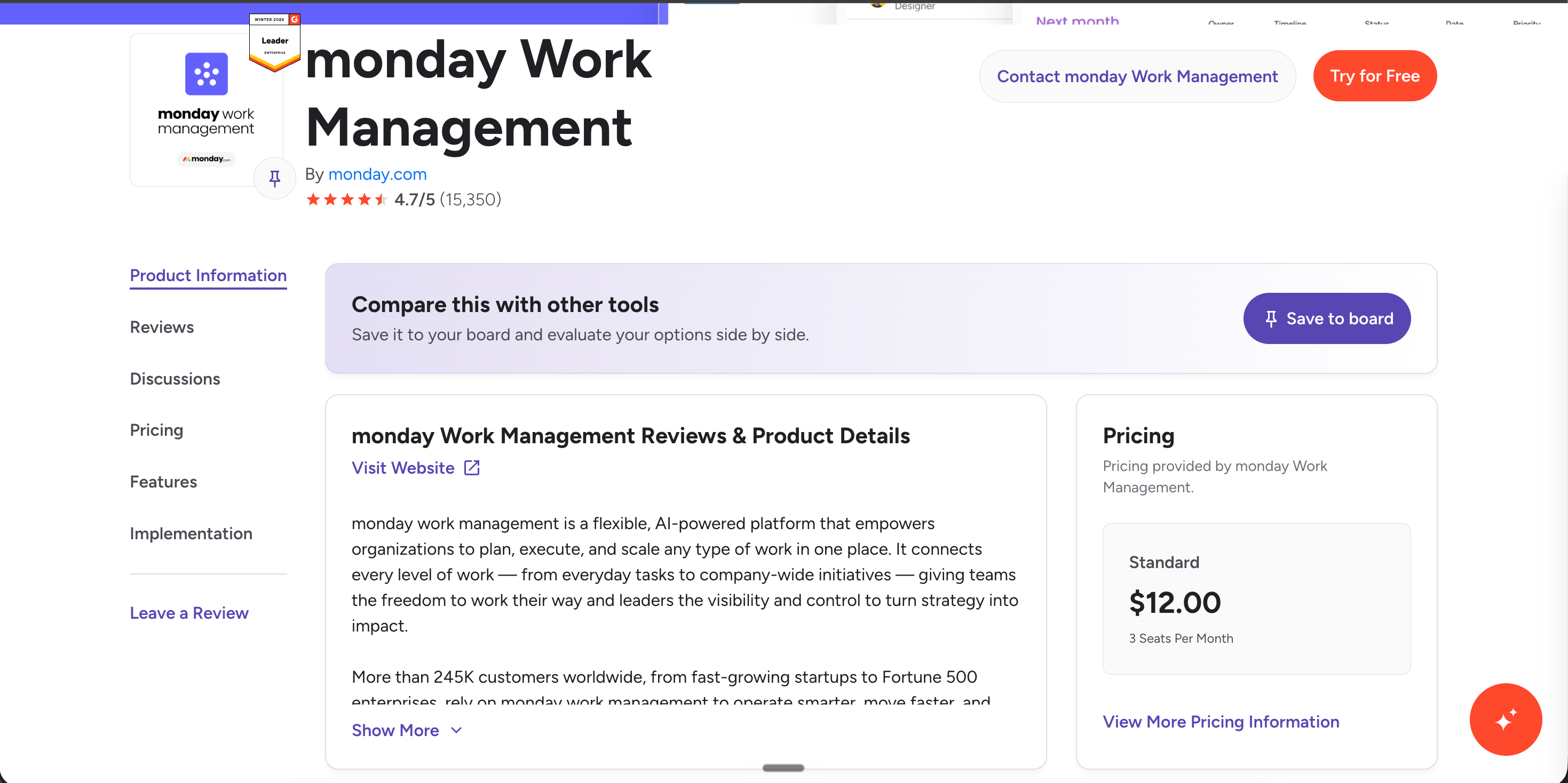
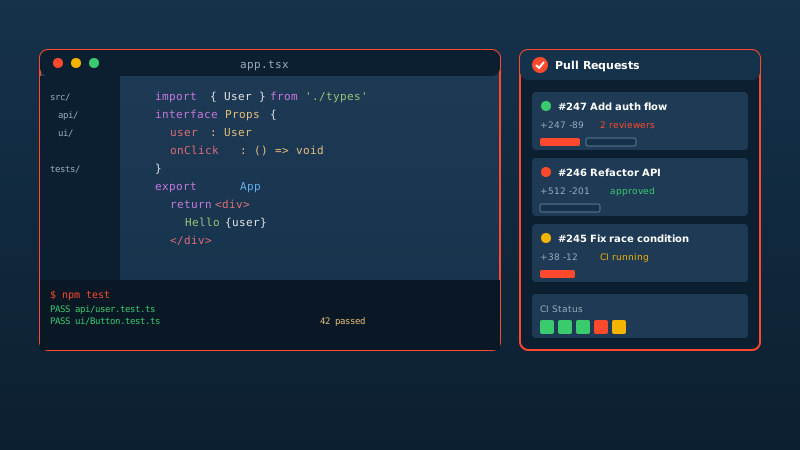
Embed a Carousel of your G2 review quotes above the fold on category, docs, and feature landing pages. Engineering buyers researching dev-tool categories see public review feedback before they read a single bullet point.
Embed G2 reviews from the public product page and star rating on supported landing pages with a guided setup flow. Place B2B review context near pricing, comparison, or demo CTAs.
Built for supported embed workflows























Live demo, not a screenshot. Style it, brand it, embed it on a SaaS landing page. What you see here ships to your marketing site.
From G2 to your site
Poper crawls the official G2 review feed for your business and renders it inline on your website. Same reviews, your branding, your domain.
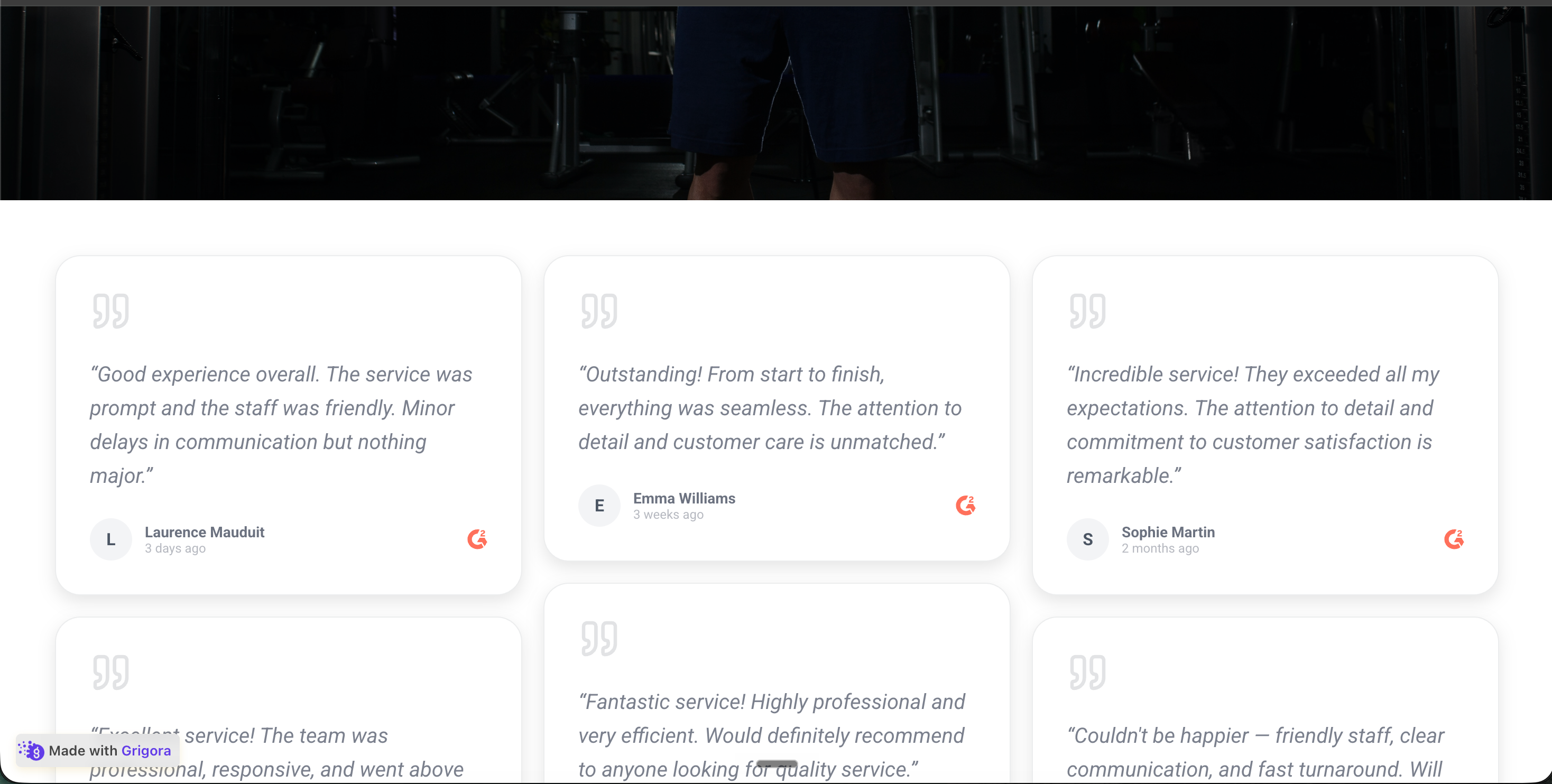 Poper widget live
Mockups for illustration. Pull your real G2 Reviews Widget: Embed Your G2 Reviews on Any SaaS Site from G2 and embed in 90 seconds.
How to use it
Three steps from source URL to embed-ready preview.
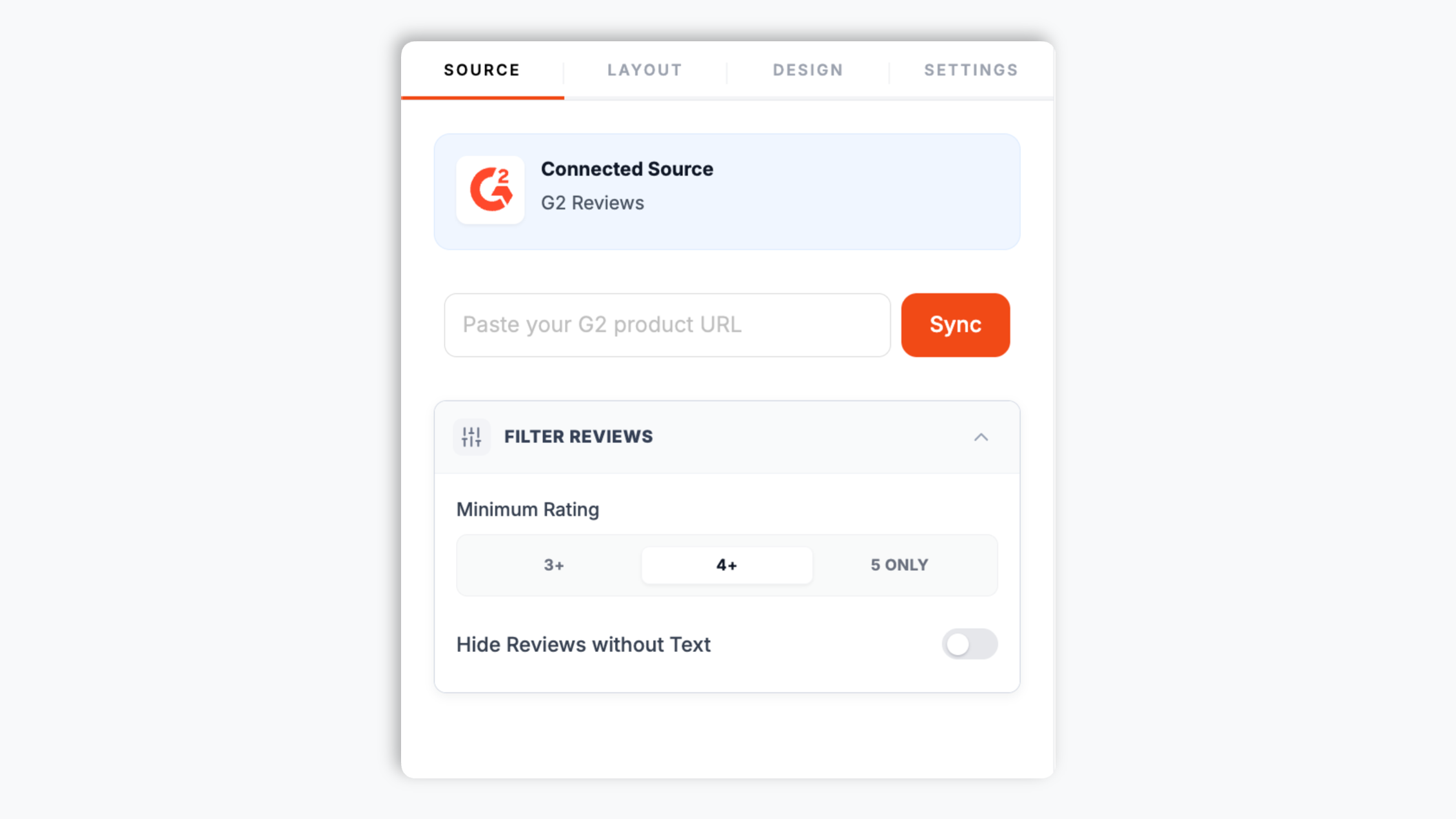
Open your product page on G2 and copy the page URL from your browser. Paste it into the Poper builder. That is the only input the widget needs to pull your reviews and star rating.
Choose from 21 layouts including Quote Wall, Carousel, Grid, Masonry, List, and Trust Meter. Match your product brand colors, fonts, card style, and star color so the embed feels native to your funnel.
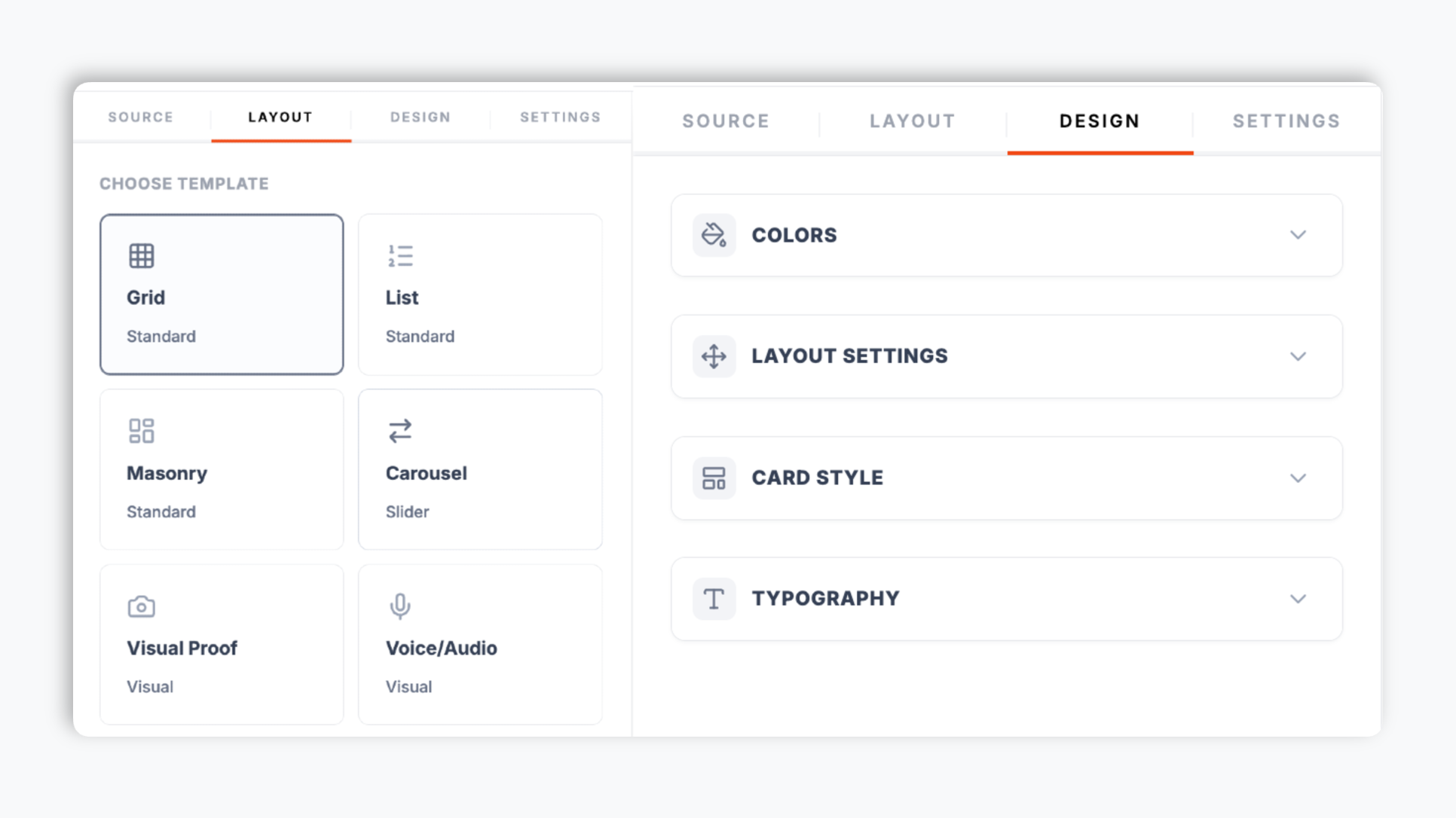
Paste the one-line script tag into your homepage, pricing page, demo request page, and comparison pages. Use the Poper embed snippet anywhere it is supported for the marketing pages your team owns.

Works everywhere
Drop-in install on WordPress, Shopify, Wix, Squarespace, Webflow, Framer, Ghost, and any HTML-friendly stack. No build step, no developer needed.


Plus 250+ other platforms via the embed snippet. If your site can render a <script> tag, it can render the G2 Reviews Widget: Embed Your G2 Reviews on Any SaaS Site.
The features the review widget actually ships, source against the product, not 30 features no one uses.
When embed mode supports it, turn on optional LocalBusiness review schema for LocalBusiness review data. Validate it with your own search tooling; search engines decide if anything is shown.
Quote Wall, Carousel, Grid, Masonry, List, Trust Meter, Timeline, Badge Modern, and more. Switch between them per page in the dashboard through the normal publish flow. Carousel works on a homepage hero, Quote Wall on a comparison page, Trust Meter beside a pricing table.
Set a minimum rating (3+, 4+, or 5 only) and hide reviews with no text, so only the strongest quotes show.
Available controls vary by template and can include colors, four font choices, filters, spacing, corner radius, shadow, and element visibility settings.
The embed loads through the Poper snippet. Validate performance and styling on your own page after embedding.
The Element Visibility panel lets you show or hide the reviewer name, avatar, review date, star rating, section header, write-review button, and the G2 platform logo. Tune each layout to the page it sits on without touching code.
Use cases
Four buyer types who get the most lift from embedding G2 Reviews Widget: Embed Your G2 Reviews on Any SaaS Site on their site.
Embed a Carousel of your G2 review quotes above the fold on category, docs, and feature landing pages. Engineering buyers researching dev-tool categories see public review feedback before they read a single bullet point.
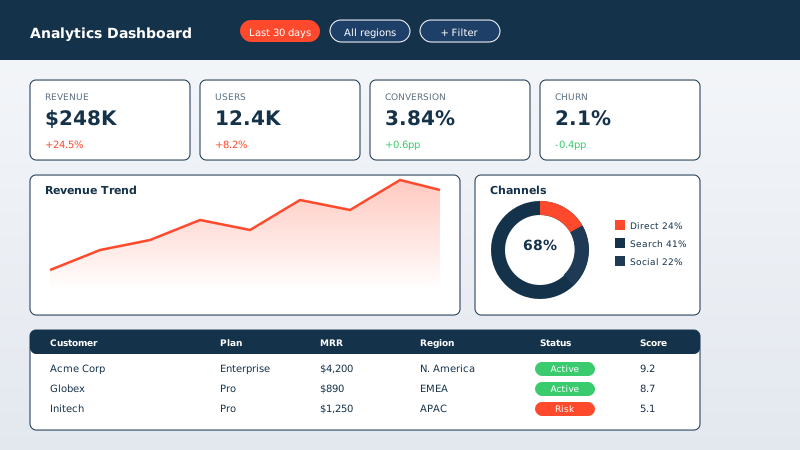
Drop a Quote Wall layout onto BI comparison pages. When buyers weigh you against an incumbent, your G2 quotes do the differentiation work without marketing rebuilding the page for every deal.

Pricing page abandonment is highest at the moment of cost evaluation. A Trust Meter and three review quotes on a security-suite pricing page de-risk the price tag and support demo request rates with InfoSec buyers.
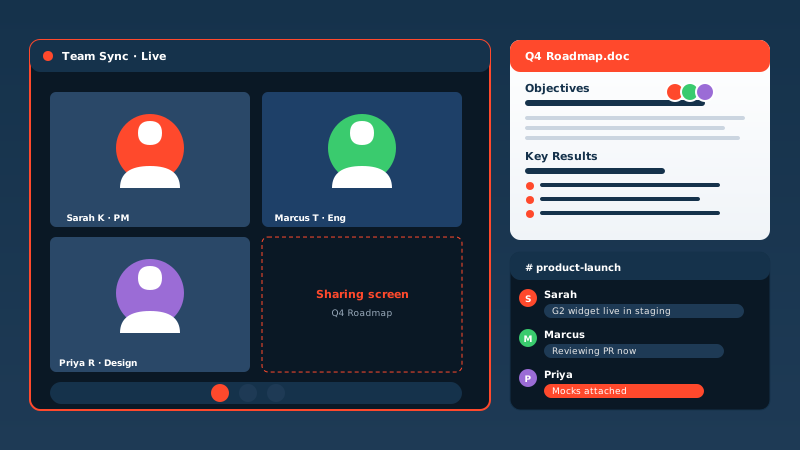
Growth-stage collaboration tools place the G2 widget on the homepage hero. Showing Source reviews where available and a strong star rating proves category traction faster than a deck slide.
Plenty of tools embed reviews on a website. Here is how Poper compares with the widget platforms SaaS marketers usually evaluate.
| Recommended Poper | Elfsight | Common Ninja | EmbedSocial | |
|---|---|---|---|---|
| Poper workspace available | Limited | Limited | ||
| Adds reviews by pasting a product URL | ||||
| Number of review layouts | 21 | Limited | Limited | Limited |
| Optional LocalBusiness review schema | Limited | Limited | Paid only | |
| Brand colors, fonts, spacing, and shadows | Limited | |||
| Minimum-rating and hide-empty filters | Limited | Limited | Limited | |
| Show/hide reviewer name, avatar, date, logo | Limited | Limited | Limited | |
| Pricing (entry paid tier) | Plan details vary | Vendor pricing varies | Vendor pricing varies | Quote-based |
| Bundled with popups, forms, quizzes, more widgets |
Comparison reflects external pricing and feature scope as of 2026. Competitor pricing often scales per widget or per domain. Verify current details on each provider's site.
Demand gen leaders and growth marketers who shipped Poper on pricing pages and battle cards.
“Use your own analytics and search tooling to validate this widget on your site.”

“We embed a Quote Wall of G2 reviews on every comparison page. The quotes add review context that buyers can evaluate before a discovery call. Setup was pasting a URL and picking a layout.”

“The embed loads through the Poper snippet. Validate performance and styling on your own page after embedding.”

Pricing
All plans are billed yearly. Each card shows the per-month equivalent. Start free, then upgrade only when you need more campaigns, websites, or AI credits.
Yearly billing · save up to 40%Essential lead capture for solo creators and growing businesses.
billed $180/year
Full engagement suite with A/B testing, gamification & unlimited leads.
billed $348/year
Unlimited everything with white-label, API access & advanced analytics.
billed $948/year
Prices shown for the 50k monthly visitor tier on yearly billing. A Free Forever plan ($0) and a custom Enterprise plan are also available. No contracts, cancel anytime.
When embed mode supports it, turn on optional LocalBusiness review schema for LocalBusiness review data. Validate it with your own search tooling; search engines decide if anything is shown.
B2B software buyers often compare third-party reviews before requesting a demo. Embedding G2 reviews on your own marketing site places public review context near pricing, comparison, and demo pages so visitors can evaluate without leaving the page.
Setup uses a guided URL-to-embed workflow. You open your product page on G2, copy the URL from your browser, and paste it into the Poper builder. Poper fetches the reviews and the aggregate star rating shown on that public page. There is no login step, no account connection, and no API key to manage. From there you pick a layout (Carousel, Quote Wall, Grid, Masonry, List, Trust Meter, Timeline, and more) and brand it from the Design panel: background color, card background, text color, star color, border color, columns, spacing, corner radius, shadow depth, and font family. The Element Visibility panel controls whether each card shows the reviewer name, avatar, review date, star rating, section header, write-review button, and the G2 logo. The Settings panel adds two filters that keep the widget credible without misrepresenting your reviews: a minimum-rating floor (3+, 4+, or 5 only) and a toggle to hide reviews that have no written text. When you are happy with the preview, you copy a one-line script tag and paste it onto a supported page. The widget displays the reviews from the URL you connected. To refresh, you re-sync from the builder.
Use your own analytics and search tooling to validate this widget on your site.
Carousel belongs on the homepage above the fold, where you have approximately one screen to convince a cold visitor that other companies trust the product. It rotates short quotes with reviewer measurement so the social proof lands in seconds of scan time. Quote Wall is built for feature and comparison pages where buyers are actively shortlisting alternatives to an incumbent vendor, which is the page someone typically lands on after a competitor name search. Trust Meter is a strong placement near the pricing table, because pricing is the moment in the funnel where deal abandonment peaks and an aggregate rating directly de-risks the cost evaluation. Grid and Masonry suit a dedicated reviews page where buyers want to scan many reviews to spot patterns. Timeline works when you want to show a steady flow of recent feedback rather than a curated few. The Element Visibility panel lets you tune any layout to its page: hide the header on a tight pricing section, hide avatars on a dense grid, keep the rating prominent everywhere. Pick layouts per page, not per site, and let funnel stage drive the choice. The wrong layout in the wrong place wastes the trust signal.
The embed loads through the Poper snippet. Validate performance and styling on your own page after embedding.
A G2 reviews widget is an embeddable script that displays your Source reviews where available and star rating directly on a B2B SaaS website. With Poper you paste your public G2 product URL, pick from 21 layouts, brand it, and embed a one-line script tag.
Last fact-checked: . We re-verify every quarter.
Tutorial
A quick walkthrough of setting up and embedding this widget.
Tutorial video coming soon
Can't find the answer you're looking for? Chat with our support team.
Contact SupportUse Poper to display G2 reviews and enable optional LocalBusiness review schema where supported.
Free plan available forever