
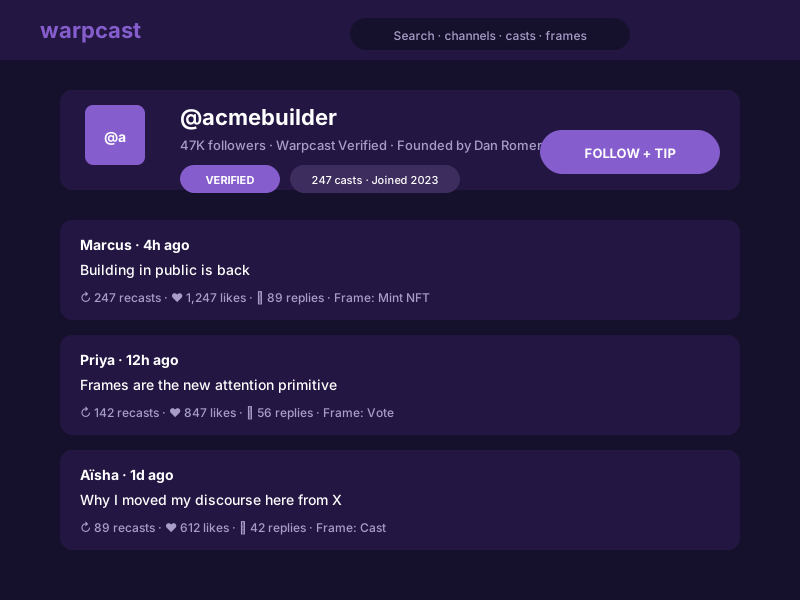
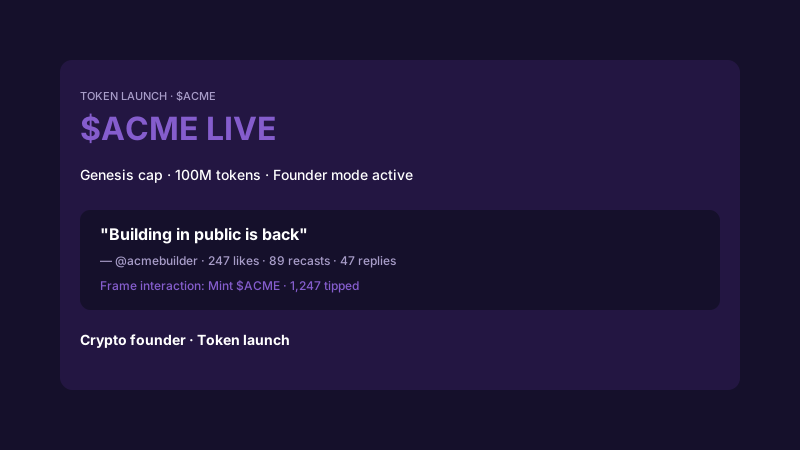
Crypto founders
Poper renders supported media and link casts from one Farcaster user through the configured Neynar-backed source.
One Farcaster user feed
Built for no-code website teams























Live demo, not a screenshot. Paste a handle or FID, style it, brand it, and embed the feed.
From Farcaster to your site
Poper pulls your public Farcaster feed and renders it inline on your website, fully branded to match your design. No API keys, no manual updates.
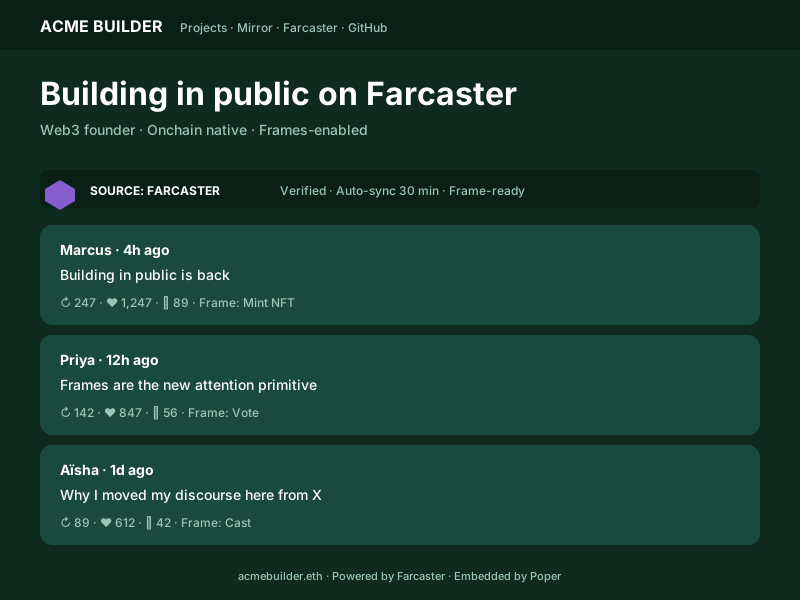 Poper widget live
Mockups for illustration. Pull your real Farcaster feed and embed in 90 seconds.
How to use it
Three steps. Under two minutes. No wallet, no signature, no developer needed.
Drop in a Farcaster handle or FID. The widget resolves one user through the configured Neynar-backed source and renders supported media and link casts.
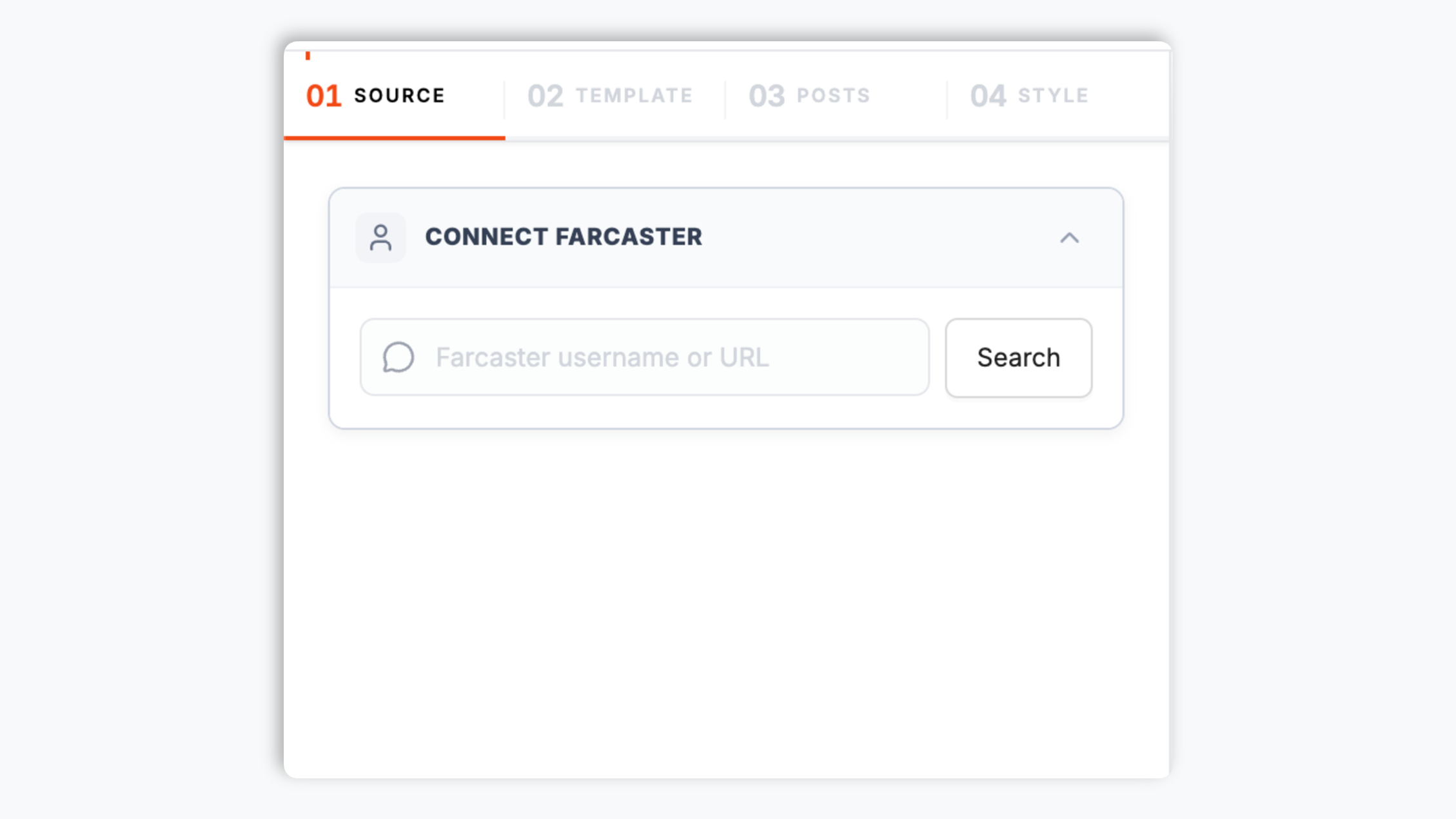
Choose Default, Grid, or List and use the styling controls available for that layout.

Paste the Poper embed snippet into your site. Works on WordPress, Shopify, Wix, Squarespace, Webflow, Ghost, Framer and 250+ platforms.

Works everywhere
Drop-in install on WordPress, Shopify, Wix, Squarespace, Webflow, Framer, Ghost, and any HTML-friendly stack. No build step, no developer needed.


Plus 250+ other platforms via the embed snippet. If your site can render a <script> tag, it can render the One Farcaster user feed.
Six things that matter when you are paying for a Farcaster widget, not 30 features no one uses.
Poper renders supported media and link casts from one Farcaster user through the configured Neynar-backed source.
Your Farcaster identity is an FID registered in an on-chain ID Registry on Optimism Layer 2. The widget resolves handles to FIDs through the registry, so even if you change your handle the embed keeps working. Account portability is a protocol-level guarantee, not a vendor promise.
Poper renders supported media and link casts from one Farcaster user through the configured Neynar-backed source.
Each widget is scoped to one Farcaster user source, keeping the feed predictable and easy to maintain.
Farcaster is crypto-native, but the widget stays focused on public media and link casts. Visitors can read the embedded feed without connecting a wallet.
Poper renders supported media and link casts from one Farcaster user through the configured Neynar-backed source.
Use cases
Four buyer types who get the most lift from embedding One Farcaster user feed on their site.
Poper renders supported media and link casts from one Farcaster user through the configured Neynar-backed source.
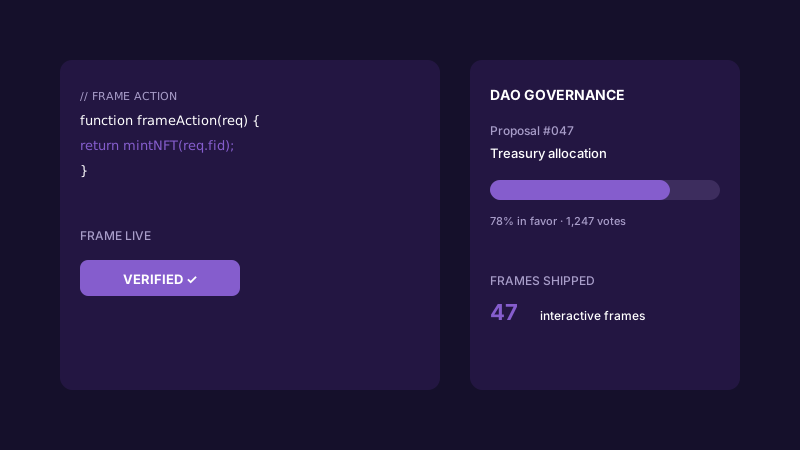
Poper renders supported media and link casts from one Farcaster user through the configured Neynar-backed source.
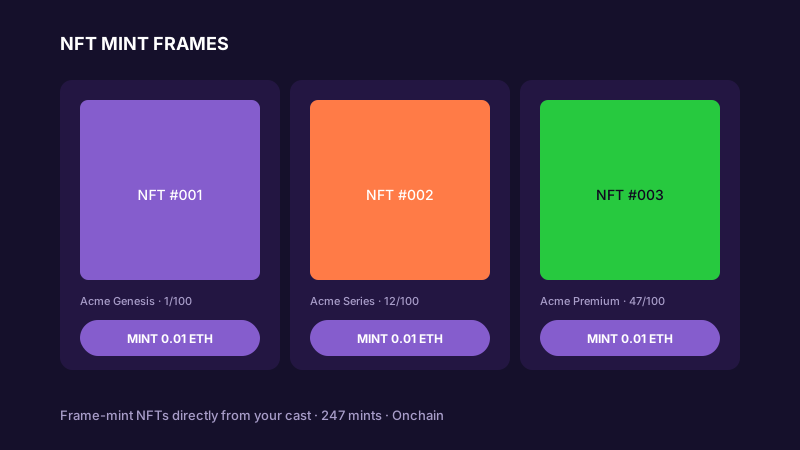
Show supported media and link casts from your Farcaster profile on a portfolio or collection page.
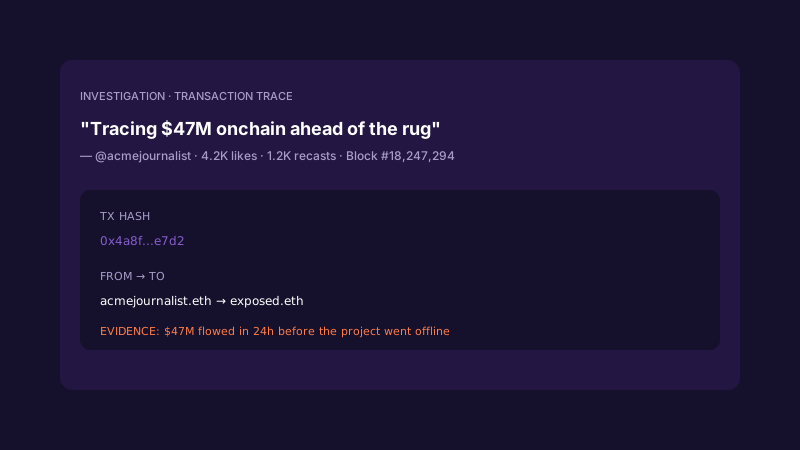
Embed supported media and link casts from one Farcaster profile beside your reporting or creator archive.
A few platforms ship embeddable widgets that can pull a Farcaster feed onto a website. Here is how the common widget providers stack up against Poper.
| Recommended Poper | Elfsight | Common Ninja | |
|---|---|---|---|
| Poper workspace available | Limited free tier | Limited free tier | |
| Cast feed from a handle or FID | |||
| One Farcaster user feed | Limited | Limited | |
| One Farcaster user feed | Limited | Limited | |
| Recast and quote-cast attribution | Limited | Limited | |
| Default, grid, and list layouts | |||
| Theme presets and color controls | |||
| No wallet required for visitors | |||
| Layout styling controls | Paid only | Paid only | |
| Pricing for unlimited widgets | Plan details vary | Vendor pricing varies | Vendor pricing varies |
| Bundled with popups, forms, quizzes |
Comparison reflects external competitor positioning. Verify current details on each provider's site.
Web3 founders, NFT artists, DAO contributors, and crypto-native teams using Poper's Farcaster Feed on their own sites.
“Poper's Farcaster Feed lets us show our founder updates and product casts directly on the launch page. The feed feels native to our site, and visitors can see the latest community proof without opening Warpcast.”
“We use the Farcaster Feed widget to surface casts from a community profile on a contributor page. It keeps the page current without asking our team to copy posts into the CMS every week.”
“Poper renders supported media and link casts from one Farcaster user through the configured Neynar-backed source.”
Pricing
All plans are billed yearly. Each card shows the per-month equivalent. Start free, then upgrade only when you need more campaigns, websites, or AI credits.
Yearly billing · save up to 40%Essential lead capture for solo creators and growing businesses.
billed $180/year
Full engagement suite with A/B testing, gamification & unlimited leads.
billed $348/year
Unlimited everything with white-label, API access & advanced analytics.
billed $948/year
Prices shown for the 50k monthly visitor tier on yearly billing. A Free Forever plan ($0) and a custom Enterprise plan are also available. No contracts, cancel anytime.
Poper renders supported media and link casts from one Farcaster user through the configured Neynar-backed source.
Poper renders supported media and link casts from one Farcaster user through the configured Neynar-backed source.
Farcaster identities use FIDs registered on Optimism. For the widget page, the practical point is simple: Poper resolves one user source and renders supported public media and link casts. Keep the copy focused on the rendered feed rather than broader protocol guarantees.
Poper renders supported media and link casts from one Farcaster user through the configured Neynar-backed source.
Poper renders supported media and link casts from one Farcaster user through the configured Neynar-backed source.
Poper renders supported media and link casts from one Farcaster user through the configured Neynar-backed source.
Tutorial
A quick walkthrough of setting up and embedding this widget.
Tutorial video coming soon
Can't find the answer you're looking for? Chat with our support team.
Contact SupportStart from one Farcaster handle or FID and publish the widget from your Poper workspace.
Free plan available forever