























Walmart Reviews Widget for Website. Free - Poper
Walmart Reviews Widget

Walmart reviews on your own store.

Embed Walmart product reviews and star ratings on your Shopify, WooCommerce, or DTC site in 90 seconds. Paste a URL, pick a layout, and turn on review schema that earns stars in Google. Free, no code.

No credit card required
14-day free trial
Cancel anytime
Walmart Reviews widget embedded on a website showing Walmart product reviews and star ratings in a branded layout
How a website looks with the Walmart Reviews widget embedded. Product reviews, star ratings, and optional review schema, all from a single Walmart URL.

Trusted by 11,000+ DTC brands and Walmart Marketplace sellers

Timetics
Academie Digitale
Goldcast
nbcf
Seedstock
Wow
Linkxar
Gale Toyota
Skills
Rugby Sport
Lamp
Leaktronics
Steel
Theatre in Chicago
Globerto
Meetup
FYM
Zeben
Kraftix
IETraditionala
Meethires
Leadscrape
Happily
Timetics
Academie Digitale
Goldcast
nbcf
Seedstock
Wow
Linkxar
Gale Toyota
Skills
Rugby Sport
Lamp
Leaktronics
Steel
Theatre in Chicago
Globerto
Meetup
FYM
Zeben
Kraftix
IETraditionala
Meethires
Leadscrape
Happily
Free forever, paid plans from $15/mo billed yearly

Try the live widget

Live demo, not a screenshot. Style it, brand it, embed it. What you see here is what ships to your DTC store.

From Walmart to your site

Your Walmart reviews. Now on your own domain.

Poper crawls the official Walmart review feed for your business and renders it inline on your website. Same reviews, your branding, your domain.

walmart.com
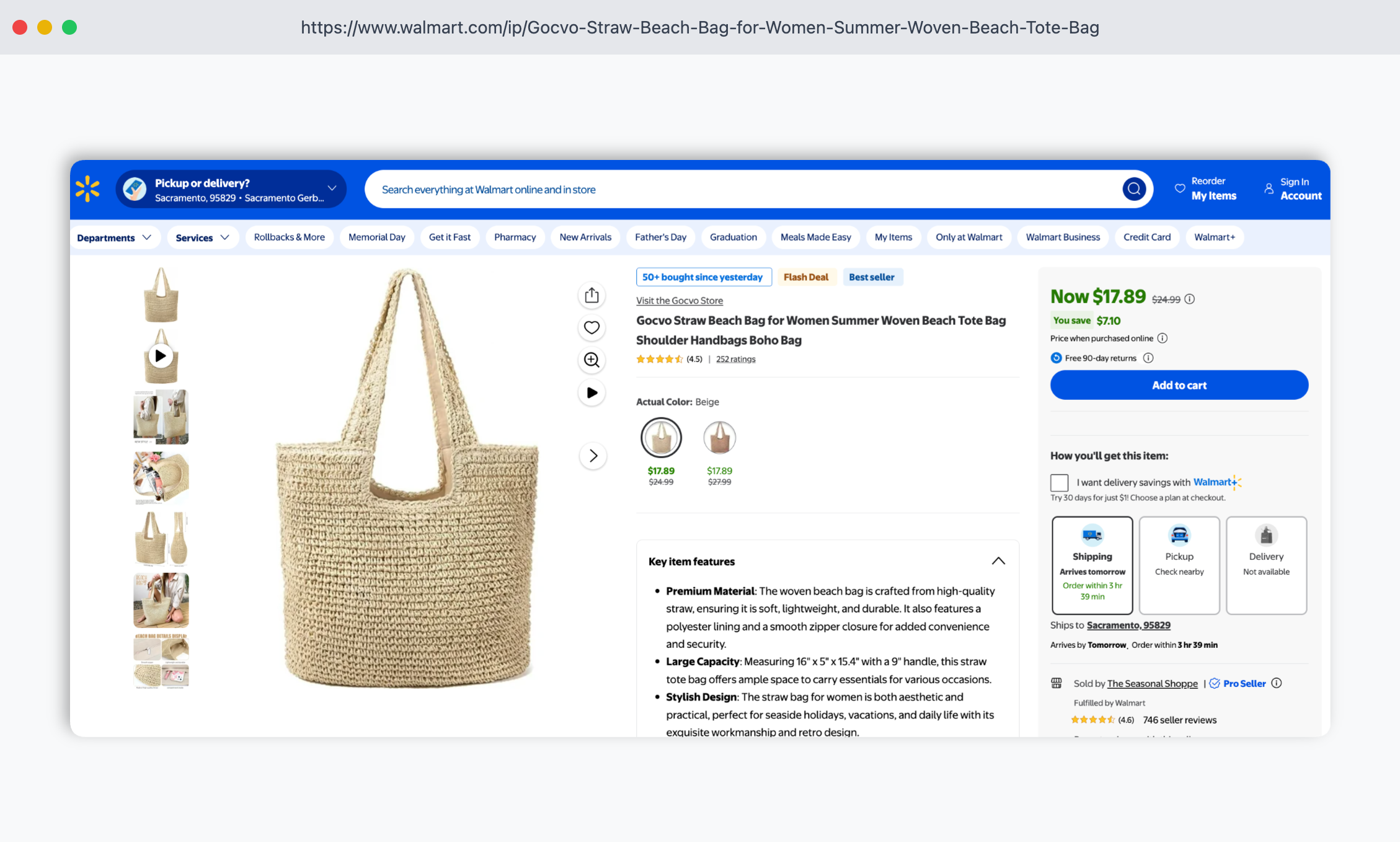
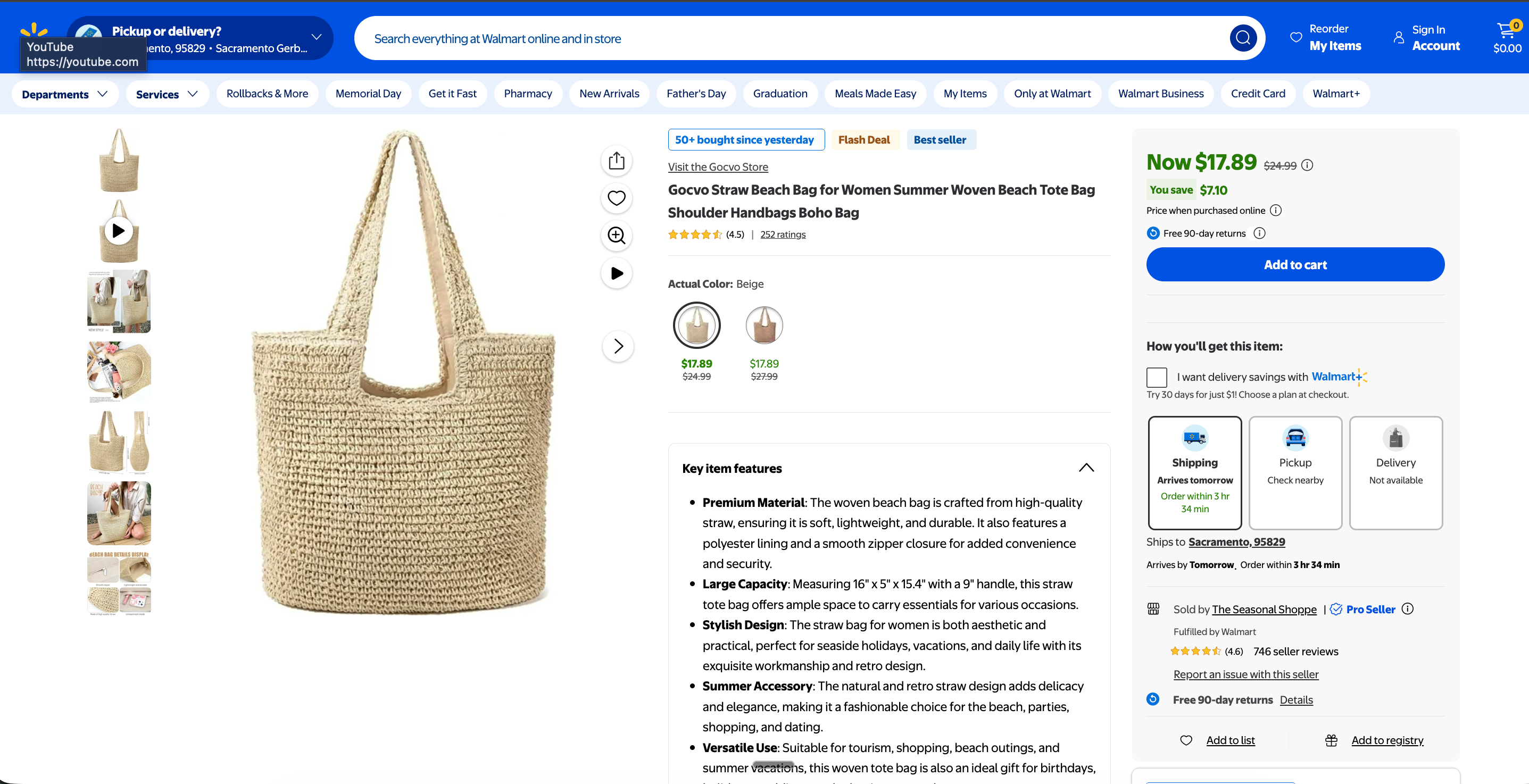
Walmart.com product page for Acme 6-Person Family Tent showing 4.6 stars from 2,847 customer reviews, $189 price, and several customer review cardsSource: WalmartOpen
Walmart.com product page for Acme 6-Person Family Tent showing 4.6 stars from 2,847 customer reviews, $189 price, and several customer review cards
acmeoutdoors.com
Acme Outdoors DTC site (acmeoutdoors.com) in earthy forest-green and sandstone palette with embedded Poper Walmart widget showing the same customer reviews and 4.6 from 2,847 ratingPoper widget live
Acme Outdoors DTC site (acmeoutdoors.com) in earthy forest-green and sandstone palette with embedded Poper Walmart widget showing the same customer reviews and 4.6 from 2,847 rating

Mockups for illustration. Pull your real Walmart Reviews Widget: Embed Walmart Product Reviews on Any Website from Walmart and embed in 90 seconds.

How to use it

How to embed Walmart reviews on your website

Three steps. Under two minutes. No developer needed.

  1. 01

    Copy your Walmart product URL

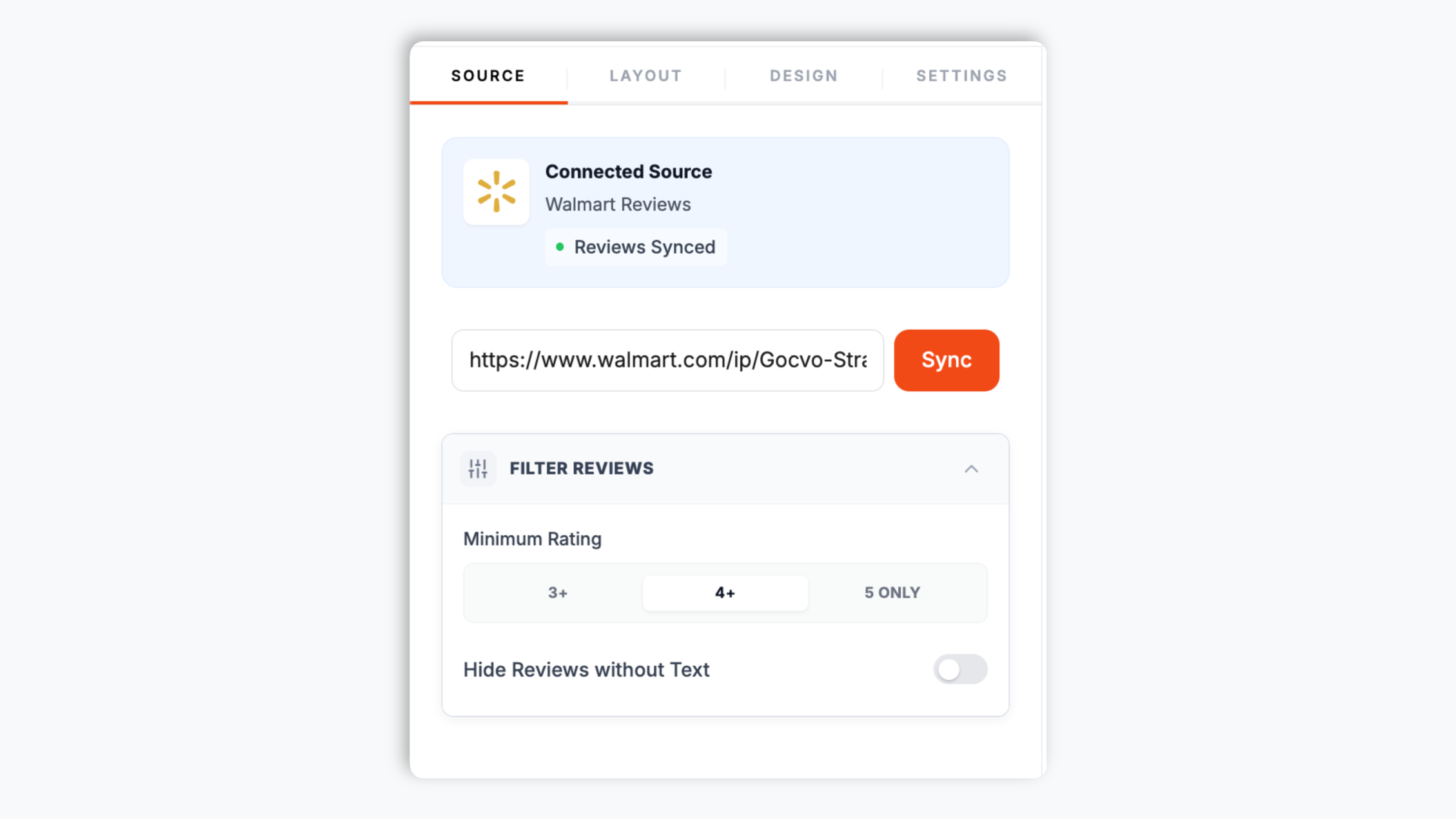
    Open the Walmart product page you want, copy the URL from the address bar, and paste it into the Poper widget builder. That is the only thing the widget needs. Poper fetches the reviews and star rating shown on that Walmart page.

    Poper widget builder source tab with a Walmart product URL pasted into the input field showing Walmart customer reviews ready to load
  2. 02

    Pick a layout and brand it

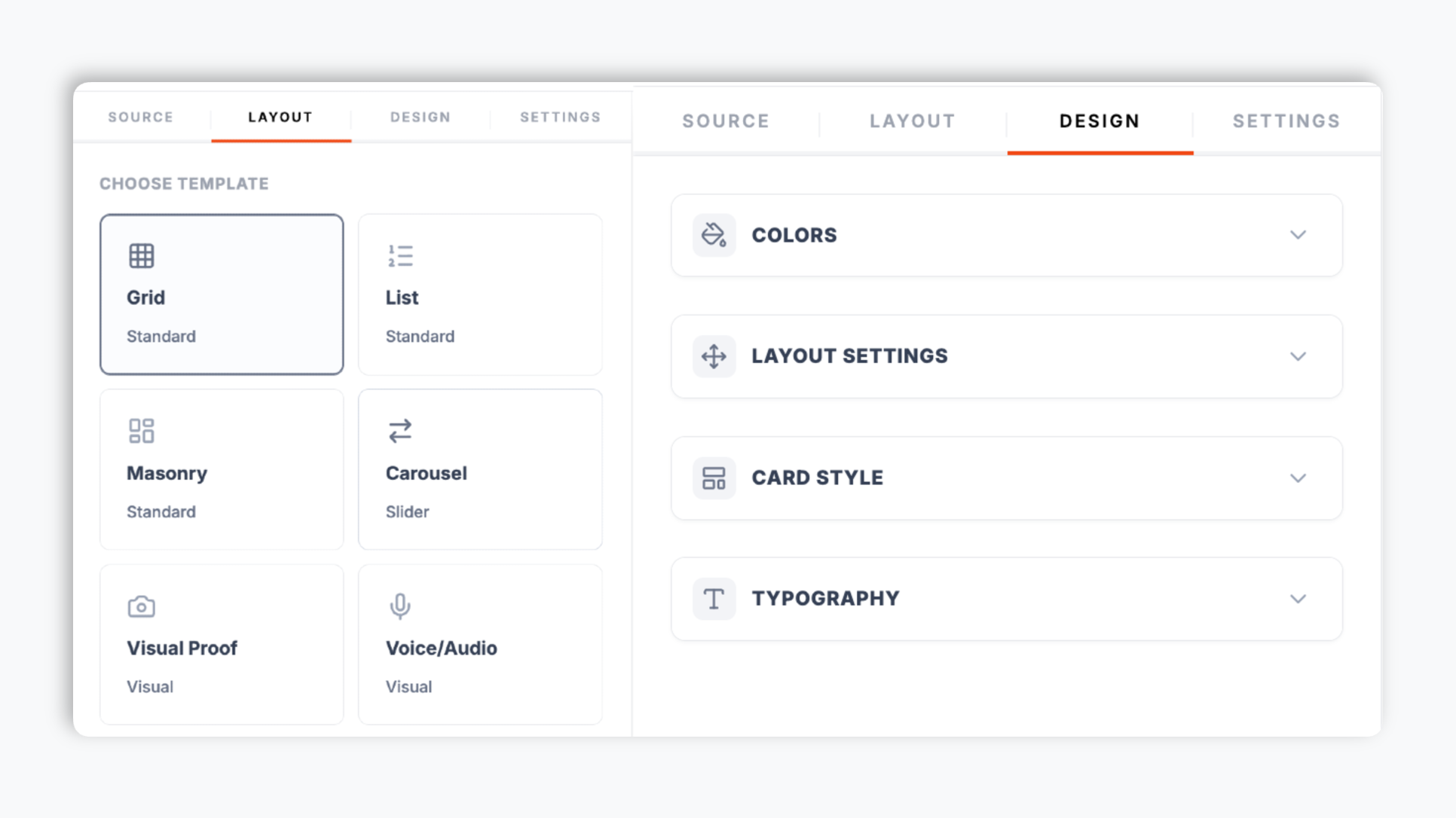
    In the editor template tab, choose a layout such as carousel, grid, masonry, list, photo grid, or badge. Match your brand colors, fonts, star color, and card style so the embed feels native to your store. Live preview updates as you tweak.

    Poper editor template tab showing the layout options for the Walmart reviews widget with carousel, grid, masonry, and list thumbnails plus a brand color picker
  3. 03

    Copy the snippet and embed

    Paste the one-line script tag into your DTC store. Works on Shopify, BigCommerce, WooCommerce, Wix, Squarespace, Webflow, Framer, and any HTML stack.

    One-line embed snippet for the Walmart reviews widget shown in a code editor with a Copy button and Shopify, BigCommerce, WooCommerce platform badges

Works everywhere

Works with every website platform you already use

Drop-in install on WordPress, Shopify, Wix, Squarespace, Webflow, Framer, Ghost, and any HTML-friendly stack. No build step, no developer needed.

WordPress
Shopify
Wix
Squarespace
Webflow
Framer
Ghost
HTML

Plus 250+ other platforms via the embed snippet. If your site can render a <script> tag, it can render the Walmart Reviews Widget: Embed Walmart Product Reviews on Any Website.

What you get with Poper Walmart Reviews

Six things that matter when you embed a Walmart review widget on a real DTC site, not 30 features no one uses.

Auto-injects AggregateRating + Review schema for your DTC site

Most Walmart-review tools just embed a static iframe of stars. Poper goes further: turn on the SEO schema option and the widget injects AggregateRating and Review JSON-LD directly into your Shopify, WooCommerce, or BigCommerce page so Google can show stars next to your owned-store listing in search results. For omnichannel brands, this is one of the highest-ROI ways to turn Walmart reputation into owned-channel conversion.

Show the reviews that convert

Filter by minimum rating and hide reviews with no written text, so visitors see your strongest customer proof. Surface your highest-converting reviews on your hero SKUs and shoppable category pages.

21 layouts included

Carousel, grid, masonry, list, photo grid, badge, and more. Switch any time without re-embedding.

Brand-match styling

Background, card, text, star, and border colors, corner radius, shadow depth, hover effects, and four fonts. Native to your DTC store.

Core Web Vitals safe

Async, scoped, under 40 KB gzipped. Lighthouse score holds steady after embedding.

Element controls and read-more built in

Toggle the reviewer name, avatar, date, rating, header, and platform logo per layout. Long reviews open in a read-more modal, and a load-more button keeps the initial render light. The carousel layout adds autoplay, arrows, and dots so the widget stays clean on any product page.

Use cases

Where Walmart Reviews Widget: Embed Walmart Product Reviews on Any Website actually moves the needle

Four buyer types who get the most lift from embedding Walmart Reviews Widget: Embed Walmart Product Reviews on Any Website on their site.

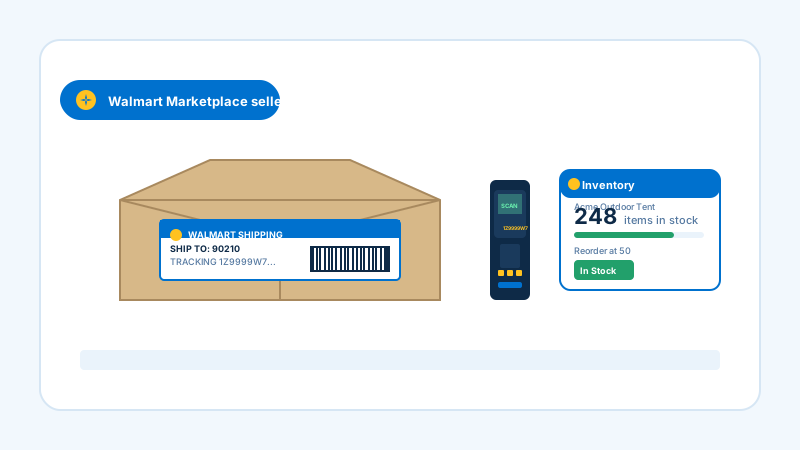
Warehouse scene with a cardboard shipping box, a handheld barcode scanner, and an inventory tablet, representing a Walmart product whose reviews are embedded on a DTC store

Boost product-page conversion with social proof

Paste a Walmart product URL and the widget renders that product's reviews on your DTC product pages. Real customer reviews next to the add-to-cart button close the trust gap visitors feel when comparing your owned site to a Walmart listing.
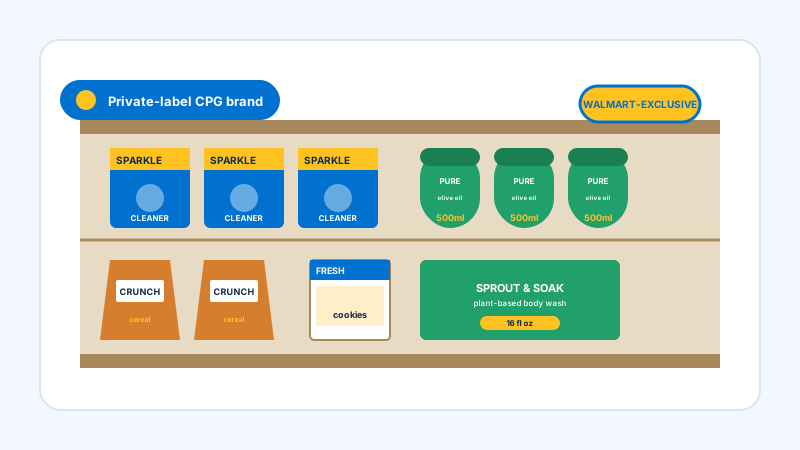
Branded consumer-goods packaging on a retail shelf, representing products whose Walmart reviews are surfaced in a homepage social-proof section

Build a homepage social-proof section

Use a grid, masonry, or quote-wall layout to flood your homepage or About page with Walmart customer reviews. The widget deduplicates entries and lets you filter to your highest ratings so the section stays strong.

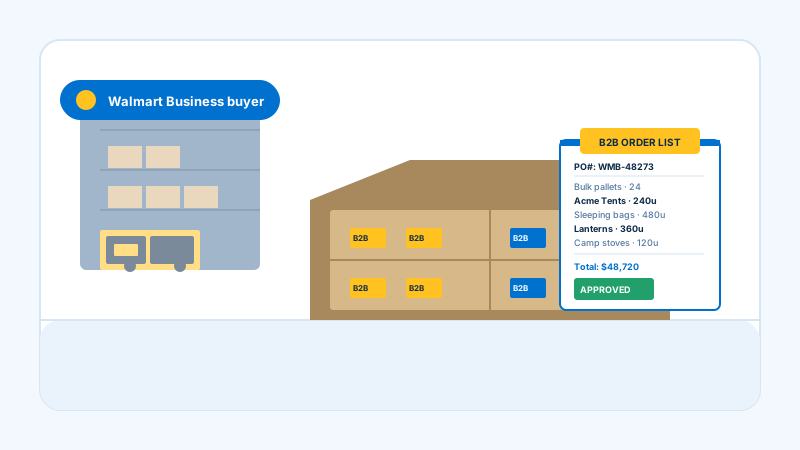
Bulk-shipment pallet with stacked cartons and a clipboard, representing products whose Walmart reviews drive engagement on category and landing pages

Increase engagement on category and landing pages

Drop a carousel or ticker layout on category pages and campaign landing pages. Autoplay, arrows, and a read-more modal keep visitors engaged with customer reviews without cluttering the page.

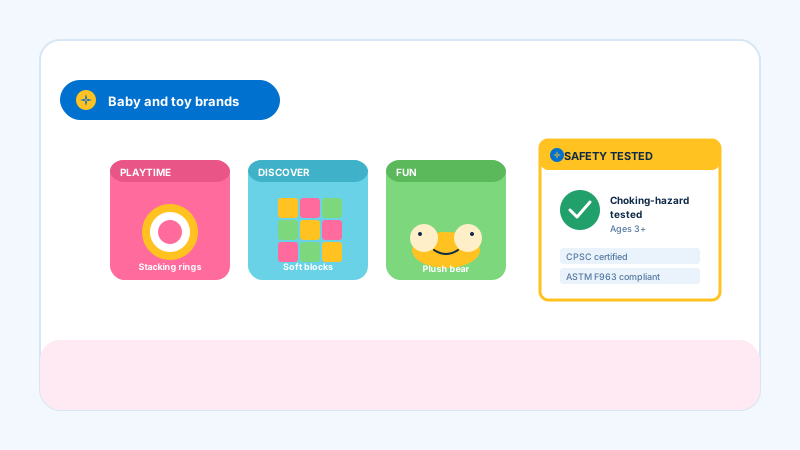
Colorful toddler toys including stacking rings, soft blocks, and a plush bear in playful packaging, representing a considered-purchase category where Walmart reviews lift trust

Lift trust for considered-purchase categories

For vitamins, household essentials, baby gear, and pet supplies, buyers read reviews before they buy. Embed the relevant Walmart product reviews, filter to verified-quality entries, and convert cautious buyers on your own site.

Poper vs other review widget platforms

Here is how Poper compares with other widget tools that embed reviews on your website.

 Recommended
Poper
Elfsight
Common Ninja
Free plan available
Limited
Limited
Embed Walmart reviews from a URL
Number of layouts
21 layouts
Limited
Limited
Auto-injects Review + AggregateRating schema
Limited
Filter by minimum rating and hide empty reviews
Limited
Limited
Brand colors, fonts, and card styling
Read-more modal and load-more button
Limited
Limited
Carousel autoplay, arrows, and dots
Starting paid price
$15/mo (Starter, billed yearly)
From $5/mo per widget
From $5.40/mo per widget
Bundled with popups, forms, quizzes, more widgets

Comparison reflects publicly listed pricing and feature scope as of 2026. Verify current details on each provider's site.

Real DTC brands. Real owned-channel conversion.

Shopify stores, omnichannel sellers, and CPG brands who turned Walmart reviews into owned-channel conversion.

22% DTC conversion lift
We sell on Walmart and on our Shopify store. Embedding our Walmart product reviews on the Shopify product pages lifted DTC conversion 22% in the first month. The SEO schema option earned us stars in Google a few weeks after embedding.
Sarah Mitchell
Sarah Mitchell
Head of Growth · Heartland Goods
Live in one afternoon
We just launched our owned domain and needed social proof on day one. Poper let us embed our Walmart product reviews across our hero SKUs in an afternoon. Setup was just pasting product URLs, no code at all.
James Wilson
James Wilson
Founder · RetailHub Brands
Lighthouse 93 maintained
Lighthouse stayed at 93 after embedding across 60 product pages. The widget is scoped so it never touched our theme styles, and the editor preview matched what shipped exactly.
Maria Garcia
Maria Garcia
Ecommerce Manager · Wellness Studio

Pricing

Simple, yearly pricing. Save up to 40%.

All plans are billed yearly. Each card shows the per-month equivalent. Start free, then upgrade only when you need more campaigns, websites, or AI credits.

Yearly billing · save up to 40%

Starter

Essential lead capture for solo creators and growing businesses.

$15/mo

billed $180/year

  • 5 active campaigns (5 widget instances)
  • 1 website, 1,000 leads/mo
  • 100+ templates, 10+ display formats
  • Smart triggers & basic analytics
  • No Poper branding
  • 500 AI credits
Start with Starter
Most popular

Pro

Full engagement suite with A/B testing, gamification & unlimited leads.

$29/mo

billed $348/year

  • Everything in Starter
  • Unlimited campaigns & leads
  • 10 websites, 5 team seats
  • A/B testing & gamification
  • Multi-step forms & quiz builder
  • Custom domain (CNAME), 2,000 AI credits
Start with Pro

Business

Unlimited everything with white-label, API access & advanced analytics.

$79/mo

billed $948/year

  • Everything in Pro
  • Unlimited websites & team seats
  • White-label (add-on) & API access
  • Logic jumps, live quizzes & polls
  • Payment forms (Stripe/PayPal)
  • Advanced analytics, 5,000 AI credits
Start with Business

Prices shown for the 50k monthly visitor tier on yearly billing. A Free Forever plan ($0) and a custom Enterprise plan are also available. No contracts, cancel anytime.

Guide · 4 min read

The complete guide to embedding Walmart reviews on your DTC website

Walmart.com is one of the largest ecommerce destinations in the United States, and the reviews customers leave on Walmart product pages are some of the most practical, honest social proof on the open web. For omnichannel and DTC brands, those reviews are an underused asset. Embedding Walmart product reviews on your Shopify, WooCommerce, or BigCommerce site brings that authority into your own checkout funnel. This guide walks through what actually works in 2026: how the Poper widget works, why review schema earns stars in Google search, how to choose a layout, and how the built-in filters keep your strongest reviews in front of buyers.

01

How the Poper Walmart reviews widget works

The Poper widget is built to be simple. You open the Walmart product page you want to feature, copy the URL, and paste it into the Poper builder. That is the entire connection step. There is no sign-in, no account linking, and no setup. Poper fetches the reviews and the star rating shown on that public Walmart page and renders them on your site. From there you choose a layout, brand it to your store, and copy a one-line embed snippet. The widget normalizes each review into a consistent card, removes duplicates, and falls back to demo content while you are still configuring it so the editor preview never looks empty. Because the only input is a URL, the setup is identical whether you sell a single product or a full catalog. Everything else, layout, colors, filters, and element visibility, is controlled from the editor.

02

Why Walmart reviews convert cautious buyers

Walmart's customer base skews to value-conscious, repeat-shopping buyers who write honest, practical reviews about real product use. Those reviews read as trustworthy precisely because they are unfiltered: a Walmart reviewer will mention the dent in the box, the assembly that took longer than expected, or the product that exceeded a low expectation. That candor is exactly the social proof your DTC site needs to convert a cautious buyer who is comparing your owned store to a Walmart listing. The DTC conversion lift from showing real Walmart reviews on a product page typically lands in the high-teens to mid-thirties percentage range for household essentials, baby gear, and other considered-purchase categories where buyers always read reviews before buying. Bringing those reviews onto your own site removes the friction of a visitor bouncing out to Walmart.com to check.

03

Earning stars in Google search results from your DTC product pages

When Google sees a properly-formatted AggregateRating JSON-LD block on your Shopify or WooCommerce product page, it can render gold stars next to your organic search result. Northwestern Spiegel research found that adding stars to a SERP listing lifts click-through by an average of 17%, with some retail-vertical queries lifting 35% or more, and household-essentials queries often hit the high end of that range. Poper handles this for you: turn on the SEO schema option in the editor and the widget injects AggregateRating and individual Review entities into the page. Validate your pages after embedding using Google's Rich Results Test (search.google.com/test/rich-results). You should see Review and AggregateRating detected. It typically takes one to three weeks for Google to re-crawl and start showing the stars, and the click-through lift usually pays for the widget within the first month of indexing.

04

Choosing a layout for your DTC store

Poper ships 21 review layouts, and the right choice depends on where the widget sits. A carousel suits a product detail page, rotating through reviews so the section stays compact next to the add-to-cart button. A grid, masonry, or quote-wall layout is the highest-impact choice for an About page or a homepage social-proof section where you want to flood the page with customer proof. A photo-grid layout works when your Walmart reviews include customer photos. A ticker layout keeps a steady scroll of reviews on a campaign landing page. Every layout is responsive from 320px mobile to 4K, and you can switch between them in the dashboard without re-embedding, so it costs nothing to test which layout converts best on each page. Pick layouts per page, not per site, and let the stage of the funnel drive the choice.

05

Filtering, element visibility, and keeping the widget clean

A good review widget is not just a feed dump. Poper gives you two filters that matter: a minimum-rating filter that hides anything below the threshold you set, and a hide-empty option that drops ratings with no written text. Together they keep your strongest, most descriptive reviews in front of buyers. Element visibility toggles let you show or hide the reviewer name, avatar, date, rating, header, and platform logo independently per layout, so the embed matches the density of the page it sits on. Long reviews open in a read-more modal instead of stretching the card, and a load-more button keeps the initial render light for Core Web Vitals. The carousel layout adds autoplay, arrows, and dots. None of this requires code: it is all driven from the editor's design and settings panels, and the live preview updates as you tweak. The result is a Walmart reviews widget that looks intentional on your DTC store rather than bolted on.

Quick reference

What is Walmart Reviews Widget: Embed Walmart Product Reviews on Any Website?

A Walmart reviews widget is an embeddable script that displays Walmart product reviews and star ratings on your DTC website (Shopify, WooCommerce, BigCommerce). With Poper you paste a Walmart product URL, pick a layout, and embed a one-line snippet.

Key facts

  • Walmart.com is one of the largest ecommerce destinations in the United States
  • The Poper widget only needs a public Walmart product URL, with no sign-in or account connection
  • Poper offers 21 review layouts including carousel, grid, masonry, photo grid, and badge
  • Turning on the SEO schema option injects Review and AggregateRating JSON-LD so stars can appear in Google search
  • Built-in filters hide reviews below a minimum rating and reviews with no written text
  • Adding star ratings to your Google search snippet lifts organic click-through by an average of 17% (Northwestern Spiegel research)
  • The widget is async, scoped, lazy-loaded, and under 40 KB gzipped so Lighthouse scores hold steady

Last fact-checked: . We re-verify every quarter.

Tutorial

See the Walmart Reviews Widget in action

A quick walkthrough of setting up and embedding this widget.

Tutorial video coming soon

Frequently asked questions

Can't find the answer you're looking for? Chat with our support team.

Contact Support

Stop letting your Walmart reviews live only on walmart.com

Poper takes 90 seconds to embed and earns you stars in Google search for your owned product pages.

Free plan available forever