
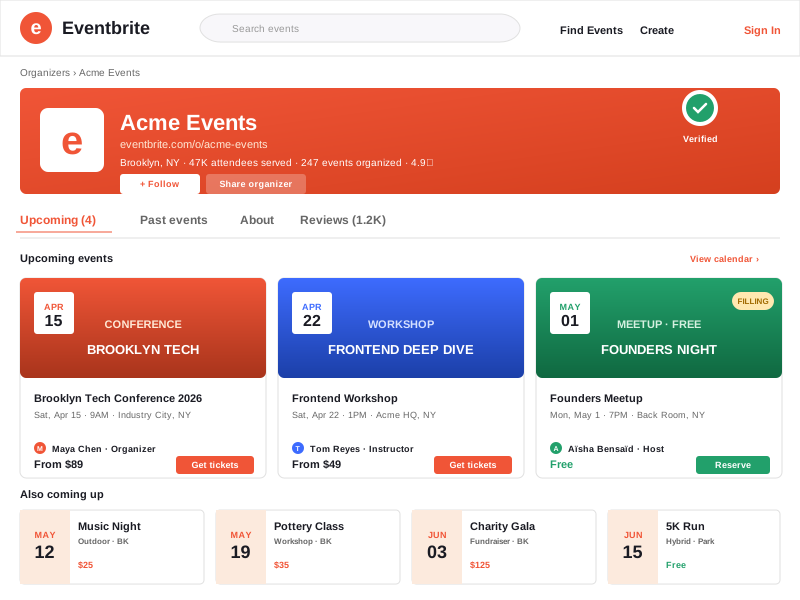
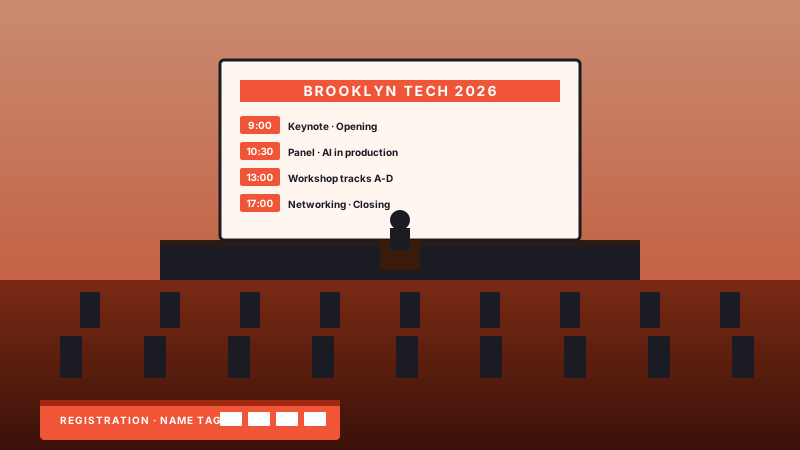
Conference and summit organizers
Multi-day events, summits, and speaker programs. Show upcoming Eventbrite sessions on your event site with clear dates, locations, and registration links.
Embed your Eventbrite events in Default, Grid, or List layout. Dates, venues, virtual sessions, and registration links stay clear on your own site.
Built for no-code website teams























Live demo, not a screenshot. Style it, brand it, and embed your Eventbrite feed.
Walkthrough
A short walkthrough: connect, customize, embed. End-to-end from blank account to live widget.
Want a deeper dive? Read the full setup guide below or jump straight into the live builder.
From Eventbrite to your site
Poper pulls your public Eventbrite feed and renders it inline on your website, fully branded to match your design. No API keys, no manual updates.
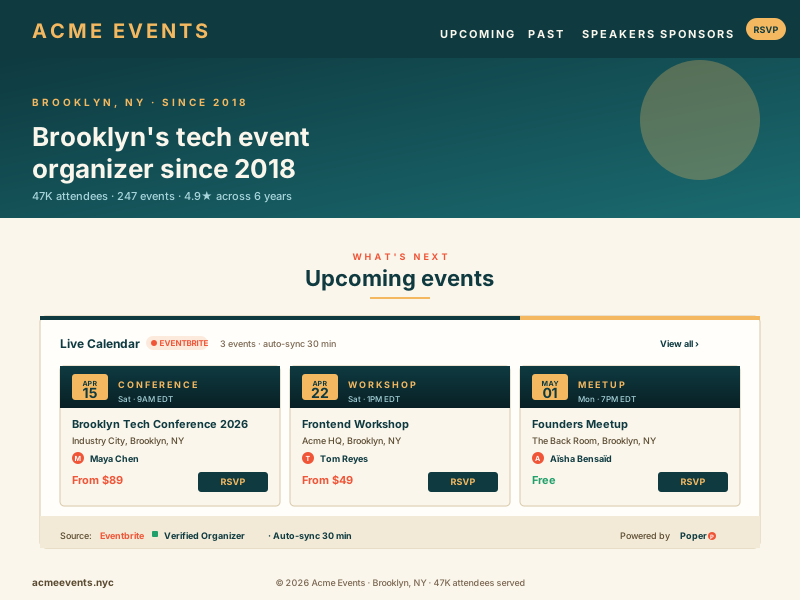 Poper widget live
Mockups for illustration. Pull your real Eventbrite feed and embed in 90 seconds.
How to use it
Three steps. Under two minutes. Connect, style, and embed your Eventbrite feed.
Sign in via Eventbrite's official OAuth flow. We pull your organizer's events through the Eventbrite API v3 and never store your password, only a revocable token.
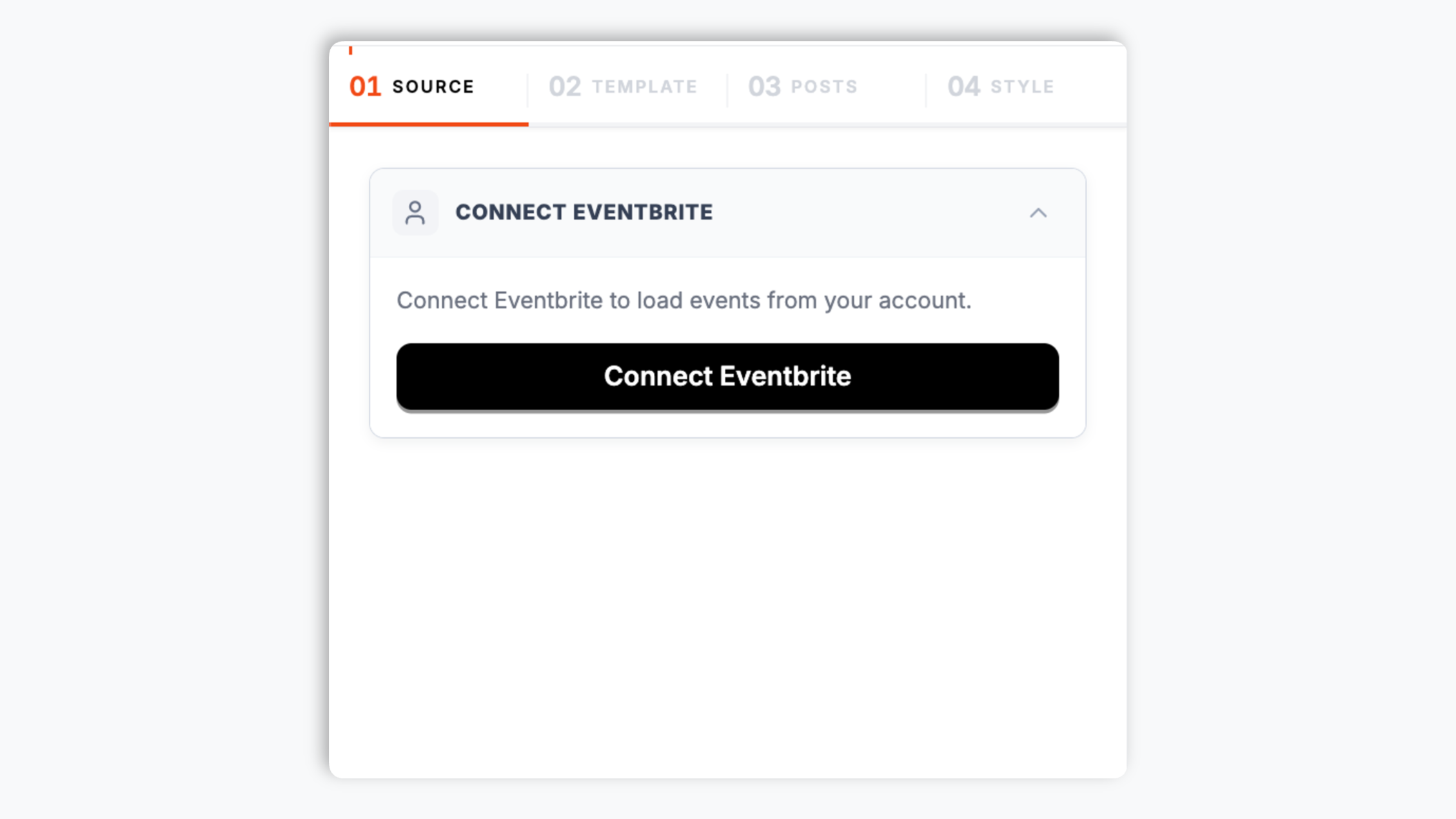
Choose Default, Grid, or List layout. Tweak colors, fonts, and spacing to match your site.
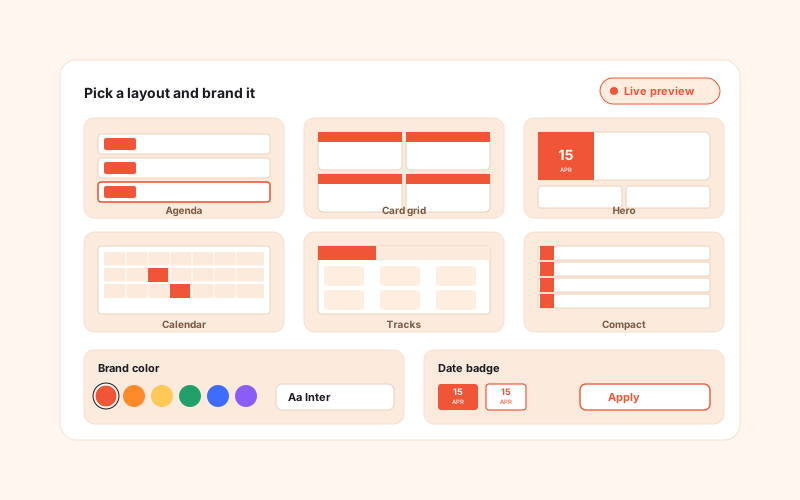
Paste the Poper embed snippet into your site. New Eventbrite events can appear in the embedded feed without rebuilding the page.

Works everywhere
Drop-in install on WordPress, Shopify, Wix, Squarespace, Webflow, Framer, Ghost, and any HTML-friendly stack. No build step, no developer needed.


Plus 250+ other platforms via the embed snippet. If your site can render a <script> tag, it can render the Eventbrite Events Widget: Embed Your Live Event Calendar.
Six things that matter when you are paying for an Eventbrite events widget, not 30 features no organizer uses.
Pull events from the connected Eventbrite organizer profile and show them on the URL your audience already knows. Event titles, dates, venue details, images, and registration links stay together in a branded feed.
Each event card can send visitors to the correct Eventbrite event page for registration and checkout, so your operations team keeps using the Eventbrite workflow it already manages.
In-person, online-only, and hybrid events each get the right venue display, timezone, and access info. Virtual sessions show the join link only after registration.
A single Eventbrite feed widget connects to one organizer source. If you manage separate organizer profiles, create separate widgets for those event feeds.
Use the Default layout for a native event feed, Grid for scannable event cards, or List for compact schedules. Colors, fonts, spacing, and date badges can be styled to match your site.
The embed loads through the Poper snippet. Validate layout and performance on your own page after embedding.
Use cases
Four buyer types who get the most lift from embedding Eventbrite Events Widget: Embed Your Live Event Calendar on their site.
Multi-day events, summits, and speaker programs. Show upcoming Eventbrite sessions on your event site with clear dates, locations, and registration links.
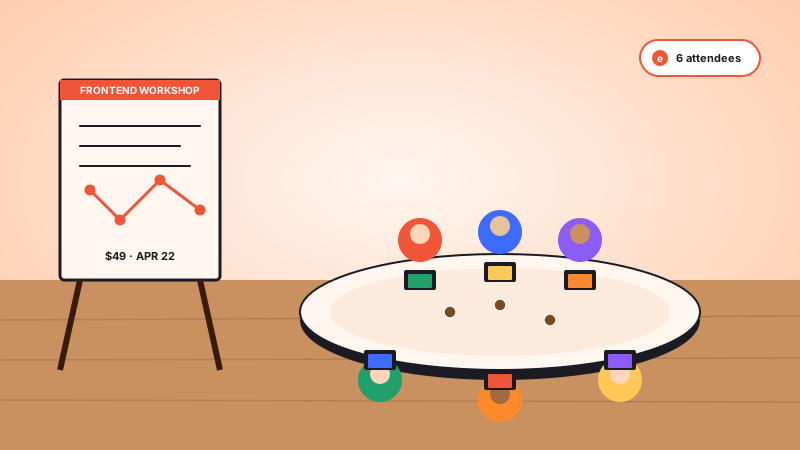
Pottery, yoga, cooking, and coding classes. Recurring sessions render as separate cards with their own Eventbrite booking link.
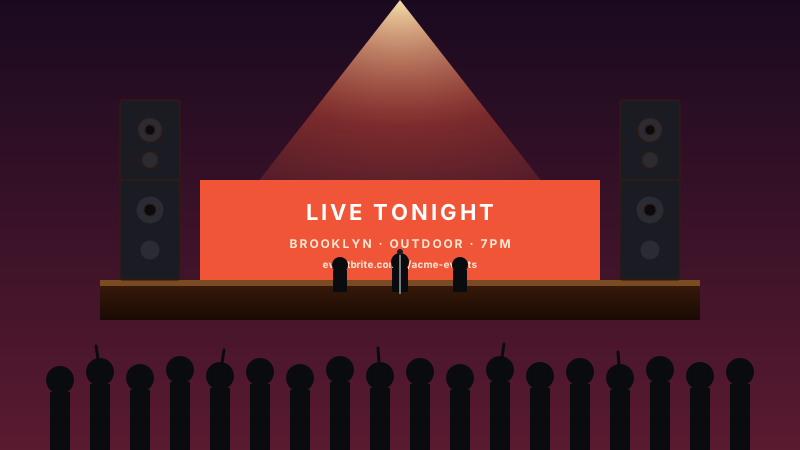
Outdoor stages, club nights, and tour stops. Embed your gig calendar so visitors can scan upcoming dates and click through to Eventbrite to register.
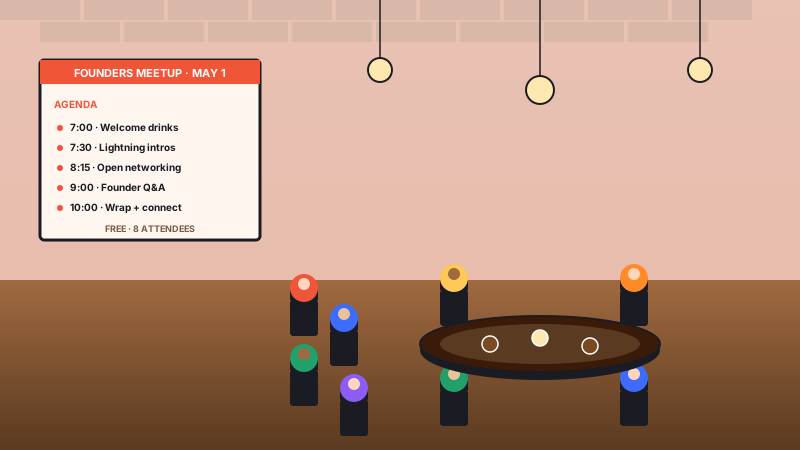
Recurring meetups, founder dinners, and networking circles. Members see what is coming up, RSVP from your site, and Eventbrite handles the headcount.
Several platforms ship embeddable widgets that can pull an Eventbrite calendar onto a website. Here is how Poper stacks up against the common widget providers on what matters for event organizers.
| Recommended Poper | Elfsight | Common Ninja | |
|---|---|---|---|
| Poper workspace available | Limited free tier | Limited free tier | |
| Default, grid, and list layouts | |||
| Theme presets and color controls | |||
| Layout styling controls | Paid only | Paid only | |
| Visitor-local timezone display | Varies | Varies | |
| Pricing for unlimited widgets | Plan details vary | Vendor pricing varies | Vendor pricing varies |
| Bundled with popups, forms, quizzes |
Comparison reflects external competitor positioning. Verify current details on each provider's site.
Conference hosts, music venues, non-profits, and workshop teachers who switched to Poper for their event embeds.
“We moved our Eventbrite calendar onto our own conference site with Poper. The Default layout kept the schedule readable, the branding matched the rest of the page, and attendees could still click through to Eventbrite when they were ready to register.”

“Our venue needed a simple way to show upcoming Eventbrite listings on the site without rebuilding the page every week. The grid layout gives visitors the date, venue details, and registration link in one place.”

“For workshops, the list layout is exactly what we needed. New Eventbrite sessions show up in a branded feed on our site, and the booking flow still happens through Eventbrite where our team already manages registrations.”

Pricing
All plans are billed yearly. Each card shows the per-month equivalent. Start free, then upgrade only when you need more campaigns, websites, or AI credits.
Yearly billing · save up to 40%Essential lead capture for solo creators and growing businesses.
billed $180/year
Full engagement suite with A/B testing, gamification & unlimited leads.
billed $348/year
Unlimited everything with white-label, API access & advanced analytics.
billed $948/year
Prices shown for the 50k monthly visitor tier on yearly billing. A Free Forever plan ($0) and a custom Enterprise plan are also available. No contracts, cancel anytime.
Eventbrite powers events across classes, meetups, fundraisers, venue calendars, and conferences. If you organize events on Eventbrite, embedding your calendar on your own website keeps visitors on the URL they already trust while still sending registration traffic to Eventbrite. This guide walks through what matters when you choose and configure an Eventbrite events widget: connecting the right organizer source, choosing the supported Default, Grid, or List layout, presenting venue and time information clearly, supporting virtual and hybrid events, and keeping the embed lightweight.
An Eventbrite organizer page is useful, but it is not usually the page your audience bookmarks, shares, or reads before deciding to attend. Your own site carries the brand story, speaker context, venue details, sponsor information, newsletter signup, and support links around the event. Embedding an Eventbrite feed brings the upcoming-event list into that environment. Visitors can scan dates, understand what is coming next, and click through to Eventbrite only when they are ready to register. That keeps the discovery experience on your domain without replacing the Eventbrite checkout flow your team already uses.
The Eventbrite feed widget uses three layouts. Default gives you a native event-feed presentation that works well for general event pages. Grid is better when you have visual event cards and want people to compare several upcoming dates quickly. List is the compact choice for sidebars, schedules, education pages, and recurring workshop pages where scan speed matters more than large imagery. The layout decision is less about decoration and more about the visitor's intent: browse, compare, or find the next relevant date fast.
Before 2020, virtual was a fringe format, mostly for corporate webinars. After 2020, it became permanent. The widget you embed has to present three event modes clearly. In-person events need location details and a readable start time. Virtual-only events need clear online-event labeling without exposing private access links publicly. Hybrid events need both physical context and virtual context so attendees understand what kind of experience they are registering for before they click through to Eventbrite.
The events platform space consolidated dramatically over the last few years. Hopin, once Eventbrite's biggest virtual-event competitor with a $7.75 billion peak valuation in 2021, sold its Events and Sessions business to RingCentral in 2023 after the virtual-event boom cooled. Universe, a peer-to-peer ticketing platform, was acquired by Ticketmaster back in 2017 and folded into Live Nation's stack. For many independent organizers, Eventbrite remains the place where events are created and registrations are handled. The open question is where the events are displayed. A Poper Eventbrite feed lets you keep Eventbrite as the operational source while presenting the calendar in your own page design.
The embed loads through the Poper snippet. Validate layout and performance on your own page after embedding.
An Eventbrite events widget is an embeddable script that pulls events from an Eventbrite organizer profile through the Eventbrite API v3 and renders them on a third-party website with event details, venue info, and registration links.
Tutorial
A quick walkthrough of setting up and embedding this widget.
Tutorial video coming soon
Can't find the answer you're looking for? Chat with our support team.
Contact SupportPoper takes 90 seconds to embed and keeps your Eventbrite events visible on your own site. Start from your Poper workspace.
Free plan available forever