Free Popup Frame Style Generator
Design popup container styles with custom sizes, border radius, shadows, overlays, and animations. Get complete CSS.
Want to launch this as a real popup?
Poper lets you build, target, A/B test, and track high-converting popups without code.
How to Use Popup Frame Style Generator?
Customize Frame Settings
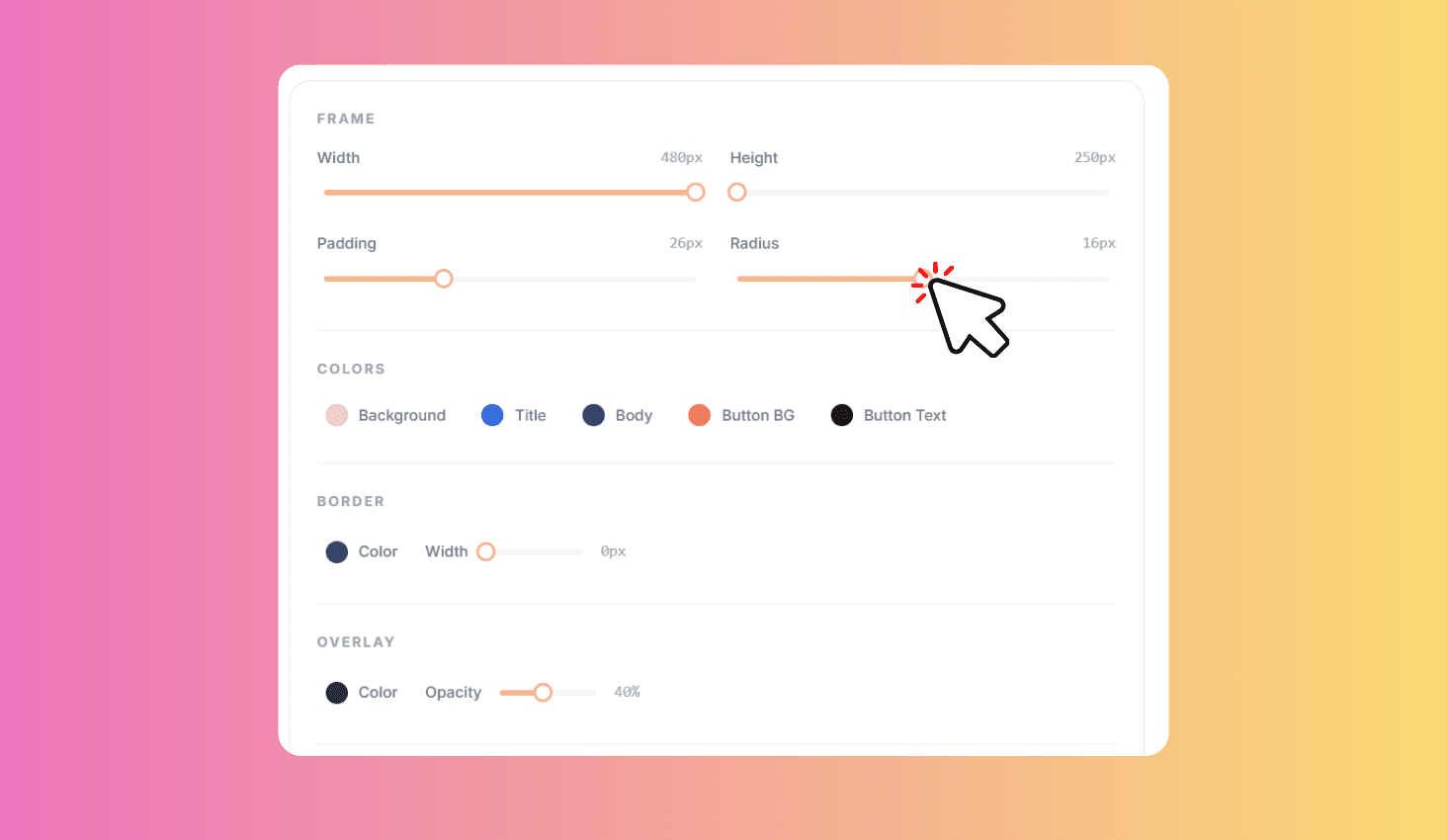
Adjust width, padding, border radius, shadow, colors, overlay, and animation.
Add Content & Preview
Add a title, body text, and CTA button. Preview your popup on desktop and mobile with live animation.
Copy CSS & HTML
Copy the generated CSS with overlay and animation, plus the HTML code to paste into your website.
Design Custom Popup Frames with Animations & Live Preview
Design popup container styles with full customization. Adjust width, padding, border radius, shadow intensity, background and border colors, overlay color and opacity, and entrance animations. Add optional popup content with title, body text, and CTA button. Preview everything live and copy the generated CSS and HTML code.
Full Frame Customization
Fine-tune the popup frame manually so the container matches your brand, layout, and campaign style.
Fine-tune every detail with sliders for width (280-700px), padding (8-64px), border radius (0-32px), and shadow intensity (0-5). Pick background, border, and overlay colors with color pickers. Choose from 4 entrance animations that preview live. Optionally add popup content with custom title, body text, and CTA button colors.