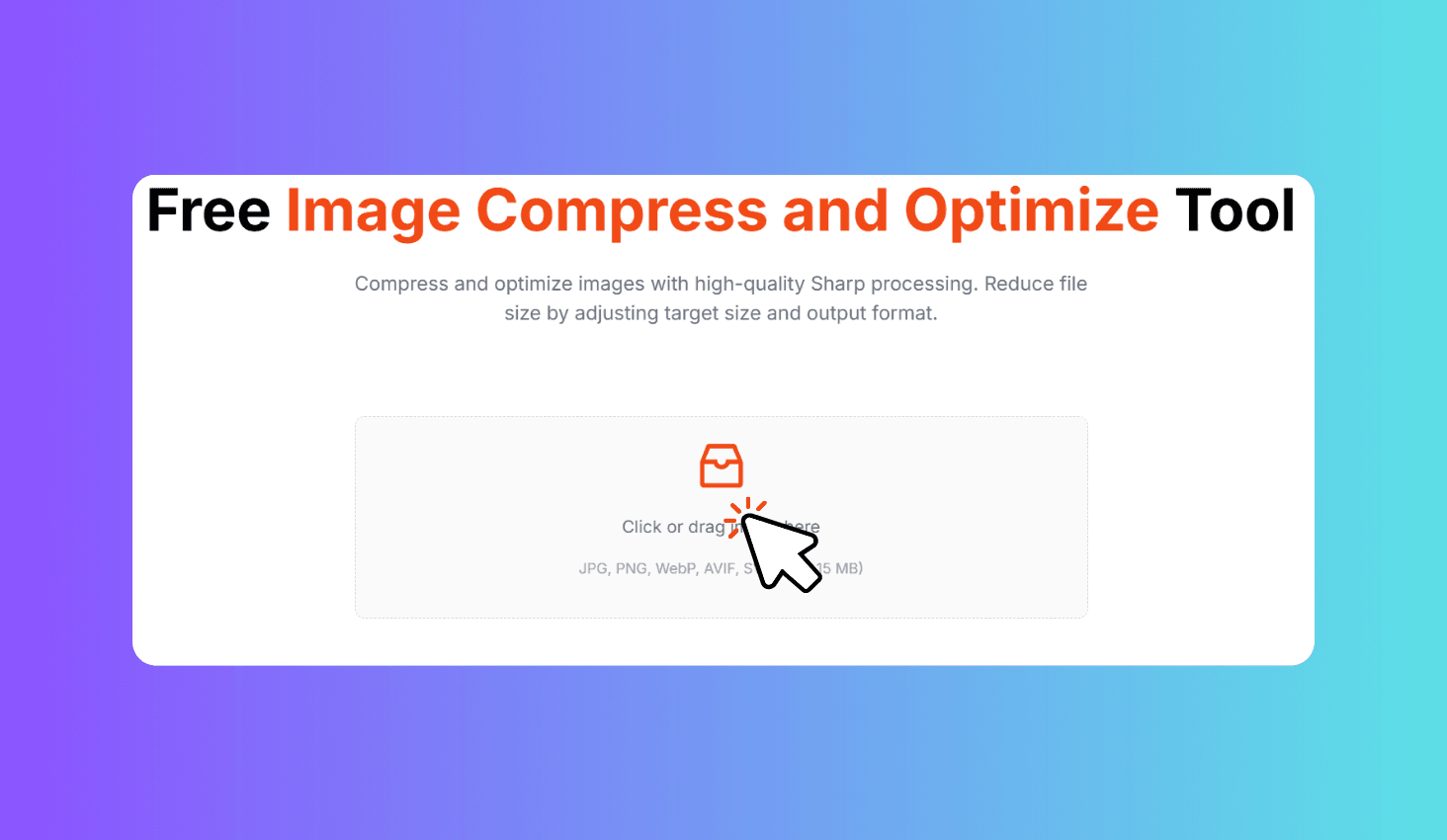
Free Image Compress and Optimize Tool
Compress and optimize images with high-quality Sharp processing. Reduce file size by adjusting target size and output format.
Click or drag image here
JPG, PNG, WebP, AVIF, SVG (Max 15 MB)
How to Compress and Optimize Images?
Upload Your Image
Drag and drop any image up to 15 MB or click to browse. Supports JPEG, PNG, WebP, AVIF, and SVG.
Choose Output Format
Select JPEG, WebP, or AVIF. Each format is optimized using Sharp's advanced compression algorithms.
Compress and Download
Click Compress Image. The optimized file downloads automatically with savings percentage shown.
Compress and Optimize Images with Server-Side Sharp Processing
Image Compress and Optimize Tool uses Sharp — a high-performance image processing library powered by libvips — to compress your images server-side. Upload any image up to 15 MB, select JPEG, WebP, or AVIF output format, and get a dramatically smaller file with minimal visual quality loss. The tool shows your exact compression savings percentage after processing.
Server-Side Compression with Sharp for Superior Quality
Unlike browser-based tools that rely on Canvas compression, this tool processes your images on the server using Sharp (libvips). Sharp uses advanced encoding algorithms like mozjpeg for JPEG and dedicated encoders for WebP and AVIF, delivering significantly smaller files with better visual quality.
Choose from three modern output formats: JPEG for maximum compatibility, WebP for excellent compression with broad browser support, or AVIF for the smallest possible file size on supported platforms. The tool automatically optimizes quality settings to balance file size and visual fidelity.