Blur Background Generator
Create a clean blurred backdrop behind any image and export a social-ready PNG in seconds.
Upload an image to preview the blurred background.
Need image popups that match your brand?
Poper helps you publish image widgets and popups with targeting, analytics, and no-code editing.
How to Use Blur Background Generator?
Upload Your Image
Add the image you want to place over a blurred background.
Adjust the Look
Choose the output size and tune blur, scale, brightness, and radius.
Download PNG
Export the final image and use it in posts, banners, or landing pages.
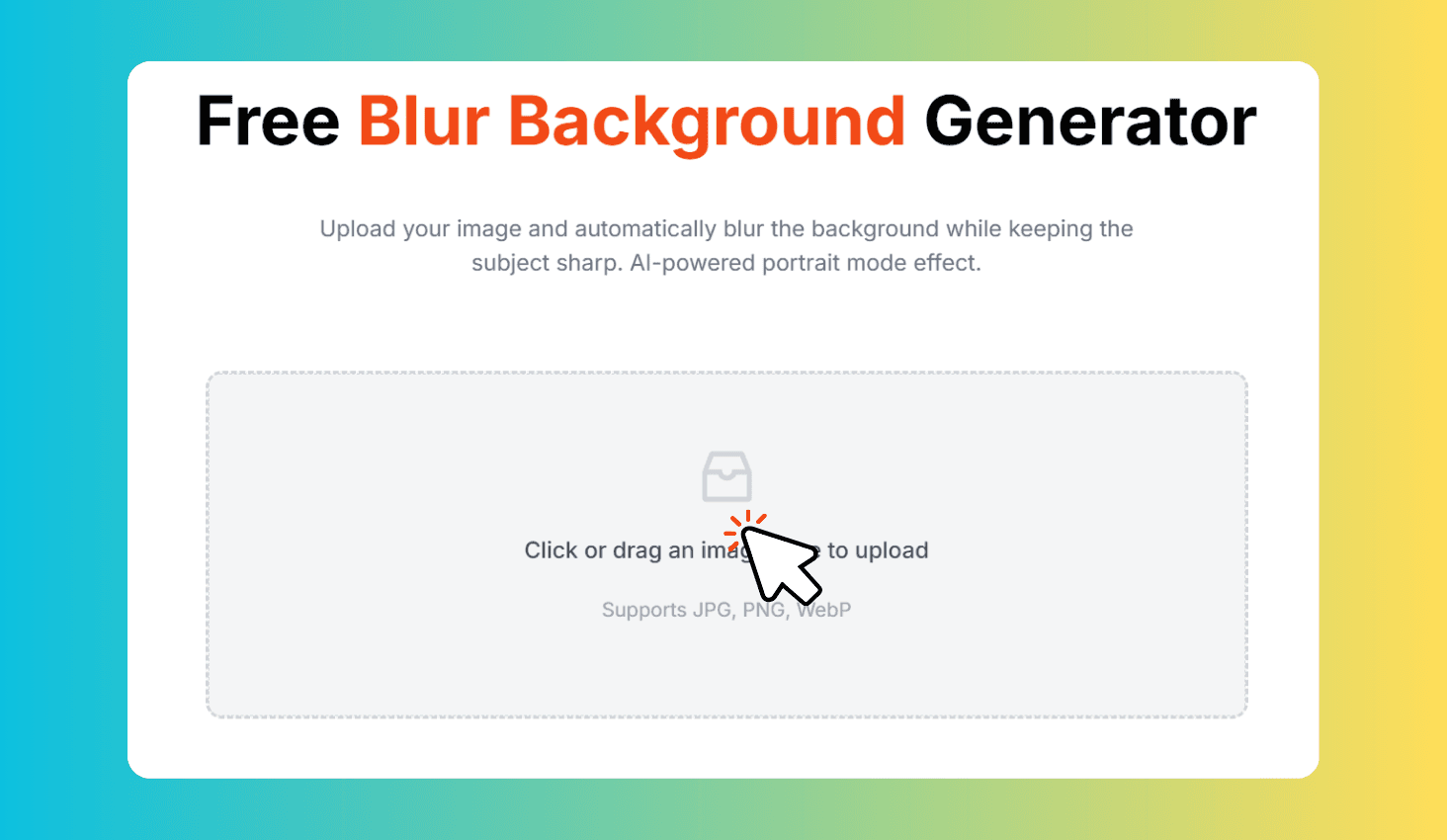
Create Blurred Image Backgrounds Online
Blur Background Generator turns any uploaded image into a polished layout with a soft blurred background and a sharp foreground image. It runs in your browser and exports a PNG without requiring design software.
Fast Social-Ready Image Layouts
Use square, portrait, story, or landscape formats for social posts, product previews, thumbnails, and website graphics.
Fine-tune blur strength, background scale, foreground size, brightness, and corner radius to match the final placement.