
Free Form Field Impact Calculator
Add your form fields below to see how each one impacts your conversion rate. Get field-by-field impact ratings with optimization tips.
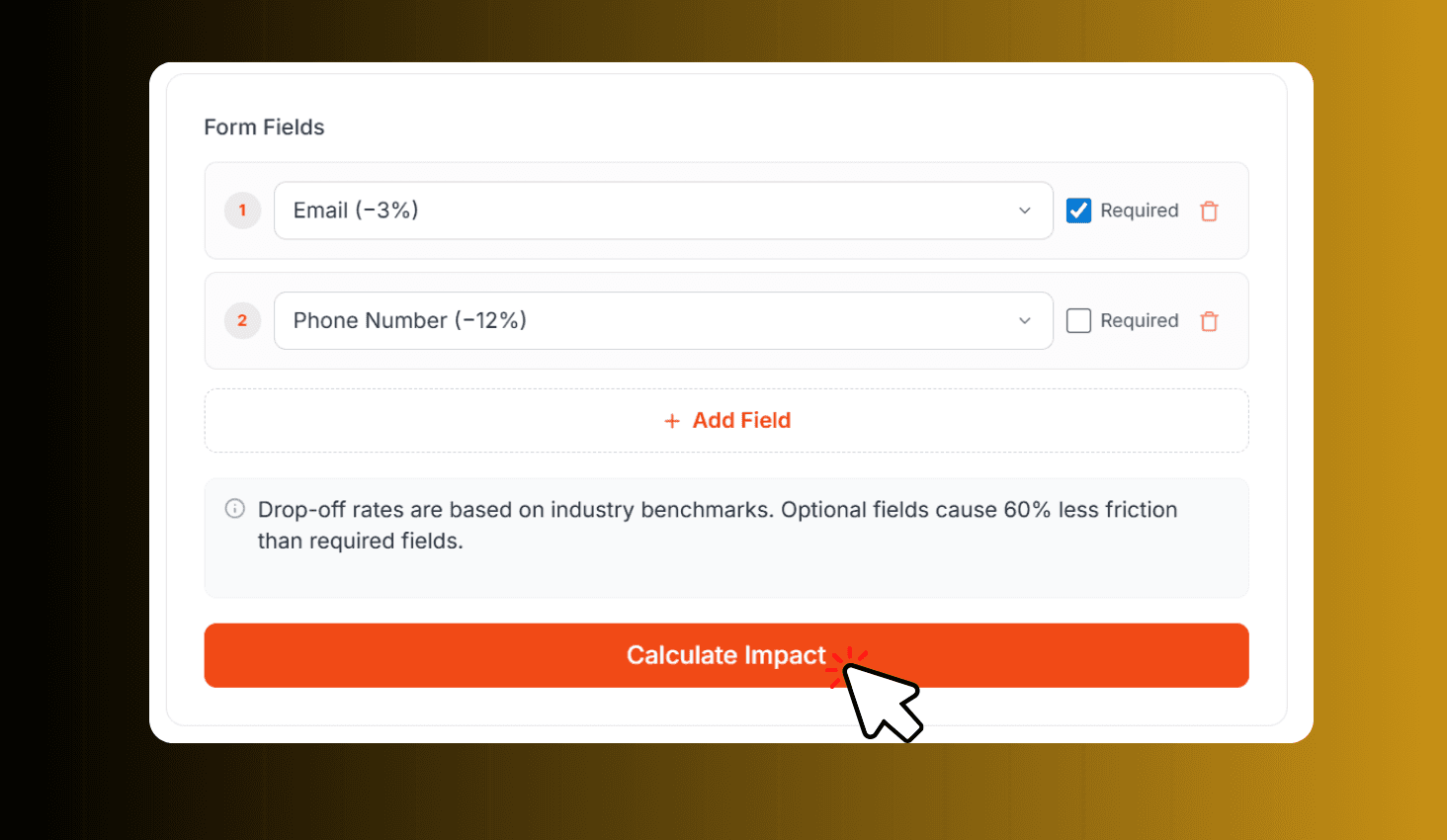
Drop-off rates are based on industry benchmarks. Optional fields cause 60% less friction than required fields.
Add your form fields above and click Calculate Impact to see the results
Want this form live on your website?
Use Poper to publish forms with templates, lead capture, integrations, and conversion analytics.
How to Use Form Field Impact Calculator?
Add Form Fields
Select field types like email, phone, or address from the dropdown. Mark each field as required or optional.
Review Field Impact
Click Calculate Impact to see each field rated as Good, Moderate, or Critical. Get optimization tips for each.
Download Full Report
Download a detailed PDF report with field-by-field friction scores and actionable recommendations for your form.
About Form Field Impact Calculator
Add your form fields to see how each one impacts your conversion rate. Get a field-by-field impact rating with actionable optimization insights based on industry benchmarks.
See How Every Form Field Affects Your Conversion Rate
Select each field type from the dropdown - email, phone, name, address, file upload, and more. Each field type has a known conversion impact based on industry benchmarks.
High-friction fields like phone numbers (−12%) and file uploads (−14%) cause the biggest drops, while simple fields like email (−3%) have minimal impact. Optional fields cause 60% less friction than required fields. The tool rates every field as Good, Moderate, High Impact, or Critical so you know exactly where to optimize.

Skip the math — use a template with the right field count
These Poper templates are already optimized for the conversion vs data-quality tradeoff this calculator predicts.
Demo Request Form
5 essential fields (name, work email, company, role, use case) — the minimum for qualified lead capture.
Try it liveNPS Survey Form
2 fields max: the 0–10 score plus one follow-up. Highest-completion survey pattern in the industry.
Try it liveQuote Request Form
8 fields with smart conditional visibility — only shows budget and timeline fields once project type is selected.
Try it live