Free Sticky Bar Generator
Create sticky notification bars with custom text, CTA button, colors, and position. Get ready-to-use HTML and CSS.
How to Use Sticky Bar Generator?
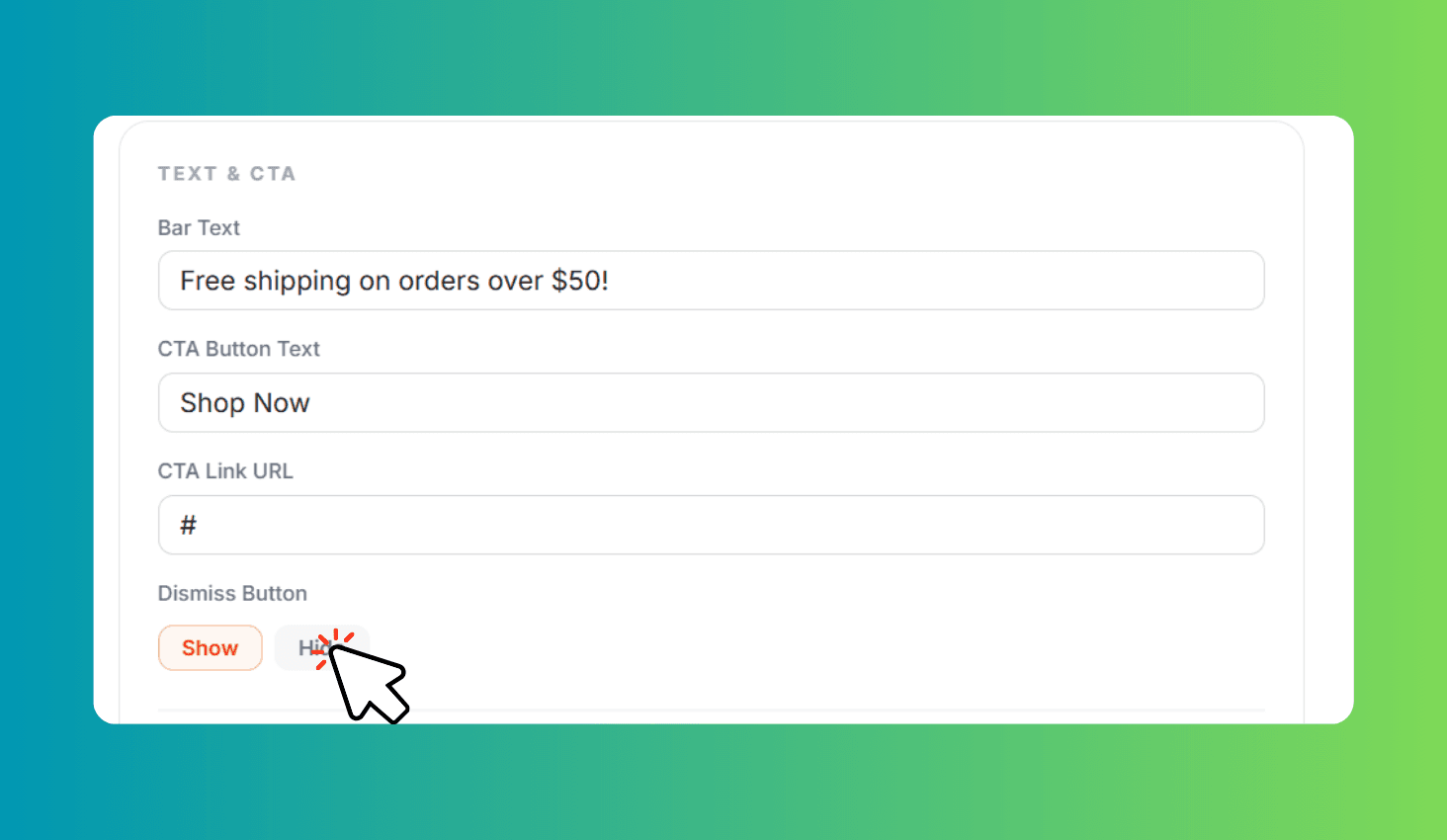
Set Text & CTA
Enter your notification message, CTA button text, and URL. Choose bar position and toggle dismiss.
Customize Colors & Size
Pick background and text colors for the bar and CTA button. Adjust font size and bar height.
Preview & Copy Code
Preview your bar on desktop and mobile. Copy the generated HTML and CSS to use on your website.
Design Sticky Notification Bars with Custom CTA Buttons
Sticky Bar Generator is a free visual tool for creating sticky notification bars. Customize bar text, CTA button, colors, position, font size, bar height, and dismiss button — then copy production-ready HTML and CSS code for any website.
Full Visual Customization with Desktop and Mobile Preview
Set your notification message and CTA button text with a custom URL. Choose between top or bottom positioning — the bar stays fixed while visitors scroll, keeping your message always visible.
Fine-tune every detail with color pickers for bar background, text, CTA button background, and CTA text colors. Adjust font size (10-20px) and bar height (32-80px) with sliders. Enable or disable the dismiss button so visitors can close the bar. Preview your design on both desktop and mobile before copying the code.